You really need better controls for faces. I am getting beards on children, girls, grandmothers, and cleanshaven men. We could give AI a hand by when selecting a face, it gives us a small checklist, such as male, female, child, adult, so it knows not to give a beard. Also, V2 needs to be toned down. The minimum setting is still too strong, and we want a blend between the original and the V2. Kind of like stacking the original on top of the V2.
Hi Steven.
I don’t work for Topaz but, would it be possible to post some before and after images plus some information about the size and resolution and screen grabs of your actual settings
Thank you


I’me new here. But these are from 8mm film stills (1960) and resolution is 1500 X 1068. I’m four years old in the front and my sister behind me is ten. The render has her a fully bearded man!
To be honest, this isn’t an image that a software can recover. If you can’t distinguish facial features, the AI won’t be either. Yes it could be nice to have an image as a reference to replace the face, but we are not there yet. Maybe something that will be développed in the future 

1 Like
Yes, but especially since it’s impossible from the image to really tell the knowledge of the person that knows the image content still could be positively used.
Thus a switch for some facial features where the AI often tends to have issues (especially beard or no beard as well as presence/absence of glasses) would be a worthy addition to the face recovery function.
Sorry Steven, but, Alexandre who is from Topaz is right and I’m afraid the original format doesn’t help because, it’s a still taken from 8mm cine film which in itself, is low grade stock and was never ment tobe viewed as individual images only in motion therefore, it would appear sharper in our minds because, our brains fill in the missing details.
In addition, 8mm cine film is only 4.8 × 3.5mm which is only the equivalent of around one megapixel and if you consider the size of the children within the frame you have to admit there’s really nothing to work with.
I’m also, afraid scanning 8mm film doesn’t improve the visual quality of the frame itself scanning at higher digital resolutions only serves to improve the grain and texture of the frame.
Although, it’s not the result you wanted you have to admit the Topaz software has done a fantastic job with the original image data and as Alexandre, mentioned perhaps one day we will be able to reference images.
Having said, that, there are other community members who might be able to tweak a little bit more out of the original for you which would help.
Alternatively, if you wanted to try a more creative approach than, you could try the new Nano Banana although be warned this method will completely reconstruct the image where as Topaz Photo and Gigapixel will try to keep the AI faithful to the original as possible.
Hope this helps
Yes, true but, in this case a bit difficult because, if you look at his sister in the centre it would appear she has a beard even when squinting your eyes similar to glasses it’s all shadow, light and shades of grey.

I understand sorry Steven, may ask would it again to post the original so, that both I and Topaz Support can have the opportunity of recreating this issue if however you’re not comfortable with you could post the original image directly to Alexandre at Topaz Support via the Messaging service for analysis
Please include the settings you used thank you
Here is the original and upscaled from a 1960 8mm film still. Granted, it looks like a beard in the original, but there needs to be a way of disabling the beard. My brother was 12 years old in this picture. When selecting a face to upscale, there should be a tiny popup menu with boxes to tick: Male, Female, Child, Adult, Beard, No Beard. Eye Glasses, No Eye Glasses. This would direct AI in the right direction and have that all important control over the upscaling. As the image is so sharp, I generally add a slight blur and then add image grain to give it an authentic film feel to it. (See third image.) Unfortunately, the beard is almost impossible to photoshop out, so I can’t use this shot. Very frustrating.
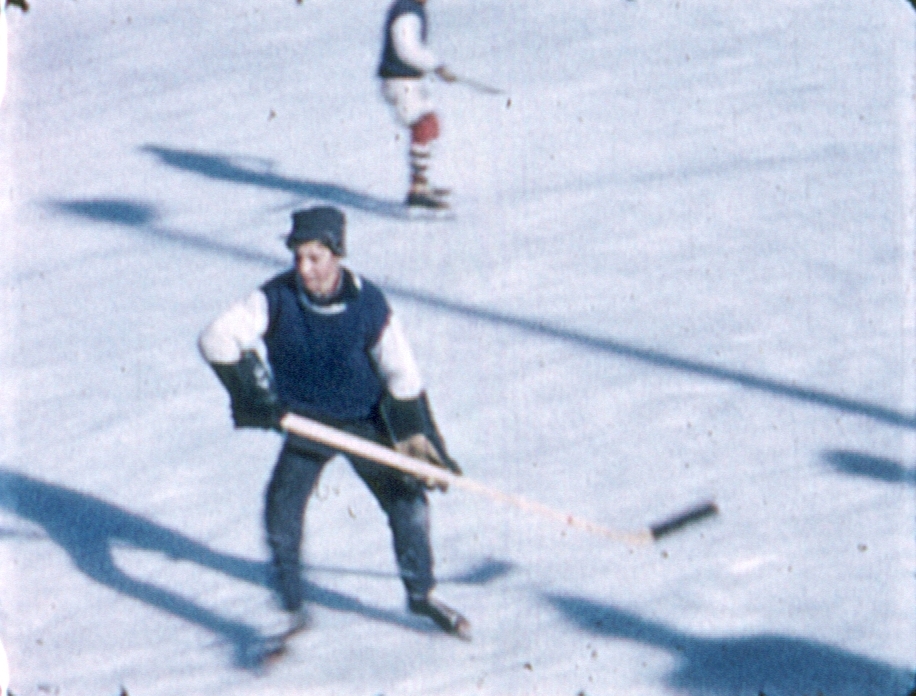
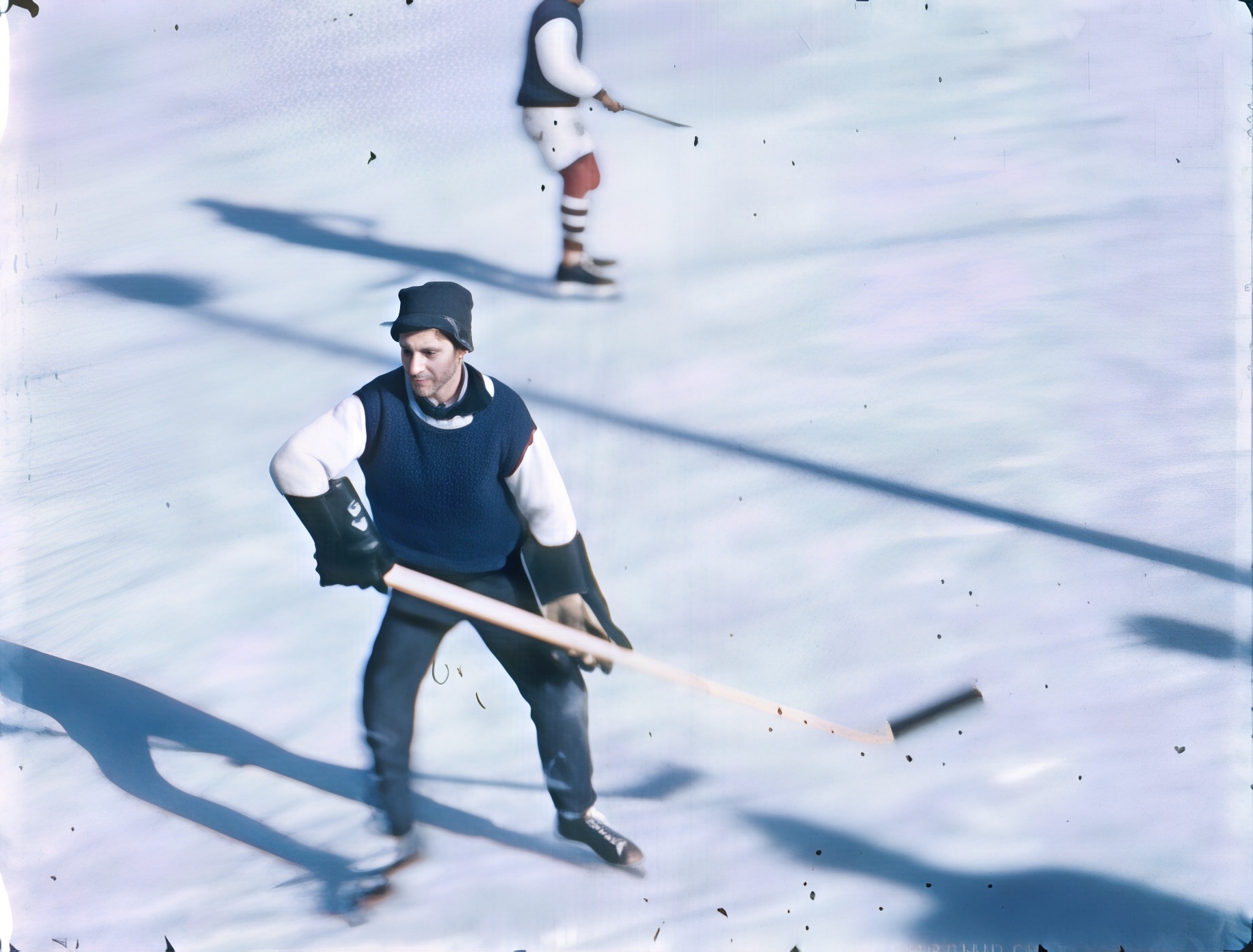
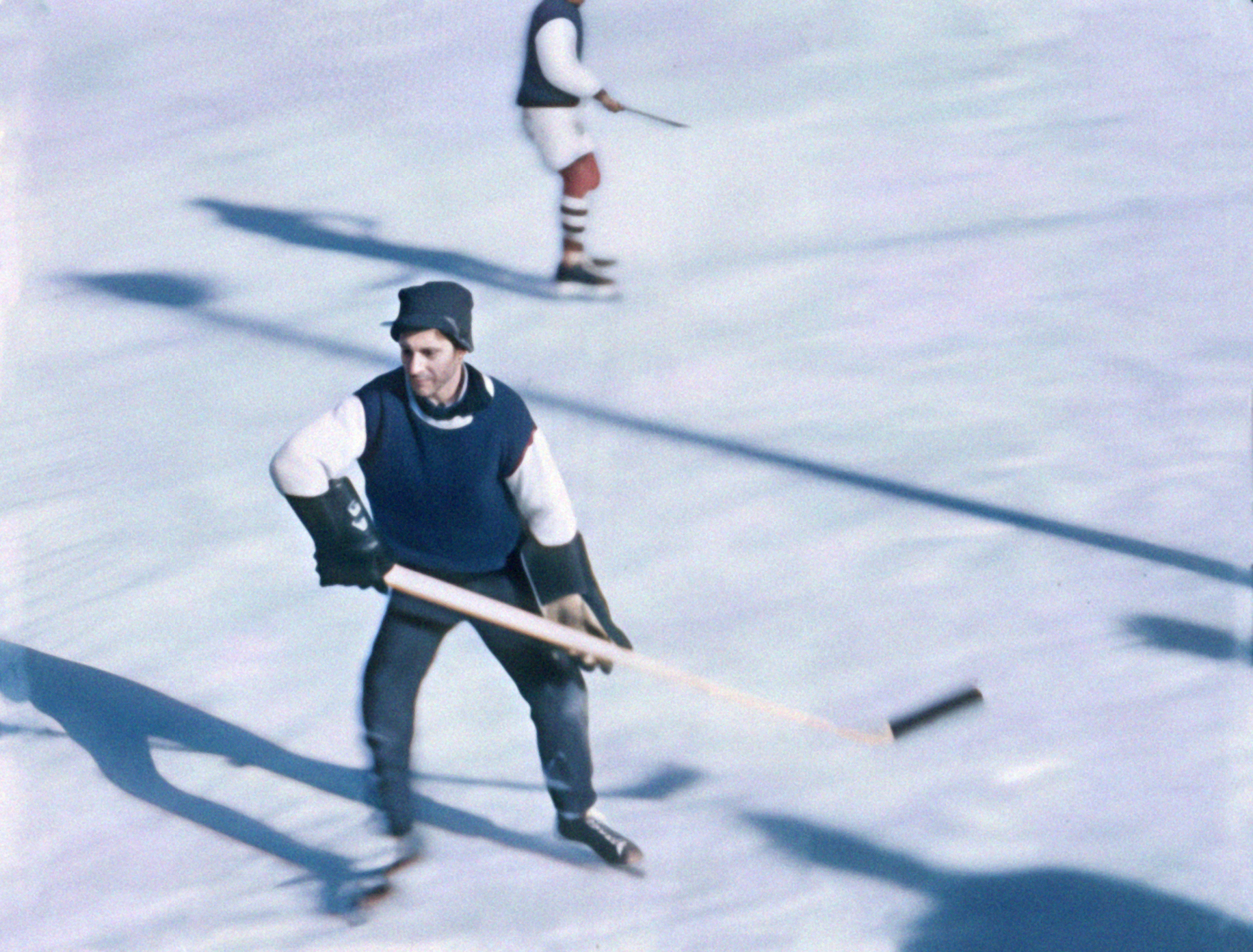
The quality of the up-scaling is fantastic. It removes the heavy grain from 8mm film and gives a sharp image in return. The only issues I have are the bearded women and children! Look at this completed image. It’s nearly 35mm quality. In fact, I had to blur it and add image grain to keep it looking like was from film. All I’m asking is for the developers to recognize its propensity to add beards when there were none, and perhaps provide controls for the user to get their desired result. I love the program, but the beards have to be addressed.

Original

Completed with blur and grain added
Can you post the original of this? The first pictures in the snow with you sister puts ‘moustaches’ and ‘beards’ where the original clearly has dark shadows/places but i wonder how this picture happened.
Steven, my friend Topaz Gigapixel is trying it’s best to interpolate these low quality still and with that in mind I’ve taken the liberty of fixing them for you hope you don’t mind
Original

This is a simple Photoshop fix I first imported the image then, on a new blank Layer I set the Blend Mode to Lighten and with the Brush Tool I sampled clean Skin colour and set the Flow to 2 because, I’m using a Wacom and gradually painting away the stubble.

Next I simply match your Blur and Grain

For this image I used Nano Banana 3 within Photoshop with this simple prompt “Keep facial features and remove the beard”
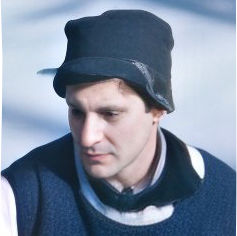
Again I simply match your Blur and Grain

With this final image I again used Nano Banana and modified the prompt “Keep facial features and remove the beard but, make this face more like the face of a twelve year old boy

Once again I simply match your Blur and Grain

Photoshop Clean Image
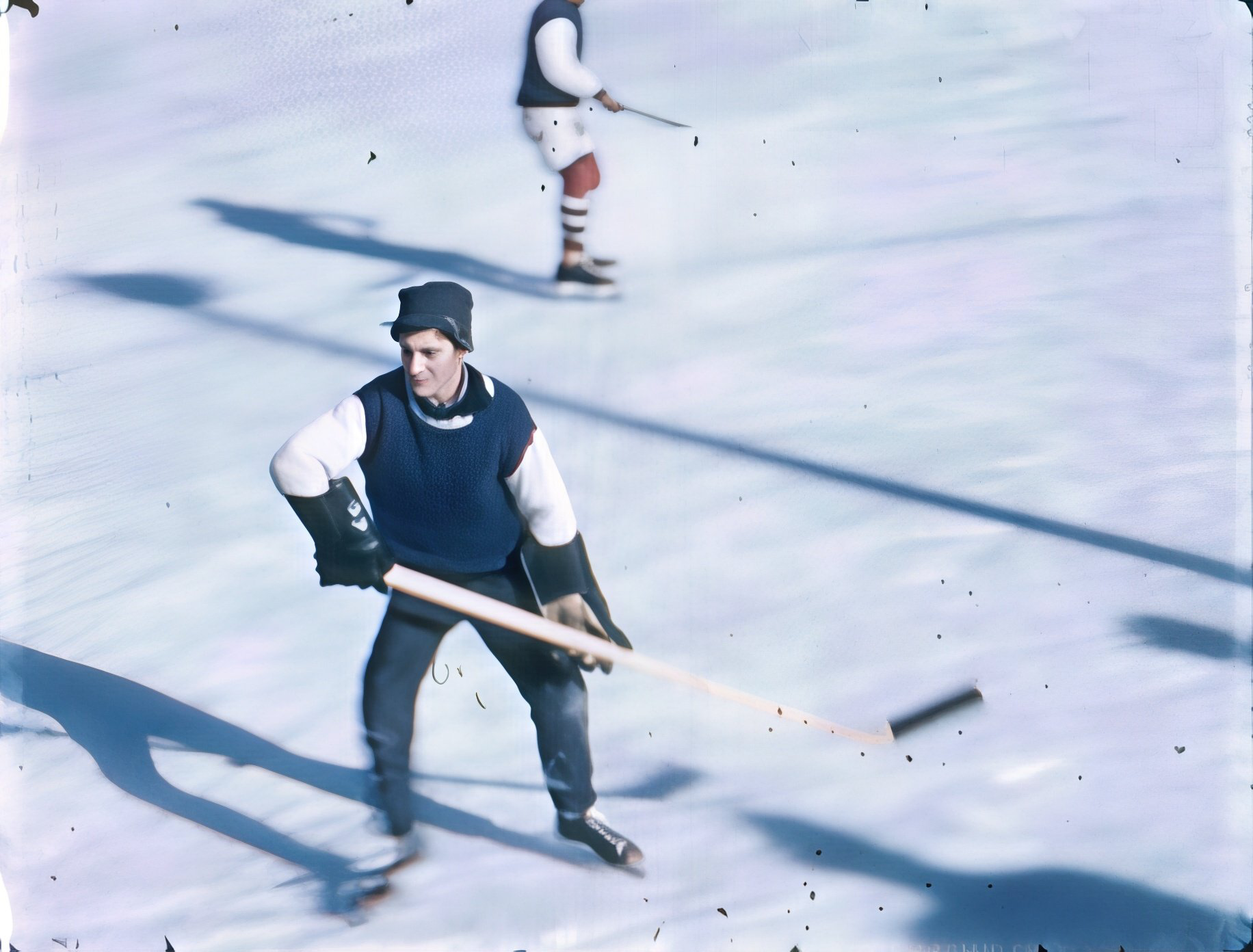
Photoshop Blur and Grain
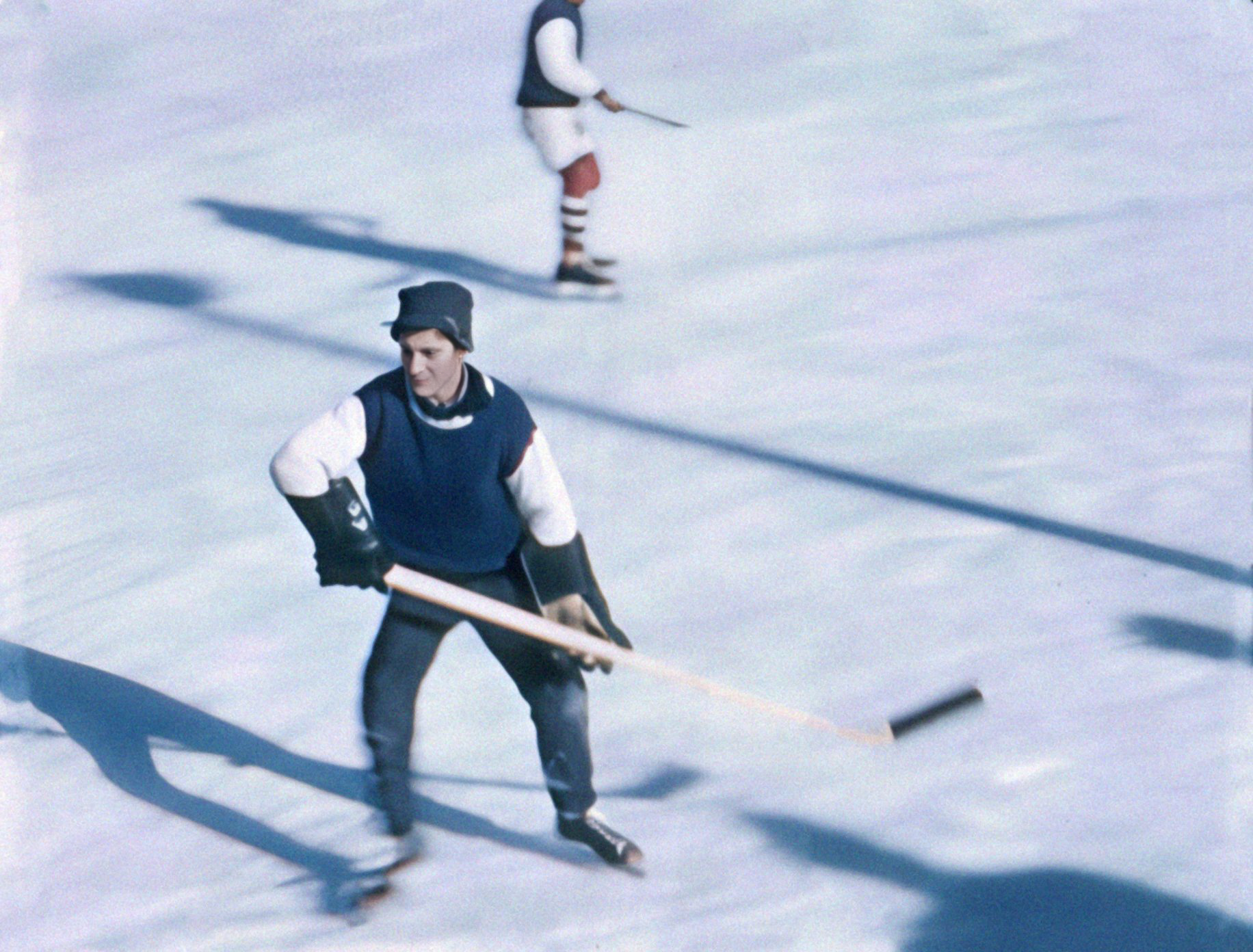
Photoshop plus Nano Banana 3 Clean

Photoshop plus Nano Banana 3 Blur and Grain

Photoshop plus Nano Banana 3 Boy Clean

Photoshop plus Nano Banana 3 Boy Blur and Grain

I notice the faces are a bit dark with the Blur and Grain images to fix the just add a simple Levels Adjustment
In addition, with theses methods you can remove the shadow area before you process the image with Topaz Gigapixel or do as I have and remove the stubble after
I know it’s not the solution you were after and lets hope one day Topaz will introduce the ability for using reference images
Hope this help
Andy
Image processed in Topaz Photo using Wonder only
This image was first completed in Topaz Photo using only Wonder with no Recover Faces applied and please notice there is no stubble then, in Photoshop I adjusted the tone and colour to match your processed version and correct the teeth as have you
Original

Topaz Photo using Wonder

Steven, I used Topaz Photo for this image because, the new Wonder Enhancement isn’t available in the previous version Topaz Photo AI.
Having said that, Wonder is also available in the new version of Topaz Gigapixel or you can obtain similar results using the Redefine Creative Enhancement with a creative setting of 3 in both the old and new version of Topaz Gigapixel
Hope this helps
Fantastic. Thanks!
Stephen H Garrity
If you would like me fix the other image please post the original and I’ll be glad to
Andy
Out of curiosity, I tested other AI with the same low-resolution image to see what they would make of it.


I completely agree with everyone else: the original photo is far too blurry and low on detail for any AI to reliably identify the people in it. Even for humans, it’s nearly impossible to confidently determine the gender of the adults. That said, I was impressed that the AI still correctly identified a child sitting in the front row, purely from body proportions.
For significantly better results, you really need to help the model by adding a detailed prompt or supplying clear reference photos of the subjects."
That was the intent of my suggestion. As it is from 8mm film, I have hundreds to choose from, and I’m only looking for a handful of the best shots. But movie films often have candid, natural photography rather than the posed film cameras, plus friends and family absent in traditional photography.

