The 192 MP image size limit really limits me; I can’t do what I used to, especially with Wonder 2, which relies on 4x.
You can downsize the initial image input and then use non-generative models to get to the needed size.
Relaying this as a feature request to look into bigger output limits
1 Like
The problem with such large images is post-processing. Post-processing is applied to the entire image, which requires a lot of contiguous RAM to store it. The solution is simple: perform post-processing in tiles. I experimented with this in version 1.6.0 with a simple Python script with no apparent loss of quality. Even so, the model isn’t trained for such large images, and it shows, so it’s not worth it. Hopefully, the future Wonder 4 will be a model designed for much larger images
I think the current method would be to cut the image into 2 or 3 pieces and render each piece separately and then reassemble the pieces.
The thing is, if i work with native resolution images (Panoramic images), the model as able to see fine details better and the output will be better than with downscaled images.
I use the generative models to get better detail with my images.
The non generative models can’t do this.
One way to do it is to divide the image into two tiles with some overlap and merge the outputs back together. Another way is to upscale it to 192MP with the Generative model and then apply a standard 1.25x resize; this will yield a 300MP image.
I thought 192MP would be good enough, as it can be printed on 36x48-inch paper with great detail and is even large enough for a billboard given the viewing distance. I am curious about the use cases for such a large image. If necessary, we can try to increase the output resolution limit, but we want to ensure it still runs on our minimum-spec machines.
1 Like
For me its not only about the enlarging but the detail generation too.
If i aim for 12K i do 4x with Wonder 2 for example, because its a native 4x model it works best in that way.
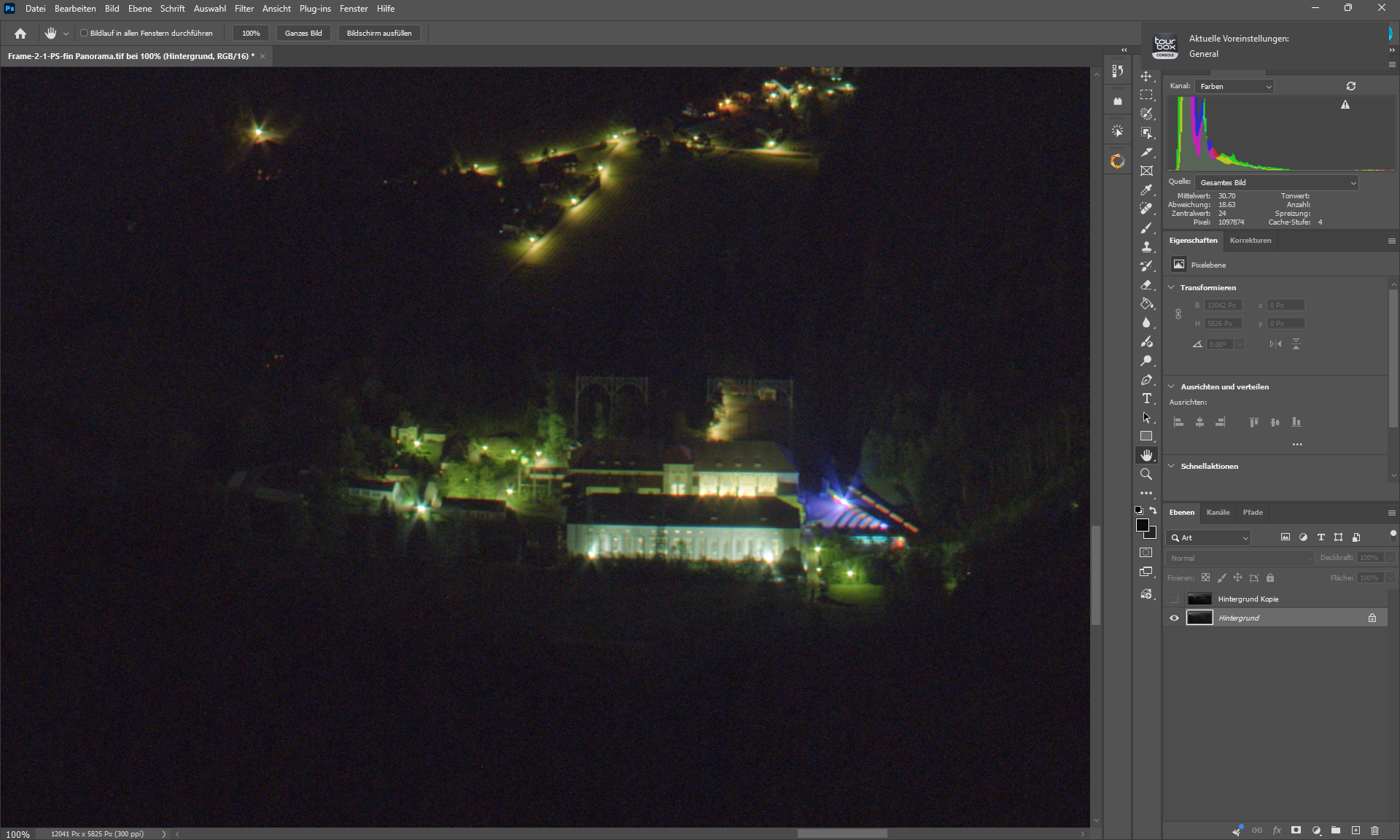
Input - Astro Stacked landscape image - ISO 1600
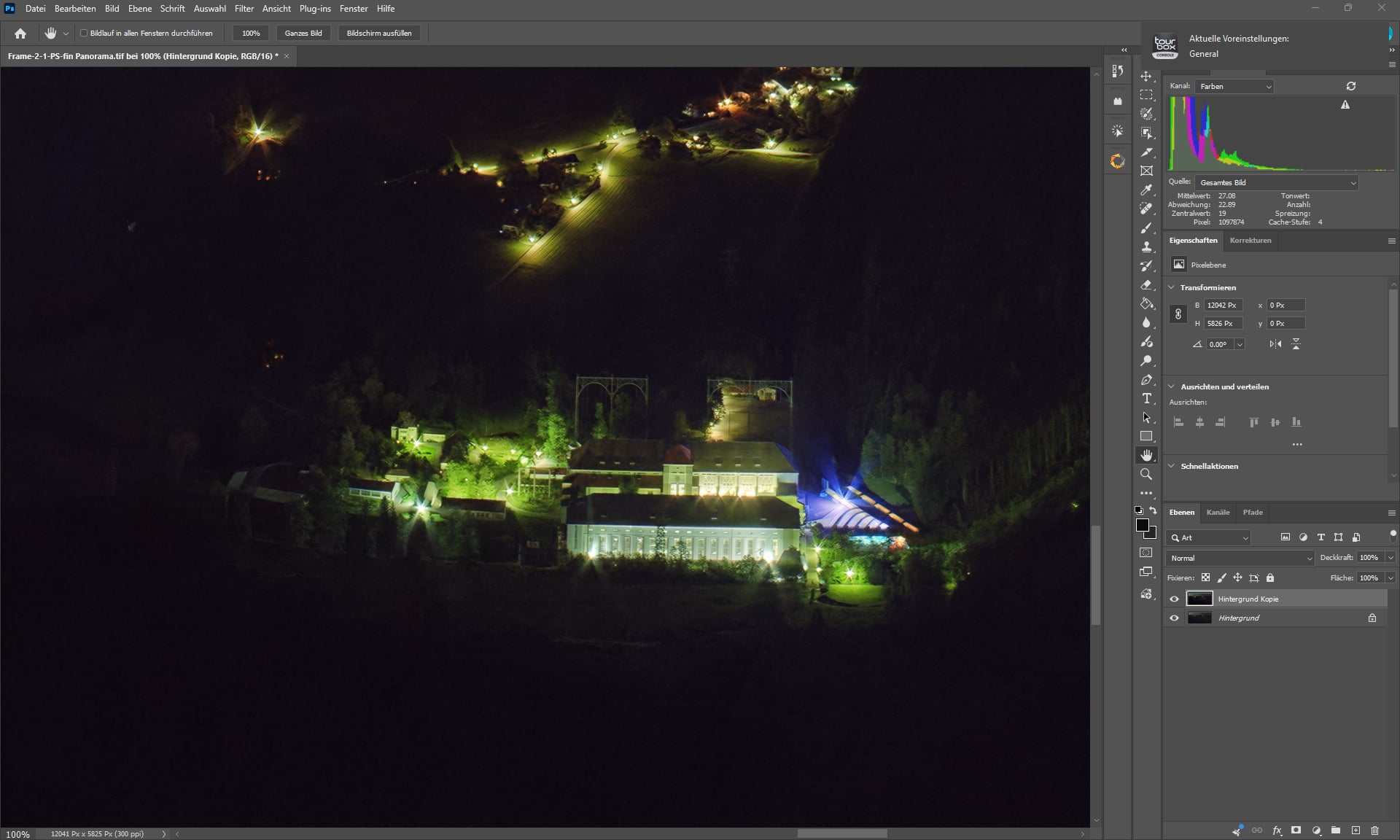
Output after some AI “Magic” - The detail of the wood.
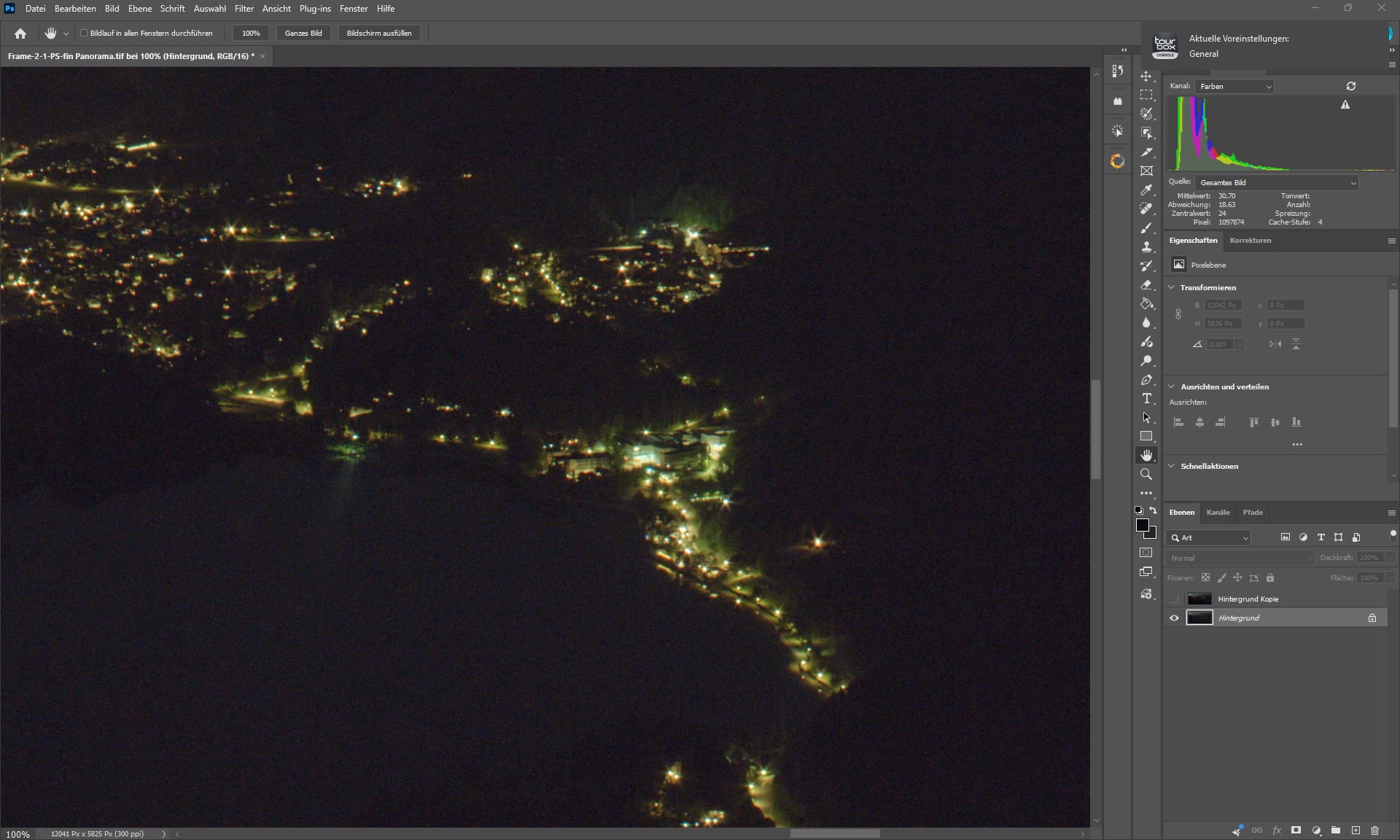

Look at the tiny windows
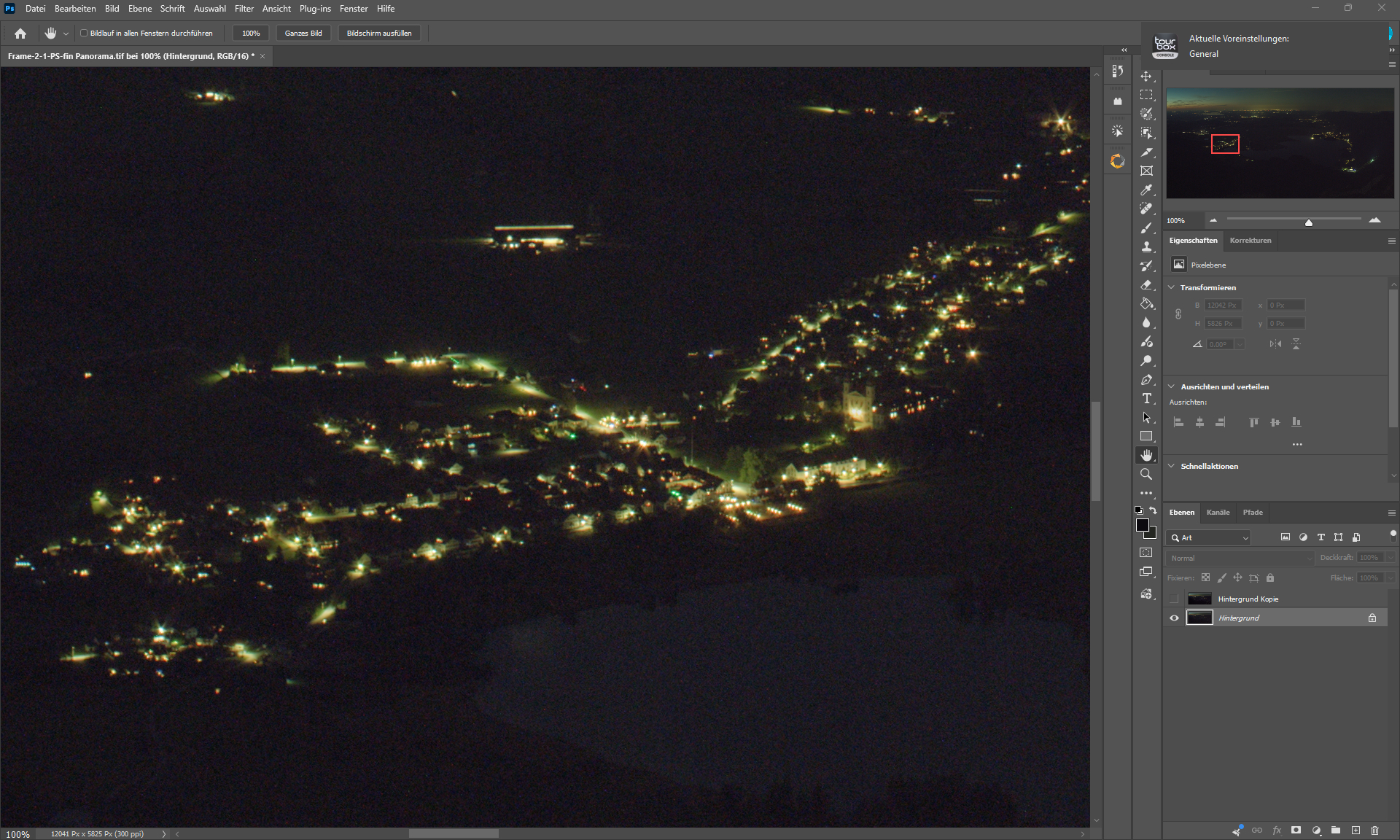

Same here - Wood and windows.
The output is better. But there’s still a bit of grain to remove.
Thats the point between artifical and natural.
I did work a lot on this image with various models.
The only way to solve it real would be to photograph it again.
