Great! The issue is referenced in a development team ticket for foreign Windows machines, but still good to keep this Feature request for a model for large images or from modern cameras
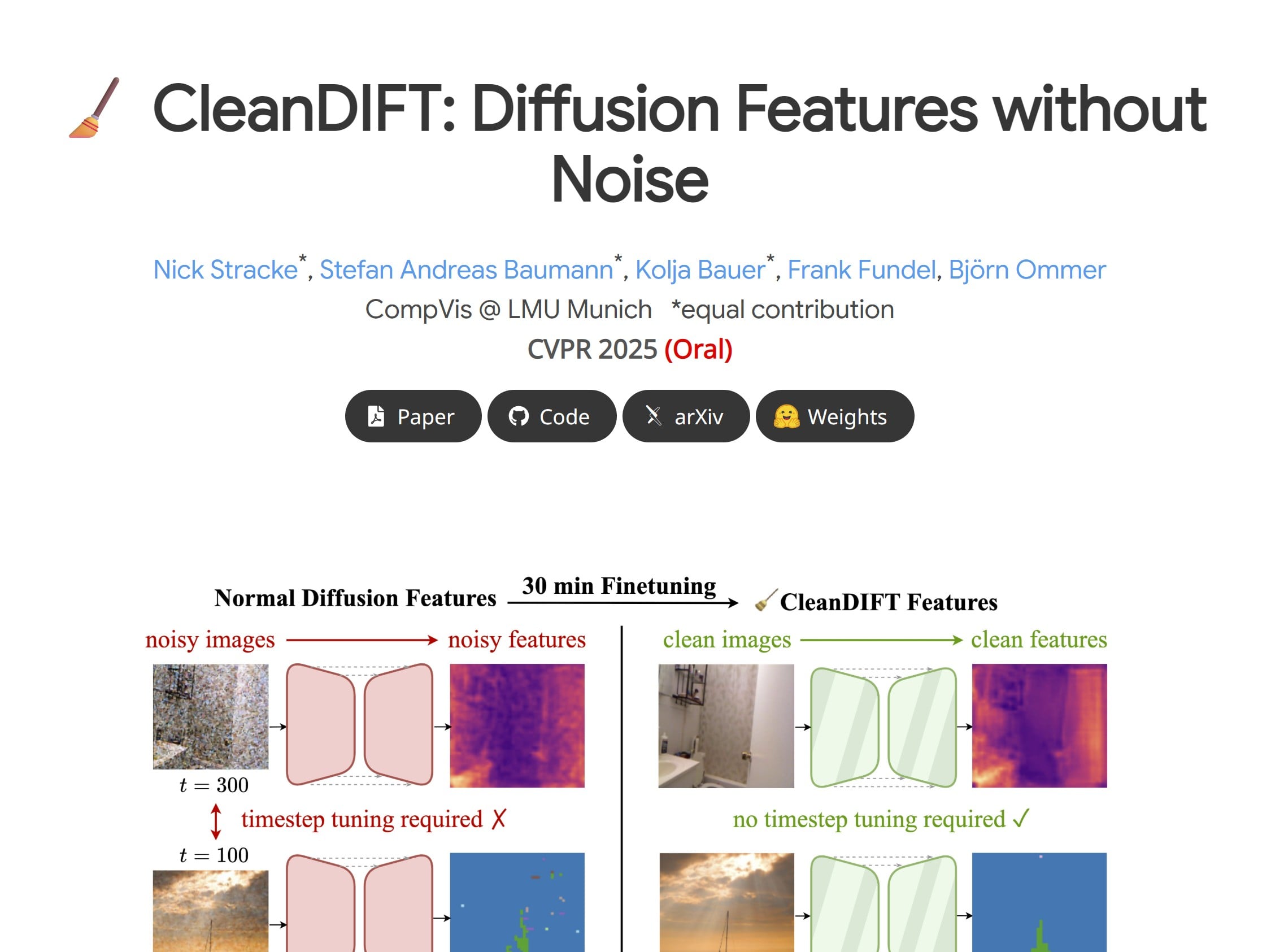
It was in the CleanDIFT: Diffusion Features without Noise link you provided above.
I’ll attach a snip, Thomas.
The “30 minutes” is mentioned in the center of the page. It seemed to imply that to get the CleanDIFT quality would take 30 mins. But, perhaps I misunderstood what it was showing… do you know what that 30 mins. represents? You’re much more tech oriented than I am.
I’ve been testing wonder. It’s pretty awesome. However, sometimes it seems to do nothing if the image is huge like 1500x1500 or even larger. Is that how it is supposed to be? I literaly could see no difference when running it at 1x or 2x.
Does wonder only work when you upscale a low resolution image? I was hoping I could clean up larger images that have pixelation or other artifiacts. Of course I can simply shrink the image and then use wonder, but I am just trying to understand how it works.
@Moebius - Correct, Wonder is meant for small, low-resolution images with compression artifacts to fix. You can downscale a large image to force Wonder on it, though it would not be its intended use, and we have users that mention that it works for them. If you downscale the image enough, then you can upscale at 4x on Cloud, it would give the best results the model can give at that scale factor.
Added you to the thread for large image requests for Wonder-like model, make sure to add a vote!
The model is trained with images from AI-generated platforms which are 1024 pixels usually, at 72 dpi, or low-quality web images, as well as mobile phone files with compression. Downscaling to around that pixel size and resolution would be ideal to force the model on files that fall outside its intended use.
If you have examples to share of good results on files that were originally large, feel free to add here, it helps to see cases like this.