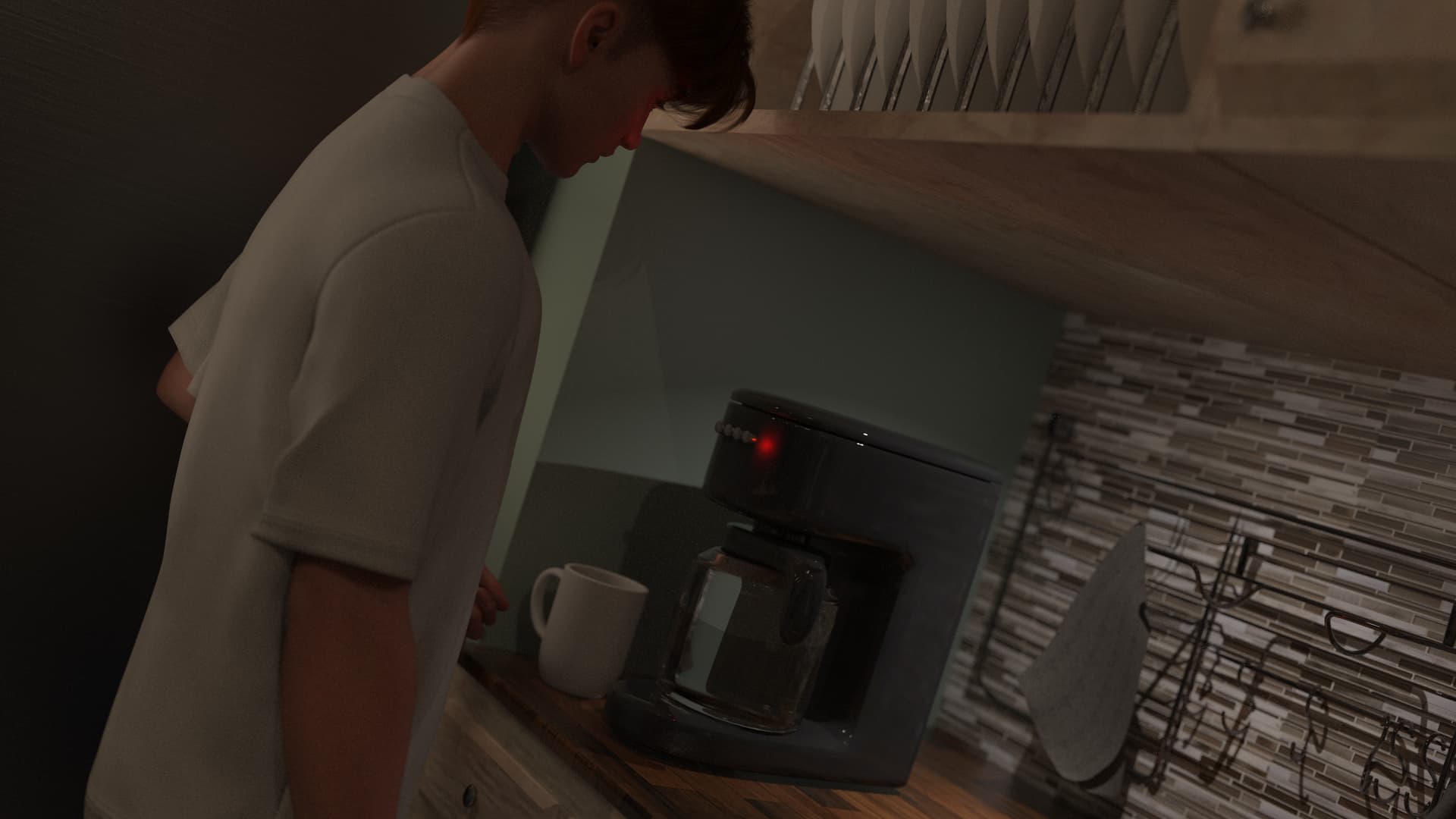
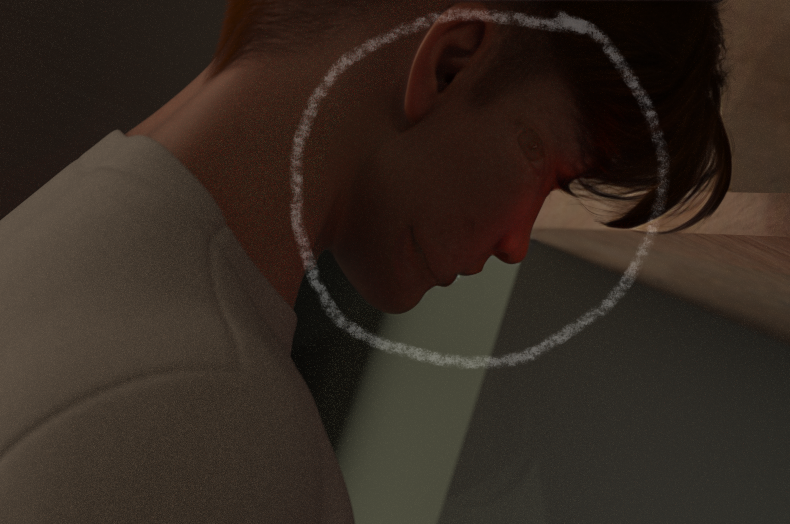
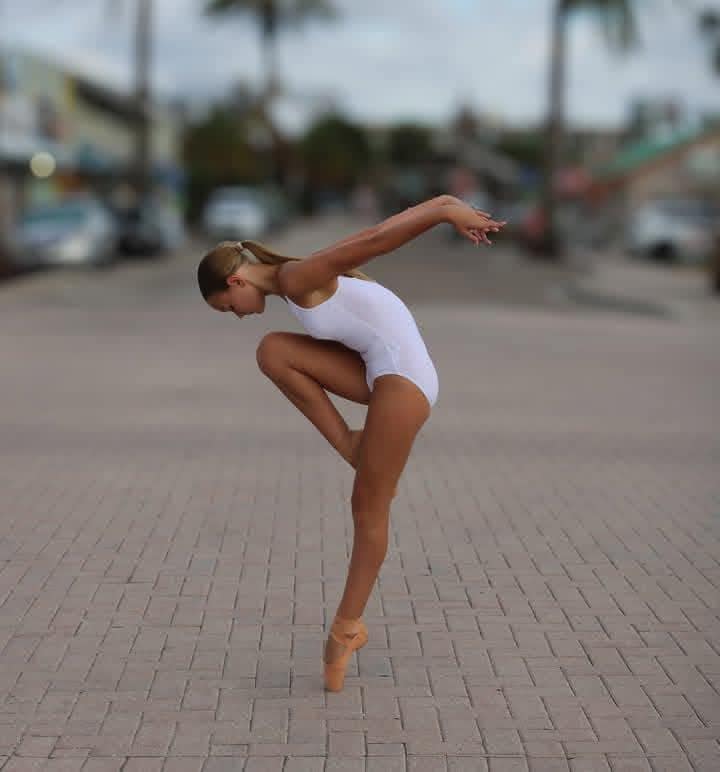
Using Generation 2, it looks like Photo AI is misjudging where the face is from a side view, and applies its “fix” as a ghost image where it judges the face “should” be:
This happens often enough that I have to check it on every single image I need to process. This is especially irritating when trying to convert an entire folder of frame animation images, a common workflow for me. Unfortunately, there is no way to specify a default for the Recover faces generation, so I have to manually set it for every image.
You’re right that side profiles can still trip up Face Recovery, especially in batch workflows where consistency is key. The “ghost face” effect you’re seeing is something we’ve been actively working to reduce in Generation 2.
We’ve also heard similar requests for the ability to set a default Face Recovery generation type, and I’ll make sure your note gets added to that discussion.
Appreciate you sharing your workflow; batch processing animation frames is a great use case, and we’ll keep working to make that smoother.
My experience is that the Generation 2 version fails more often than not. Generation 1 seems to work the majority of the time. Unfortunately, this means manually editing every single image to ensure that Generation 2 isn’t selected, which is the default. We were promised a preference to choose which generation version was the default, but it wasn’t implemented yet as of the latest release.
You can test the new Recover Faces v3 released in v1.6.0 and relay to support@topazlabs.com any remaining issues and we can relay to the development team!