If I uninstall topaz can i reinstall it?
Hi Eric.
Current Topaz Applications:
Yes you can indeed Uninstall your current Topaz Applications and then Reinstall them.
Updating Topaz Applications:
No need to Uninstall, Remove or Delete your current Topaz Applications if you’re Updating them because, when you when you Download and run the installation all that will be taken care during the Installation Process.
Hope this helps
Hi Andi. I uninstalled and reinstalled Topaz Photo 1.3.1 which supposedly is Photo AI, but when I try to use Wonder 2 it just doesn’t work. Right now I’m using it on a cropped photo at the default settings and it’s still working on upscaling after about ½ an hour. I checked with ChatGPT and it says my pc is more than capable of meeting the required specks and it did have me update the NViDIA Studio app, which I did prior to uninstalling. It’s convinced that I’m using the legend rather than the AI
Eric
When you say it just doesn’t work do you mean for both Local and Cloud Rendering because, if it’s not working for Local Rendering it should still work for Cloud Rendering and when you say Upscaling still works do you mean the Wonder 2 Model is Upscaling the Image or are you referring to standard Upscaling.
If you are indeed referring to the Wonder 2 Model continue to Upscale the image then, if you’re using it on Higher Resolution Images then it will take a long time and even then you won’t see a lot of difference between Wonder and your original image because, Wonder was primarily designed for Small to Medium images that are Soft, Noisy and Low Resolution.
If on the other hand that isn’t the case, are there any messages on the screen appearing
What do you mean it’s convinced that I’m using the the Legend rather than the AI
If you mean using the Legacy Version of Topaz Photo AI then that’s simple the Wonder Model isn’t available in the old Topaz Photo AI so, you wouldn’t be able to select it.
Would it be possible to post some Screenshots of both the Preview and Settings.
In the meantime here’s some more information about both Wonder and Wonder 2 are an enhancement designed for professionals who want a simple, reliable way to improve small or medium sized low-resolution images without stacking multiple tools. Traditional workflows can over-process or introduce artifacts when several enhancements are combined. Wonder is an automatic image repair tool to deliver very high-quality, artifact-free results on medium and low-quality images.
Wonder will not work as a Preset
It’s able to generate clean outputs, especially with fine details that other models may struggle with.
The maximum output for this Wonder generative model is 128MP (megapixels). If you have issues rendering your image, test a smaller starting file or contact us at Support and we can troubleshoot.
Important: This model is best for images that are soft, noisy, compressed, or low-resolution where you want clean, realistic detail without artifacts.
Wonder v2 release
The Wonder v2 model was released in Topaz Photo v1.2.0. It is our most impressive all-in-one realism model so far. It’s built to handle extremely difficult images and produce outputs that look clean, natural, and professional. Wonder 2 is a great choice when realism is the top priority and you want a safe model for professional work.
If Wonder v1 felt too stylized for certain images, Wonder v2 is designed to feel more restrained and natural.
Key things to know
-
Wonder v2 is now available for Local and Cloud Rendering
-
Single-step model with no preview controls
-
Best results when upscaling 4x
-
Not recommended for low-light phone images with heavy noise
Wonder v2 performs best on low-resolution or challenging source images that need strong cleanup and enhancement. For already high-quality images, it may be unnecessary, but it can still be useful for light cleanup or consistency improvements.
Andy
I don’t use cloud rendering. The Wonder 2 program is currently upscaling (and has been for a very long time). The image has been heavily cropped to approx 2238x1495. The footnote on Topaz shows that it is being upscaled to 42%. No messages other than “Enhancing your image with Wonder”.
Going by the information you’re giving me your image size certainly fits the criteria for Wonder however I’ve done a bit of digging and some people have reported it’s not working as it should for Local Rendering their getting better results using the Cloud other than that it’s working because it wouldn’t be Upscaling for you.
if that’s what’s happening in your case then there’s a few things you can try, I know you don’t want to use the Cloud so, what about trying Upscaling with Recover 3 you’ll find this option nested with Upscale as well as, Standard MAX another good option for Upscaling and of course my personal favourite Super Focus.
Here’s some information about those three options
Standard MAX
This model is built on new architecture, producing very high-quality outputs similar to generative upscaling models in Gigapixel AI while significantly lowering the hardware requirements and high processing time. Standard MAX can run on a wide range of devices — making advanced restoration more accessible than ever.
Standard MAX delivers outstanding results across all types of input images, but it truly shines on low-resolution photos where it generates incredible photorealistic detail that surpasses anything currently available in Topaz Photo. The results are clean and natural, with refined textures that are hard to achieve in other AI upscaling models. While we highly recommend trying it on low-res images for truly jaw-dropping outputs, Standard Max also performs exceptionally well on medium and high-quality images, making it a versatile and powerful choice for a wide range of upscaling needs.
NOTE: cloud render for Standard MAX has a 256 megapixel output limit.
Standard MAX will not work as a Preset
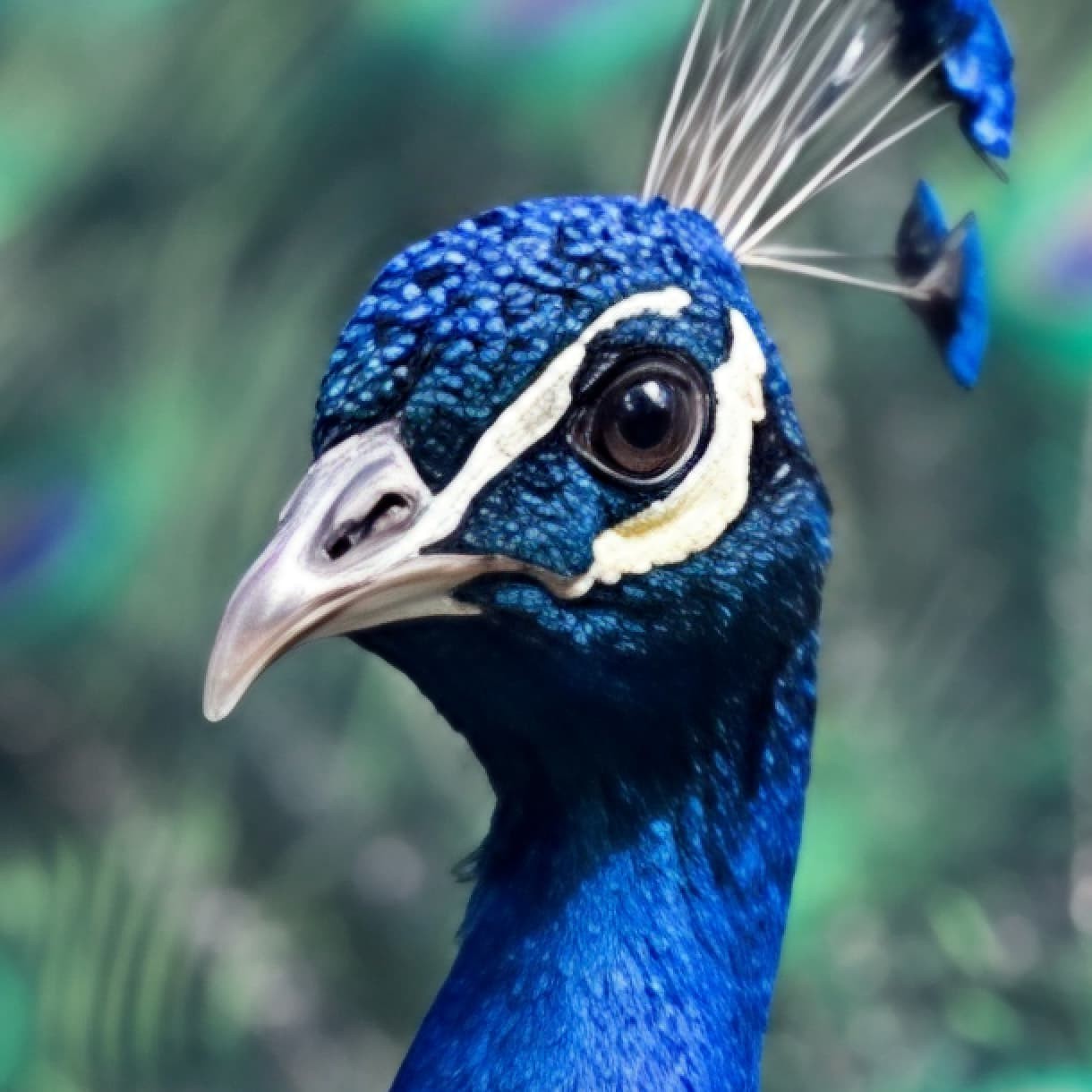
Before and after on a low resolution image
Recover V3
Released in Topaz Photo v1.2.0, Recover v3 represents our highest quality approach to AI upscaling. It’s built to produce realistic photographic texture, not artificial sharpening or overly processed results.
Instead of simply increasing resolution, Recover 3 focuses on reconstructing fine surface detail for things like fur, skin texture, foliage patterns, and fabric structure. This makes it especially strong for nature photography, wildlife, and portraits, where realism matters most.
Availability
Recover v3 is the newest model available within the Upscale models. Recover 3 works with batch processing, and can run both locally and in the cloud. For most users, cloud rendering is recommended for speed. Local processing is ideal when privacy, offline workflows, or unattended batch jobs are more important than raw performance.
I know it’s not what you wanted but, until a fix is available for Wonder 2 Local Rendering hopefully these will help
