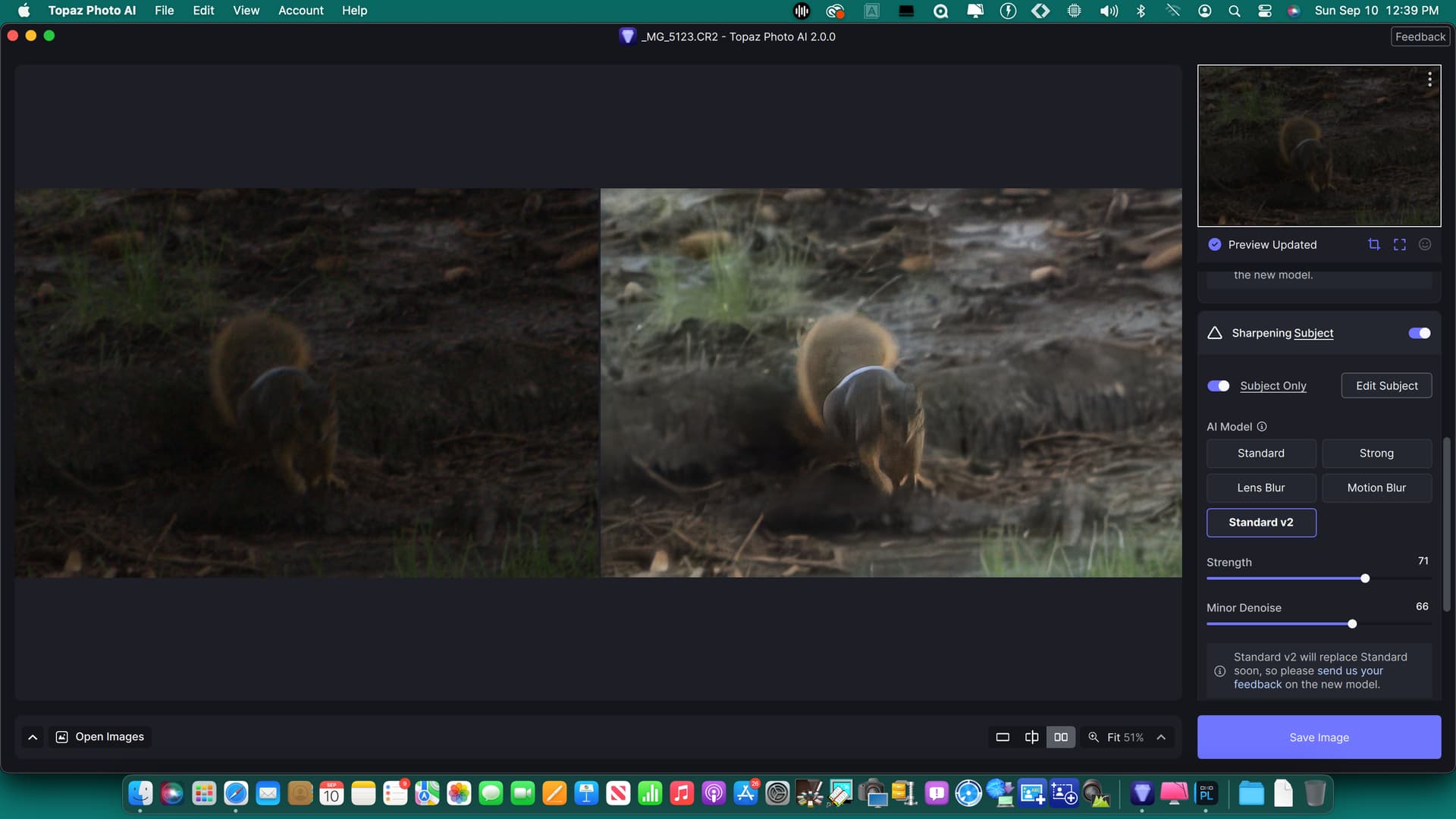
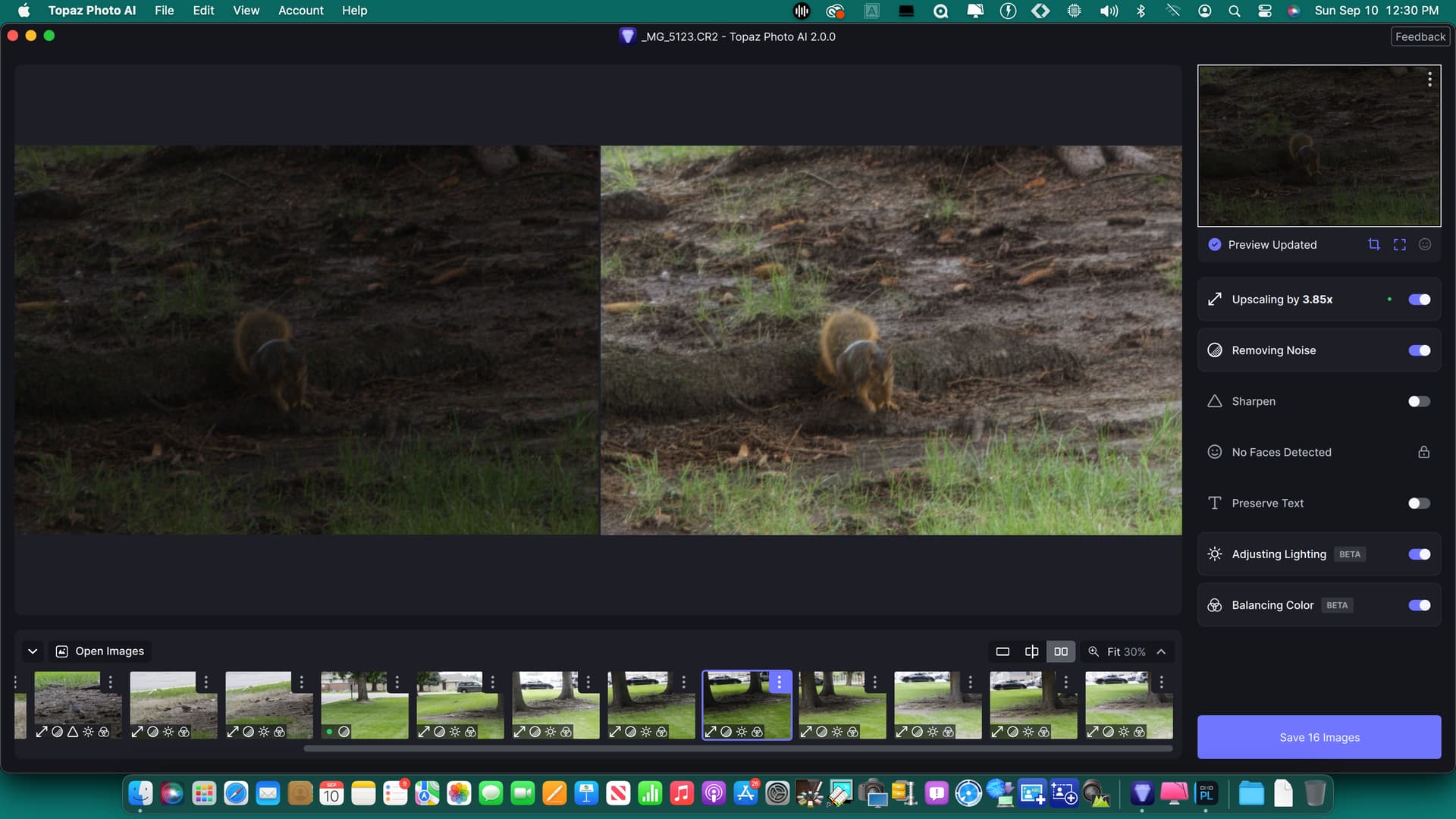
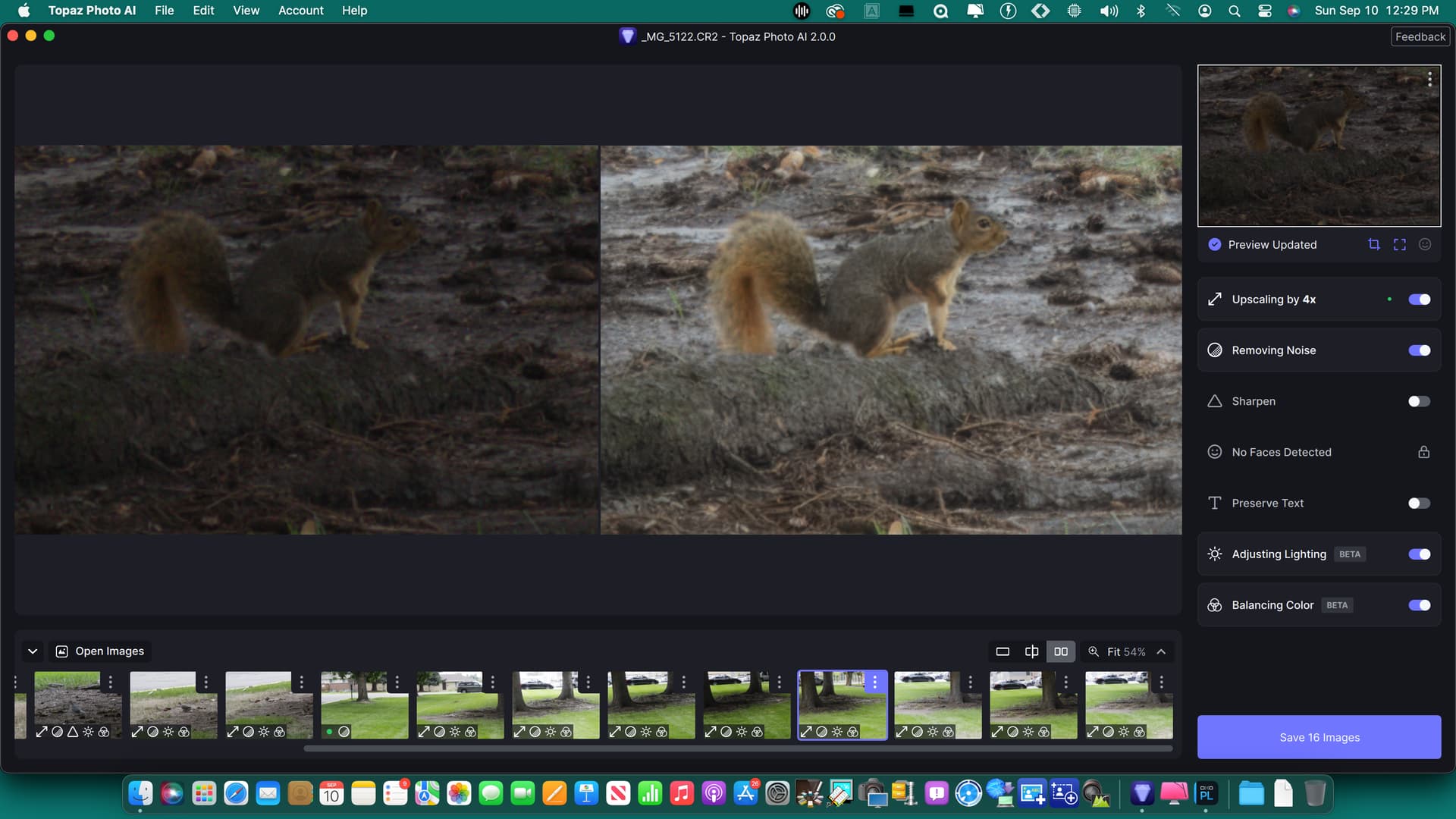
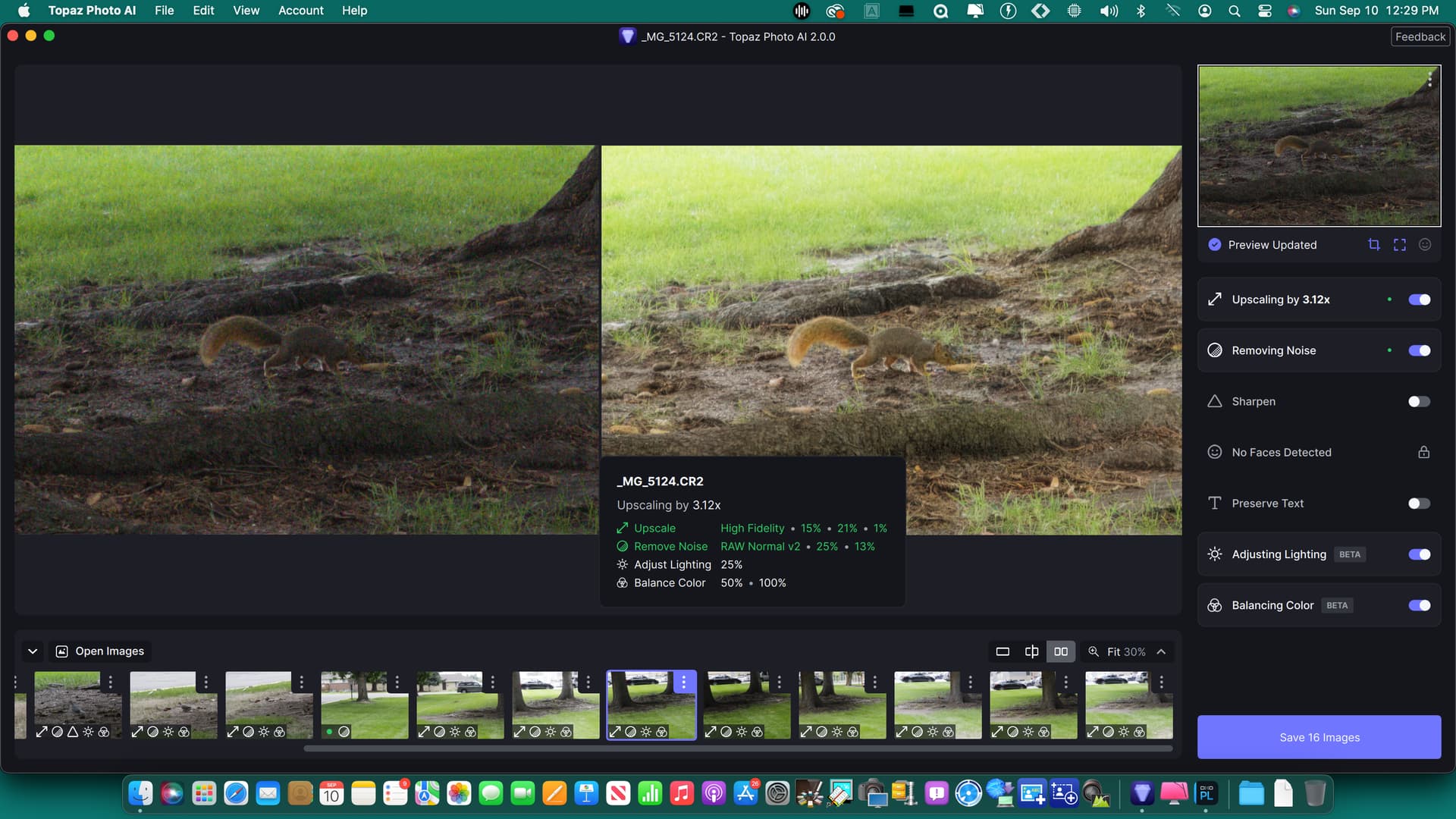
Both new image processing areas take too much time to render. The rendering also looks too complicated. As already mentioned here - editing (almost) in real time would be a very good thing. The file format. JPG works great for me. I didn’t notice any additional green discoloration on mine. Overall, I would like the images to render much faster.

1 Like
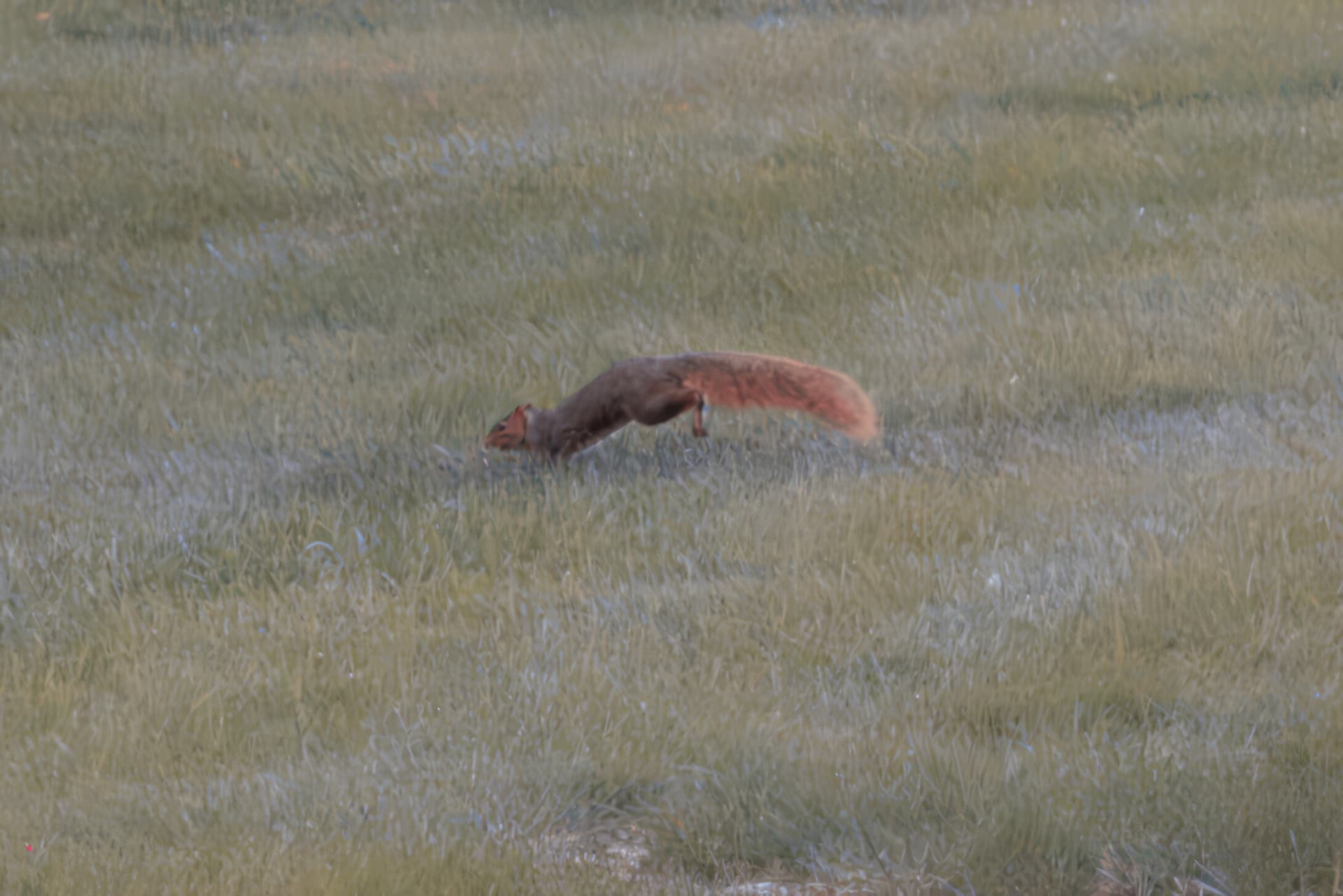
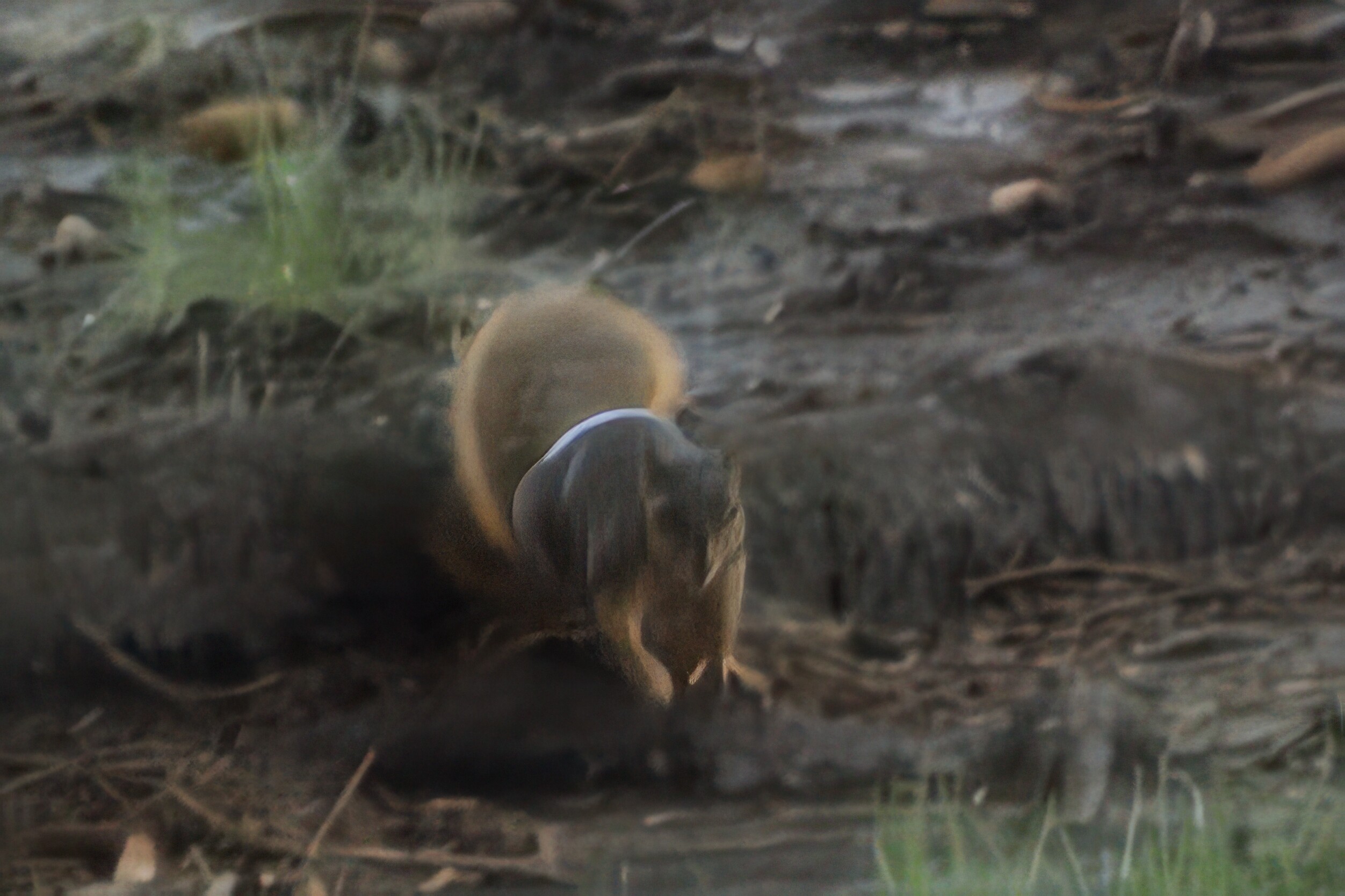
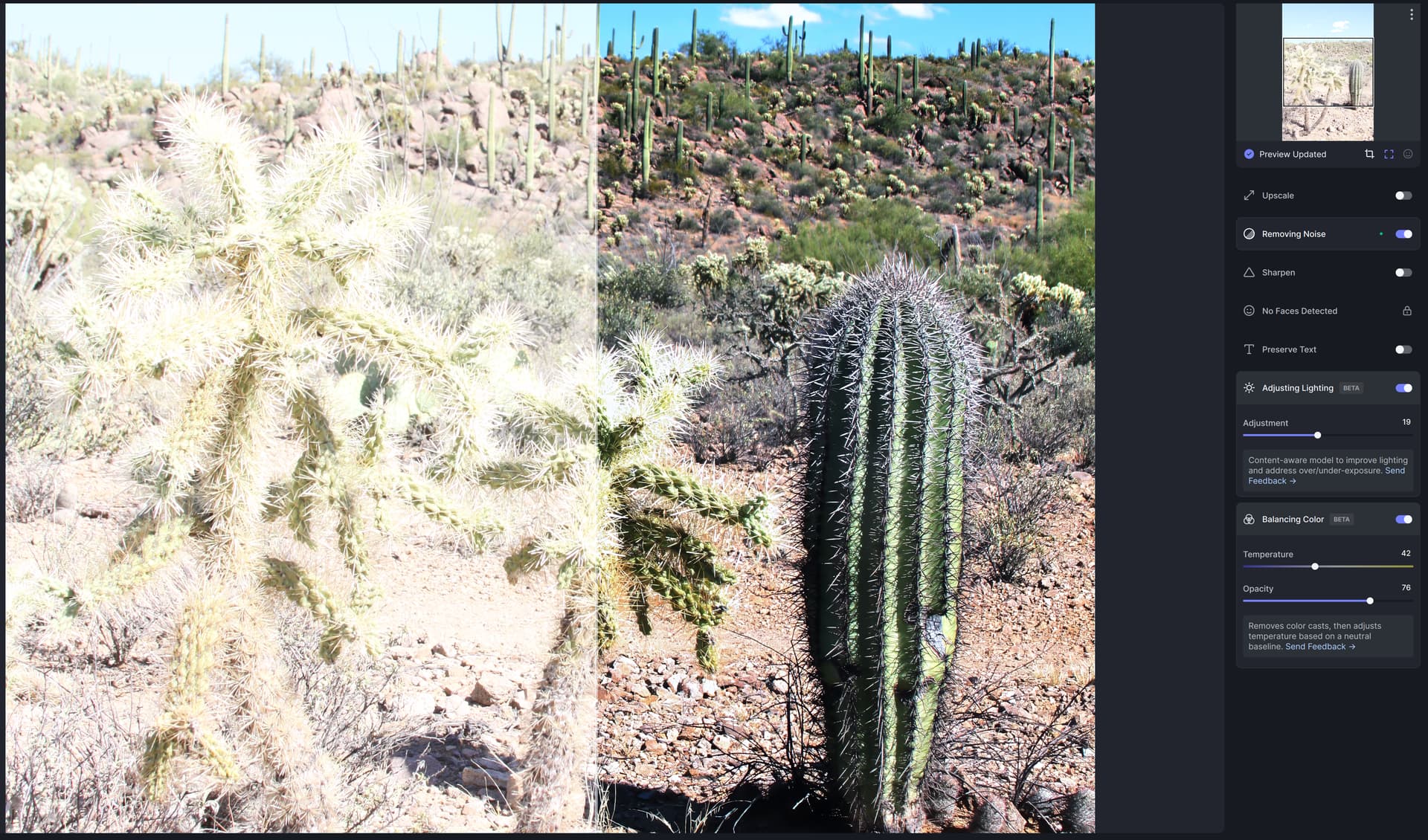
I’m disappointed in Photo AI 2.0. Based on previous Topaz Labs product upgrades, this update is a bust. 2.0 denies me the ability to influence what those who view my photography see. My ability to influence the outcome of my in-camera effort is now subject to what a software engineer deems important, not my artistic preferences. Maybe in time, this will change, but not today. This update reminds me of the time I took my film to my local camera shop, shipped it off to be developed, and eventually printed. What I got back was the totality of my photographic effort. This Photo AI 2.0 doesn’t allow me to influence the outcome of my photographic effort, instead I get what a software engineers algorithm thinks is important to enhance, or mute. The attached overblown image shows what came out of the camera and what Photo AI felt were the needed enhancements.
2 Likes
Comment with regards to Balancing Color – Beta…
Love the concept, however the issue of lag time needs to be addressed prior to implementation.
Example. On a Nikon 12mp nef file, if I make a single digit adjustmentt on the temperature, it takes nearly 40 seconds to run thru the refresh cycle. Very difficult to adjust as it requires large sweeps at first then tighter and tighter refinements. Is there a way to isolate the Balancing Color as a loop within itself?
Thanks for listening.
1 Like
I would also be glad to have the opportunity to apply only to the subject or not to the subject. I’ve tetsed it with a person photographed in snowy environment. If you darken the snow, the person becomes to dark.
2 Likes
I’m digging the beta sliders for these adjustments. The image(s) I’m editing are shot in full sunlight with just a small amount of editing done with Capture One Pro. I’ve tweaked the sliders in lighting to a -8. Otherwise the AI wants to underexpose the subject too much. The slider for the Opacity in the color balance tool was adjusted to 50%.
I’m very pleased with what I’ve seen so far.
It does the same thing on mine. just leaves a green tint. the color balance always show and error
Balance Color need a “Tint” (Magenta/Green) correction in addition to the “Temperature” correction.
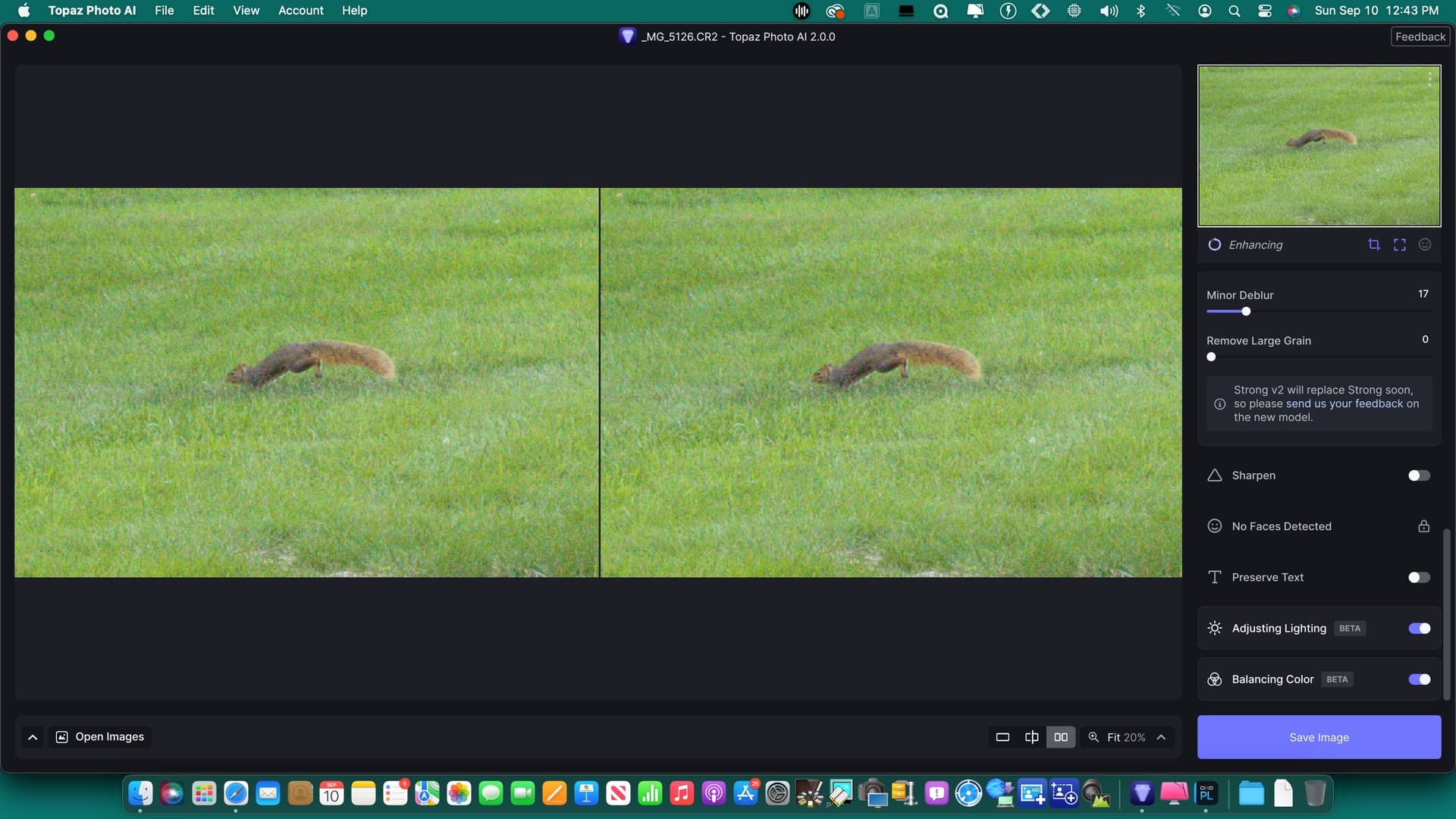
I have tried adjust lighting on multiple photos and it always creates a green or magenta color cast over the whole photo. Instead of adjusting the brightness of the photo it is acting like a tint adjuster for white balance. To the right makes it more magenta and to the left more green. Attached screenshot shows split screen. Photo is a raw file right out of the camera with no edits.
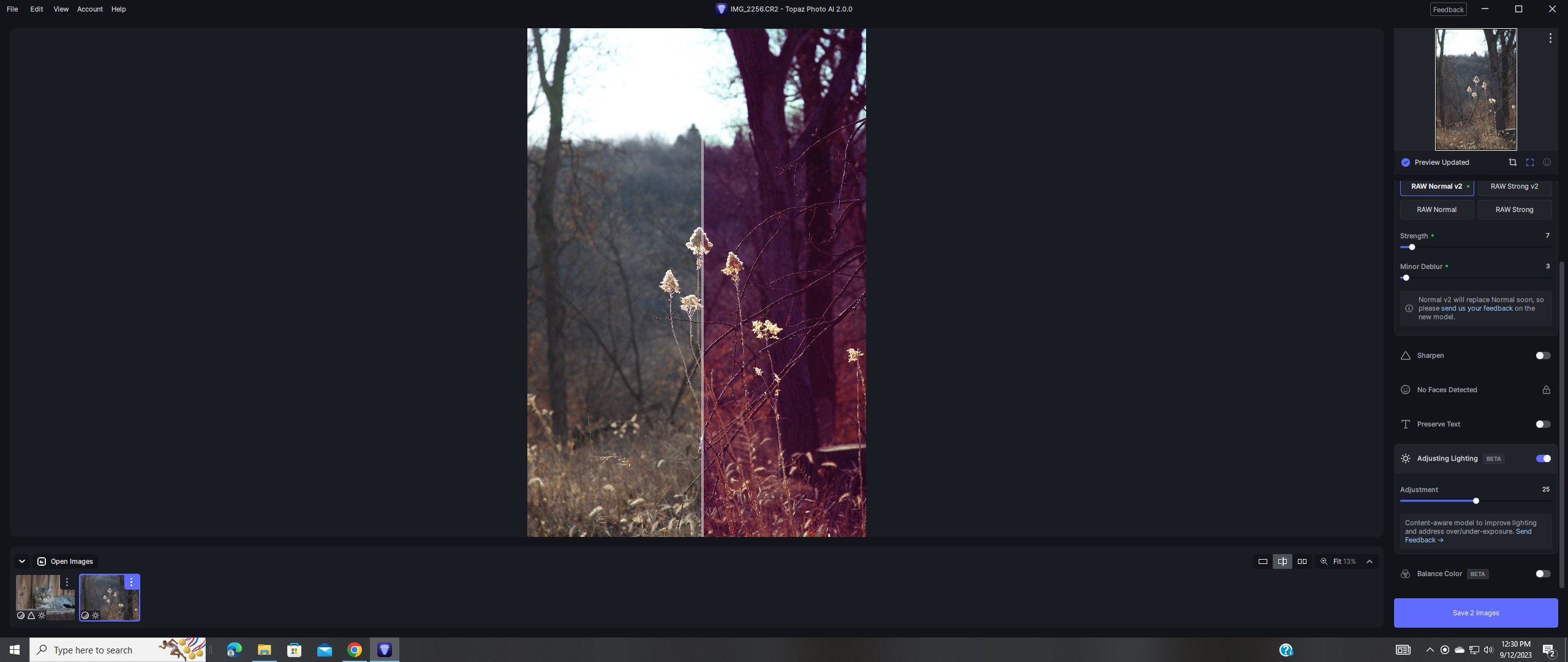
We are seeing certain machines can have obvious tint/color change on invoking exposure filter. We have verified that the tint/color is processing errors. Please help provide operating system, cpu version, and gpu version and we will try to fix it in the following update. Any log file that reproduce the issue is also appreciated. Thanks.
1 Like
Here is a copy of my Dxdiag along with the log files. Thanks.
DxDiag.txt (85.2 KB)
2023-09-12-12-05-30.tzlog (142.3 KB)
2023-09-12-12-08-34.tzlog (2.3 MB)
2023-09-12-19-38-33.tzlog (387.6 KB)
2023-09-12-19-50-44.tzlog (93.8 KB)
Hi Yuan,
my daughter took some pictures at a birthday party. Unfortunatly she left shutter priority on at 1/2000s in rather dark circomstances. So, I got the task to lighten up 108 pictures. Did the first one and the result was quite good, seen the circomstances the pictures were taken. Then I pressed “apply current settings to all”. I hoped all the settings would have been applied to all pictures. But … all settings were applied except the “adjust lighting”. 
Can you please add those “Beta” options also to the “apply current settings to all” ?
It would had saved me some time.
At second look, it copied something. If you hover over the thumbnail, you do not see any lighting adjustment. When you activate the option on that picture, it gives you 1% althou the slider is at 50%.
Only when you move the slider, the lighting is adjusted to the correct level. But that has to be done for each individual picture now.
Thank you.
2 Likes
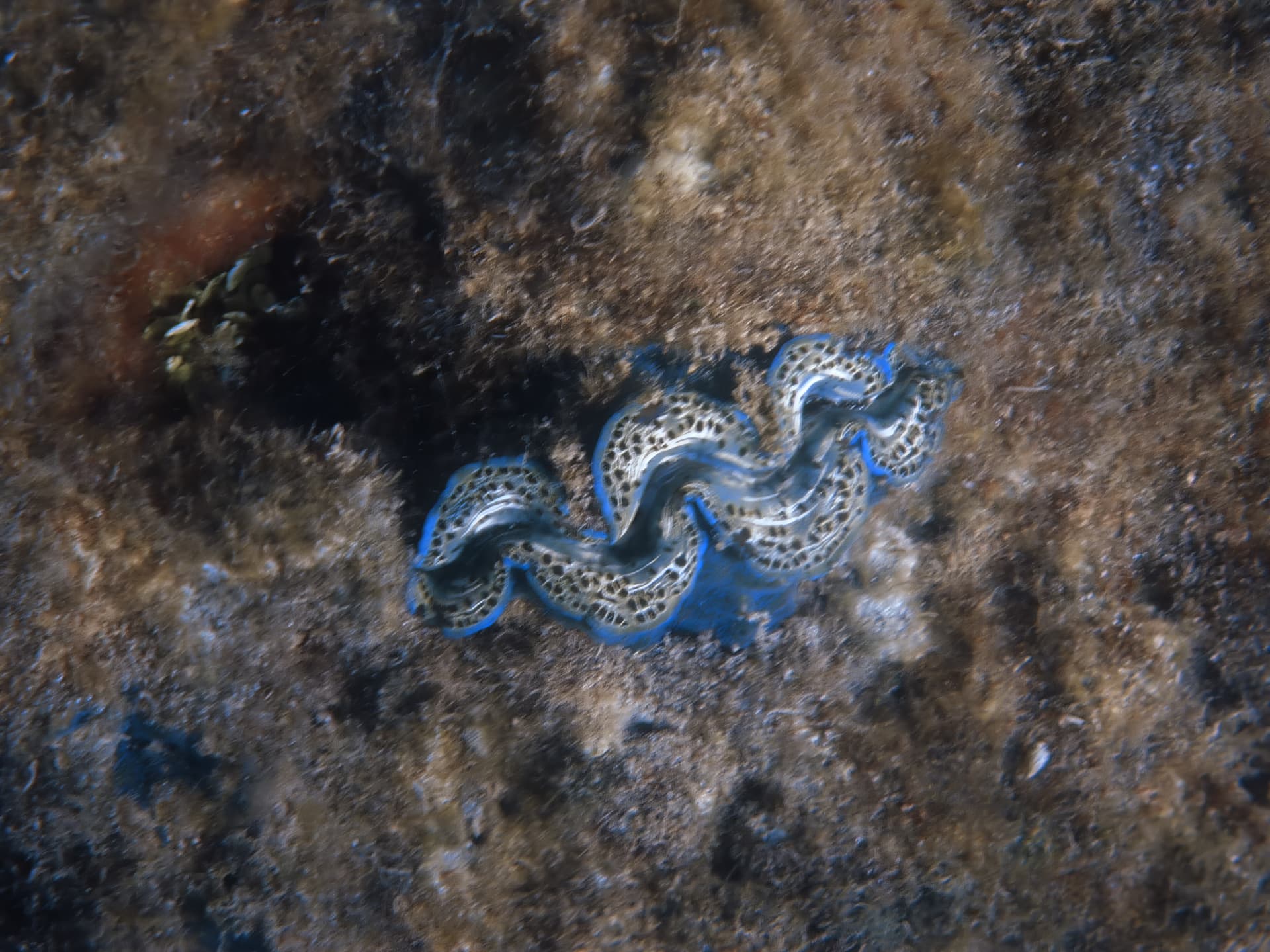
Do you have a special filter for underwater images? I have two images of the same clam and in one image it looks green and in other image looks blue. Both images were taken many years ago and the definition in very poor.

1 Like
Maybe I’m the odd-one-out here but while lighting isn’t blowing my hair back (yet) as I can do it better in Affinity with Shadows/Highlights or Levels, the colour balanced one really left me wanting.
I remember a few years back (more than 10) someone launched a colour science tool, not sure if it was actually AI as we know it now, that could correct some pretty horrible casts such as might be left over from an improperly stored negative (usually a red/magenta cast) or poorly developed slide for example. It was bought, I believe, by Kodak and discontinued in 2019.
The results were fast and, on the whole, pretty impressive. From what I can quickly google, it only works with older versions of Photoshop but plenty of sites seem to have it for “free” (pirated?) download. I think people forget that “abandonware” is still subject to copyright.
All that said, those results were far and away better than what I’ve managed to squeeze of of Photo AI v2 - and it’s even making a mess of pictures don’t even have a cast to begin with. I know this is a WIP but it’s hardly “beta” quality yet as the most important use of this function is in recovery of old/damaged colour prints and slides from yesteryear or even the dreaded Polaroids you found in the loft when you moved house…
So far, pretty happy with the upgrades. Wondering why the color adjustment doesn’t transfer over when I try to apply all AI settings from the first photo to the rest I am batch editing… having to do that ONE adjustment one photo at a time…
2 Likes
Yes this is true. There are many instances where lighting is strong, but the subject’s face looks dark. In my other editing software I would normally mask with a feather and on a new layer, ‘paint on’ a curves adjustment to brighten the face. Isolation of the face or the subject or a choice of either, would help considerably.
The ability to mask parts of the image when applying the filter would improve the filter.
3 Likes
I have been using Topaz products for a few years and have them all except video . I think you are making a big big mistake introducing colour and lighting . Like many many many other users I come to Topaz products from Lightroom Classic and or Photoshop CC and I do all my colour and lighting in those which has far more functionality. PLEASE stick to what you do best and are renowned for ie sharpening , denoising and upscaling …PLEASE apply your resources to that instead of going off at a tangent
1 Like
A large number of my images fail to finish autopilot without app closing crashing or if autopilot works when trying to save save fails to complete then abruptly closes or crashes. My images worked great in previous version
I would just make one recommendation is that the tool you use for focusing subject only can be use for lightening subject also. This would work great for backlit subject especially in the sky.
1 Like
