Despite the default output resolution set to 300 px/in, the app upscales at 72 px/in. This behavior began with the Topaz Photo 1.3 update and continues in version Topaz Photo 1.3.1. I’ve tested this with .tif and .png images. Also, I changed the preference to 72 px/in and saved and closed the app. I reopened and changed it to 300 px/in but the to app continues at 72 px/in.
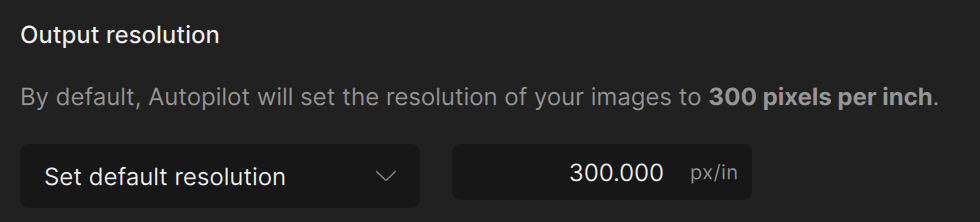
I’m having the same issue. Hope they get this fix fast…it’s unusable…I’m dead in the water here.
I’ve noticed that Upscale defaults to 72 dpi. I’m feeding in a 3-4 MP CR3 that gets converted into a tif before (I think?) it gets to PhotoAI. Upscale is offered from Autopilot and it says 72px/in. The size is also off the charts, like 55in by 45in, when I’m looking for something like 10x8 or 14x10 at 300px/in. When I try to set it to 14x10 300px/in I get a very small image in the preview.
I don’t remember ever seeing this before. I’ve used your products for a while now (over a year) and I’m quite surprised and not at all pleased. When did this break? I’m could have sworn I had been using Upscale to turn a 3-4 MP photo into a 9-10 MP photo with 300px/in.
What am I missing?
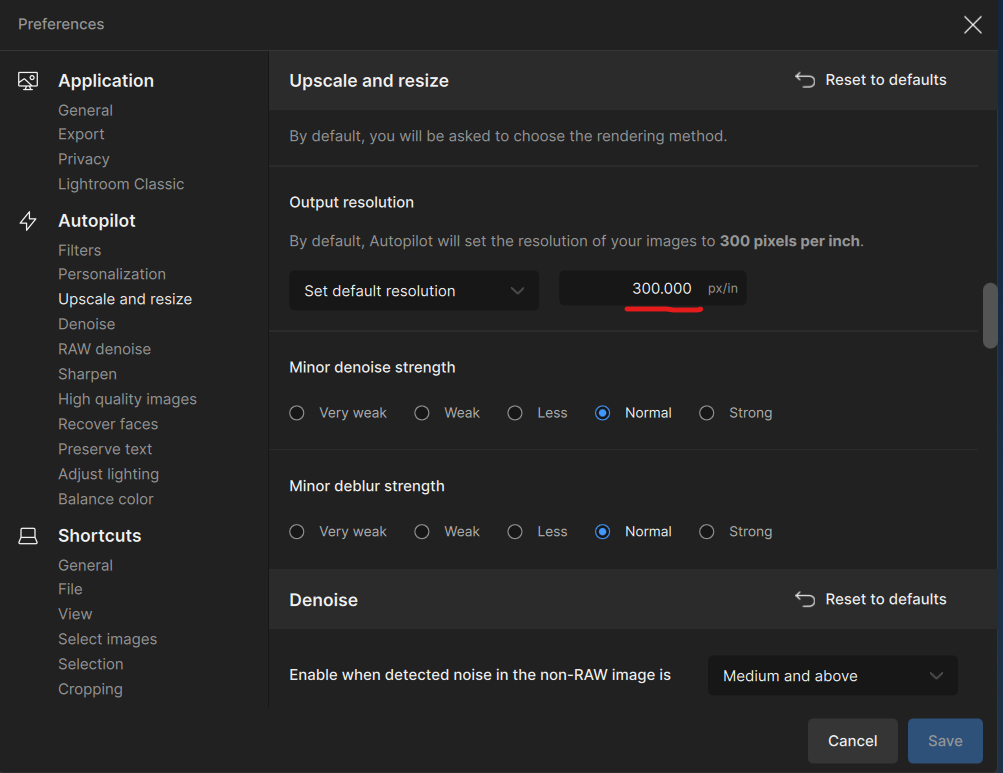
I changed Output resolution to 300 and it made absolutely no difference
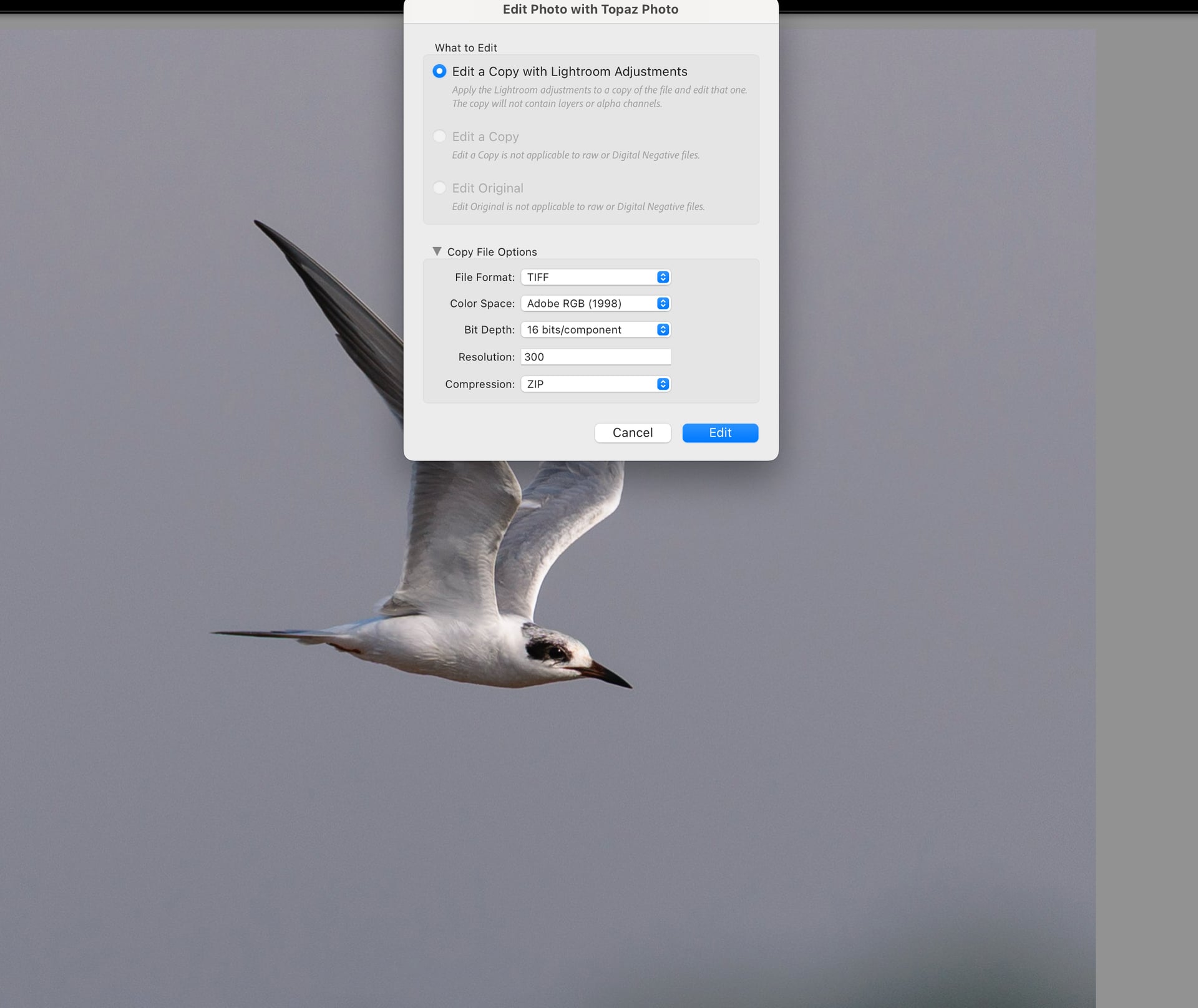
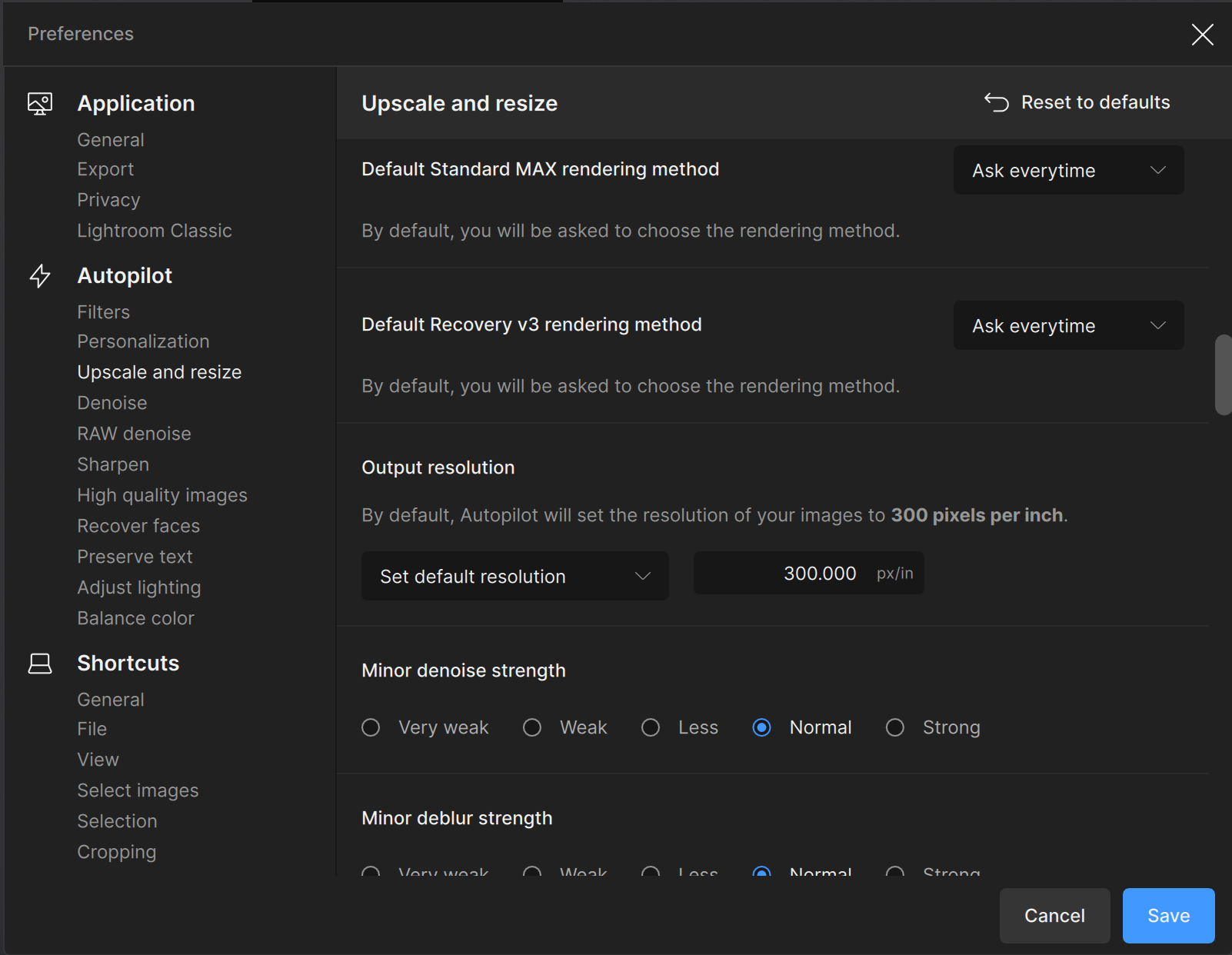
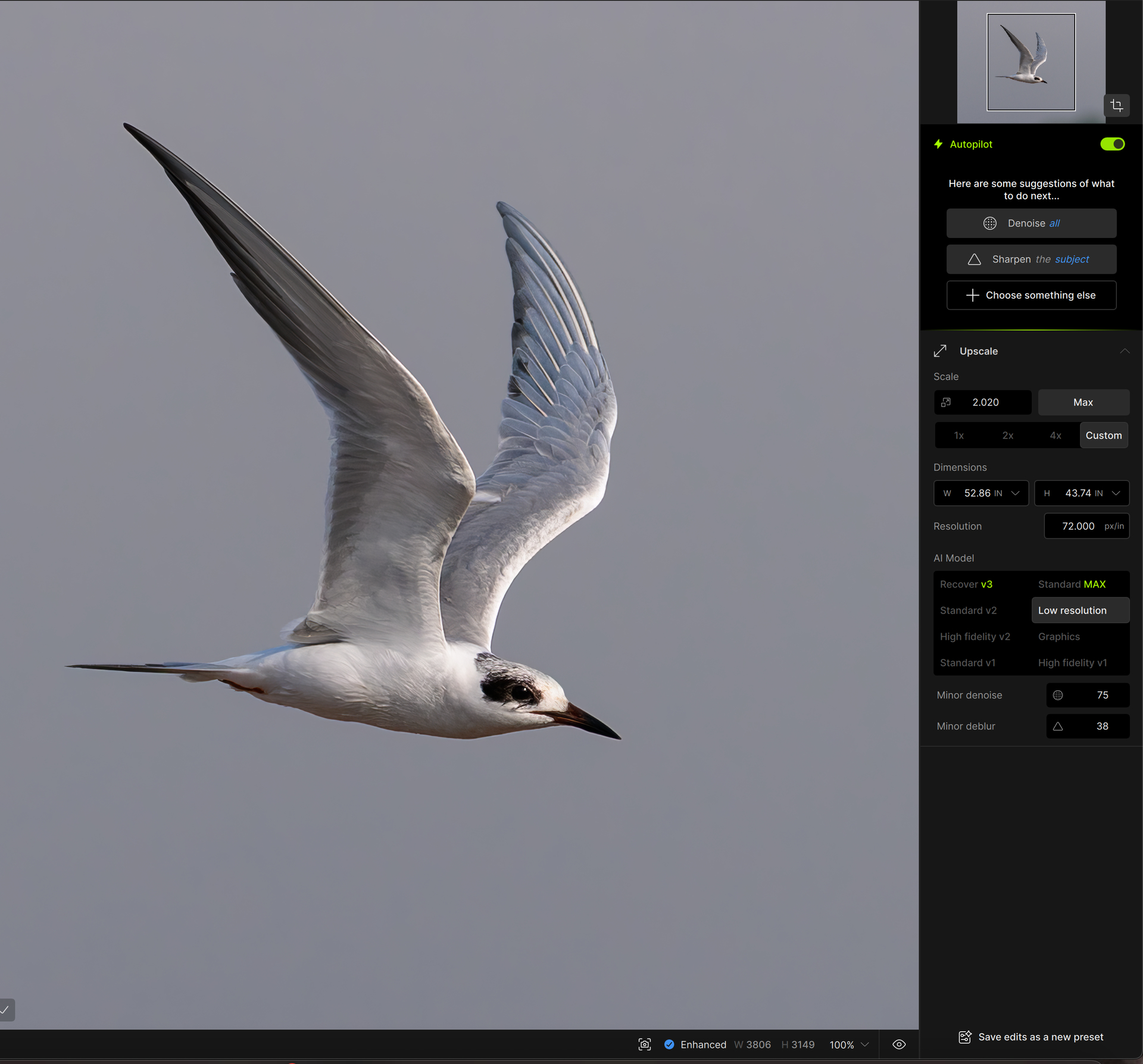
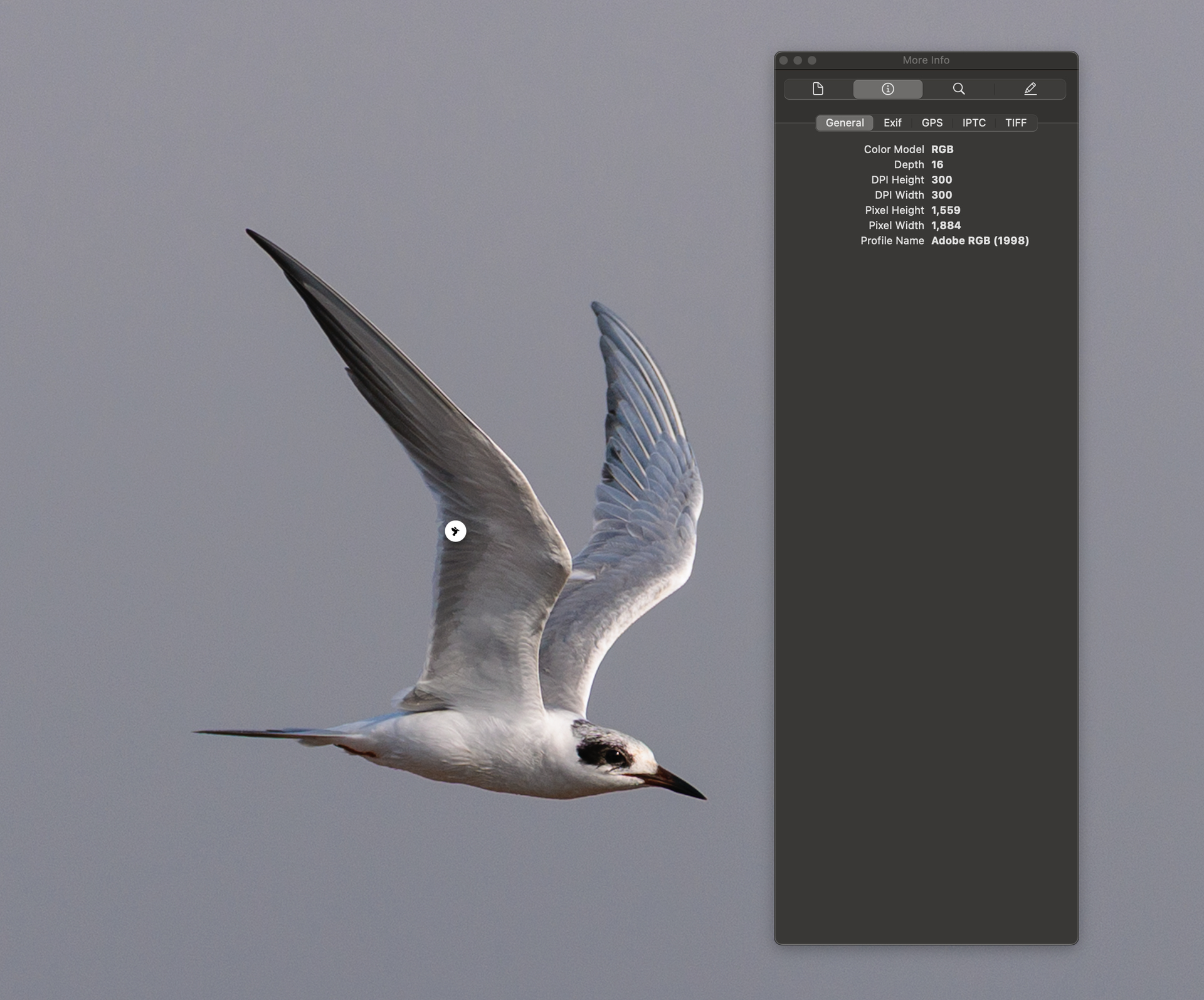
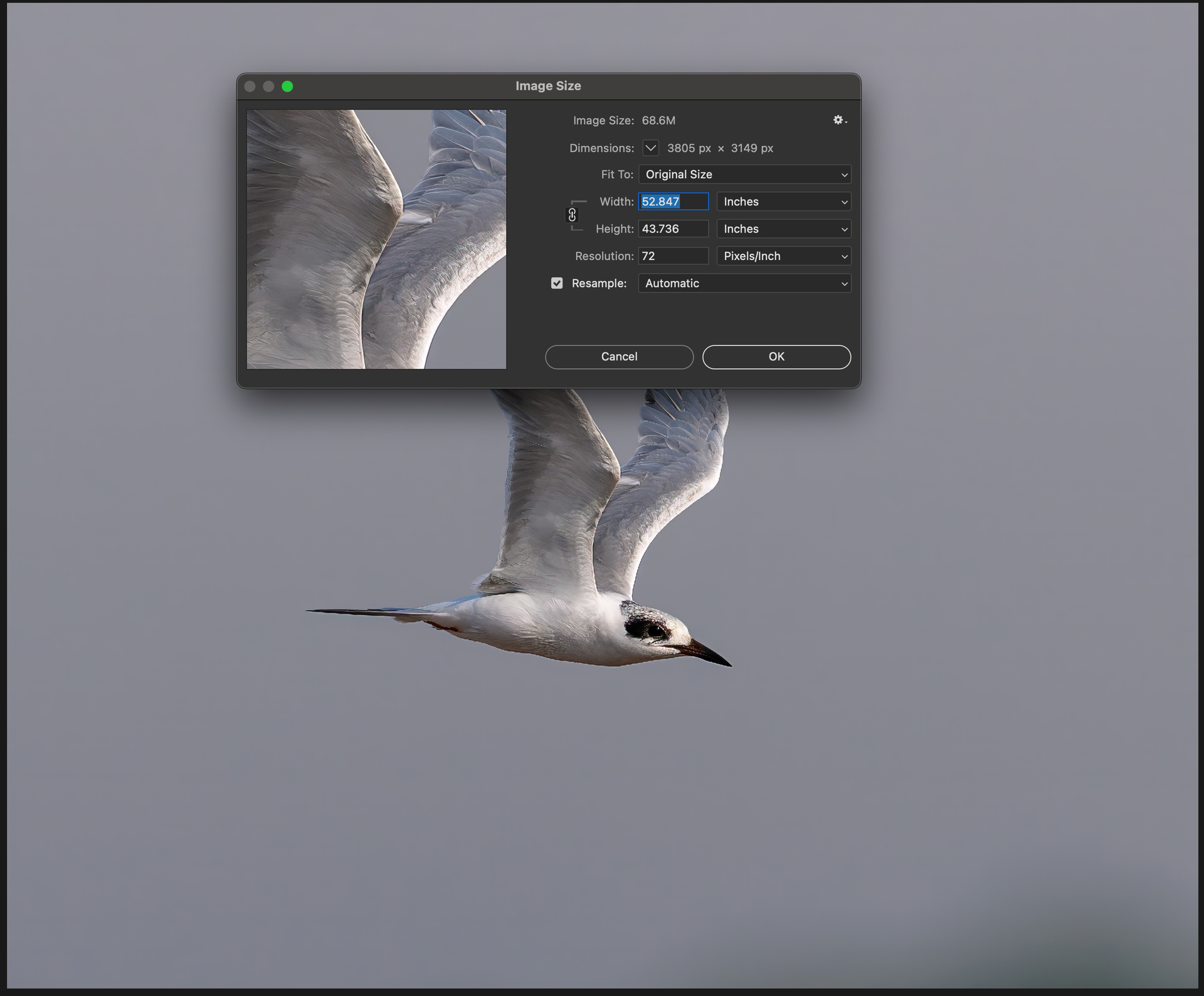
This shows at 72, can you change this to 300 and send to support@topazlabs.com the beahvior and we can relay to the development team
Additionally, if high quality is needed, we would not recommend to use from PS plugin at all, this flattens your file mid workflow and will give bad results. To import the out of camera file to Topaz, then export it will give much better results.
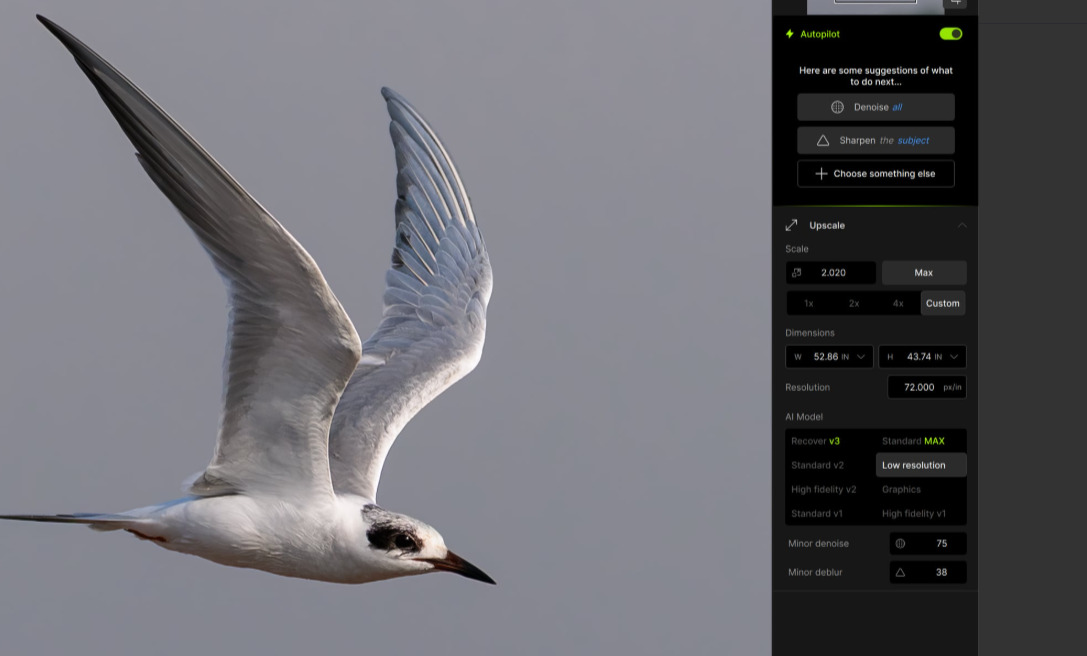
If anyone has this issue, make sure to relay to support@topazlabs.com details on your workflow and we can add your contact information on a development team ticket we have for this, and we can contact you once a fix is released.
In the meantime, revert to v1.2.1 which will not have this issue:
Topaz Photo v1.2.1
Windows: Download
Mac: Download
Snapdragon: Download
