Wonder v1 seems to be broken on my machine. I can’t render anything. The render bar stops about a third of the way through and then nothing happens. And when I try to preview again, the render stops after about a quarter of a second.
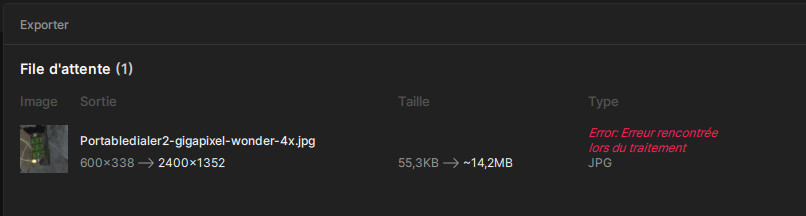
My input image was 600x338 pixels
And this is what I get if I try to export directly.
And I had the same effect with Recover V2. I’ll try converting it to another format. For example, TIF so as not to lose the EXIF data.
Edit:
Same problem with TIFF for Recover V2 .
Okay, I even tried it with PNG. Same result. It gets to the end of the rendering process, but it fails. I don’t know what to think anymore.
For your information, the photo is an exposure bracketing image composed of 5 images with different exposures to create an HDR image. I used the Camera FV-5 Pro application for the exposure bracketing and then assembled everything in Lightroom Classic.
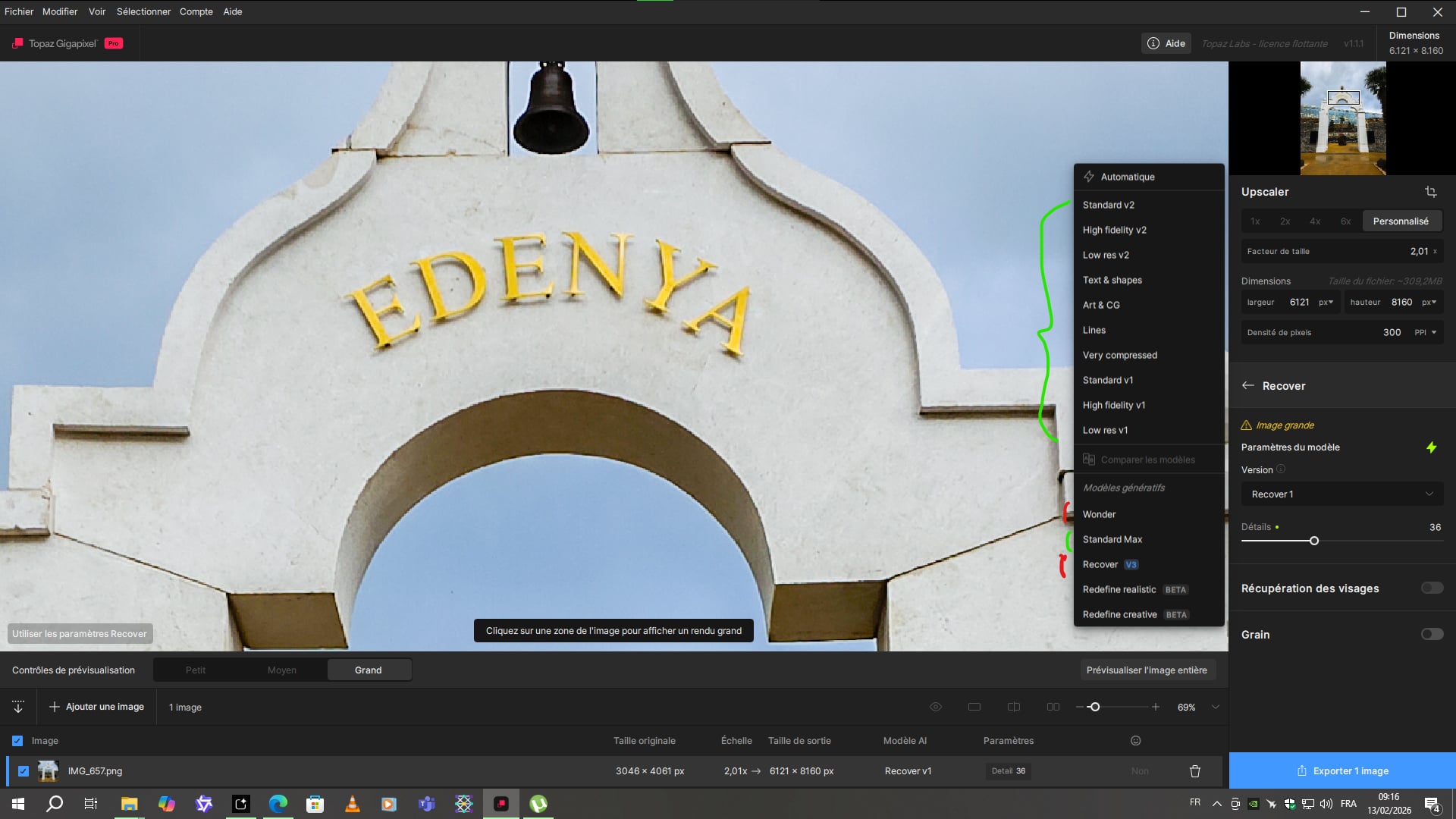
Ok the models highlighted in green work on this photo. Those in red don’t. I haven’t tested the last two because I don’t need to use Redefine on this type of image. I would like to be able to use Wonder and Recover on this one because when I preview small sections, the quality is much better than with non-generative models.
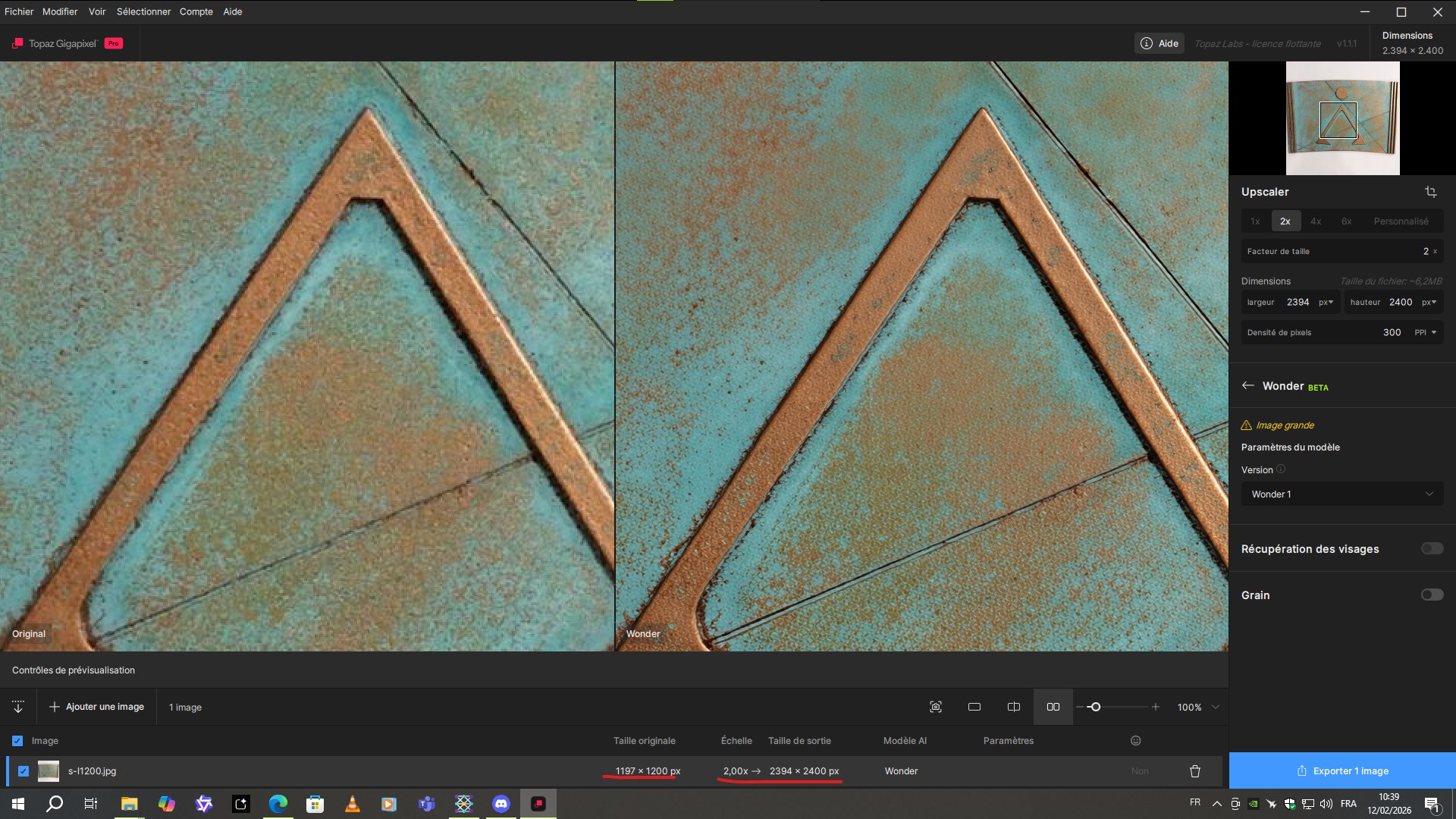
Finally, I performed another test. Instead of setting a specific value for the longest edge, I applied a resolution factor of x3. And this worked perfectly for both Recover V2 and Wonder V1. It’s still strange that it doesn’t use a specific value for the longest or shortest edge. However, the rendering took much longer, only to then reduce it in Photoshop to 8160 pixels on the longest edge.
ok, now I get it, this is probably related to an issue we have with some images that will fail if the value of the scale is not a round number. We are working on a fix for this.
I just want to specify that it’s workoing for me for many images, so it’s image specific, but I still need to understand the reason, and if this image have something the model doesn’t like. Can you share a few more files that are below 1024x1024 so we can test the local processing? (Send those that fail)
In v1.1.2 we have removed cropped previews for this exact reason.
Cropped previews do not accurately represent the output of a fully rendered image and those cropped previews were misleading and causing confusion.
With diffusion-style generation, changing the input area produces different outcomes, so the cropped preview never matched what you’d get in a full export.
The best way to preview is to send the full image to the Cloud Render queue for fast, unlimited previews. You will still see slight differences between local and cloud results, but the differences will be less than that of cropped previews.
As a reminder, generative models are intended for use with small images, about ~1MP in resolution. This 12MP (3046 × 4061) image is not a good use case for generative models in Gigapixel.
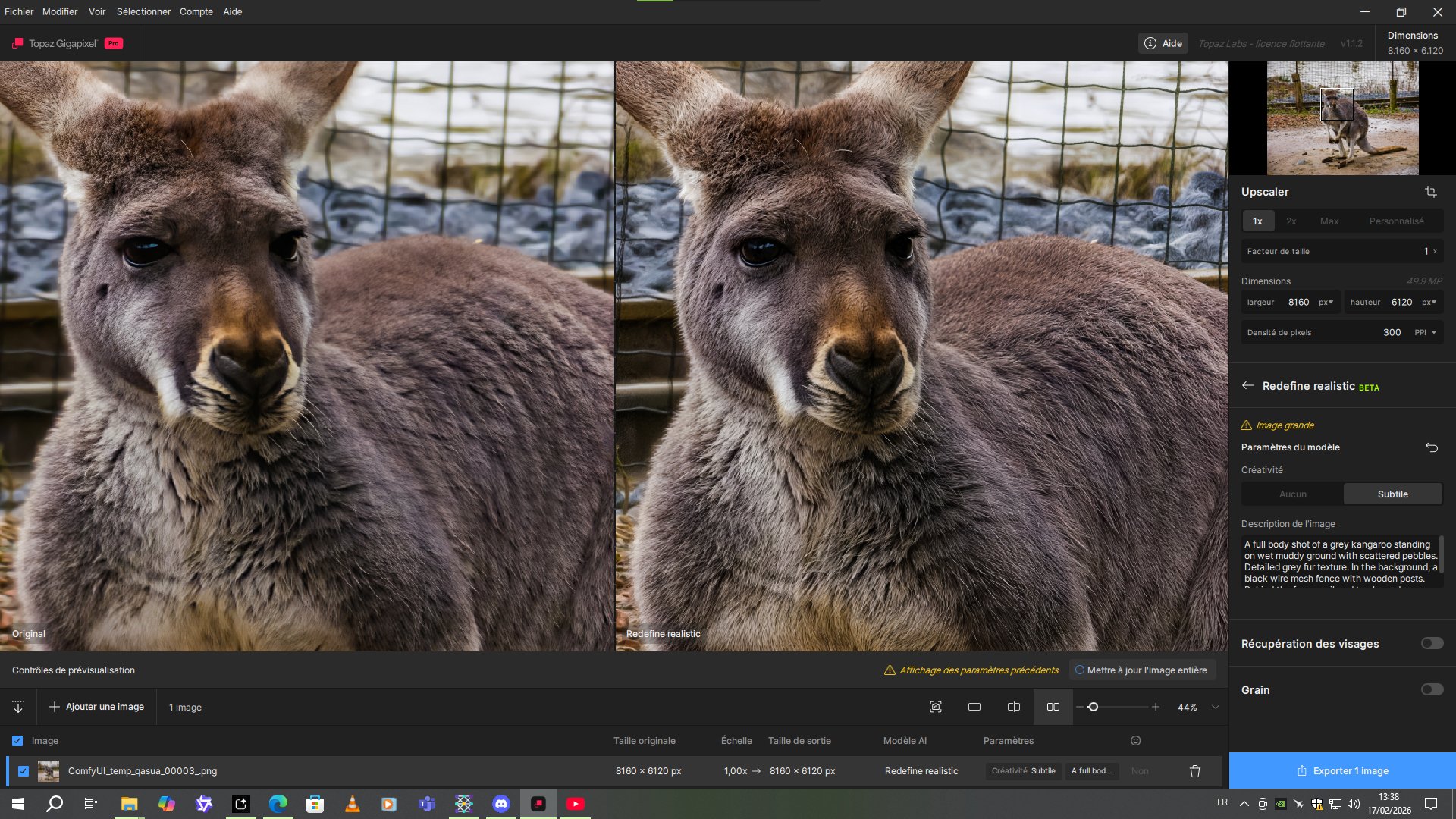
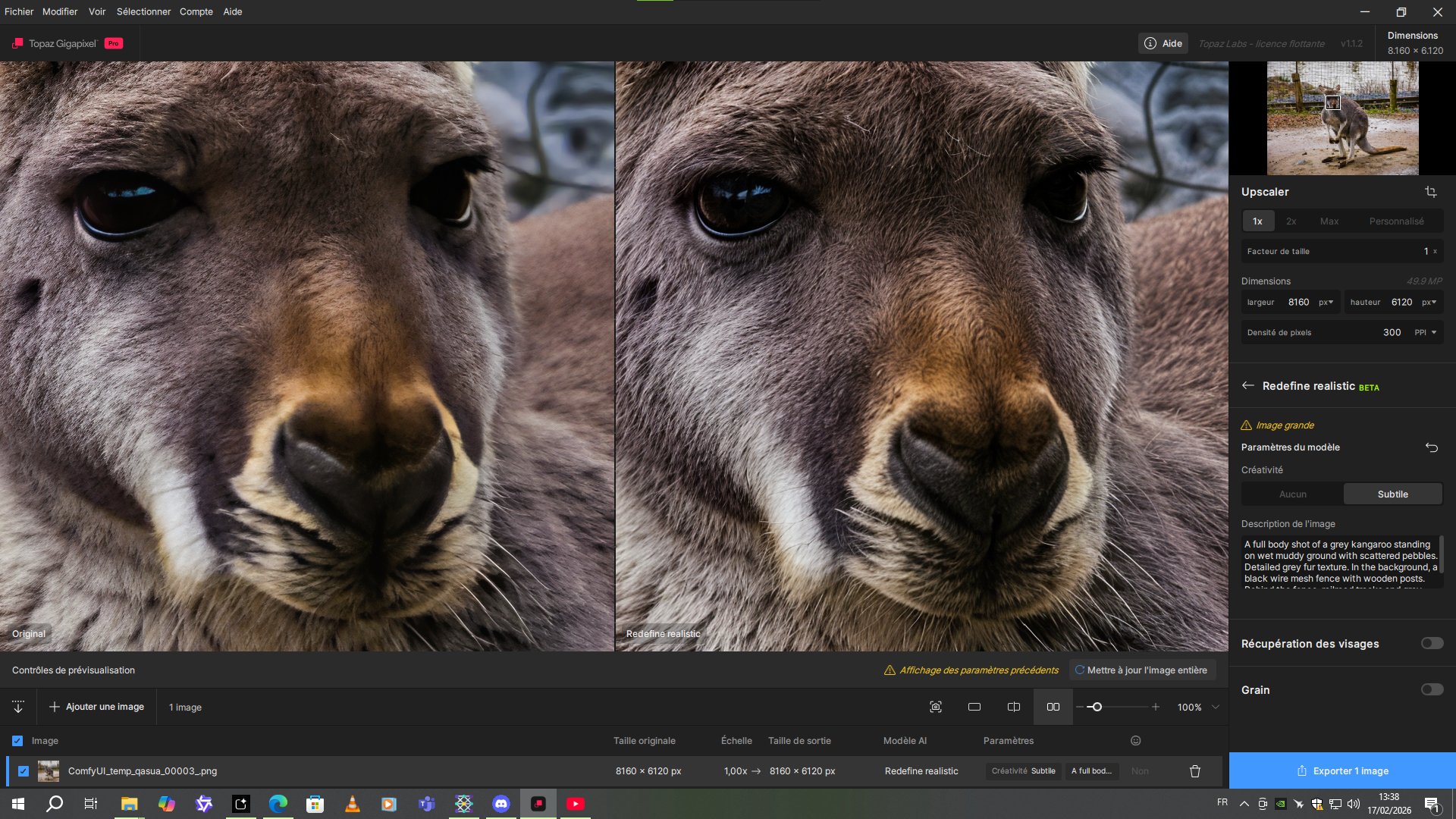
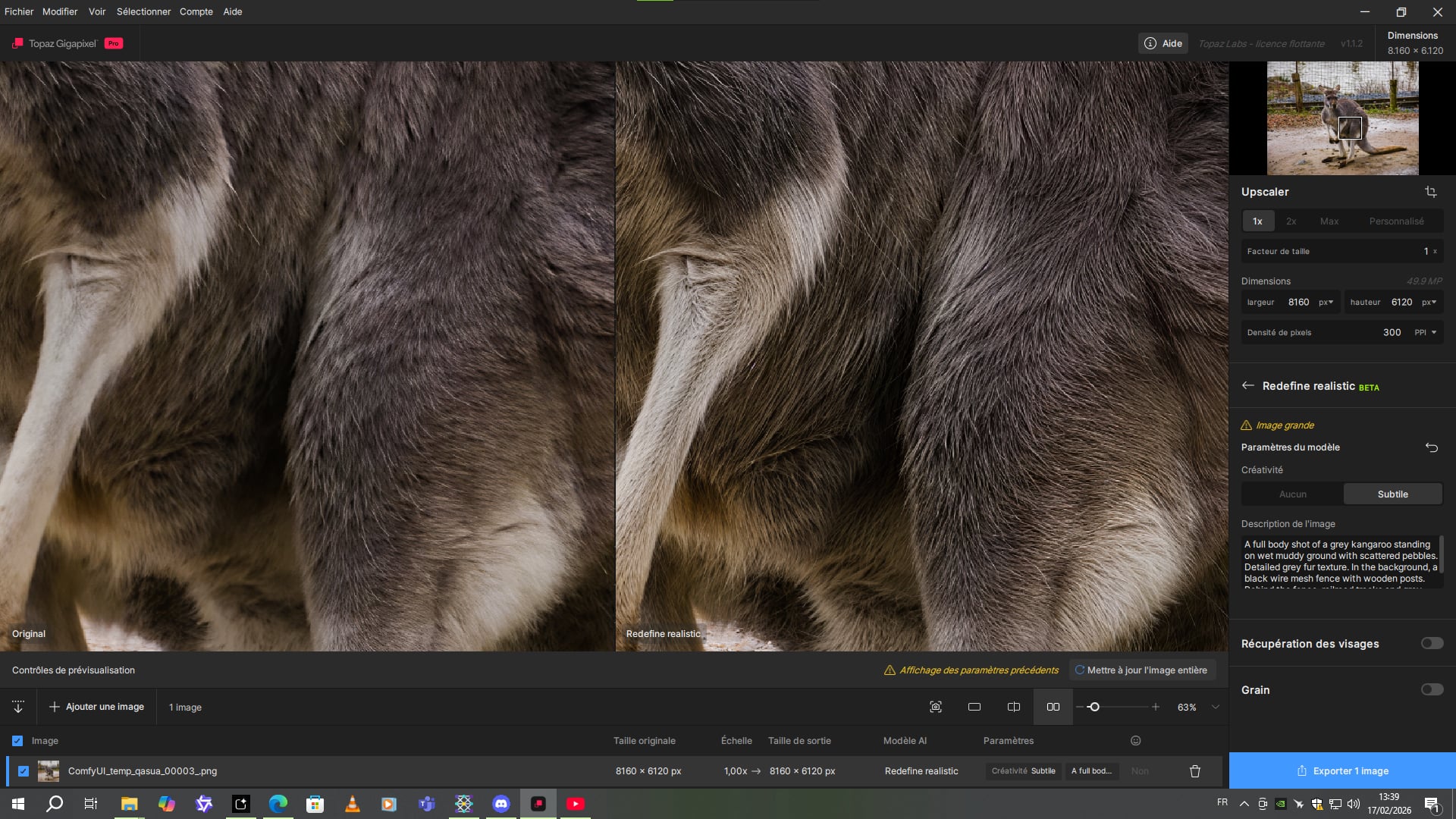
Note that I am able to improve 50 megapixel photos (8160x6120) from my smartphone to a quality virtually identical to the output of a good SLR camera with the subtle Redefine model. At x1 speed, rendering takes approximately 13 to 15 minutes on my RTX 3070.
 .
. .
.