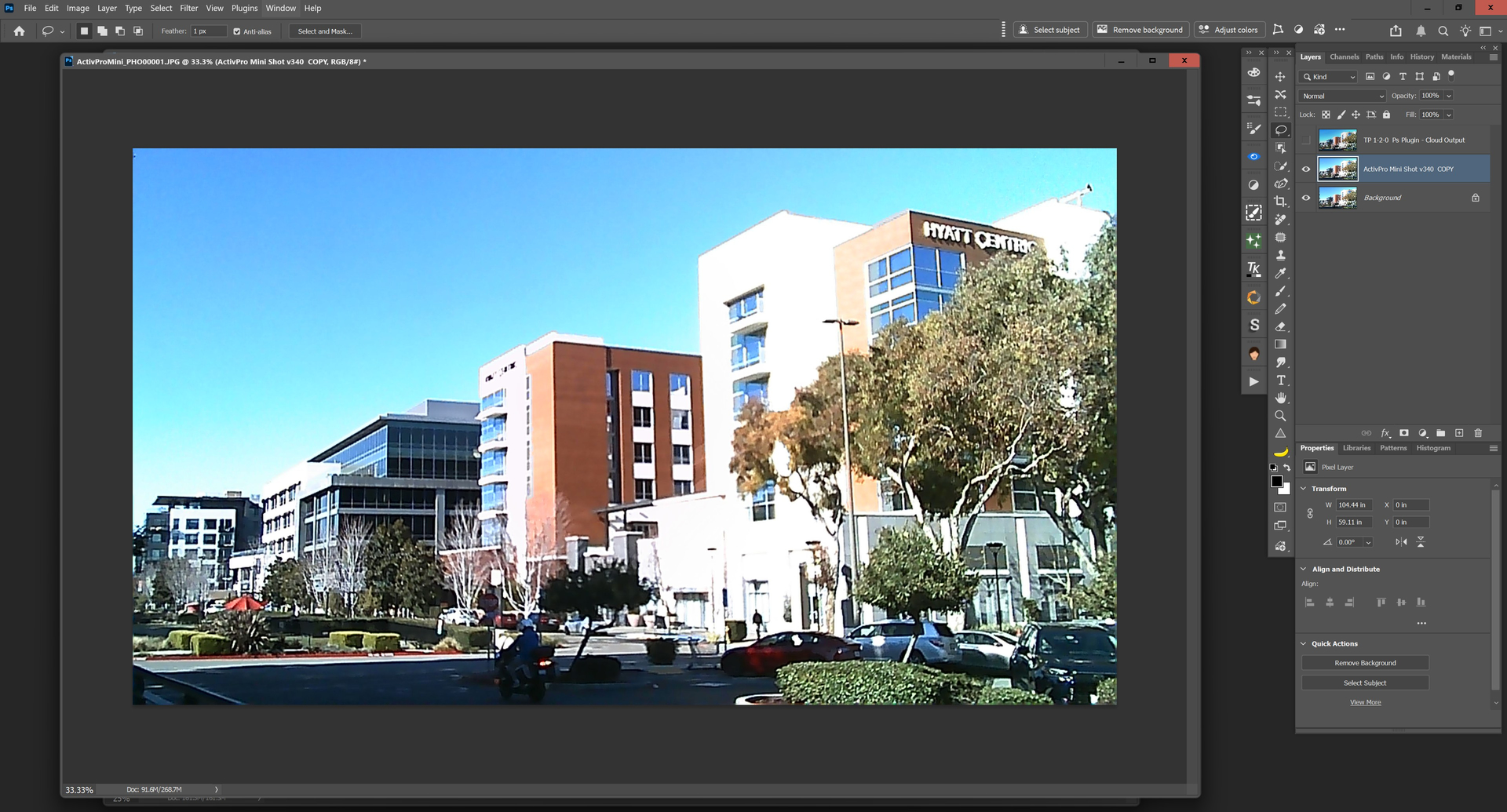
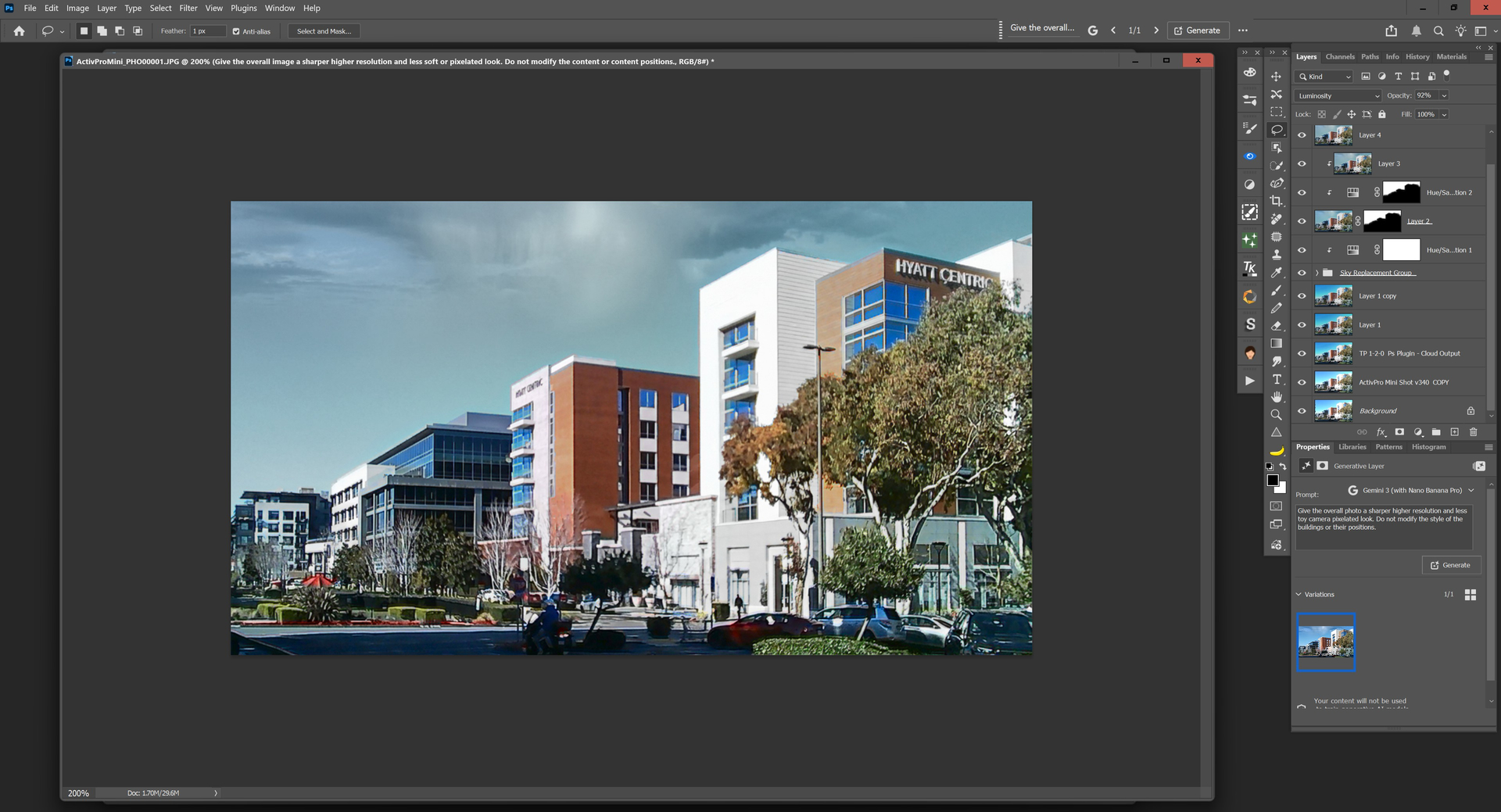
Seeing what Wonder2 (via Ps Plugin - Win 11) can do for a keychain style “toy camera” (2 mp) image capture. Camera = ActivPro Mini Shot v340 (cam is about 1-1.3”wide, looks like tiny DSLR with pop up flash). And also, seeing how Ps native tools handle the Topaz processing outputs.
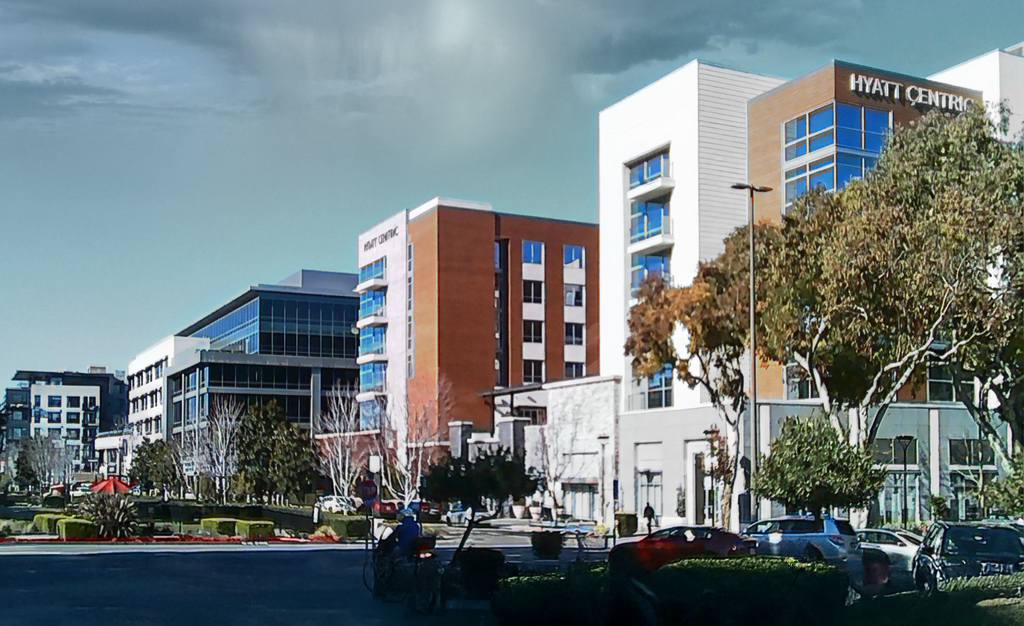
Orig image from mini cam (shot from front of my gym looking toward dog park and mixed use buildings):
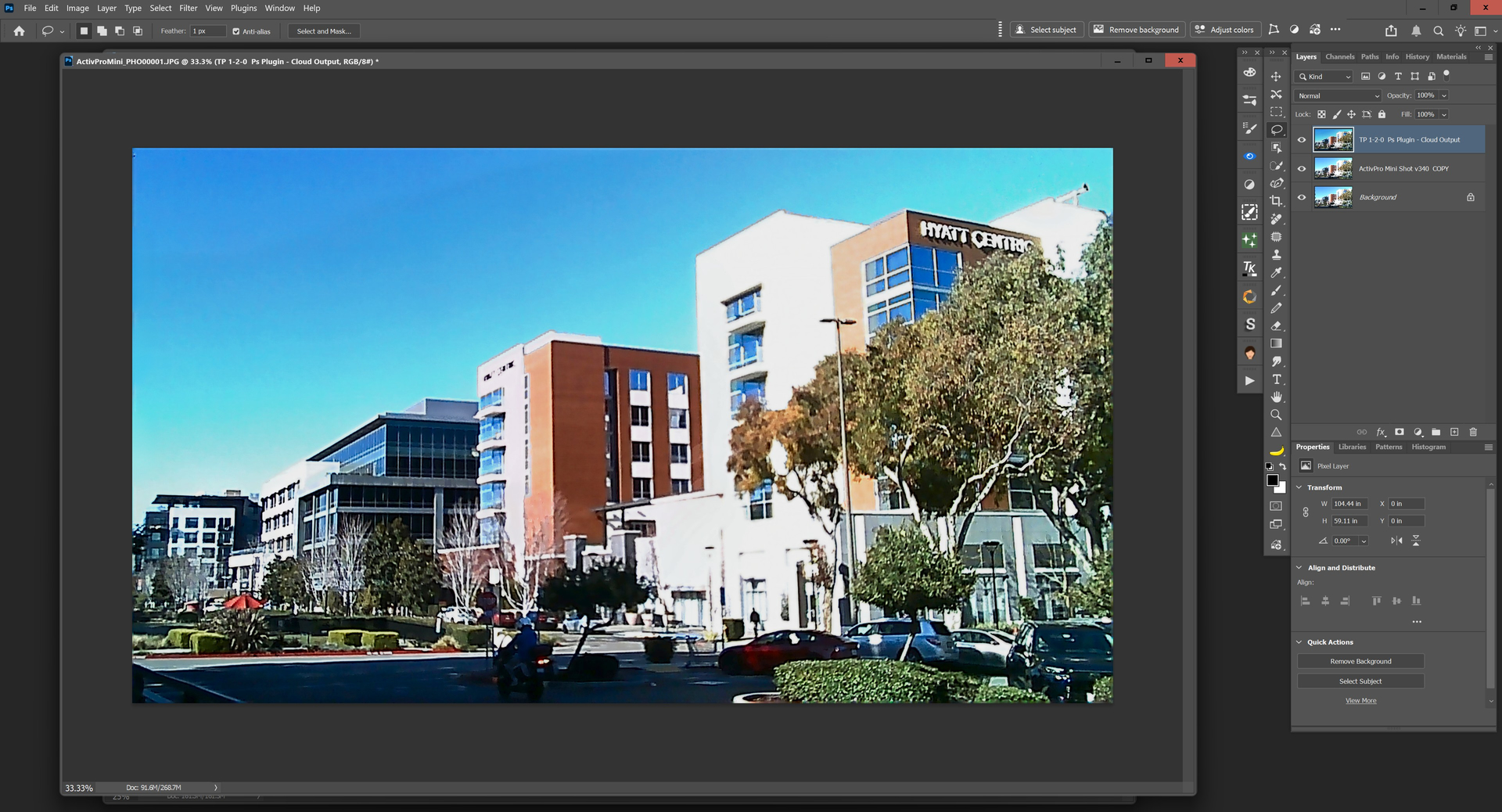
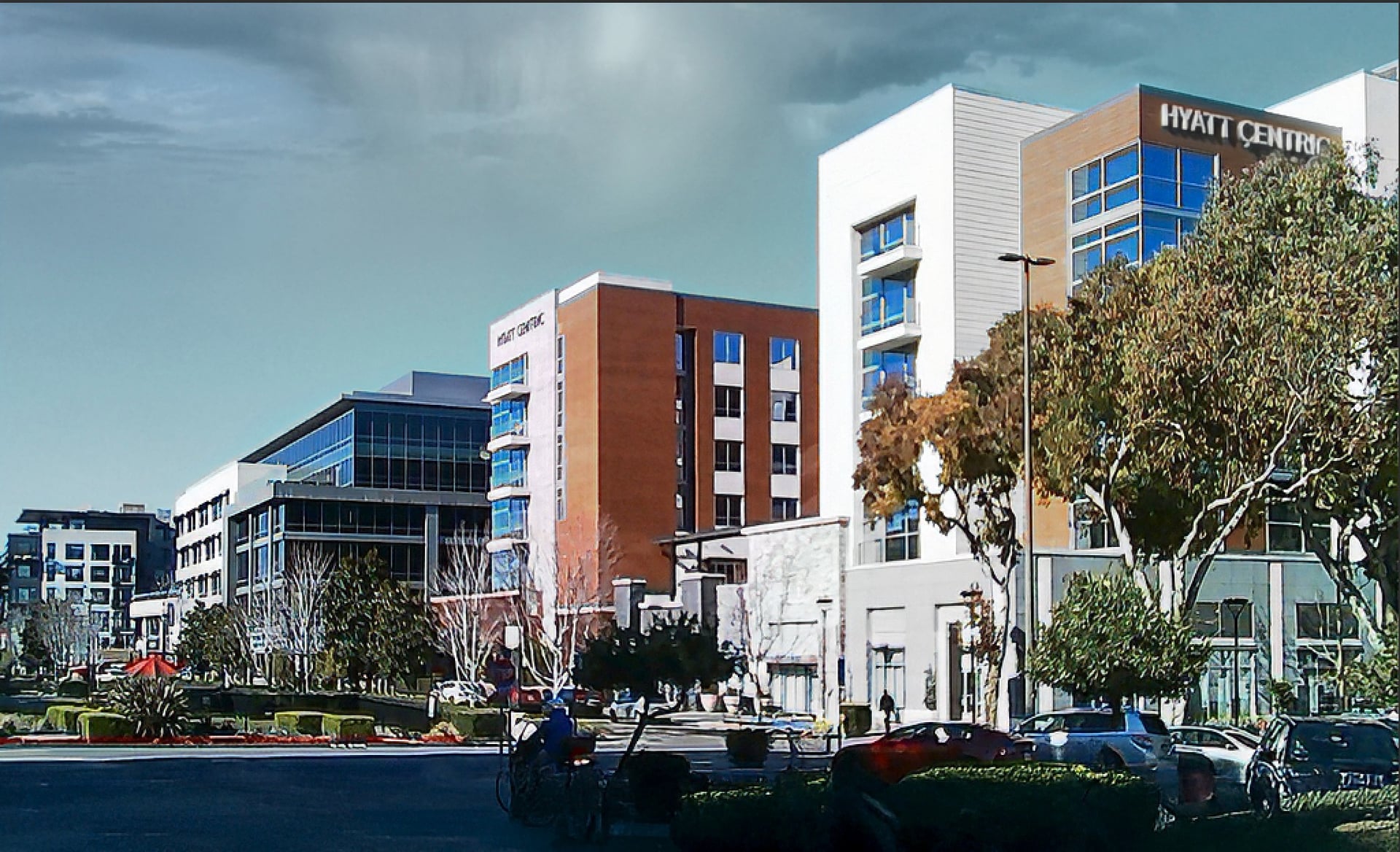
Ps Plugin TP Sharpen (Landscape only - ‘Strong’ model) used on result of all prior steps + Text Preserve: [Final result - granted images are probably supposed to look junky with toy cams, but I’m curious to see what can be done with them in post …].
Interesting. But it seems to me that due to the relatively cloudy sky (instead of the original blue), everything is too illuminated by the sun and the transitions between shadow and illuminated parts are too sharp. The tree in the middle below (in the last picture) is funny – its branches have taken on the color of the brown-red building in front of which they are standing.
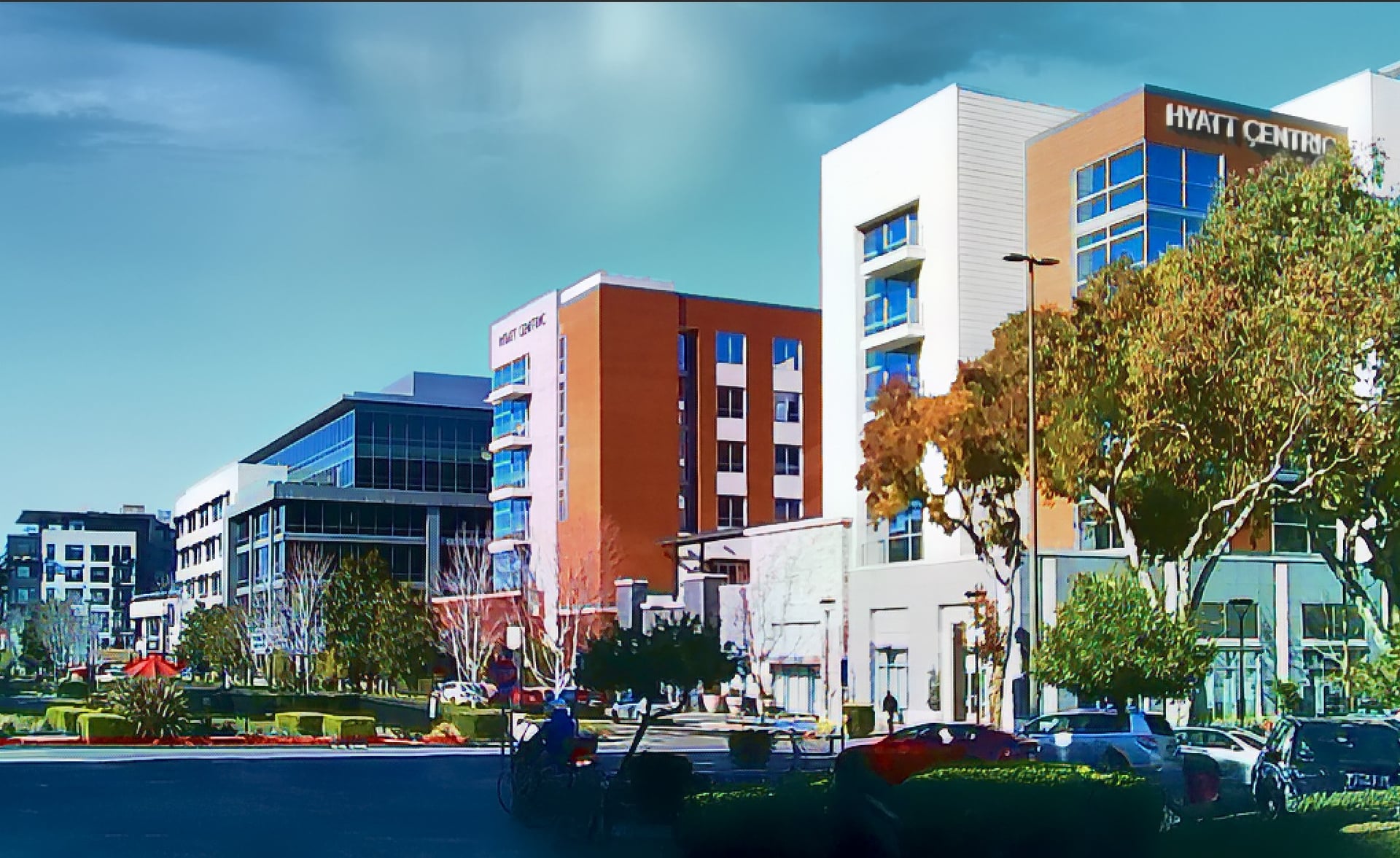
Yeah. I just didn’t like the original sky the way it captured. But, you’re right. The cloudy sky isn’t just right for that bright scene! On the other hand, I really like surrealism and the Magritte sort of day and night surreal look. So I play..
What I’m finding on the mini keychain cams is that the highlights get all blown. Which I was hoping (maybe) the TL products might be able to help address (I know, GiGo) to some extent. I’ll keep playing… But it salvaged some of the content.
The mini cams seem to do best with daylight (no aperture adjustments for low light), but not harsh daylight. Though the G6 (the Kodak Charmera knockoff, I mean clone) does have EV settings. I’ll try the BW filter in the cam next. I have a feeling that might work better than the color. But (depending on which mini cam) the picture effect is supposed to mimic either a 1970’s (Kodak Charmera) or 1980’s/90’s (G6 and some others) look (both the stills and the video).
The final pic was using one of the painting filters from my old Topaz Adjust product. The original Adjust was the very 1st Topaz product I ever used. I forget, I think it cost $20-25 and included free updates for life…
Yes, it looks surreal – dark sky and illuminated land. I quite like it from that perspective. A cloudy sky is here definitely better than a solid blue. Those alternating rich colors with sharp transitions remind me of post-impressionism, van Gogh? Or rather Andy Warhol’s pop art. Sometimes I play with photos in a similar way for fun (I can’t draw, but graphic programs, with the help of AI, are an interesting thing – but I will never be Andy Warhol, fortunately ).
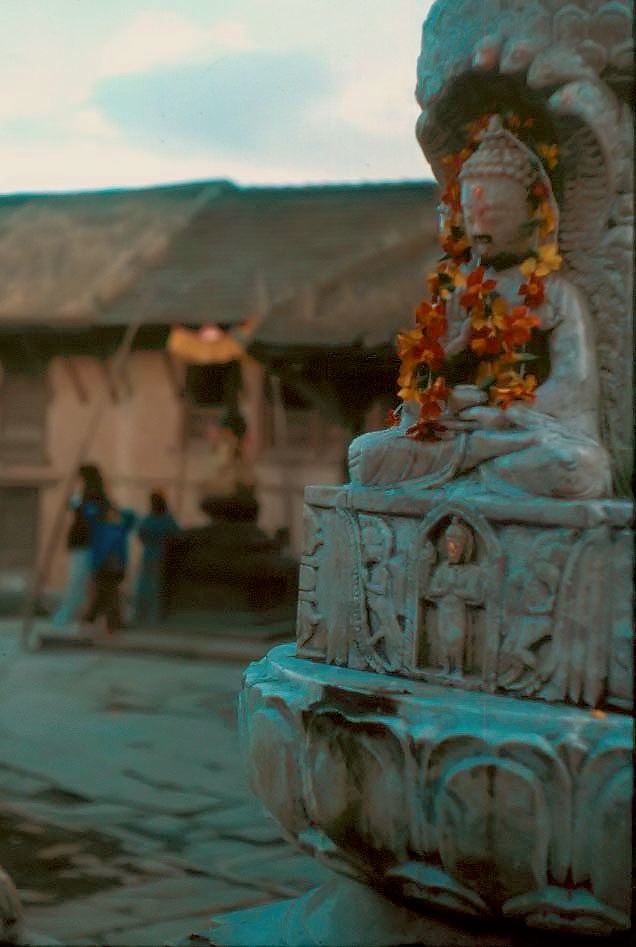
Try using ChatGPT. In my experience with my slide scans from the 70s, the results are way better that Topaz Luminar or NanoBanana. They also produce an authentic vintage look.
“Enhance this photo of Kirtipur, Nepal, in 1977 with a natural, documentary aesthetic. Balance exposure across the scene, recover highlights, lift shadows, improve clarity selectively, preserve textures and original colours, maintain atmospheric depth, and avoid HDR, oversharpening, or beauty-filter effects. Correct colour cast and remove dust spots and scratches. Remove noise from sky.”
Funny you mention Warhol. Maybe he was still top of mind. I published a how to video on my YT channel last month re: how to create Pop Art looks from photos in Ps (Warhol & Lichtenstein were my style influences).
For non-image (but what to do re: tech advice) I’ve been trying ChatGPT vs Gemini (so not inside Ps for both) & generally finding I liked the Gemini advice as more workable. I should try a test with an image too. Cool. I like to experiment with new things.

 The original Adjust was the very 1st Topaz product I ever used. I forget, I think it cost $20-25 and included free updates for life…
 ).
).