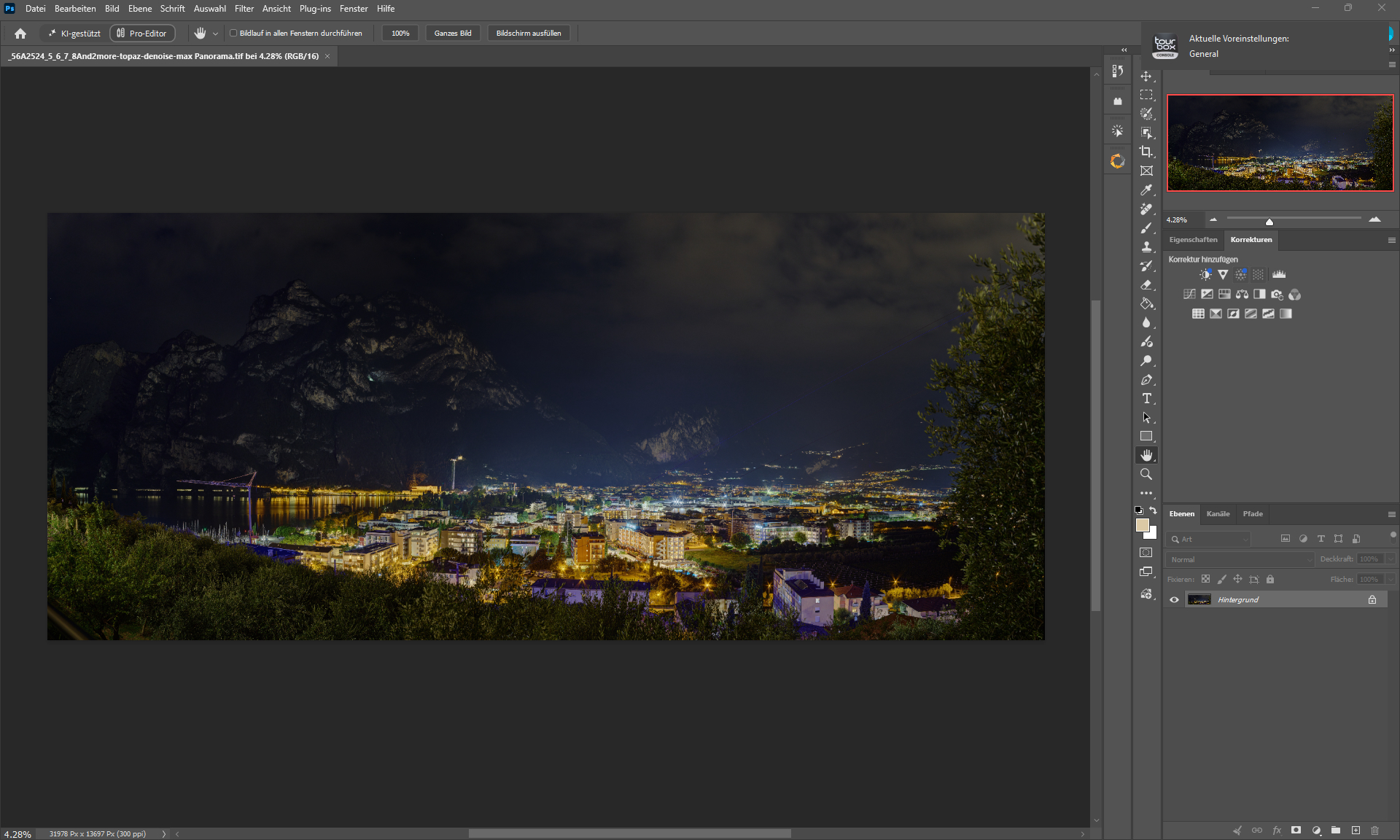
I borrowed an R5 II and took photos that were almost identical to those I took with an R1.
EF 180 mm Macro on a tripod, the cameras were switched, but the subject barely moved.
The R5 II has 45 megapixels and the R1 has 24.
Now, with my previous workflow, I noticed when zooming in that the results from the R5 II differed significantly from those of the R1—in other words, they weren’t realistic.
So I’ve adjusted my approach and created a new workflow, which I tested today against other methods.
Previously, I used Wonder 3.5 at 4X or HifiV2 (2x) as the first step.
After that, I used Denoise Max to have these models generate the details needed to make the result look sharp and detailed.
I no longer use Wonder 3.5 or HifiV2.
Instead, I use Bilinear (built into Photoshop), enlarge the image here to, say, 12,000 px (long side), and then apply Denoise Max at 80%.
The resulting image looked more natural than with the other methods and also shows even more detail—in some cases, much more.
Of course, the speed advantage is also hard to ignore, since Bilinear is practically instant, while Wonder 3.5 takes about 7 minutes.
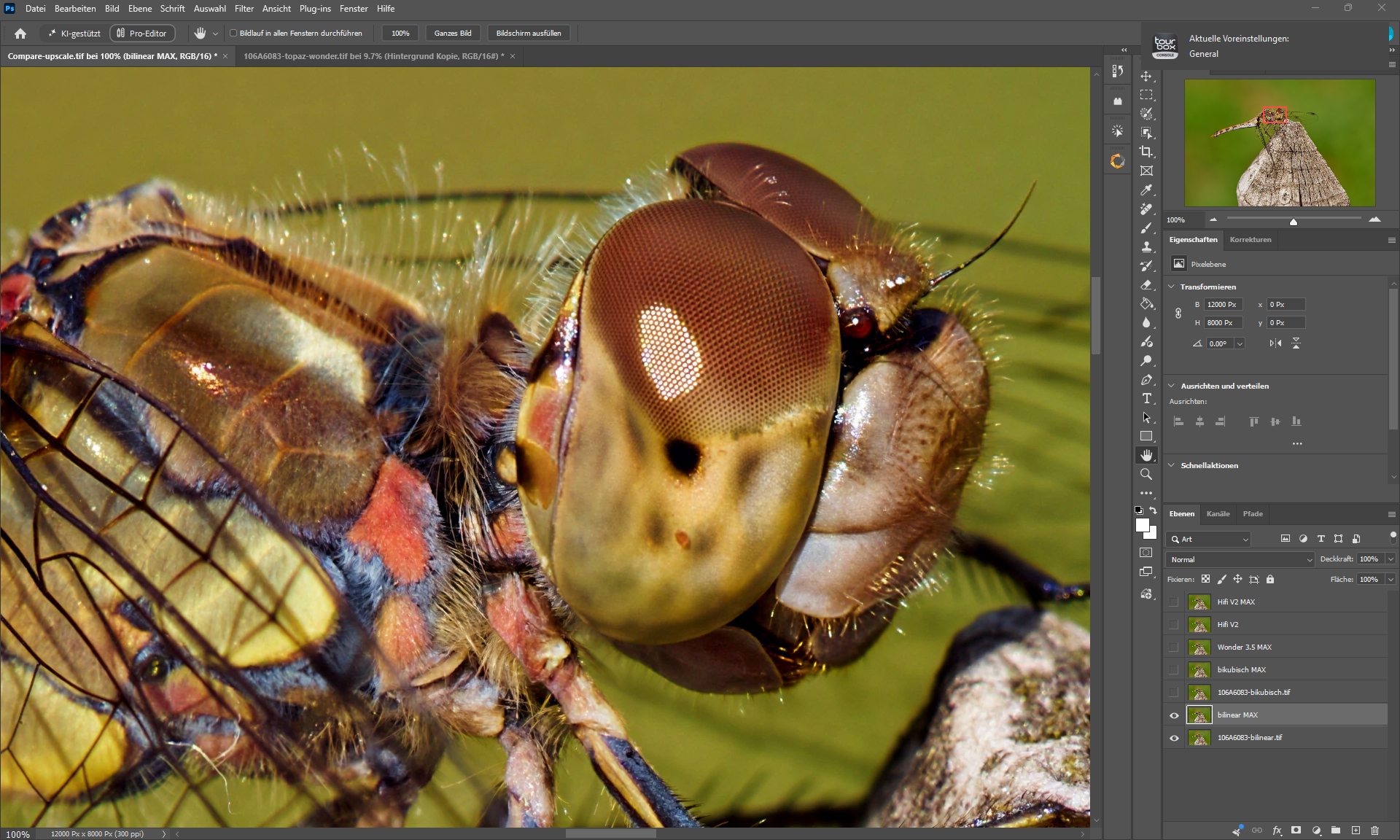
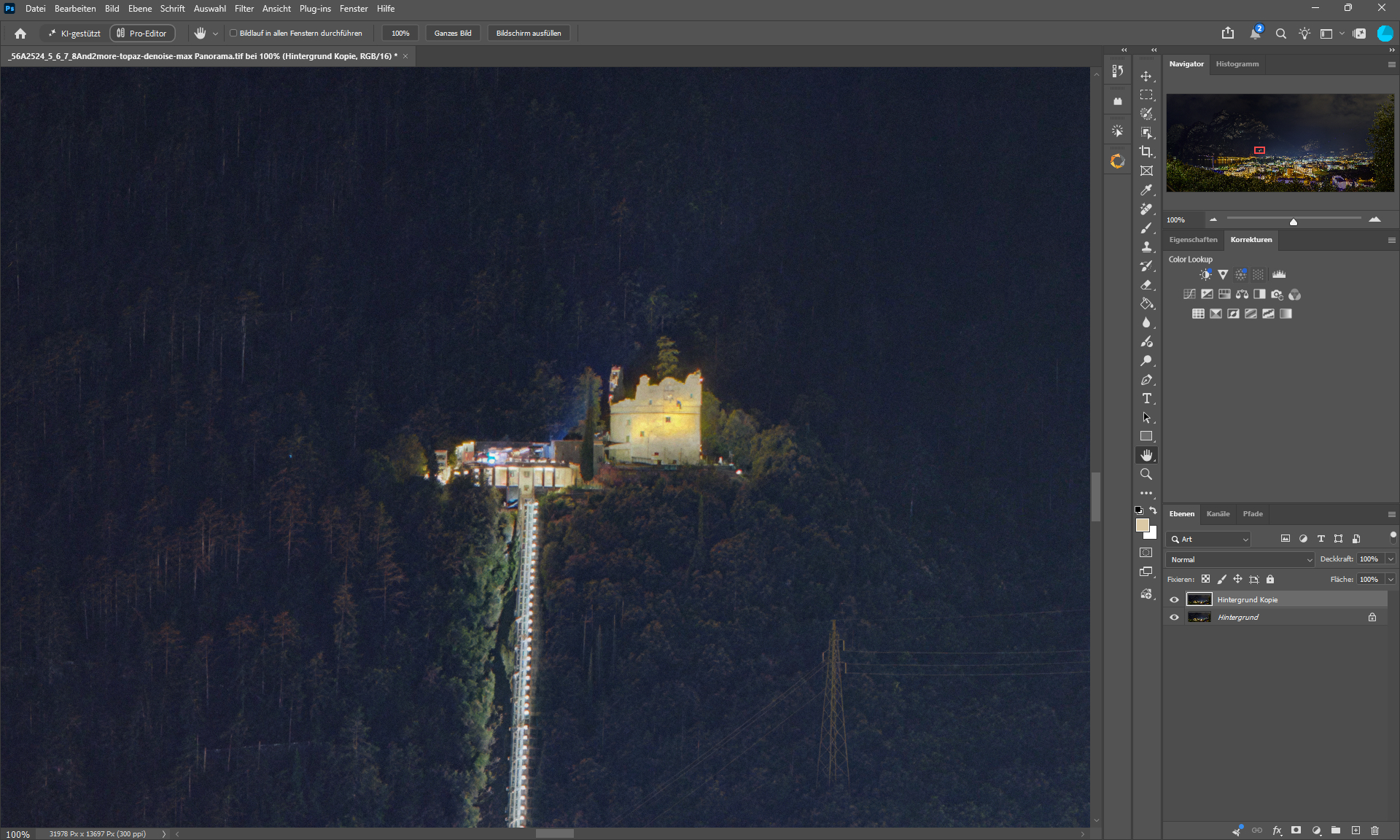
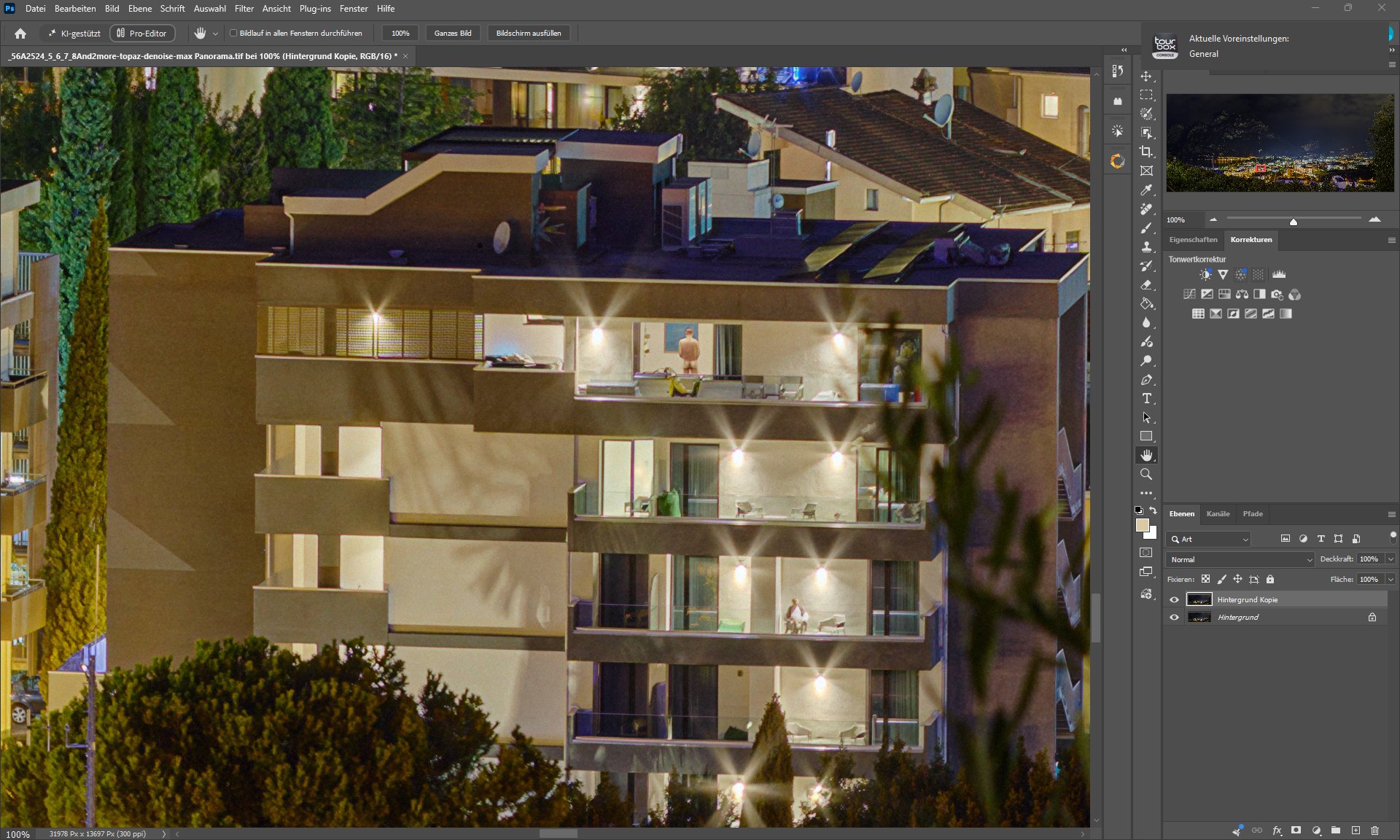
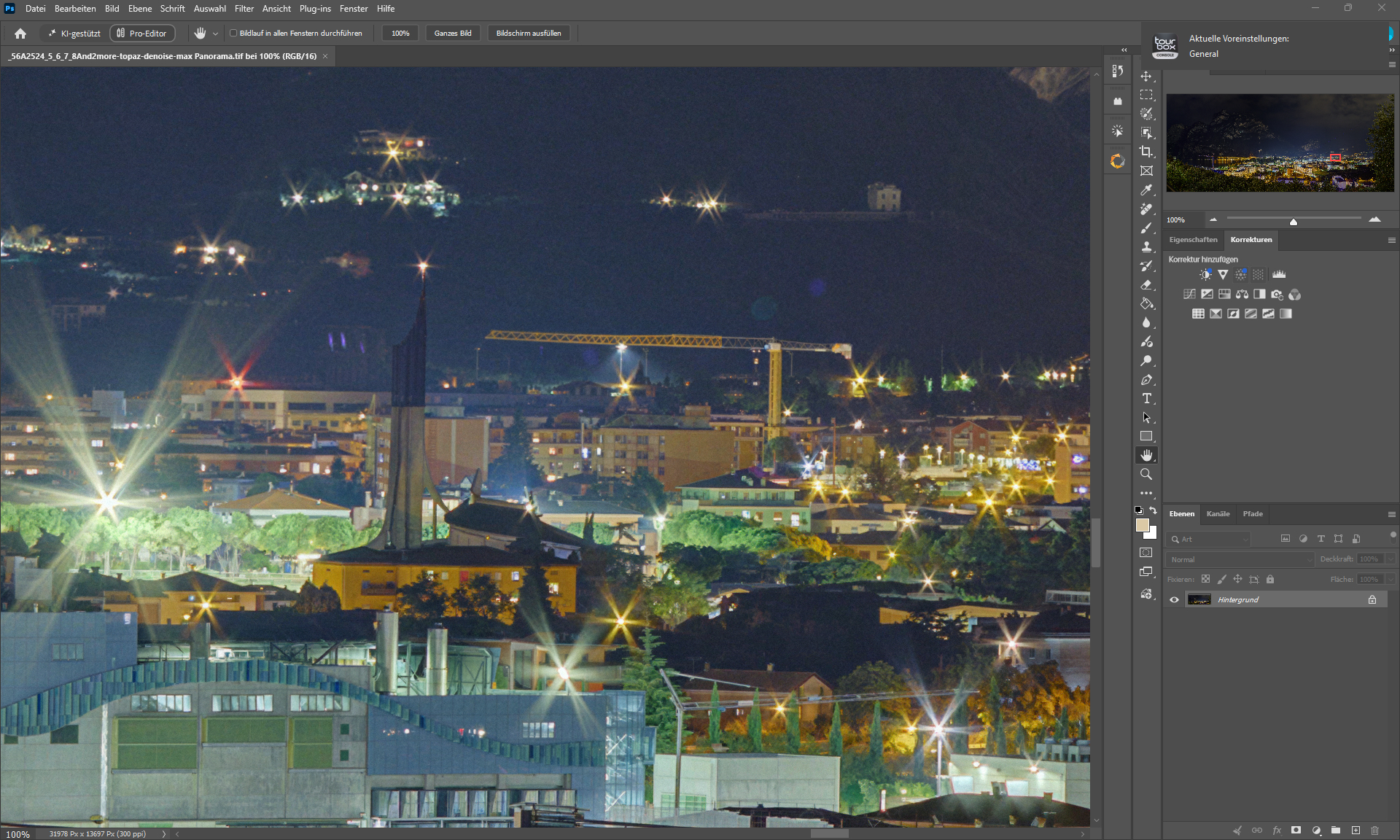
Bilinear & Denoise MAX - The result from Bilinear looks much rougher, since it lacks the typical AI smoothing - and there are almost no “mutations” or “hallucinations”.
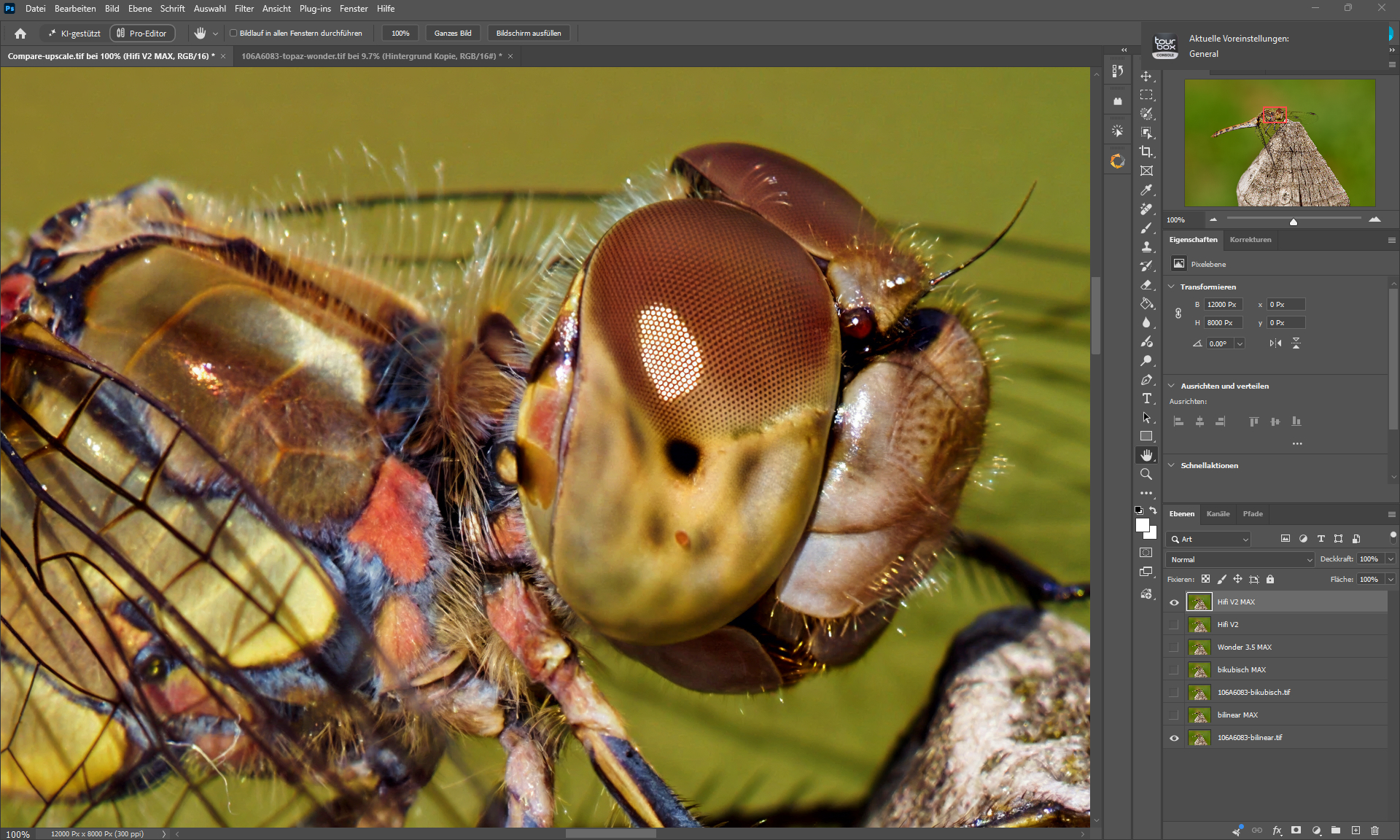
Hifi V2 & Denoise MAX
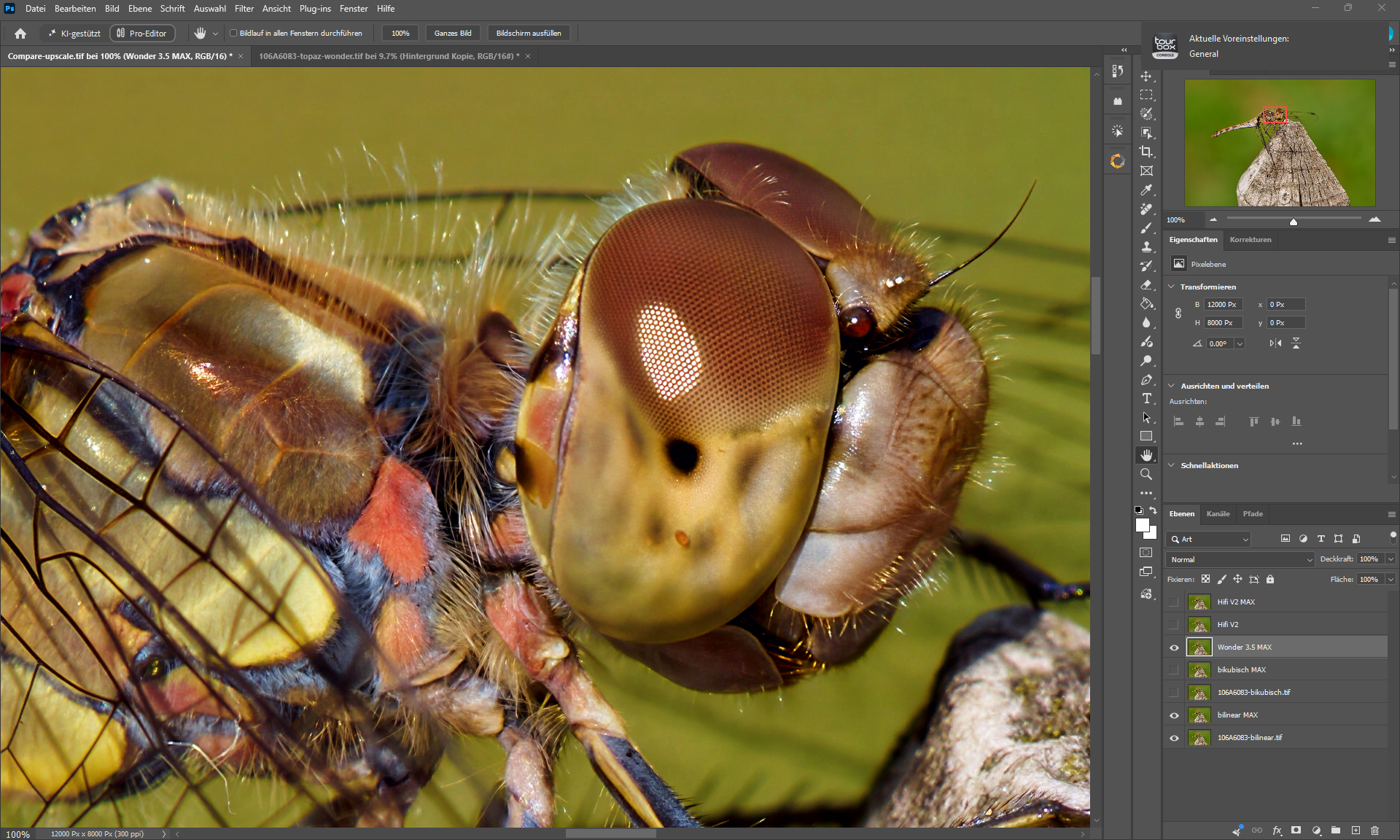
Wonder 3.5 & Denoise MAX