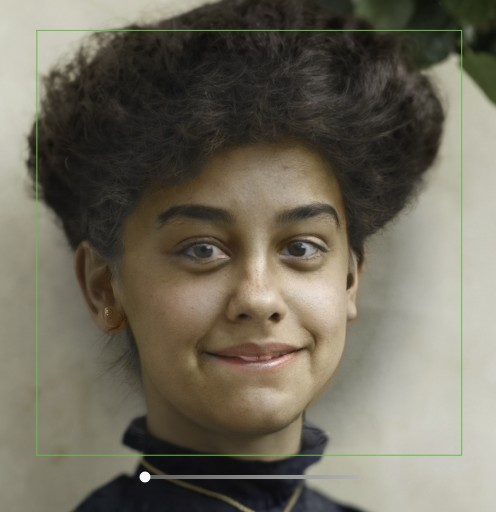
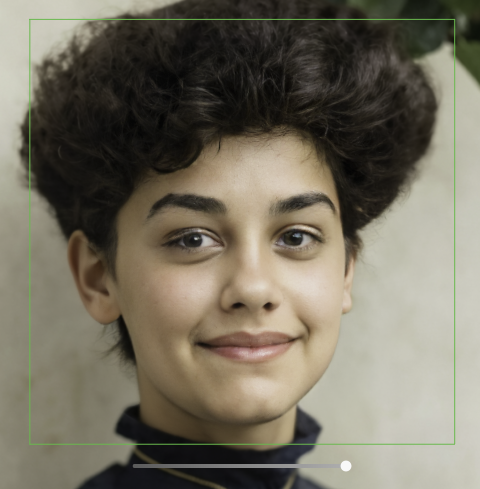
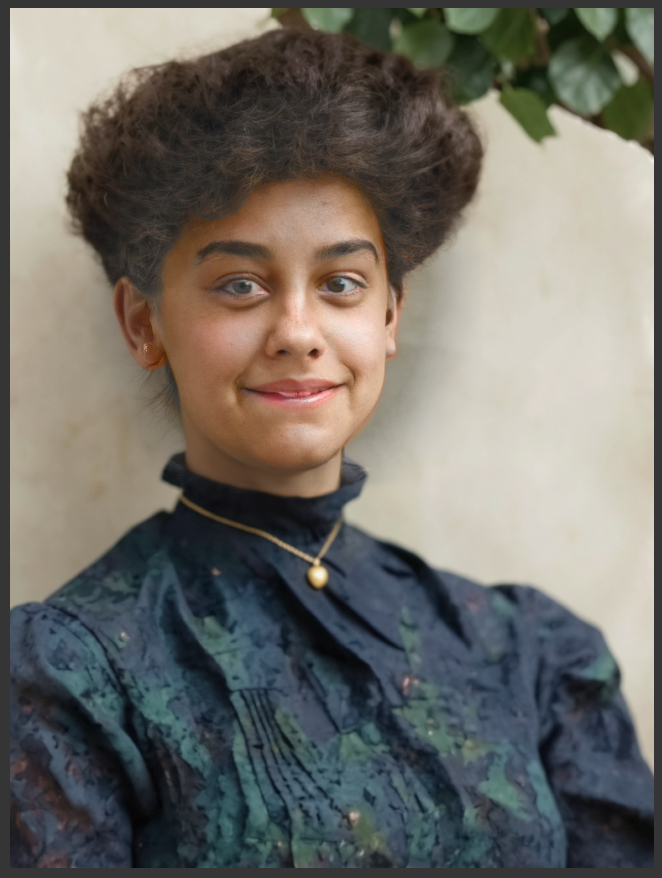
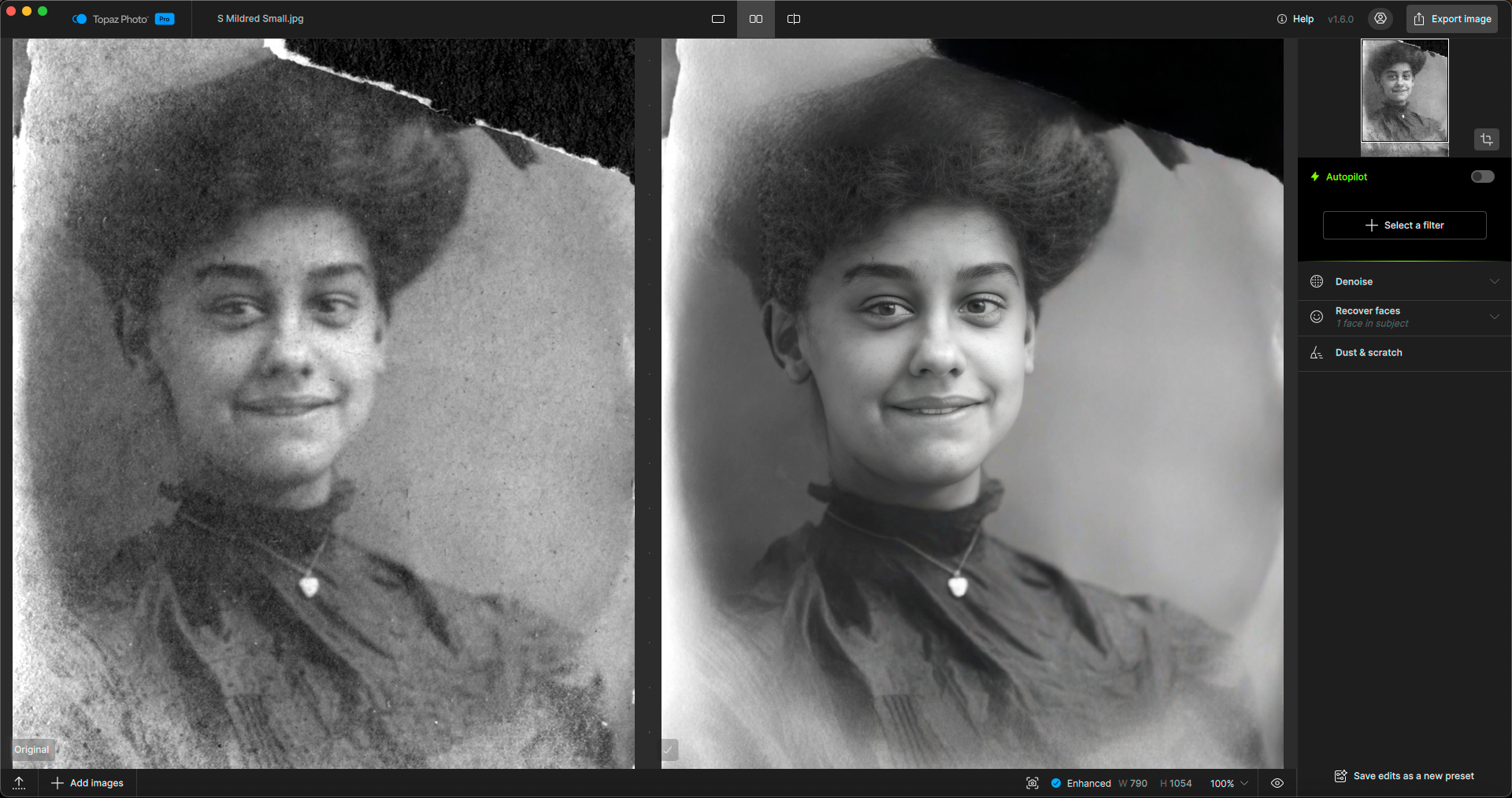
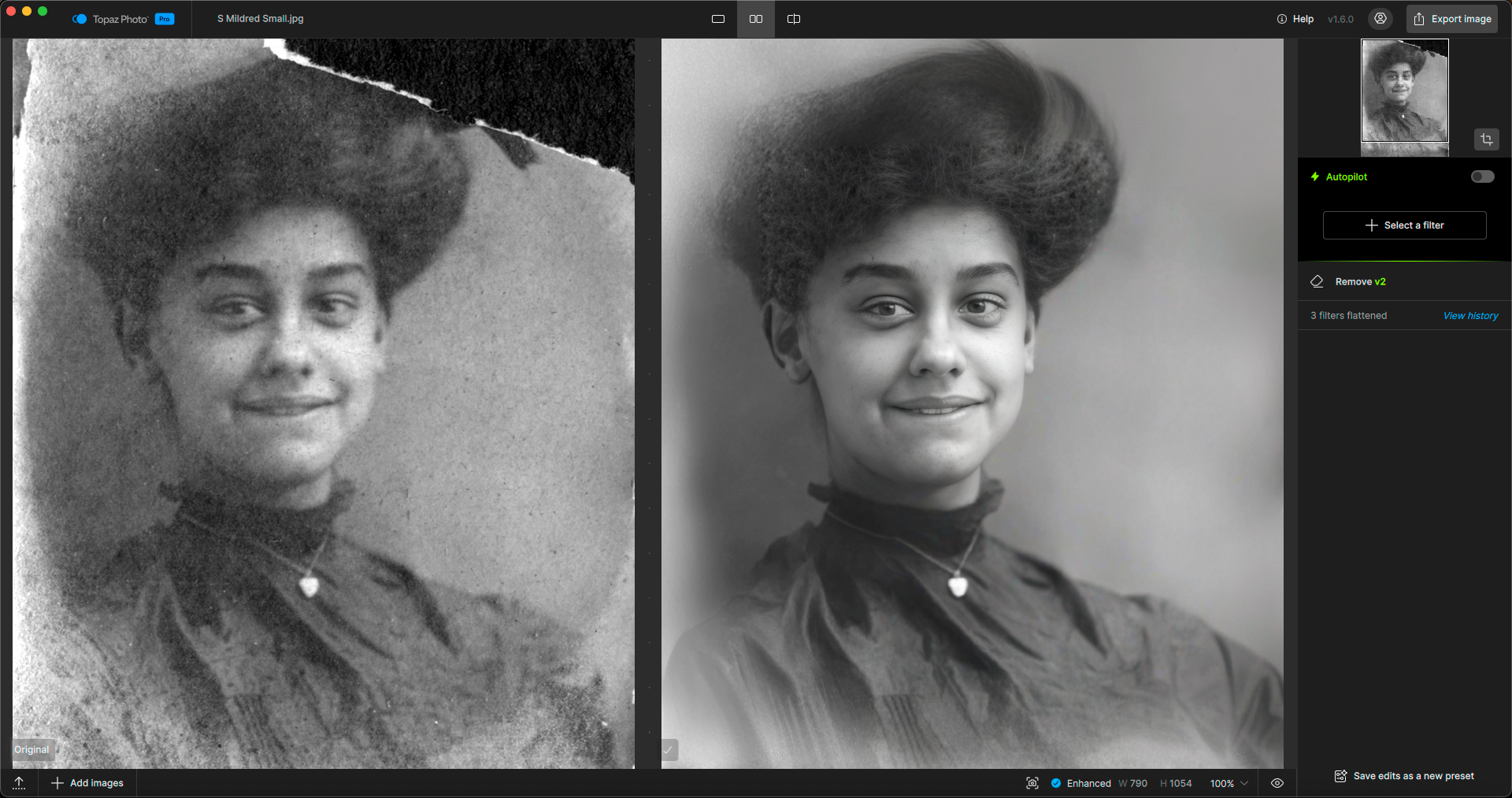
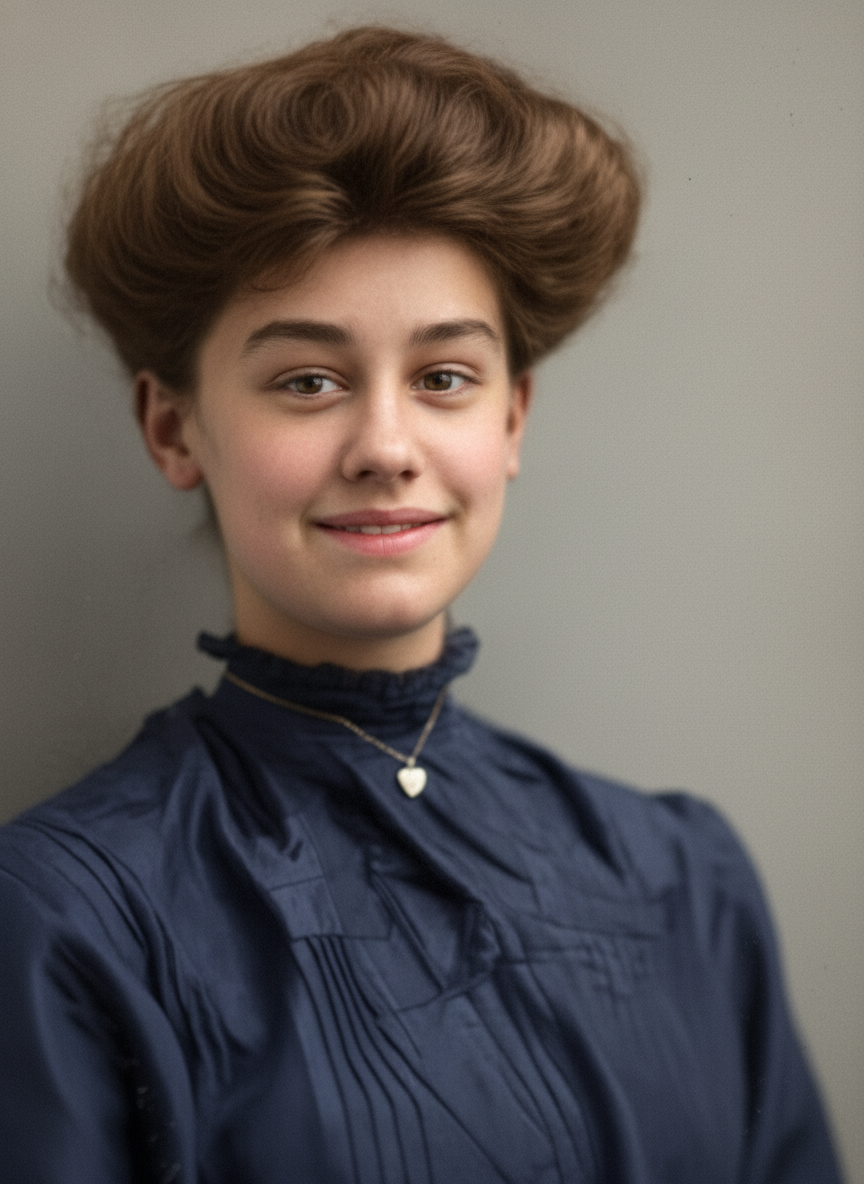
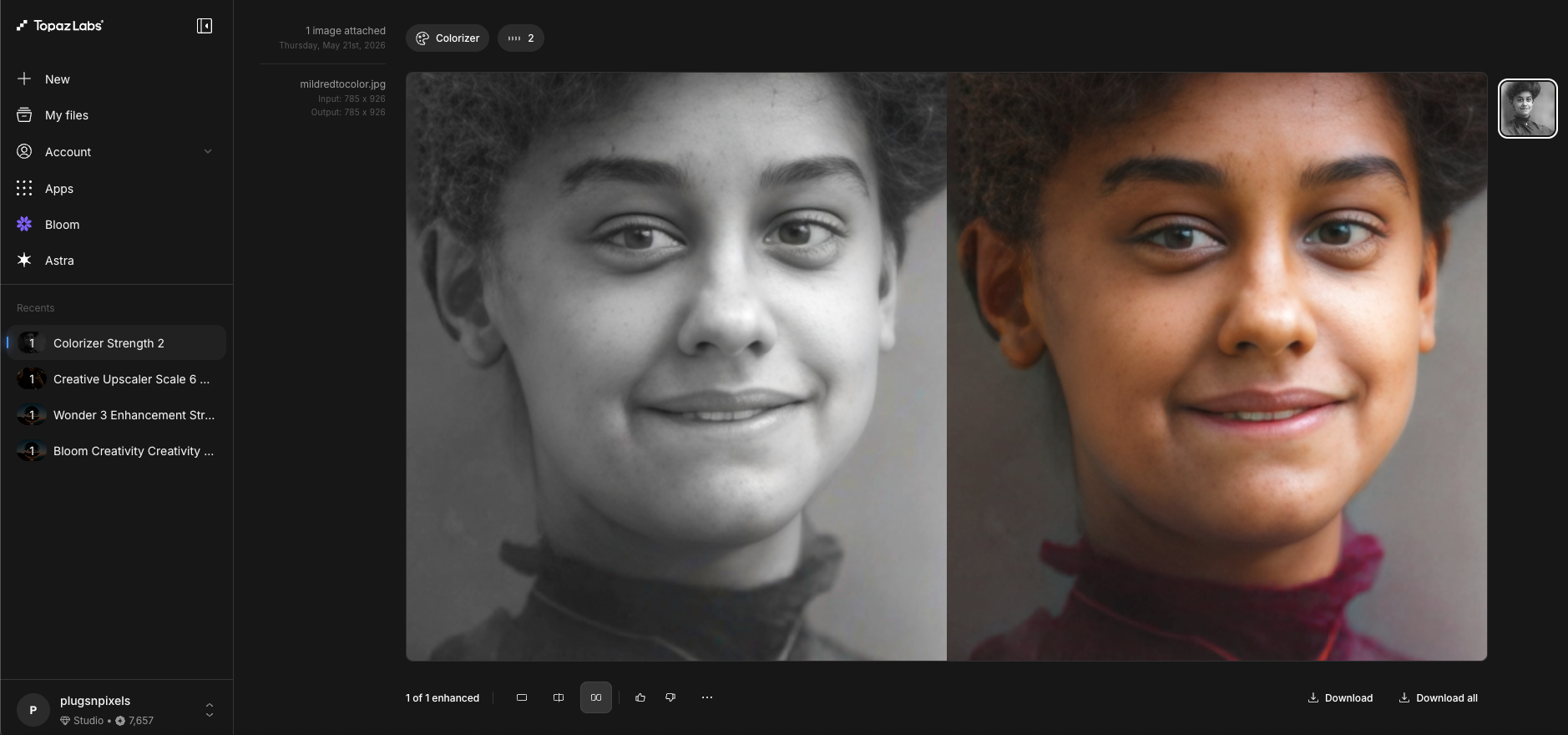
Today ON1 updated Photo RAW with a restoration/colorization feature we’ve been asking Topaz for (and in the case of face recovery, oval enhancement instead of a square box). Here are the results at 0 and 100%:
The good news is the quickie colorization is decent, the bad news is face recovery is not accurate even at 0%.
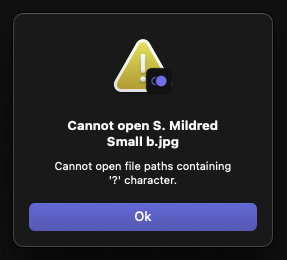
Photo refused to open the same photo (there is no “?” in the file name), but I simplified the name to remove a period after the person’s first initial and it opened.
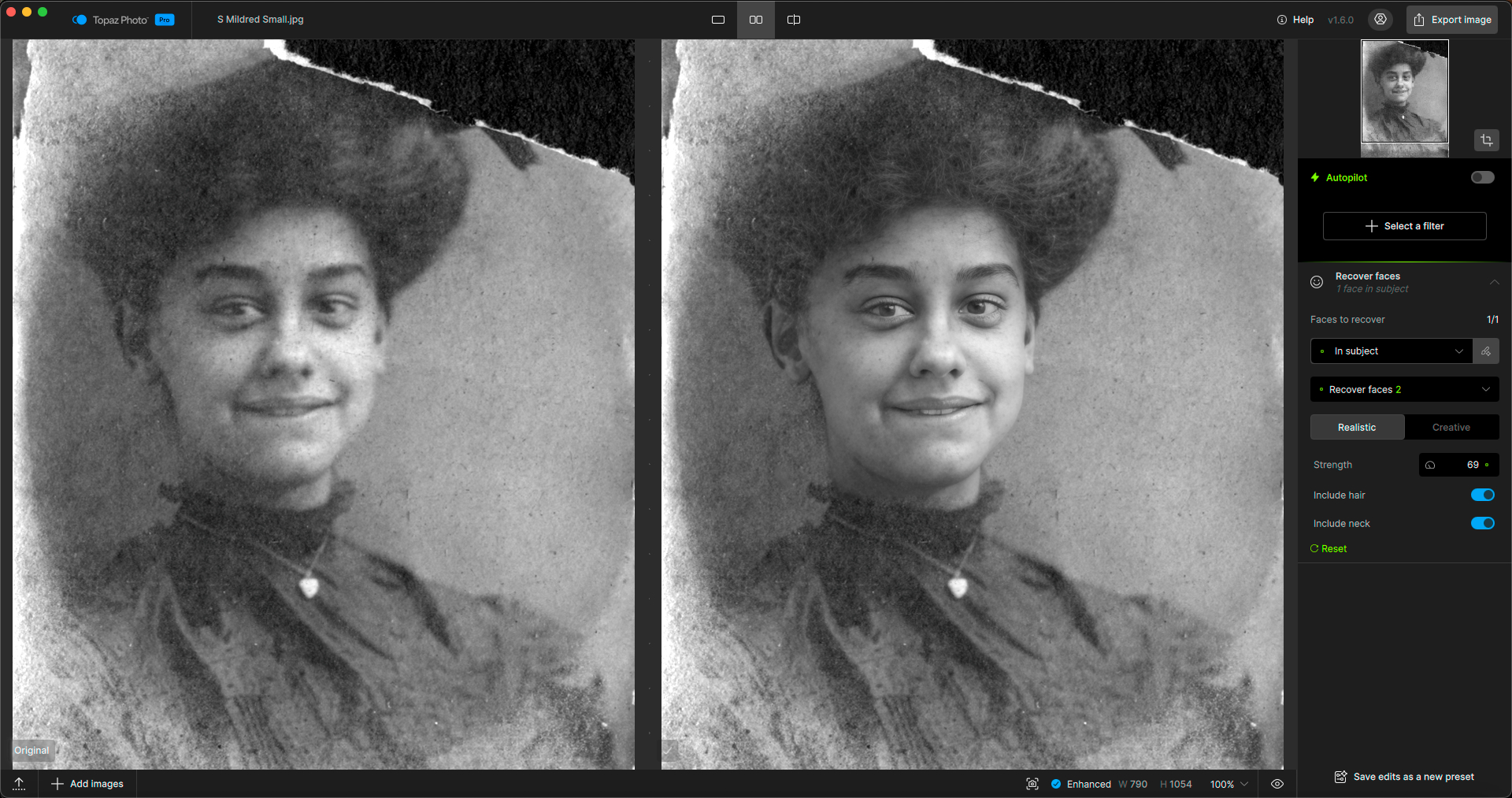
Great tests. You can use Topaz Image Web to colorize from your Apps Page. The Topaz Photo edit is by far the most consistent and true to the original. Nano Banana and ON1 greatly change the facial features
Speaking of Image Web navigation, I find it frustrating not to be able to revise the results easily, but rather one must start over at New. The Workflow does not seem to be editable; opening “My files” just shows me what I did.
Because of this seeming limitation (“dead end”?) to the workflow I tend not to remember these web apps are available.
Somehow I think it’s better to integrate this functionality into the local apps while offering Cloud options directly from that location.
PS: While we’re talking about the Web apps’ user experience, it would be nice to be able to batch delete older photos rather than one-by-one.
That is correct, chages are not editable as it would be in Desktop apps. The Ideas forum and all Web sections are pretty new, good time to add ideas to be seen!