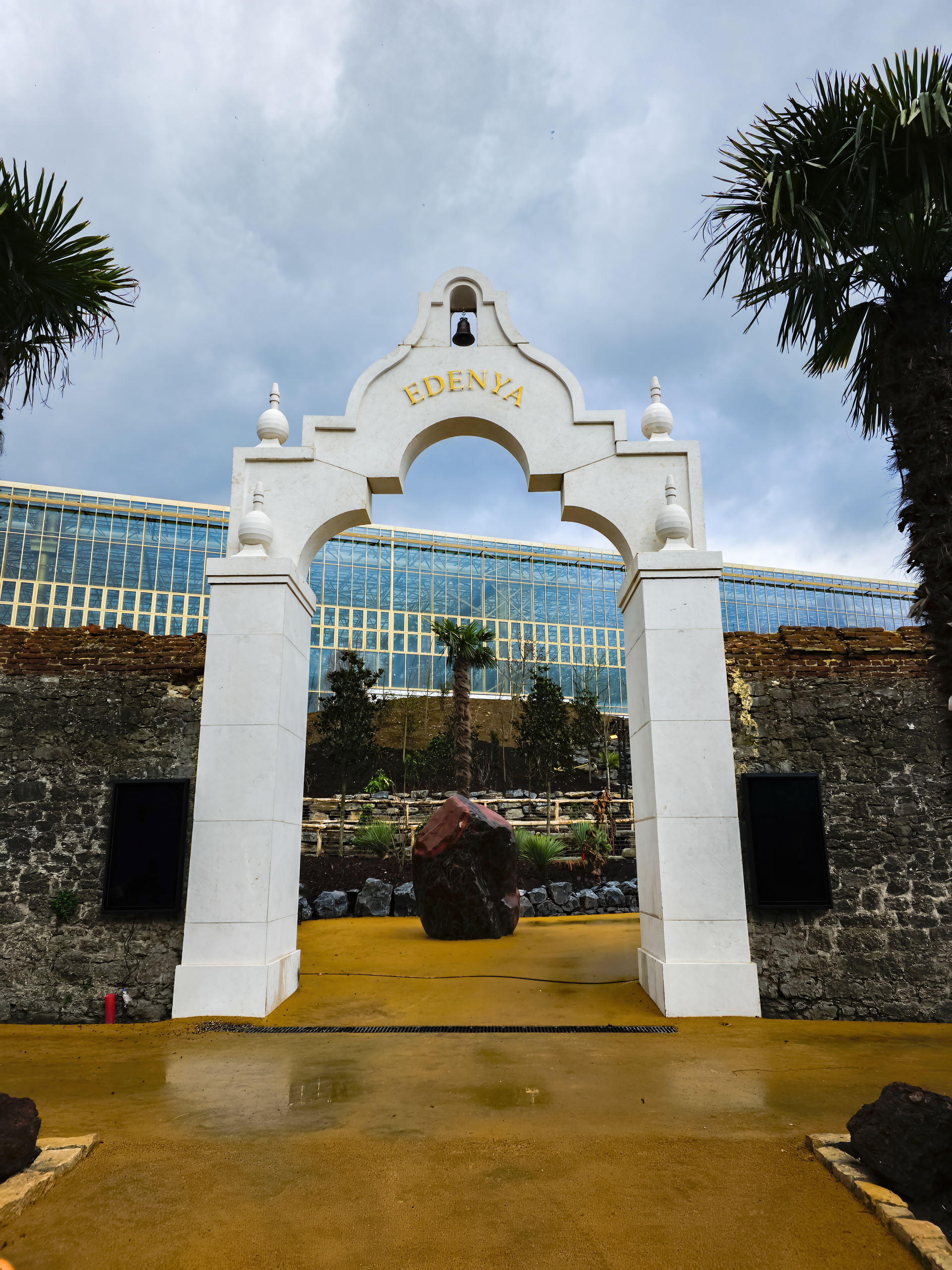
I just tried the image (Win 11, TP121 Standalone). Processor = NVIDIA 5090.
I tried the image with Wonder 1 (which you mentioned using), locally on my PC. Set to work on “Landscape”. 1x scaling b/c it was a good-sized image. I didn’t attempt to downscale 1st.
The progress bar immediately raced up to about 48% position then stuck there. It chewed for a while then posted that it would take another 1 minute to process. It sat there for another 2 minutes then it might have crept up to the 49% position on the status bar (definitely didn’t get to 50%). Then I got another status msg saying it would take 3 more minutes (the fan in my tower was roaring at that point). Finally, after another minute - no more progress on the status bar movement - it came back and said it would take 4 more minutes to process. At that point I aborted the job.
In any case, I had to make do with a round number and a 3x magnification factor. It worked. But it was 3 times longer instead of 2x. Just to then resize it to 8160 pixels on the longest edge.
Interesting discussion, thanks for the detailed description of the problem . It seems that this file really causes different behaviors in Photo and Gigapixel AI - on some video cards the processing freezes or does not export at all, while on others it passes successfully with a clear result. You might want to try:
convert the photo to TIFF to preserve EXIF and avoid potential problems with the JPG structure;
test on different AI models (Wonder 1, other models), as some work more stably;
check the processing on the CPU instead of the GPU, sometimes this helps to avoid freezes if the video card does not support certain models.
This is especially interesting to consider for those who use AI based passport photo maker because such tools are very sensitive to the quality of the source image and can process the same photo differently. I would be glad if someone else shares their experience with processing this particular file, this can help to understand whether the problem is in the image itself or in the program settings.
 . It seems that this file really causes different behaviors in Photo and Gigapixel AI - on some video cards the processing freezes or does not export at all, while on others it passes successfully with a clear result. You might want to try: