Using Denoise In v1.6.0, I notice no noticeable effect of the “Original detail” slider.
This feature worked well in v1.4.x, noticeably suppressing noise reduction in areas of high local contrast. I have not tested 1.5.x.
Win 11, NVIDIA GeForce RTX 4060, Core i5 13500KF.
Attempted fixes: reboot; close other apps; reinstall; repair installation; update Nvidia drivers to latest Studio.
Thanks for flagging. We can reproduce and have relayed to the development team for a fix.
In the meantime: If you find yourself needing that slider a lot, make sure to check the correct Denoise enhancement is used. EX: To use RAW Denoise and not Denoise if its a RAW file, and can also test Denoise Max.
Will update here once a fix released!
1 Like
Thanks! Much appreciated.
Just want to note: in 1.6.1, when a preset is saved containing Denoise (standard flavor) with strength 20 and original detail 55, applying the preset gives strength 20 but original detail 0. This may or may not be part of the same bug as this topic is about. I have not tried this in other versions.
Topaz Photo 1.6.1 / Denoise
Same Problem in 1.6.1
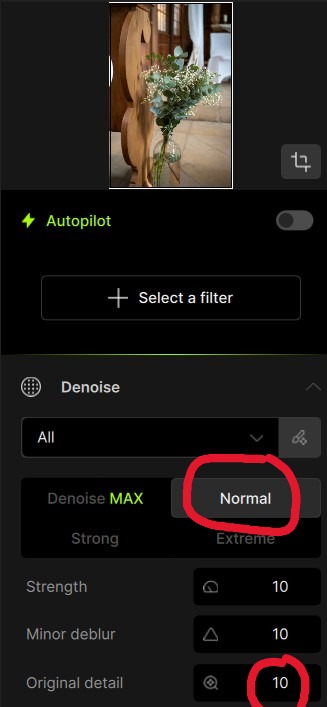
Denoise “Normal”
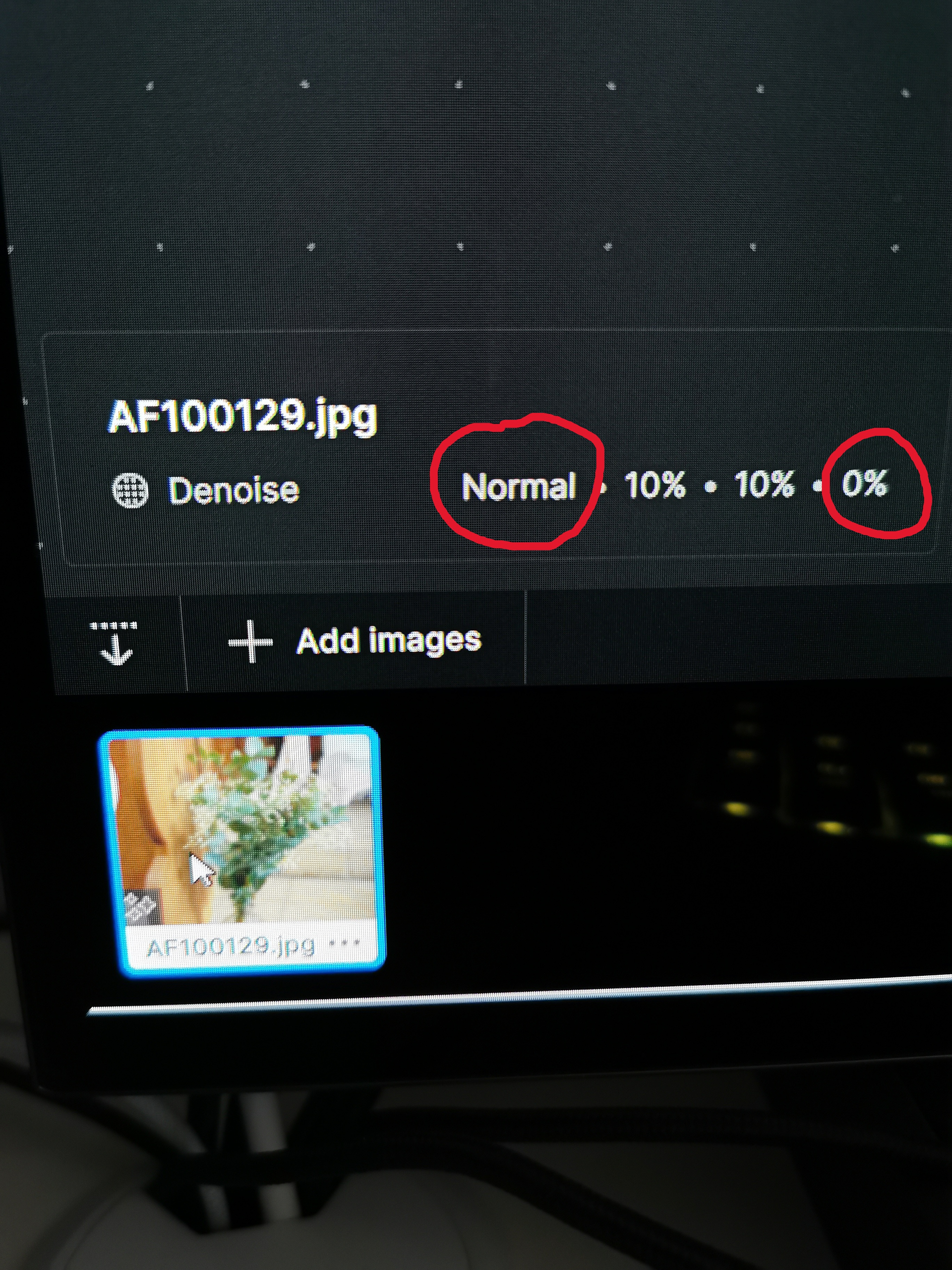
Denoise “Normal”
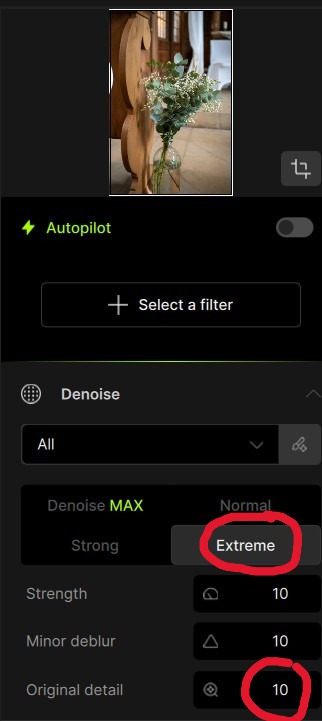
Denoise “Extreme”
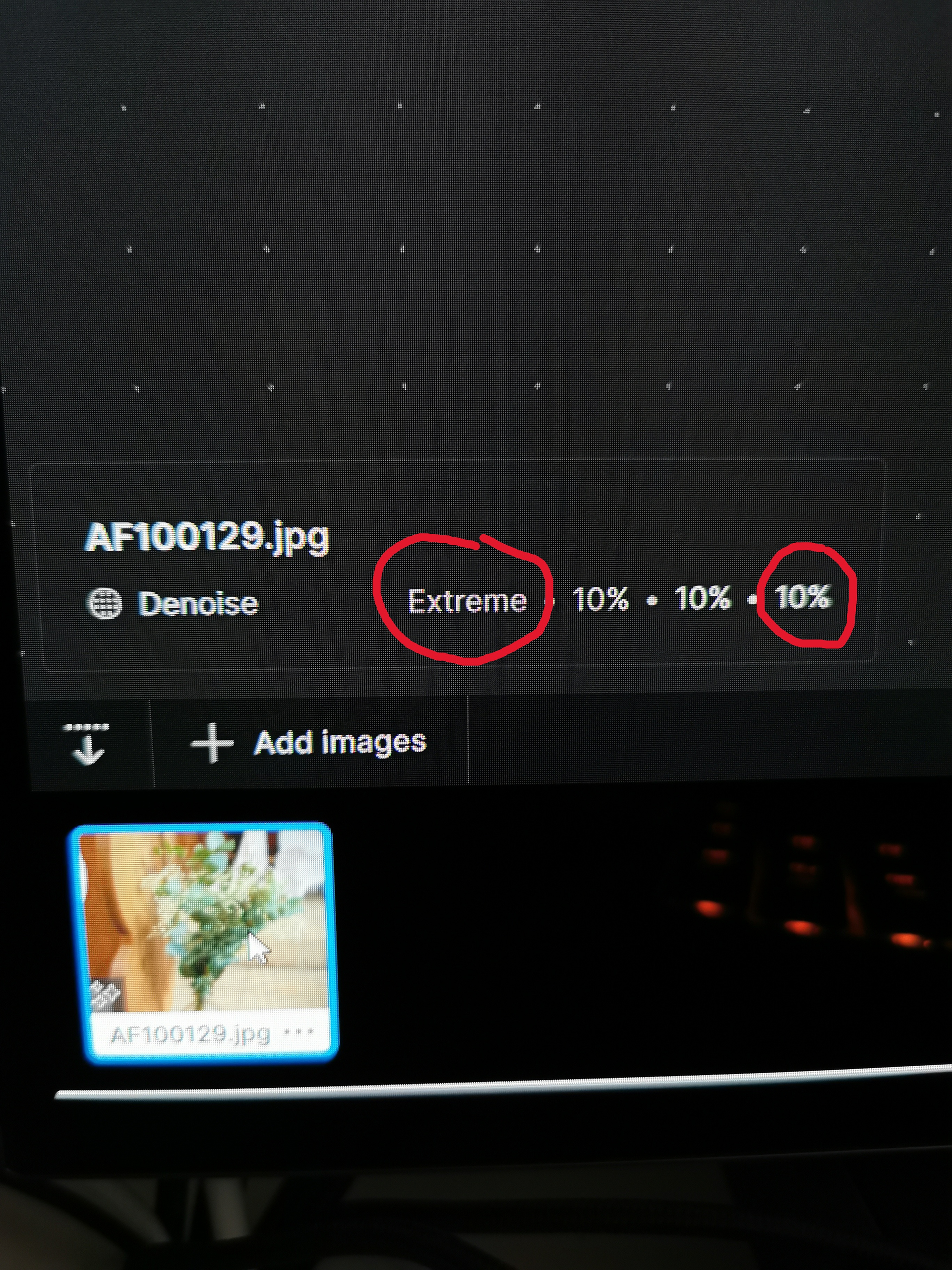
Denoise “Extreme”
BUG REPORT
Topaz Photo: 1.6.1 | Denoise at Normal and Strong - Original Details slider has absolutely no effect.
@michaelezra - added you here for the known issue, will update here once the issue fixed.
2 Likes