Artefakte in LowRes Model MacBookPro M4 ; fail or feature?
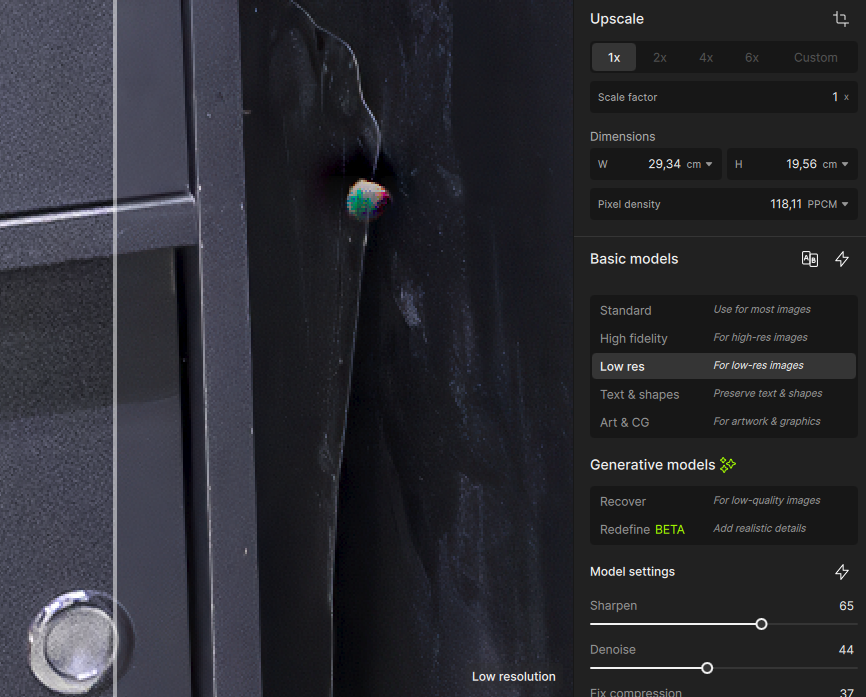
Do you have that artifact when you export the file?
If you provide the file, we can test on our end to see if e can reproduce
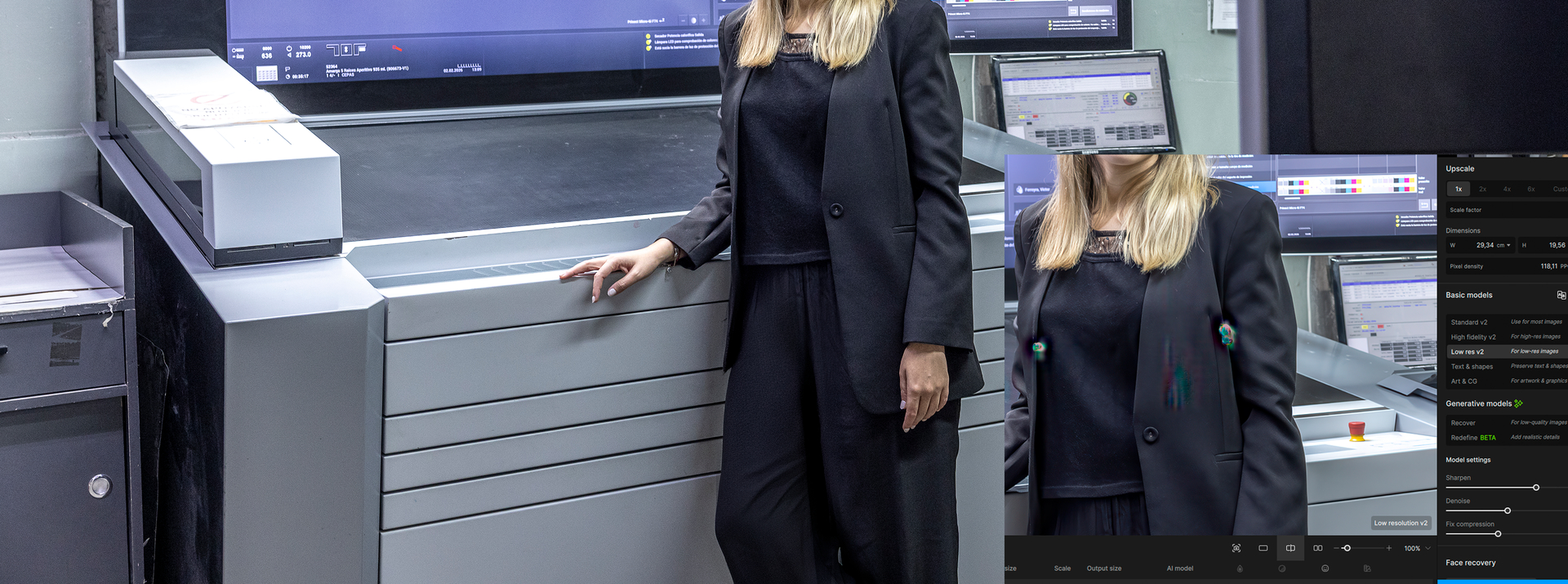
Can you share the original file, the rendered file and the settings you have? I will try to reproduce on another Mac here to see why you have that.
Thanks
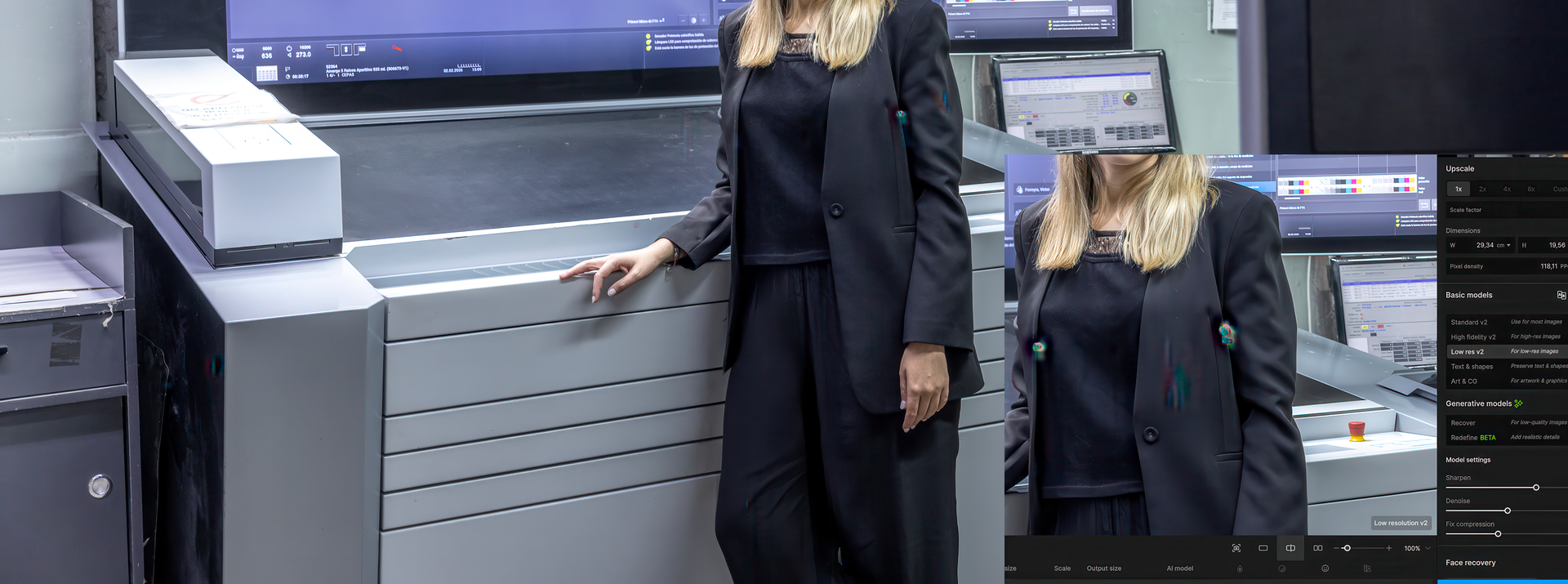
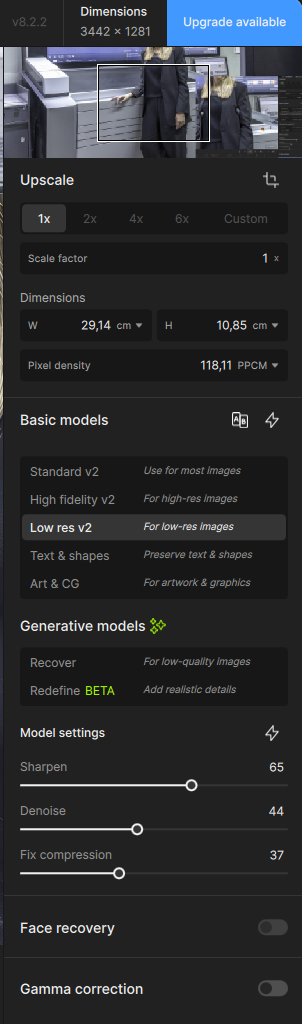
I received the settings, but somehow I don’t have the original file. The file before it’s in Gigapixel
This one is the results and already has artifacts and Gigapixel in the corner
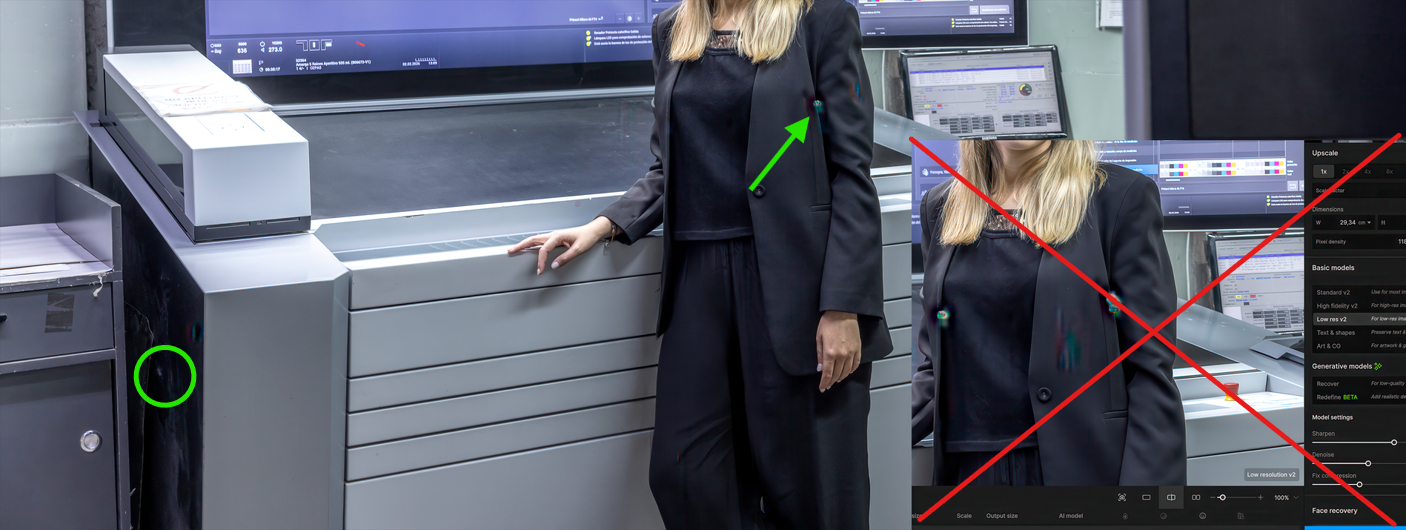
Can you send me the original file without the comparison in the lower right corner? I need that to test on a Mac here 

What does happen if you turn on Gamma correction?
Thank you, then its fine…! Any Explanation?
I’m glad to hear that.
Conjecture and experience on my side.
Only the programmers can tell you exactly what happens.
I tested that image, and I can reproduce the issue, even on a Windows machine. This seems to be caused by the Denoise setting being too high. Can you test lowering denoise until these artifacts are gone? For me, I don’t see artifacts when the denoise setting is below 8. Settings above that are making the photo look “plastic” anyway, so it should be used with a lower value.
I will add this result to a ticket we have with the development team. From what I see, this is an issue where the image is over-processed.
Thank you for sharing this. I will write here if we can find a solution to avoid those artifacts.
1 Like
Different denoise values result in different disturbances, unless you switch on the gamma correction - then there are no artifacts “hidden” in the image
Yeah, this is confirming Denoise as the culprit. For me, below 8, I don’t get artifacts, or when the gamma is turned on.
