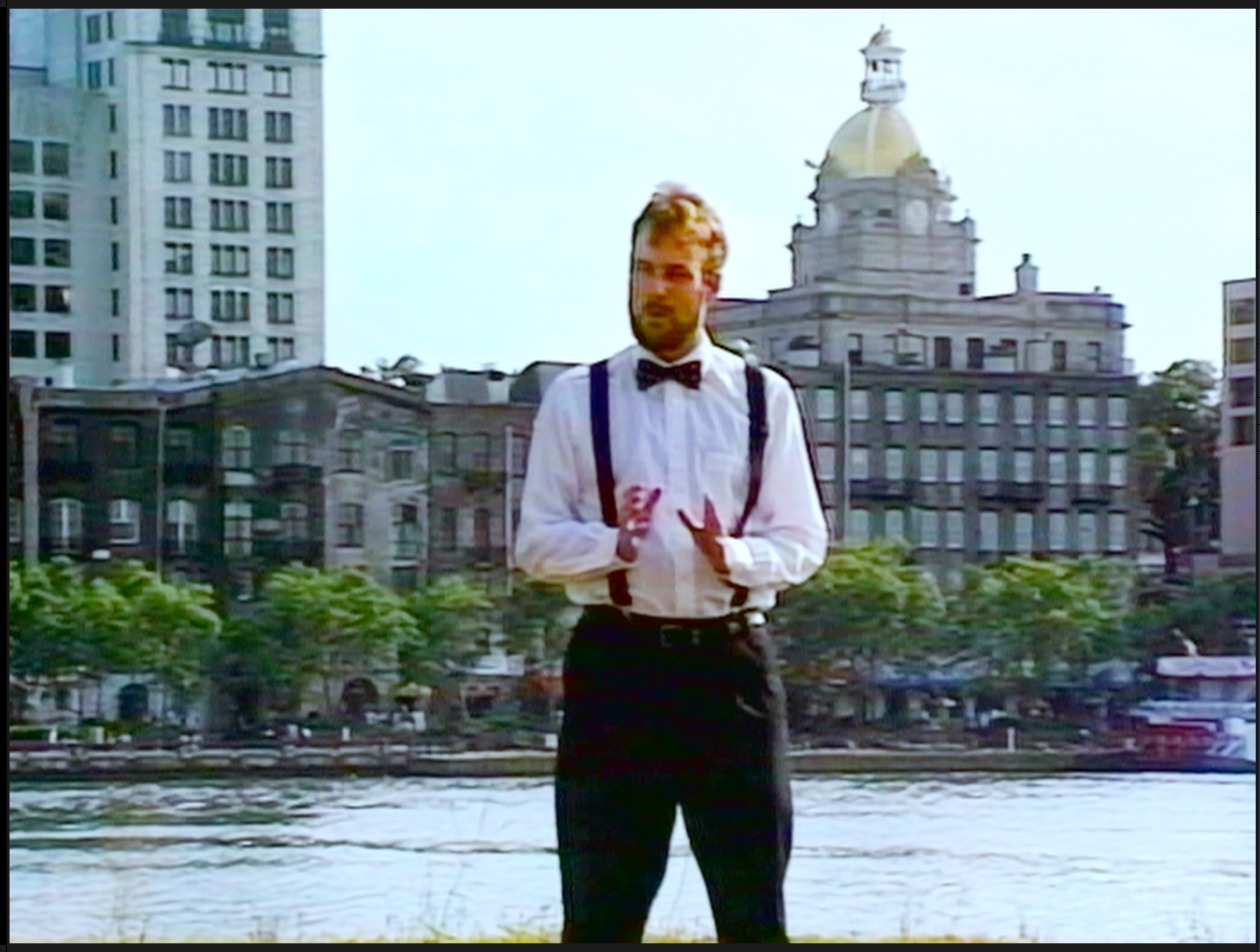
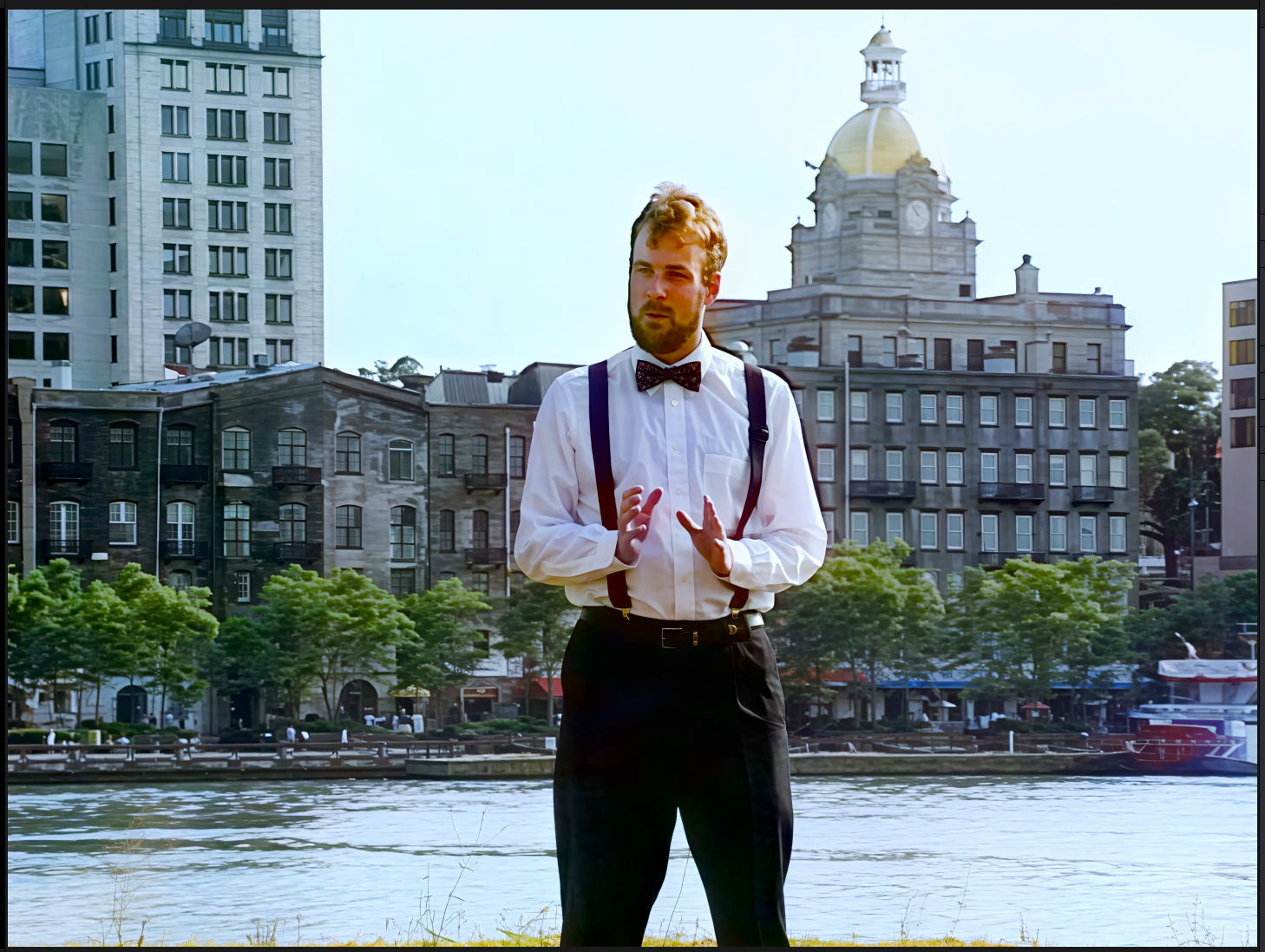
This is not really a bug, more of an observation. I have only used the web version of Starlight Precise 2.5, not the desktop version. It is quite amazing. However, it seems like the chroma handling is a huge step backwards from earlier Starlight Precise models. VHS has terrible chroma handling, with the colors often drifting out of sync with the luminance. (VHS is like a toddler coloring outside of the lines in a coloring book.) The earlier Precise models were able to put the colors back where they should be. The new 2.5 model pretty much just keeps the VHS colors intact, which means if the original video’s colors are drifting, they stay drifting in the final render. (I have found that Starlight Mini is somewhere in between, producing muddled colors.) If some way could be found to process the color the way the old Precise models did combined with the luminance processing of 2.5, you would have a real winner for VHS restoration. (This 2.5 model is obviously fantastic for sources that don’t exhibit huge color drift.)
Are you able to share some examples?

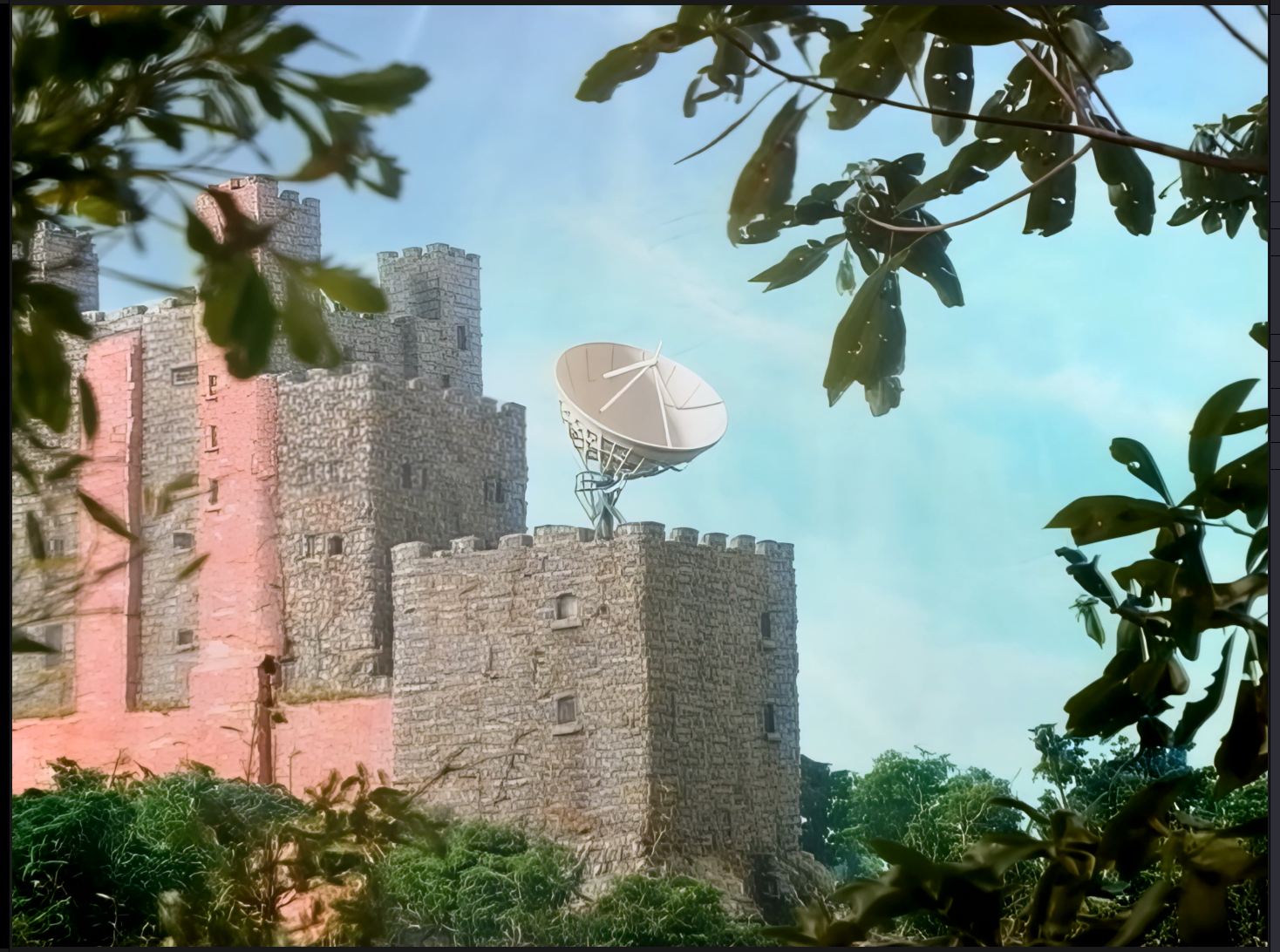
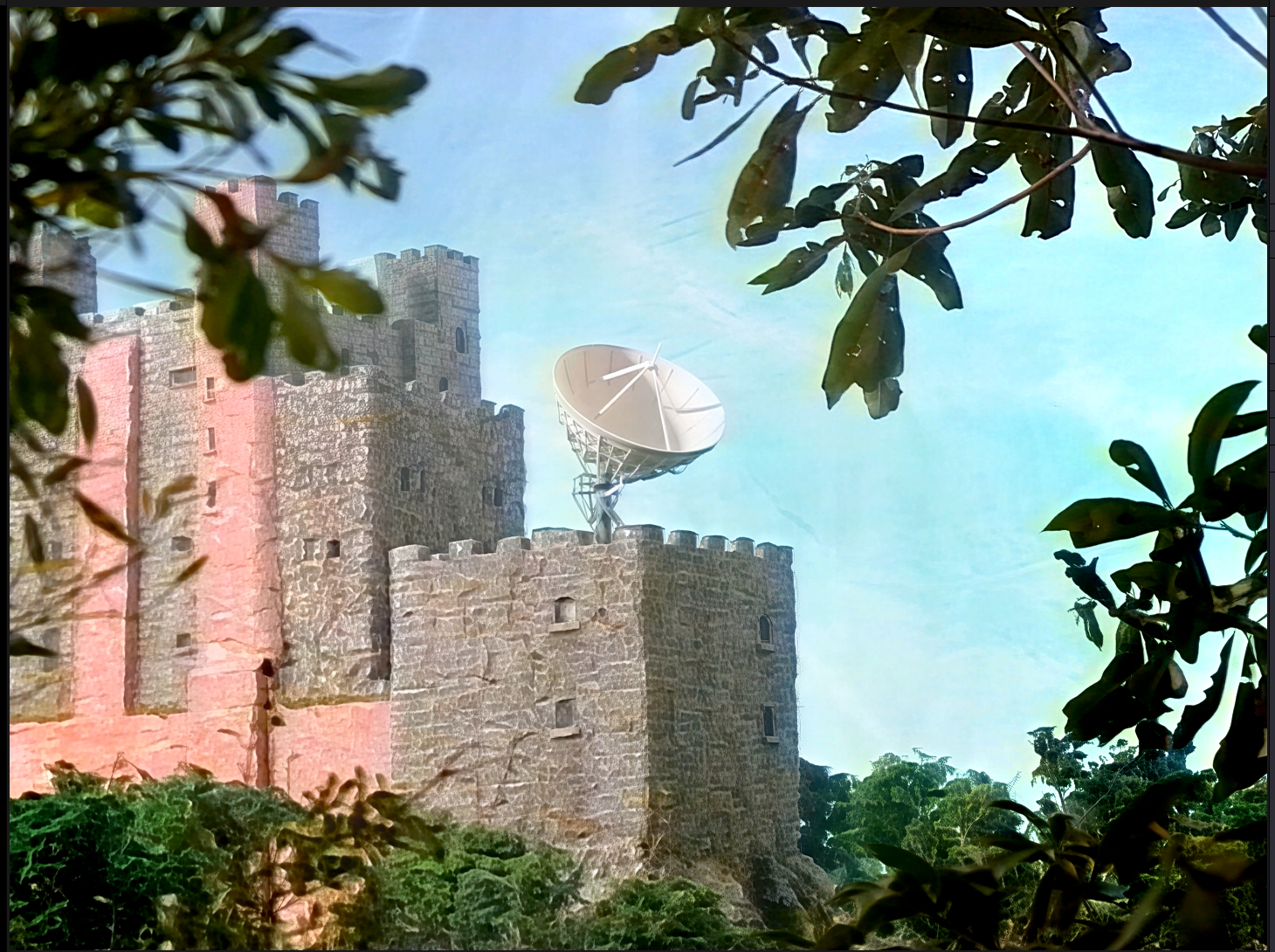
Again, here, Starlight 2.5 is very accurate to the source colors, whereas Starlight Precise_Fast cleans the colors up, improves them, and tries to put them where they belong. Also note that Precise_Fast eliminates the haloing on the right side of the shirt and on the edges of the buildings but Precise 2.5 retains the halos.