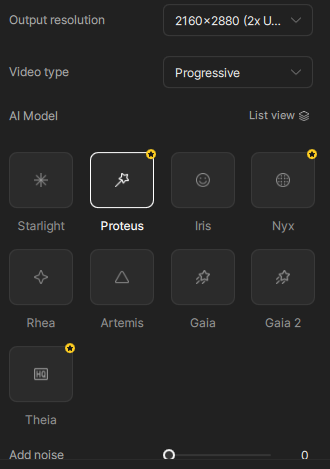
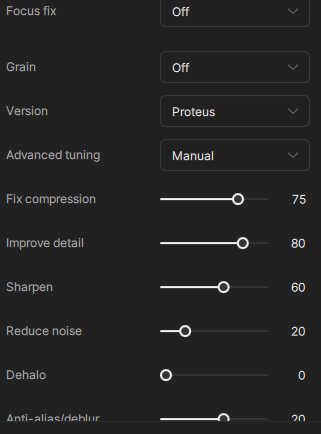
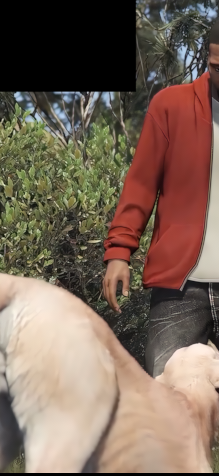
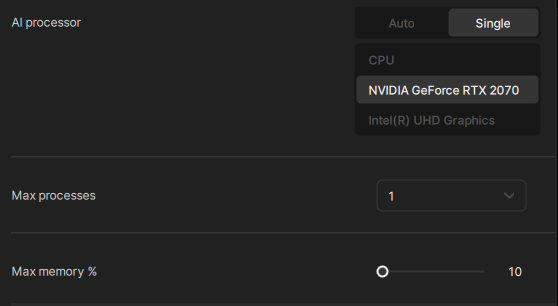
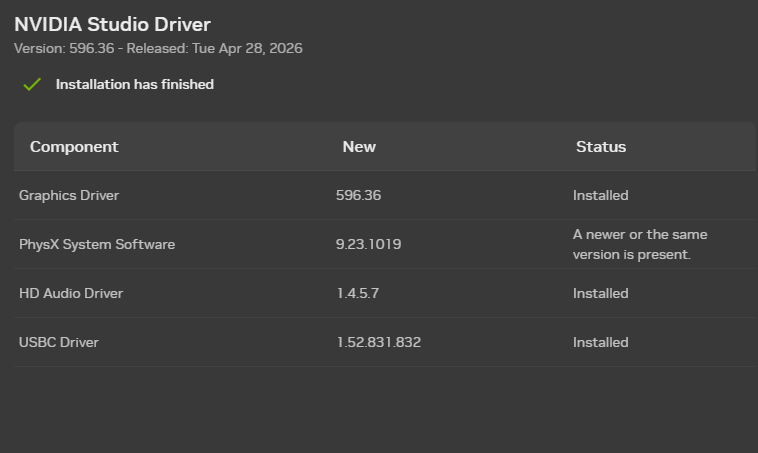
PLEASE, fix this glitch in topaz video ai, it;s unusable,and i waste so much time trying to upscale my clips just for them to be completely ruined by this , used every model with every setting, and turned the max gpu memory usage down to 10% , still getting the same result. I have the latest NVIDIA studio driver installed.
PC SPECS :
Operating System
Windows 11 Home 64-bit
CPU
Intel Core i7 @ 2.60GHz
Comet Lake 14nm Technology
RAM: 64 GB
Graphics NVIDIA GeForce RTX 2070
Storage
931GB Samsung SSD 990 PRO 1TB (RAID (SSD))
1863GB Samsung SSD 990 EVO Plus 2TB
I have seen the exact same issue. In my case it was caused by excessive overclocking of VRAM. In any case, what you are seeing is a VRAM issue - could be not enough VRAM, defective VRAM or overclocked beyond stability.
The minimum requirement for Topaz Video is 6GB of VRAM, so you are on an unsupported configuration.
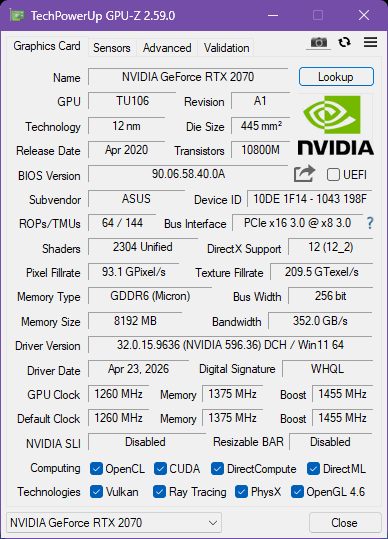
hey there, i don’t think this is the issue, i just checked my gpu memory with an app called GPU z, and my memory size shows 8192 MB which is 8 GB of VRAM i think this is the correct size Speecy showed me 4 GB of VRAM for some reason
The black boxes are where the GPU is struggling to keep up and running into issues as Dianac pointed out.
The older 2070 series is a bit older and could be getting overwhelmed or hitting a temperature issue at times while processing.
Try running the model without the upscaling and set the Max memory to 60% and see how that goes. If you still get issues, grab the logs and send to the support team directly at help@topazlabs.com and we can try and see what options and workarounds there are.