Currently I am working with sources from a Sony HDV video camera. HDV is a YUV 4:2:0 8-bit compressed format that uses “Legal” video levels, meaning that the video levels should be between 16 and 235. However, the camera recorded data above and below these legal levels, known as superblacks and superwhites. In Resolve I can see recoverable details in the highlights that I would like to retain. I have converted the original MPEG video to PR422HQ, retaining the additional information outside of legal. However, these are lost when processed by Topaz.
It appears that Topaz takes the “legal” range of 16-235 and maps this to 0-255 (normalized 0 to 1) for internal processing. This leads to clipping of any data that is outside the legal range, and a loss of details in the highlights.
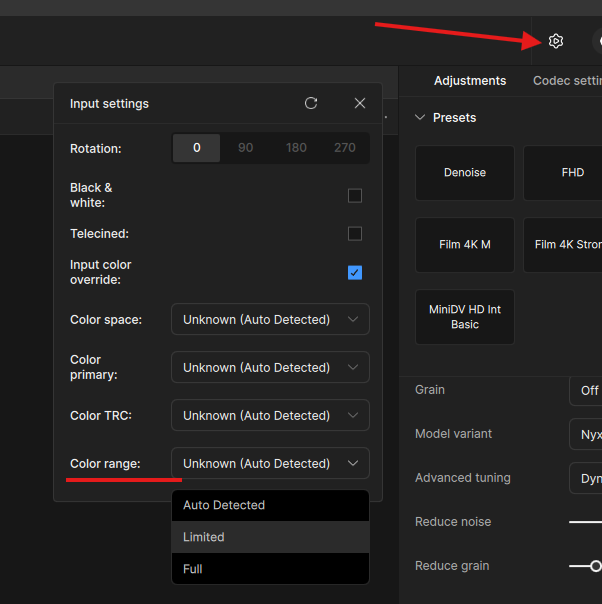
I would like to request the ability to manually flag input video as FULL or LEGAL range.
I did not know that menu even existed. Thanks for pointing it out to me.
However, I have to set the parameters one video at a time. This can be time consuming when you have 900 videos to process. I tried to set the parameters to multiple selected videos, but the settings button is disabled when you have more than one selected.
It would also be reassuring to SEE the change in the viewer when you make the change. The whole settings panel is unstable with random behaviour that doesn’t reassure me that I have the settings correct. Lot’s of going back and forth. Much like the Pixel Type setting that keeps going back to square no matter how many times I change it to Original.
The best solution for me would be the ability to use CLI so that I can batch process hundreds of videos and know with absolute certainty what the settings are going to be.
Topaz doesn’t support the 16-254 range (which Sony records in), only 16-235 or 0-255, so you won’t be able to do anything from the GUI anyway.
Sony cameras don’t seem to have superblacks.
The best option anyway is to pipe the AviSynth script to Topaz.
Very insightful advice, but… our friend’s hard drives might not be able to handle the insane file size of the RGB48LE :o Wouldn’t a ProRes 444 XQ sweet spot be better?
RGB48LE → 1.2 GBps → 1 TB per hour (1080p)
Does Sony “Super White” is really called “Legal” ? I suppose he meant “Limited”
Broadcast Legal has its purpose with TV broadcasting, so 16-254 is “Illegal”
Shouldn’t a remap before feeding TVAI a better solution ?
The 235-255 range is ignored during normal playback, but can be “recovered” so that the white overexposure disappears.
In Sony cameras, only Y goes out of range; U and V don’t need to be changed.
But there are two approaches:
As above, correct only Y from 16-254 to 16-235 (linear or non-linear, e.g., 16->16, 128->128, 254->235).
Correction after conversion to RGB
The first (linear) correction is not very accurate, as the colors may be more intense.
RGB correction is considered accurate.
Check both and choose the one that suits you better. I prefer 1.
Here’s an example:
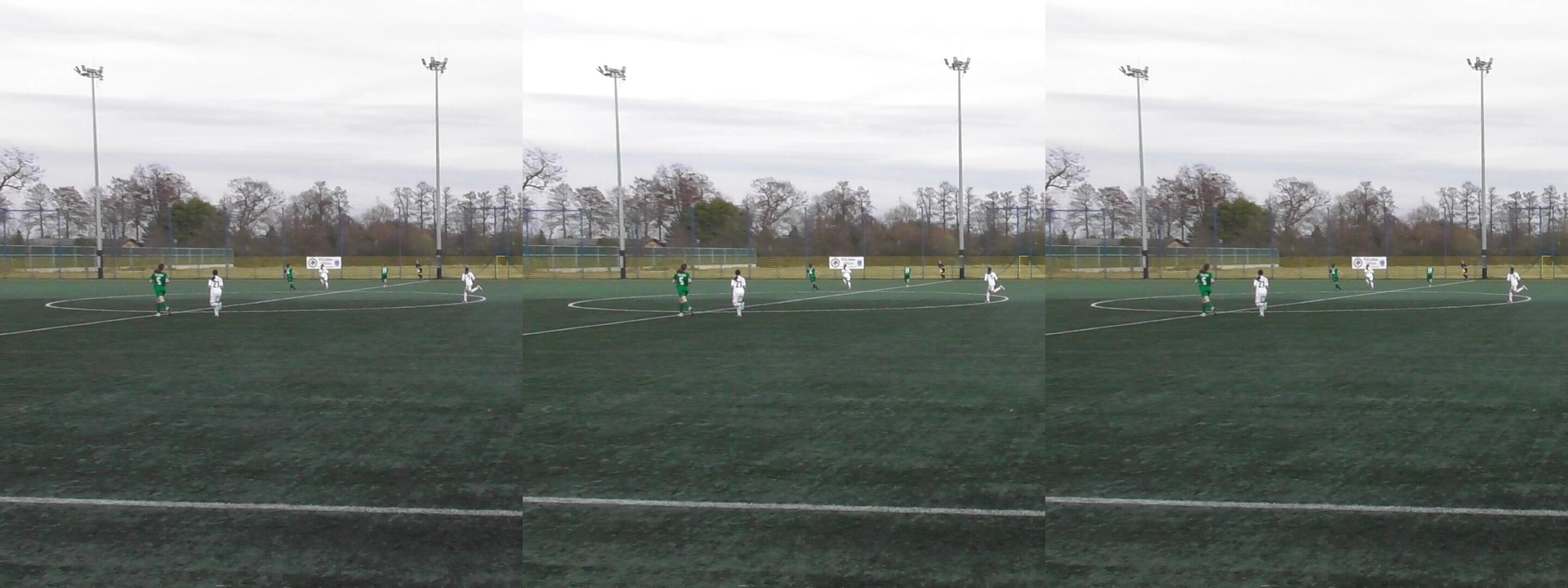
left - RGB correction ; middle - original (Sony camera) ; right - Y correction (linear)
Thanks for the detailed explanation!
Result is inded superclear. I do prefer sat ^^
The pipe method with rgb48le is a very clever way to bypass the disk space issue. I’ve noted the luma correction tips as well. Thanks for sharing your expertise, that’s exactly what we needed to know here
If you want to save to a format not supported by Topaz FFMPEG (h264, h265, av1), you’ll need to add another pipe. However, I don’t know if all of this works in the new Video Pro.
Don’t worry I am working hard to release a pipe tool to escape from TVAI output, and understand what you mean
Fortunately I stopped @ 7.0.2
God bless me
Something like this, fully written in batsh script (insane challenge xD )
I see a common problem. The source is probably BT709, not BT601/470BG. FFmpeg assigns BT601 when matrix information is missing. They should have done this a long time ago, as many programs do – in the absence of matrix information, if width >= 1024 or height >= 576, the matrix is BT709.
Thanks for pointing this
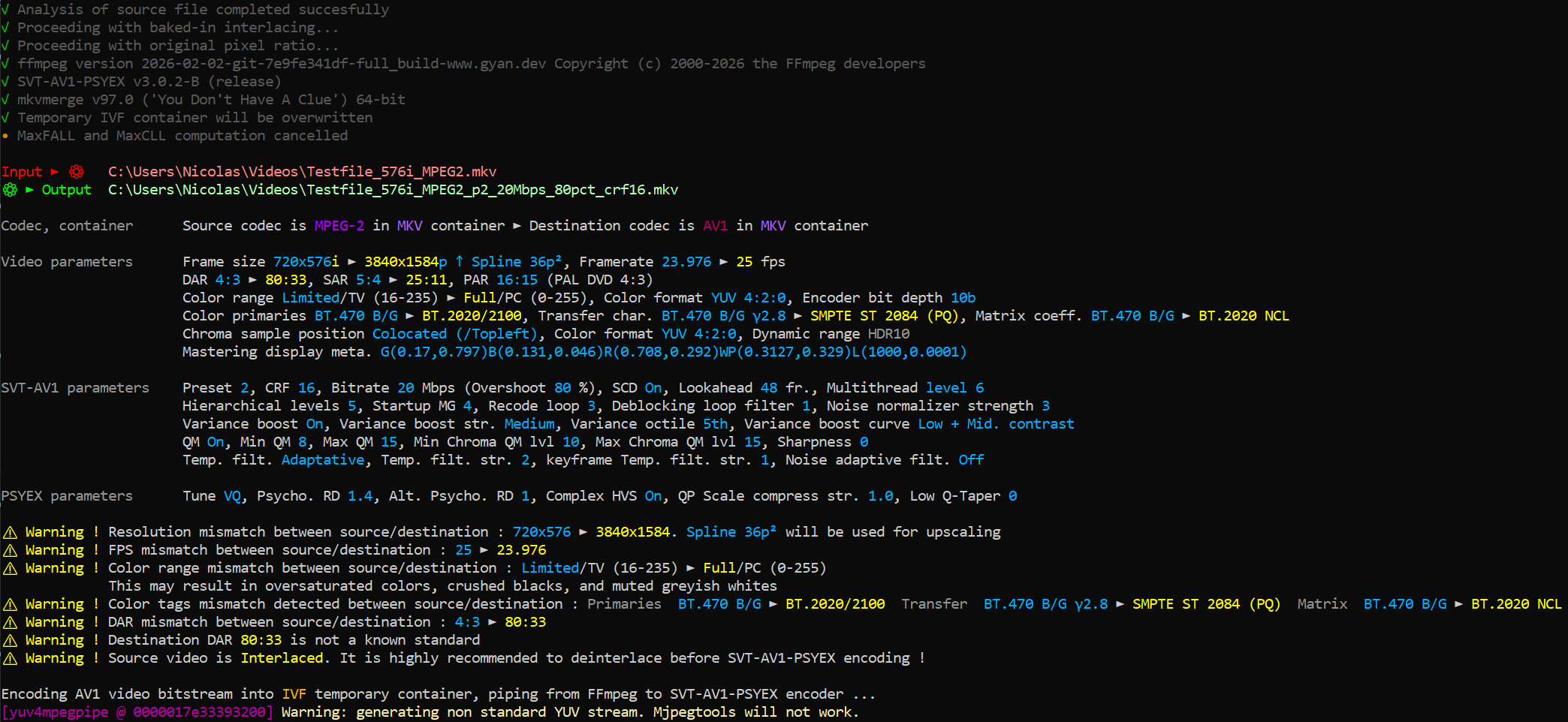
In fact whatever a mismatch appears between source destination, it will be yellow outlined
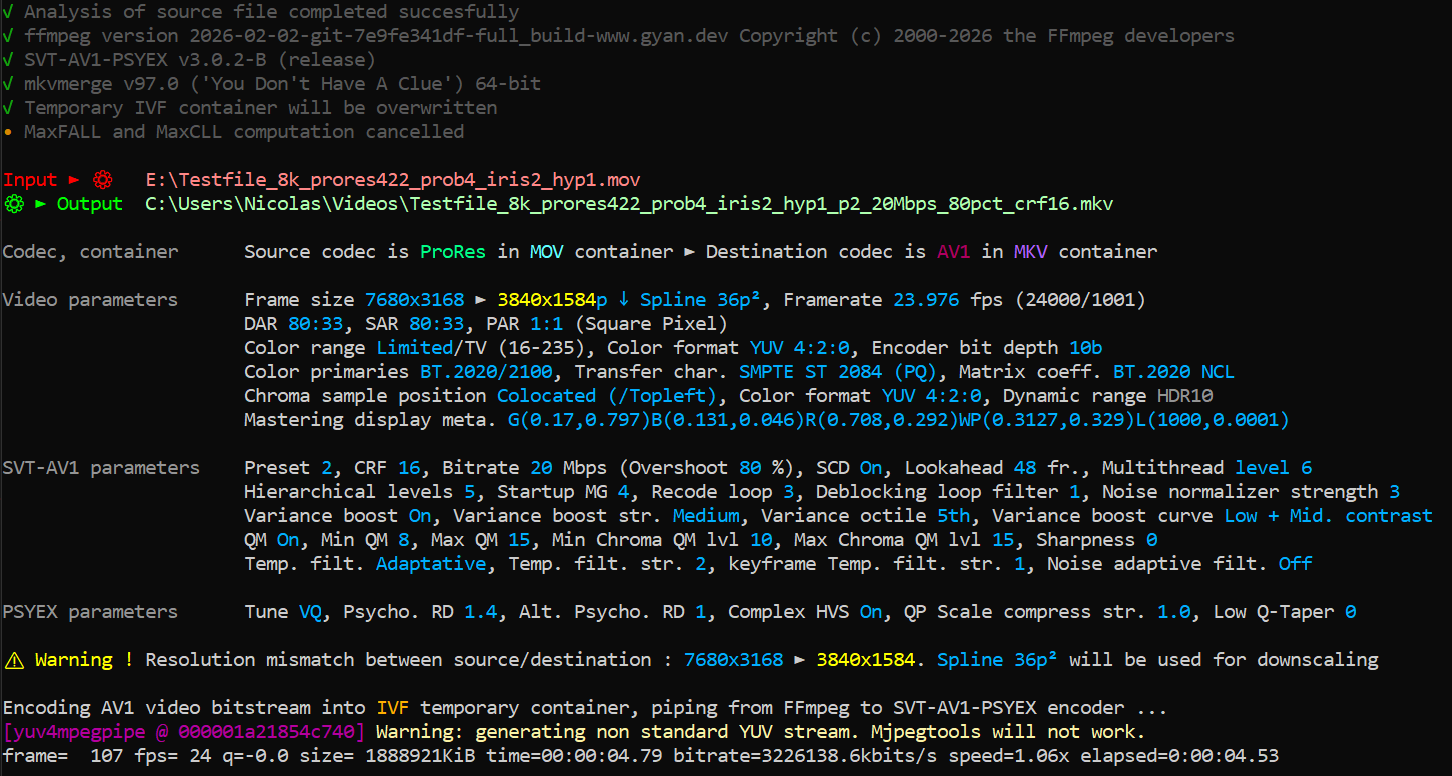
In this case, I force a mismatch to test my script
It’s allmost ready to be released but I want an accurante MaxFALL / MaxCLL computation
I noticed the non linearity of PQ curve and some problem with a LUT table
Running some tests with calibrated MaxFALL and CLL to compare mines to real ones
I added some various codec and container compatibility, but now the biggest pain is batch “language”, all special characters !()-%! are a TRUE pain to escape properly
ChatGOT tolds me Topaz are model designer not encoder, the reason why their output wrapping is so uggly
I even discovered that EXR params are “fake” ^^ It’s all uncomp f32b
 (1080p)