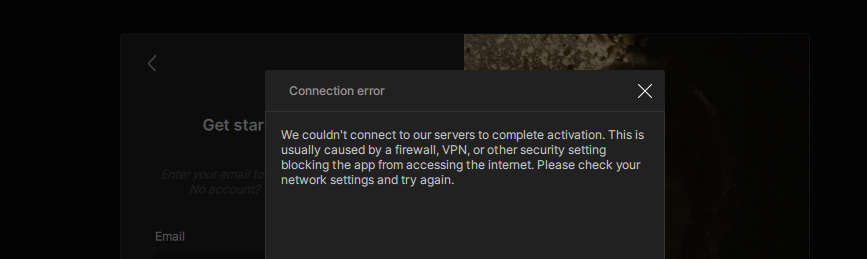
Activation issues are typically related to a connection blocker on the system which is blocking the connection between the app and the internet to authenticate your license.
It can appear as:
- the continue button being greyed out
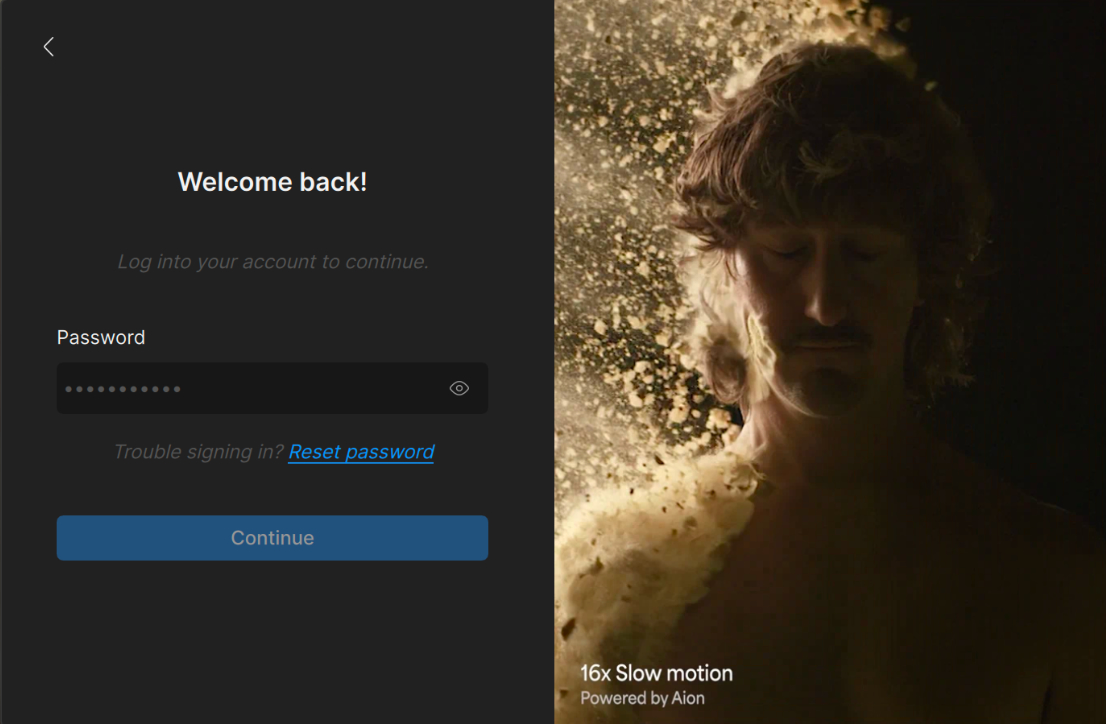
-
a connection error pop up
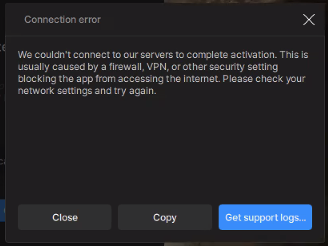
Common connection blockers are due to a new VPN, proxy, firewall, or anti-virus software. Are you using any of these on the system that is not activating?
 Here is a link to some basic troubleshooting steps. Please try all of the options.