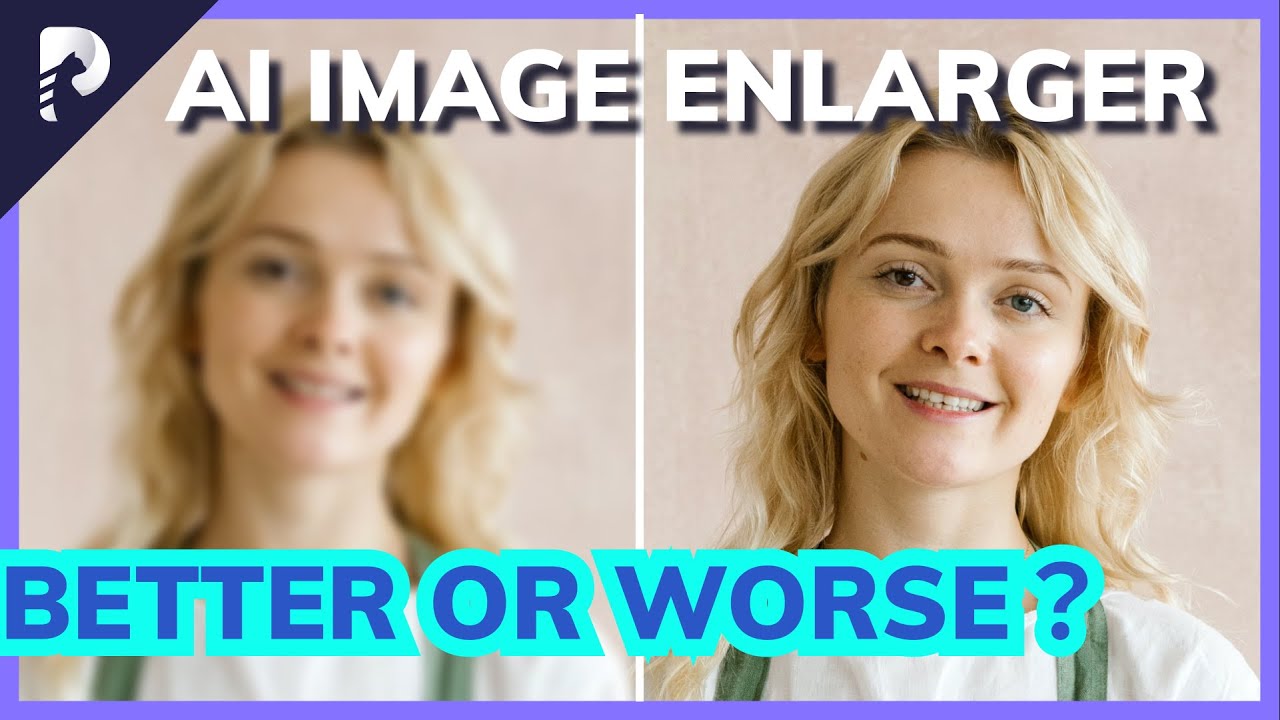
"“On the PC, I still don’t know how good the app is because it refuses to generate a preview (“0%” flickers when I hit the Preview button but nothing happens). I also can’t see the two before-and-after panels you show (I see a single panel) or export the result to view separately when using the trial version. So that’s the end of that.”
Hmm I can’t really speak as to what the problem might be, but sometimes it takes a few moments for it to process the image in initial stage if its a very large or complex image. The flicker thing is just a progress animation they added while you wait. Once its done you get the two side by side preview windows and you can export your fail. When working in batch mode, you only choose a folder where you want to export and what model you want to use.
I think they demonstrate it in this video, but it was release before the new Face Enhancement Model was added.
[2022] Best AI Image Enlarger? Top 4 Image Enlarger Compared, Better or Worse?