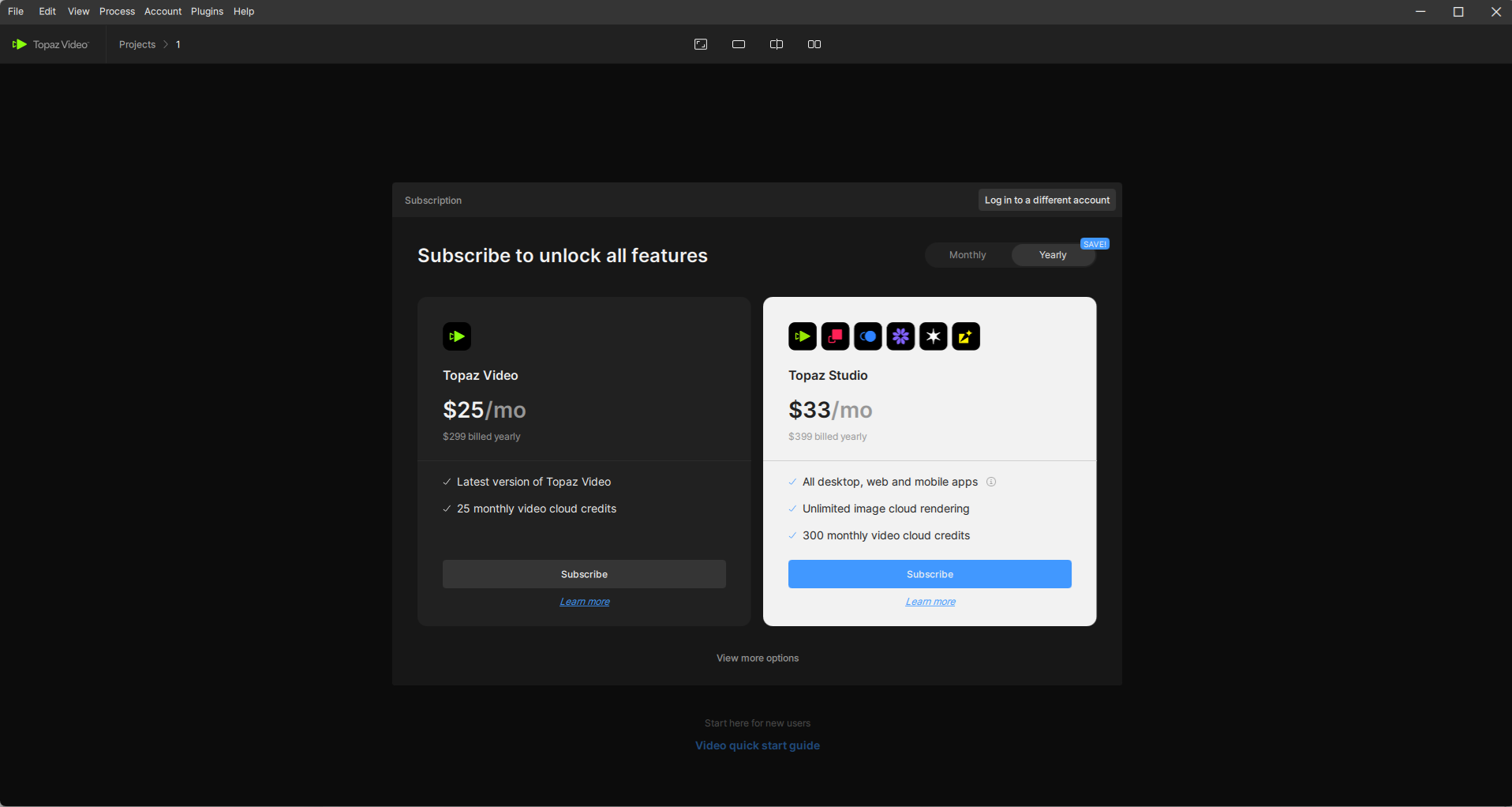
I just installed latest 1.71. When I run Topaz, it shows a dialog offering me subscription options. It also says “log in to another account” so it knows I am logged in. There is no way to close this dialog and it prevents me from clicking anything in the GUI. The app cannot be used in any way.
logsForSupport.zip (18.4 KB)
Click on the log in to a different account option, this will force the app to log you out and prompt a clean login. If that does not clear that out, then you will need to go and clear the current authentication token and have the app generate a new one using the steps below.
- Open Windows Explorer to this path: C:/ProgramData/Topaz Labs LLC/Topaz Video/models
- Look for the auth.tpz file and delete it from that folder
- Restart Topaz Video and log back in