Completely agree with every word you said. On our end, we had to downgrade the software to the latest version that didn’t include this rebuild. I really don’t understand the need for this rebuild when it was already working correctly, and the only issue was that EXR and DPX were displayed in Linear without a color space.
This is something that all compositing and editing software allows you to modify without the need for a rebuild. I hope that in future versions, this will be resolved because it would prevent us from using software that, aside from this issue, works wonderfully for us.
Iris LQ 2 is still terrible for text/logos (as is LQ V1 and MQ).
Proteus V4 on the other hand does look better in this field - but in general I still prefer Iris.
So would you say switching from say switching from Iris to Proteus V4 would be better for text but not so much facial features or everything just better including text? I’d rather not trade text improvement and step back everywhere else. Iris really was an overall improvement on my low scale videos but the text with Iris is just bad bad bad.
Proteus V4 is overall better!
I don’t need to use Iris anymore and use Proteus V4 for everything.
I don’t like Iris’ softness in non-face areas at all.
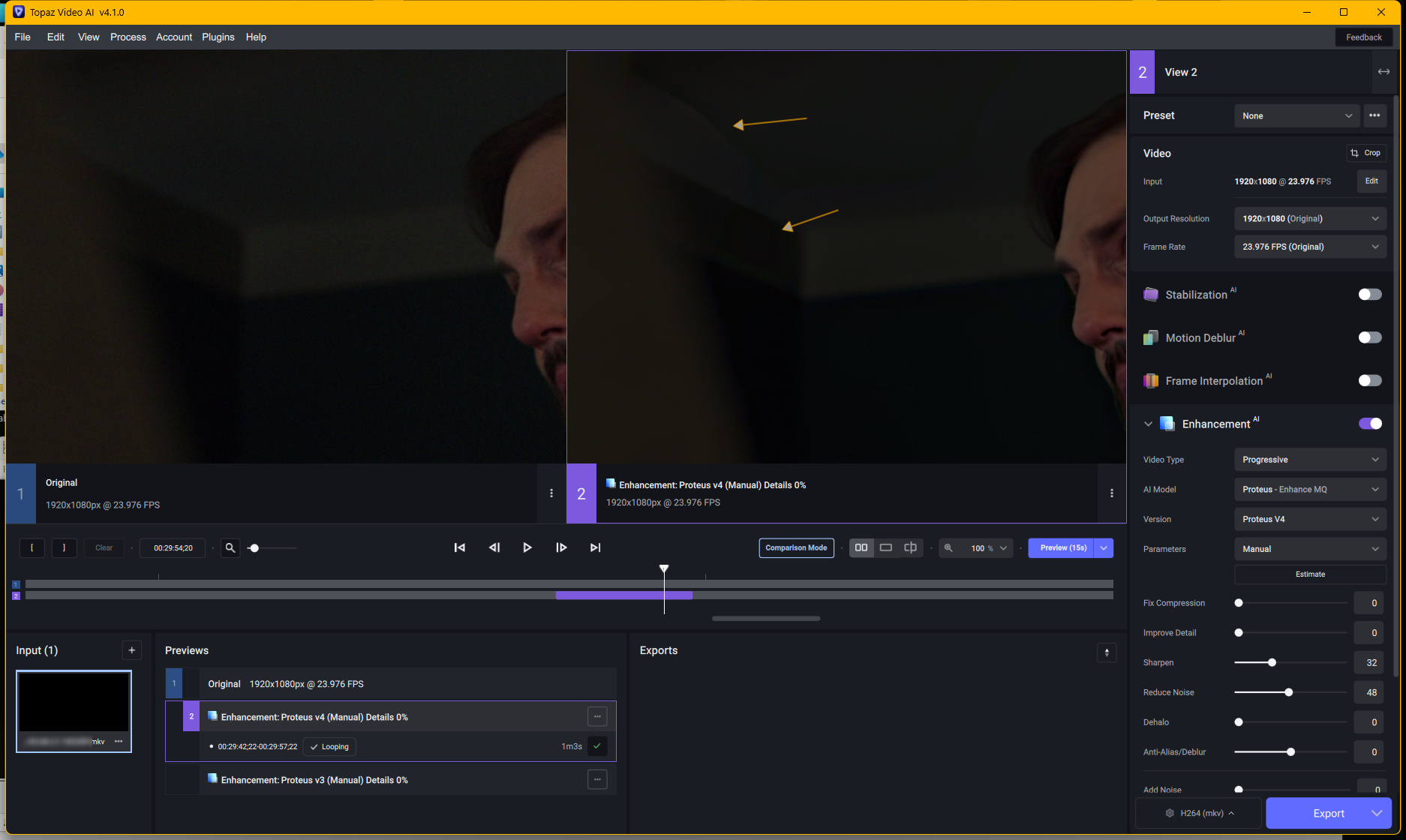
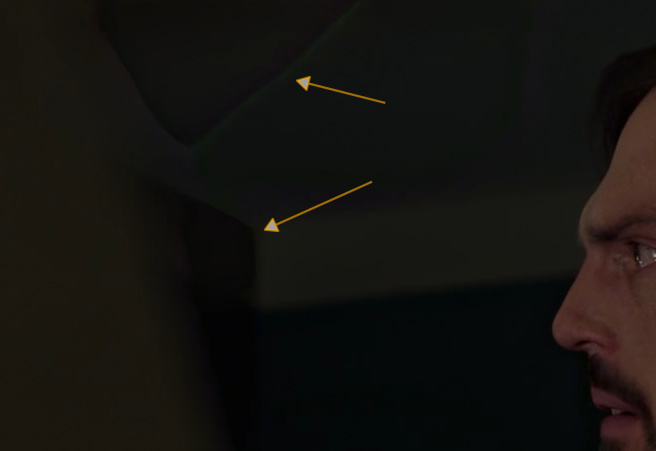
Proteus 4 has LESS details in many scenarios here than Iris LQ with the right settings - and it sometimes also introduces artifacts in dark scenes or crowds of people.
It’s still like that, at least for not so high quality SD content :-/
While overall doing a really nice job text and logos unfortunately are distorted with all current Iris models. Plus, sometimes the eyes are a bit strange even with Iris LQ.
But then, looking at the disadvantages of the other models I gladly settle with that and continue to use Iris.
I have not tried to compare them directly. It may be so.
Personally I cannot get Proteus 3 to give any good results in Auto and Relative to Auto modes, because of Anti-Alias/Deblur. I love that I can use those in Proteus 4.
If that’s the trade-off that needed to happen to make it possible, I say it’s well worth it.
Yes, the same here. In general Proteus V4 seems to mainly just “do it’s thing” with only little effect of those sliders - which is why I havent’ found ideal settings with this model and still prefer my tuned Iris LQ V1 settings.
OTOH, those that are happy with the auto settings in Proteus V4 won’t care much…
Proteus 4, but it seems to be more stable than Proteus 3, but there are cases where afterimages occur.
This is not much of a problem in live-action, but in the case of Japanese animation, afterimages are sometimes noticeable.
Generally, Japanese animation uses 24 fps, but characters are created at 8 fps, and backgrounds and special effects are composited at 24 fps.
This may be the reason why afterimages often appear on the characters.
I would like to know which parameters affect the afterimages.