Topaz Video AI v3.5.0

Actually, is about same fast, I’m doing 4k upscale to 8k, denoise with Nyx, and increased from 29.97fps to 59.94fps, with 2 in parallel, each is 0.8 fps and drop to 0.4-0.5 each, but my main storage is hdd raid so if swap to ssd it sould be faster

Actually it not using the benefit of 48G vram, but be benefit is for workstation gpu is much more compact than 4090 as a multi gpu setup, and you can use 8pin connector.

Thank you

Yes, KNLMeansCL is better all around for various reasons.

  1. Utilize the GPU, for this reason the file processing is very fast.
  2. Is high-precision and better distinguishes noise from details, remove the noise better than DFTTEST
  3. Is very good on all frequencies (DFTTEST is destructive on the high frequencies).

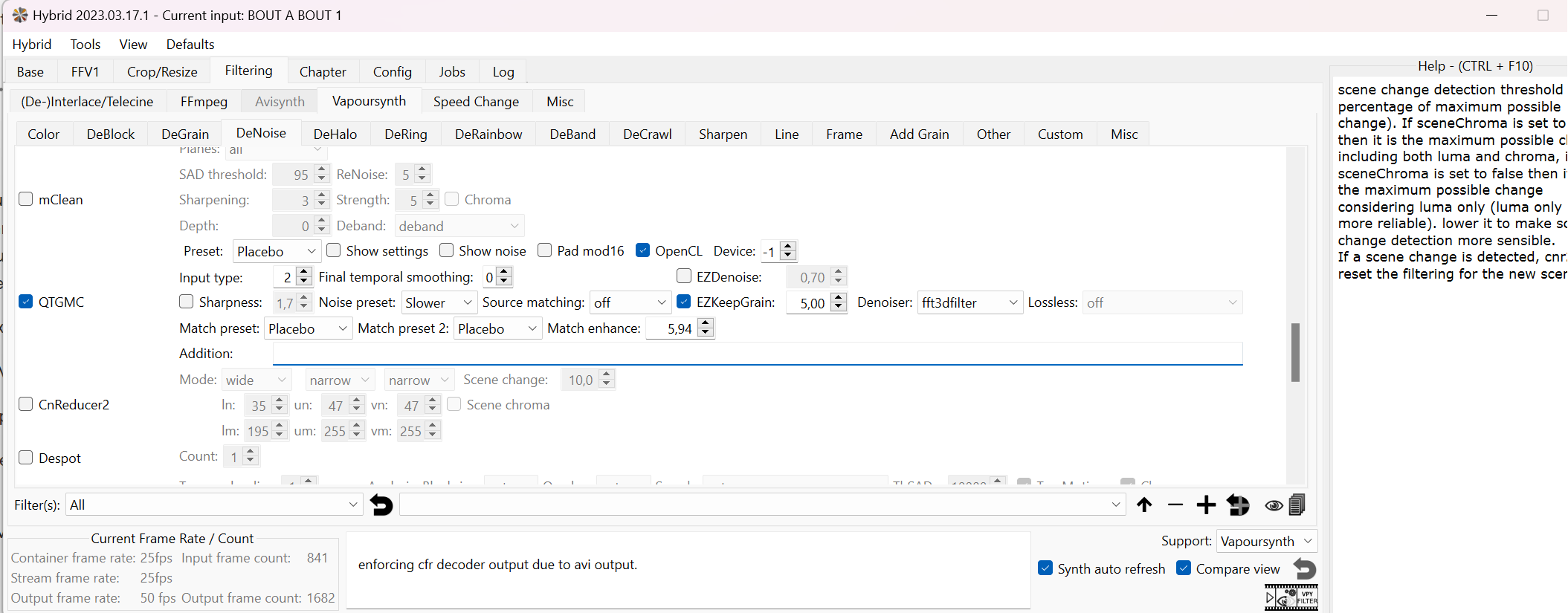
Can you write me your QTGMC String?

These are mine, I start for a Lossless string that I use (visually lossless string, the file is very similar to the Interlaced original), and after that I add other commands in the string

LOSSLESS:
QTGMC(TR0=2, TR1=2, TR2=1, Rep0=1, Rep1=0, Rep2=4, DCT=5, ThSCD1=300, ThSCD2=110, SourceMatch=3, Lossless=2, Sharpness=0.1, Sbb=0, MatchPreset=“slow”, NoiseProcess=2, GrainRestore=0.0, NoiseRestore=0.4, NoisePreset=“slow”, StabilizeNoise=false, NoiseTR=0, NoiseDeint=“bob”, ediThreads=16)

LOSSLESS + STRONG DETAIL/GRAIN
QTGMC(TR0=2, TR1=2, TR2=1, Rep0=1, Rep1=0, Rep2=4, DCT=5, ThSCD1=300, ThSCD2=110, SourceMatch=3, Lossless=2, Sharpness=0.1, Sbb=0, MatchPreset=“slow”, NoiseProcess=2, GrainRestore=0.5, NoiseRestore=0.4, Sigma=2.5, NoisePreset=“slow”, StabilizeNoise=true, NoiseTR=0, NoiseDeint=“Generate”, ediThreads=16)

LOSSLESS + STABILIZED DENOISE
QTGMC(TR0=2, TR1=2, TR2=5, Rep0=1, Rep1=0, Rep2=4, DCT=5, ThSCD1=300, ThSCD2=110, SourceMatch=3, Lossless=2, Sharpness=0.2, Sbb=0, MatchPreset=“slow”, NoiseProcess=2, GrainRestore=0.0, NoiseRestore=0.4, NoisePreset=“slow”, StabilizeNoise=true, NoiseTR=2, NoiseDeint=“Generate”, ChromaNoise=true, denoiser=“KNLMeansCL”, DenoiseMC=True, EzDenoise=1.5, ediThreads=16)

1 Like

You do

Upscale → 4K → 8K (Model?)

Then Nyx denoise + 29fps to 60 fps, right?

you do three different passes with qtgmc?? describe my channel to you… I would like to but I don’t use the commands, almost everything you wrote to me in parentheses is Chinese for me haha
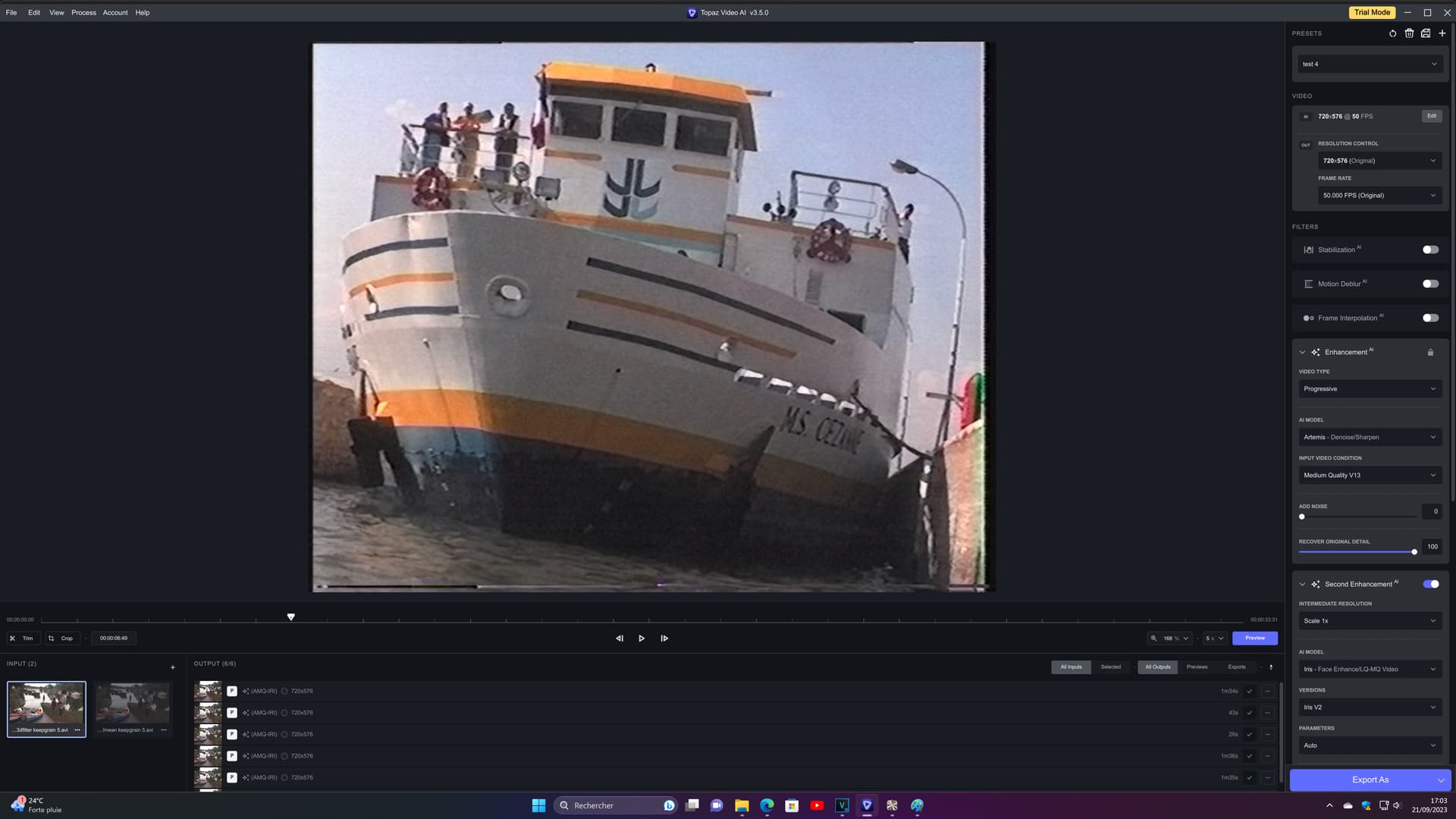
on the other hand I just tried the third (fft3d filter), I find it even better, even if it produces a little more noise, it also gives much more detail, especially visible in the dark!

KNLmeansCL:

fft3dfilter:

1 Like


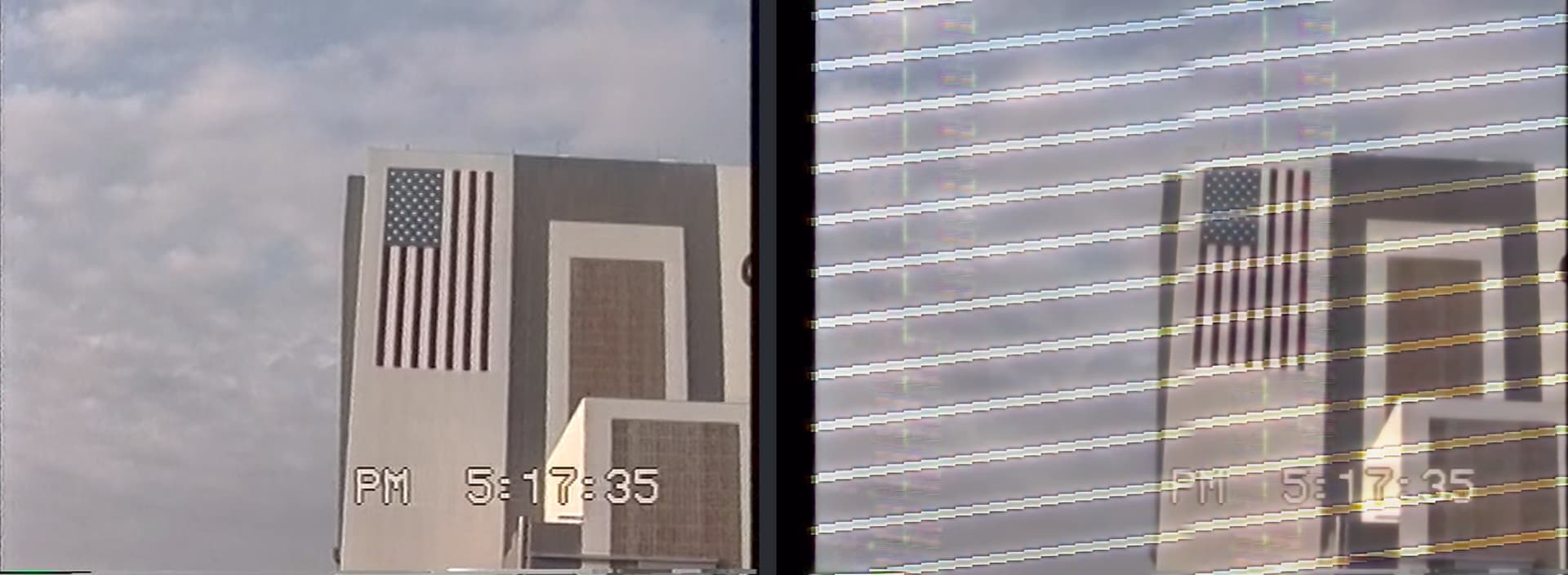
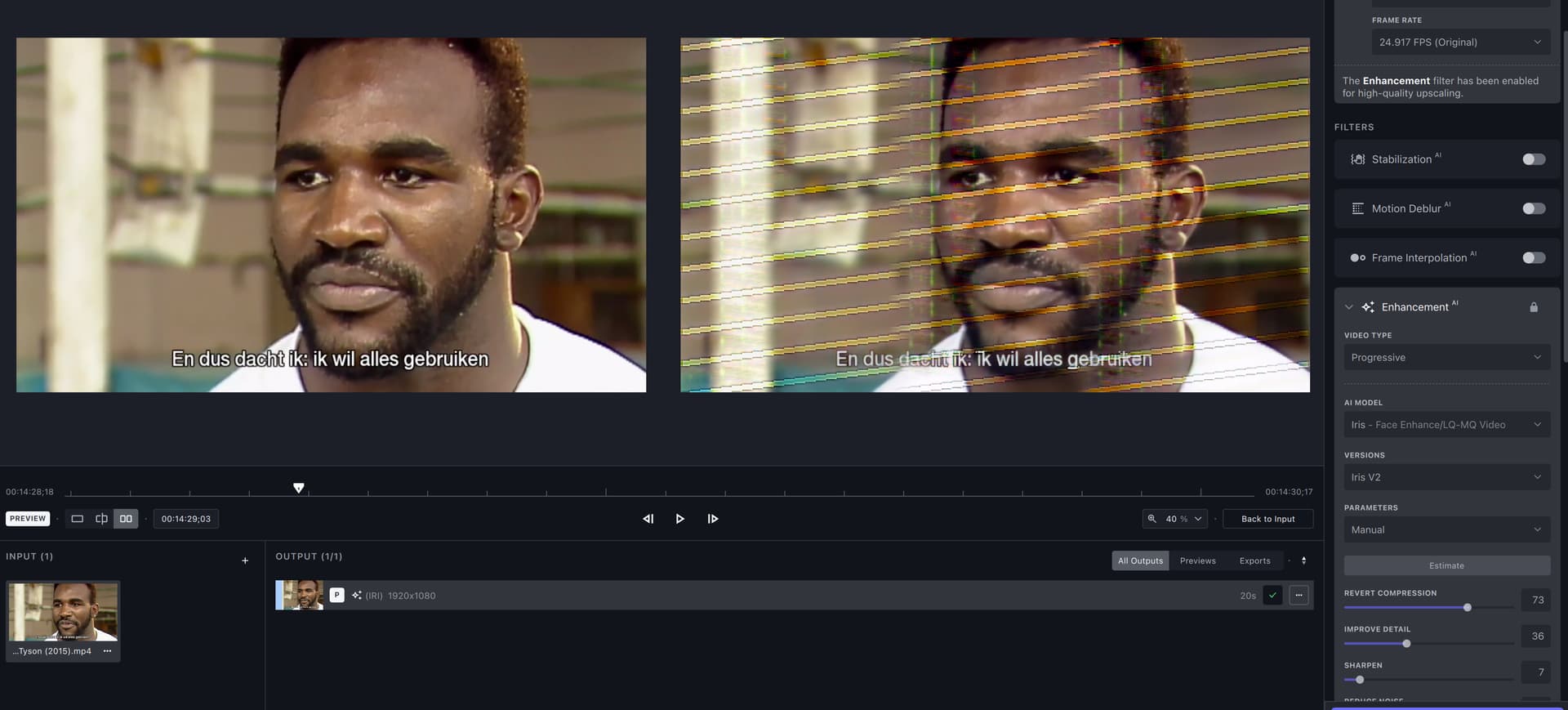
Iris V2 causes scan lines on LQ video.

That’s down to Topaz using cloudflare the last few months.
I get the same with images on here not showing and unable to download models from the application.

No No. I do one pass with QTGMC. These lines that I wrote are for different cases. If I want a Lossless file, I use the first string, If I want to maximize the detail / grain I use the second. If I want to denoise I use the third. Similar to DFTTEST, fft3d filter destroy high frequencies.

If I want a second pass QTGMC, I use this:

QTGMC(Preset=“Medium”, InputType=1, sharpness=0.2, PrevGlobals=“Reuse”, ediThreads=16)

After the first pass of the QTGMC, the file is not interlaced, you have to change the InputType.

If you want, QTGMC can handle Vertical Edges Aliasing in a second pass. The trick s this:

TurnRight().QTGMC(Preset=“Medium”, InputType=1, sharpness=0.2, ediThreads=8).TurnLeft()

A question:

If you use QTGMC without parentheses, where you use Keepgrain to 10 or 11?

1 Like

For my videos and for my taste, Iris v2 is close to ideal.
And those who are not satisfied with Iris v2 should indicate
that this is only their subjective opinion.

2 Likes

On mac studio M1 max the iris v2 just puts out gibberish

3 Likes

I got perfect 8-9fps speeds in nyx on 480p videos, and then I moved up to 1080p with same settings and got .2 - .3 fps. Checked gpu-z and indeed the vram is tapped out.

Great call!

1 Like

iphone portrait videos when previewed have a different rotation making comparing the original and preview difficult… the rotation option rotates both but they remain out of sync.

I record with an insta360 camera at 5.7k and typically upscale to 8k with Topaz. What quality video would topaz consider this? 5.7k is fairly high resolution, but since it’s 360 it’s closer to a 1080p flat video. They say to only use Iris2 on low resolution sources - but I’d like it to clean up the faces of people who are farther away from the camera, so is that considered low enough resolution?

I do sometimes shoot at night, wondering if Nyx would be good to apply in addition or instead?

Fixes bug causing inaccuracy with video duration after resetting trim range.

I am still seeing the video duration bug. I trim a video down to 5 minutes, but the video duration is wrong in windows explorer. When playing the video in MPC-HC player, it displays 16 minute duration, but I can’t move the slider to go past 5 minutes. Anyone else seeing same problem?

Edit: To fix the video duration, I imported the video to the “Splice” app in iphone. The app detected the video duration correctly. I then export the video in “Splice” and it has correct duration. Of course the video has been edited by “Splice”, the resulting file size is a lot smaller than Topaz. So, can Topaz consider adding a simple video trimming feature without re-encoding? With this feature, user can fix the video duration issue on their own. User also don’t need to do trim their video at perfect startTime/endTime. User can trim the video after upscaling.

If you have custom DNS setting in your VPN app, then try using Cloudflare IP address “1.1.1.1”

So the new rotation feature doesn’t seem to be working properly in conjunction with source videos that have a rotation flag set. Like say, a phone video that appears in portrait mode but technically has 16:9 ‘landscape’’ dimensions internally.

The app defaults to setting the rotation option (found under the edit button) to 90 degrees or whatever rotation setting the source video is set to. But the problem is, the output actually gets rotated an ADDITIONAL 90 degrees (or whatever degree setting you set in the options) beyond what it should be.

This can’t be remedied through any combination of settings as far as I can tell, because if you set a rotation flag of ZERO, for some reason the video won’t be rotated into its proper orientation to begin with.

Bottom line: There doesn’t seem to be any combination of settings that can output a source video properly that uses a rotation flag in the first place to achieve its proper orientation. At least not videos with the common 90 degree rotation flag.

I guess using a separate app after processing that can alter the metadata of videos would be a temporary solution.

Hello, Thanks for reporting this bug. Our developers are aware of this issue with Iris v2 and are working on a fix for our next release. This currently only affects some Iris v2 outputs on M1 Max and M1 Ultra.

2 Likes

Hello @buckmd and @BBCXearth,

2 Likes

I use it like this:

to output without loss, I use ffv1 or png. but what does tr0 tr1 tr2 etc and rep0, rep1 etc mean?
I’ve already seen the “ediThreads” option, with Avisynth it seems. but it’s not there in vapopursynth, and I didn’t know that this option reduces alloying. THANKS!

2 Likes

Tr0/1/2 are temporal filters used for a smoother output. Rep0/1/2 are for repair unwanted blur after temporal smooth caused by TR0/1/2

Rep0 repair unwanted blur after Tr0
Rep1 repair unwanted blur after Tr1
Rep2 repair unwanted blur after Tr2.

You wrote this:
to output without loss, I use ffv1 or png.

I wrote this:
I start for a Lossless string that I use (visually lossless string, the file is very similar to the Interlaced original)

We aren’t talking about the same fact here.

You are telling me that your output is without loss, but you are talking about the encoder.

I am talking that after trying and trying, the lossless string that I use is the first, but I am not talking about the encoder, I am talking about all the details presents in the Interlaced files. With the Lossless string I can see a Visually Lossless Deinterlaced file very similar to the original Interlaced. without visual changes in detail. You have to see with your eyes all the little details in the videos.

1 Like