To clarify I’m not suggesting they modify the number/rate of changes they are making to the product, just that they all get released with version number changes that will still work when people’s support contract runs out. Currently when you run off the end of your support period (as I understand it) you still get minor changes and bug fixes (shown by only the least significant version number incrementing) but not major ones, so I think all changes should just increment the least significant digit until some major issues are fixed.
1 Like
There is no single answer to this question because it depends on many factors, such as video resolution, CPU, GPU, and VRAM.
Personally, I always start by processing one video first. I then check the VRAM usage, GPU and CPU utilization. If processing one video uses less than 50% of the VRAM, GPU, and CPU, then processing two similar resolution videos will be faster overall. Similarly, if processing two videos uses less than 66% of the VRAM, GPU, and CPU, then processing three similar resolution videos will be faster overall.
However, if processing one video already consumes over 90% of the VRAM, GPU, or CPU, then adding extra parallel processes won’t help much usually, and it will only increase the chances of encountering processing errors.
1 Like
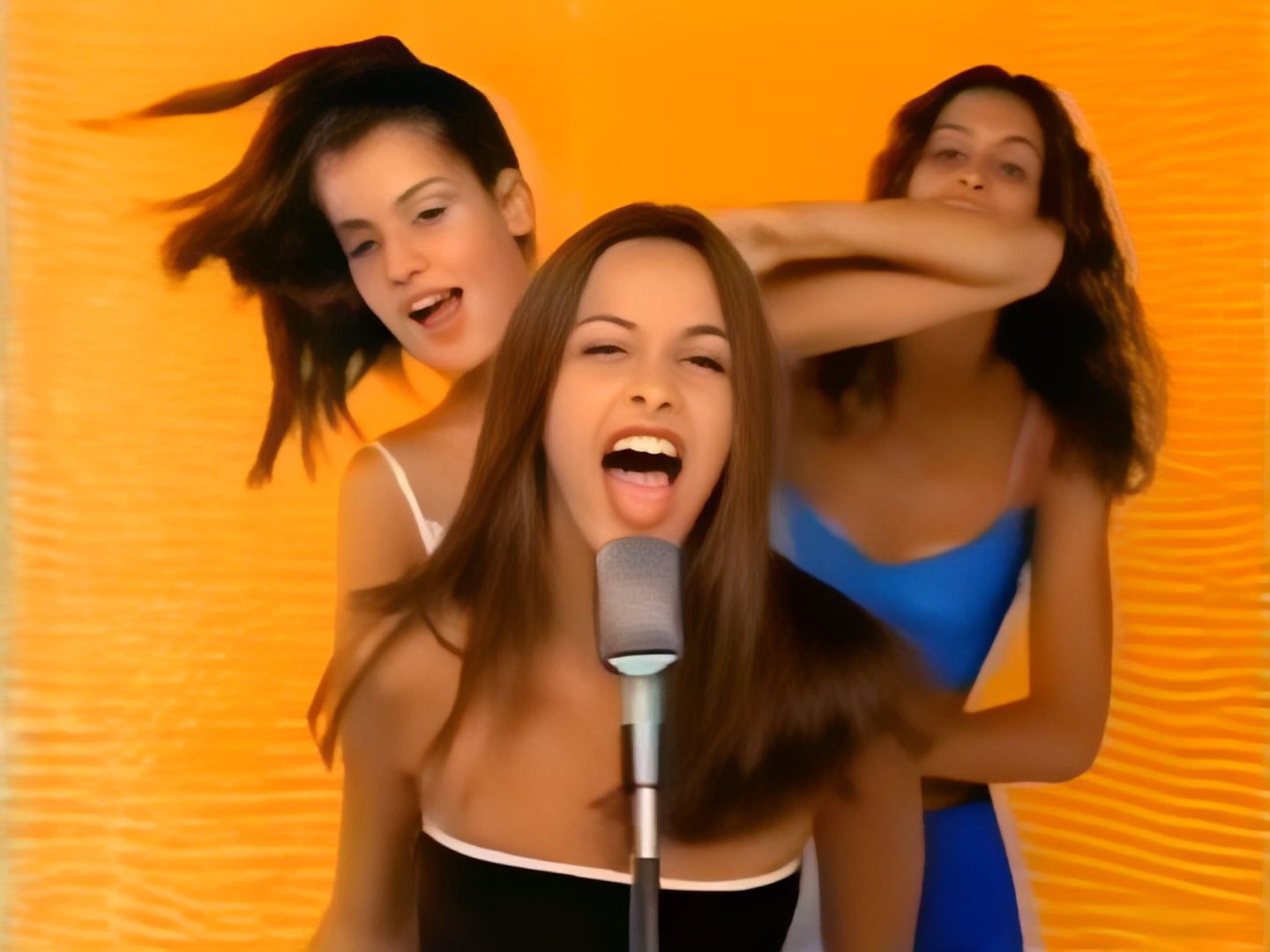


I see he’s done the same for teddy bear snouts. I think I see eyes instead hahahaha
I think that to counter this problem, you would first have to do a pass with Artemis to denoise and remove artifacts, and then do a scaling pass with iris. To test. Otherwise, apart from the odd mouth, the rest looks pretty good. Even the hair has picked up some detail
1 Like
Just one of many issues, I stopped using Iris a while back. I have a lot of old videos (which it’s supposed to be designed for) with poor lighting and hence intermittently blurry faces during rapid movement. The sudden transitions from sharp and clear eyes to blurry ones that Iris cannot handle - or sometimes changing the look of the eye altogether - are too disconcerting, I have reverted to Artemis.
I have no idea if they can improve this with updates but if they do, I will give it another try. We see similar issues with Stable Diffusion of course, advanced aspects of AI like this have a long way to go in spite of claims otherwise.
2 Likes
Can you post your logs, please?
To gather logs, open Topaz Video AI select Help > Logging > Get Logs for Support, and attach the zip file to your reply.
Did you by chance update from a much older build when you ran into this issue?
If you perform a clean install by installing from the downloads page, you will overwrite the previous build and will erase your presets.
This will not happen if you update from within the app.
Upgrading your RAM should not make a big difference based on your specs
1 Like
Type it in 
Are you working with an interlaced model? If so, the ETA is not accurate at this time and you will want to continue to wait until the file is exported (denoted by a green check mark).
What’s the deal with MOV files? I think MKV too
It just shows “Error”
Clarification - seems like it will work only if you set the output to the same container, for example mov to mov
I was trying to do mov to mp4, which shouldn’t be a problem but it is for some reason
Won’t make a difference
You’d only need more RAM if you see that Topaz is using more than 70-80% in Task Manager
but you might upgrade to faster RAM, 3000mhz is not the best
1 Like
RE: GUI - Trimming Functionality - Timecode End Frame
As a result of this update, I am unable to alter the timecode of the end-frame via decimal input; only able to select end-frame by physically dragging the orange marker.
Please advise
Notes: Decimal input works for start-frame, just not end-frame.
Preferences > Timecode Display Format > Timecode (selected)
Preview does not work correctly on my two systems:
Mac mini (Intel), updated Ventura, 64GB RAM. 2TB SSD;
MacBook Air M2, updated Ventura, 24GB RAM, 2TB SSD.
First issue:
- Import .VOB file, ~11 min running time.
- Try to trim to 1 min. Starting time code accepts input (00:00:06;29), ending time code box does not. Set end trim point with slider. Click Apply.
- Select Dione dehalo for deinterlace operation.
- Click Preview.
Result: Preview starts at the very beginning of the video, not at 6 min 29 sec. Can’t get Preview to start where it’s supposed to.
Second issue:
- Import .VOB file, ~11 min running time.
- Drag timeline cursor forward - I see only about 30 sec of the 11 minute video even when I drag the cursor all the way to the right.
- Drag cursor backward - now I see the content that did not show during the forward drag.
- Alternate dragging cursor forward about a minute, backward about a minute. Displayed content going in the forward direction is displayed very slowly (i.e., it shows maybe 15 seconds of content for a drag distance of 10% of the file). Content displayed going backward is displayed super fast, covers ~50% of the video in a 10% drag.
I’ve tried quit/relaunch; shutdown/reboot; uninstall/reinstall. No change. Preview is unusable for me. Ideas?
This is the first version where the preview for PNG output just refuses to work. Like it won’t even show an outline of the output image. It was doing some deinterlacing, so I guess the frame rate difference between the input and the output really wrecked it.
I was, of course, still able to open the preview folder and view the images.
Somehow in the last month or two the processing time for interlaced video has doubled, so taking the initial ETA it reports and doubling it usually gets you a close estimate of the total time to process the video. Not sure which update caused this as sometimes there are two or three updates between the times I use Video AI, but it’s in the last month or two.
Progressive interlaced video doesn’t seem to be affected by this, but using DioneTV, DioneDV and Iris for de-interlacing will double the processing time over what it used to be. These are also the processes which double the FPS as well, FWIW.
So while it doesn’t make sense the processing time has doubled, as a rule of thumb doubling the ETA gives you an idea of how long it will actually take.
James
PS- I’m using an external SSD that can get hot during use, during the first part of the processing it gets hot while in the second part of the processing (after the counter reaches 0) it remains cool though the in-use light on the drive continues to flash.
This is probably because of the audio track type. What is the audio codec in the mov file?
