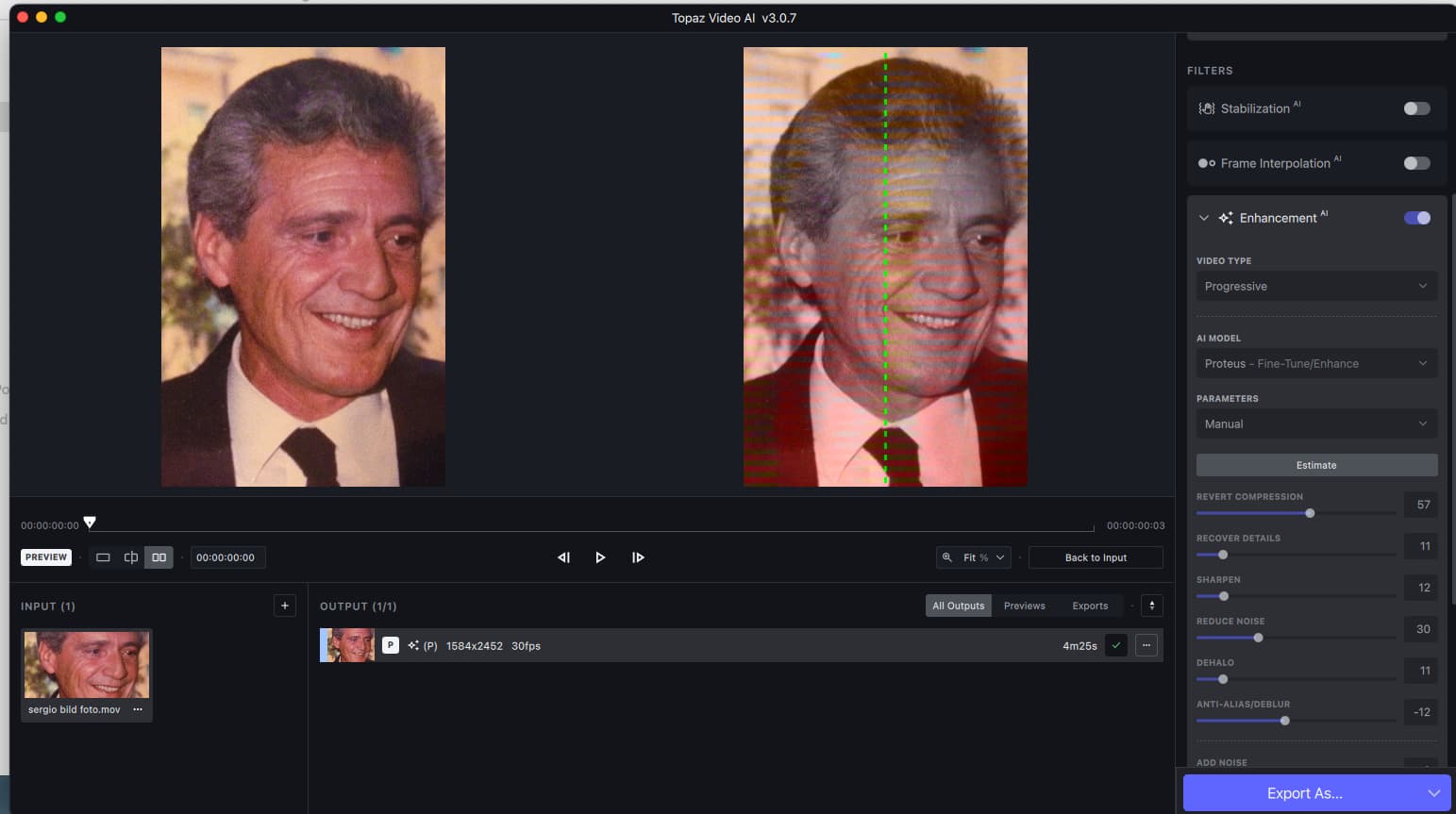
Glad I’m not the only one. Turbo mode! Turbo mode! 
???
Proteus has “Auto” now, but the model version is still at v3, same as 2.6.4. Do you have any kind of info on a new version of Proteus? If so, I’d like to hear about it!
I said exactly that wayyyy back in version 3.0.1 on November 1st!
Their roadmap needs to be completely re-written to debug all the basics first, and get them up to the performance level of 2.6.4. THEN they can add all the frills whistles and bells they like.
6 Likes
I have no solid statement other that it was mentioned that after TVAI 3.x was released there would be more work being done on the AI end. This means streamlining, eliminating the throughput bottlenecks, the AI algorithms and, of course, more ‘training’ which will improve the identification capabilities and improve enhancement.
Was there anything specific about Proteus? No. But my guess is that the ‘roots’ of Proteus aren’t necessarily exclusive to it and other enhancement schemes use many of the same base components. That’s what modularity is all about.
When you have a situation when there is a ‘dusting’ of color like the gold in the examples, de-noise algorithms may mistake the smaller particles as noise instead of detail. As such, it may be necessary to treat areas like this separately and apply the proper amount of TLC.
1 Like
Interesting. I’m not having that problem.
I’m sure he meant – and it’s how I read it – that Proteus will naturally evolve. The fact alone that we’re on v3 indicates a progressive line. It was in a convo where I predicted that there may well come a time when people’s current version of TVAI may no longer be able to run the latest and shiniest models (and maybe not even, say, a Proteus v4 – at least not when their license has expired).
1 Like
I see that the bug after minimizing the program is still not patched.
Shrinks the window to size 0x0.
The only way to fix this is to correct the REGEDIT entry.
Great. Same problem since alpha.
Yeah, to be honest I think some just don’t read previous posts and only read the latest, therefore having no context on the latter.
1 Like
I’ve never had this happen in any version I’ve used. I’m on Win10, I’m sure there are some variables that aren’t apparent that are causing this.
There is one small point I would like to make here. Using AI to recognize various parts of graphic images and then re-render them clearly in a different size and in better detail is no trivial feat. In order to accomplish this a lot of work is necessary, both by the GPU and the CPU, as well. As such, they may be able to speed the process up, but with currently available hardware increasing it by an order of magnitude would be well-near impossible.
I am certain the TVAI developers are writing their code using various kinds of high-level code and low-level code for the AI logic and mid-level code development to interact with the APIs used to drive the hardware. It would be possible to make it run faster by doing more of the programming using lower-level coding tools, but the added degree of difficulty/complexity added would cause development to take not months but years.
Today’s computer hardware has been deliberately designed to accomodate the needs of higher-level languages. Low-level or machine code is very fast but today this is mostly reserved for building device drivers and operating system code.
I have several non-AI platforms that can deinterlace a two-hour video file in ten or fifteen minutes, but the results won’t hold a candle to what comes out of deinterlacing guided by a good AI-based process. (Which may take a significantly longer time to do.)
Personally, I honestly would like to see TVAI process (AI) video faster, but I’m not going to hold my breath. I’m simply delighted to get such wonderful results.
4 Likes
I’m pretty new to TVAI and loving and learning as I go. I’ve noticed sometimes I get the choice of ‘square or original pixels’ on some imported videos, yet with others the option does not appear. Which is a shame as choosing ‘square pixels’ improved one of my exports. Hope someone can chip in here.
This link may answer your guestion… Square Pixels vs Non-Square Pixels
In these days of HDTV, non-square pixels are essentially passé.
3 Likes
Thanks. I will ‘try’ to understand this.
Oh yes I get that totally, I’m using TVAI on my archaic VHS boxing videos and it’s doing an amazing job. I’m learning importantly nuances as I go. Thanks again mate.
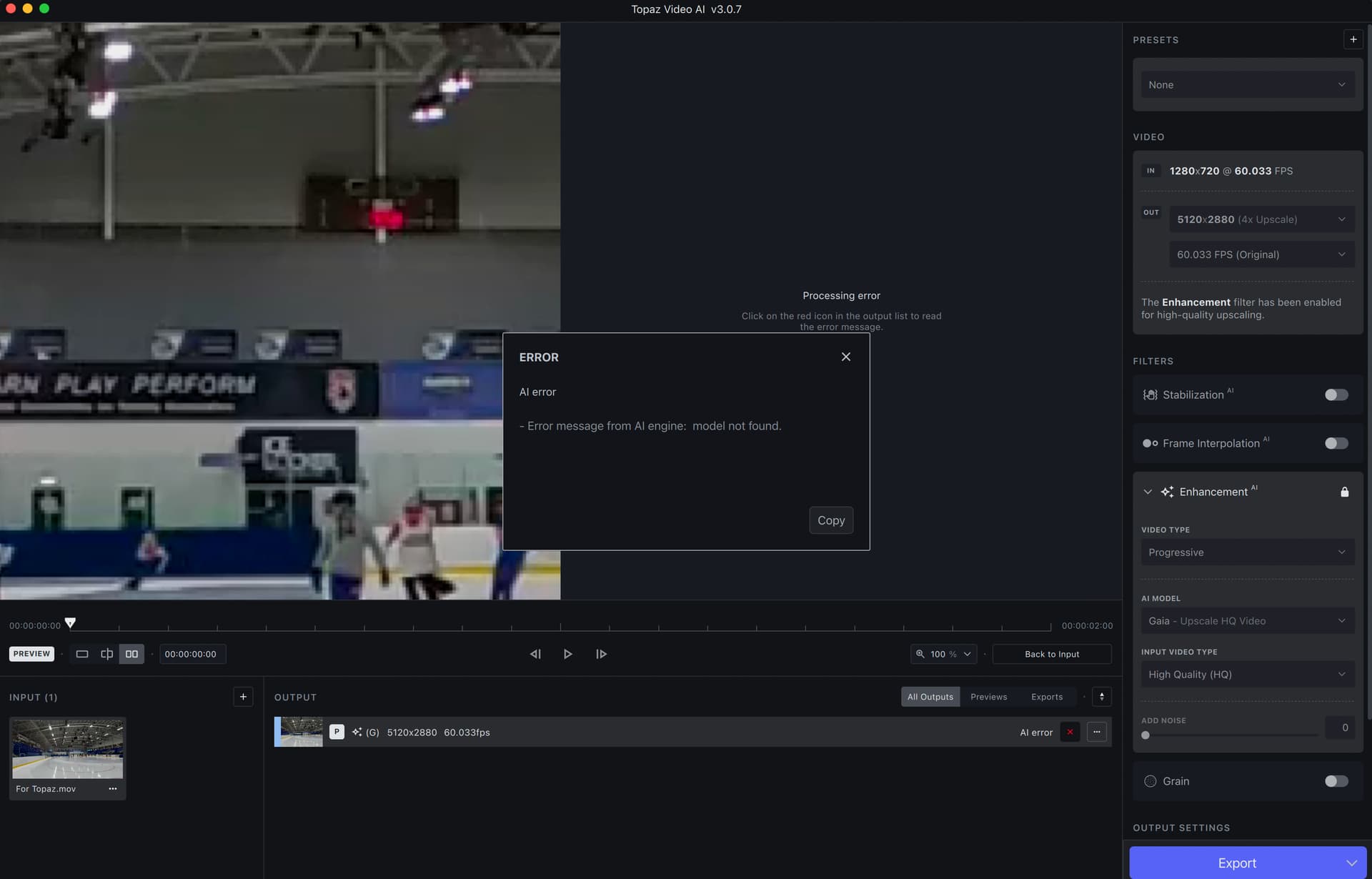
I got failed to load model then the model work after that every time lol
Angela on what model are you getting best result for VHS? as i concern VHS was interlaced but i still want them Proteus fine tune possibilities, but that would not be by the book?
And is there anyway to know if the video file was captured as interlaced?
1 Like
Hi, not sure if the ones that don’t get the pixel choice are interlaced or not. I can usually tell visually by the combing effect. Then I find better deinterlacing results with Handbrake, then re-import to TVAI. As for the model that best suits my needs, and I have trialed every one, is Proteus-Manual-then adjust the sliders accordingly (they’re never the same ) and usually Apollo for frame interpolation, sometimes Chronos or Chronos Fast generally ves a smoother result.
2 Likes