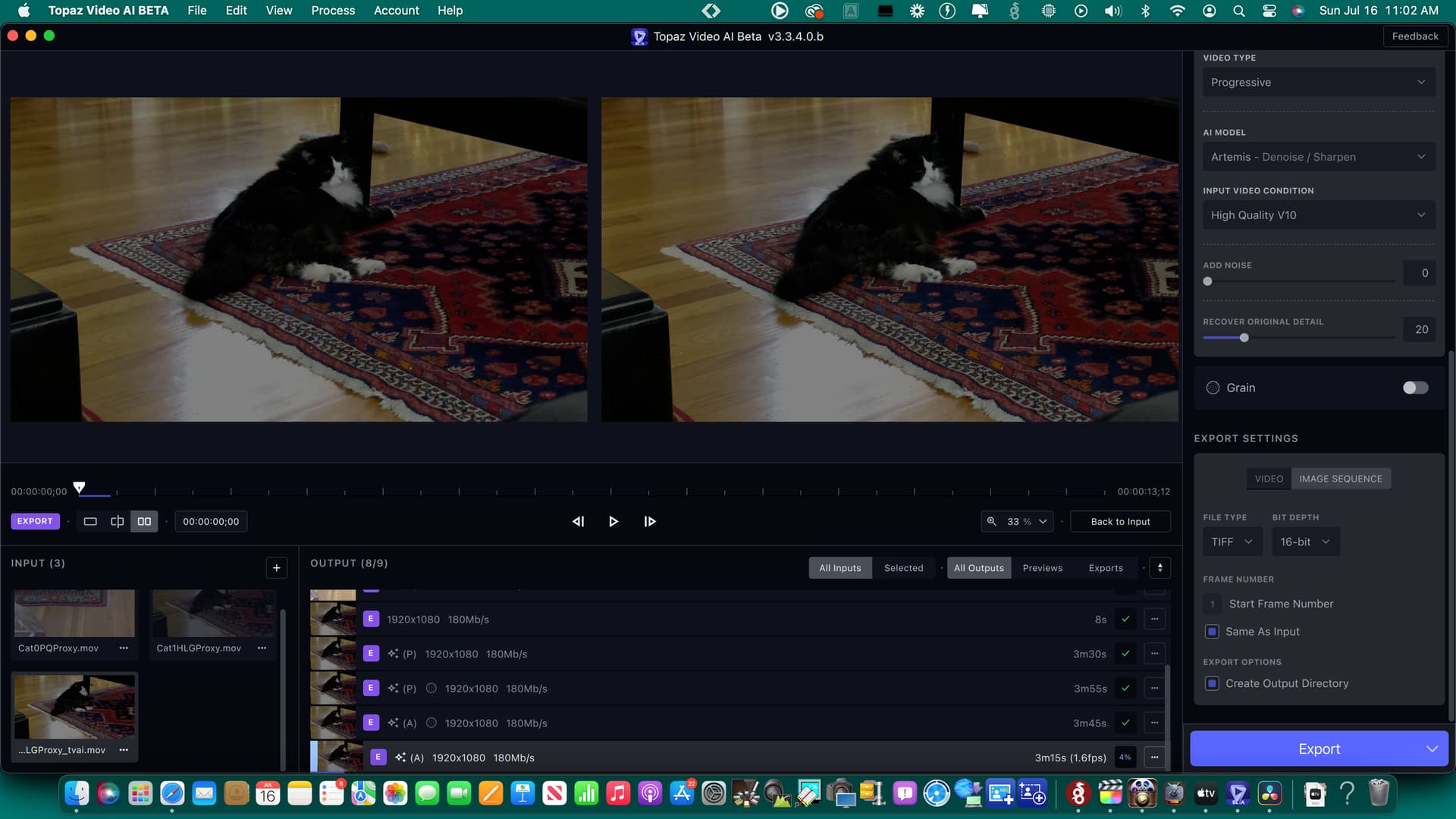
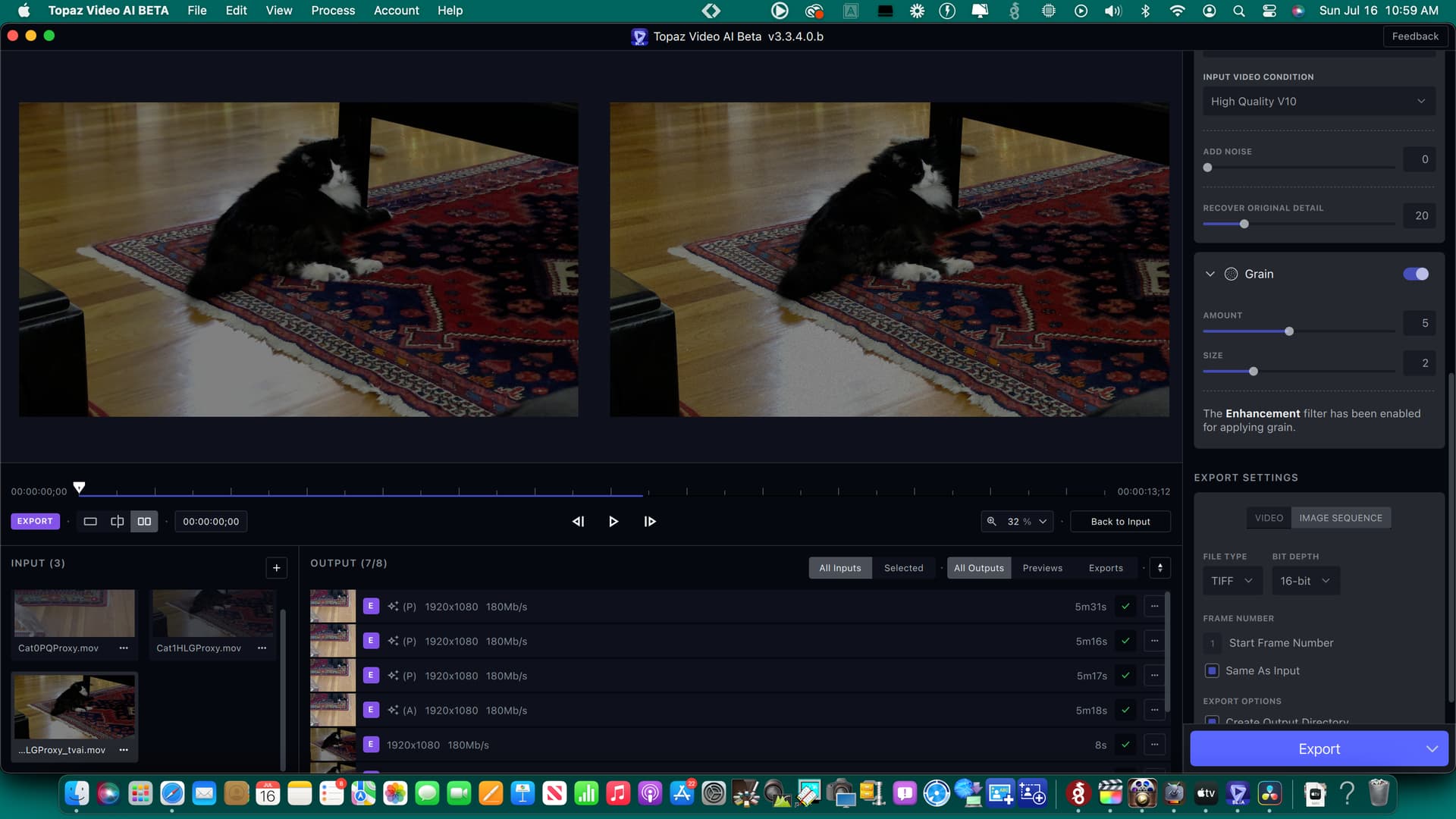
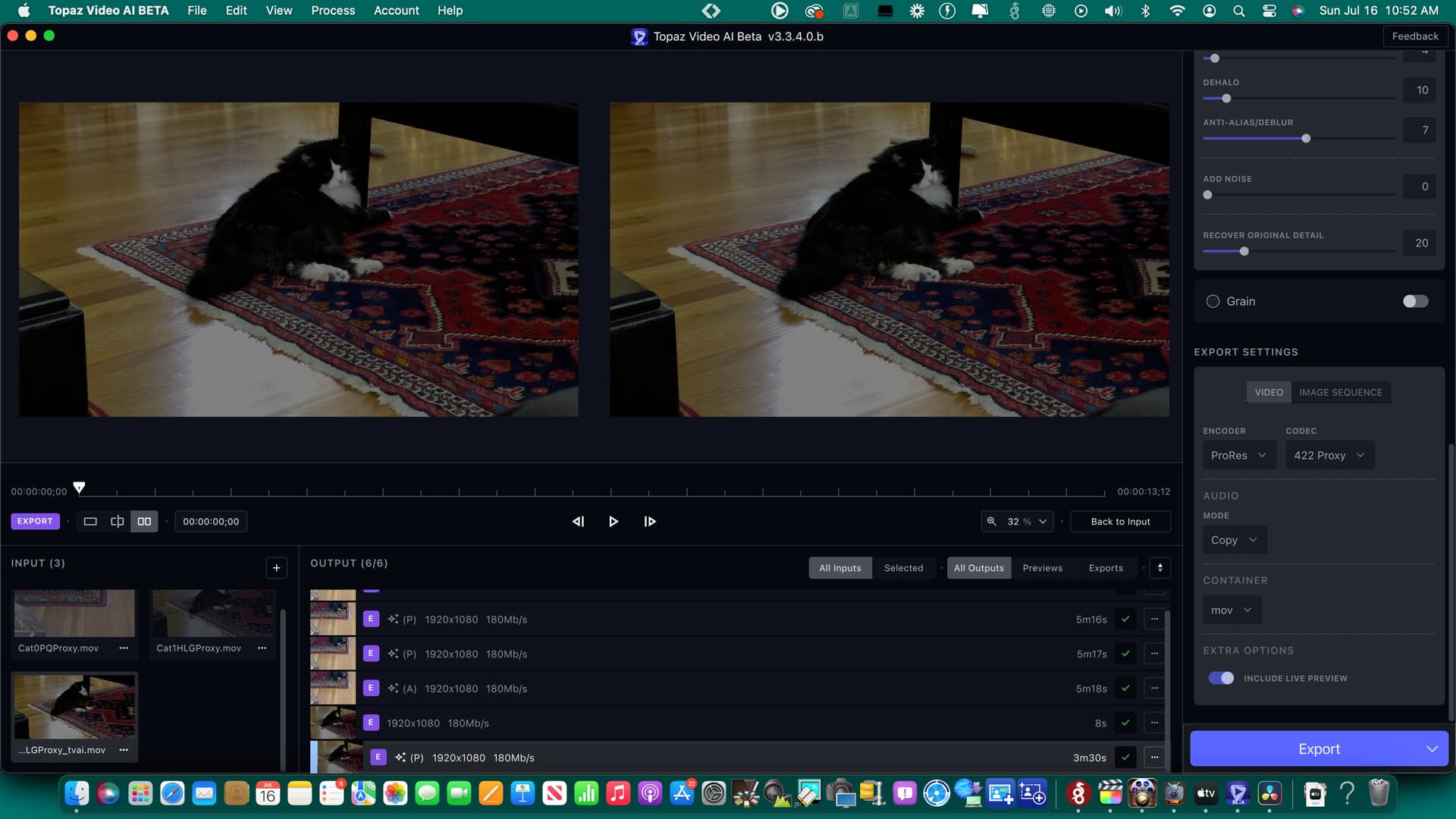
Trimming the video now honours the frames set manually in the timecode in and out fields. Not sure when this was fixed, but up until recently, clicking out of the field with the mouse, or even just pressing return would make the in or out point jump a frame or two, making it near impossible to get an accurate trim.
On that note, would we please be able to get the option to save trim and crop settings to a preset? Until VAI supports “projects”, this would be the most effective way to preserve work done on a more complex upscale, or make it easier when having to re-do a specific job.
This appears to happen because when you set a 10% VRAM limit, TVAI tries to reduce VRAM usage and will load smaller versions of the AI model compared to the 100% VRAM limit. And these smaller versions probably run faster on Apple Silicon than large models. Or maybe there’s some other system that’s impacted by the change in model size that results in the speed improvement (E.G. The number of tiles to schedule for processing, how the tiles are scheduled, how the tiles overlap, how the tiles pack in your video, the cache coherency during processing, etc).
Also keep in mind that the performance boost offered by reducing the VRAM limit to 10% isn’t universal. For example on a M1 Pro (16GB) I can reproduce a performance boost when setting the limit to 10% and benchmarking at 720x480. But benchmarking at 1920x1080 with the 10% VRAM limit shows a noticeable performance deficit for me. Maybe a different VRAM limit value is better for this resolution or my VRAM amount?
So the speed boost may not be consistent across all Apple Silicon GPUs, all memory configurations, or all resolutions, meaning it could require quite a bit of investigation before the TVAI developers can figure out the exact cause for the speed boost then write an automated system that will improve performance for the cases where it runs slower than expected.
Following on from our chat on the previous beta thread this is an update as to my progress regarding the Out of Memory (OOM) issue I kept having but whilst using this newer beta.
Having had a look at the error logs, it appears that it kept giving me the OOM error when TVAI tried to write something to its temp folder. If I quit and re-opened the app same thing. If I rebooted my Mac it was ok for a short while then, same OOM error. It rendered one file with no issues but the next one with exactly the same settings, nope! So I used Onyx to delete all application caches as well as other cache/temp items. After the Onyx reboot… TVAI rendered at least seven files with no OOM errors at all. I know right‽ But then the OOM error happened again and only a wipe of the app cache/temp folders would fix it. So in my case that’s what appears to be the cause. When it works, it’s ace though!
@ida.topazlabs I uploaded my earlier error logs to the Dropbox link in the previous beta thread should you wish to look at them. Happy to assist in anyway as well. To save you looking for my computer info on my previous posts I’m using a Mac Studio Ultra with 64GB RAM and I was using a 720 file, upscaled to 1080 using the Iris model, no live preview selected as that always caused the OOM error!
On the ‘only first frame’ issue on 3.3.4.0, just to add a bit, if you click on a previously made preview, when you click back on the one you are currently doing, there is no preview, even the first frame has dissappeared.
Ah, this was uploaded to Suraj’s DB. He is out of town, sorry! Can you share with me? You can securely submit your files(s) to our Dropbox using the link below. Please be sure to send me a note to let me know you sent something.
Please follow up via support ticket, we are unable to see the issue in your screen recording. More than likely a zoom meeting may be the fastest way to look at your issues.
Another clue in the only-the-first-frame-show when previewing a run. I run tests all the time, but I got some footage back from the transfer house and need to test it in Premiere. I do get the preview when Exporting. Just not in “Previews”.
I’m traveling at the moment and won’t be able to do a zoom call. Limited internet connection.
But as you can see in the 3.3.4 thread a lot of people are have the exact same issue with the preview bug
As for the update problem. I think I figured it out. Its the stored presets that are causing the videos not load. If there’s a default preset enabled in config and set to automatically start. After disabling it the videos did load onto the screen…