I am not using VLC media player but even my enigma2 mediascanner box will play the files 100 percent open source Do you have the latest VLC to ensure it is not a VLC issue I streamed the files from my enigma 2 receiver back to my VLC on android works with all Topaz beta versions I did not use v3.3.0.0 but did use v3.2.0…09 with H265 Main . vlc works there is a you tube specifically how to install vlc on windows 11… choose 64 bit
An error occurred again while using Iris with Stabilizer and Themis. I had this error several times with older beta versions, too. It occured on a I9 9900 with RTX 2800 super.
Can anybody tell me what is wrong?
bug on crop mode.
preset are tailored on square pixel, if you load pal dv old SD and setup 4:3 preset, it act like it have square pixel and not Pal Aspect ration cutting since 1/6 of picture up and down.
the preset 4:3 should act on rectangular pixel.
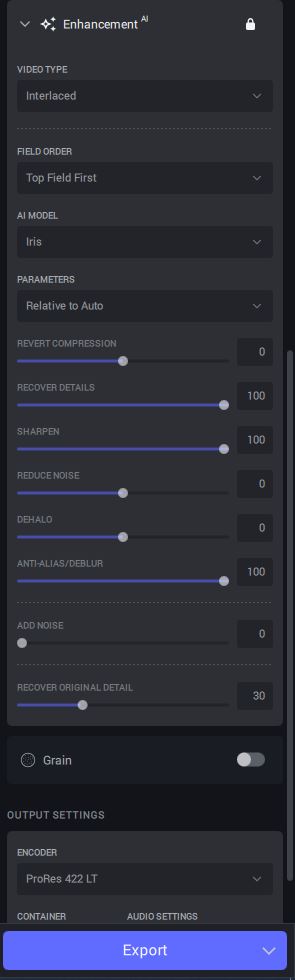
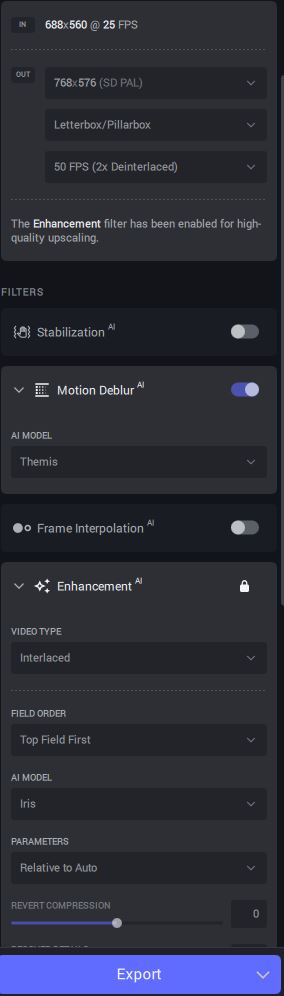
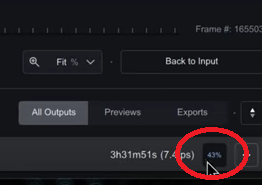
Hello! I ran some tests with interlaced footage and have to say that the IRIS model has much superior quality (sharper edges, and cleaner texture) than Dione models and it actually fixes a honeycomb effect I was having in one of my previous clips. Nonetheless, the processing is almost 2 times slower 1 hour for a 4 minute video (8 Gb GPU here), hope there will be a fix for that.
However, I noticed that with almost all my clips (to HD and 4k upscale), it renders this glowy/halo look that I think was happening in the first versions of Proteus… which in some cases helps to give this “HD look”, but it also loses details and gives this “unreal heavenly” vision. I thought that I would increase the “recover detail” slider to 100 to remove this and it kinda did, but it also brought back all the noise and grain from the source. Screenshots of a concert footage:
Also, it does work well with most of the faces, especially close-ups (brilliant!), but not so much with smaller ones where it introduces some grainy jittery blobs all over the head, haha.
Another thing that I saw is that it has trouble recreating a consistency of textures, but I think that’s an issue with all models, that even though each frame looks great but when it’s playbacked… it looks like a moving watercolor. Some sharp triangular textures are rendered like a brush stroke with a curvy line.
UI wise, seems like the preview window is broken again, the render window it’s out of sync with the source. And sometimes the rendered video keeps playing while the source has gone “grey” (not found), other times it suddenly zooms in to 100% at the end of the playback.
Another thing I noticed: the first frame always renders pixelated or low quality and it fixes itself in the next frame or two, which is not a problem if the first frame is a black frame, but it is a problem if you split a video in parts and there’s an image in the middle.
What I would like to see sometime in the future: Ability to choose source->render color space option (for DVD to HD); grain model selection, Detelecine (not sure if this already exists somewhere in the chronos settings?).
Thanks for the info, but the issue with HEVC_NVENC / Nvidia H265 playback on VLC was introduced in version v3.2.10.b, so you would not have any issues with files created by v3.2.9.0.b.
I am 99% certain the change that caused this issue was this (from the v3.2.10.b change log):
Updates NVENC (NVIDIA encoder) - **this requires at least driver 531**
I used 3.2.0 10 as well and it showed that itis 1.0 is much faster than 3.2.0.9 sorry for the confusion. I have to say that i have an isdue when the sourcematerial is 848 x 480 then scale 4 times i just experimented with this and the result is it only plays on windows media player i had to stabalize some iphone movies i try now to upscale to 4 k normally i only upscale mp4 cinverted vhs tapes.
Thank you for your answer!
I converted a VHS Video with Vegas to 768x576 square pixels uncompressed avi.
So I should use 768x576 pixels ratio in Topaz withoud “SD”-right?
If I had a 720x576 VHS video as input and choosed 768x576 SD Topaz would change the pixel to sqare pixel - right?
Do you think there are differences in quality between Topaz and Vegas in changing the pixels into sqare pixels?
I also compared deinterlacing VHS Videos and Video8 (from a video recorder with TBC) with Iris and Hybrid with QTCMG and I did not see a difference.
Is the new Iris model perhaps the best way to deinterlace ?
Has Iris been taught to keep each person’s eyes open?
Here we just happen to have a blind character and he has his eyes closed 99% of the time.
And the face regardless of the option looks rather funny, the sharpening is greatly overdone.
Hi. I have started testing this Beta, but the Preview Logo is a real hindrance. Is there any chance of a Beta license being issued to me to get rid of it? So far, I have run into manual Crop problems, in which the output frame displayed within Topaz has been cropped top and bottom, but the original frame width is retained with black borders on either side. Examination of a PNG output reveals the frame dimensions to be the correct 1290x1080, but the image is squashed horizontally (with the black bands I mentioned on either side). I’m guessing the pixels are not longer square, but I need to check things further.
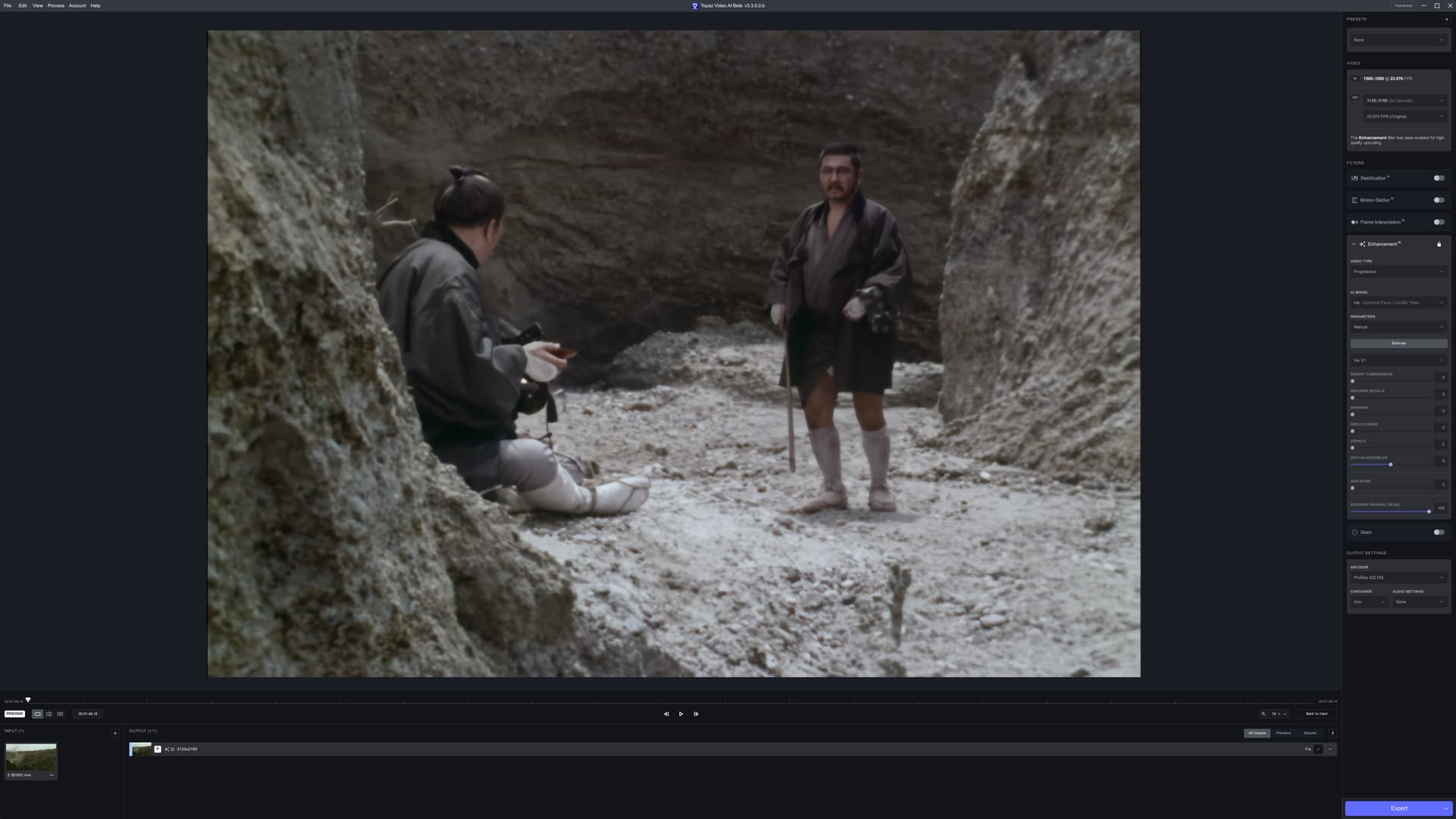
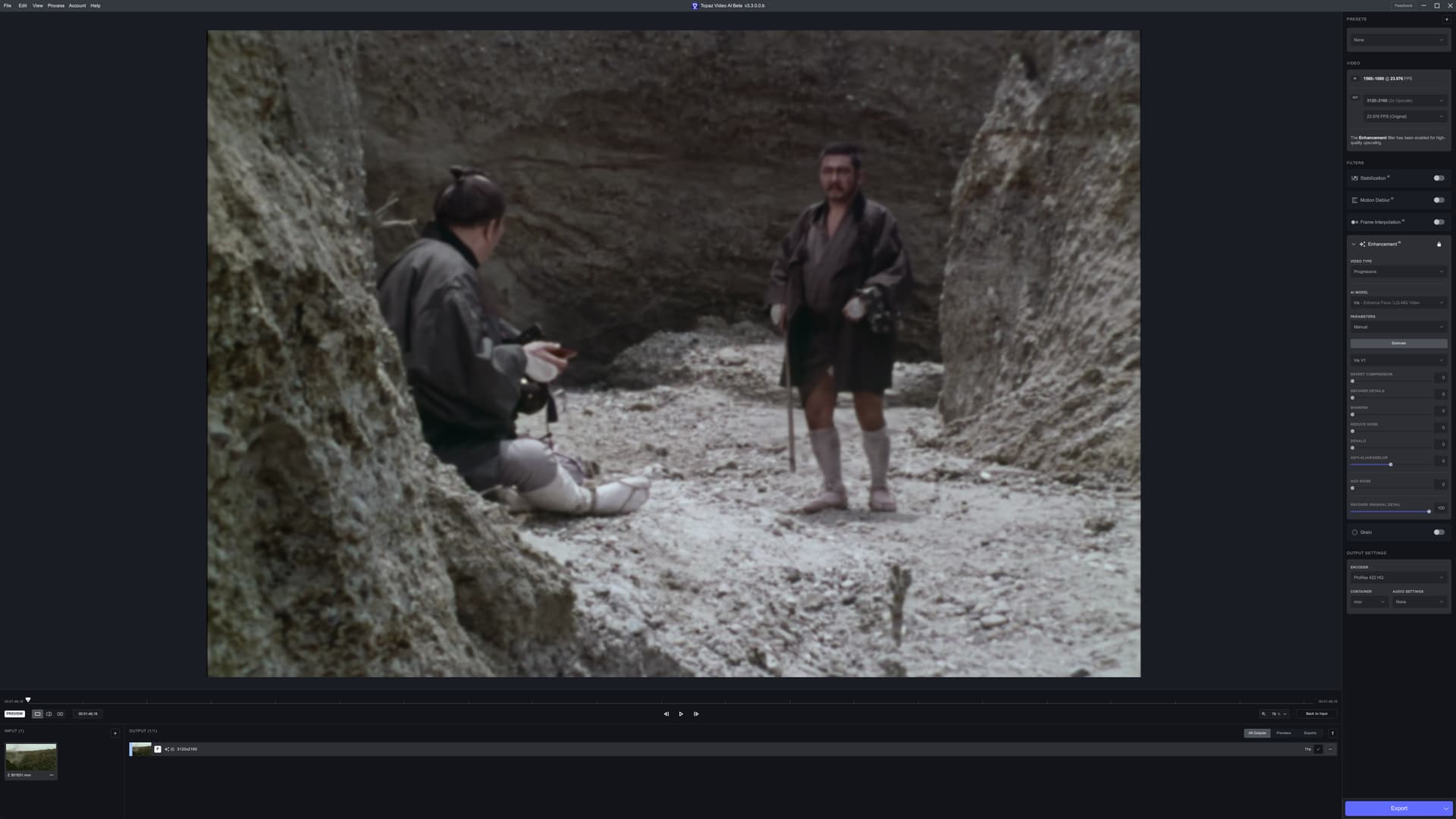
hello, indeed iris deinterlaces much better than the dione tv and dione dv models but there are still accentuated staircase effects on clear and straight borders. so the best is always to deinterlace with qtgmc but in “fast” with the “temporal smooth” on “0”. and then apply the iris template. this iris model gives very good results in any case
Thanks for the release! Just tested Iris model. It gives great results in terms of smoothness and overall look credibility. Faces look natural. But - as you said - the model tends to loose details. While Gaia is perfect for regaining details but often looks too artificial and sharp Iris looks very natural but too soft.
Even with Recover Original Details and Recover Detials and Sharpen at Peak it looks too soft. I´d love to see more details with Iris - as this is a very valuable model…
Unfortunately with the Mac version it caused my M1 Mac Studio (running Ventura 13.4) to crash and reboot a couple of times during export and on a 3rd attempt whilst the app didn’t crash, it went into Error status just before completing the encode of an AVI file that I have used throughout all my beta testing.
This was whilst trying out the Iris profile which was the only change I made to my normal settings.
I have uploaded my log file via the Dropbox link on this thread.
 1 hour for a 4 minute video (8 Gb GPU here), hope there will be a fix for that.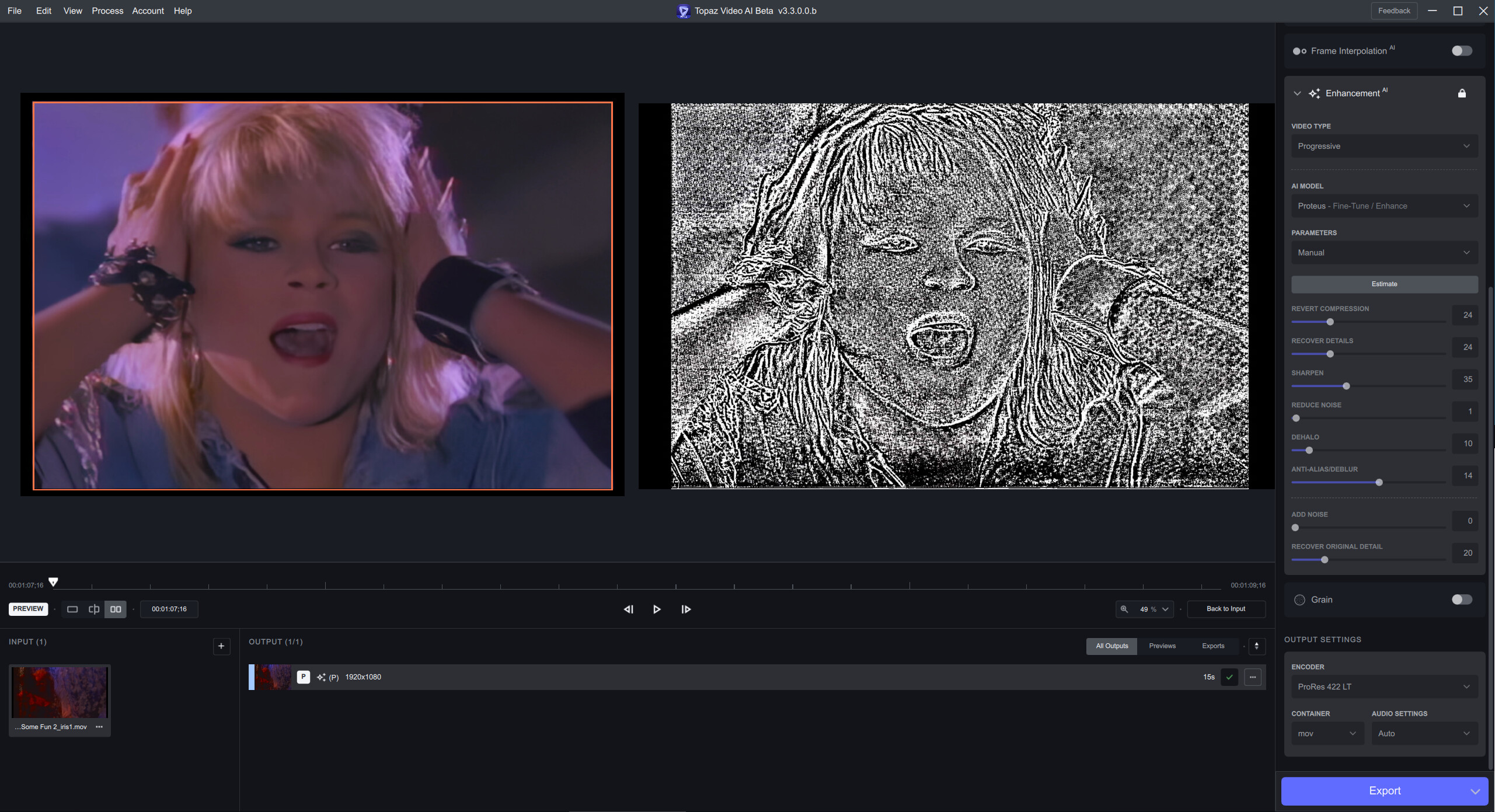

 but there are still accentuated staircase effects on clear and straight borders. so the best is always to deinterlace with qtgmc but in “fast” with the “temporal smooth” on “0”. and then apply the iris template. this iris model gives very good results in any case