Oh, btw, thanks for fixing the grid, comes back the way it was, ie: most recent on top, or opposite. 
Yeah, it seems Proteus 4 is based on the same model as Gigapixel/PAI.
I get a “Downloading Model” every time I run Proteus v4 to preview.
Additionally, the effect of the Sharpen slider is imperceptible.
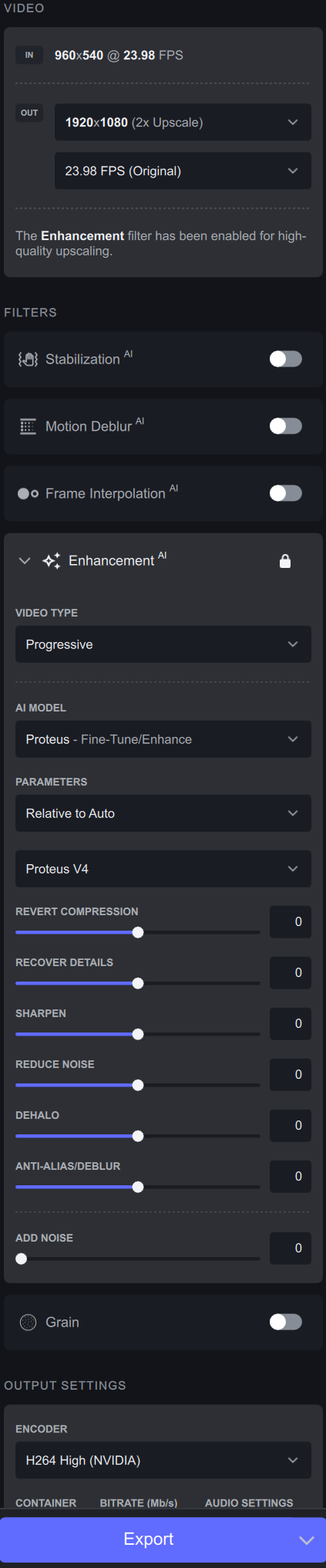
I get these artifacts while upscaling 960x540 file 2x or 4x with Proteus v4 (Relative to Auto - Auto dont work. Its always switching to v3 automatically while creating the preview):
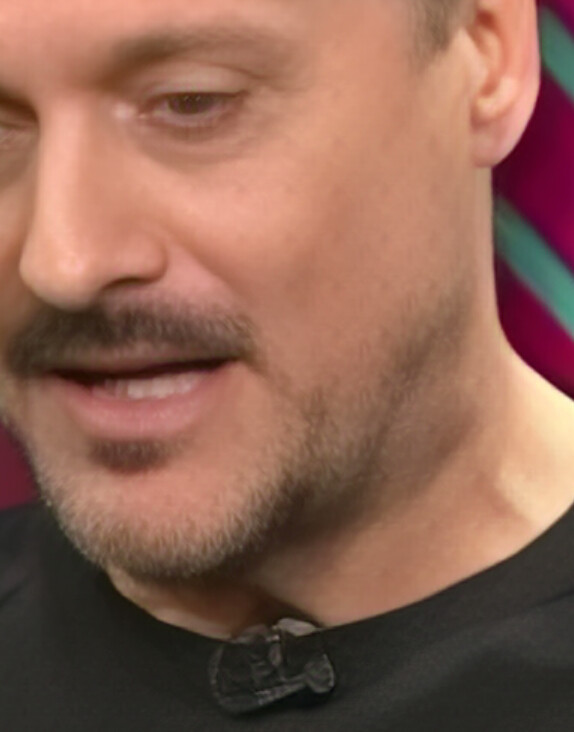
This dot mask always remains in the same place and is laid over the entire video like a static overlay.
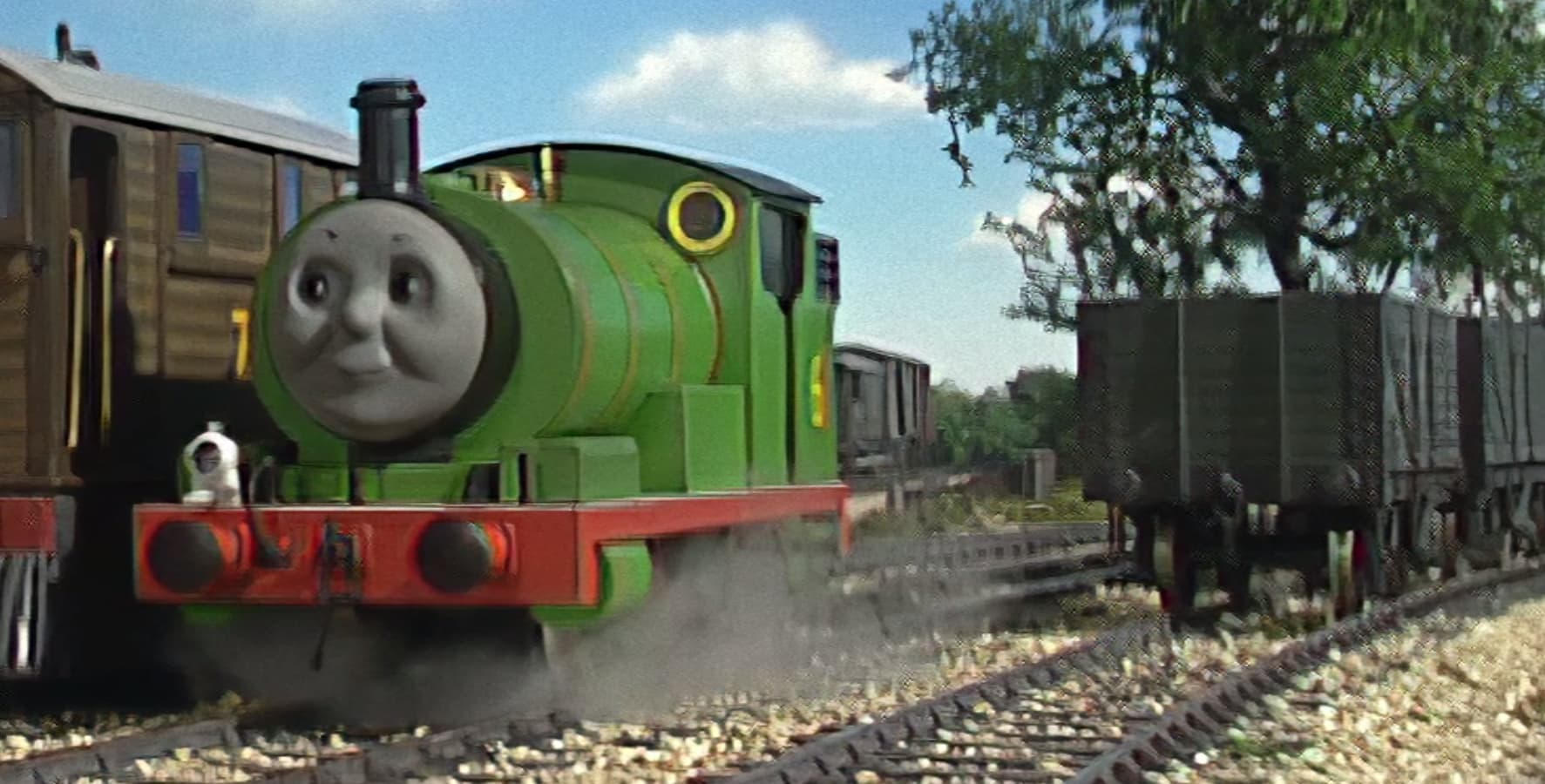
Using Proteus v4, areas with darker details are completely lost when processing. Additionally, the results tend to be blurred, with a dream-like quality regardless of how low dehalo is set to.
3 Likes
Considering I do 2-4x upscales a day using Artemis V8 and earlier, I have never come across an Artemis version that produces anywhere close to this amount of dehaloing, unless you were explicitly using the Artemis Dehalo model.
It definitely tries to hide the flaws, but its too much on V4 especially with no granular control of it. What I am waiting on is for the sliders to work better with it and be able to reduce that dehaloing/denoising effect on it.
For example:
This has the same input but compares Artemis V8 with Proteus Auto and with Proteus Manual. Proteus Auto is wayyy too blurred, but Proteus Manual is a significant improvement.
The issue is that Manual is set to Recover details 100 and Deblur to 80 and Sharpness to 30 (rest 0), meaning there should be the least amount of denoise and dehalo. So on the one hand, I am excited by the look of the Proteus Manual - it feels like its on the verge of being the best model I can use - but is JUST a bit too much blurring.
It feels like if I could just turn that knob down a bit, it might look amazing. Unfortunately I did try a whole episode to experiment, but then we run into the alien faces in the background issue, so even if that control did happen, you would have to micromanage the sequences to only use it in places for the time being. I am happy to do that - but the lack of frame control in V3 makes that way harder than it should be, so I don’t know how many others would be.
EDIT: Adjusted link, uploaded same image twice by accident.
3 Likes
Of course! Sorry for late reply! Uploading.
Edit: Something’s up with that Dropbox link - is it expired or removed internally?
Thank you for the latest update, however I have some concerns regarding the Dione TV/DV models. It appears that every time you attempt to upscale using these models in the 3.0 build or newer versions, you notice the presence of glitchy lines and blocky artifacts, which is not the case with the older version of Topaz. Are you aware of any solution or fix for this issue?
A new beta is now available
