Quick question:
On the website - https://app.topazlabs.com/starlight - Is it correct to assume for “model” that “Fast” = Starlight Mini, and “Best” = Starlight ? I’ve actually been trying to get an answer to this for some time now. :\
Quick question:
On the website - https://app.topazlabs.com/starlight - Is it correct to assume for “model” that “Fast” = Starlight Mini, and “Best” = Starlight ? I’ve actually been trying to get an answer to this for some time now. :\
Good comparisons, thanks! 
Yeah, I think you guys really need to put your head to the ground again when it comes to how much beta testers have helped this program develop over the years.
“ok you can use it to help us make money then you can’t use it” isn’t going to fly.
I have multiple 5090s here and it costs me a lot of money to test this shit to the level I do
I used to get my licenses for free to TVAI when the “old guard” was still around – not anymore
Now you’re going to ask me to stress test something you’re gong to paywall against me?
You are damn right that If I participate and have 600 watt gpus spinning 24/7 pushing this crap I want access to be able to use it. I’m paying money and putting stress on my workstations to help you develop YOUR product.
I understand fully that you want to market to bigger companies, beleive me – I GET IT
That said, I had half a year where MPV was causing topaz to not function on my machines, and I paid for the license this time. More and more keeps getting taken away from the people you guys rely on to build a better product – to the point where I’m now paying money for a non-functional product to run on 5 figures worth of computers and spending 4 figures worth of electricity a year to run your product and test it… and you want to take features away from me?
This is really out of touch, and not the topaz crew i used to work with.
ONE THING I WOULD NOTE :
IT is NOT the fault of topaz that some of this stuff is going to be “nvidia only” for the time being – blame the manufactuers of the graphics processers you use for not getting more into AI.
Do you think companies like google, meta, OpenAI, etc. ONLY use Nvidia because they just “don’t want to use AMD or some other gpu architecture?” I have many complaints about the direction this company is taking things right now and hte way the beta testers have been treated over the past few years. That said – Topaz already tried the “make it work on a wide variety of systems” appraoch and *actually made the models worse for a long period of time when we went from “CUDA” to “Tensor”
The fact is, the AI world runs on Nvidia. AMD isn’t making a push into AI with their gpus, intel is trying to but who knows if they’ll even follow through with battlemage/battlematrix.
We just don’t know… Plenty of “blame” to go around but if you want “quality ai” in 2025 – You buy Nvidia. Every company on the planet knows this.
Compatibility needs to take a back seat to quality.
I found wonder does a much better job on text than mini
I have run wonder over a fairly well scanned super 8 cinefilm which I had previously done with Starlight. Although it was sharper I thought it was far too sharp - akin to just cranking up the sharpness filter too much in an NLE. I was happier with Starlight Mini followed by a second pass in Iris. Maybe the footage needs to be much worse quality in the first place to get a good result?
Any plan to update internal FFMPEG core to newer version 8.0??
Highlights:
" A new major release, FFmpeg 8.0 “Huffman”, is now available for download. Thanks to several delays, and modernization of our entire infrastructure, this release ended up being one of our largest releases to date. In short, its new features are:
A new class of decoders and encoders based on pure Vulkan compute implementation have been added. Vulkan is a cross-platform, open standard set of APIs that allows programs to use GPU hardware in various ways, from drawing on screen, to doing calculations, to decoding video via custom hardware accelerators. Rather than using a custom hardware accelerator present, these codecs are based on compute shaders, and work on any implementation of Vulkan 1.3.
Decoders use the same hwaccel API and commands, so users do not need to do anything special to enable them, as enabling Vulkan decoding is sufficient to use them.
Encoders, like our hardware accelerated encoders, require specifying a new encoder (ffv1_vulkan). Currently, the only codecs supported are: FFv1 (encoding and decoding) and ProRes RAW (decode only). ProRes (encode+decode) and VC-2 (encode+decode) implementations are complete and currently in review, to be merged soon and available with the next minor release.
Only codecs specifically designed for parallelized decoding can be implemented in such a way, with more mainstream codecs not being planned for support.
Depending on the hardware, these new codecs can provide very significant speedups, and open up possibilities to work with them for situations like non-linear video editors and lossless screen recording/streaming, so we are excited to learn what our downstream users can make with them.
I’m not giving any feedback until I hear what’s going to be done about the pro license and beta testers.
Replying to my own post… I had to find this on a YouTube video that didn’t have a lot of views.
On the cloud, Starlight Fast and Starlight Best are completely different than Starlight Mini. Starlight Mini is strictly a local model, and tends to produce softer results that look closer to the other local GAN models that TVAI uses, even though it’s technically a diffusion model. Starlight Fast and Starlight Best are strictly cloud models that use diffusion. Starlight Fast probably actually works best most of the time and produces results that are pretty close to indistinguishable from Starlight Best.
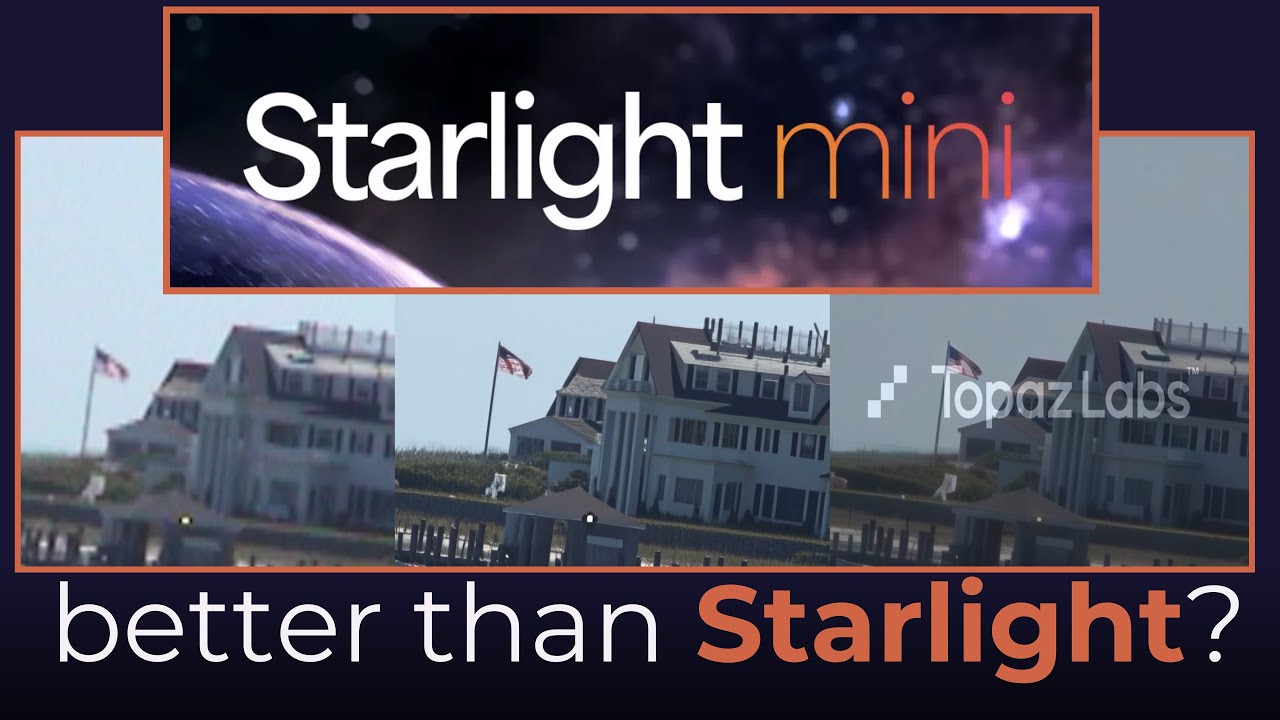
The author of the above video prefers Starlight Mini; I think it’s too soft.
It is also important to note (as discussed and shown in the above video) that Starlight Fast and Best got an update in June 2025 that greatly improved their output, so if you tried Starlight cloud before then and didn’t care for the results, you might want to try it again.
Agreed!
First of all, as many others have said, the idea that a new local model would be locked behind a Pro subscription (when getting the new updates / models is already a fairly high annual price) is insane. Is the price to upgrade new versions of the base “non-Pro” version going down? Is there going to be a new tier that would still allow to keep using the version you have paid for while also getting access to all models? Feels like a massive slap in the face at best. And in the area of significant advancement in open-source and other local models, a pretty slippery slope…
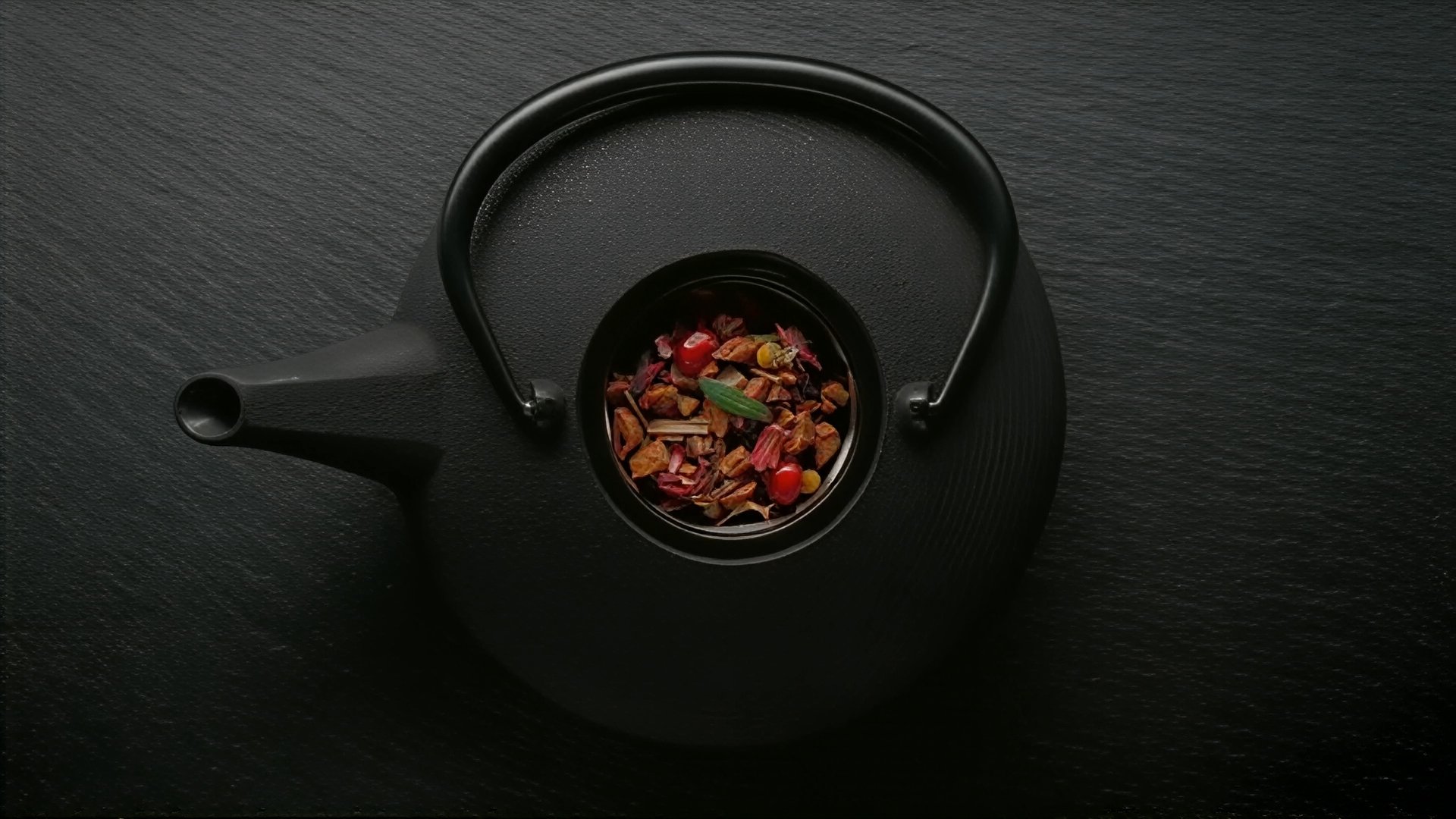
But anyway, I did a quick test by taking a 360p version of one of those OLED test videos and trying to upscale it to 1080p with both SL Mini and this new “SL Sharp”.
First, there is a problem with SL Sharp and even remotely big areas of darkness. Seems to create a gray checkerboard pattern:
SL Sharp does retain specularity / surface sheen much better compared to SL Mini.
Here’s SL Sharp:
And SL Mini:
SL Sharp seems to swing for the fences a bit more in trying to create plausible material texture and light response, compared to SL Mini. For real-world objects, it seems pretty good, although the colors / sharpening can make things a bit more garish-looking as well.
Here’s the original 360p frame:
SL Mini - smoother, with plausible surface detail, but kind of dull looking and fairly blurry:
SL Sharp - even finer (while still being plausible) surface detail, but the green and reds go a bit overboard:
And here’s the actual 1080p encode:
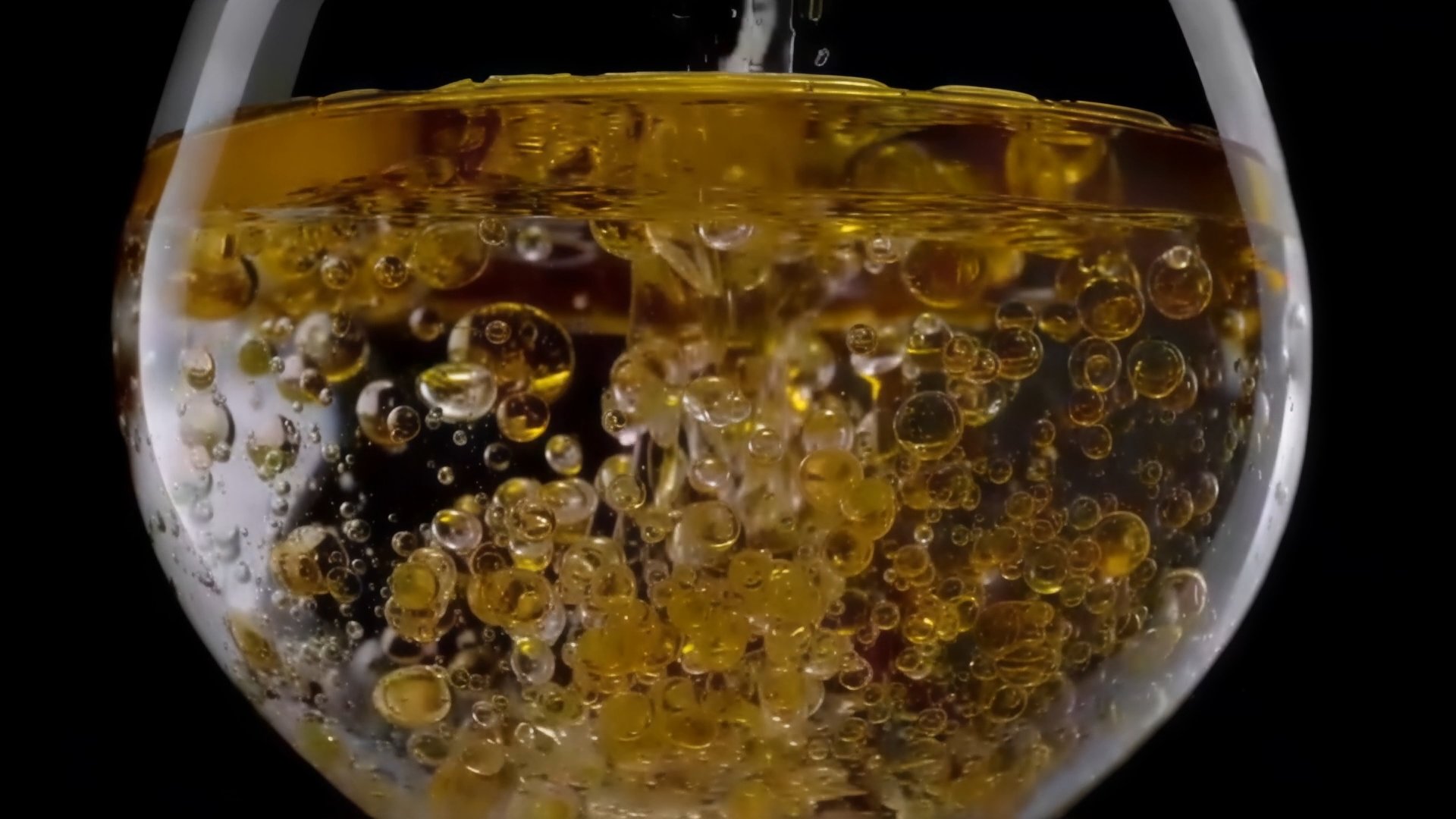
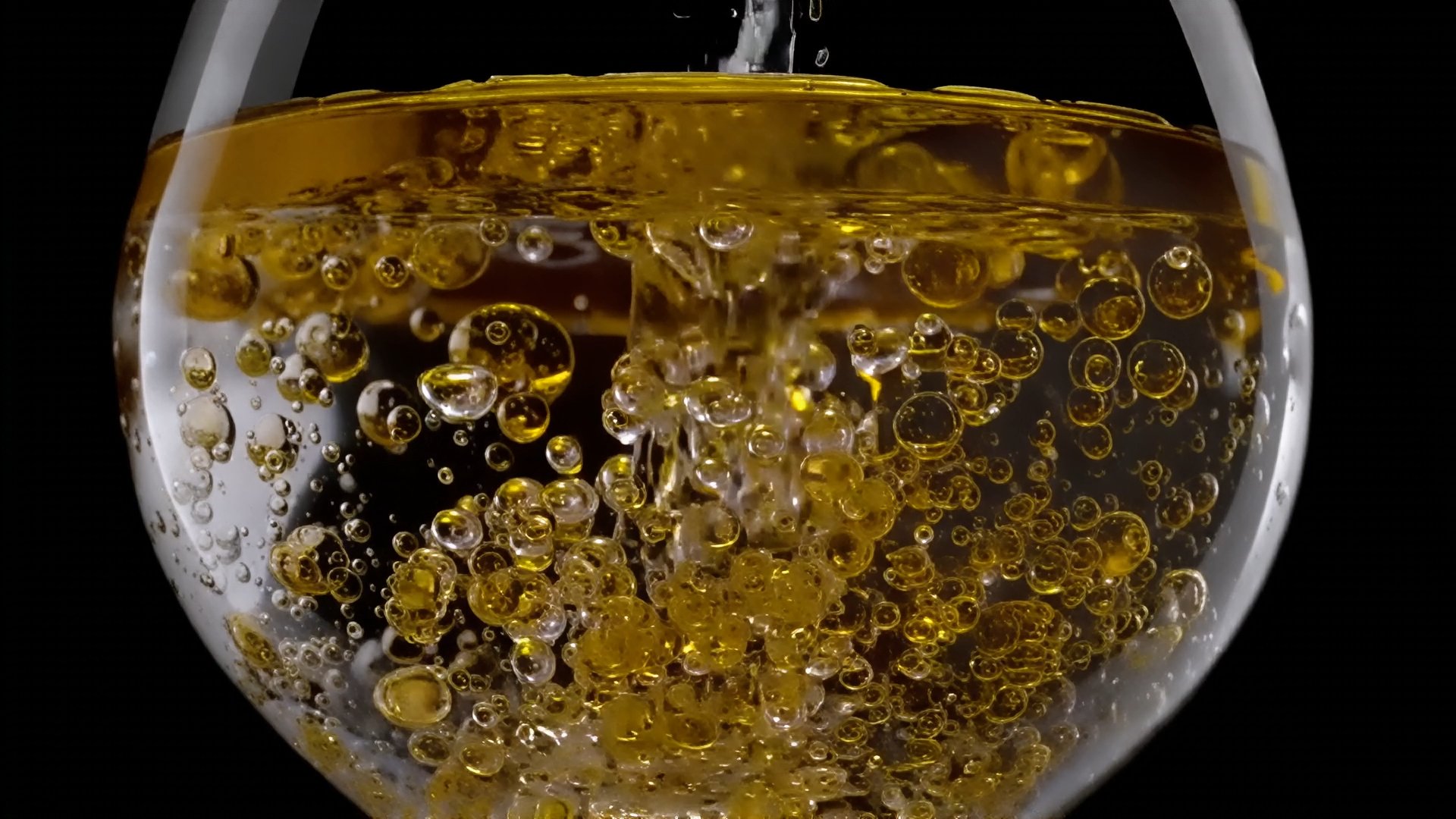
And here’s one more challenging example with a lot of movement and fine particles / bubbles, with the original being a pretty big mess.
Here’s the original 360p:
SL Mini - smoothed over and duller, but did maintain pretty good consistency in motion:
SL Sharp - shockingly clear and usable a lot of the time, but it would break / “reset” occasionally (which was distracting) Also had a slight color shift:
And the actual 1080p for reference:
There are definitely things the new model can do quite well. But the results others have shown with people that are a certain size in the frame do look rough, and I’m not really sure how you can get past that if you are shooting for results this much sharper from one model pass.
Installing the beta went fine for me - SL Mini and SL Sharp both did the system check and downloaded no problem when I first clicked on them, and I was able to use the menu to start SL Sharp without issue.
I have a 9950X3D and an RTX 6000 Pro Blackwell. FPS bounced all over the place with SL Sharp (fluctuating mostly between 0.8fps and 1.1fps with occasional spikes to 1.3 and down to 0.5 upscaling from 360p to 1080p), but overall was still significantly faster than SL Mini (which settled into a consistent 0.5fps). If we could get those kinds of speedups for SL Mini, that would be a pretty massive win!
Notably, VRAM usage for SL Sharp was also all over the place according to Windows task manager (going up to 23GB, then down to 13, then eventually up to 28, down to 18, then repeat the cycle up to 28 and down to 18, etc.). SL Mini used less max VRAM (going up to about 25GB and staying there consistently) but SL Mini also had spiky CPU usage much more often (presumably from encoding frames to add to the temp video much more often). Probably goes without saying, but neither model remotely tried to use the full 96GB of VRAM I have.
Unrelated to all of the above - preferences menu is completely borked with Windows scaling, I can’t read or change the vast majority of settings.
I thought maybe the motion blur filter would remove stuff like this (no dice) but is there anything to get rid of that “double vision” motion blur that remains on the letter “Y” in “ORDY” in your example?
So in summary, if the original video is extremely blurry, use SL Mini. If the original video quality is decent but you want it to look sharper, use SL Sharp.
It’s because the original has it, too. I think it might have been interlaced at some point (when it was analogue for example). Then, the person, who uploaded it on YT, destroyed as it is, could have done some sort of basic de-interlacing in-between, or even leave the interlacing (you can barely see the scanlines on the left image on letter Y).
That would be good to know. Instead of simply throwing a new model at us with the brief information that we’re not allowed to use it, detailed information about future pricing and plans would have been helpful. A little more information, and there probably wouldn’t be so much negative criticism here.
If they go that way, then I’m sure they loose most of renewal customers. I can’t profit from multi gpu support and the question then is, if the high Pro price is the new models worth or you switch to free open source upscaler. And no new models for the none pro version makes then also no sense rewening license, Proteus, Iris, Rhea.. I don’t think they get updated, and I don’t need some new gimmicks in the normal version. Well, let’s wait and see
I was able to use Starlight Sharp initially, but no longer. I have some more material I was wanting to throw its way. Has it already been phased out for Beta testers and moved to Pro?
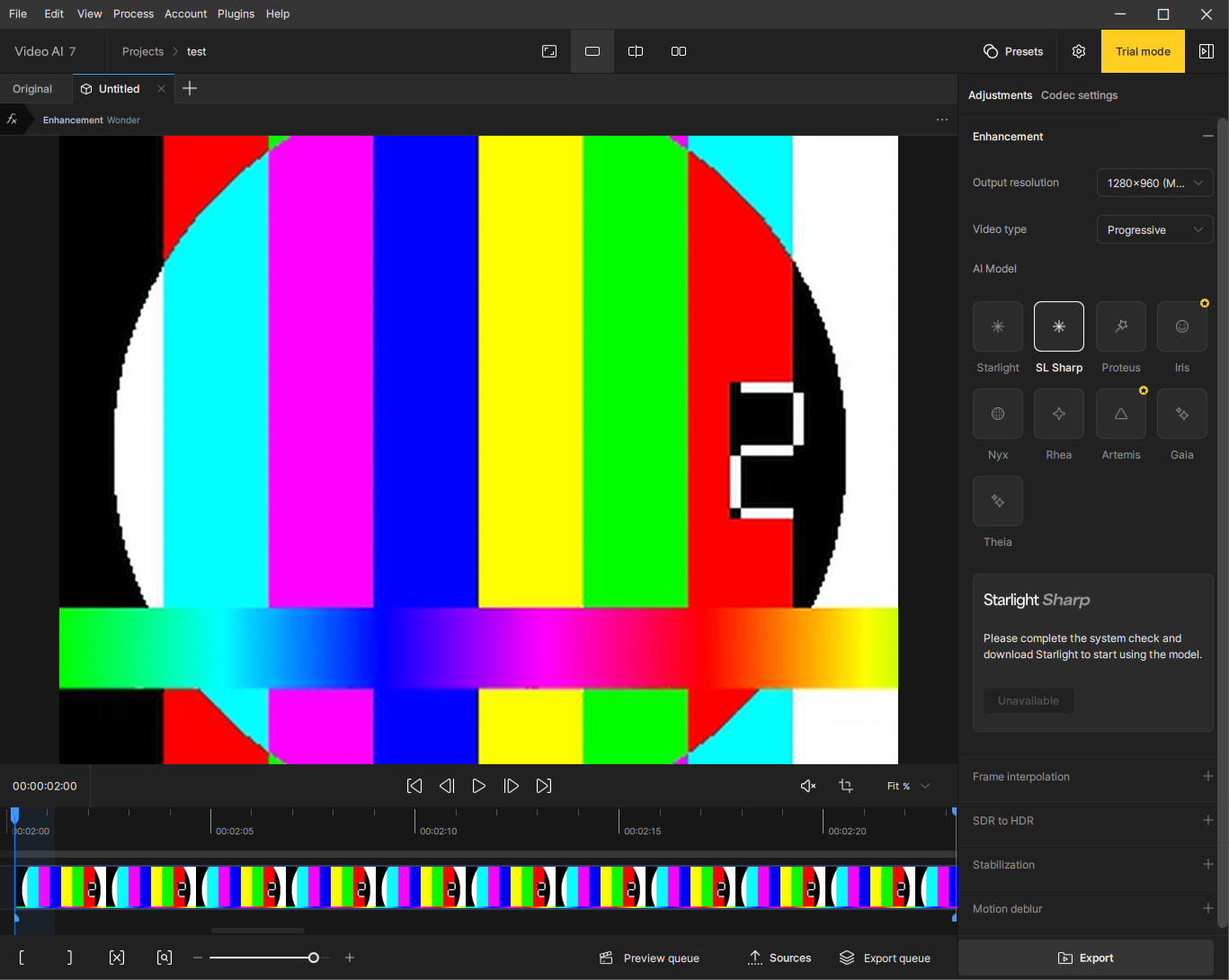
What is the requirement for downloading the new sharp model?
I was able to run the “system check”, download starlight and perform a successful export using it, but when I click the “sharp” model, it says I need to run the system check again.
If there is a specific system check for the sharp model, how do I trigger that check to launch?
PS. I’m not storing the model data in the default location, if that’s of relevance (e.g. program having some hard-coded path to where it assumes the starlight model data will reside in. If so that’d be a bug of course).
EDIT: Attached log file from initial program launch after the beta install, rendering 1 test clip using the SLM model, and clicking the Sharp model in the picture above. Hopefully makes sense to topaz support people.
2025-08-27-15-29-54-Main.zip (20.0 KB)
This was the case for SLM as well. Well, sometimes. Specifically if the source clip was low res but otherwise decent quality. The 4x upscale brought forth unfathomable amount of cohesive image information in the pictures. However, when the source clip was not of good quality at low resolution, then the 1-2x (resulting in the same upscale config) produced better results, as it had less artifacting and provided a more cohesive image. I’d err on more structural cohesion any day to additional detail that “doesn’t fit” structurally; “monster faces” and other invalid pixel extrapolations.
Seems to me you’re indicating the Sharp model behaves the same as Mini in this regard, which is good to know since I can at present not download the sharp model to test myself.
Yes, I never found a consistent formula for when SLM would actually do which upscale. This bit is severely lacking in the documentation, which means for every source clip of different resolution one has to perform at least 4 preview test encodes, going from 1x, 2x, 3x and 4x and then check the actual ffmpeg log output for the encode process and then also A/B compare (e.g. using SSIM metrics) to infer what upscale factor was actually used. 1x sometimes means 2-3x. 2x, the same, 3x the same, but not always. 4x means 2x in some cases and 4x in other cases. Completely non-deterministic it seems when using different source clip resolutions.
Interesting! Does this mean Sharp also has the same issue as most SeedVR2 inference code where at batch size boundaries there is a sharp image discontinuity due to the next batch starting off with an image that has no prior temporal information from the previous batch, or did they solve that part at least, such that there are no visible batch boundaries?
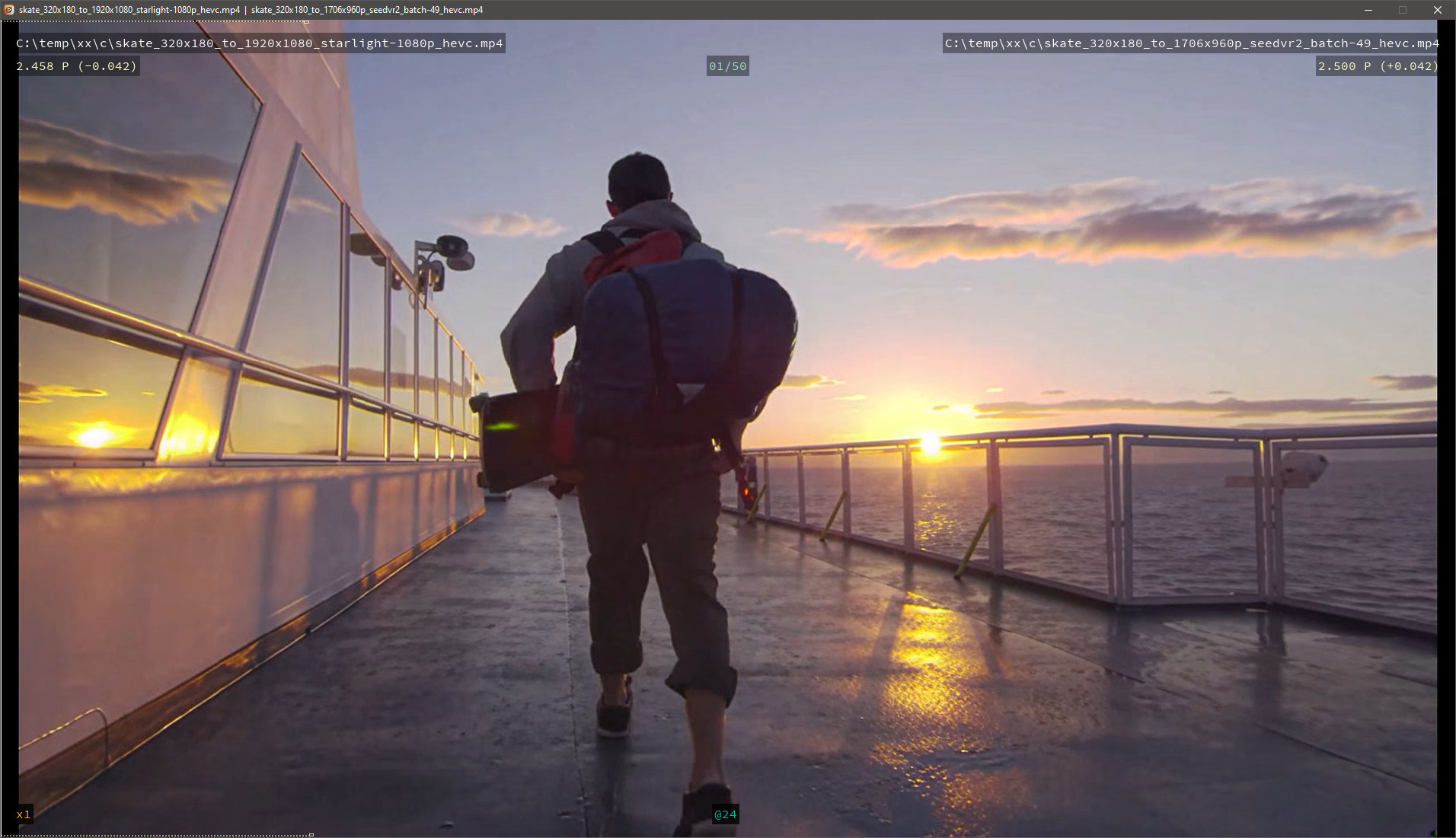
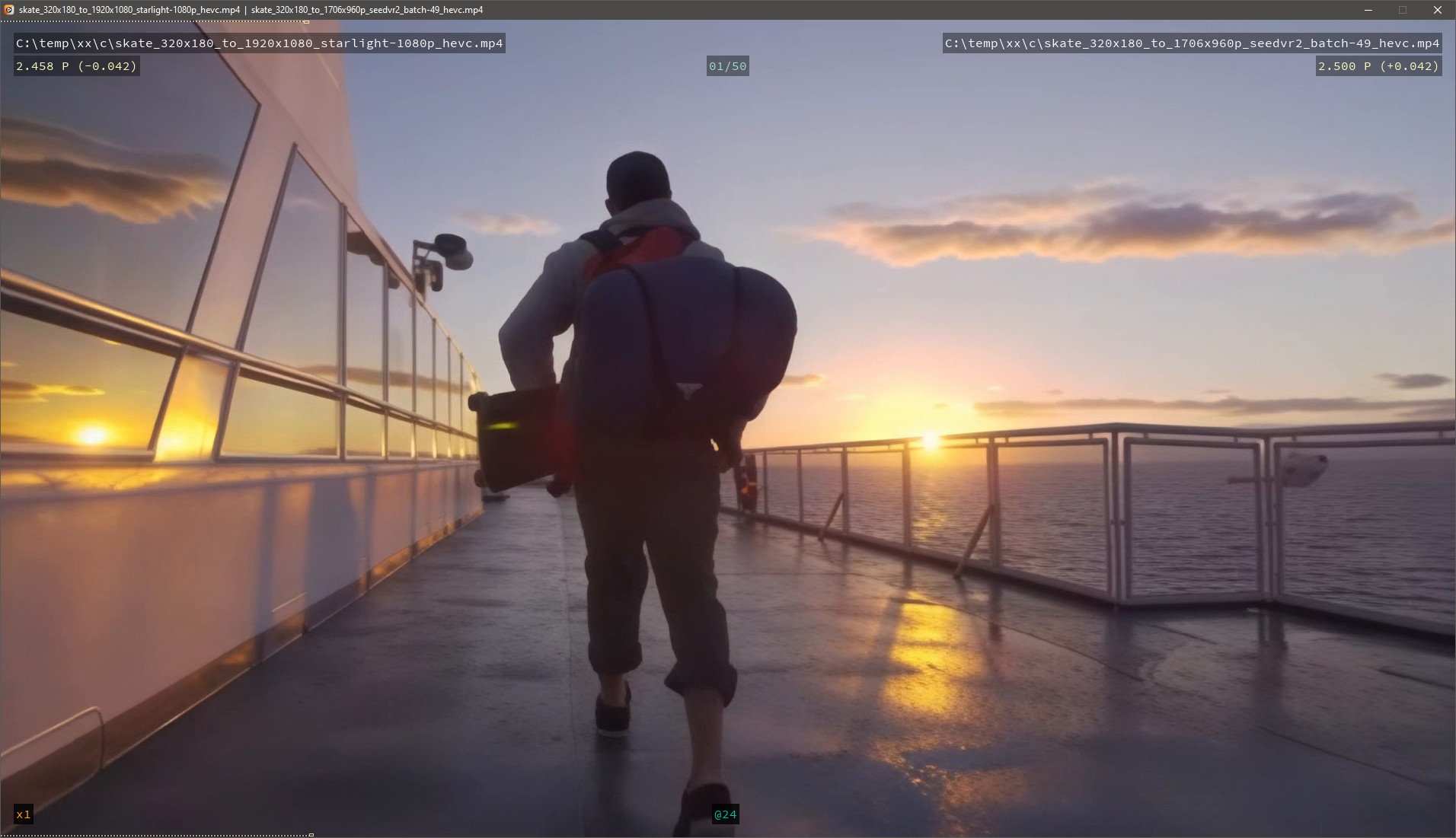
Here is an example of the SeedVR2 batch boundary issue I’m referring to, where you can see the texture, on the deck in particular, shift jarringly every 49 frames at the batch boundaries.
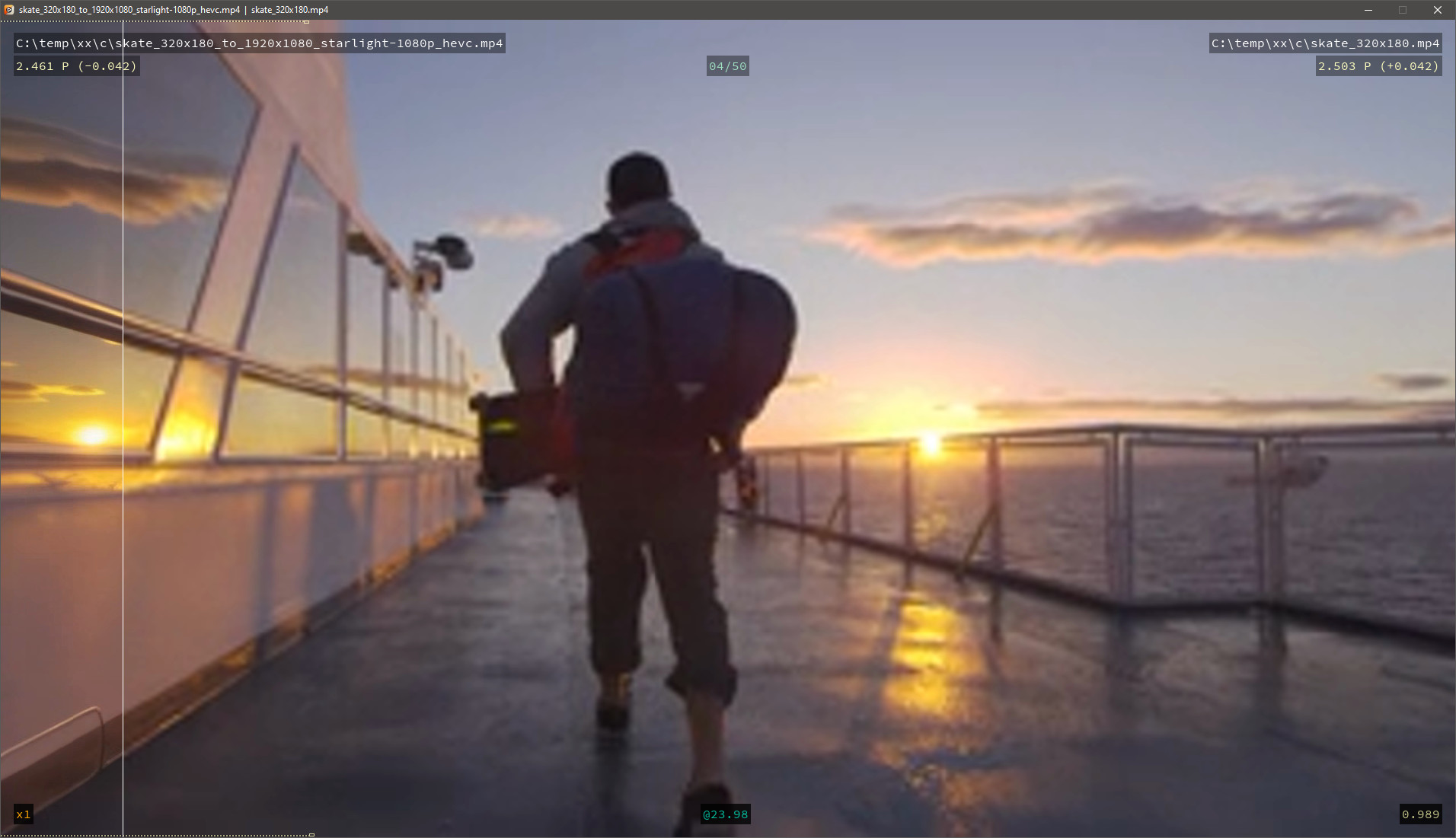
For reference here is a 4x upscale using SLM render of the same clip, which shows great batch boundary blending, but of course less detail overall. So if SLM-Sharp at least does batch boundary blending, then that’s a win over open source code for seedvr2. The github code still has batch blending on the todo-list, so topaz would have an edge here, for now at least.
And here is the source clip for anyone with access to the sharp model and who wants to compare against that model’s output.
Dakota and kevin, I’d be careful were I you not to make claims that anyone can independently verify as false. It puts you in a legally uncomfortable position.
For instance, by the above you assert that you do not use/bundle nvidia’s IP, nor include as part of your distribution code taken either verbatim or derived from Meta, Google, OpenAI, Huggingface, and in particular Alibaba, as well as others which do not use similarly commercially permissive (under constraints) licenses on their IP that the former do.
There really was no need for you to open this door…
Now, I think it’s great to see kevin participate on this board, and hope he does so even more in the future, but when it comes to legal claims, perhaps best to run that through your legal department (rep) first, so as to not cause unnecessary complications for no real benefit.
Model infrastructure is different from the model itself. Just like you can say you’ve developed an app that runs on windows SDK, you can say you’ve developed a model that runs on nvidia SDK etc.