Double-confirmed on the 4090 slower speed. Beta 1 was using about 12GB of GPU memory, Beta 2 is using all 24GB plus an extra 15GB of shared memory…
Everyone! Try pre-scaling your input video to 640x360. It almost double’s Startlight Mini’s speed. It goes from 0.4 FPS to to 0.7 FPS. I’m using a 4070 Ti SUPER and this is the only input resolution I’ve encountered that behaves this way.
Looks like a reboot may have fixed the problem? I can’t be sure yet. I put in a ripped DVD for an input video (720x384) and set it to double the resolution for output, and while it hasn’t actually progressed past “Loading model,” it’s been, like, 20 minutes and the runner hasn’t crashed yet, which is about 18 minutes longer than it ran before the reboot. 
(I’m not actually interested in the output, I just wanted to feed it a relatively low-res video from my hard drive to see whether it would even load.)
How did you guys with 5000 series cards get around this error:
NVIDIA GeForce RTX 5090 with CUDA capability sm_120 is not compatible with the current PyTorch installation.
The current PyTorch install supports CUDA capabilities sm_50 sm_60 sm_61 sm_70 sm_75 sm_80 sm_86 sm_90.
If you want to use the NVIDIA GeForce RTX 5090 GPU with PyTorch, please check the instructions at Start Locally | PyTorch
I’m still having issues with this new version. It won’t export. I haven’t messed with the prefer system fallback setting because my issue appears to be a pytorch issue. I am using a driver from a month or so ago due to the instability reported with the current drivers but I’d be interested to know if updating my nvidia drivers would fix this issue.
Yeah, okay, so it looks like it DID start processing, but ultimately failed again due to being out of memory (which is hilarious given that I’ve got 64GB in my machine and a 24GB 3090). Also… this was one line from the ffmpeg output:
2025-05-01 20-53-43.843 Thread: 32008 Info FF Process Output: 3 frame=    8
fps=0.0 q=10.0 size=       0KiB
time=00:00:00.33 bitrate=   0.0kbits/s speed=0.000579x
For the record, it got to frame 8 before crashing out. 
2025-05-01 21-56-54.743 Thread: 32008 Info FF Process Output: 3
[ERROR] exception during run(): [enforce fail at alloc_cpu.cpp:115]
data. DefaultCPUAllocator: not enough memory: you tried to
allocate 3774873600 bytes.
@tony.topazlabs Exporting an image sequence doesn’t obey the “Same frame number as input” and “Keep original frame numbers” setting when checked. The exported files always start at 000000. Also you may want to align the naming of the setting in Application Preferences and Codec Settings. The two switches appear to mean the same thing, but have different wording.

Hi, I’m not fluent in English, so I’m using ChatGPT to help me write this—sorry if anything is unclear.
I just wanted to share a small issue I encountered related to image errors.
This might not affect users in English-speaking regions, but in my case, the error seems to occur when the file name or the root folder contains Japanese (or other non-ASCII) characters. When I move the file to a path with only English (ASCII) characters, the error goes away.
Thanks as always for the great work on the software.
Getting error still.
Mac Studio here - No Starlight mini  - wanted to comment on the export queue screen
- thank you for bringing live preview back
- would be nice to have side by side view, original + enhanced (like in v3
 )
) - When processing is complete, I noticed the system loops on the whole video (yes, I left it playing as it was processing and then did something else). Would be nice to pause the preview when processing is complete.
- I noticed the preview is processing a few seconds of video, then pauses until it gets the next frames… why that level of complexity? I would prefer to have all frames in real time as they are enhanced.
But again, thank you!
What is the timescale roughly for Starlight Mini to be functional on Mac?
5 Likes
It’s probably the NVENC error, I’m getting the thingy as well on this hardware:
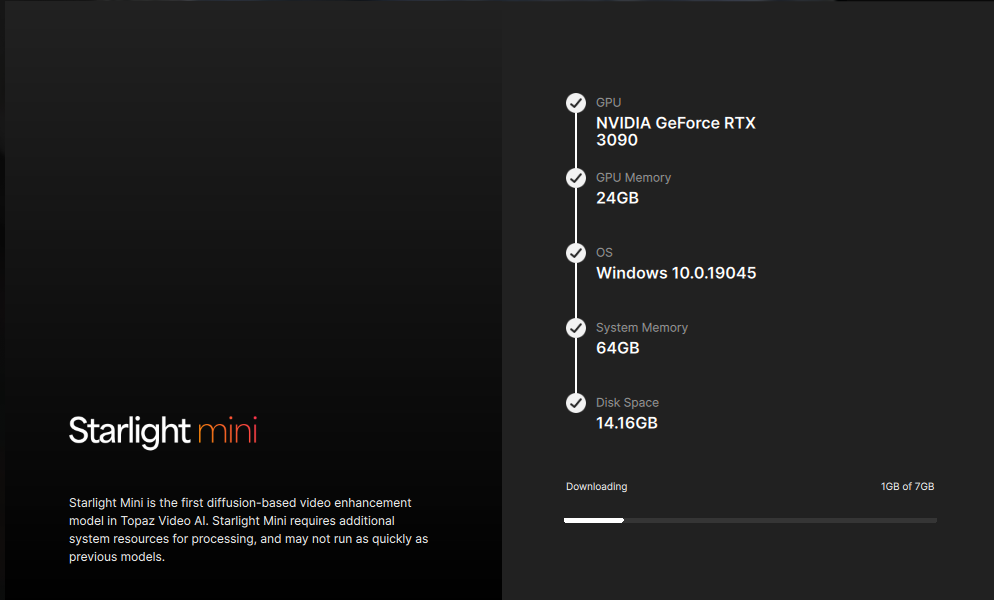
The error itself (after seeing the same message as you):
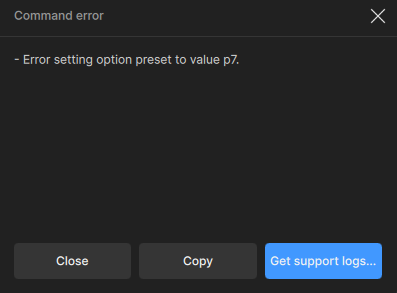
“p7” is the NVENC quality preset (highest). I have a feeling it’s something about VRAM being absolutely filled up during the upscaling.
I had to export to images (didn’t want to lay waste to my disk with ProRes gargantuan file ).
Result is pretty good (640x640 to 1280x1280), comparing to Nvidia’s RTX Video:
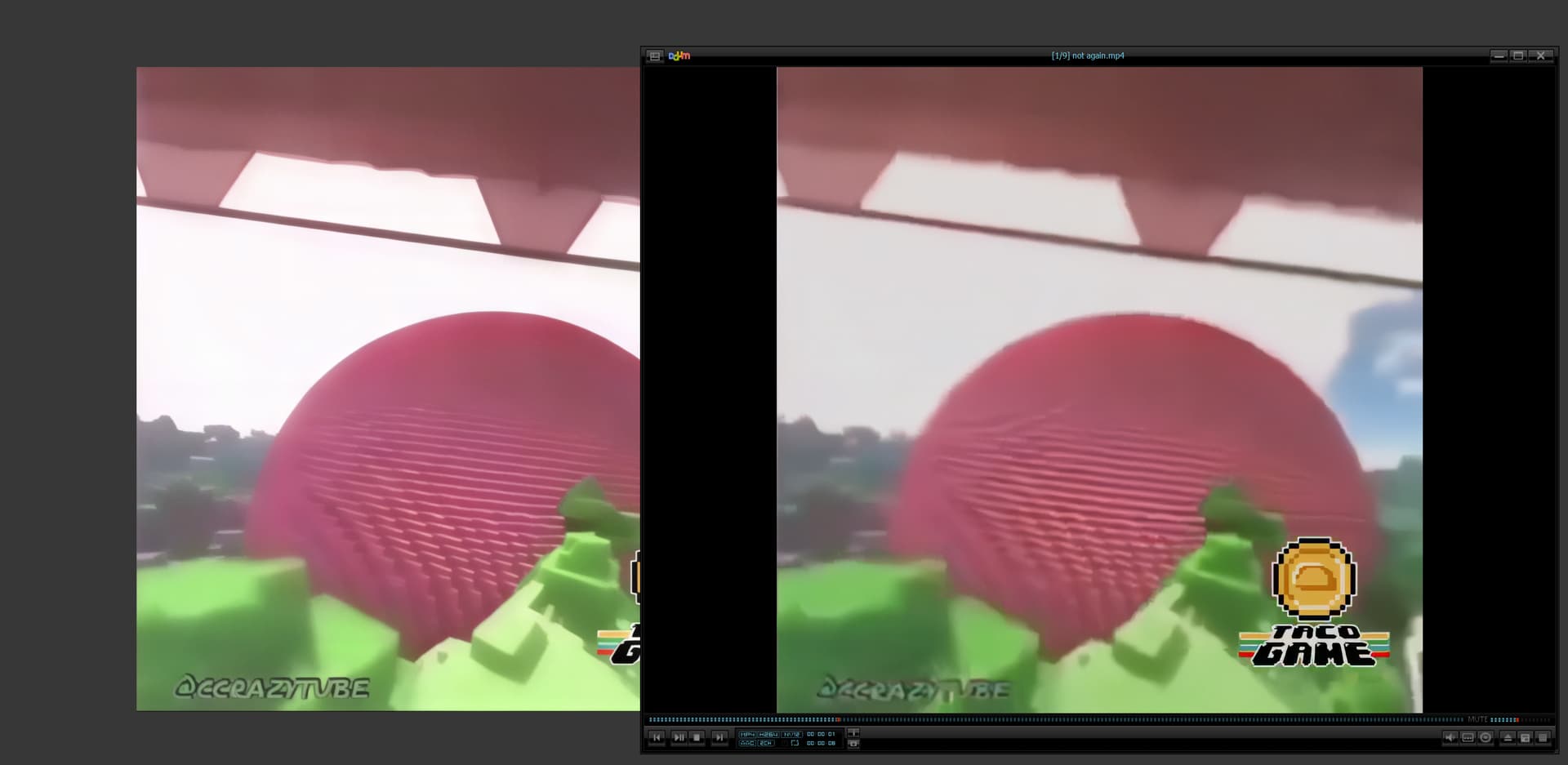
252 frames in 1h 5m 2s. (gulp)

Currently, SL Mini goes only 2x upscale, I believe, right?
For NV Blackwell users, there’s torch-2.7.0+cu128 (with corresponding xformers package, I believe) and dependencies, so it should work.
TEMP-folder-wipe-at-exit bug is STILL here. Ugh.
logs-For-Support.zip (22.4 KB)
1 Like
It’s NVENC error, it’s probably because VRAM is filled to the brim during ST Mini export in this beta, because the “normal” models export and preview totally fine.
What a fantastic development! Great fun to play around with generative locally and very impressed that your team was able to get this done. If you can bring some of the related PhotoAI features in (I imagine this is in the pipeline), that will be just superb, and well worth a renewal. So far the results from mini are pretty eye opening.
1 Like
Yowza!
I think this is gonna need some further distillation
I’ve now tested Beta 7.00.2b with various types of footage, and in every single case, I did not get above 0.3 FPS.
With source material over 480p, the framerate drops even further. And choosing an output resolution above 1080p really isn’t an option right now, as performance decreases even more — just one second of output can take over 20 minutes.
That said, the results are very good and better than with any other model I’ve tried.
Starlight Mini already is, and likely will remain, without competition in many situations.
However, some options and settings are still missing, such as film grain, since the output sometimes looks a bit too artificial or overly smooth.
I would really like to experiment more with Starlight Mini, but render time is a major obstacle for me.
For example, rendering a video with a runtime of 2 minutes and 33 seconds, originally in 640x480, up to the default 1280x960 resolution in Starlight Mini took a little over 3 hours. That’s unfortunately just too long, even though the result is better than anything I’ve been able to achieve with other models.
I would really appreciate a roadmap outlining future plans for this model, especially any plans or goals regarding possible improvements in processing speed.
4 Likes
For 10 seconds of SD footage, my 3090 Ti took around 1 hour and 38 minutes. Another thing I noticed is that I selected 2X upscaling, so the output should have been 1520×876. However, the rendered output resolution is 2280×1314.
When will Starlight Mini be available for Mac?
6 Likes
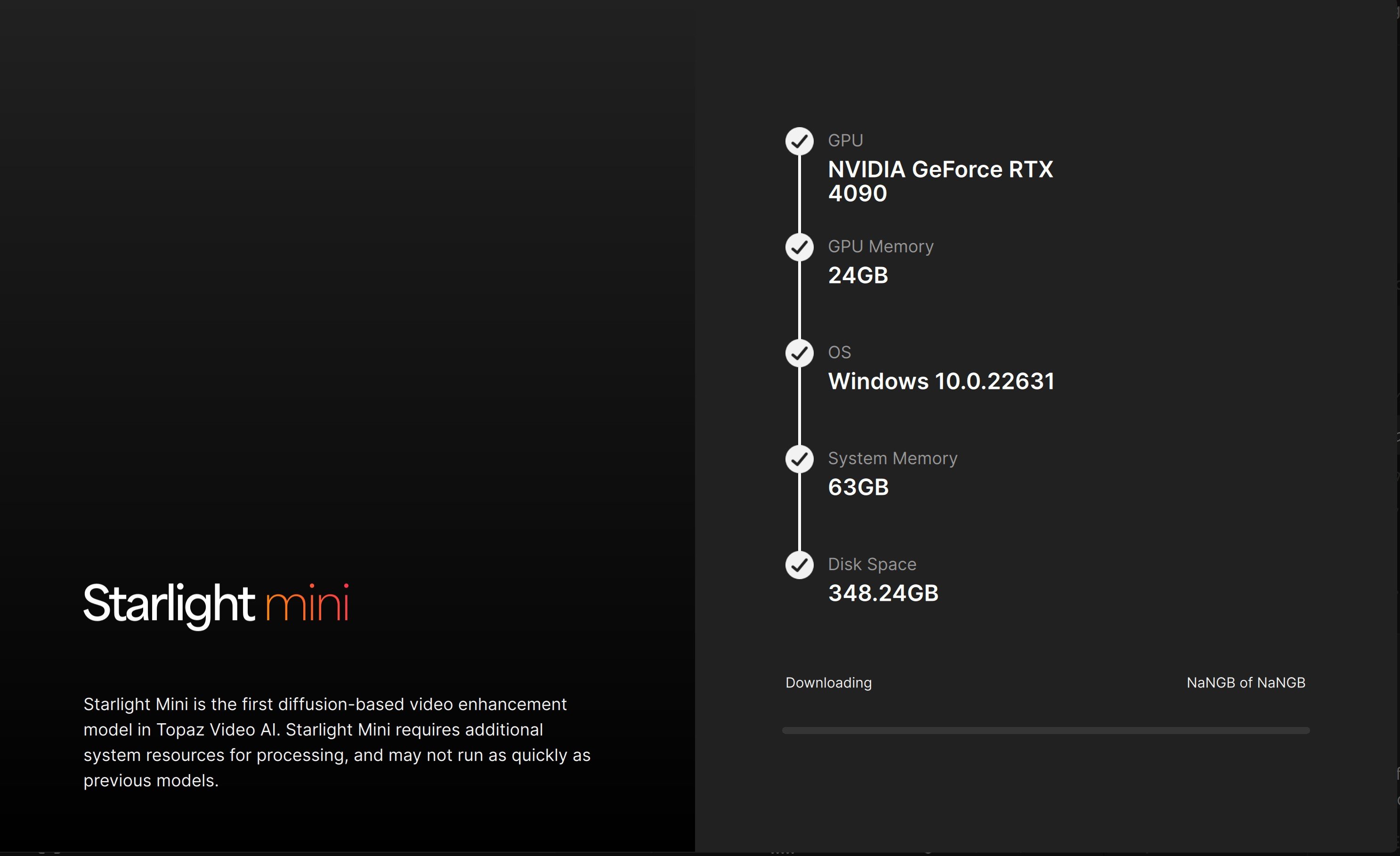
1min 59sec 25fps 524x360 input generated 1280x878p output.
Here are some comparisons. Right side original x2.5 to match output.
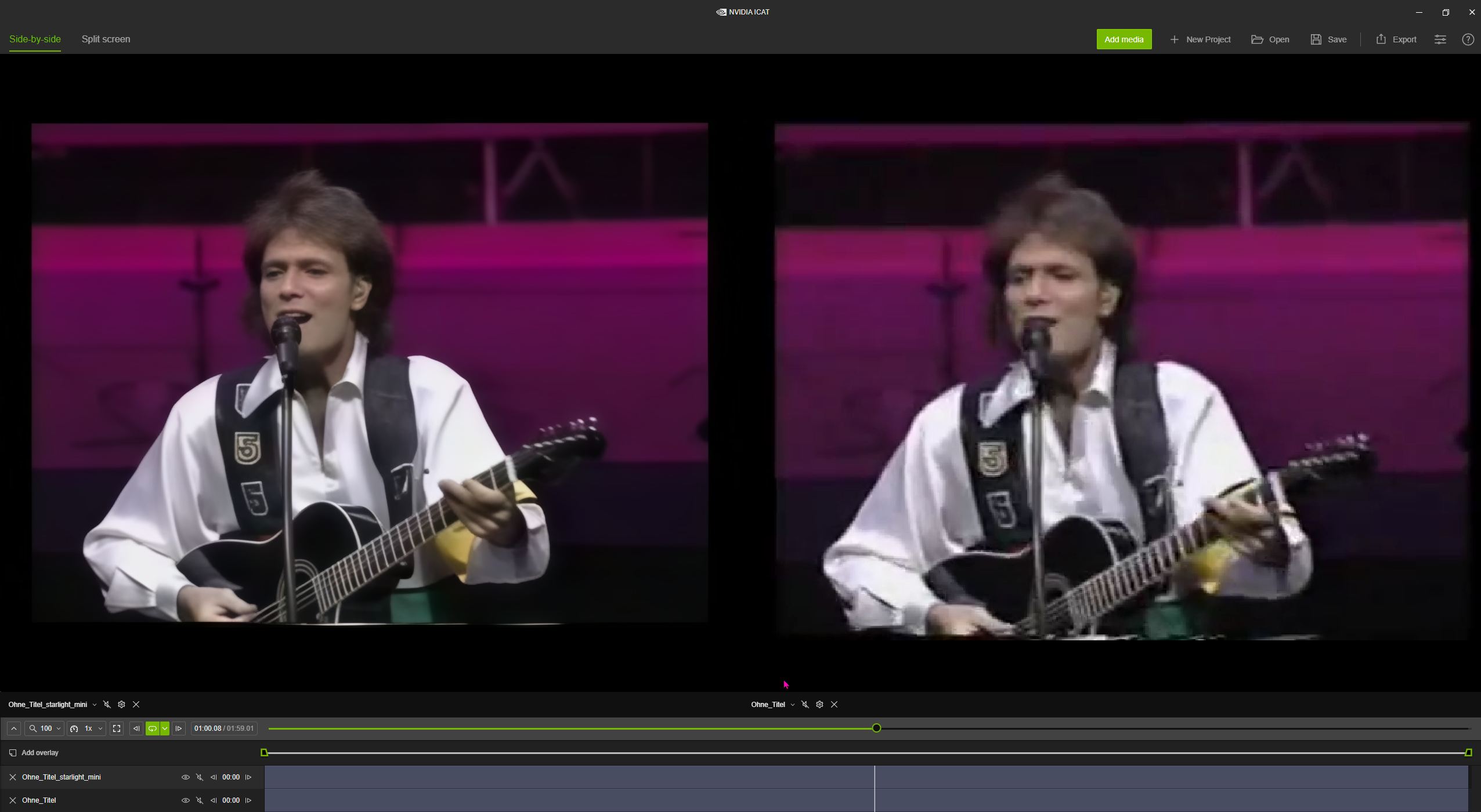
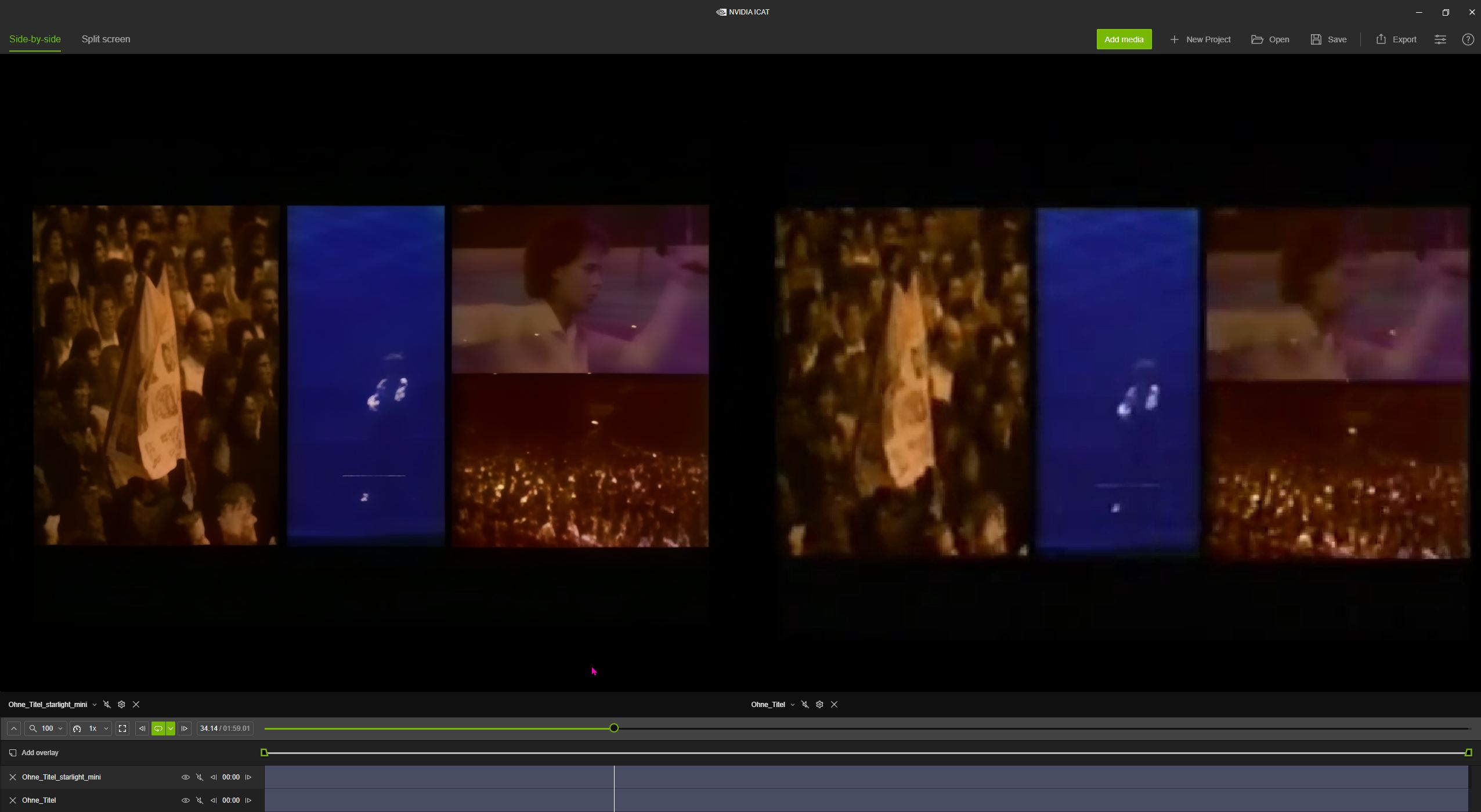
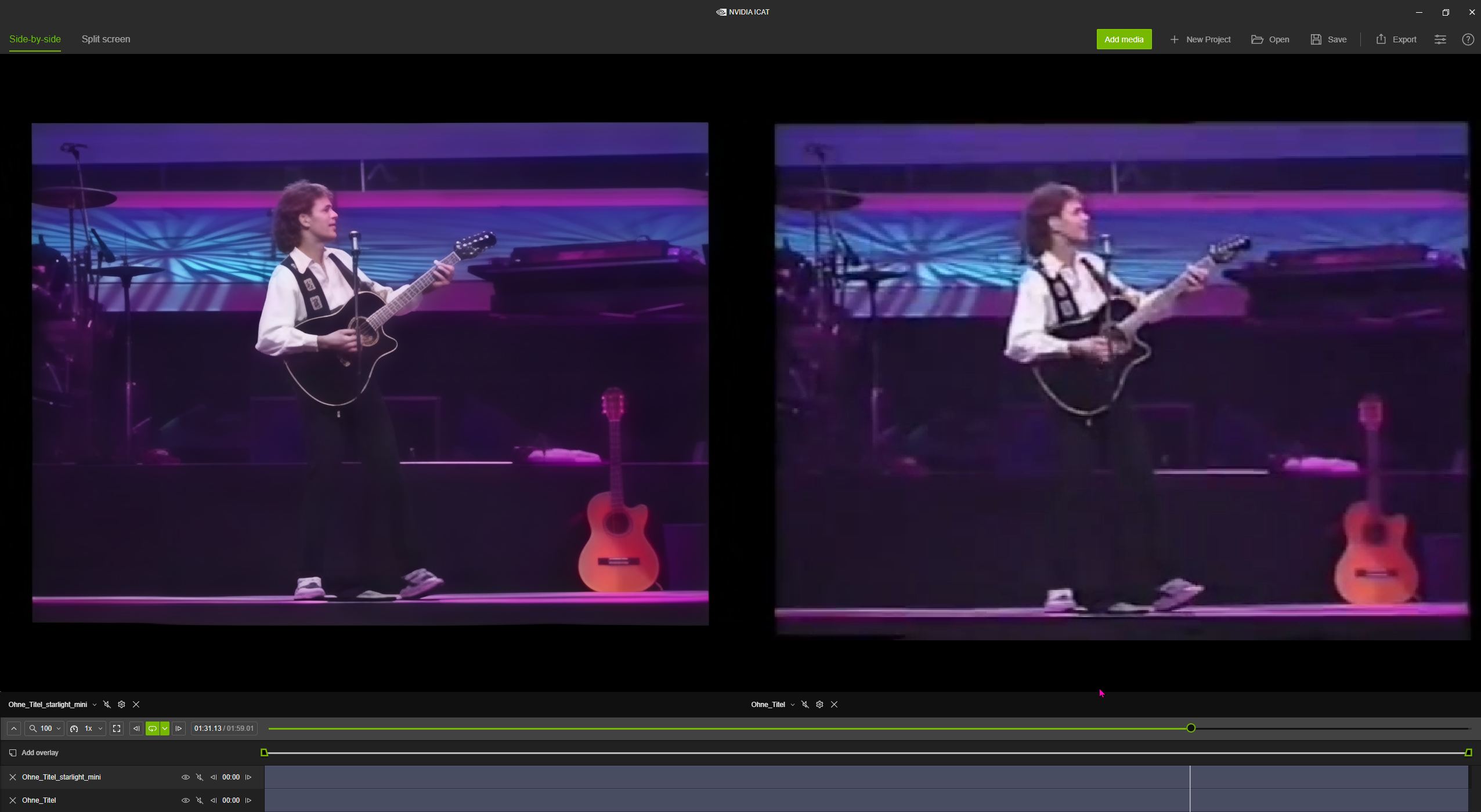
RTX 5080 - undervolted, overclocked and vbios flashed (works better than original)
Process time: 1h 23min
Voltage: 940mV
Max power draw: 300W
Avg. power draw: 245W
Avg. effective clock: 2950MHz
VRAM usage: 73%
5 Likes
So far, it successfully produces amazing results. Starting with 15 fps 1080p captures from 8mm film, the Starlight pass is shockingly accurate, improved and clear and the faces look like the real people, not strangers. Next pass takes it over the top. Yes, very slow - around 1/10 fps, so even with improved hardware I might get 2/10 or maybe someday, 4/10 fps. Results seem very much worth the wait.
2 Likes
