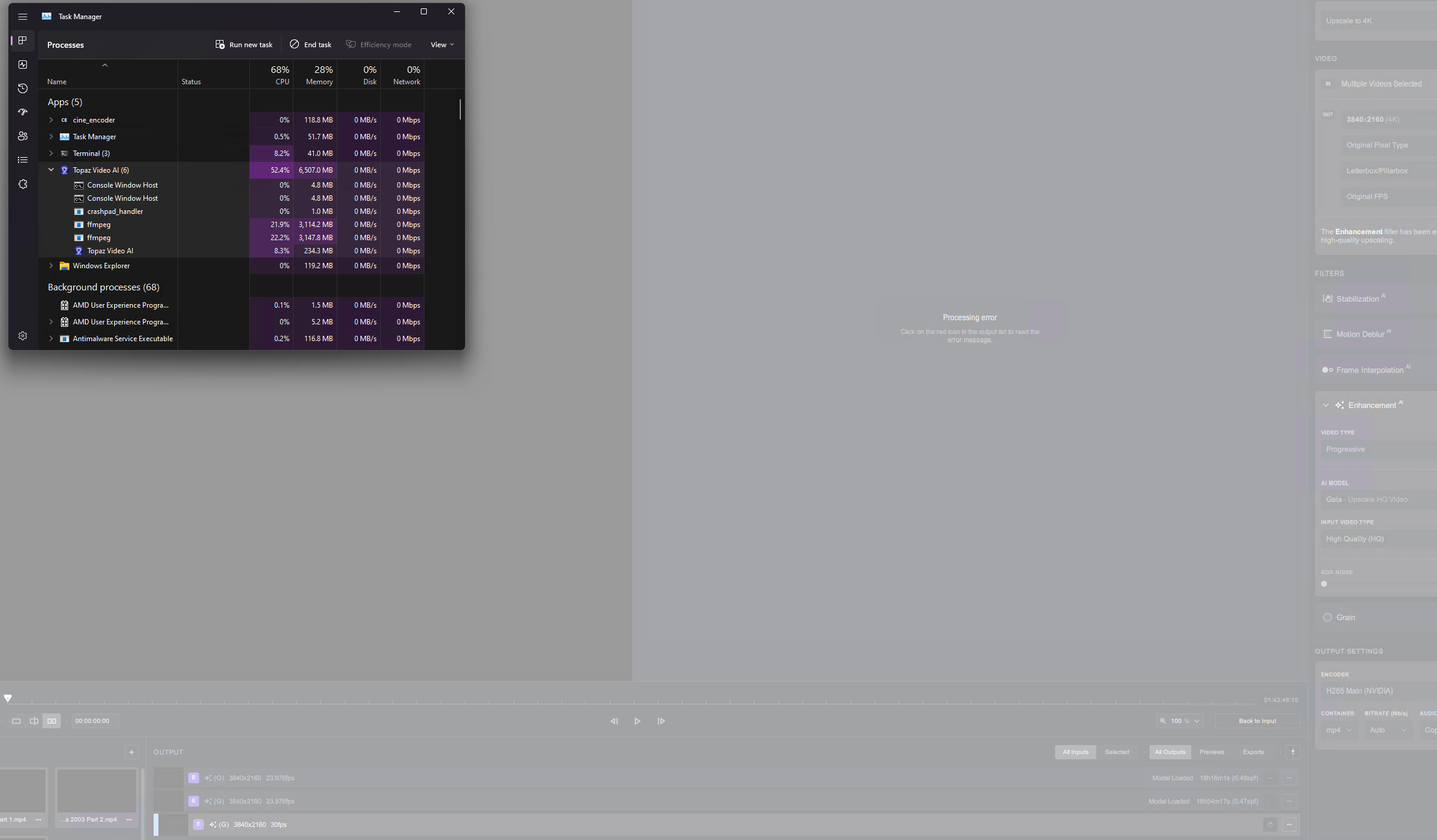
I noticed that HEVC HV1 video can stall on me, but AVC encoded one would not even start a preview or export (60fps, 1600x1200, tried to use Chronos Fast with Ignore Duplicate Frames). Update: Codec doesn’t matter.
Despite the video being 60fps, I wanted to push it through “calculated” 60 fps, to test if this removes freezes (frame dups).
I noticed another bug with the batch processing - when there’s already a paused/cancelled video processing of one file, next one with exactly same parameters, be it preview or export, might not appear as a separate job - it’s like program thought “You already have such job, I won’t add another one!”. Well, it was a “stalled” job, hence I wanted to try again.
This beta won’t even start processing of 1080p HEVC mp4 (short FF XIV recording), it either stalls at the beginning, or doesn’t even start the processing, even with “Ignore Duplicate Frames” OFF (just Proteus semi-auto, Chronos Fast, 60fps->60fps).
I’ll upload the logs and the video together as zip into your DropBox.
so it only works if a frame is duplicated 4 times? or this is just example? i tested it on both with ignore duplicate frames checked and unchecked, but the duplicated frames are still there
I have some 30fps videos saved in a 50fps container with no frame rate interpolation. There are many duplicate frames as a result of this. (Usually it’s Frame 1 - Frame 1 - Frame 2 - Frame 2, but it does deviate from this pattern a few times per second)
I ran Apollo Soft (Convert from 50fps → 50fps 1x slomo) with" Ignore Duplicate frames" on. The majority of the duplicate frames from the original video are gone which is good. The same applies for the Apollo Soft (Convert from 50fps → 60fps 1x slomo) conversion I ran.
Also, I don’t know if this is something worth worrying about, but I feel like the name for “Ignore Duplicates” in the command line can easily be mis-interpreted. It’s called duplicate when I feel like it should be ignore_duplicates to match the GUI, but that’s just my personal opinion. And it’s not really an issue once you figure out what the setting means (which is quite easy).
Out of curiosity, is it known what the maximum number of duplicate frames the “Ignore Duplicate Frames” option can deal with? Is it different per AI model?
You should probably provide your logs if it’s not working. The “ignore duplicate frames” box needs to be checked to work. I’ve used is sucessfully on some short video sequences.
I’m having issues getting a certain video to process with “Ignore Duplicate Frames” enabled. In the GUI I either get “Unknown Error” or a extremely fast output with no usable video inside it. I have uploaded the video I’m having issues with to the dropbox.
I can reproduce this issue using the GPU or CPU for AI processing. Different file containers behave differently. For example, MKV results in the “Unknown Error” while MP4 results in the fast output with no usable video inside.
Running TVAI ffmpeg with -loglevel debug shows this, so it seems the AI model just isn’t generating any frames for this video:
Edit: What’s more likely is the “ignore duplicate frames” function is discarding every frame in the video, resulting in nothing for the AI to work with, resulting in no output.
Ignore Duplicate Frames also seems to result in a freeze at the beginning and end of certain videos.
I have attached a .zip file containing two videos. The original video, and the video after being processed by Apollo Soft (30fps → 60fps, No Slomo, Ignore Duplicate Frames). If you look at the two videos, you can see that the one processed by the AI has a freeze at the beginning and the end. This issue doesn’t occur when “Ignore Duplicate Frames” is turned off.
Depending on the clip, the freeze can be longer or shorter.
I also noticed something odd with the progress report in the GUI. While exporting videos, sometimes I get “normal” performance numbers. In other times, I get performance numbers that are straight up wrong (E.G. 114fps, or 10910fps). I have been testing ignore duplication frames a lot, so it might be related to that.
The issue occurs with CPU and GPU AI processing.
System information:
CPU: Ryzen 9 5950X
GPU: RTX 4090 with driver 528.24 (Studio Driver)
OS: Windows 11
I’ve replicated the behaviour your seeing with your video on my system.
If I had to make a guess as to what’s happening, it looks like the frames at the beginning and at the end are being identified as duplicates. This might be caused by the static grey background and how they sample the frames to identify duplicates.
In my testing, it fixes situations where you have 1 and 2 duplicate frames, and probably more! Although my testing has been quite limited.
Just so we understand the same thing, this was what I mean when I refer to a specific number of duplicate frames:
1 duplicate frame = Frame 1 - Frame 2 - Frame 2 - Frame 3
2 Duplicate Frames = Frame 1 - Frame 2 - Frame 2 - Frame 2 - Frame 3
@gregory.maddra or @suraj
Can you give a brief description of what sort of improvements we should be seeing?
Also, looking at the command line arguments, it seems that Apollo has support for the “Ignore Duplicate Frames” option, yet it’s not exposed in the GUI. Is there a reason for that?
An option to simply remove duplicated frames should also be provided in cases where folks are not performing a slowmo/framerate increase.
Also, if an option to perform a 3:2 pulldown can be made available
As of now the new feature of replacing repeated frames with an interpolated frame is working almost flawlessly, already tested with 4 different samples. This is a boon for folks like me
That option already technically exists. Open TVAI, import your video, leave the output frame rate at “Original” and enable Frame Interpolation with Ignore Duplicate Frames turned on.
The video will be output at the input frame rate, but with all the duplicates replaced by AI interpolated frames.
Unless you were talking about just straight up removing duplicate frames and not replacing them with AI frames.
Trying this on Windows, I still seem to have the GUI lose contact with the ffmpeg processes. Windows reports that the tool has stopped responding. Task manager shows ffmpeg busy in the background, but there’s no GUI activity - it’s locked out entirely.
Thank you for the video, will look into it on Monday. We will improve the duplicate detection method overtime, these kinds of failure casss will help with that.
I noticed that TVAI is being bottlenecked by all the temporary TIFF writes it has to do on my HDD while processing. I have 32GBs of system ram and about to have 64GBs. Can we have an option to have these temporary files placed in ram instead of writing to disk. My memory is way underutilized and i’m not going use my SSDs as temporary swap space.
Edit: Just to clarify this issue only seems to present itself when generating previews. When I use export instead of preview it doesn’t seem to generate any TIFFs in the Temp folder.
While I mentioned serious issues I have with this beta - it’s almost unusable, once I hit the “stall” wall - but last stable VEAI, v3.1.2 works totally fine for me (except that “I won’t add another same job to the queue!” bug, which occurs sometimes).
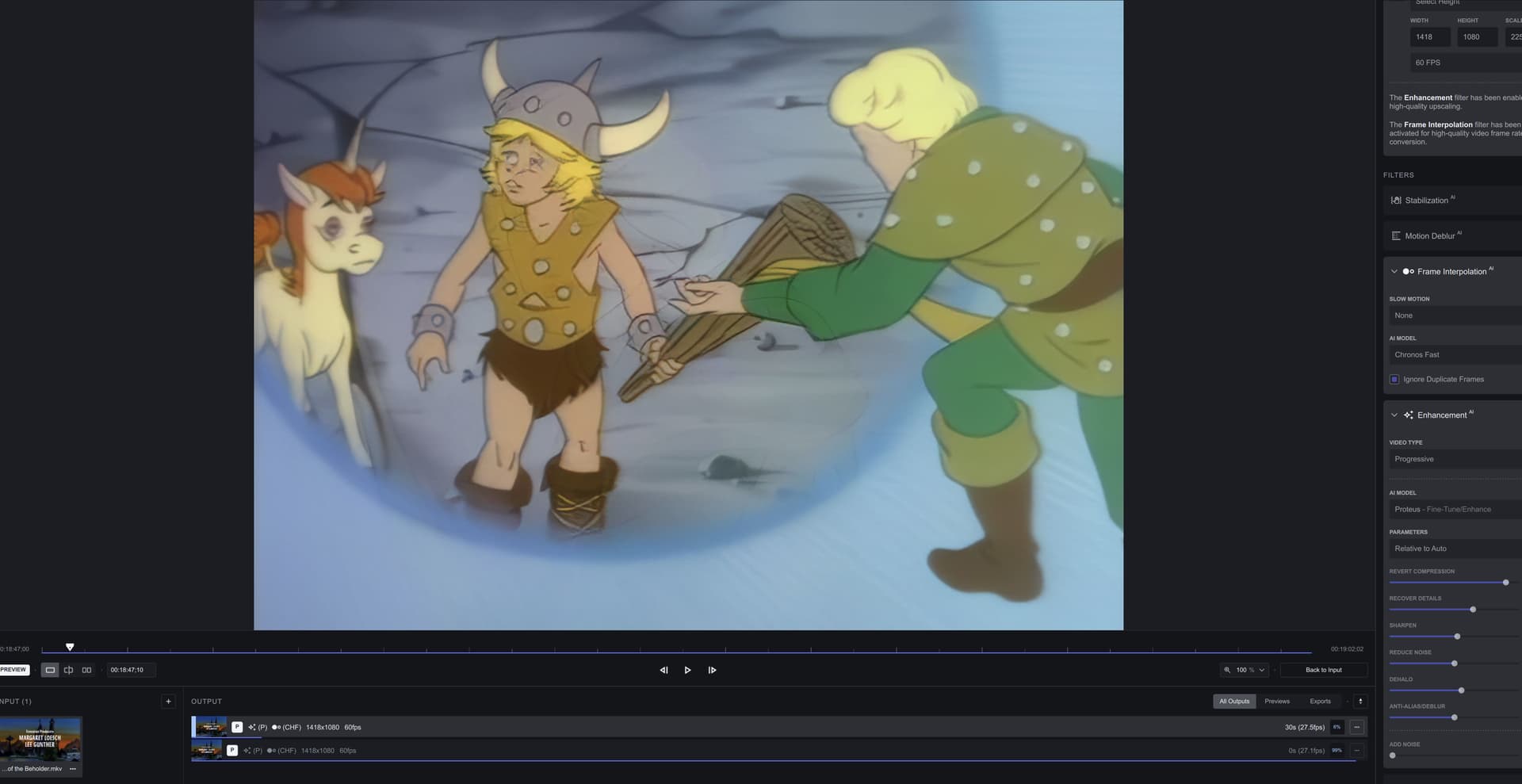
With VEAI v3.1.2 I’m totally able to process D&D cartoon with Chronos Fast 29.97fps → 60fps and 480p → 1080p with semi-automatic Proteus.
This ZIP I’ll include is also an example of video with variable frame rate (it also has curios thing with non-square pixels), and this beta has trouble with it. This video has some interesting elements, like wooden floor, which can make frame interpolation algorithms cry.
Duplicate frames are there as well, since it was supposed to be 60fps video, during recording of it becoming something around 57.284fps (according to VEAI v3.1.2). It was a screen-region type of recording, hence unusual pixel size.
Could it be possible to introduce a frame interpolation algorithm, which would implement per-pixel motion blur at some point of VEAI development?
PS. During the “stalling” VEAI v3.1.3.0b “stalling”, the ffmpeg process occupy 100% of a single CPU thread (GPU mode). That’s on i9 7940X. Processing/previewing doesn’t continue.
It seems this beta stalls while scene change occurs (intermittently though). There’s even a preview on the processing list, which stalled just before the end (another scene cut, I believe). When I switched to the first one, this VEAI still shows the progress bar from the second processing:
What appears to be happening is the “Ignore Duplicate Frames” function is identifying every frame as a duplicate and deleting them all. Which it shouldn’t be doing because they’re not actually duplicate frames.
I suspect I know the reason this is happening. I believe the Ignore Duplicate Frames function is doing this:
Is Frame 1 and Frame 2 similar enough to be a duplicate? Yes, mark frame 2 to be replaced.
Is Frame 2 and Frame 3 similar enough to be a duplicate? Yes, mark frame 3 to be replaced.
Is Frame 3 and Frame 4 similar enough to be a duplicate? Yes, mark Frame 4 to be replaced.
Is Frame 4 and Frame 5 similar enough to be a duplicate? Yes, mark Frame 5 to be replaced.
etc…
The issue with this approach is that we’re comparing the wrong frames to each other when asking the question “are these frames duplicate” after a frame has been marked as a duplicate.
For example, if frame 2 is marked as a duplicate and should be replaced. Then in the next step we shouldn’t be comparing Frame 3 to Frame 2 and asking if it’s a duplicate. We should be comparing Frame 3 to Frame 1 and asking if it’s a duplicate.
Because if Frame 2 is a duplicate and should be replaced, then the video now goes Frame 1 - TO BE REPLACED - Frame 3. And we need to figure out if Frame 3 should also be replaced. So we need to know if it’s a duplicate of Frame 1. Not of Frame 2.
A more extreme example would be Frame 5. Let’s say Frame 2, 3, and 4 are marked to be replaced.
And now we need to figure out if Frame 5 is also a duplicate and should be replaced. In this case we should be asking the question “Is Frame 5 similar enough to Frame 1 to be a duplicate”, not “Is Frame 5 similar enough to Frame 4”
Or… you stick with the old system
Frame 1 vs 2
Frame 2 vs 3
Frame 3 vs 4, etc
And you make the “Ignore Duplicates” function less aggressive so it doesn’t disregard frames with only a small amount of motion.
Once again, this is purely speculation on my part. And I may be wrong.