Just FYI I’ve had this on three different Macs on the 3.1 live version. I know you said it’d be fixed later but it doesn’t seem like an isolated incident. Do you know of a work around to prevent it from crashing after the upscale completes?
Reducing the Max memory to 50% helped. GPU utilisation is 100%. Can it be reduced to 90 or 80% somehow? I can barely do anything else on that pc?
2023-01-16-16-39-51-Main.zip (5.7 KB)
I believe it is this one.
Update bc of performance.
There is also a memory speed bottleneck.
I did go from 1333 Mhz to 1600 Mhz an the performance did grow from 2.5 fps to 2.8 fps.
With the Threadripper.
Does someones performance go down over time while export?
For the blending between frames of different scenes 25p to 50p issue I am having with topaz, I don’t know how scene detection is done inside VAI, but there would be a workaround available to use ffmpeg to do a scene detection pass before starting
I did a scene detection pass with LosslessCut, exported those segments (via copy) and just dragged those segments into VAI and that will work if anyone else is effected by that issue.
it will probably require conversion to an intraframe codec first and there is a minimum segment size that Topaz will accept so the moment between camera flashes or other really quick actions might need some manual intervention.
Issue is on both this beta and the current release version.
2 Likes
Yes. Albeit a sligjht one (from ca. 7 fps to about 6 fps, over time, for an entire movie).
I small issue: When Motion Deblur is called in a preview, is shows a processing error. Happened multiple times
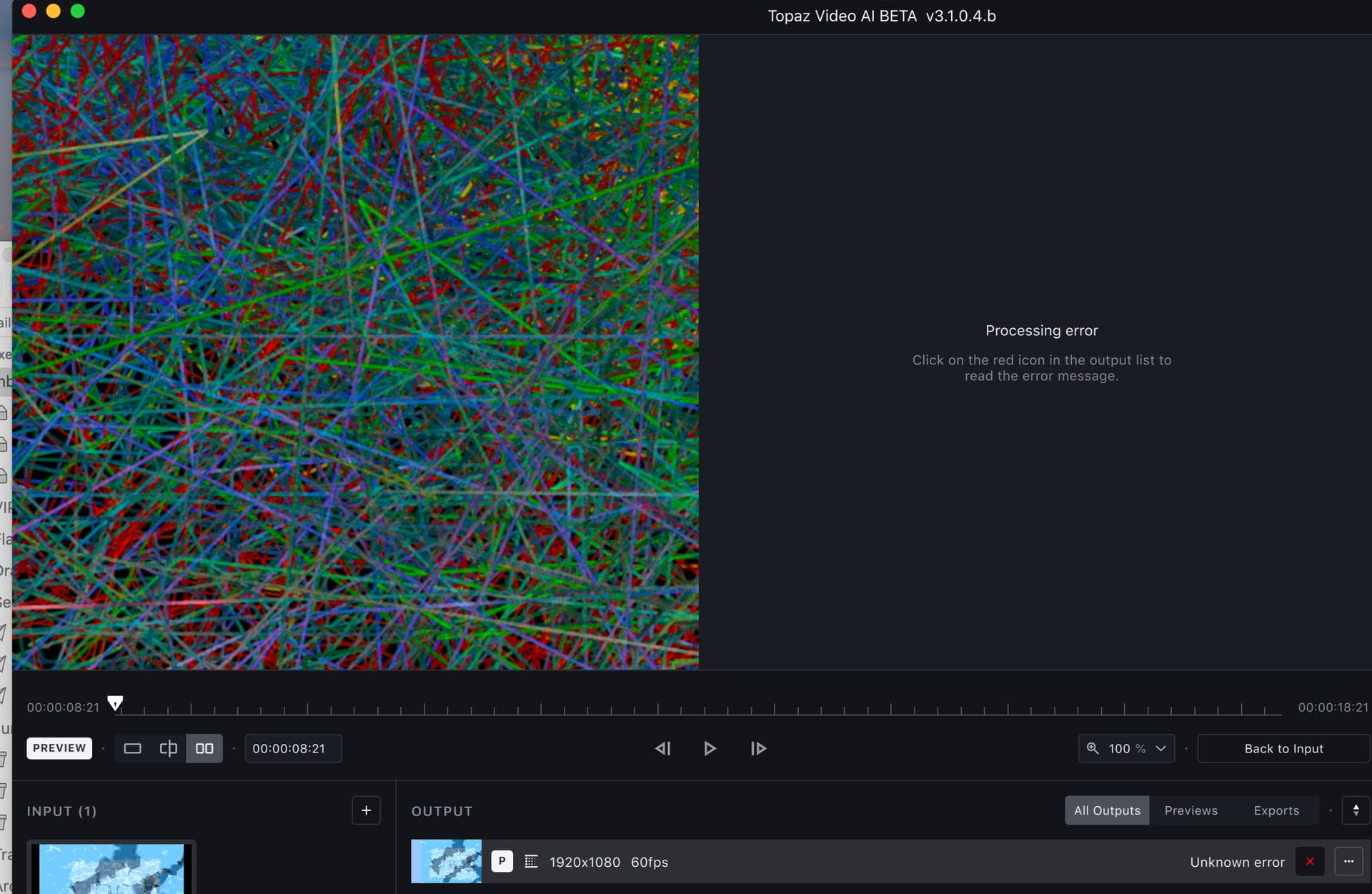
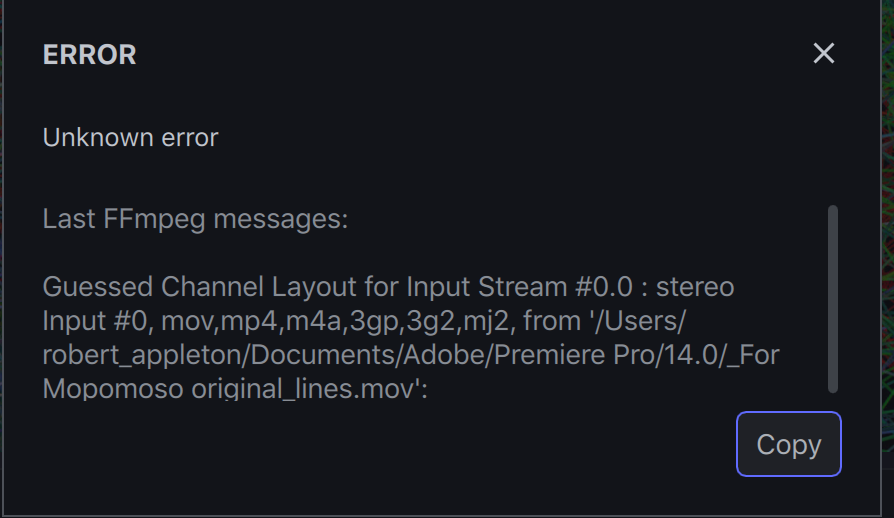
Turns out I’m a moron.  I had namely already enabled it (or was set so by Win 11, by default?).
A new beta is now available.
