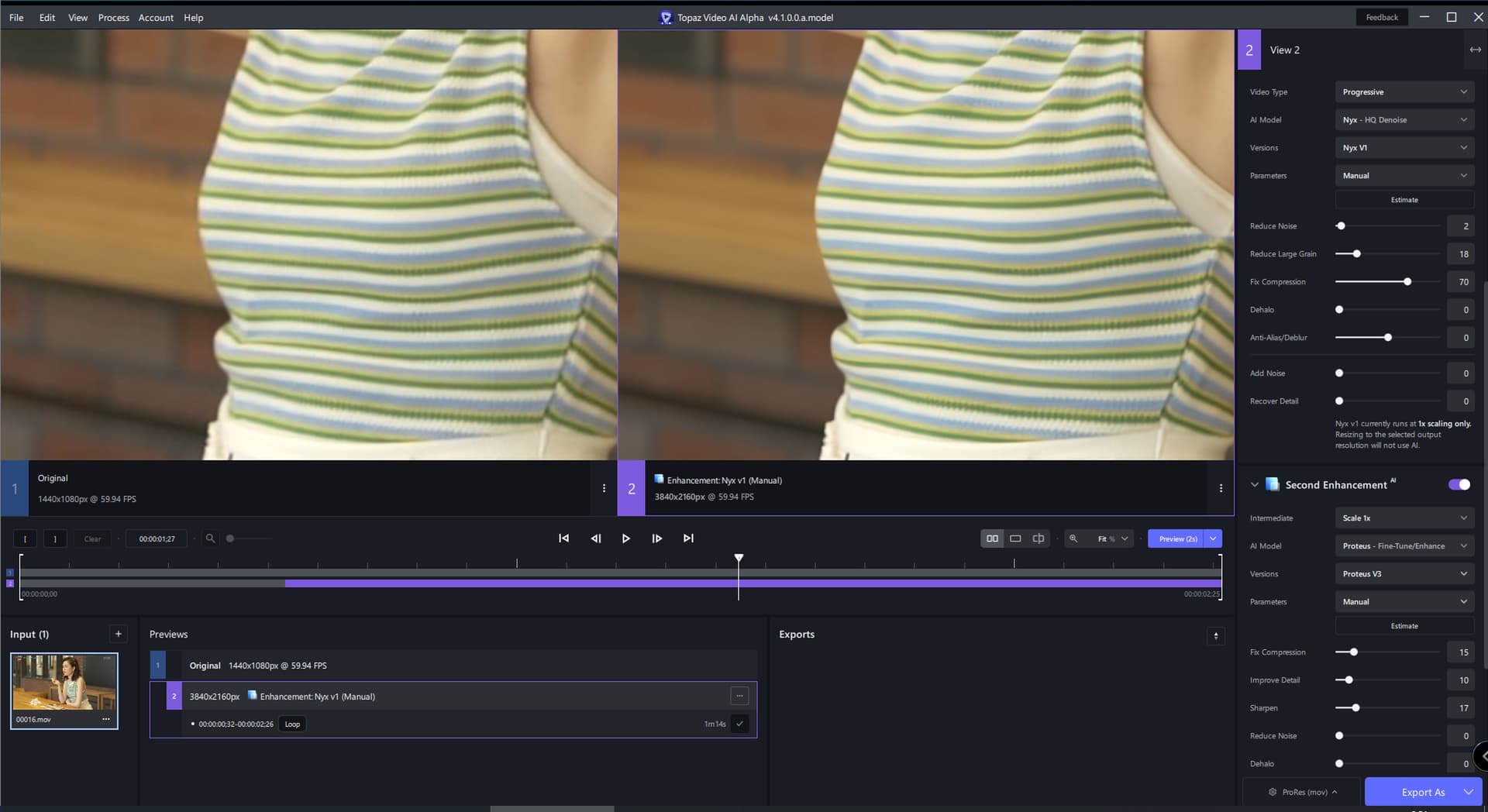
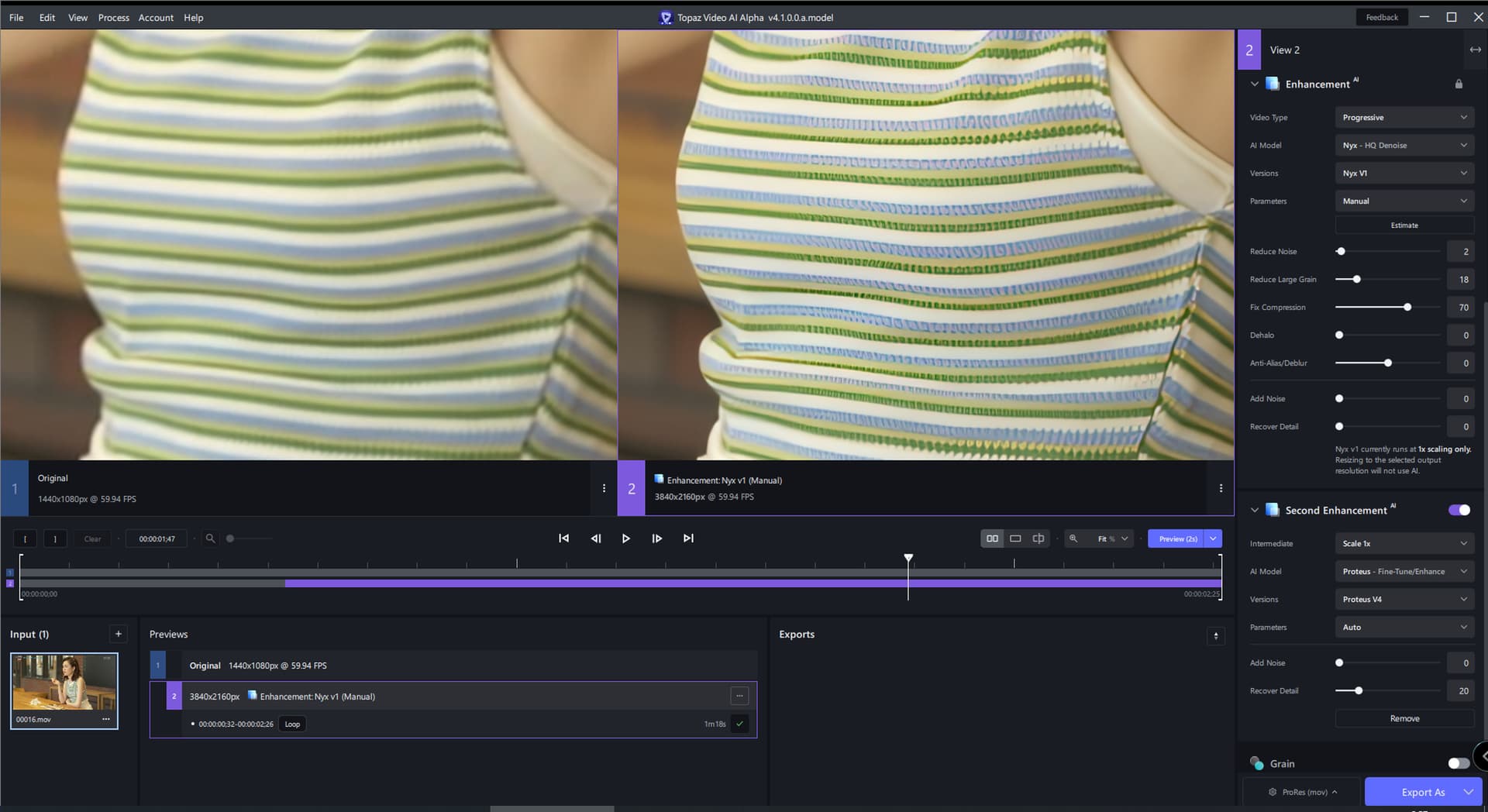
My first impression much more detailed than the previous alpha yes I am happy so far
I still use relative to auto and only 7 recover detailed information and always 2 X enlarging
the video VHS is a visit from hungarian Youngsters in 1994 to Holland flying with a fokker friendship as a start and cockpits where open and food in the plane in touristclass was like a michelin star restaurant
a precious video totally corroded blurred because of the ferro VHS tape but with every topaz release coming a bit more to live
It is not slow in converting but I use a 4080 and not a 4050 4050 is 8 times cheaper and 3 time slower
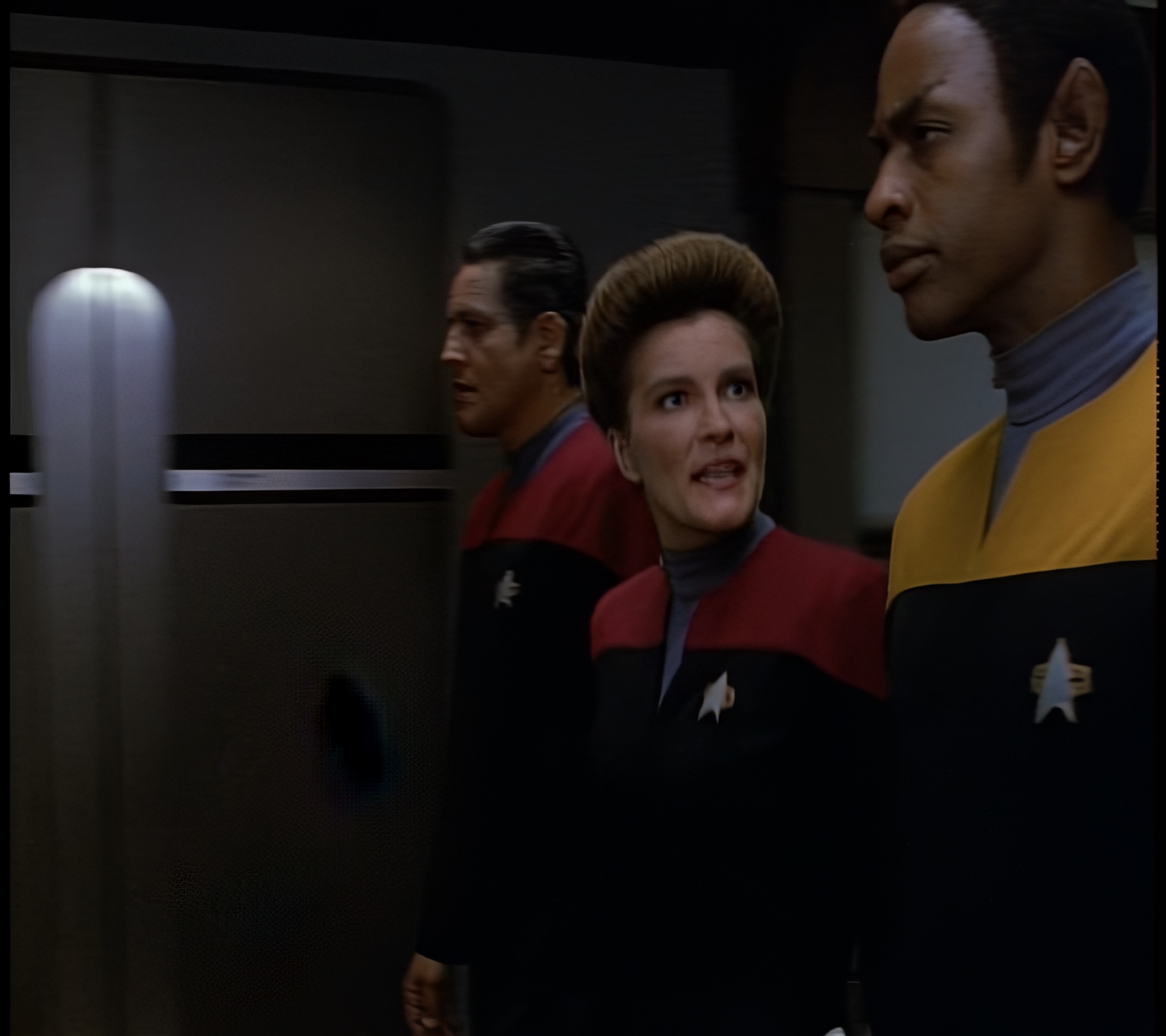
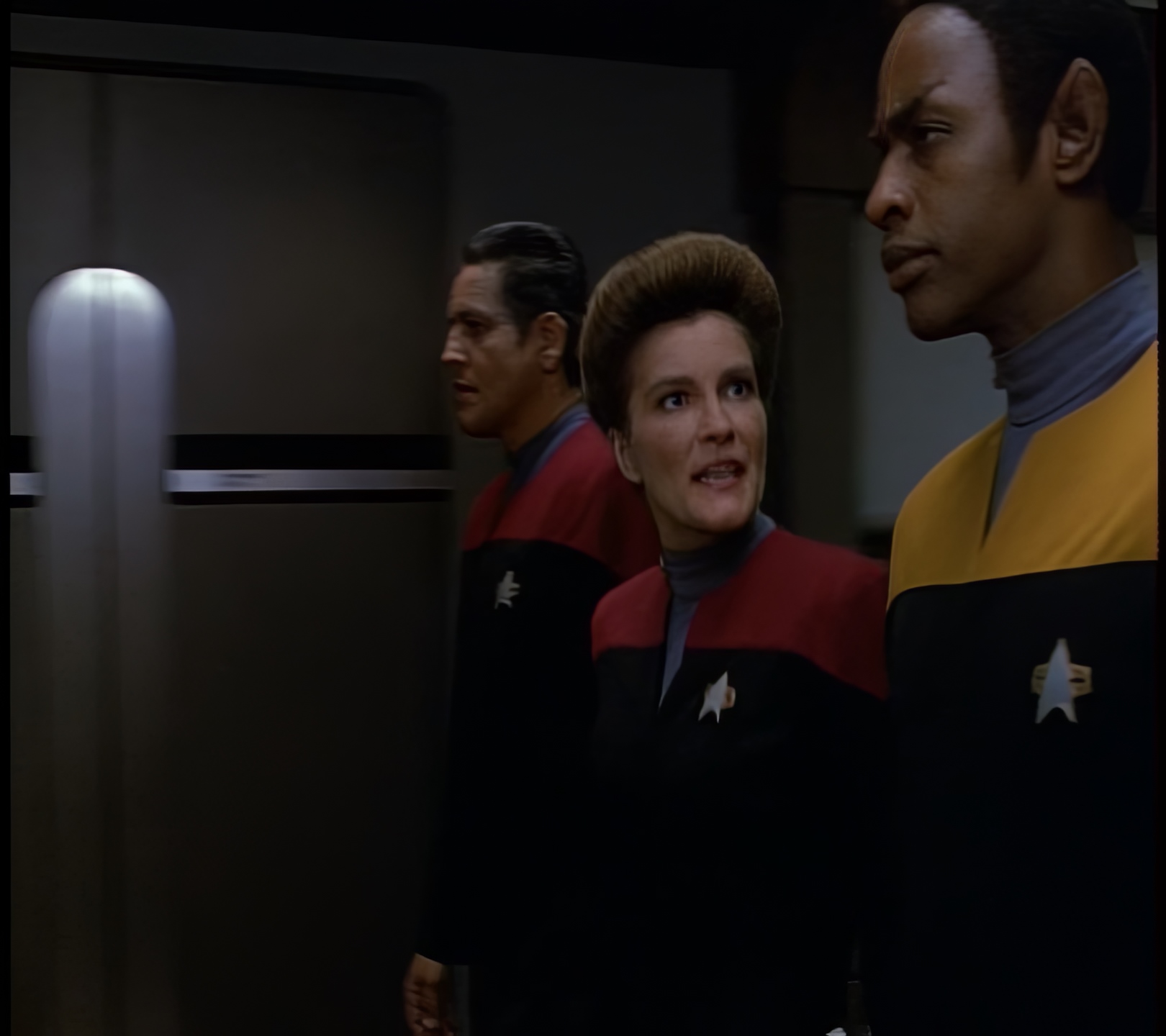
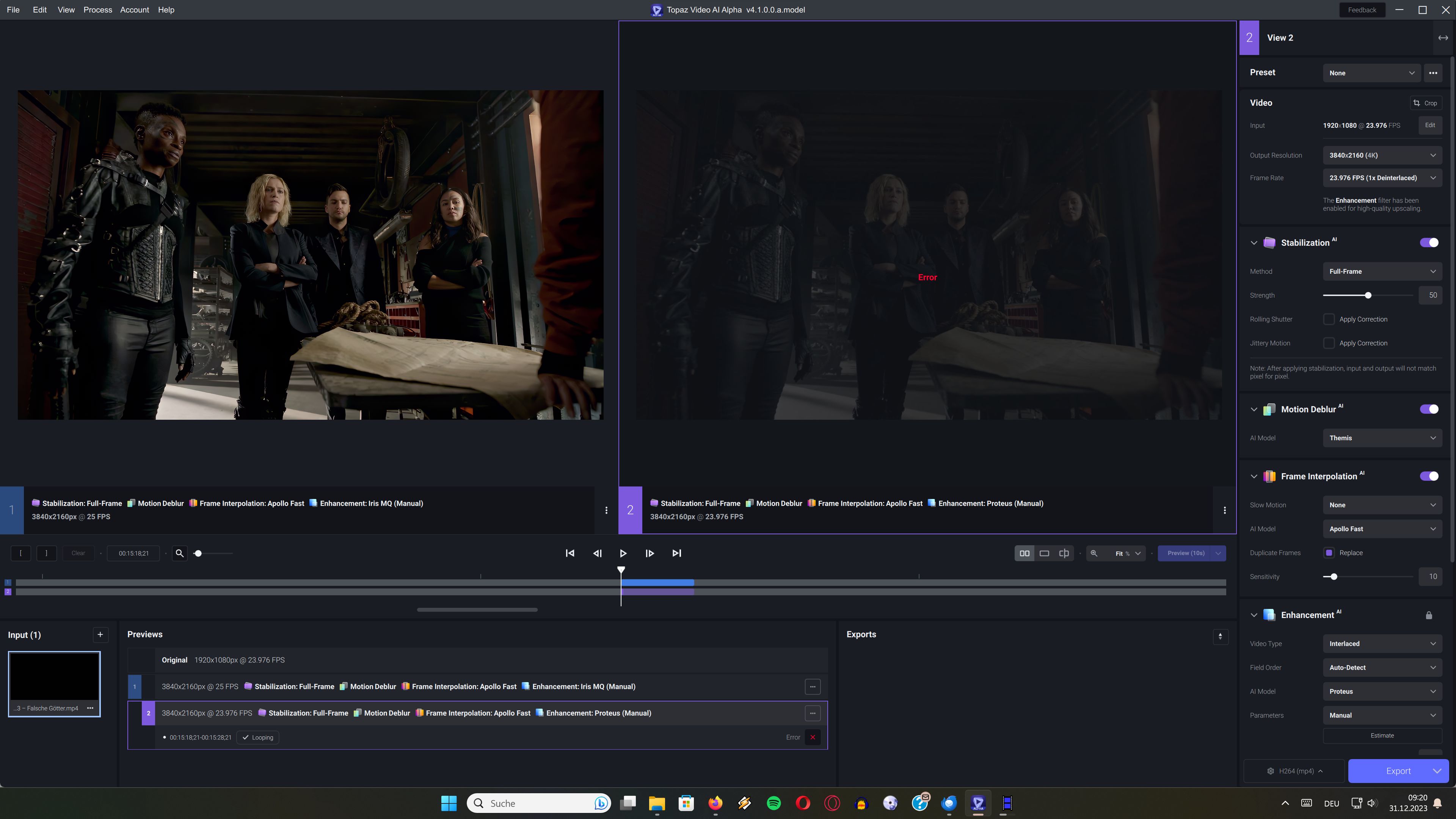
Well I didn’t want to spam a bunch of screenshots, but since you asked, here you go. Aforementioned black hole issue with Proteus v3 fixed in Proteus v4. The black hole is on the door to the left of the characters. This is a still, but it looks quite chaotic in motion.
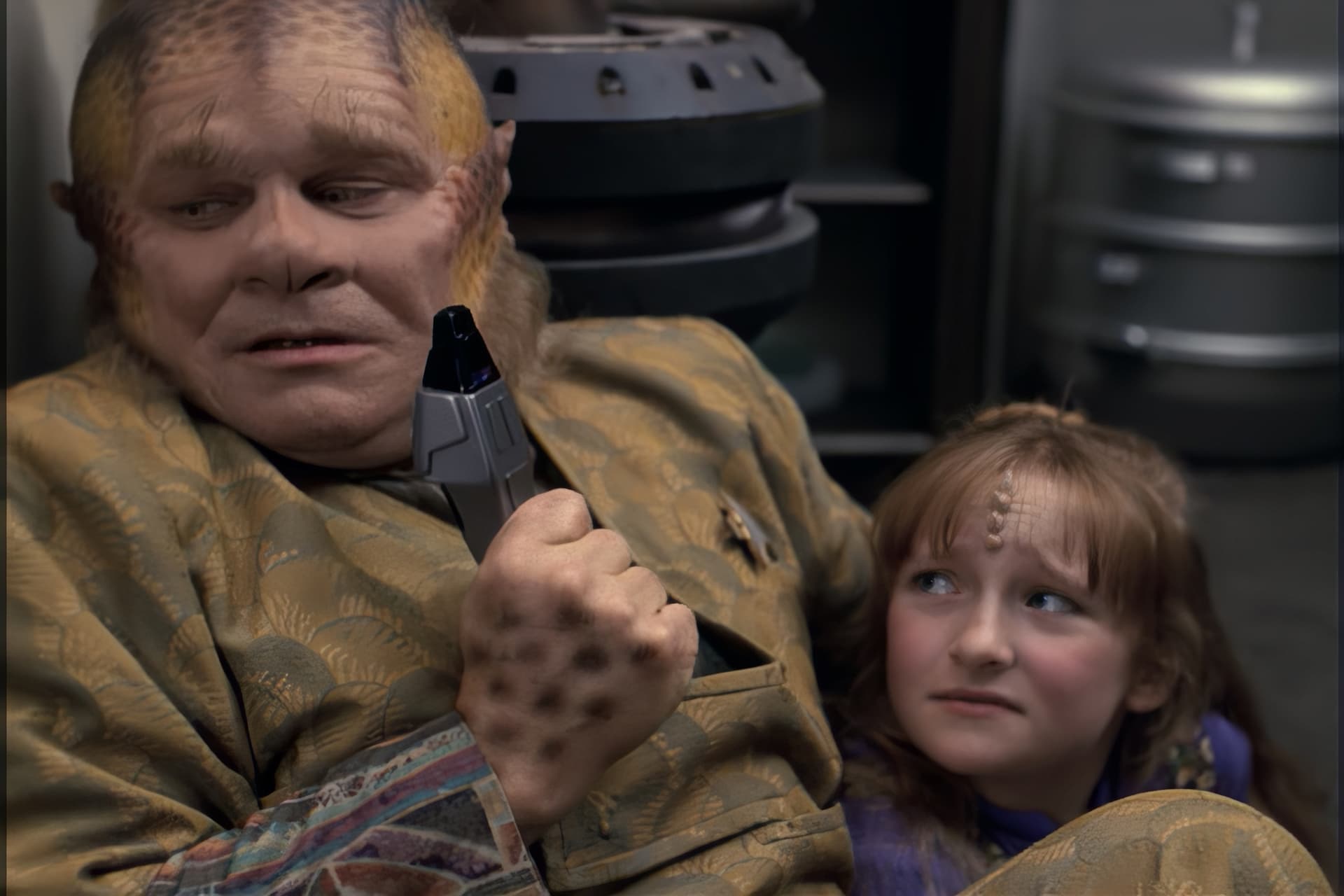
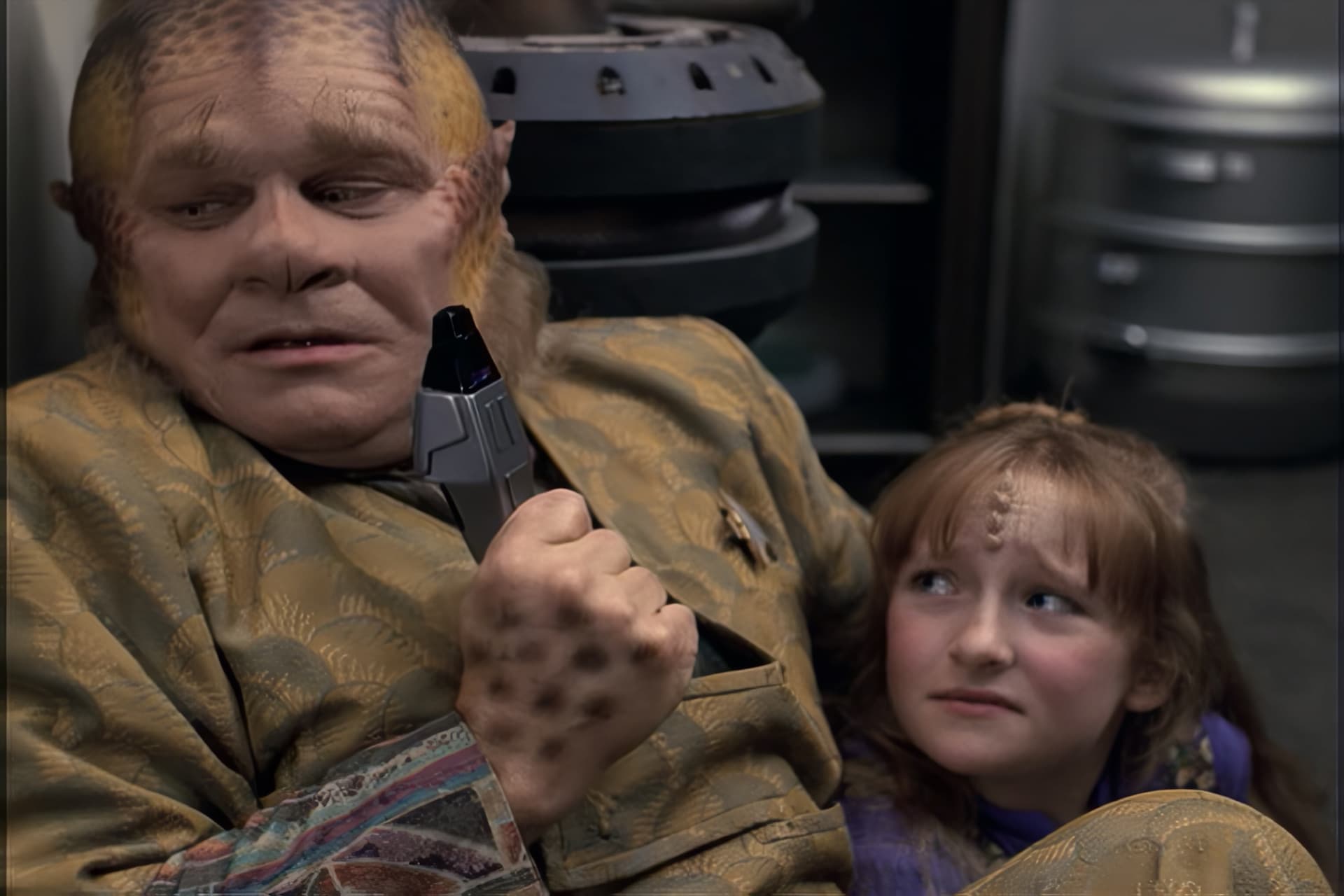
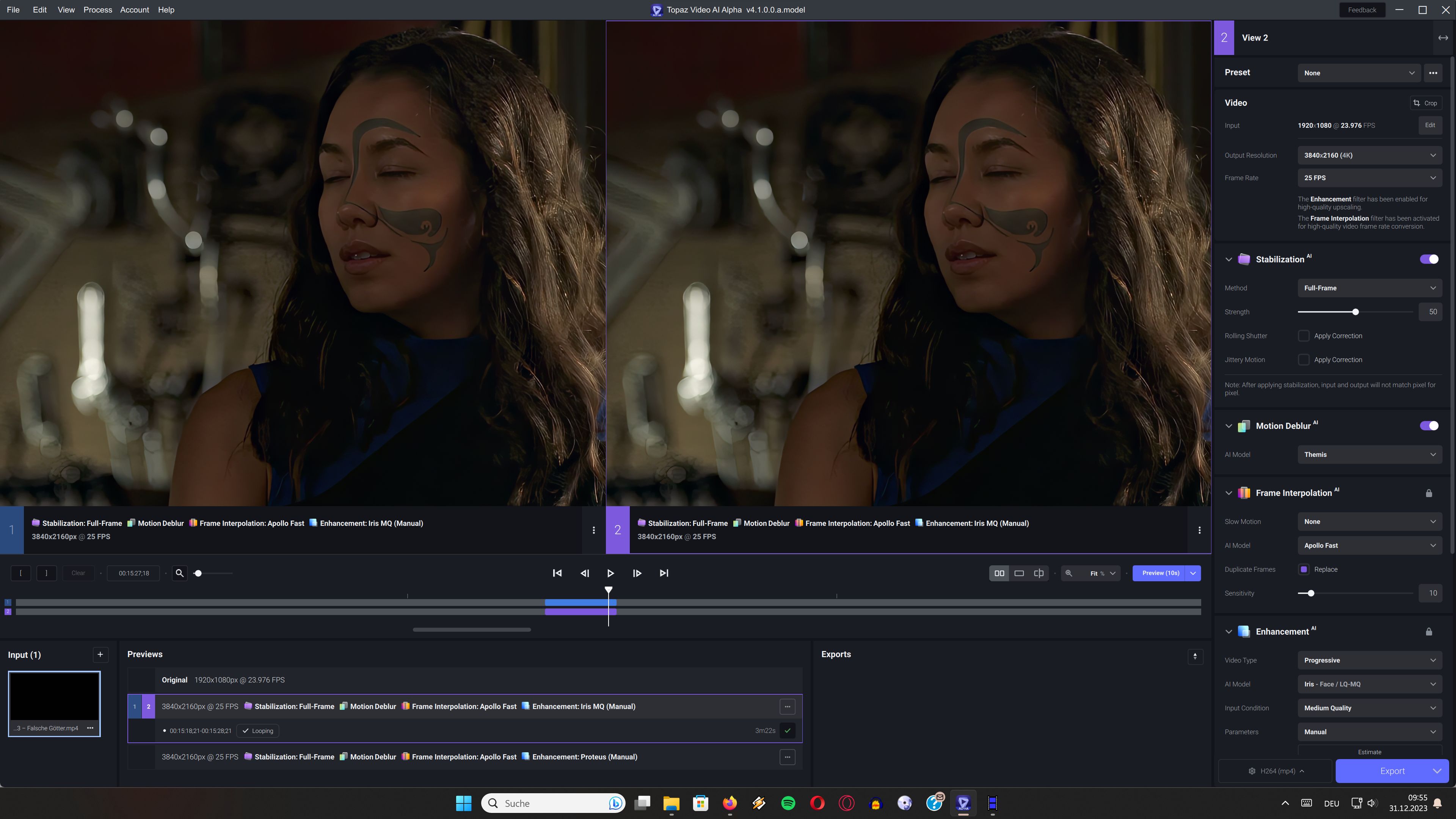
And here’s a demonstration of Iris v2’s deblurring of blurred background characters vs Proteus v4, which better respects the input cinematography. (Proteus v3 is similar in this regard.) Compare the girl’s eyes and uh, forehead horns.
And finally here’s a synthetic test I set up by taking an existing blu-ray, downscaling it to 360p, and using various Topaz models to re-upscale it back to 1080p. This demonstrates that the Proteus models offset the picture to the up-left compared to the “ground truth” blu-ray source and the other models. You may have to download or view these images in their own tabs to make the comparison.
I understand. Thank you so much for providing them. Really brings it home as to what your seeing. And the details you provide are generous and helpful. Much appreciated:+1:
Like I said it’s a synthetic test. It lets you compare the upscale to a “ground truth” to judge the qualities of the upscaler. It’s not a “real world” usage scenario.
Proteus v4 seems to need more memory or so…can´t run XMedia Recode in the background it leads to error.
The quality of Iris & Proteus v4 is nearly the same…i can see more details on Iris…in times the Alienfaces would be seen Proteus is blurring it out…
But overall the details of iris are better and the colors look more natural…Proteus has more green/yellow. Maybe in times the Alienfaces accour too much Proteus could be an alternative.
Here i try to get the Previews of Iris on the left side and Proteus on the right.
I posted this error also in the past that sometimes it´s not possible to choose the last preview…now again always Iris(the first preview) is choosen when i click on the last preview(Proteus).
If i want Proteus again on the right side i have to delete the Preview of Proteus choose the right side and render a new Preview instead on just clicking of the rendered thing. logsForSupport.zip (229.3 KB)
in my previous desktop computer i had the radeon RX 570 and since 2020 the software is slow as a snail.
so what do i need to get myself? a NASA server to get more than 3 fps?
A rx 570 is also not particularly fast as well if you look at fp16/fp32 performance lol. 3 fps is honestly about right when it comes to ML tasks like this. A 3080 or something will already be much better.
still i ask decent FPS i am not asking to run a file at 3000 FPS but something like 20 fps a software that has been over 3 years in development… that is PAID mind you should be quite optimized by now