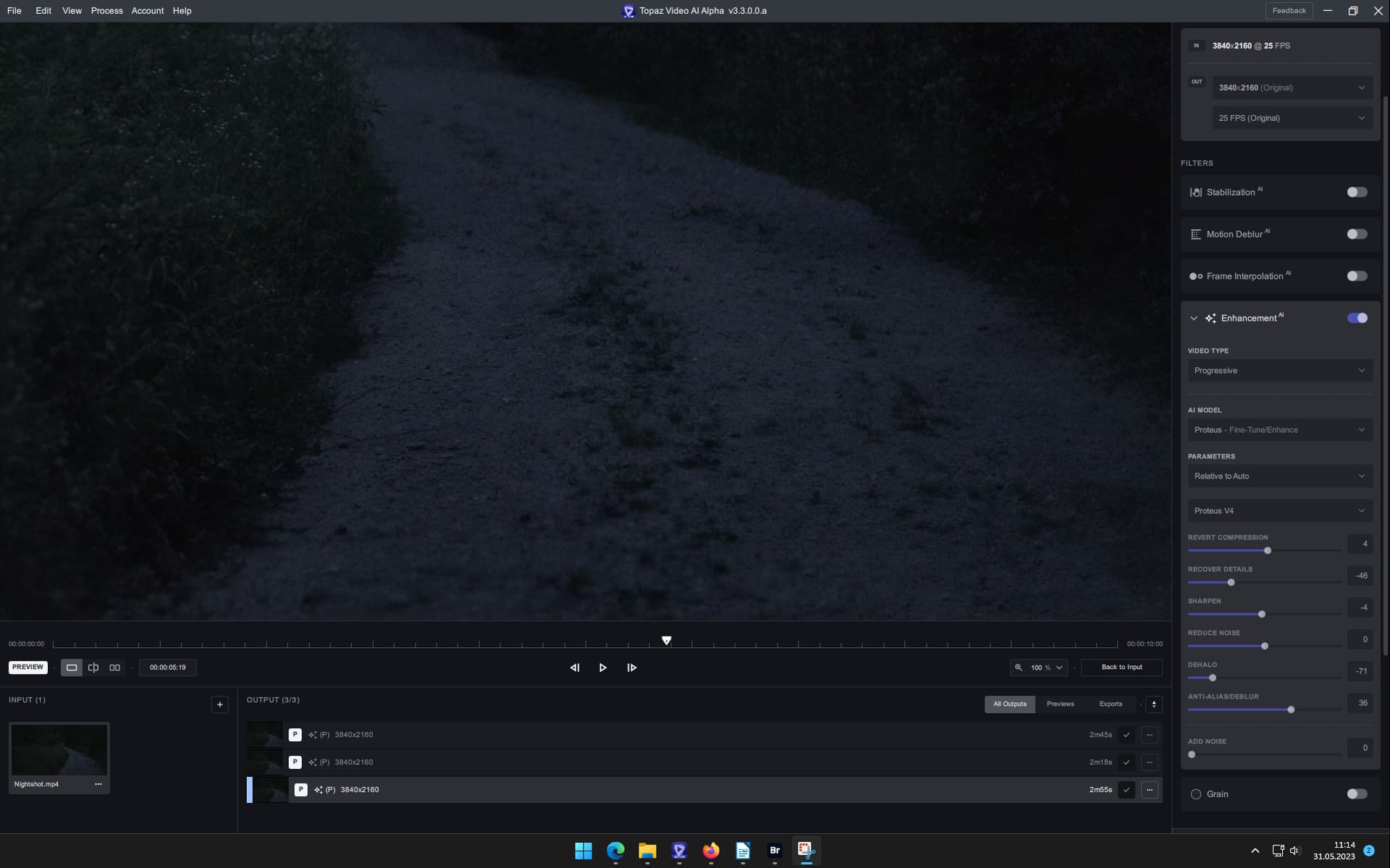
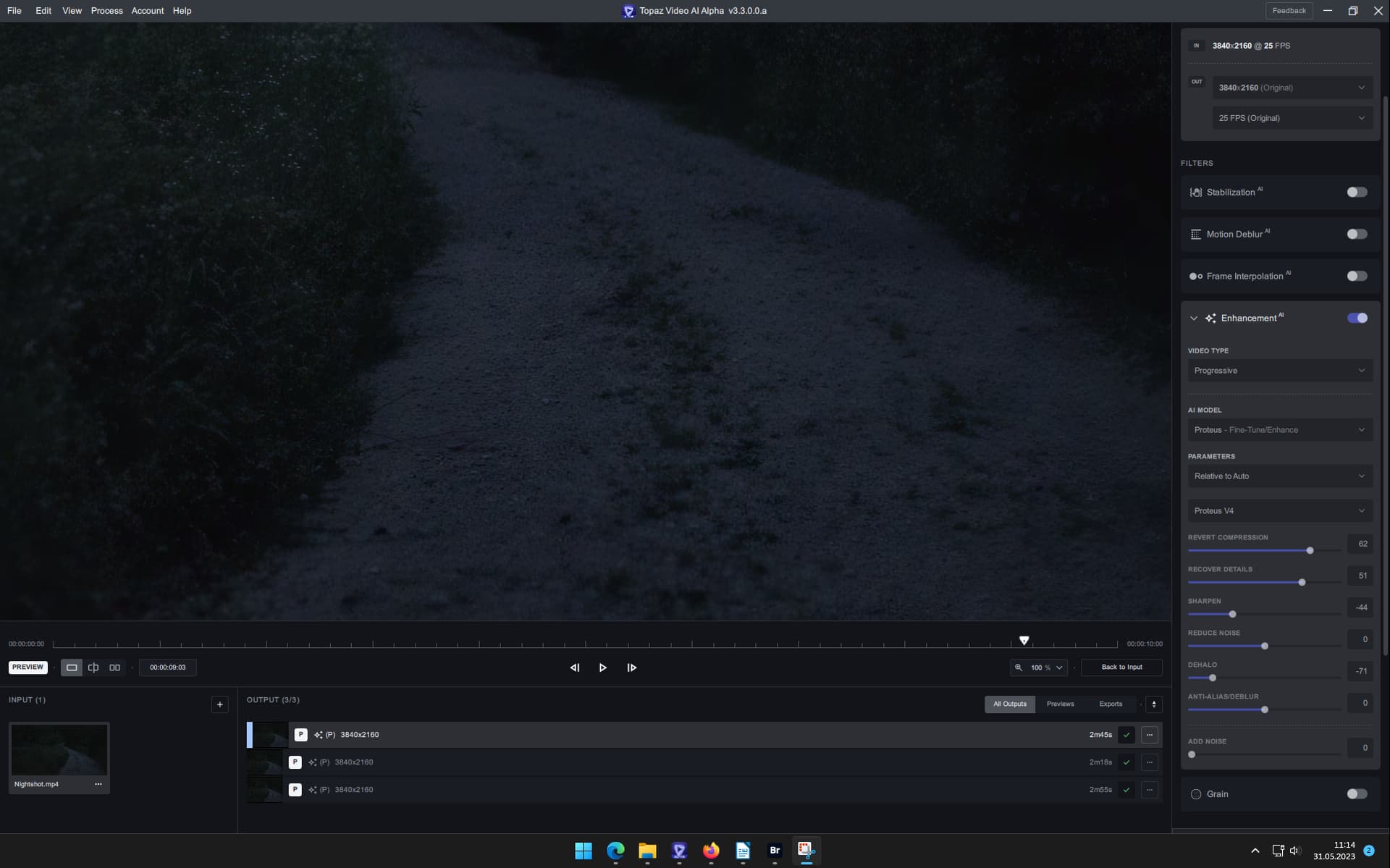
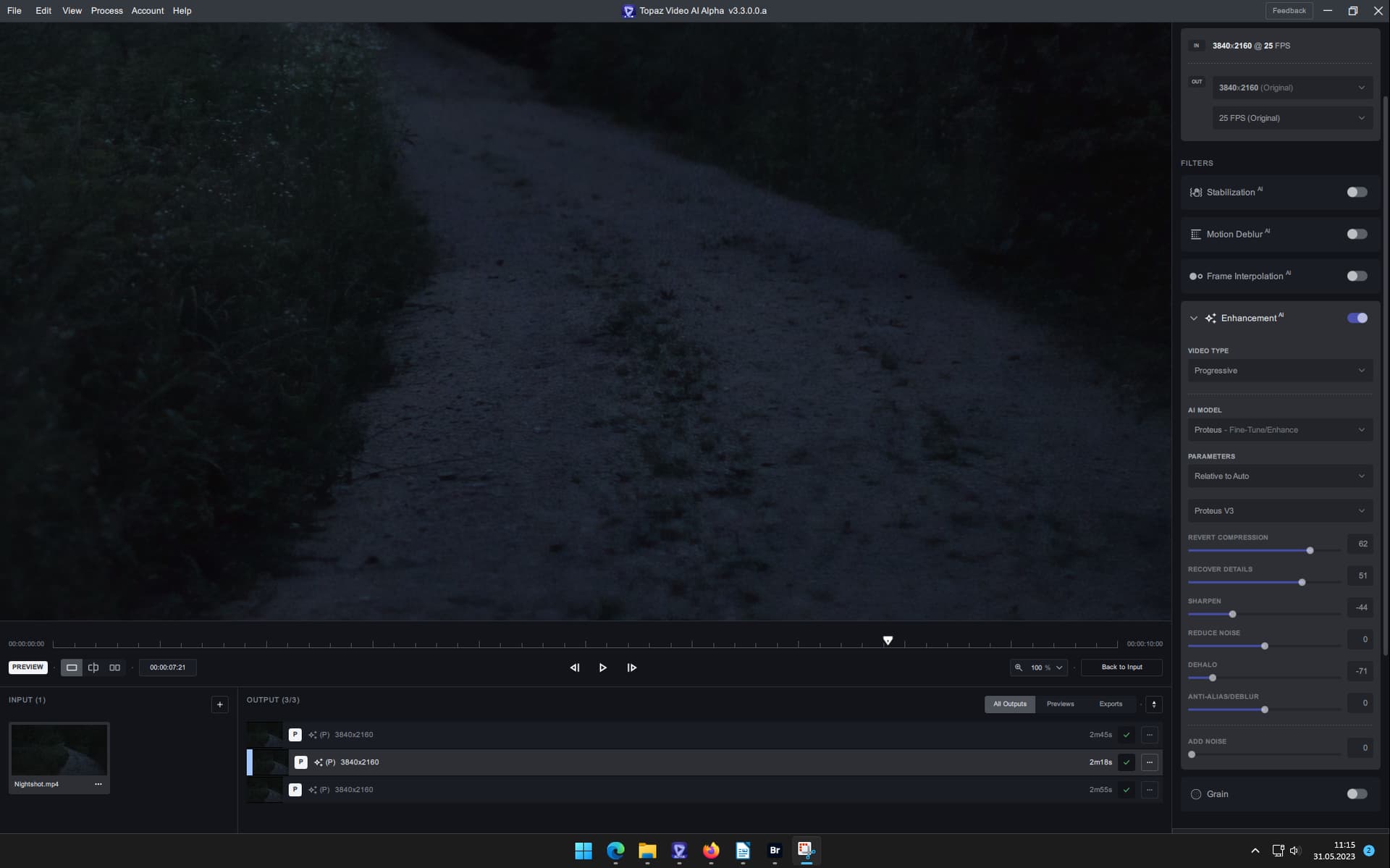
Topaz Video AI Alpha v3.3.0.0.a

since i did not load any legacy models its Prob4, but i’m not shure.

update: yes it is

prob-v4-b7-fgnet-3124420-16000-fp32-576x672-1x-ox = GPU Model, oh its fp32, so 50% slower.
prap-v3-fp32-ov = CPU Model
alq-v13-fgnet-fp16-576x672-1x-rt705-8500 = artemis low q v13

I only get this when exporting (normally preview appears after about 5-6 seconds of exported clip is completed).

Export with preview is selected (default).

Preview does not appear until export is completed:

image

2 Likes

Is Proteus v4 ready for 2x upscales yet or are we still stuck with 4x mode only?

I would say that this version of Proteus seems to be worse than the prior versions. I am getting a much more pronounced checkerboard pattern overlayed on top of my videos. Additionally, they are considerably more blurry and dreamlike, even after turning down dehalo.

1 Like

It has 2x upscale versions of the model.

1 Like

From testing so far, the 2x model on this and last version have been better than the 4x model, but not sure if that’s intentional or not.

Try turning down the “revert compression” down to a range of 25-50, that may take care of the over-smoothing.

Apollo Fast fails with error every time. Other interpolation models work.

Log uploaded.

Export As… Does not work. No dialoge comes up when selecting it

2 Likes

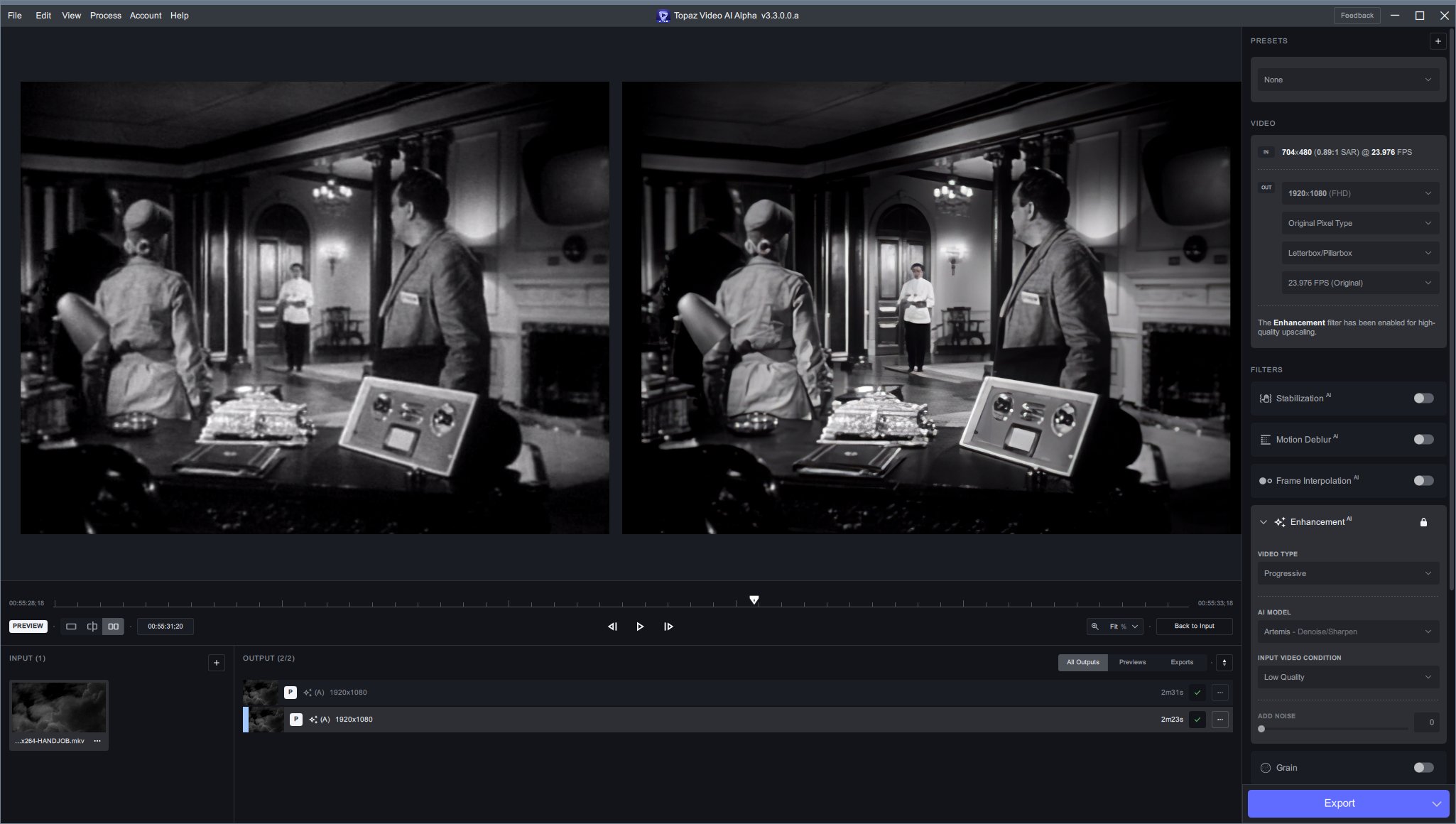
Still adding colour to an out of focus background face. A 1956 black and white film. Upscale from 704x480 to 1080p. Added colour appears with Artemis Low Quality.

Zoomed 400%

2 Likes

Yeah, the model fails miserably once the face is farther away, it does not do faraway faces well at all!

But I’m guessing that they want to get the closer faces mastered before they can apply the models to 1x-2x instead of only 2x-4x resolution upscale.

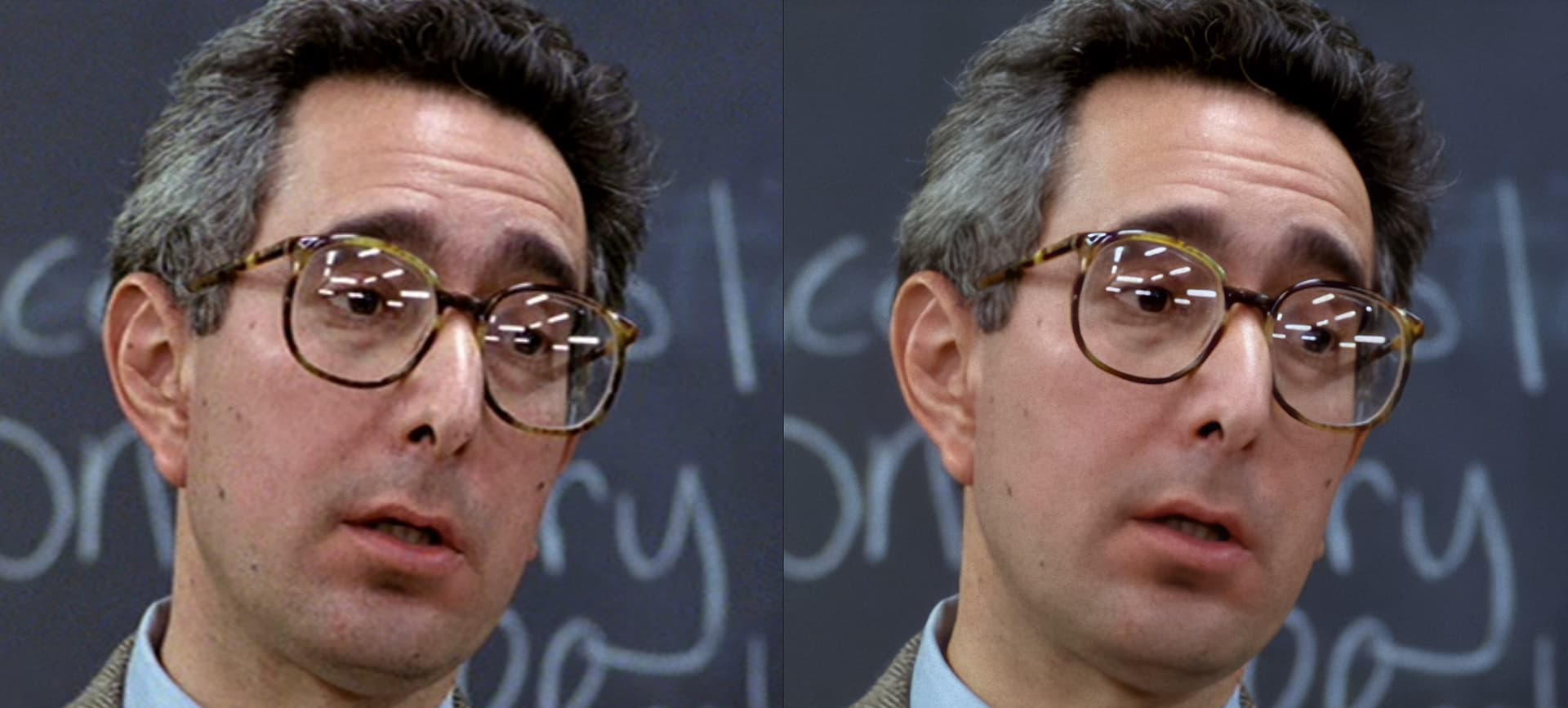
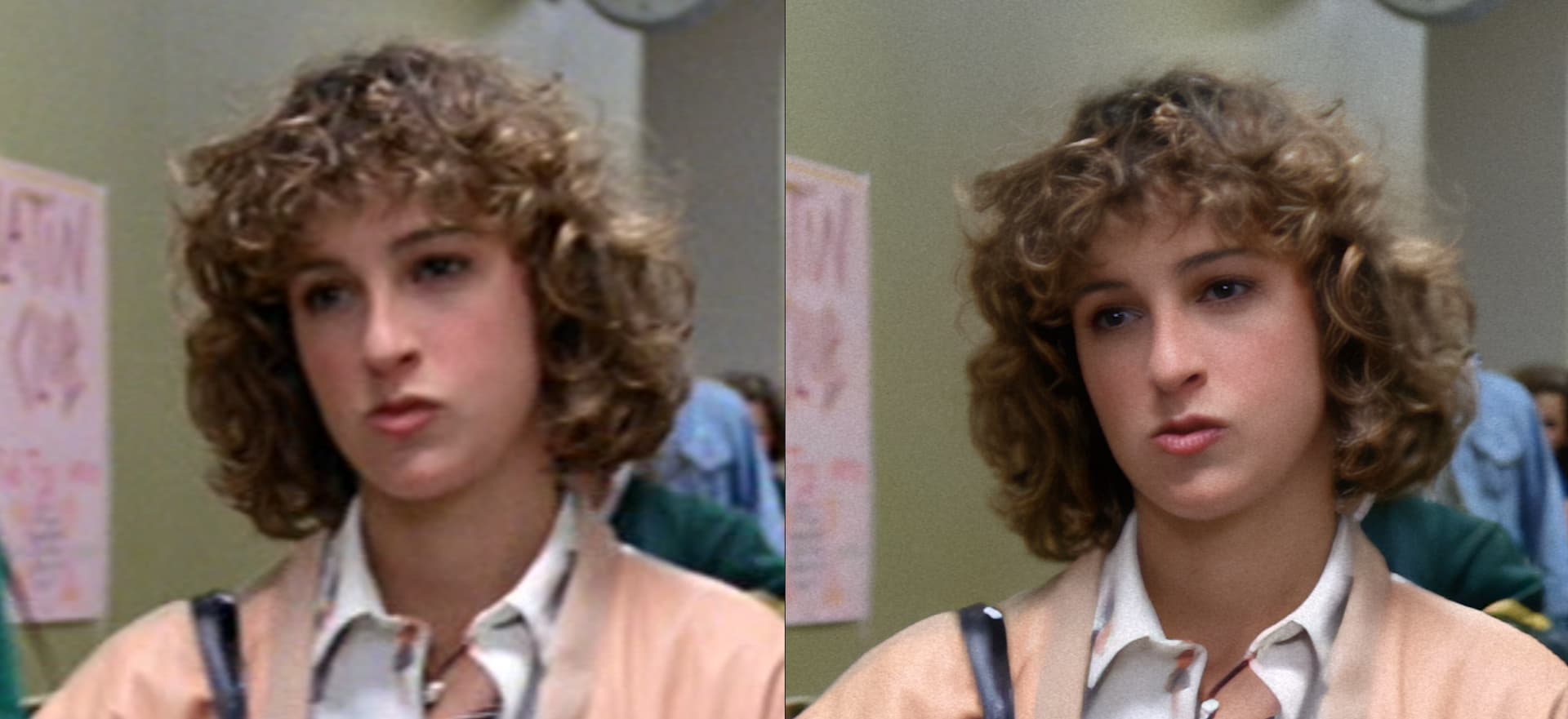
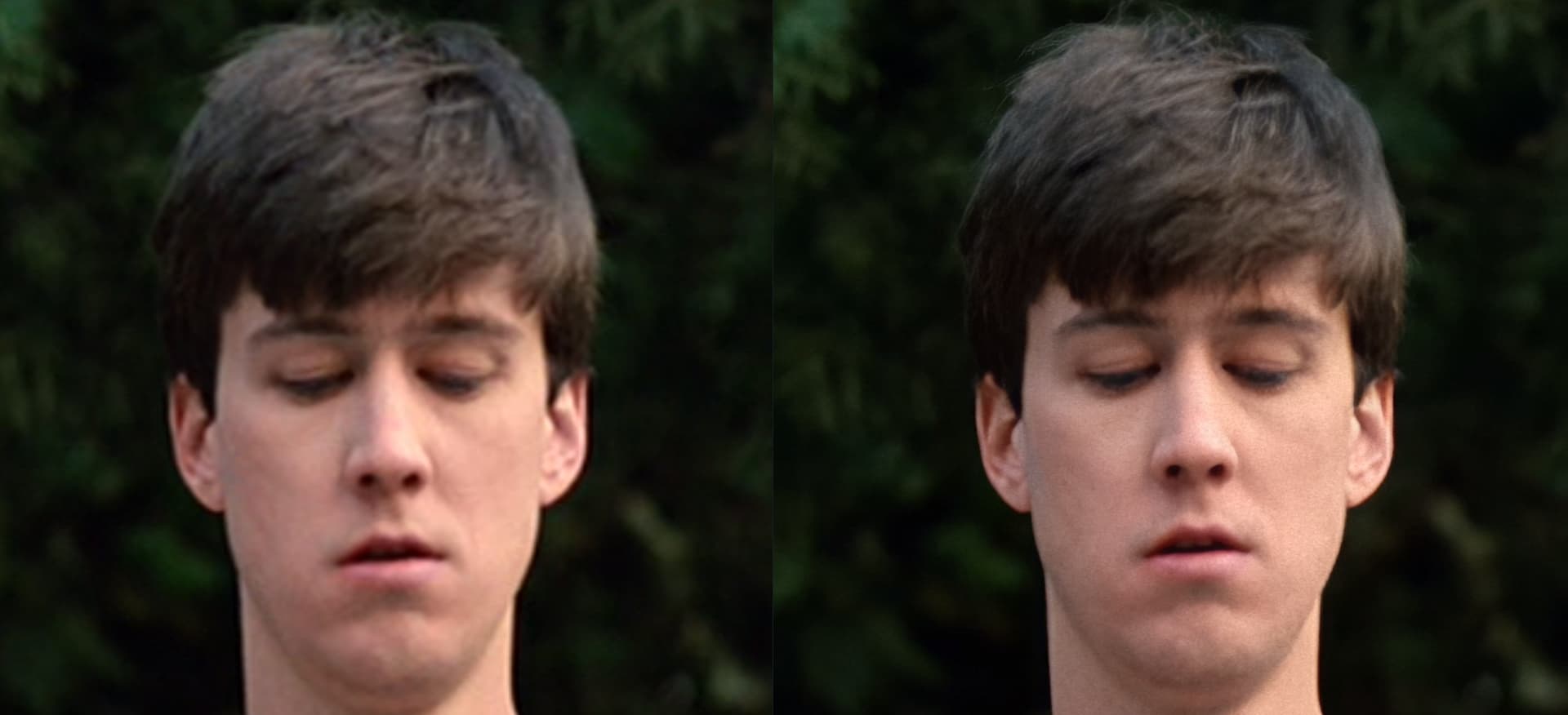
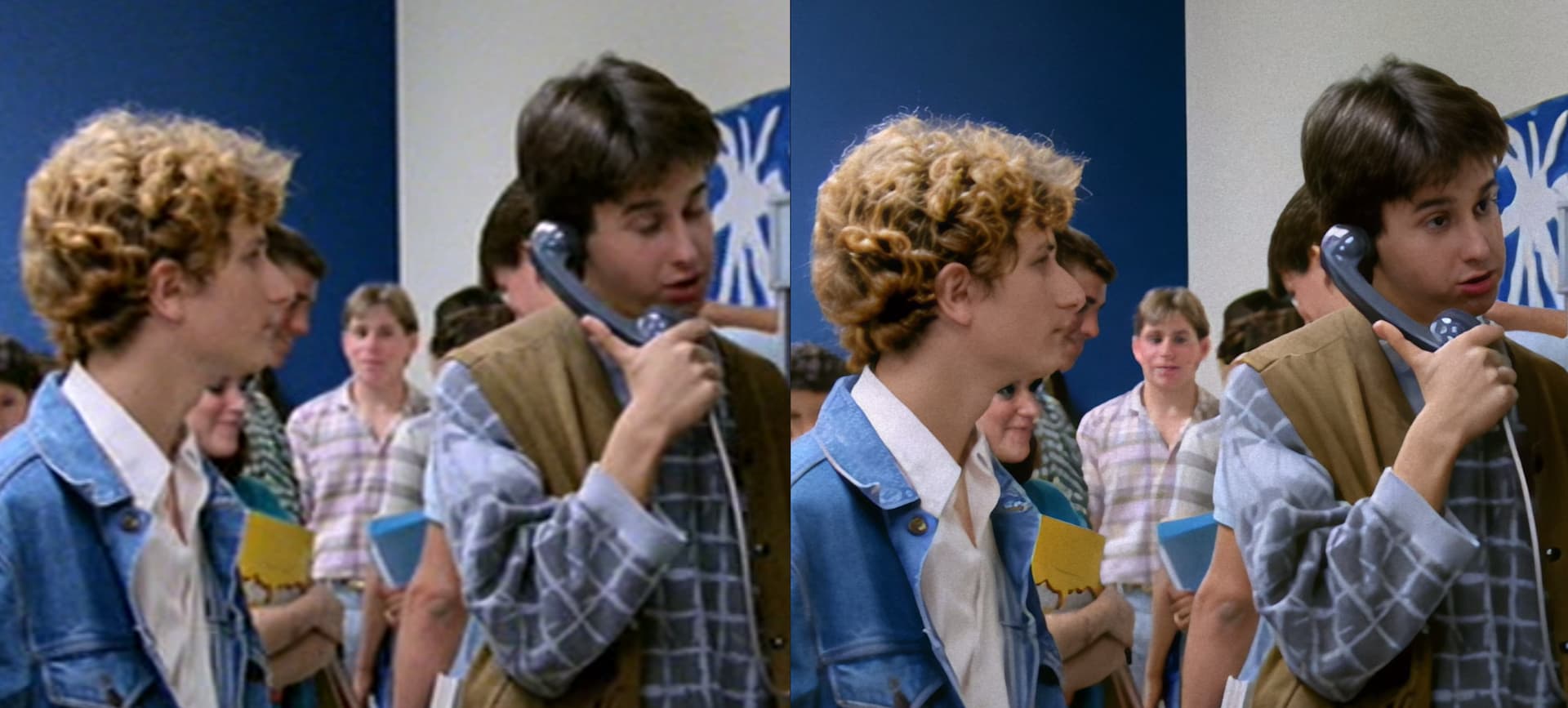
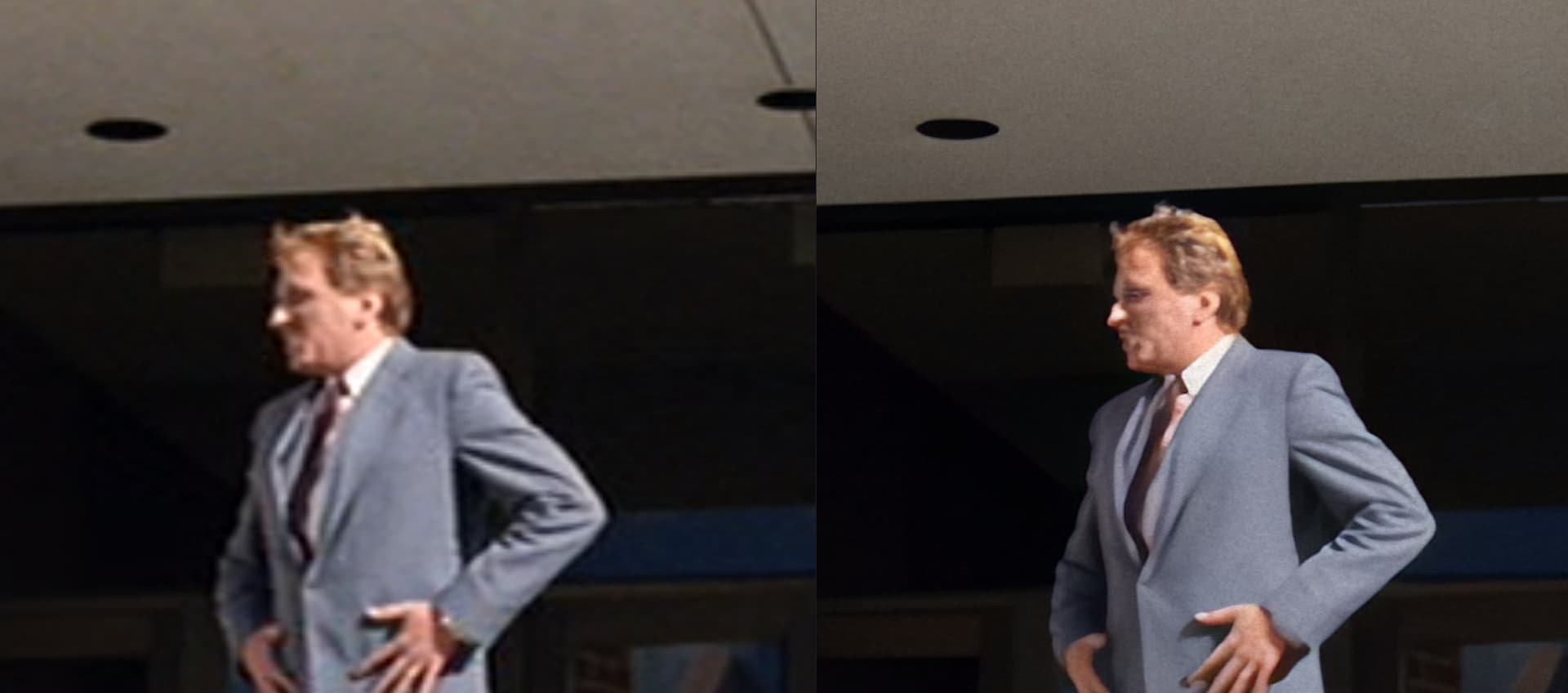
I decided to test Proteus v4 on a few scenes from a movie. Here are some of the results:

Original Left, Proteus v4 4x upscale, full auto settings on the right:

Notes:
I used the Grain filter to add grain back in. I may of over done it for this movie.
You will notice none of the enhanced and original frames match up. This is just because the TVAI app didn’t line them up and I was using the app to get screenshots.

When working with low quality sources with “medium” to “large” faces. It does a good job enhancing the face. It doesn’t perfectly match the original face, but it is enhanced.


And it’s not just faces, it’s hair too, it’s not perfect, but it’s enhanced in a pleasing way (at least to me):


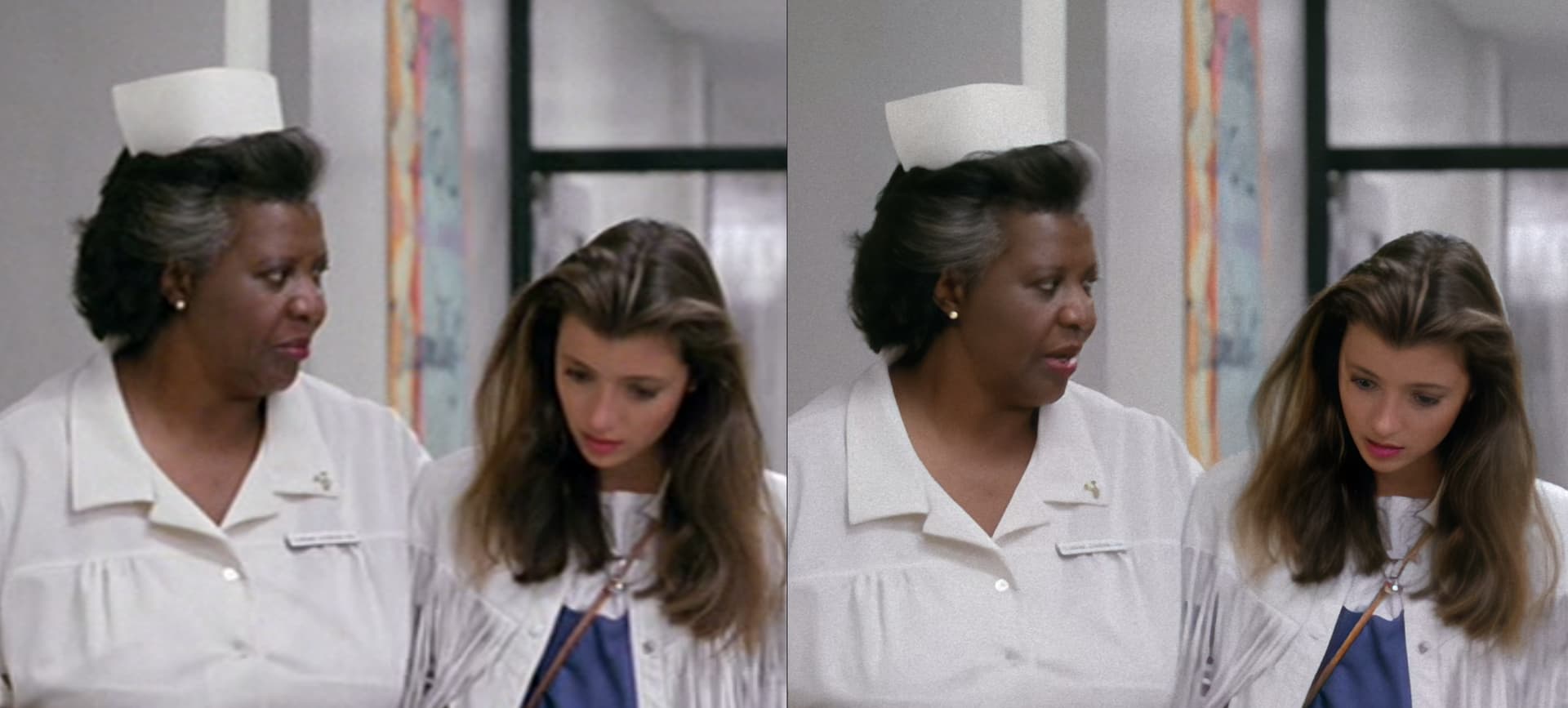
It even seems to do well with people of dark skin. Something that can’t be taken for granted with AI projects. Actually, I think the ehanced faces of people with dark skin are better than people with lighter skin. I assume this is related to the increase contrast between things like eyes and teeth compared to the skin.:


Small faces are sub-par. As can be seen with the character in the middle of the frame (Note: it’s worse in motion), this is probably expected:


Extremely small face test (basically guaranteed to fail):

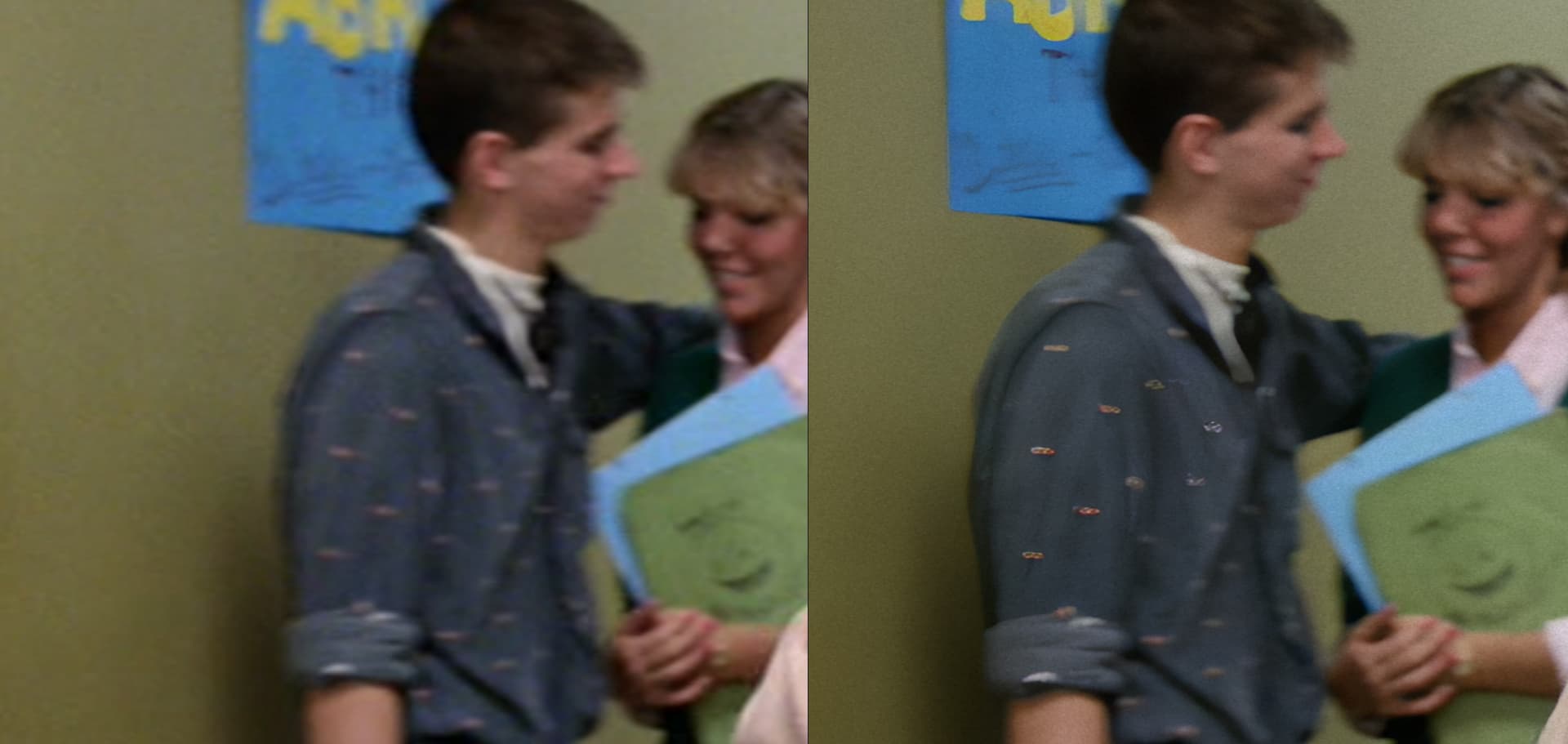
Proteus v4 still has an issue with “over enhancing” some features. Take for example the shirt in this shot:

Proteus v4 also has a “temporal artifacts” issue that’s more pronounced than Proteus v3. I can’t show it off here since I can’t upload videos. But if a “small” face has an object pass in front of it, then Proteus v4 will show more artifacts and for longer than Proteus v3. This could just be Proteus v3 handling compression from the original video better. Or Proteus v4 having worse temporal history handling.
It’s not just limited to faces, but it’s easier to notice on faces due to humans face recognition things.

Overall, Proteus v4 has issues (I didn’t cover most of them in this comment since I’ve covered them in other comments), but it does seem to do well in some scenes from older movies, especially with some added grain to hide the plastic-y look Proteus v4 sometimes brings.

6 Likes

Woho, looks really good.

I have made the same experience.


Through compression it is also always difficult to see how the colors have been changed because the compression itself also changes the colors.

P4 changes the colors for exactly this reason, I find for movies or old internet videos this is exactly the right model.

Yeah, with degraded media (E.G. Film undergone downscaling and heavy compression to DVD), Proteus v4 works well a lot of the time. Both because it handles things like compression well, along with the fact some of the negative characteristics of Proteus v4 kind of match my personal expectation from “old movies”.

But if you take modern content like noisy footage from a “high resolution” high end camera, or a lot of stuff probably produced by recent smart phones, then Proteus v4 typically loses compared to Proteus v3.

I feel like it shouldn’t be called Proteus v4, at least in it’s current state. It’s not an upgrade over Proteus v3, it’s a different model with different characteristics, some better, many worse than Proteus v3, and as such I personally believe it should have a different name.

5 Likes

Video material that has already been edited is difficult to improve at all.

Especially smartphone videos belong to this because the smartphone has filtered the videos very strongly and everything just looks like mud.


P4 differentiates better and it looks more consistent, while P3 can have problems in the prediction depending on the video.

Video was shot from a tripod at very high ISO with a 1DX III, video was already denoised with davincy.


I think to compare the quality it is better to export a video as single frames and then evaluate it.

Here you can see better what does change.

It also helps to export a video in lower quality and see what VEAI does with it and compare the output with the original.

Unfortunately, this is more time-consuming than with TPAI and I have little time for TVAI.

Don’t forget, it also smooths out details too much as well.

For a movie where the resolution is low, and a lot of detail is noise and compression artifacts. Then Proteus v4 smoothing things out, then the end user adding noise on top, looks alright in a lot of situations.

But for a vast majority of my test footage (which is typically higher quality than this movie), the smoothing out effect is bad and annoying.

1 Like

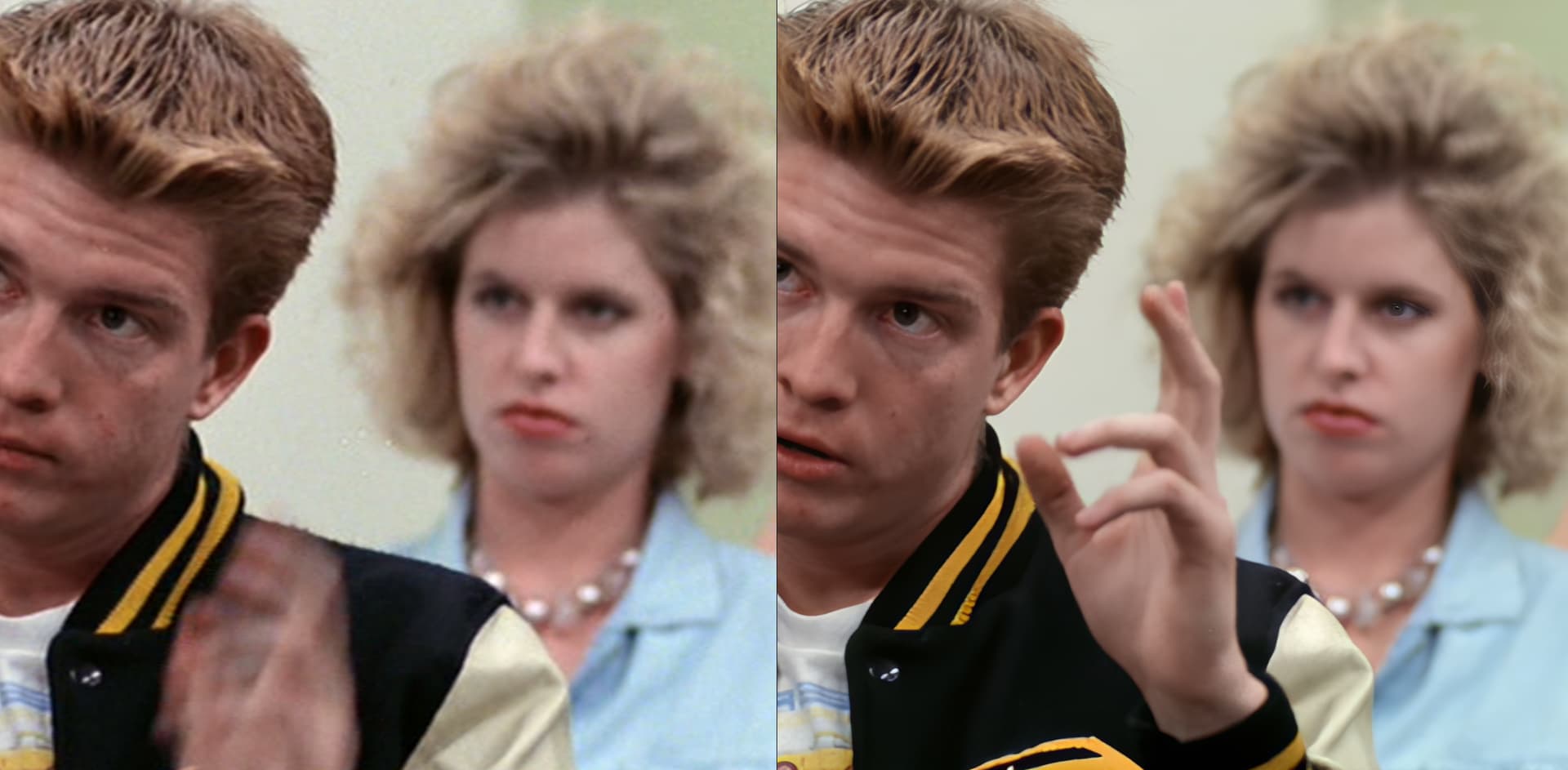
Proteus v4 still has an issue of picking out of focus faces and trying to enhance them which isn’t good. Here’s an example (take note of the girl on the right):

Original on the left, Proteus v4 4x on the right:

In this case it’s worse than others because only half of the out of focus face is “enhanced” making it stand out even more.

I cannot activate on Ubuntu. When attempting to activate through the browser, it opens a page with the following message:

{“message”:"Invalid OAuth state: "}

Request URL: https://api.topaz-labs.net/v3/auth/code?error=invalid_request&error_description=Invalid%20or%20missing%20response%20type&iframe=break

1 Like

Same here, under Arch.