With TVAI especially, you cannot guess and get close to what the speeds are going to be like with an unreleased video card.
1 minute per frame? That’s still 90 days for a full 90 minutes flick (if I did my math correctly, lol). That’s a bit too rich for my blood. 
1 Like
I nonetheless venture to guess Topaz will first severely underuse the 5090 – to broken levels – and then, like 6 months later, finally come with a patch to bring it up-to-speed again. 
I’m on a Star Trek Voyager project, doing all episodes, but it’s on a early state. For now I have all episodes QTGMC “very slow” deinterlaced and resized from 720x576 (SAR) to 768x576 (4:3)
What I can say here, the main problem is the noise. There is (more and less) going deeper gray haze over it. The stuff is also on faces, which leads to the dirty effect, especially with Rhea model. I tested several denoiser now and nothing convinced me.
Now I think maybe NEAT Denoiser, could be a help, when you have the optical live result finding optimal denoise settings to rid this away, there exists also a NEAT plugin for Virtualdub
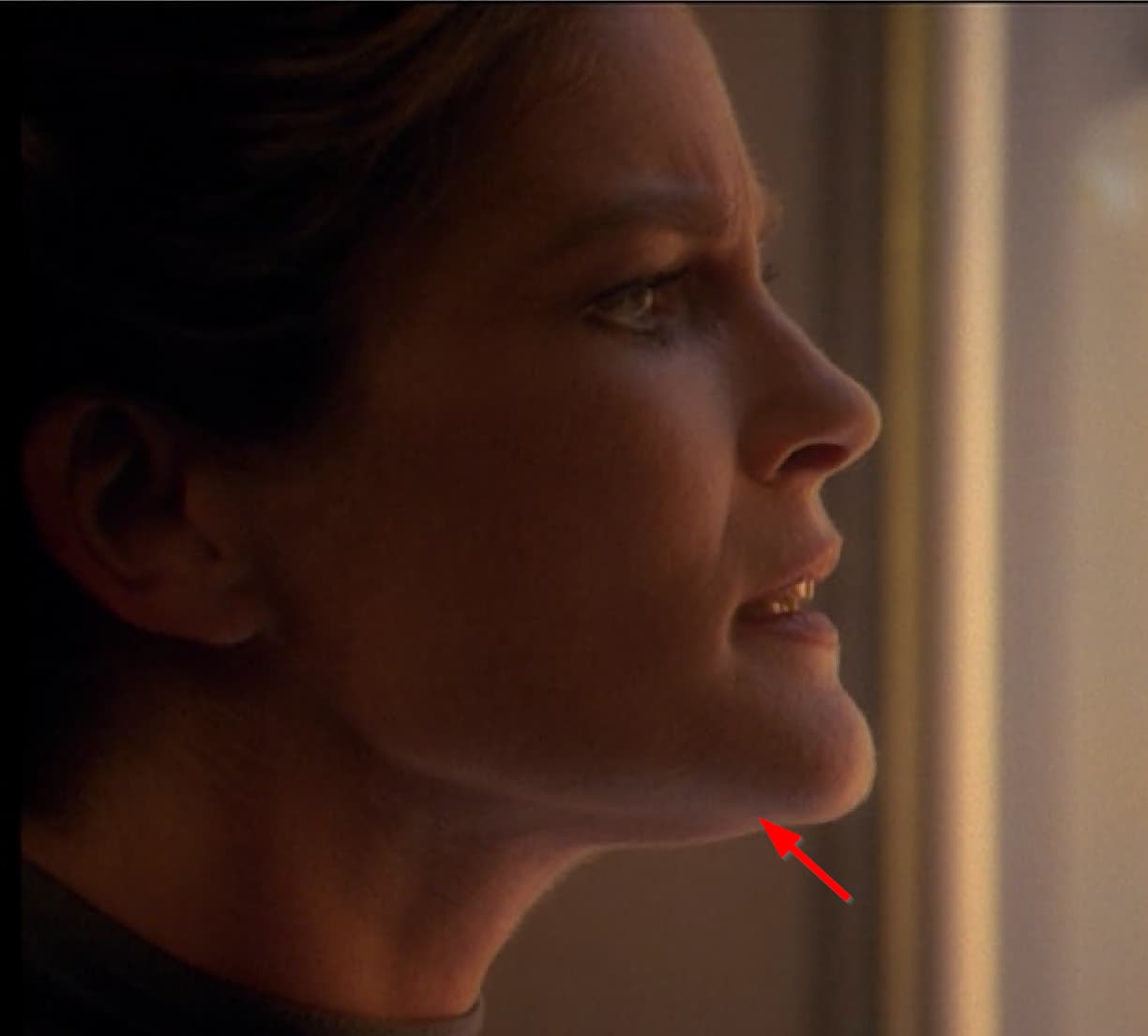
sample Screenshot of unupscaled orig source: the “noise” thing I’m talking about.
1 Like
Were you born today? Don’t you know that the only program that handles noise well is Neat Video?
Why do you demand from Topaz what he is not capable of?
When processing Topaz, I set the noise slider to “0”. As a last resort, on “3-5”
I know TVAI can denoise  but NYX is invasive and denoise on models lowers details into TVAI, specially set denoise on Rhea model is nogo. I talked about post processing, preparing unupscaled source material, because TVAI results are not convincing me in this case.
As my RTX3070Ti laptop and my RTX3080Ti Desktop both run my preset at 7-8 fps I am not expecting any increase with a 4090 or a 5090, the software does not fully utilise the processing power of the GPU.
Neat video has a fantastic plug in!
Where’s a link to the frame rate issue? I think I just found something important to it.
I was making previews with Proteus 4, and I decided to turn on the ‘Recover Detail’ option. Suddenly, my output was ultra jerky. Every few frames, it inserts previous frames so the motion regresses for one frame. It’s pretty random too. like the frames I looked at were like this: → → → → → ← → ← → → → → → ← → ← → →
6 Likes
I can give you a direction which maybe helps.
This will just Process Noise with a Brightness that is over 135.
# IMPORTANT INFO
# THIS WILL CHANGE THE COLORS VERY SLIGHTLY
#

bri = Levels(Vid,0, 1, 255, 135, 255,coring=false)
dar = Levels(Vid,0, 1, 255, 0, 129,coring=false) # *see at Bottom why 129 !

#bri = FluxSmoothT(bri,temporal_threshold=7, luma=true, chroma=false)
# OR FFT3D a little bit more Agressive
bri=FFT3DFilter(bri,sigma=0, plane=0, bt=5, bw=32, bh=32, ow=16, oh=16, sharpen=0, dehalo = 0, sigma2 = 0.5, sigma3 = 1.2, sigma4 = 0)

Overlay(bri,dar,mode="blend",opacity=0.8)
tweak(bright=-38,sat=1.95,cont=1.95,hue=0)

ConverttoRGB32()
ScaleR = 1.03 ScaleG = 1.03 ScaleB = 1.05 # 1.0 Default
Alpha = 1 # 1 Full, 0 Trans
ka = 1 # 1.0 Default
BiasR = 1 BiasG = 1.0 BiasB = 1 # 1.0 Default
GammaR = 1 GammaG = 1 GammaB = 1 # 1.0 Default
RGBAdjust(ScaleR,ScaleG,ScaleB,Alpha,ka,BiasR,BiasG,BiasB,GammaR,GammaG,GammaB)
ConvertToYuv420()

# *Screwed around first with 129 for dark, and 130 for bright
# then i tried 135 for bri, but forgot to change dar to 134
# and tried to find a Setting which restores (mostly^^) Gamma,RGB etc
# after i found good Settings (2+ Hours) i saw the 129 mistake !
# But with the Material that i use it doesnt eat Up Detail !
# and i dont want to screw around anymore !
as you can see in my Comment inside the Code, i screwed up.
Then 2 Days later i used 134 for Dark, and 135 for Bright, and screwed around until they Colors & Gamma was ok. But the funny thing was, the Wall Denoising (that’s for what i used it) worked worse, and i lost more Detail on Skins.
For some reason 129=Dark, 135=Bright worked better.
Here another Tip (it’s from another Guy who knows way more as me ! Found the Code in some Forum)
http://avisynth.nl/index.php/Tweak
Have a look at the StartHue and EndHue parameters of Tweak
Code:

... # YUV source
Tweak(Sat=1.1, startHue=80, endHue=135) # Saturate all "red" pixels to 110%

You may want to treat only high saturation parts of the image.
Code:

... # YUV source
Tweak(Sat=1.1, startHue=80, endHue=135, minSat=80) # Saturate >80% saturation "red"
pixels to 110%

To help tune startHue, endHue and minSat values set Sat=0.0 to make the selected areas
stand out as grey scale. See the Usage and examples: adjusting saturation with the gold
bikini girl towards the bottom of the page.

INFO !

Adjust startHue and endHue to better choose what YOU regard/need as "Red" and "Blue".

Adjust minSat to protect low reds, like pinks from disappearing.

Adjust maxSat to protect intense blues from blooming.

Tweak(Sat=0.8, startHue=80,  endHue=135, minSat=25) # De-saturate >25% saturation "red" pixels to 80%
Tweak(Sat=1.3, startHue=325, endHue=15,  maxSat=75) # Saturate <75% saturation "blue" pixels to 130%
I think with enough experimenting with Levels+Tweak it’s possible not to just cut out & denoise anything that is brighter as a specific Value, it’s possible to cut out just a specific Range of Colors+Brightness, the hardest thing is to merge all back to the same Gamma & Colors.
Stack will help !
http://avisynth.nl/index.php/StackHorizontal
Example:
SetFilterMTMode("DEFAULT_MT_MODE", 2)

##Input Files
LWLibavVideoSource("D:\AVS_Projects\YA14Katerina\Imp_#006_ToTop_#005_V2_#002_QT-V0_#000_Katerina.mkv",Cache = true)

##CUT ID007

##AviSynth Code
Crop(100,0,324,0) #Input is 640x480 | With Crop i Cut Out a smaller Part to preview

b=last # Copy last Loaded Video to Paramter "b"

Levels(0, 1.15, 255, 0, 255) # Gamma
Tweak(Sat=1.2, startHue=80, endHue=135) # Make Red Stronger
Tweak(Cont=1.1,Sat=1.05,Bright=-4) # Make Constrast Saturation Higher, Lower the Brightness
Tint ($fc03a5, 5) # Ad a Pink Touch to the Image

MosquitoNR(strength=13, restore=110, radius=2, threads=1) #Remove Artemis Aliasing & Artefacts

FluxSmoothT(temporal_threshold=2, luma=true, chroma=false) # Smooth Noise

LimitedSharpenFaster(strength=50,wide=true,overshoot=0,undershoot=0,edgemode=1,ss_x=1.5,ss_y=1.5) #Sharp Contures

#Add Grain Luma Grain
Grainfactory3(g3str = 20, g3shrp = 10,  g3size = 0.9,\
g2str = 10, g2shrp = 10, g2size = 0.5,\
g1str = 0, g1shrp = 10, g1size = 0.5,\
th1 = 70, th2 = 100, th3 = 132, th4 = 200)

#Add very small Luma Grain, and bigger Chroma Grain
f3kgrainPlus(luma=80, chroma=220, mode=1, temp=50, adapt=160, sigma=1.5)

#Sharp stuff between Contures (Texture, Grain)
LimitedSharpenFaster(strength=35,wide=false,overshoot=1,undershoot=2,edgemode=2,ss_x=1.5,ss_y=1.5)

#Denoise Middle to Low Frequencys
FFT3DFilter(sigma=0, plane=0, bt=5, bw=32, bh=32, ow=16, oh=16, sharpen=0, dehalo = 0, sigma2 = 0, sigma3 = 0.8, sigma4 = 1.0)

stackhorizontal(b,last) # Show "b" left, and last Processed right.

xxx = 9
Prefetch(xxx)
As you can see it removed the Plastic Look from Video AI, and added some Texture.
The only Drawback is the Noise (it looks way worse in a still frame. Especially on walls/skys. In Motion the Noise&Grain is not visible as distracting Noise on Persons, it’s the opposite, it gives depth to the Skins from People)
Info: I saved it as PNG, but the Board Software always convert to jpg (-.-)
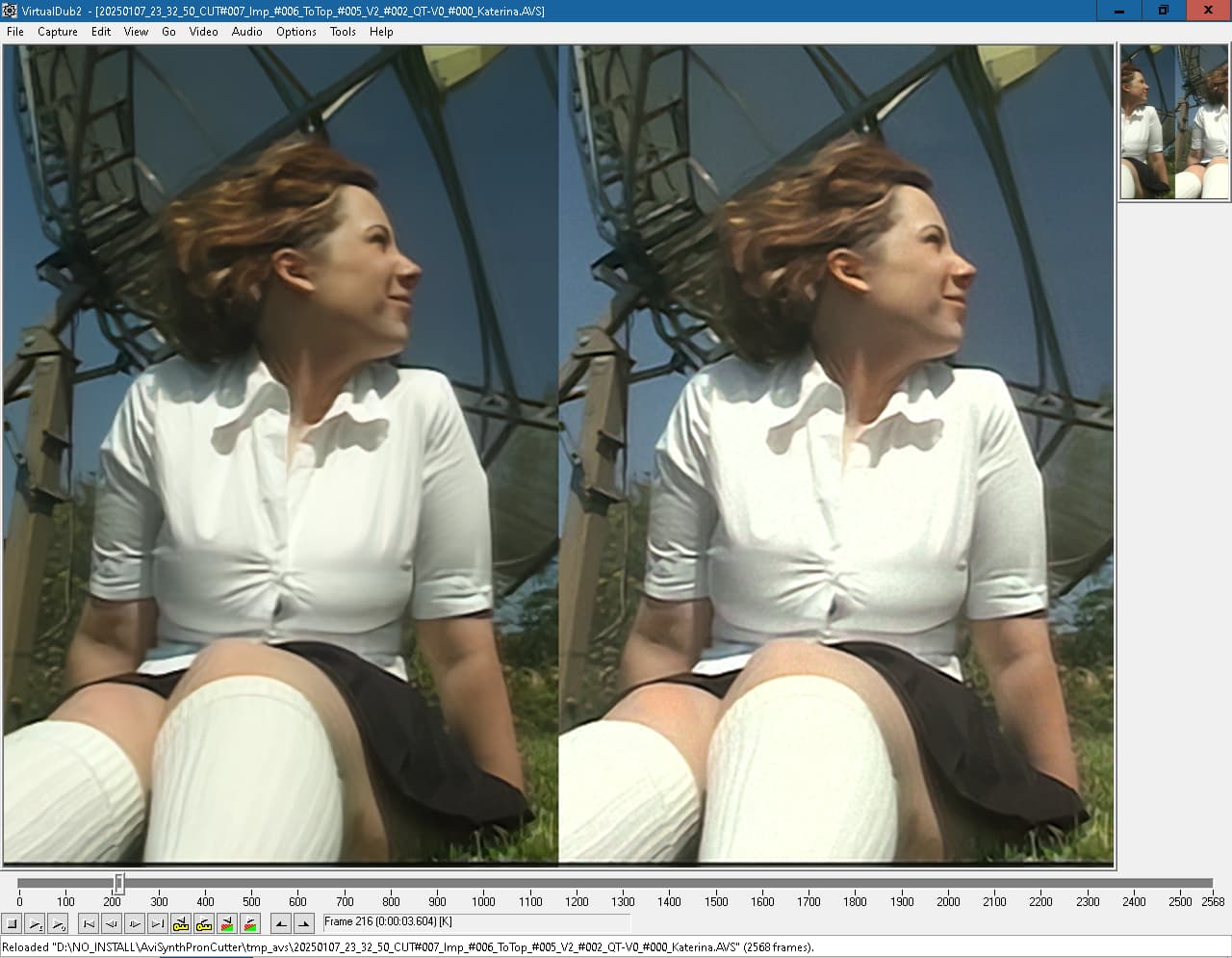
Jeah it has a lot of Ghosting (because to much Lightning and Analog Camera).
Found no good DeGhoster Setting with AviSynth, and
ChromaShift - Avisynth wiki (32 Bit Only, 32 Bit VirtualDub2 must be used) doesnt helped in this Case (but helped me with other Sources, because it can move not just move Channels left and right, it can move up & down too)
Iris got rid of the Ghosting, but destroyed to much the Face (Bubble Gum), Artemis Strong Halo V2 helped, but with Sharpening aftewards, the Ghosting is again more visible.
ps: Tint Filter
http://avisynth.nl/index.php/Tint
To find the right Hex Value, type “hex color picker” in Google.
1 Like
This is useful information, let me check.
1 Like
I am very surprised by you! Where in your life have you seen a noise or a grain in the sky? The image should not have any noise…
1 Like
I had been thinking about Rhea because while watching the Star Trek Voyager series, I noticed that I had forgotten to remaster an episode. And since there’s Rhea now, I thought I’d give it a try. On my video source, the quality is pretty good. On my RTX 3070, I took +/- 2h25 with the “Rhea” model for the first pass with x2 scaling and then 30 minutes for the second pass with the “Proteus v4” model and “focus fix” activated in normal mode. Of course, I exported the final second pass in HEVC at 7500 KB/S and MKV format for my own use.
I tried this plugin once in Adobe Premiere pro. It changed the color of the video a little. And I had weird images at times. No, the best from my point of view (after all, Topaz video are pretty good in some cases) is the denoiser plugin from the Red Giant Magic Bullet suite.
I bought Neat Video v5 for Resolve a few years ago. It works great. You can’t buy a lot of apps. That’s enough. Additionally, you can still clean up minimally in Topaz
It’s Porn i dont care for the Sky ! i care for the Girl, and the Detail on her Skin !
I Quote my self.
Anyone got it’s own taste (i’m nearly 44, i did grow up with CRT’s, CRT Dithering & Scanlines, which hide Blocking and stuff very good, and i like if a Picture is “Plastisch”. In German it stands for a Picture that has depth, that looks full, as if you can touch it, that’s why i hate very thin Outlines on People, because then they look Flat, 2D like)
You like it modern h264 flat (or are used to that)
I dont ! For me Noise/Grain/Dirtyness until a certain Frequency and amount is Part of the Picture, and help that the Picture look alive (especialy Pron in Motion ! i hate it, when all Texture/Grain on legs is gone when a Chick moves) and not smoothed out to death.
The last Line in my Code
....
#Denoise Middle to Low Frequencys
FFT3DFilter(sigma=0, plane=0, bt=5, bw=32, bh=32, ow=16, oh=16, sharpen=0, dehalo = 0, sigma2 = 0, sigma3 = 0.8, sigma4 = 1.0)
....
is just there because it helps for Compression Efficiency, my Personal Taste is without the last Denoise Step.
Like here, were it’s clearly visible (in the Original PNG File, on my small but fine 19" Screen) how Luma & Chroma Grain in combination with Limited Sharpen creates Depth and Texture on her Forehead.
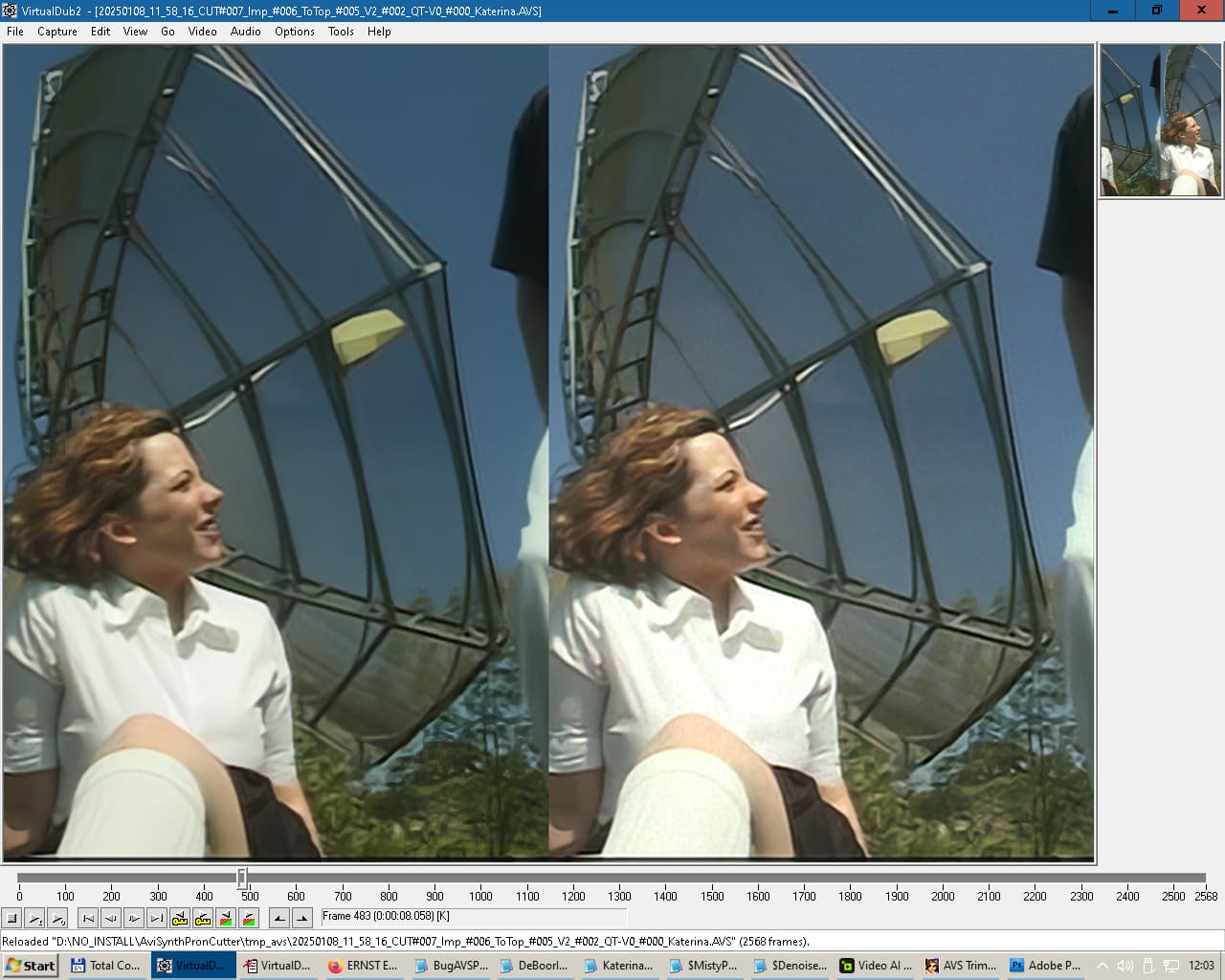
I check Clips in in Motion, especialy how the Skin look in Motion ! For me still frames (pixelpeeping) are just there to check for Ai Artefacts, like a *ittler Beard under the Noise, because the AI screwed a Shadow up.
3 Likes
The result looks good. However, I would prefer to be sure that every other frame is from the source. So I’m not sure if even 25% of the frames are from the source and the rest are generated.
Perhaps the translator translated it wrong. You will not see noise and grain in life anywhere, neither on the cheeks, nor on the hips, nor on the lips. Maybe you haven’t seen a living woman for a long time? I advise you to refresh your impressions! You will be surprised to see that there is no grain or noise on a real woman. So, it should not be in the video. And so that there is no appearance of plastic during processing, use the minimum processing settings. Do as you please!
stimulating your brain into filling in additional details is very rarely a bad thing.
3 Likes
[quote]
You will not see noise and grain in life anywhere, neither on the cheeks, nor on the hips, nor on the lips. [/quote]
Yeah and you will not see a 30 year old Pron Chick with a perfectly smooth skin ! (just if the Chick got 25kg Make Up on her face !) they all have Pores, Blackheads, Pimples somewere ! All small Detail that match often the Size & Frequency from Noise.
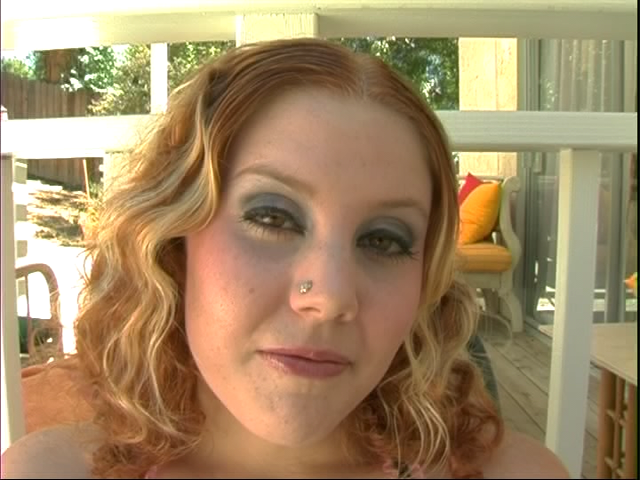
What do you think ? That a Noise Filter, knows what real Detail on the Skin is, and what Noise is ? DeNoiser are not Smart in any Way, they just search for Patterns.
Grain just helps that Parts between Contures doesnt look totaly Flat when in Motion ! The Goal is to give the Image Depth, and i dont give a flying **** if there is no noise in RL ! I just care for the results !
And my Results look nice !
Zoom in and look at that Blocking ! That’s what i call a Bad Source !
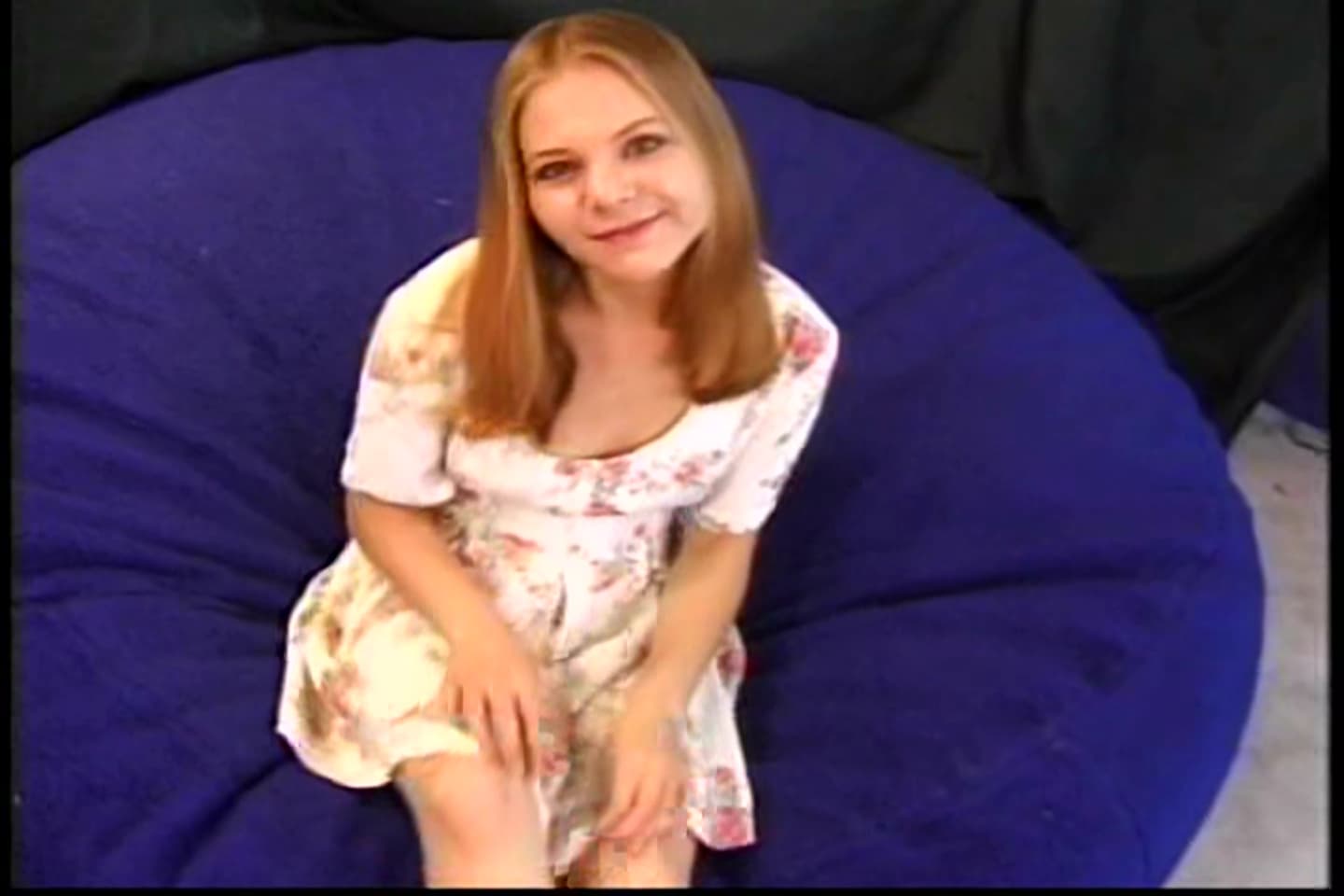
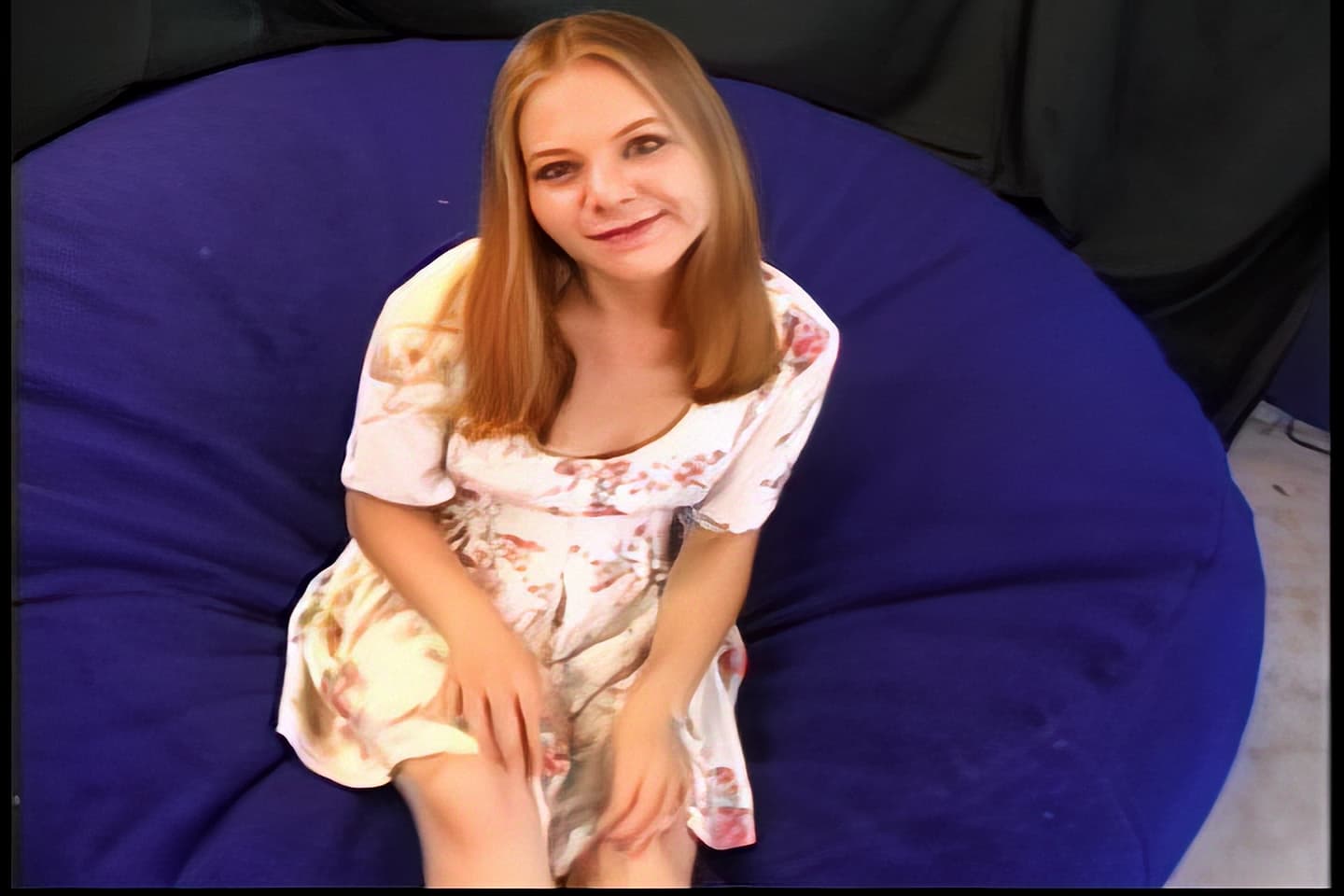
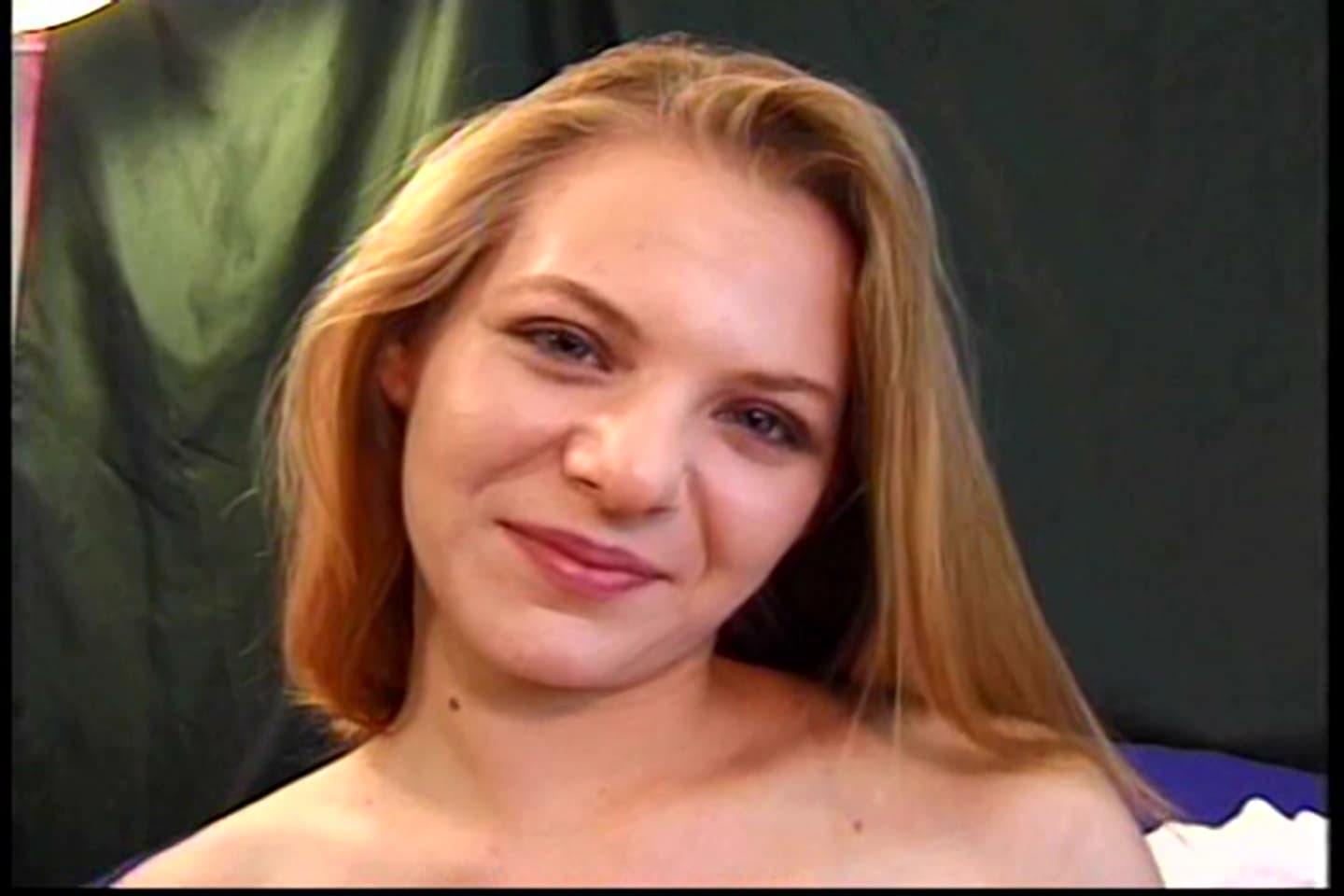
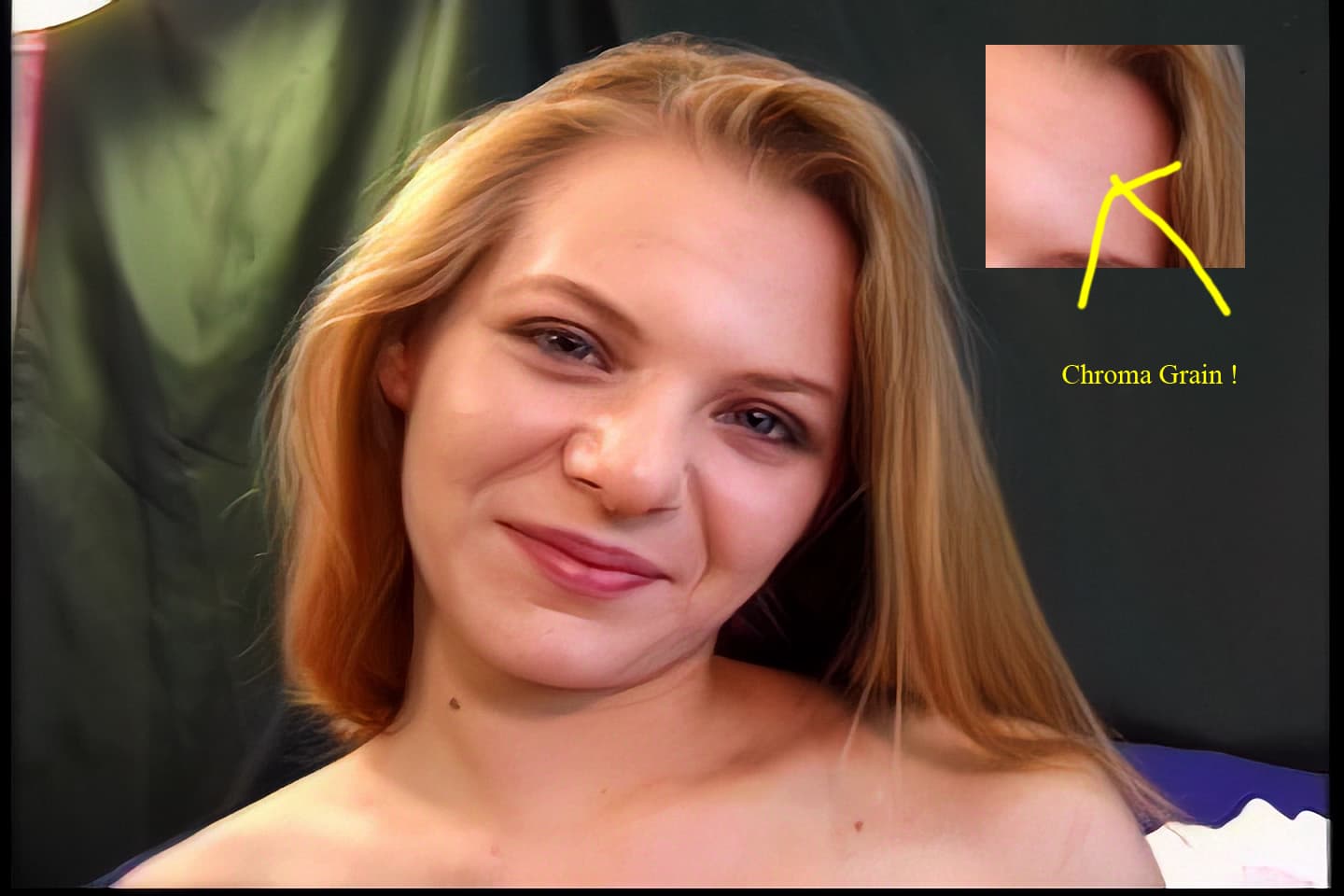
All Done with AviSynth,Video AI 2.6.4 and then again AviSynth !
And maybe your just a cheeky Idiot that i blocked !
3 Likes
