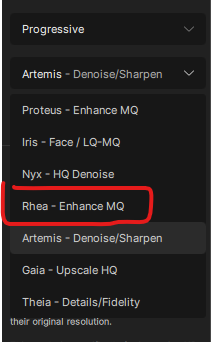
The GPU selection is still reverting to AUTO after creating a single preview, and running on AUTO causes the Rhea model to consume all vram on my GTX 1060 and then throw an error. When selecting the GTX 1060, the preview is created correctly without consuming all vram.
Iris consumes more vram on AUTO but not enough to cause an error. Iris uses less vram with the GTX 1060 selected, but then reverts to AUTO after a single preview.
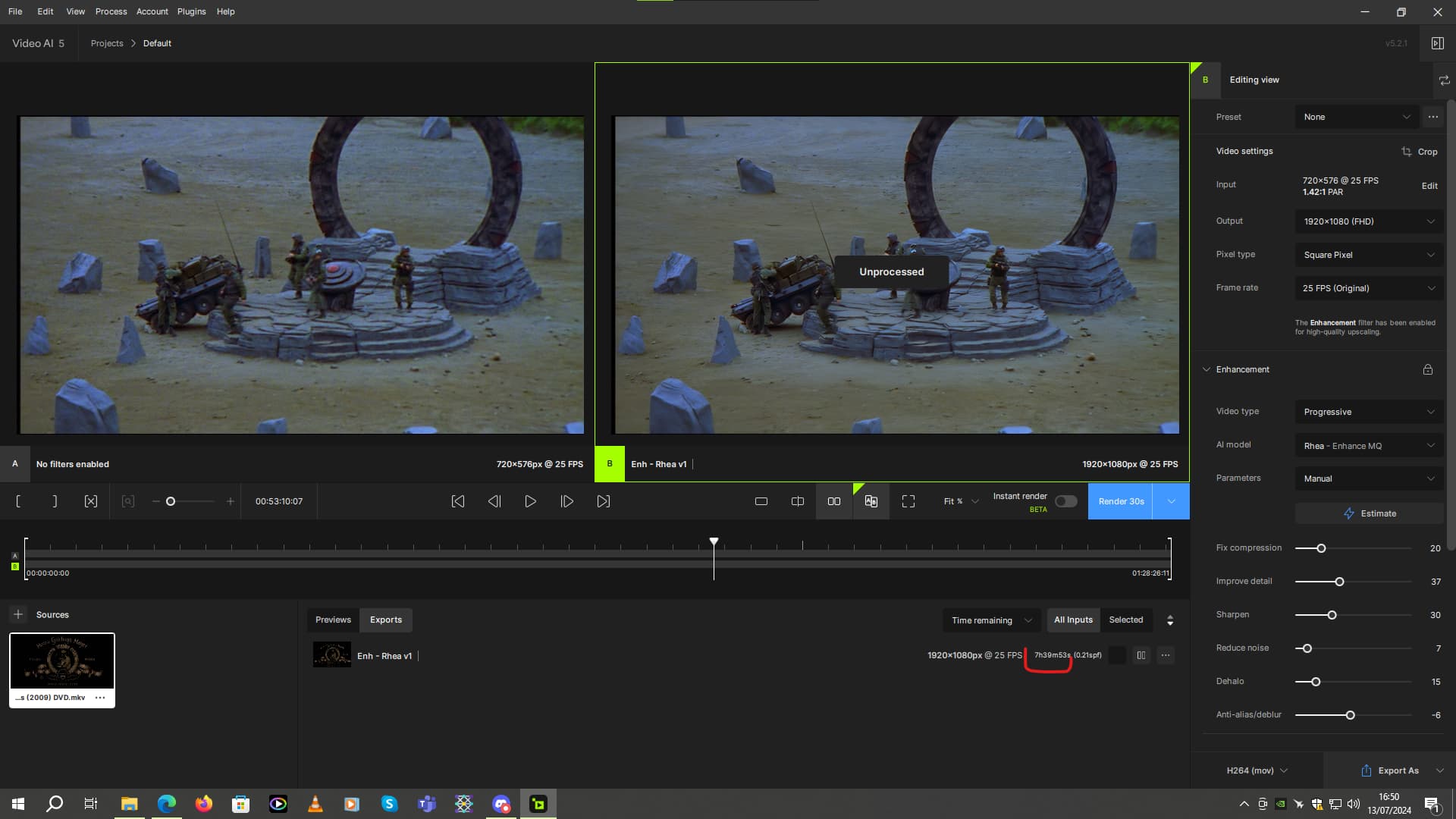
EDIT: It seems like all exports are carried out in AUTO mode. A Rhea export just consumes all vram and throws an error. Reselecting the GTX 1060 doesn’t help.
EDIT2: Just checked the FFmpeg commands. Confirmed that with the GTX 1060 selected I can get one preview with “device=0” before it reverts to “device=-2”. But all exports revert to “device=-2” when the export begins.
logsForSupport.zip (208.7 KB)
EDIT3: Was able to force a Rhea export with “device=0” through the command line, which seemed to process ok.
EDIT4: I don’t know why the GPU selection is reverting to AUTO, but I’ve worked out why models are consuming more vram, which causes Rhea to throw an error. The AUTO mode is not respecting the “Max Processes” setting. I have it set to 2 which should keep it in “low power mode” (1 process) for a single enhancement, but AUTO is ignoring that and trying to run 2 processes on a single enhancement (yes I know that sounds counter-intuitive). Running 2 processes for a single enhancement consumes more vram which is a problem for Rhea unless your GPU has alot of vram.


 I don’t think that multi-card users are less than 2%. If you want to conduct a rigorous investigation, please initiate a public poll on the forum.