Or, you could recast it in a slightly different way:
Major Corporate Events in Product Strategy
Original Plugin Era (2005–2017):
Developed a comprehensive suite of Photoshop plugins and steadily built a prosumer user base, innovating in image enhancement.
Expansion to Standalone AI Apps (2018–2020):
Launched AI-powered applications (Gigapixel AI, DeNoise AI, Sharpen AI) and gradually deprecated classical plugins. Marked a significant strategic pivot from plugin developer to standalone AI tool developer.
Topaz Studio and Later Consolidations (2017–2020):
Became a host platform for plugins and effects as a precursor to all-in-one solutions but later retired in favor of direct-to-functional AI-first products.
Rebrand and Unification (2021–2023):
Multiple plugin and product lines were rebranded or merged (e.g., “triple package” tools consolidated into Topaz Photo AI).
Discontinued several legacy products, triggering some user backlash around support and upgrade policies.
Perpetual-to-Subscription Model (2020–2025):
Ended free upgrades for perpetual licenses (2020); new features and AI innovations gated behind paid renewals or subscriptions.
Strategy shifted toward a single flagship suite accessible by subscription (mirroring broader SaaS industry trends).
Major Rebrand: Topaz Studio 2025 Launch (September 2025):
Withdrew flagship standalone apps (Topaz Video AI, Gigapixel AI, and Topaz Photo AI) and replaced them with the new subscription-based Topaz Studio platform on September 16, 2025.
Centralizes all AI technology, models, and editing workflows in one all-encompassing cloud+local app, marking a major corporate and product identity shift.
And this will be backed up with a major build out of a 27,000 office building with room for 130 staff wiht an emphais on AI and Sales.
In addition, to having both Video AI and the Studio versions on your computer at the same time you may also, like to know you can also have Topaz Video Enhanced AI v2.6.4 on your computer which was the previous version of Video AI with different AI architecture as another option within your arsenal.
With that annoying constant reauthentification of your apps it’s more like:
„You will have access to your perpetual licensed product for as long as Topaz likes to run the authentication service/server“.
We’ve seen this before: Companies vanish, get bought out or even simply change their name and claim to be another - and all your so-called lifetime licenses are worthless.
Microsoft Zune debacle, anyone?
you told us above that most new models likely won’t come to non-NVIDIA users, especially not Apple users. I don’t know what issues you have with Apple and also not if it’s Apples fault or yours (or,as in most cases both) - but, frankly I also don’t care.
In conclusion this tells customers with Apple silicon (and maybe AMD, too) to look elsewhere.
this (drastically reduced quality of SLM) also affects NVIDIA users where the output in the Beta isn’t much different from the input
P.S.: I didn’t test the only now released new Beta so I can’t speak for that.
But, seeing how things are moving I probably also won’t test it - why should I beta test something (and that over several hours!) that I won’t really be able to use afterwards.
You can see it with Adobe, too. They’ve activated activation servers for the older CSx applications (with the exception of CS5-CS6). As long as the application is activated and remains unchanged, it can be used. But if a reinstallation is necessary, you’re out of luck.
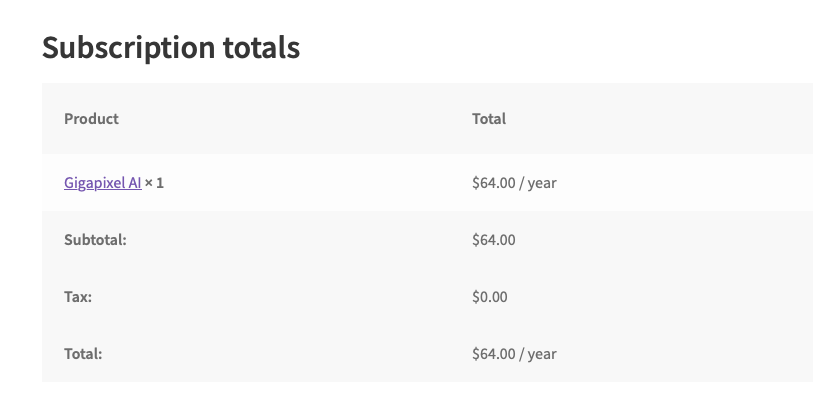
Looks like I’m not the only one finding the pricing highly confusing. I only use GigaPixel, and have a current recurring payment. Does this mean that I will get the Studio version of GigaPixel, as long a I leave the recurring payment switched on? I have no use for the complete Studio, just GigaPixel, as an app running locally on my Mac.
I am not really amused of what is going on here with these licences. I am a happy camper with Photo AI and do not use either Cloud processing or Wonder models. But I am not alone with this
The communication campaign is a real pain and I guess that at least 80 % of non-English speaking people will not understand what is going on – and what they may have to do!
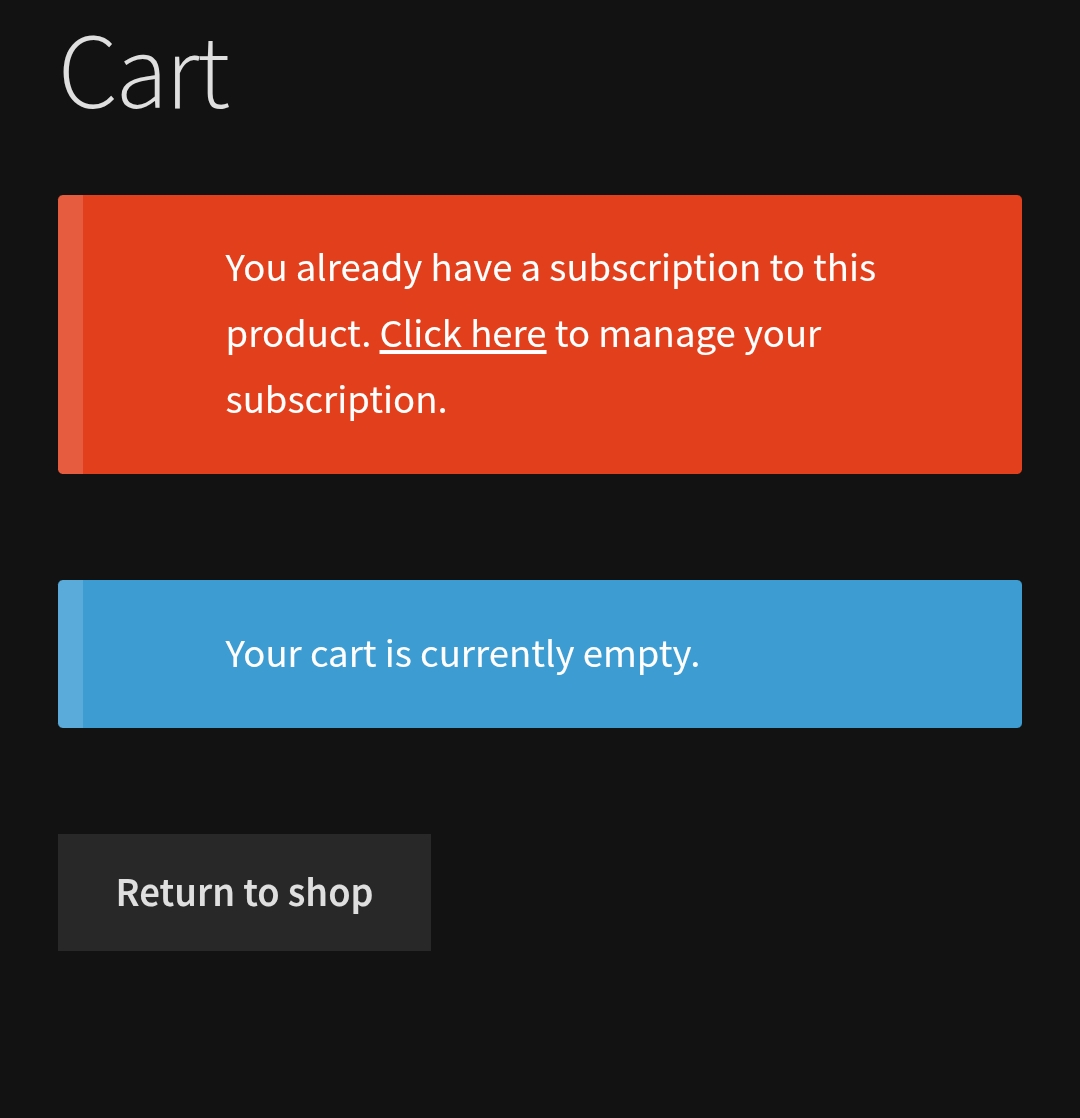
So: I have one big question, which has not been clarified to me fully: do I have to manually switch my active license/product into a subscription in my user account – as I have read here from time to time?
Just one suggestion to the sales team: Capture One has taken similar steps – and lost many customers… They have however maintained the option for buying a perpetual license yearly or as many times as you like. If within one year you get a loyalty discount, if in longer intervals you pay a lot more than for one year of subscription – but you know what you get and you can keep it.
As for your other question, I’m afraid you need to forget about Downloading and keeping a copy of Topaz Photo Studio version isn’t going to happen.
However, you can still retain a copy and have access of your current Topaz Photo AI for as long as the application is compatible with your Operating System.
Besides, as long as you maintain an active Subscription you’ll have access to all the latest features and improvements in the future at no extra cost.
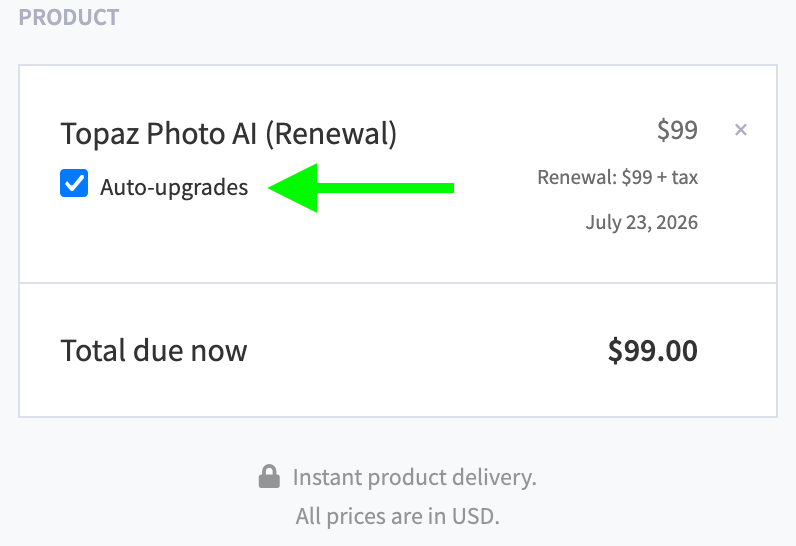
It’s up to you but, you might even consider trying to renewal your Gigapixel Subscription and have access to the full Studio package for $138 for a year and if after a year you don’t like it simply revert back to the Topaz Photo option at $84 a year
Hi AND-E
Thanks for your inputs. I have an active license which is good until September 2026 but no active subscription. This means that I have to manually activate the subscription clicking on the question mark behind the active product – and “purchase” a subscription which should finally end up with USD 0. Correct? This is what many customers will not do – if this is the way to go. They see that they have an active product…! And they will miss the offered price.
Why not send an email from Topaz where you can click: “Switch to subscription at USD ???” And then this move would be done automatically…
Just got a new email from Topaz - once again misleading: “Still want Photo AI?” I have never told them that I do not want it anymore. So, the communication is poor and misleading again. At least the link leads to the subscription – without telling me that this is the way to go now
Hi - yes, this helps. The strange thing is that I have seen now with some customers that the subscription is already active, with others not – and for them the clear instruction about how to switch the active product into subscription mode is vital.
Thank you, kiprode. That kind of information sharing in most instructive.
As I undertand it, the web processing of still images will be free and unlimited – but web apps that process video will use Credits.
“Will Topaz Labs AI get trained on our images?”
For the free trial version of Starlight:
Limited to 3 clips with fewer than 300 frames per week. Starlight can take several hours to process. An email will be sent when your render is available or you can start a rendering and come back later to see your video.
With free previews through Project Starlight, your content may be reviewed, retained, and used for training as part of the research process.
For the paid version, you retain your privacy:
Paid early access can render up to 5 minutes of footage at a time.
Starlight can take several hours to process. An email will be sent when your render is available.
For paid renders through Project Starlight, your content stays private! We will not train on it or share it without permission.