Tip: Your input crop size affects SLP render speed (with real numbers)
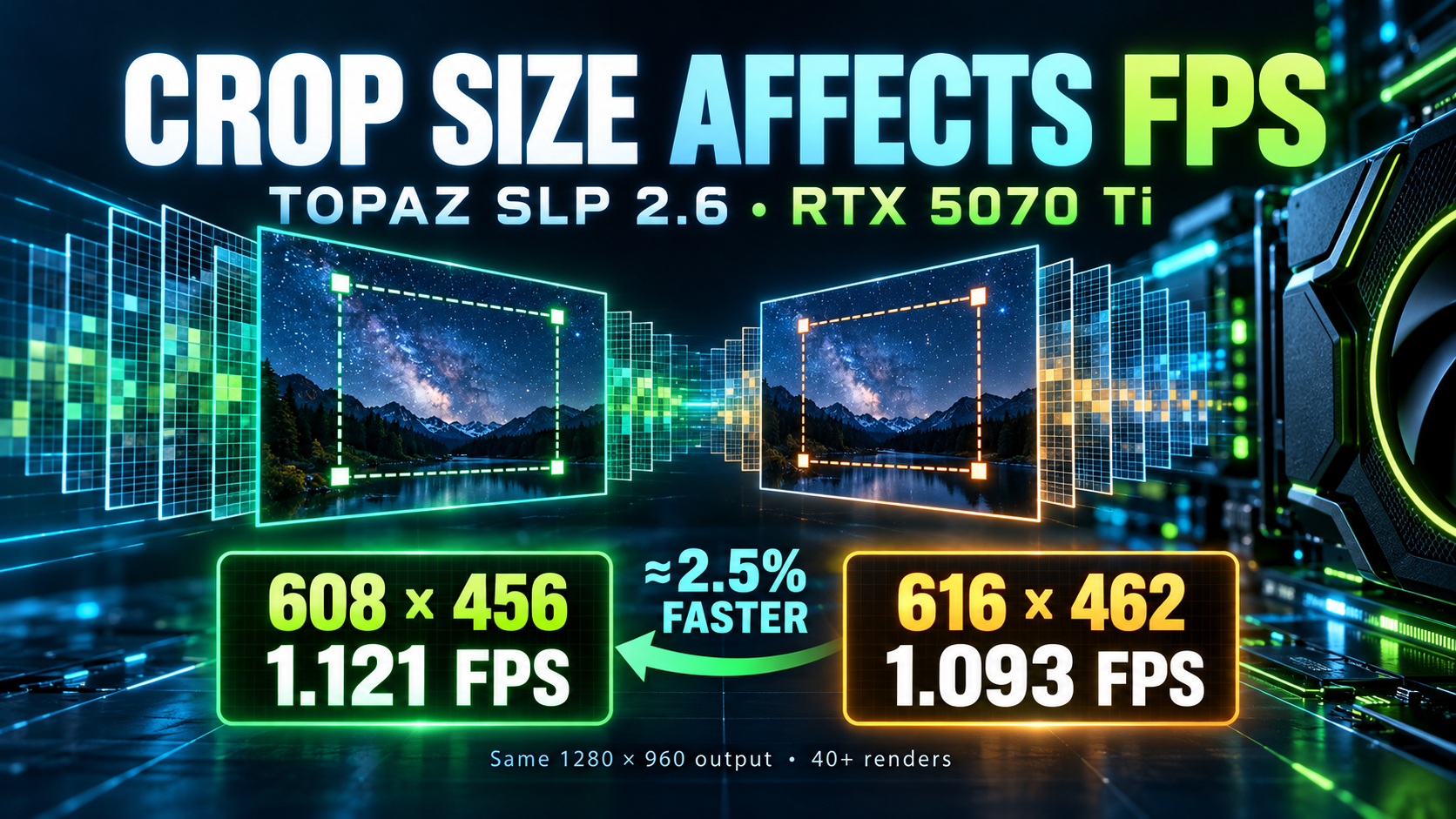
Quick finding from ~40 renders on my system: the exact pixel dimensions of your
input crop measurably change SLP render speed, even when the output resolution
stays the same. Cropping to the “wrong” pixel sizes cost me 2–3% FPS; one badly
aligned crop was much worse.
Setup: RTX 5070 Ti (16 GB), 96 GB RAM, Windows 10, Topaz Video Pro 1.7.1,
SLP 2.6, chunk 361 / overlap 4 / VAE cap 0.5 / encode 640/32 · decode 480/32.
FPS values are per-render averages over full jobs (measured from per-chunk timings).
All renders upscaled to the same output class (1280×960):
| Input crop | Alignment | Avg FPS | Renders |
|---|---|---|---|
| 608×456 | W = 32-mult, H pads +8 | 1.121 | 16 |
| 640×480 (no crop) | fully aligned | 1.117 | 4 |
| 612×460 | pads +4/+4 | 1.100 | 15 |
| 616×462 | H only ÷2 | 1.093 | 10 |
Same output resolution, same settings — yet the best-aligned crop is consistently
~2.5% faster than the worst one, stable across 10–16 renders per row. My guess:
the runtime pads the input to an internal patch/attention grid, and sizes that land
cleanly on that grid (multiples of 32) avoid ragged attention windows at the edges.
The bigger effect — don’t crop into odd sizes at all:
- 640×360 → 1280×720 class: 1.42–1.48 fps
- 632×354 (only 8 px smaller, but badly aligned): noticeably slower than 640×360
- 640×480 → 1280×960 class: 1.09–1.12 fps
Output resolution is still the dominant factor (+33% output pixels ≈ −25% FPS),
but if you crop anyway, do it right.
Practical rules that worked for me:
- Round your crop down to multiples of 16 (both width and height). This is the
minimum — content region 632×354 → use 608×352 or 624×336, etc. - Width as a multiple of 32 measured best (608 was my fastest 4:3 crop).
- If you must keep exact 4:3, only 64×48 multiples satisfy both (4:3 + ÷16):
512×384, 576×432, 640×480 — nothing in between is both 4:3 and aligned. - Don’t force 4:3 on the input if you don’t have to — Topaz pads the output to the
4:3 bucket anyway, so a 608×448 crop renders fine in a 1280×960 project. - Keep the biggest dimension as large as your VRAM allows — output pixel count still
dominates: the 1280×960 class runs ~25% slower than 1280×720 simply from more pixels.
TL;DR: crop to multiples of 16 (width ÷32 if possible), avoid odd pixel counts
like 612×460 or 632×354 — same output, up to ~2.5% (or worse) free FPS difference,
just from cleaner input alignment.
Measured on one system, so your percentages may vary — but the pattern (aligned
crops ≥ misaligned crops at identical output resolution) was stable across 40+ renders.
