Hello Lingyu
My question about Remove v2 on macOS Tahoe M1 hasn’t been answered.
It’s bad enough that Remove v2 doesn’t work, and now Super Focus v3 isn’t available either.
Wonder v3 doesn’t work either; I get the error message “Error running model”.
How about not creating so many models and instead making sure Topaz Photo works properly on all systems?
As it is, it’s not worth a penny.
Customer very angry. Kind regards from Vienna
Robert
2 Likes
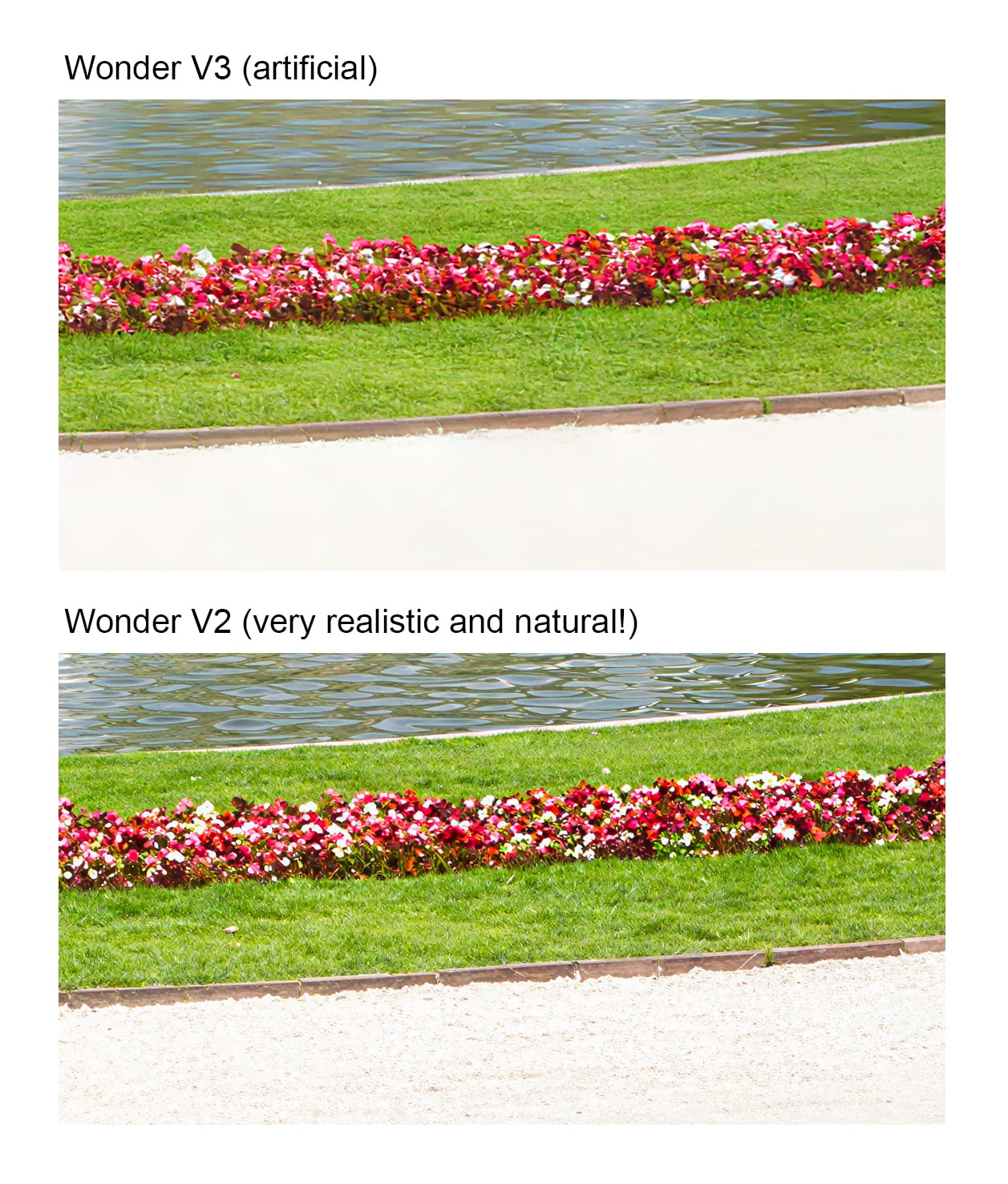
WonderV3 , is a big, big step backwards ! Absolutely Artificial compared to WonderV2!
I’m truly appalled! What a step backward again…
1 Like
It’s absolutely obvious! Wonder V3 is heading in completely the wrong direction! Wonder V2 was amazing, but Wonder V3 just looks artificial…
JEM
April 27, 2026, 10:38am
64
Let’s wait for the fix. The new model has a bug and isn’t working properly. Let’s wait until it’s working properly before we judge it
5 Likes
yabino974
April 27, 2026, 11:52am
65
Hi guys, I have to go back to 1.2.1, because since 1.3 I cannot use Wonder 1 cloud.
Every time I get the “Error running model”. I don’t know what did you change within the code of the app since 1.3, but it fails every time.
This bug has still not been fixed.
TPX
April 27, 2026, 11:56am
66
Its not that easy.
Your W3 result shows more detail in some parts.
Lets whait what they fix.
TPX
April 27, 2026, 11:57am
67
This W3 result is worse that W2.
The one from W3 looks over processed.
All good news. Looking forward to Gigapixel catching up with neuroserver and new local models, especially as it is the faster launching app for simple enlargements and clean-ups.
BTW Main site is still only offering v1.4.1 in the downloads section.
Is it Mac or Windows, we already identified the problem for MAC and there will be a fix today.
bin.sun
April 27, 2026, 2:15pm
70
Hi christian, sorry for the bad experience of wonder3. Could you tell me which machine are you using?
JEM
April 27, 2026, 2:15pm
71
Windows is bugged too. All the presets are the same and quality is questionable.
I’m using Windows 11 updated. Someone here is using Windows 10 with the same problem.
bin.sun
April 27, 2026, 2:32pm
72
We’ve identified the bug in the Windows version of Wonder3 and I’m currently working on a fix. I’ll keep you posted on the update!
3 Likes
Oh, Wonder 3 has completely turned into a variant of Recover 3—it feels like details were shoehorned in solely for the sake of adding more detail.
1 Like
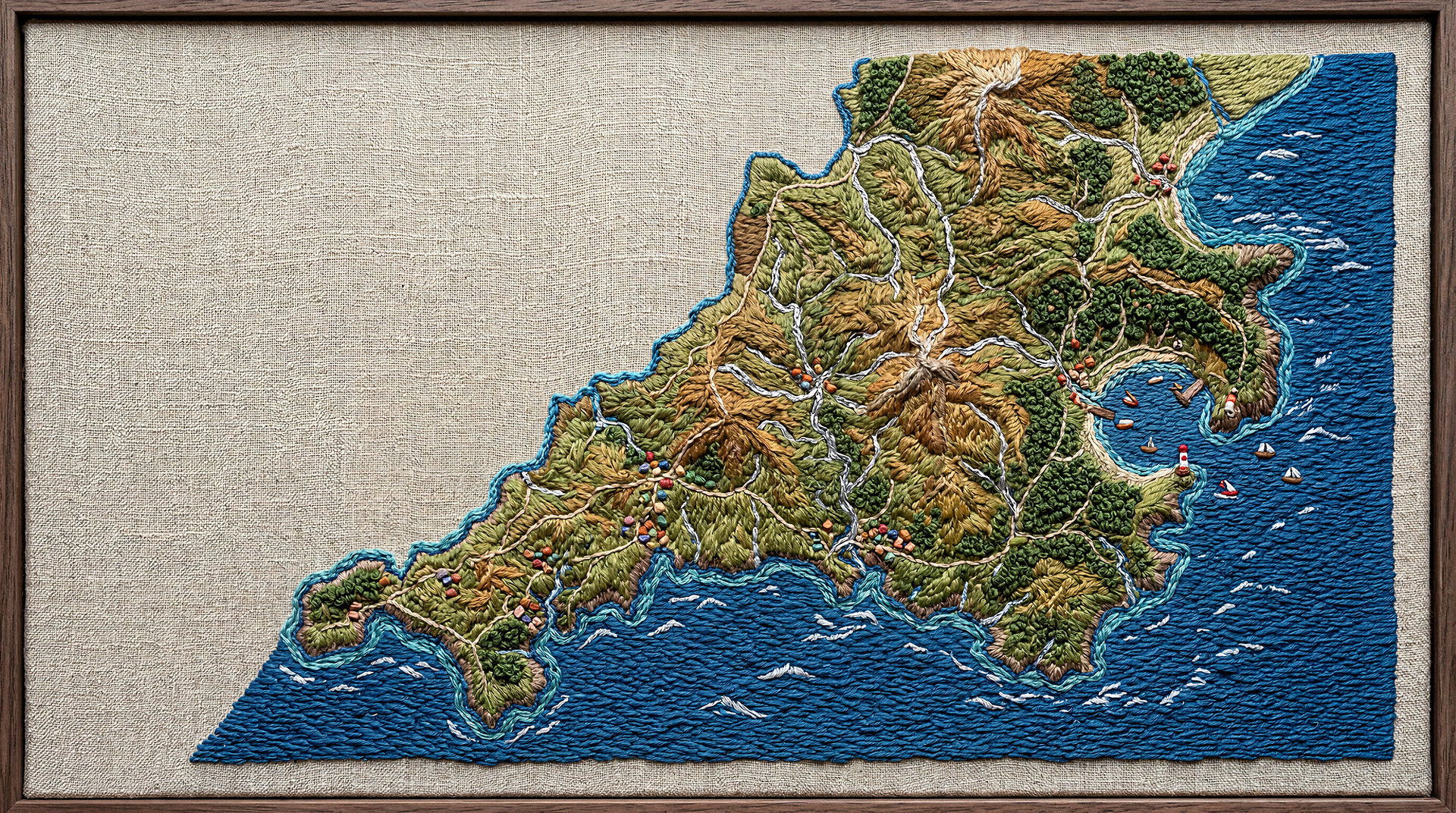
Wonder 3 (low) worked all right for a desktop wallpaper:
after:
Lingyu
April 27, 2026, 3:58pm
75
Lots to do today. I’ve documented all the bugs that are reported here and we are working on fixing each one.
Thank you all for the reports thus far.
4 Likes
Lingyu
April 27, 2026, 3:59pm
76
What enhancement strength are you using for this image? Are you on Mac or Windows?
Lingyu
April 27, 2026, 4:00pm
77
Are you using the default enhancement strength setting when processing with Wonder 3 or changing it?
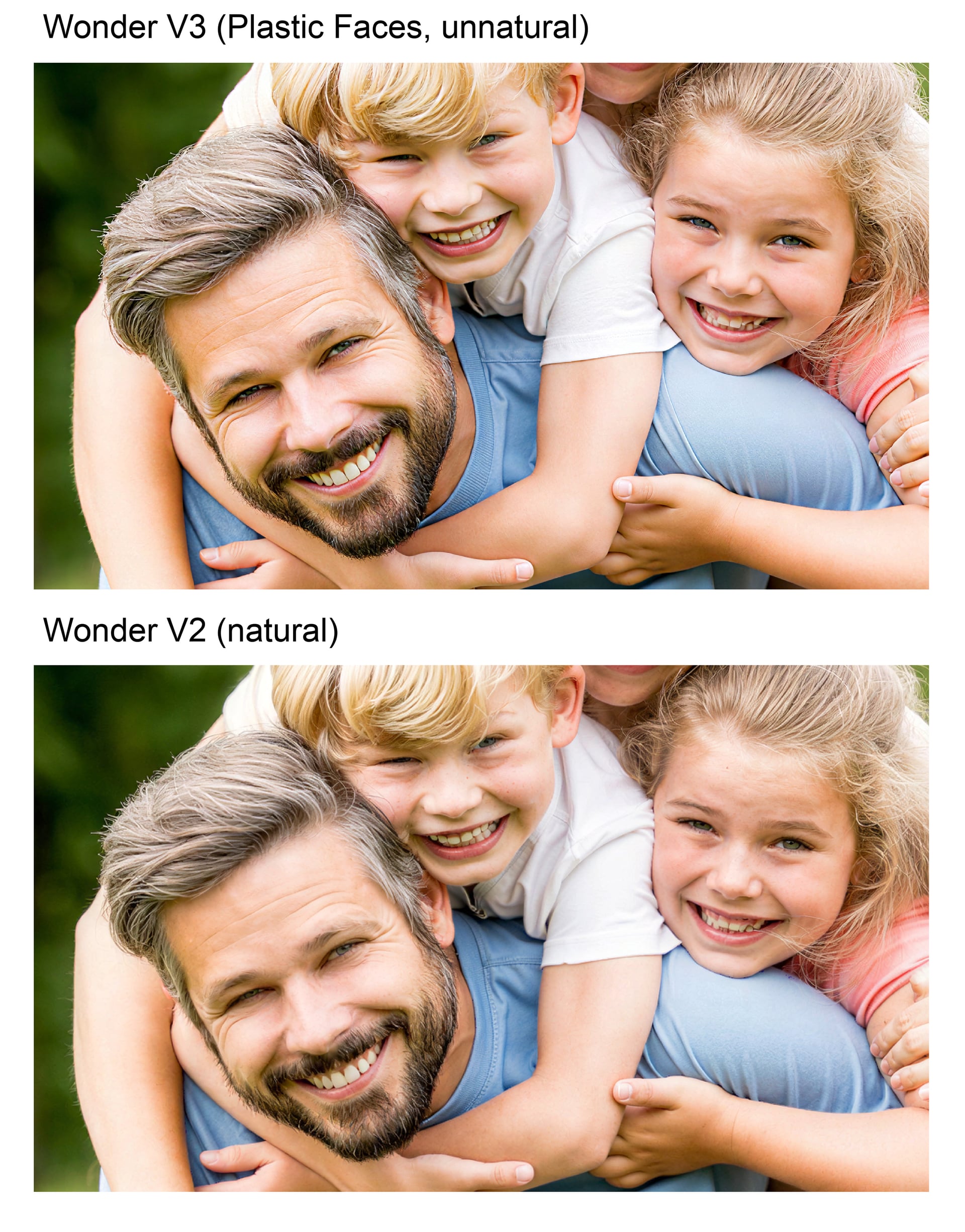
On AI-generated images, Wonder 2 is really very good at increasing resolution.
Alien
Look how the skin details are really very detailed and organic.
It’s on Mac (Cloud Rendering)
The File looks very „overprocessed“
It’s a Mac Mini M4, latest macOS.
I use Cloud Rendering only