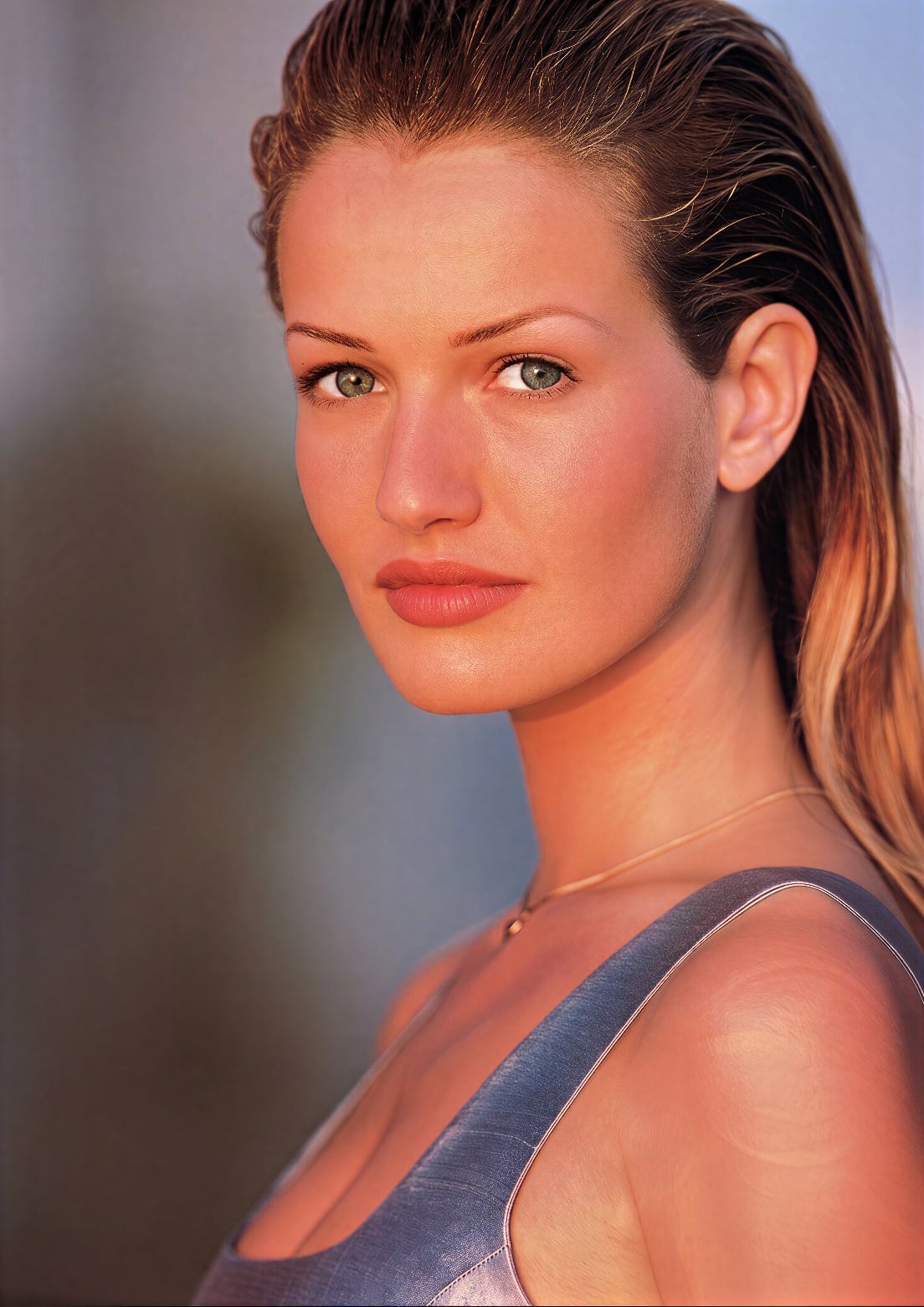
Hi Jason, can you try high level enhancement?
1 Like

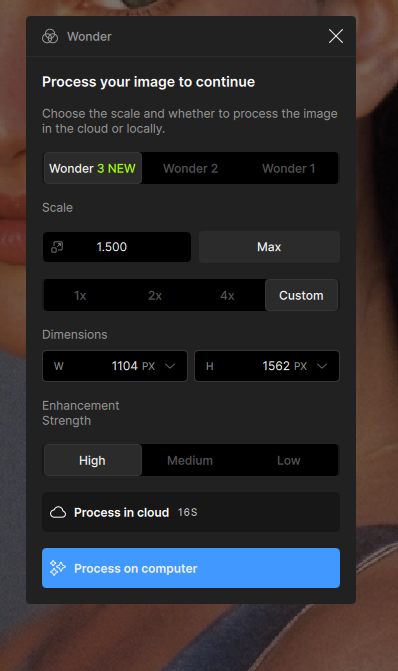
For upscaling noisy, small images to a modest target resolution, I’d recommend using a high enhancement level to get the best results.
That’s what I did. As you can see, the result is worse than the original image - whatever the enhancement level. And the borders too.
I’m reverting back until this is fixed.
1 Like
Try 4x, Wonder 2 is a 4x model, i thing W3 is the same.
Output was always bad with W2 below 4x, for me.
We will have a patch these days and I believe the issue can be fixed. Thanks for your feedback jason.
Another problem with Wonder 3 - For me there is no difference between the “High” and “Low” Enhancement Strength presets. The images are identical pixel for pixel.
I’m currently finding that any submission for cloud rendering is just hanging at “uploading” (tested specifically with Wonder and Standard Max upscale), when previously it’s been fine. Is anyone else seeing similar?
This is in both 1.4.1 (which has been working previously) and 1.5.0.
I’ve sent a couple of logs in by email.
1 Like
Hi Renar, could you provide the input image you’re working with? Also, if you are running this locally, could you let us know your hardware specifications (Mac/Win) so we can look into the issue?
Hi Bin Sun,
Attached is the image I’m trying to upscale along with the exported versions using the Wonder 3 model in both Low and High presets.
Yes, I’m running the model locally. My hardware specs are as follows:
GPU: Gigabyte GeForce RTX 5090 Windforce OC 32GB, Nvidia studio driver 581.57
CPU: AMD 9950x 16-core, 5.7 Ghz
RAM: 96GB DDR5 6000 MT/s
OS: Windows 10 Pro x64, version 19045.6456


Hi Renar, thanks for your support of wonder3. Let me take a look.
Hi Renar, it looks like both of the output images you attached were processed with a low enhancement level. Could you please share the results using a high enhancement level instead? I’d like to compare them.

Just installed 1.50 on Mac. Won’t accept my email and password, so now I am completely locked out of Topaz photo. Solutions?
Thanks for the quick reply and pointing out the duplicated images. Attached below is the image exported with the High preset.
As mentioned, you can see that they are both identical. Also, mine looks much worse than yours. Blurry and full of noise.

I would also like to report that Super Focus V2 doesn’t work for me in Topaz Photo 1.5.0. Similar to Wonder 2, the wheel thingy just keeps spinning without ever finishing for almost 5 minutes now.
Dear Mr. Lingyu
My question is, when will the Remove 2 tool finally be supported under macOS Tahoe 26.4.1 M1?
Or perhaps a Remove 3 tool will be developed to run under macOS Tahoe M1?
It’s crucial that I decide whether or not to renew my subscription to your software in September.
Kind regards from Vienna
Robert
1 Like
comparison before/after

Are you updating from v1.4 or an earlier version of the application? I updated from 1.4.1 and checked my Neuroserver folder and the wonder-2 model is in there so I’m curious if that may have caused the issue.
We are working on a fix for this, coming very soon. The research team is already on it.
1 Like
