Looks extremely “plastic” and unnatural.
That is how women these days want to look tho… 
1 Like
Original video:
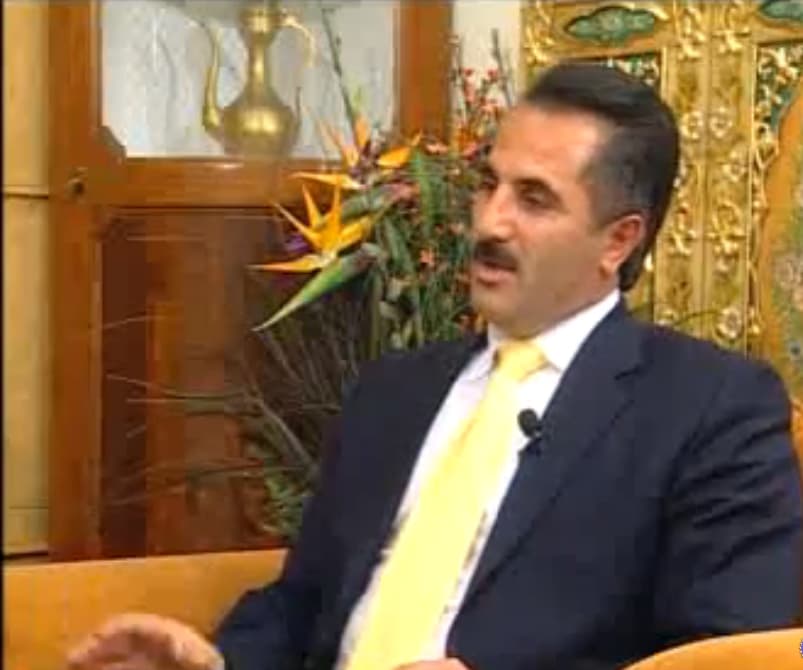
SeedVR2 - 3x upscale:
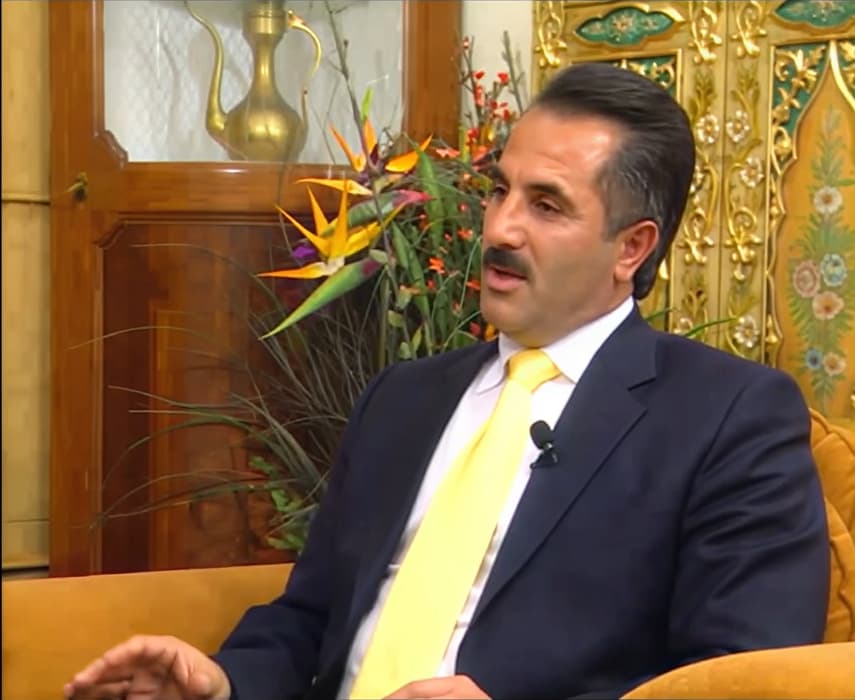
Rhea v1 + Cinematik Lut - 2x upscale:
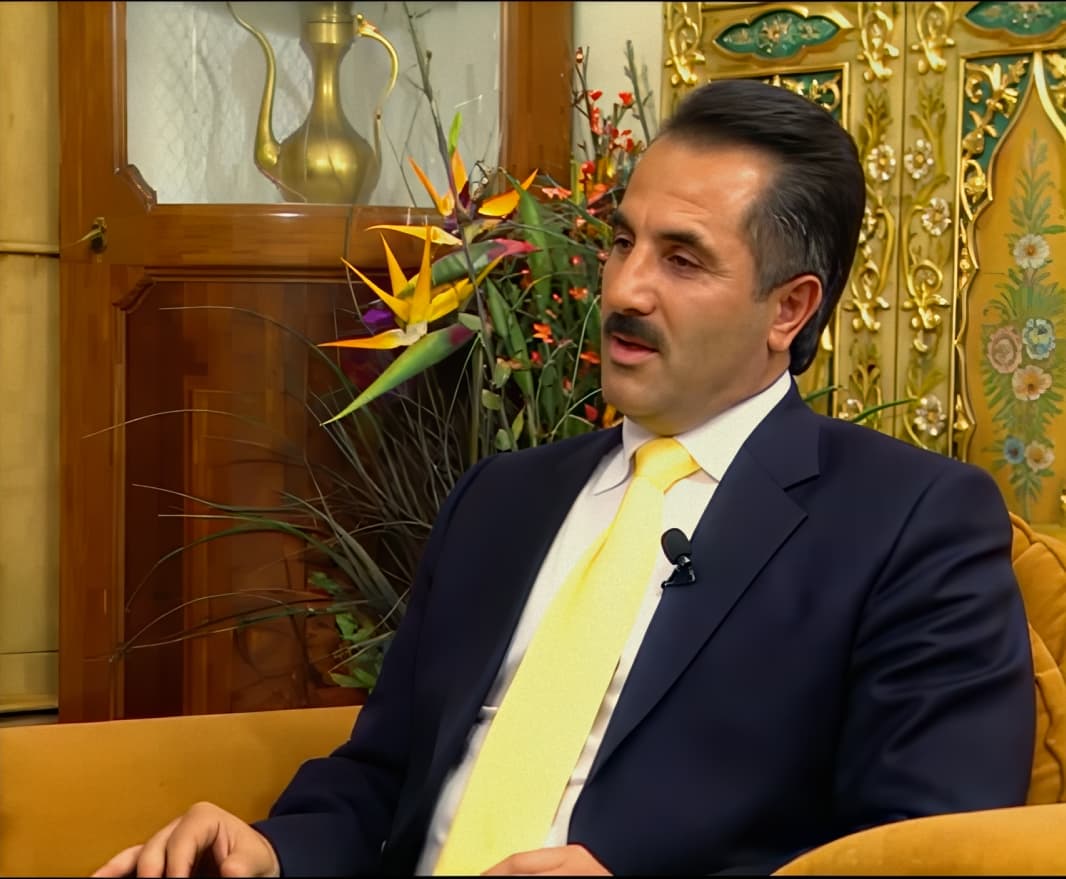
After Color Correction:
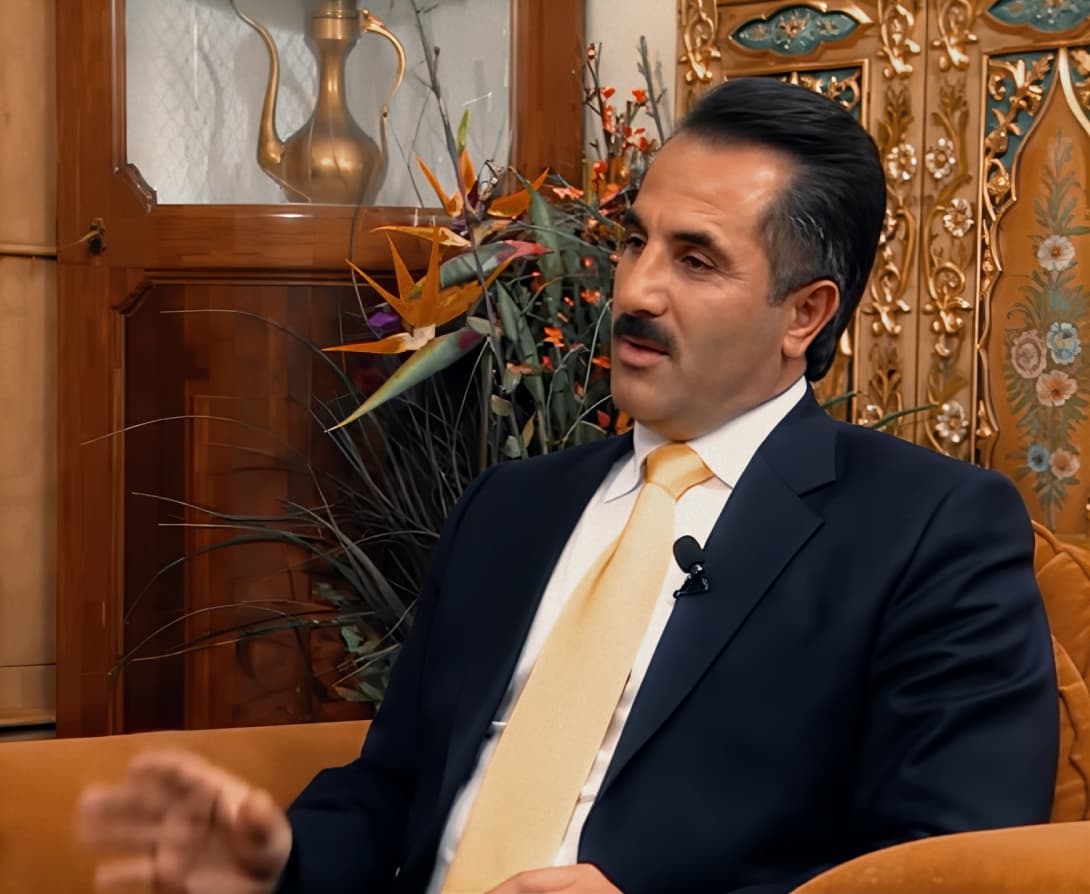
Codec: AV1 Main10
5 Likes
Different results can be obtained with different lut profiles. The effect of the lute profile
Is 7.0.0.2b better than 7.0.2?
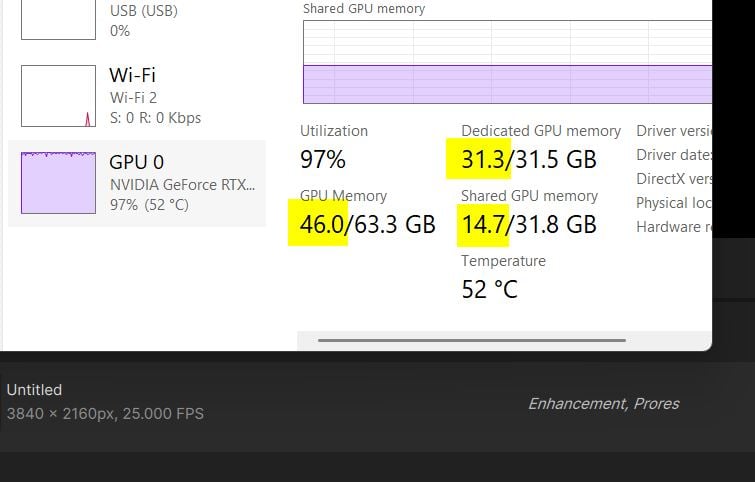
Sorry mistake, I work with 7.0.0.4.b my statement referred to, not sure about 7.0.0.2b. What I can say is 7.0.0.4.b at 100% Ram setting into TVAI leads to GPU maxed out Vram + Shared, going to about 39GB GPU Ram doing 1440p or 1920p using a 5090. Some say vram has no influence on the quality, i observe something else, there is a reason why the model draws so much. The results is better, blocking fomrations get resolved more finely. The disadvantage is that this high amount of shared RAM almost halves the upscale speed.
and this is what happens with 7.0.0.4.b when you do SLM @4k
14.7GB Shared Ram, speed: 0.1 fps 
1 Like
Could you compress the entire Models folder from your 7.0.0.4.b installation and upload it somewhere?
You can download 7.0.0.4.b (if there model download does not work anymore let me know)
Thank you for replying, unfortunately I couldn’t recreate the memory usage you have, 13.9/47.9 GB on GPU Memory and 0.2/31.9 GB on Shared GPU Memory on a 2160x1728px export.
I might try doing a clean install to see if anything changes.
Mine does a 6.6GB download but after checking the model folder it’s only 3GB in size.
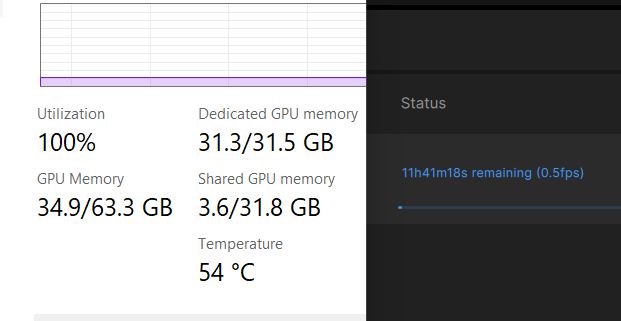
I have same about 3GB into model folder (V7.0.0.4.b). There was a forced model re-download into TVAI several weeks ago, but no one knows why, also BETA did that download, but since then I still have high VRAM+Shared into 7.0.0.4.b, this screenshot is from today
I have uploaded my 7.0.0.4.b model folder here
1 Like
Thanks, but could you also upload the Lib folder?
