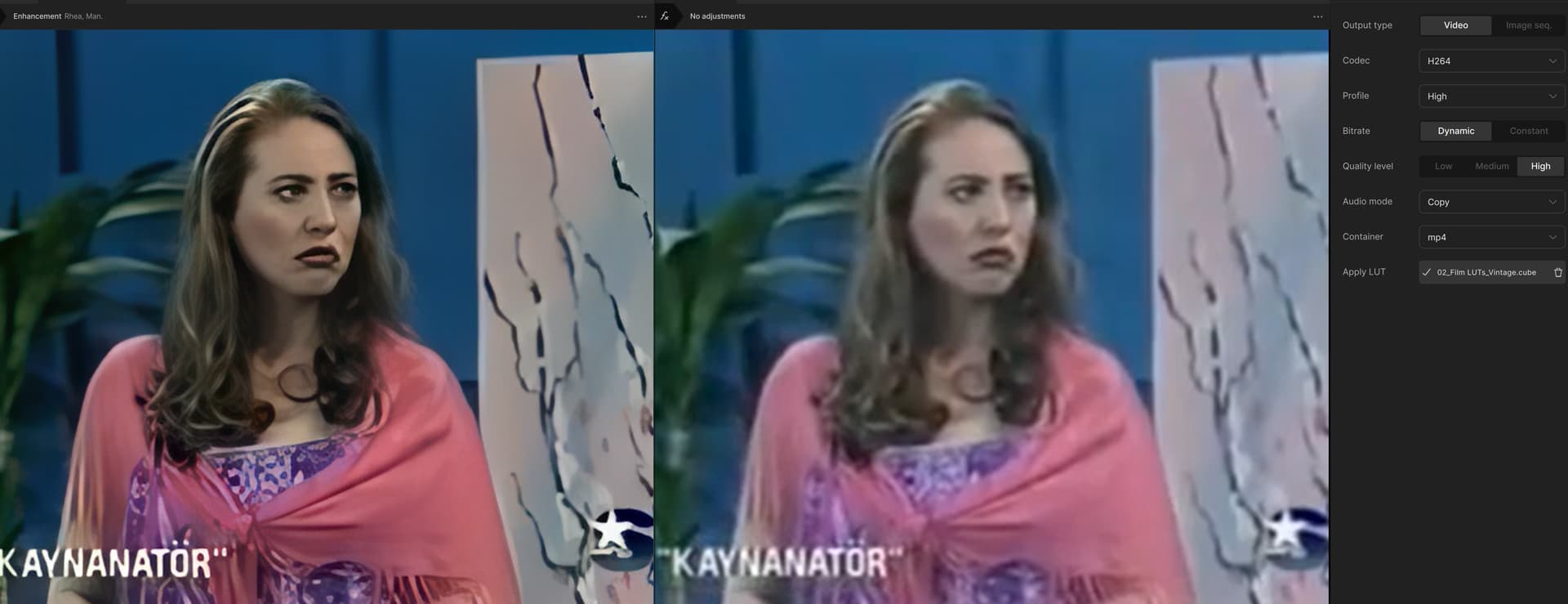
I am generally happy with the output of Starlight on low quality footage compared to Iris, but just wished the performance on AMD hardware is at least on par with equivalent Nvidia cards. Radeon support is definitely not up to the same standard as Nvidia and Apple Silicon hardware, which is a shame. My two Macs (M2 Pro and M3 Pro respectively) are fantastic for less demanding projects, but I have to face the reality that high-end Nvidia hardware is the only viable option for the most demanding projects. Really need to hide my credit card!
2 Likes
i wonder how you got to work, i am a founder and never gotten to work locally and does not appear to be a method to download the model again after first install with 1.01 or earlier!
Has anyone made a copy of the older Starlight Mini model that was 6GB they can share? Seems it is being swapped out for the new smaller 3GB one, even for older Video Ai versions, by it being re-downloaded.
I just installed the update and I had it delete the old models. It’s downloading a 6.8GB version of starlight now.
1 Like
Oh… If on Windows can you check in the C:\ProgramData\Topaz Labs LLC\Topaz Video\models\models folder if the Starlight models each actually are that big?
Ugg. Of course the new app didn’t respect the folder I told it to put all the models in—That bug is as old as TVAI and they’ve been told about it the whole time, but cannot be bothered to correct it.
Anyway, I found the astra-1.0 model three times on my computer. They were all the same 3GB in size.
1 Like
I see. I have it three times too, for different version. Compared them using HashCheck and they are now all identical. About a month ago the Starlight Mini of at least one of the versions was different, and gave somewhat different results (not sure how big it was in GB). But now it has also been replaced by this new one… Wish I still had both, so I could do comparisons and stuff.
1 Like
So 7.0.0.2b still works, same as before up to 39GB gpu ram usage (31GB Vram+Shared) and V7.0.2 still works after the new SLM download (normally i have about 25GB Vram usage here), so they didn’t shut down V7 SLM. Luckily, because the studio version is apparently a disaster 
1 Like
Hi guys, how did you get 1920/1080 footage using Starlight as when I am trying to do some SD quality 1920/1080 to make it full FHD it goes square and squashed even though the footage looks great, it doesn’t really give me any options to keep the aspect ratio the same and just upscales it.
3 Likes
That’s a lot of fun to play with and some very interesting results! IMO, both the Starlight models did a much better job in one particular area: the glassware/pottery on the shelves in the background.
I’ve explained the test results. SLM and SLS still create robotic faces, artificial faces. They can’t fully perceive inanimate objects or understand textures, so they manipulate them according to their own intelligence. Furthermore, activating the stabilizer restricts blinking and mouth movements. Watching the videos carefully reveals all the details.
1 Like
Yes, after a quick viewing, I saw your other post where the individual video files are posted. That will be my evening’s entertainment! 
2 Likes
Great write-up. Thank you for sharing 
1 Like
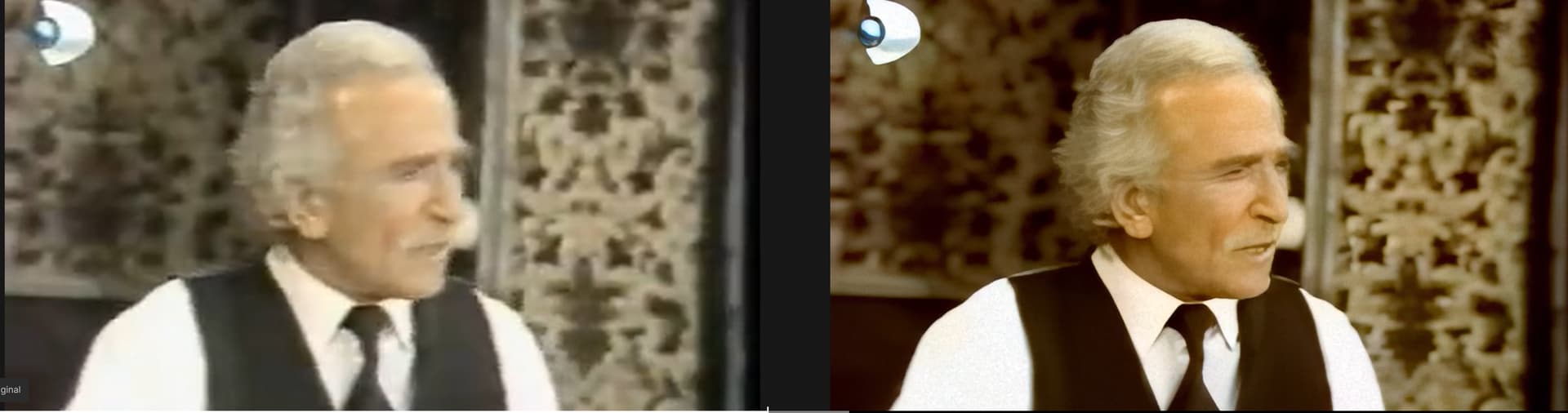
Looks impressive.
Hello, good work, could you share the screenshot of the settings and the lut file?
Gofile - Cloud Storage Made Simple - Ryhea preset fıle and luts fıles
1 Like
Thanks