In fact, if we ignore the branches behind, the water and the duck are well restored. 
Yes, the foliage is also very green and the branches are very different in some places – moreover, I intentionally left some in the foreground out as “scratches”. But I didn’t have the patience for the background (I never have, it’s very laborious and takes a lot of time  ) and I didn’t care. I like the water, I have always trouble with that when editing, with the reflections.
Thanks for the compliment!
1 Like
To compare the above result (achieved by several tools), I also tried the newly offered Bloom (online application). That little blurry duckling is probably not very suitable for processing in Bloom when it comes to improving a failed reality. You can generate up to 4 variants, use a word prompt, and set the Bloom fantasy level.
A higher level than Subtle distorted the result quite a bit, especially the head was as if it were flat. I don’t know… it can definitely be useful for other things. I’m adding the four versions of the result for illustration. It was just an experiment out of curiosity.
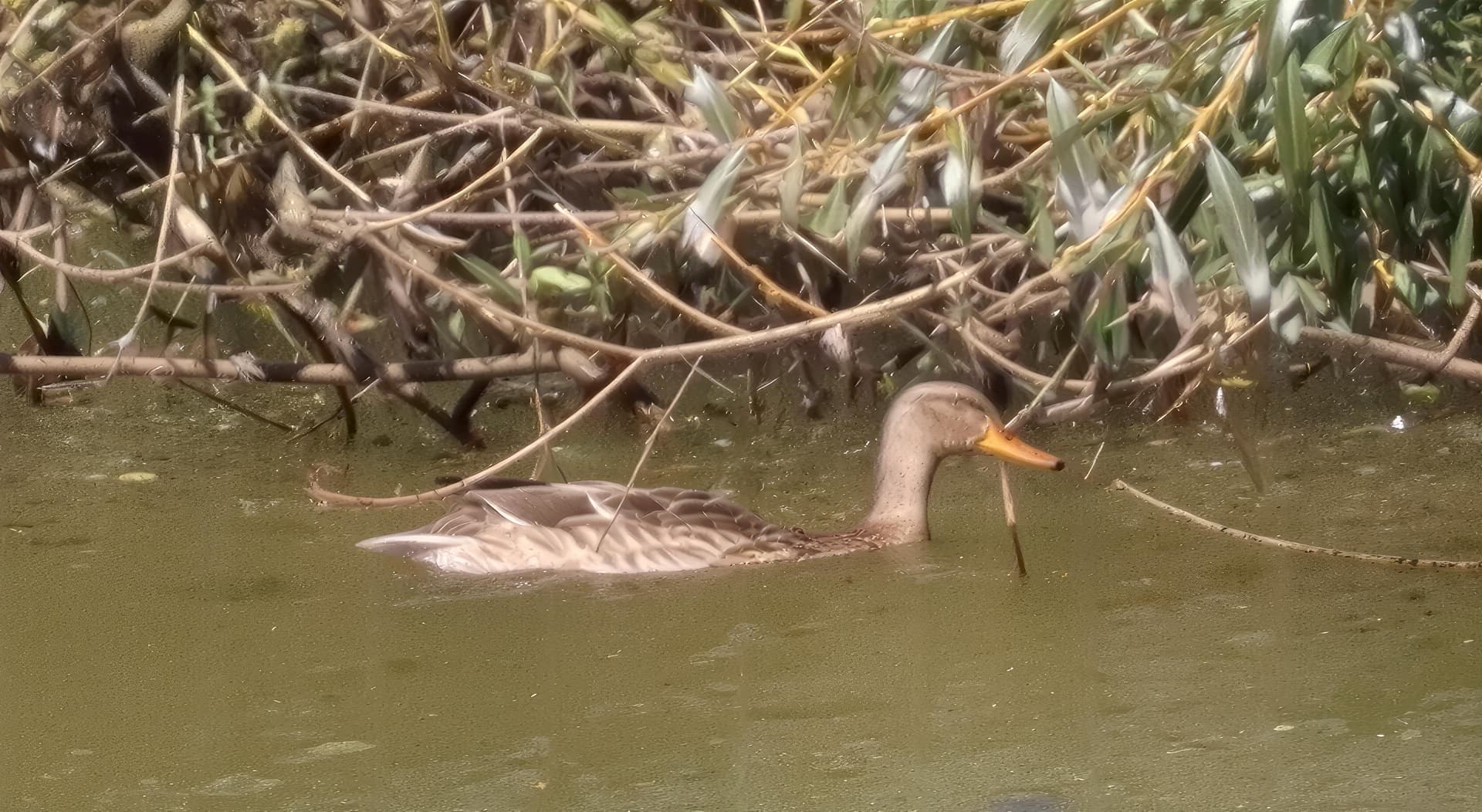
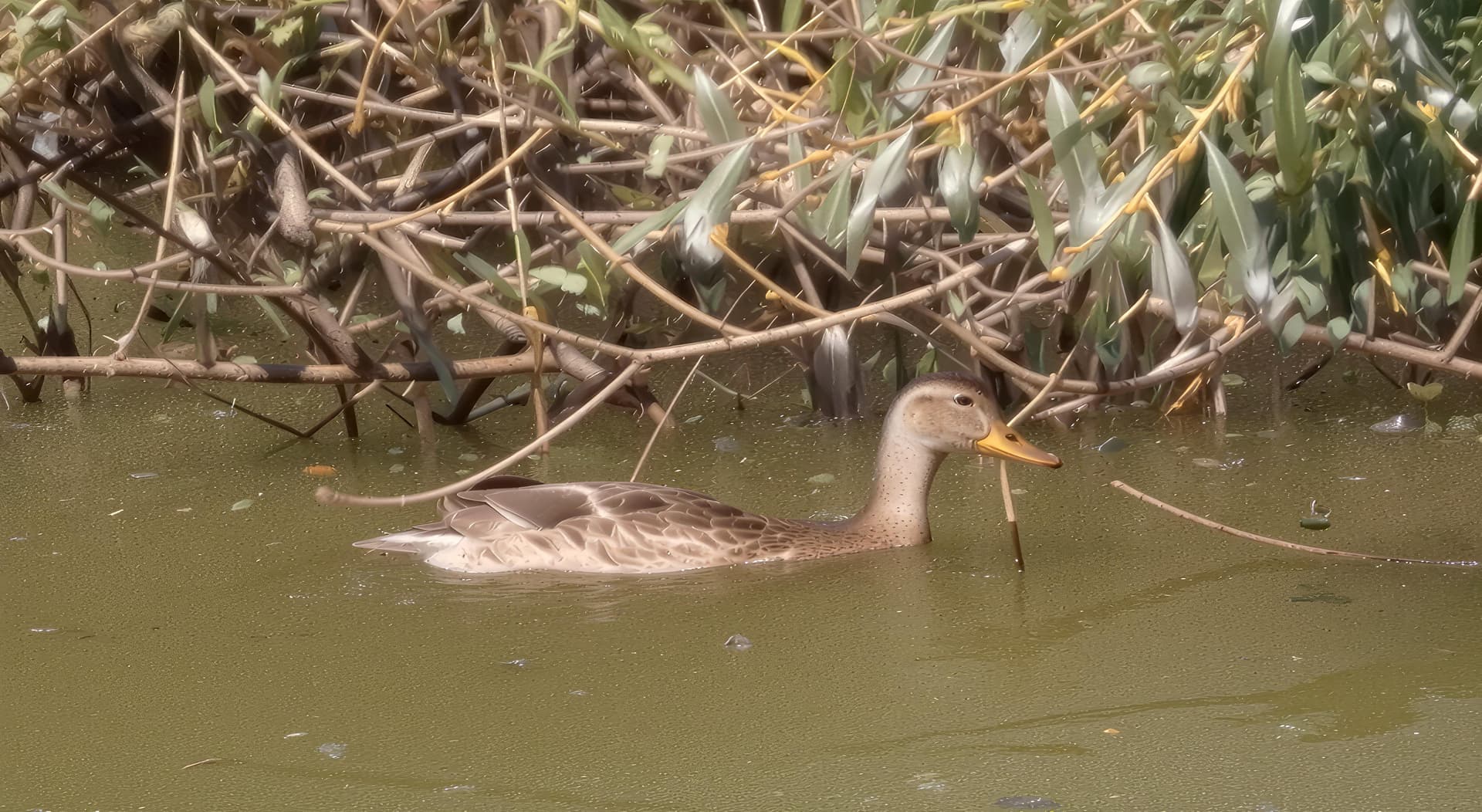
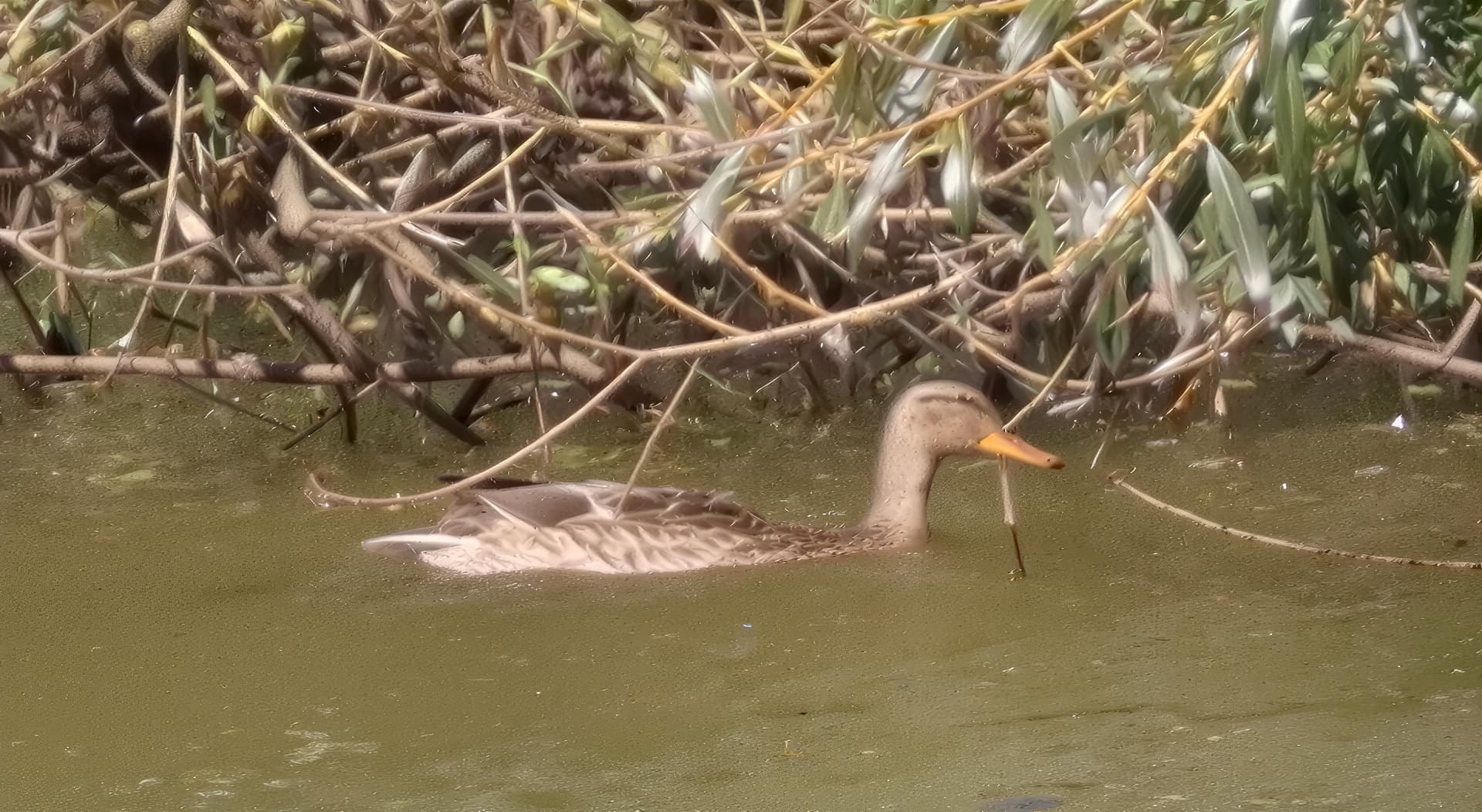
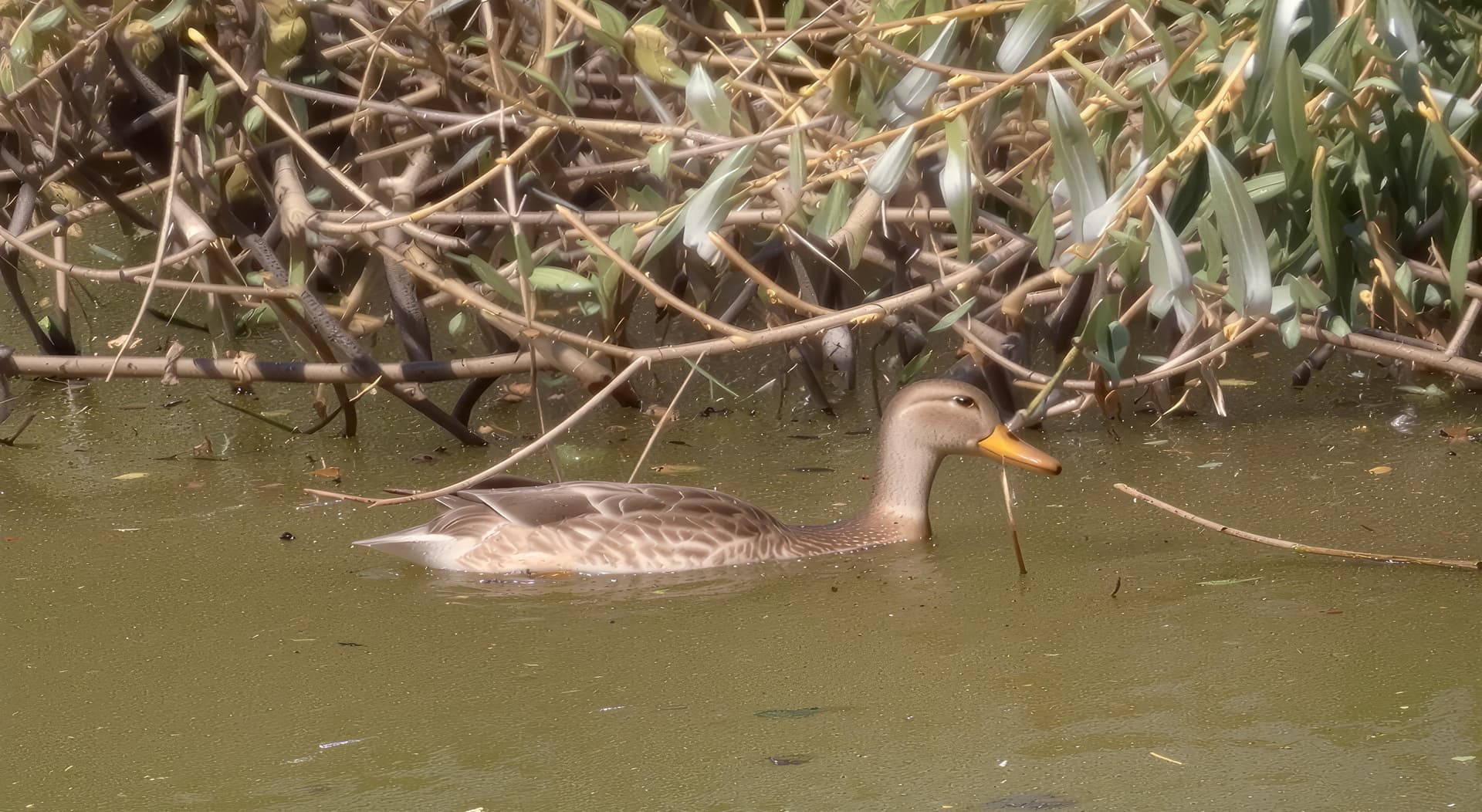
V2 and V4 are better. Especially for the duck’s eye. But on V3, there is a detail behind her eye that is better. On the other hand, the water is not great. It looks like there are lumps. For the foliage behind, it’s almost good. The head of the duck still has a bit of a plastic look on v4. Avez-vous déjà essayé de faire une première passe dans ON1 Resize? Parfois c’est pas mal comme première passe.
I’ll try it, see what the result of ON1 Resize will be.
It’s like you write: I also like V2 and V4 better, but those beaks (and heads, too) really look like they’re made of porcelain or a pressed part of PVC (polyvinyl chloride). As for the background of the picture, it’s not bad there, it pretty much preserved the original colors (saturation).
1 Like
original photo
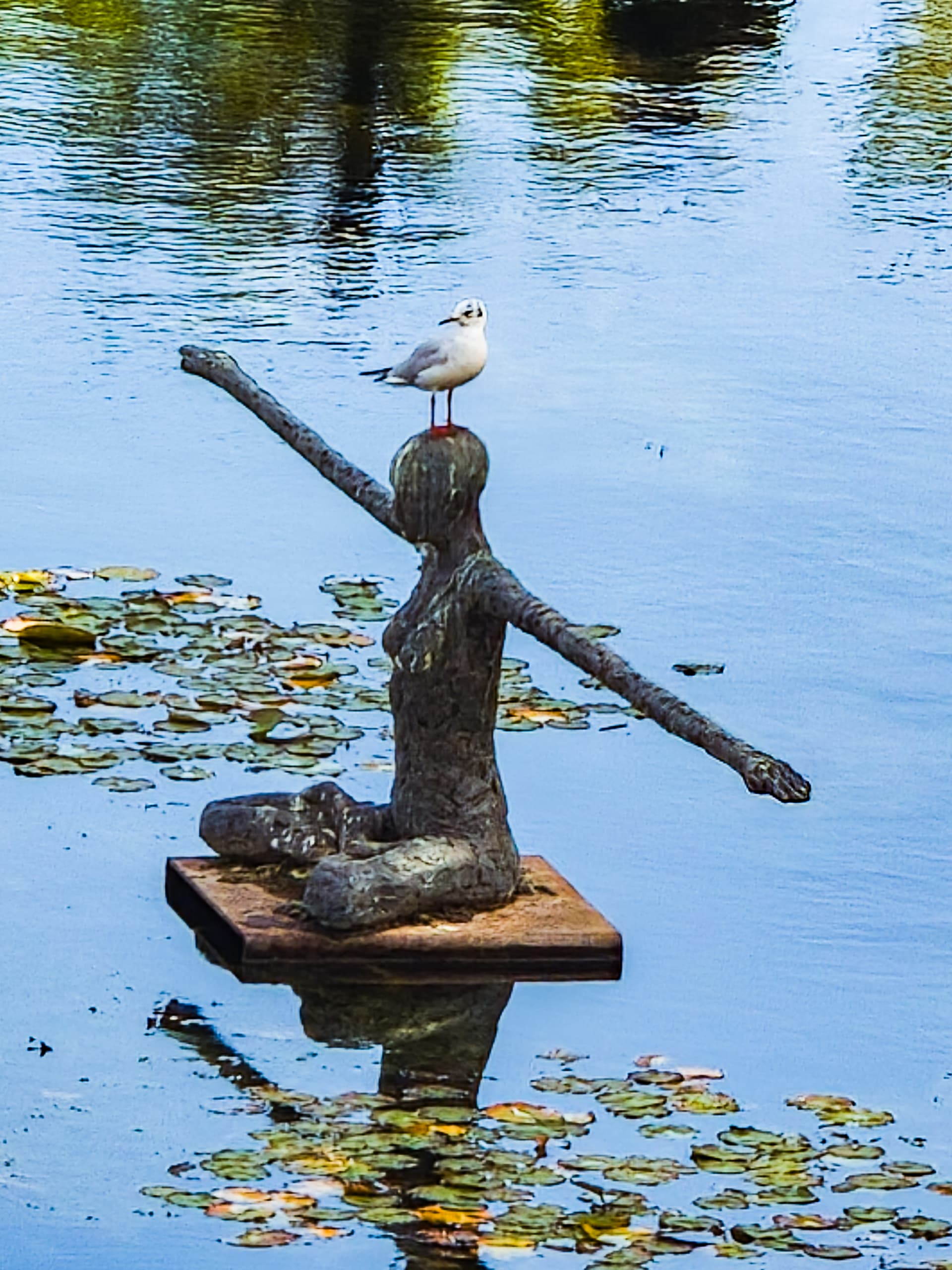
cropping on the seagull to refine the latter with already quite a bit of improvement with a mixture of On1 Resize 2026 and Redefine from GAI.
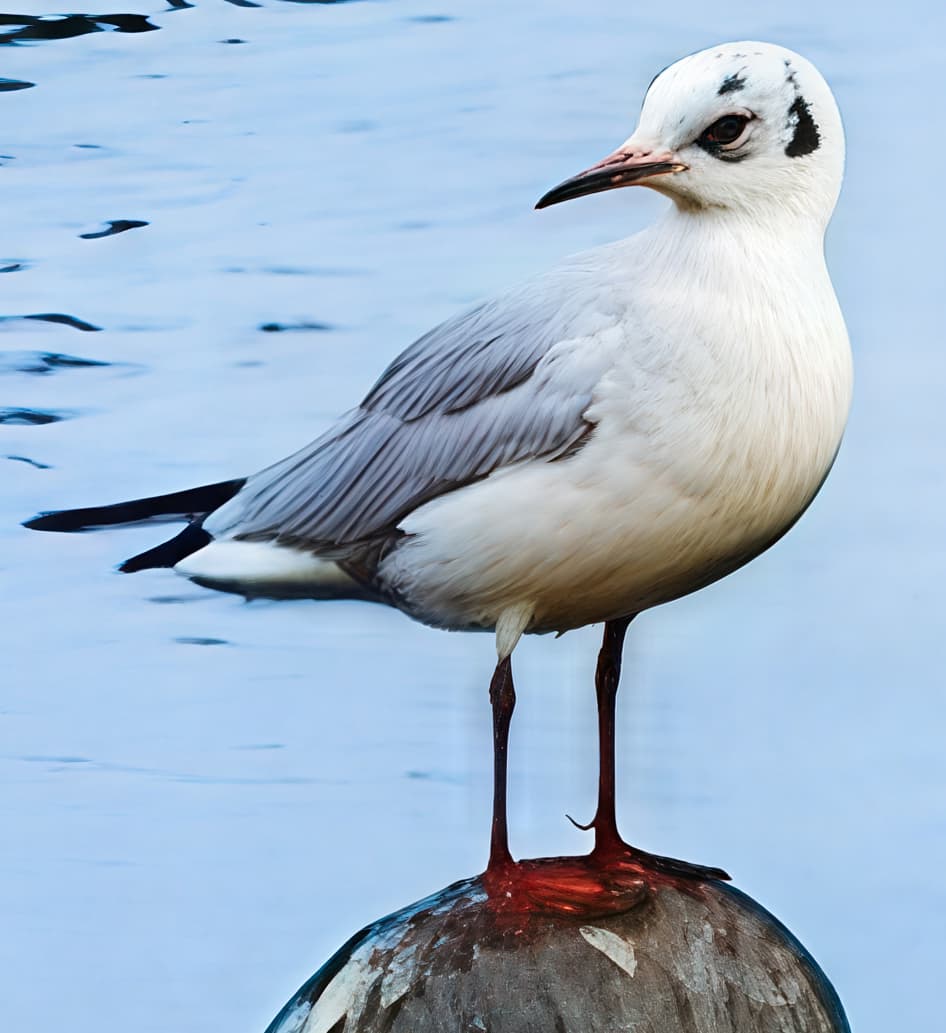
Then I ran the latter through Google AI Studio with Gemini to improve the details. I asked him to “improve the texture of the feathers and the details of the gull’s legs.”.
Here is the result obtained.
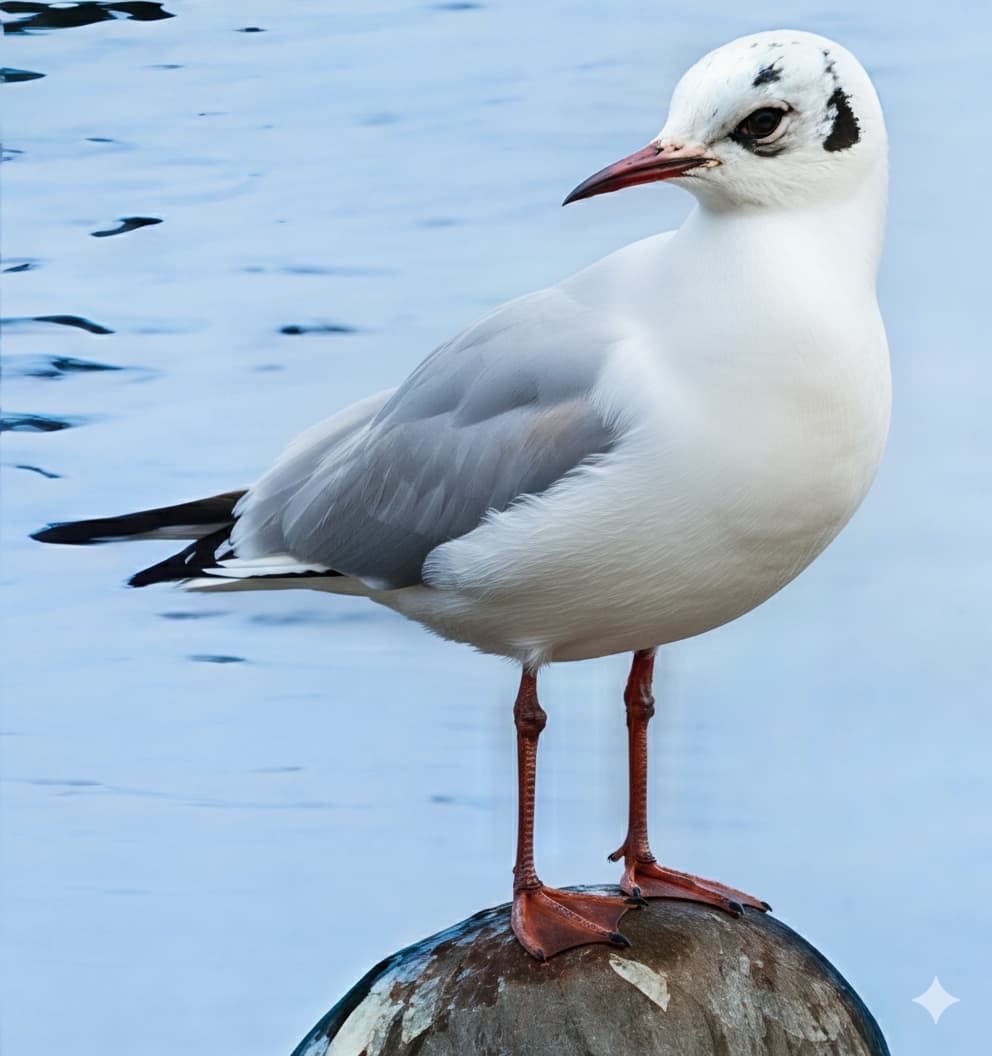
It’s just amazing

1 Like
Yes, it is  ! The feathers and legs are nice, except that it smoothed out the gull’s chest feathers.
Yeah, it doesn’t matter because I’ll merge with the perfect one.
Look. I even did a Gemini appearance for the statue.
Seagull perched on the statue - Imgsli
Oh yeah, also improvements to the statue and water lilies. Nice picture because it also has a nice surrounding (“context”).
Thanks 
Honestly, I’m really sure AI technology exists and is progressing very quickly. Without it, the photo would be ruined. I have a lot of photos that could have ended up in the trash if AI didn’t improve them.
Here are some new, improved photos as usual. This time with lions, lionesses and young lioness.
Lioness - Imgsli
Young lioness - Imgsli
Young lioness - Imgsli
1 Like

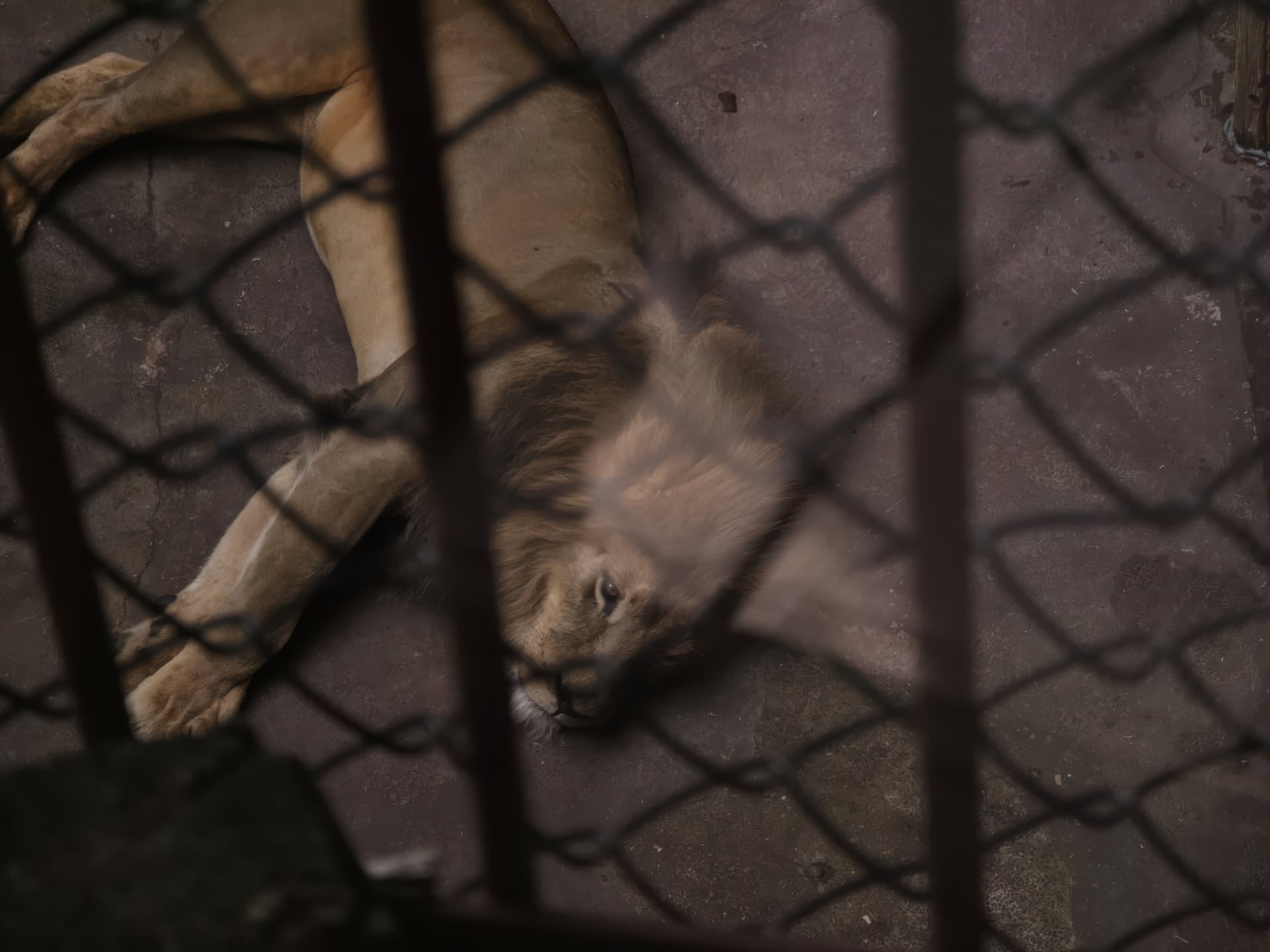
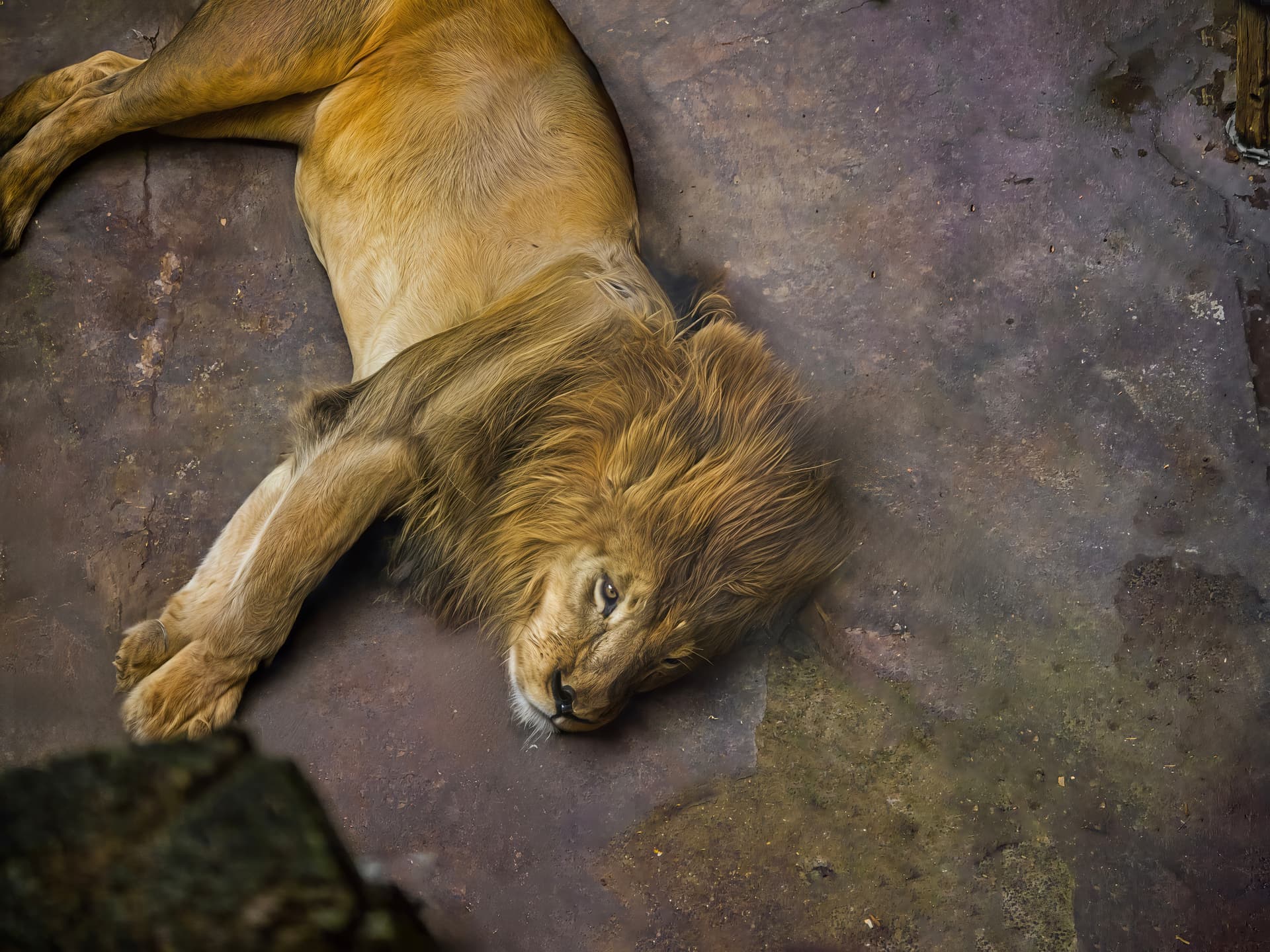
This is incredible what can be done with AI helpers. Even photos can no longer be trusted  .
.
In fact, I didn’t even use an AI assistant. I manually removed the glass glare with Adobe CameraRaw’s AI glare removal. And I manually removed the mesh to avoid pixel loss due to downsizing the photo in Gemini or Qwen Image Edit. I then used Redefine Recover V2 and Super Focus for details  .
.
1 Like
More great images. I’m interested that you mention using Redefine Recover v2 sometimes - I’m always disappointed when I try it and v1 - for me it always seems to lower the detail and introduces edge fringing which looks like painting by numbers (badly). I always try to use the latest NVIDIA Studio drivers for my RTX4070 Super 12GB GPU and I’m puzzled as to what I must be doing wrong. Any clues for settings ?
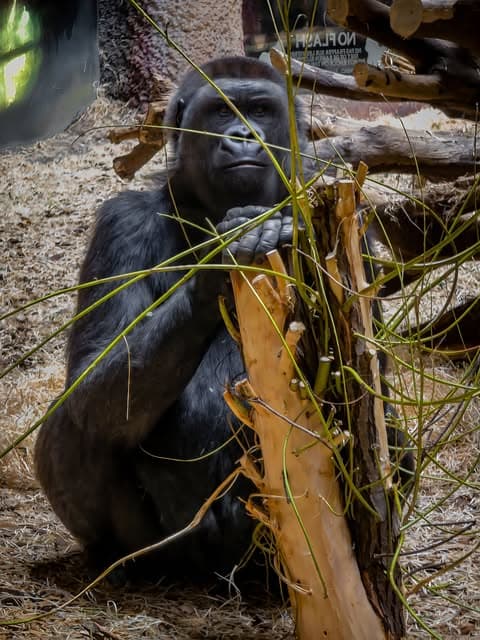
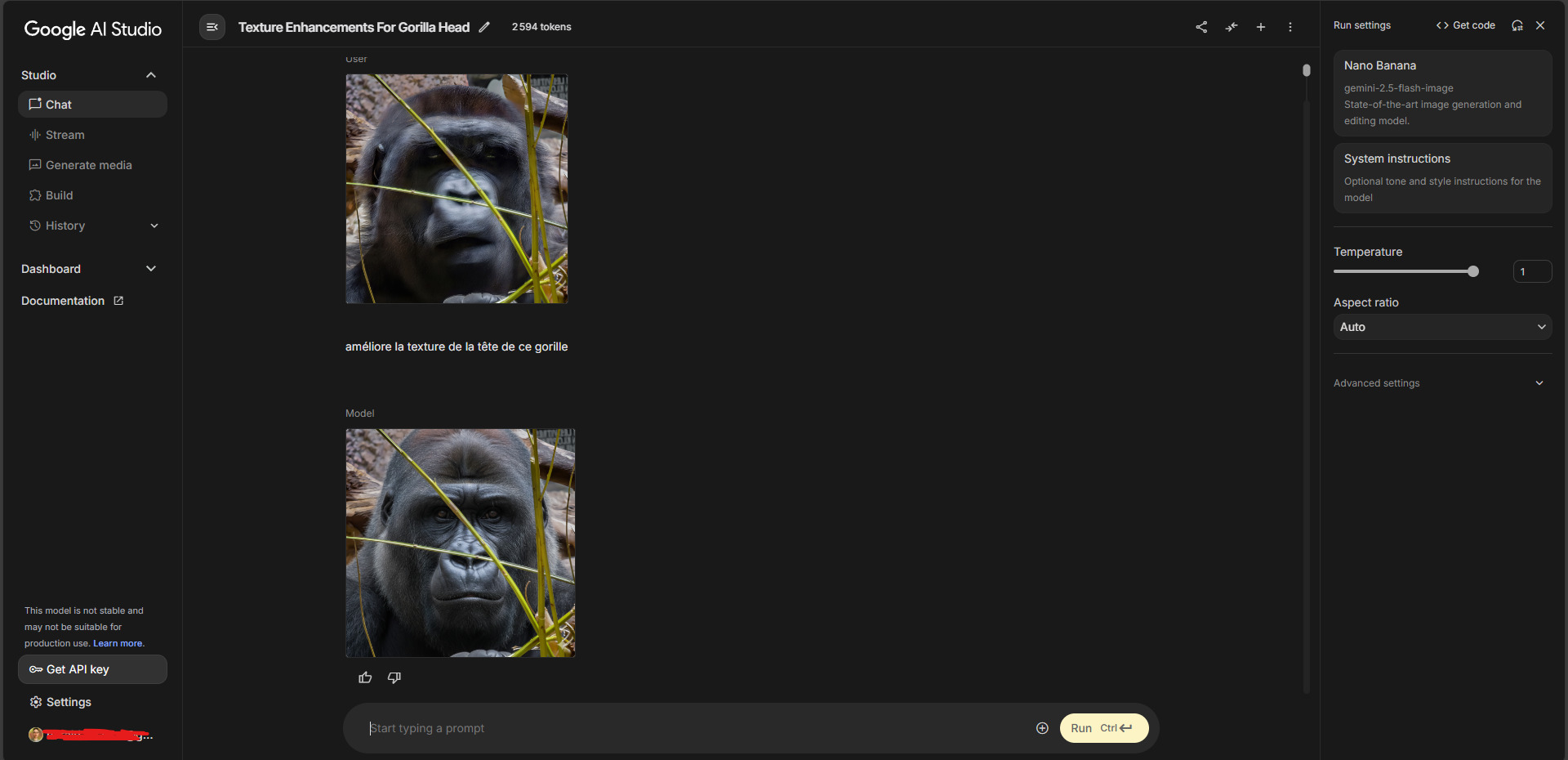
When the head is blurry because you were in a hurry to take the photo. Luckily, thanks to Gemini, I used a portion of the photo that I sent to the AI so that it could redetail the area for me.
Before
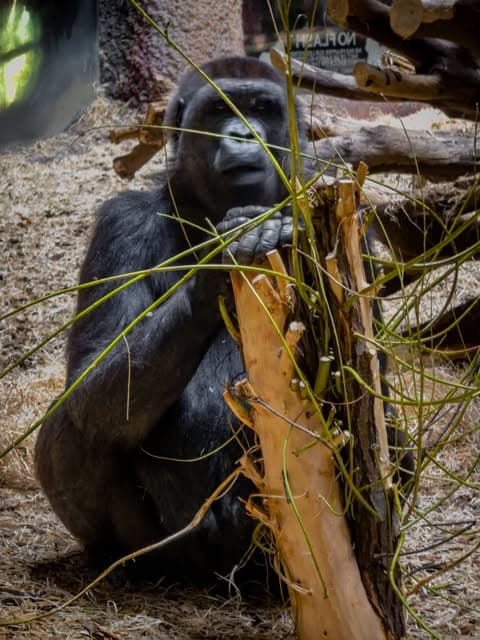
After
Thanks for
Personally, when I use Recover V2 it’s mostly in low mode or medium mode depending on the scenario on my smartphone photos. Sometimes the none mode is enough. But it’s mainly for sharpness. Then I combine with Hypir AI in ComfyUI and Redefine for fur and feathers in particular. For Redefine, I always use the Realistic model. In rare cases, I use the Creative model with the medium or high level for certain areas of a certain photo that are difficult to recover with the Realistic model. Because the problem with the Medium Creative is high, it generates a lot of unwanted artifacts everywhere.
Yeah, V1 is very slow, but it depends on the images. But it’s sure that a 100% setting is never very good. Depending on the situation, I set it to 25%. Maybe 50 or 75. If I set it higher, the problem is that when I zoom in on the image, it gives the impression of a print on drawing paper with a large grain or rather precise pointillist painting.
1 Like
