19 posts were merged into an existing topic: [KNOWN ISSUE: SQUARE GRID ARTIFACTS ON WINDOWS] - Click here if you get this
A post was merged into an existing topic: [KNOWN ISSUE: SQUARE GRID ARTIFACTS ON WINDOWS] - Click here if you get this
Several months ago, many of us were getting this tiling effect in TPAI. Several knowledgable contributors to the forums were able to explain what was causing it.
In my instance, it has certainly been resolved. The image below is an example in question, where there was significant tiling in an earlier version of TPAI This screenshot has dust visualisation turned on and this would have revealed any tiling in TPAI 3:
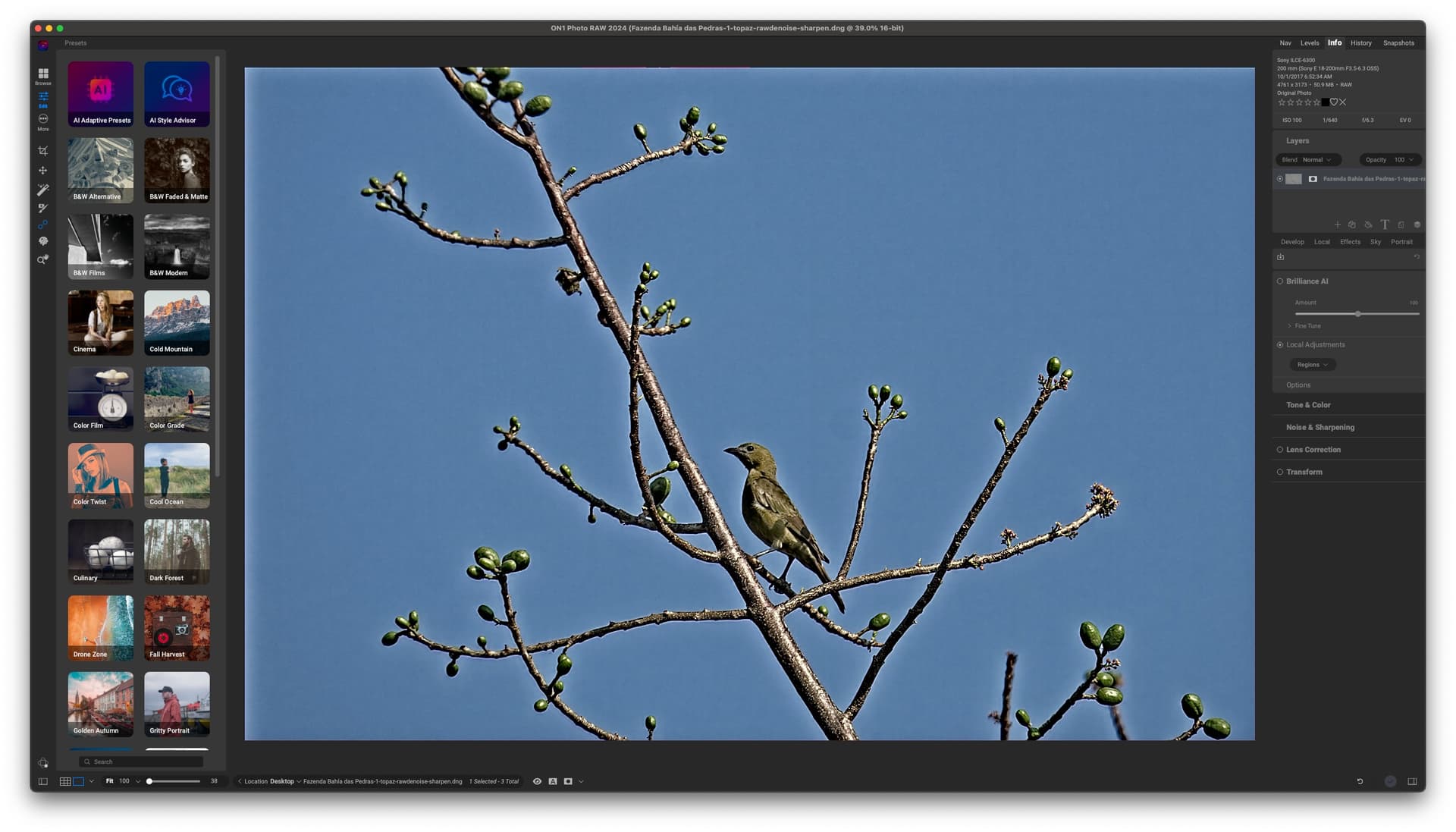
I don’t know if such artefacts can be PC or drive specific. You are welcome to upload one of your raw files (either zipped or sent to a transfer service) so others can confirm your findings.
It was resolved several releases back. Prior to that, a temporary solution was to not use the Mac M1 neural engine.
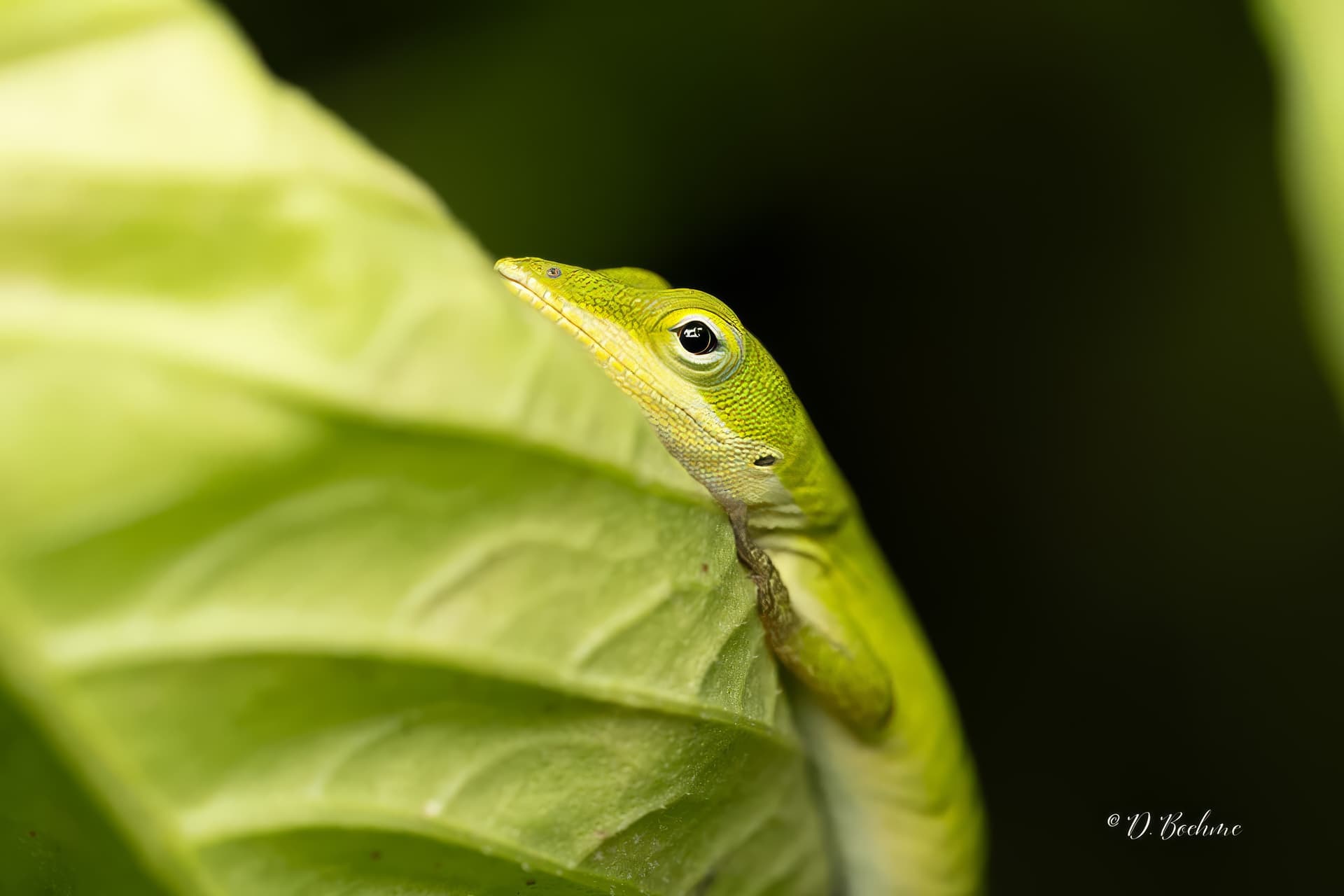
It seems you don’t want anyone else to look at your images. You are welcome to look at mine to see if you are getting the tiling:
Fazenda Bahía das Pedras-1.dng.zip (22.0 MB)
Great images.
No tiling artefacts for me when I ran your JPG through TPAI. I suspect it has something to do with your hardware. Have you tried using CPU only?
I am not sure what the maximum size allowed for an uploaded zip file is (the one I sent you was 22MB). Alternatively, you can upload files to WeTransfer or SendBig at no cost and post a link here:
Try denoise strong and sharpen standard for the tile effect.
Why would I do that when Autopilot gives a perfectly good result?
just because i want to show that denoise strong does that pattern.
Not on my M1 Mac mini it doesn’t. Neither with Sony ARW files nor if I convert them to JPG.
Thanks for all this information. I’ve forwarded this thread to our development team who are investigating this further. I will note that I’ve heard from some of the developers and they hope to resolve this problem with a release in the near future.
I am having similar experience as the OP and from searching this forum it seems like the issue has existed for quite a while, with the answer always that maybe it will get fixed in the next update. Like the OP, I get the grid artifacts consistently on both RAW and TIFF files. I’m going to try going back to the standalone DeNoise version because TPAI is pretty much a waste of time for me due to this issue. Hoping to see some resolution for this because I want to love TPAI. If there’s no indication a a fix, it will be hard to find reason to pay for any future upgrades.
I shoot on Canon R5, and convert to DNG when importing to Lightroom Classic. Mac Studio M2 Max. TPAI v3.2.1. If anyone has instructions for a workaround, I would be grateful to hear.
2 posts were merged into an existing topic: [KNOWN ISSUE: SQUARE GRID ARTIFACTS ON WINDOWS] - Click here if you get this
A post was merged into an existing topic: [KNOWN ISSUE: SQUARE GRID ARTIFACTS ON WINDOWS] - Click here if you get this
3 posts were merged into an existing topic: [KNOWN ISSUE: SQUARE GRID ARTIFACTS ON WINDOWS] - Click here if you get this
Topaz Photo AI introduces a checkerboard pattern upon the application of RAW Denoise. It does not matter if the RAW Normal or RAW Strong model is used. The issue occurs whenever there is blurred background (bokeh). In areas with “structured” image content, the issue was not observed yet.
The RAW file is from a Canon EOS R5 Mark II.
Steps to reproduce issue:
- Open image in Topaz Photo AI
- Apply any of the RAW denoise models.
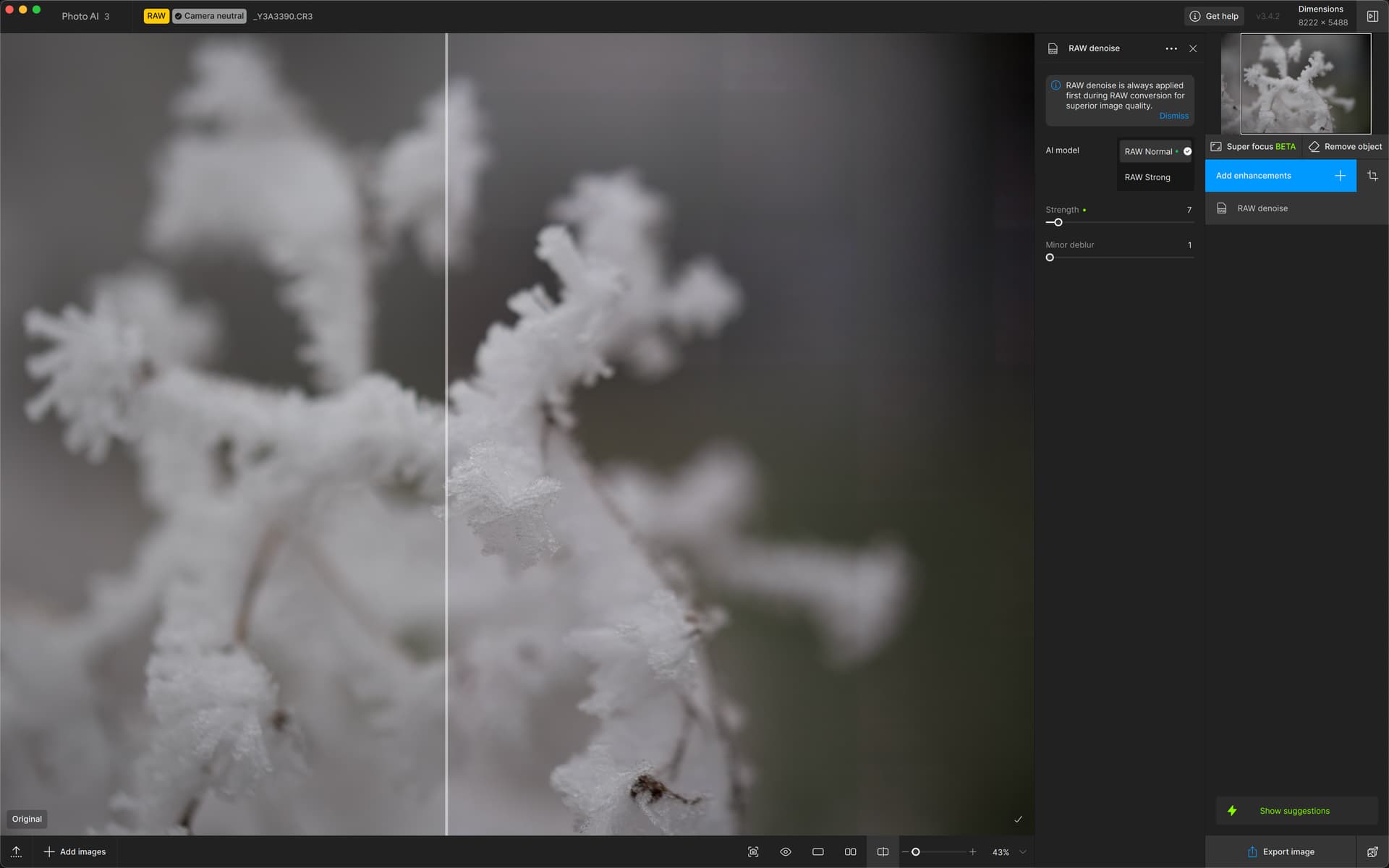
The checkerboard pattern is visible in the exported DNG files as well.
Topaz Photo AI v3.4.2 on Mac
System Information
OS: Mac v15.02
CPU: Apple M4 Max 128 GB
GPU: Apple M4 Max 96 GB
There was a similar issue in one of Gigapixel AI‘s models, which received a fix lately. Hopefully, the root cause would be similar.
Looks very much like there is an issue along the boundaries of the individually processed tiles.
I can provide some of the affected RAW files to Topaz, if that is needed/helpful.
Same here, on Mac M3 Max, RAW from Nikon. It make some “big blocks” on the blurry background. It’s very disappointing from a software like this.
Hope Topaz fix this ASAP.
1 Like
Hello,
@gibus1 @simongawlok
This is a known issue, and we are trying to fix it on our end. I suggest that you contact us at help@topazlabs.com because there are a few things we can try that will resolve the issue. Not everyone messaging us about this still has the issue.
9 posts were merged into an existing topic: [KNOWN ISSUE: SQUARE GRID ARTIFACTS ON WINDOWS] - Click here if you get this
I am also having these issues too. Boxes and lines on my photos.
