We test the apps with consumer hardware. I personally have a computer that is very average in term of performances. We have Macs, Intel Macs, Snapdragon, AMD and NVIDIA graphics card.
Still, some issues can arise and we are investigating. Right now, the challenge is that other people with the same hardware don’t have the issue, why is that? We need to find out and that’s why I ask all the questions
Uff, so there ARE consumer-grade hardware testing.
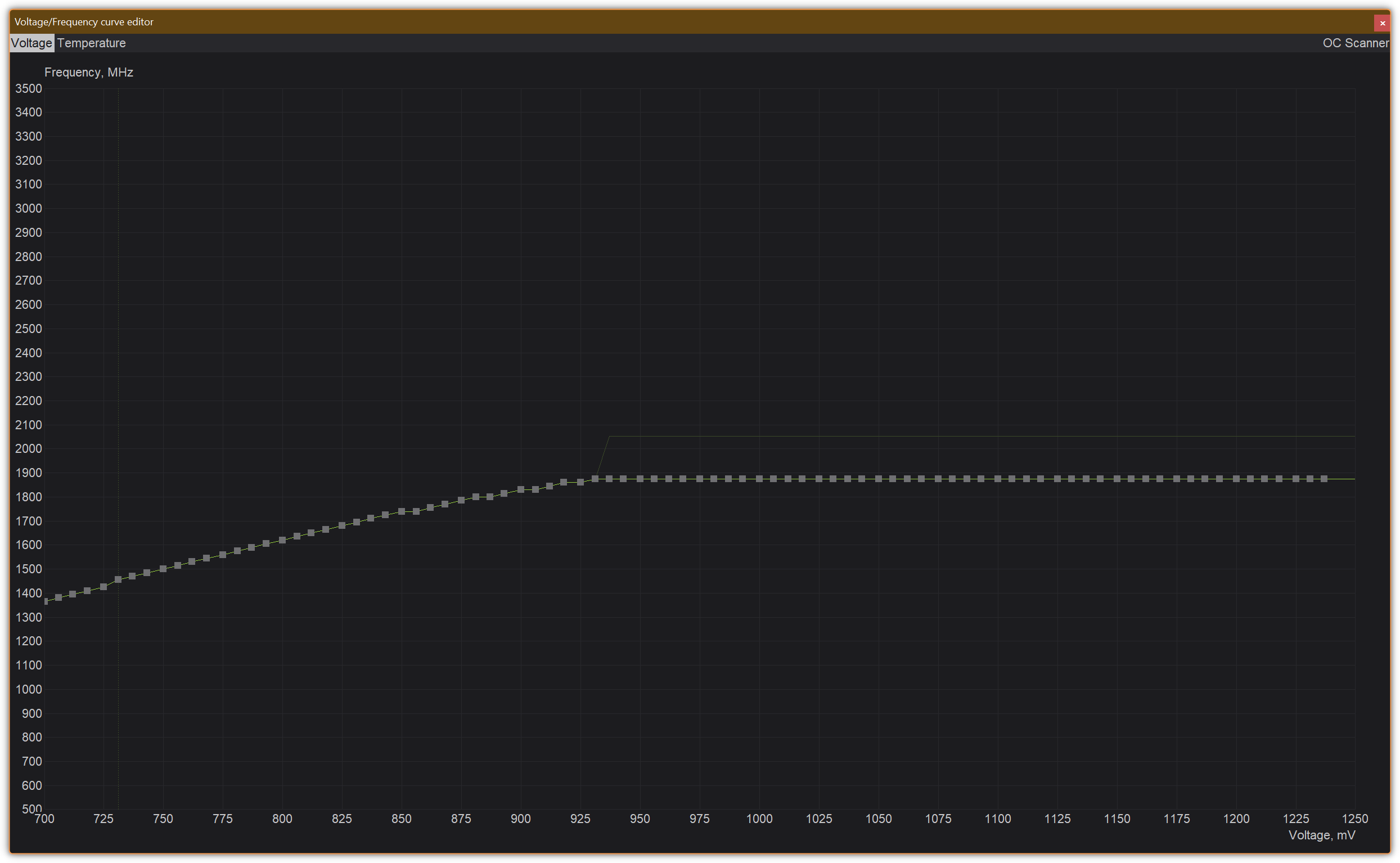
That’s VERY curious, as to why Recover v3 fails on users’ hardware, but, apparently, not Topaz team ones, right? Unless there are cases, where Topaz can replicate the issue? For example, testing on fully updated Windows 10 ESU? I can say, I have totally no issues with either AI workloads nor the usual Topaz model executions (until Recover v3, Remove v2 in Photo, and then Wonder v2 models appeared) on my RTX 3090 with Studio 591.74 driver. I had issues with black screens after RTX 5000 series was introduced (that was even worse for the fresh buyers of these cards), so I rolled back to the pre-5000-series Studio driver at the time, so I could enjoy the stability. I also never overclock the card nor the system, I even optimized the 3090 curve to lover voltages, since I want the longevity, not the performance.
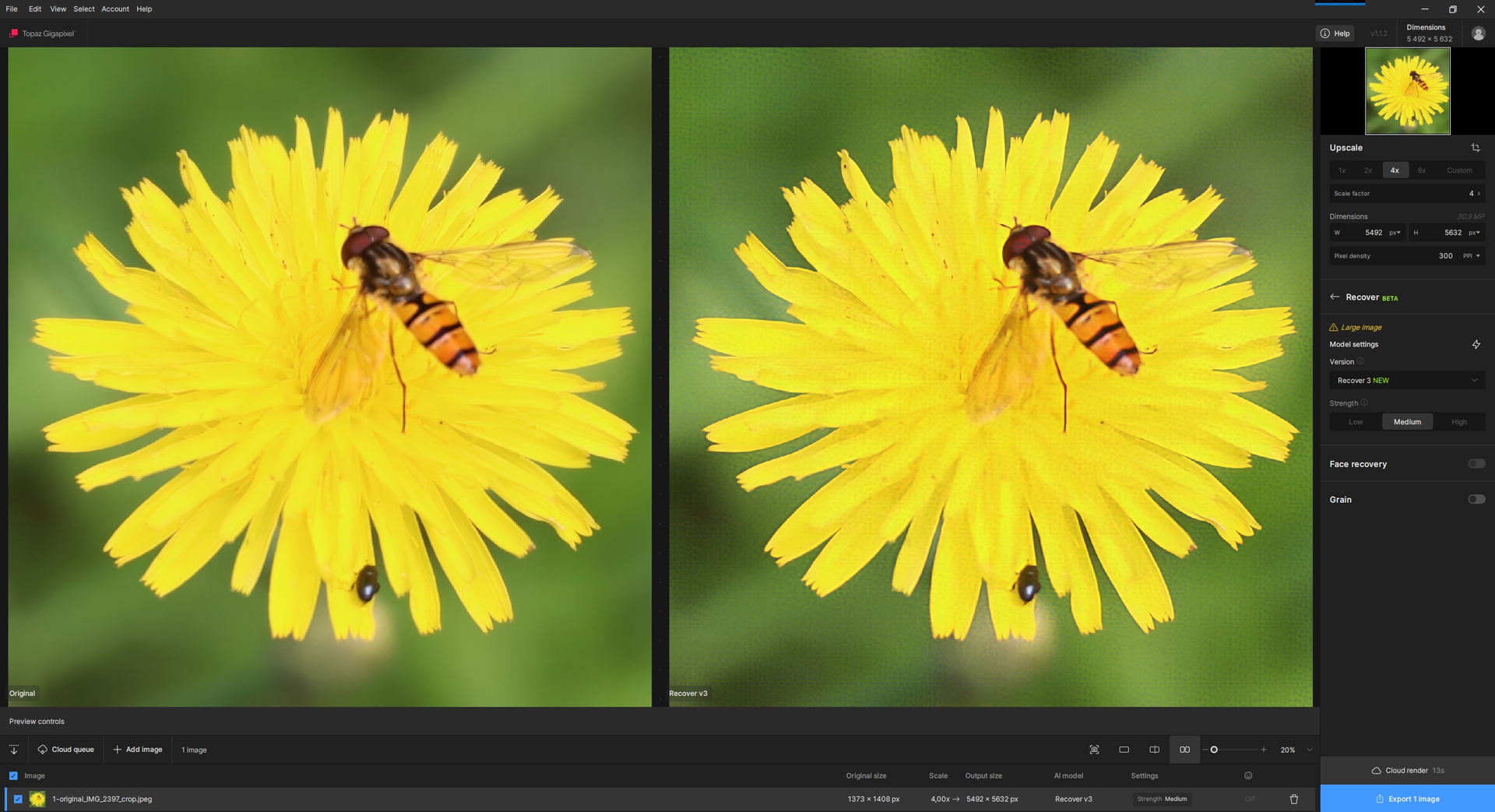
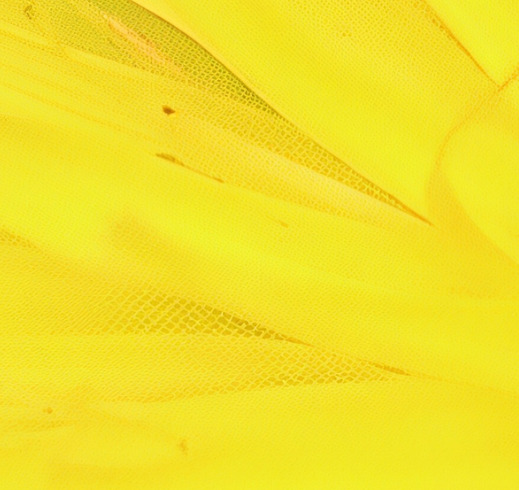
Yours is fine, there is no honeycomb. But it happens to me systematically. I have NVIDIA 591.74 GeForce RTX 4070 (8 GB dedicated)) Laptop type.
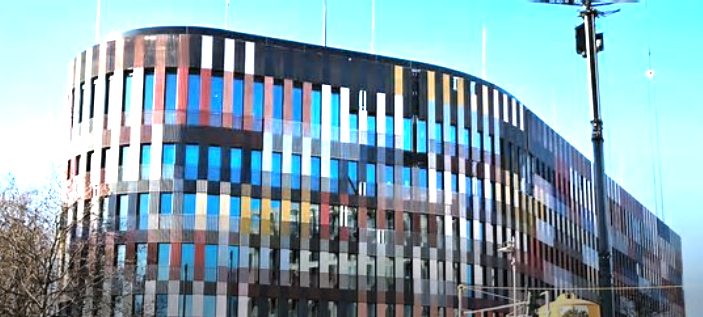
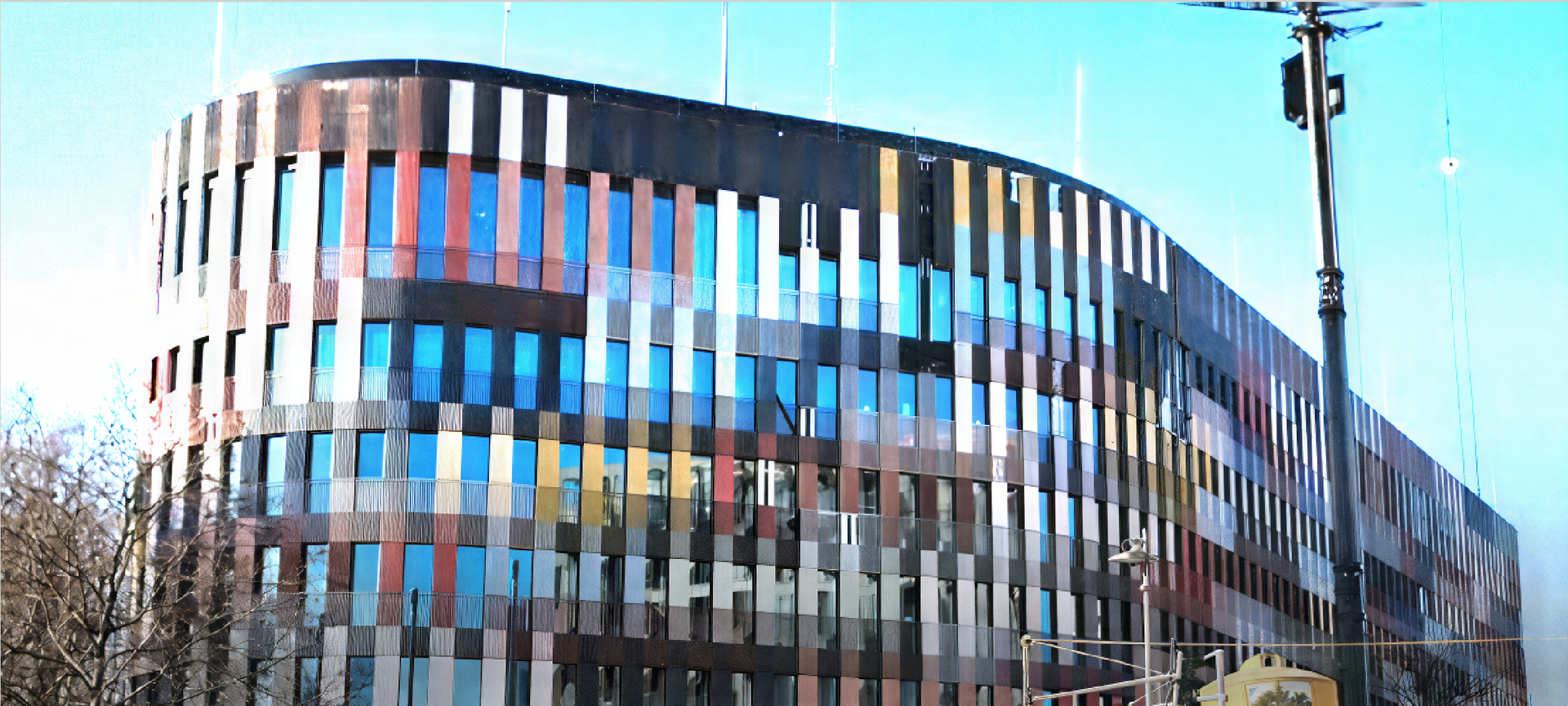
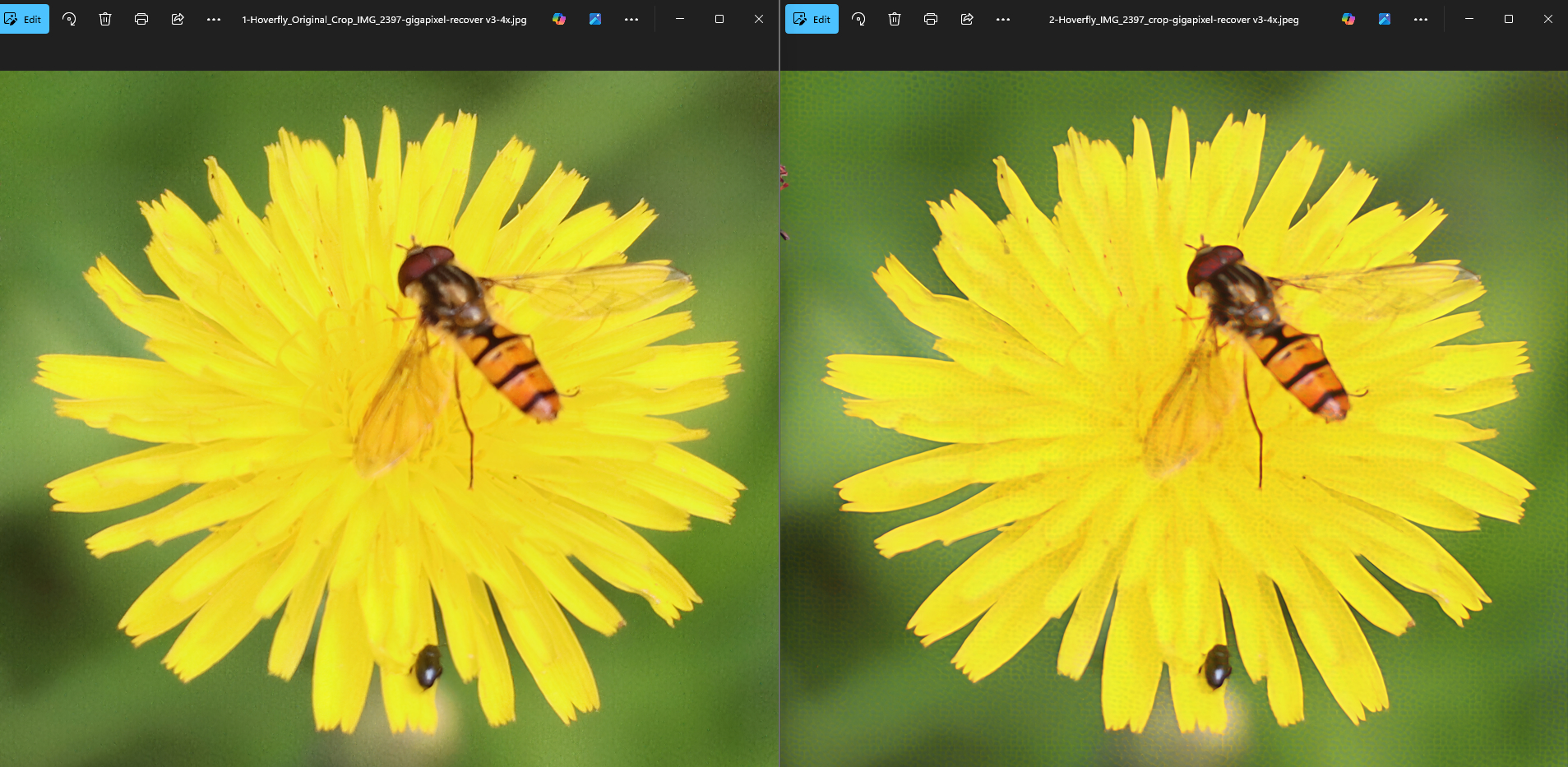
I am curious why there is something red on the top left edge of my picture (probably a piece of the photo it was cut from) and it’s not there on yours?
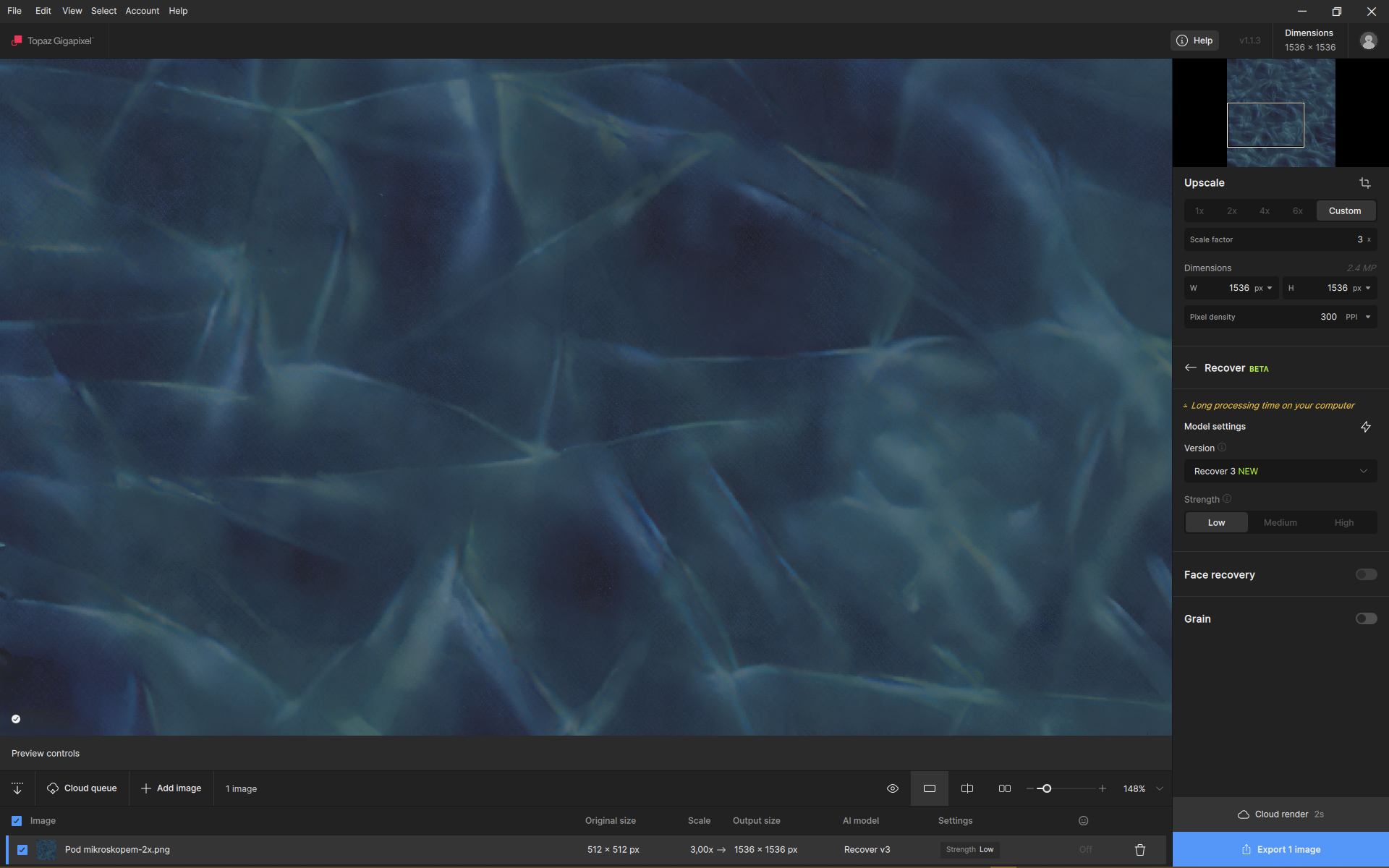
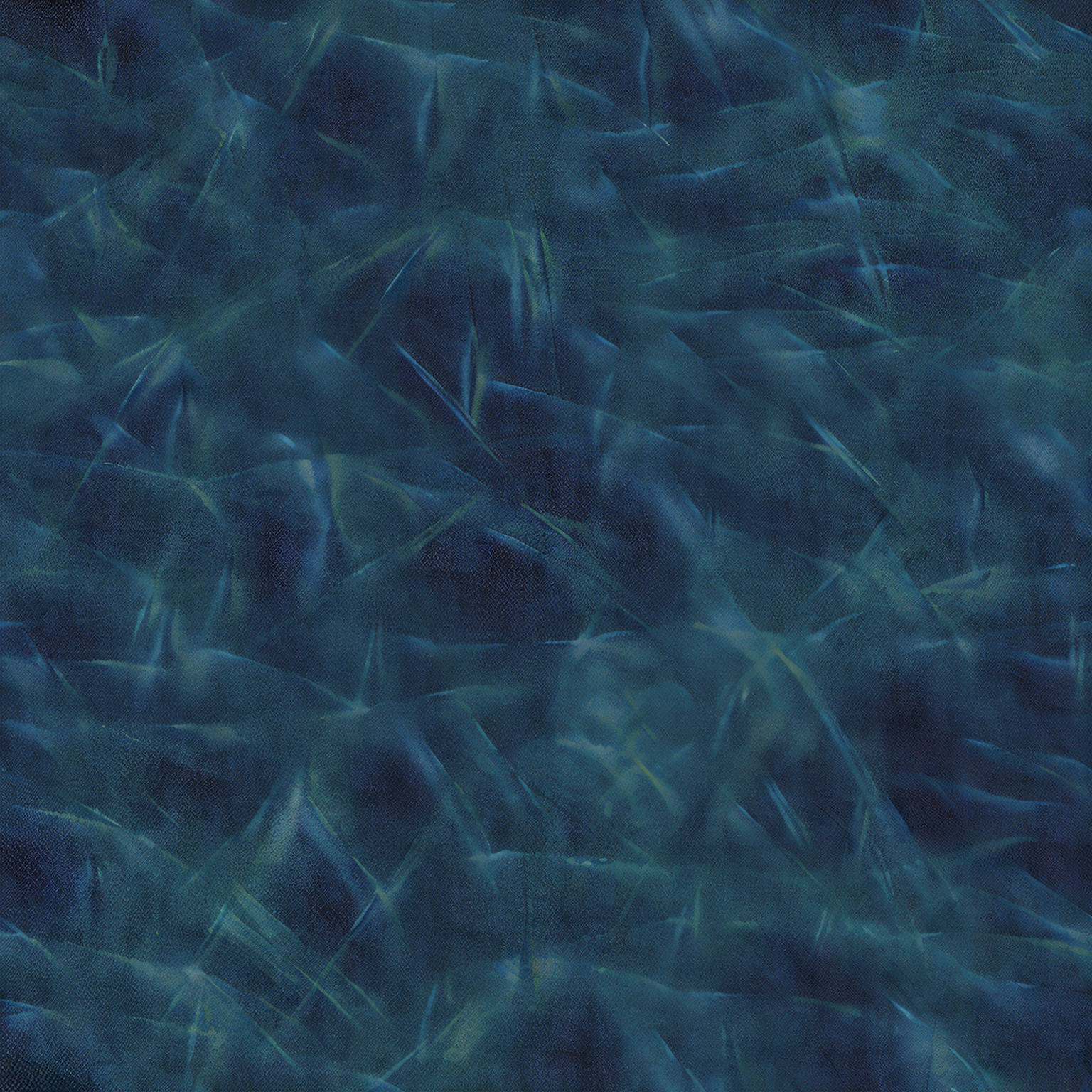
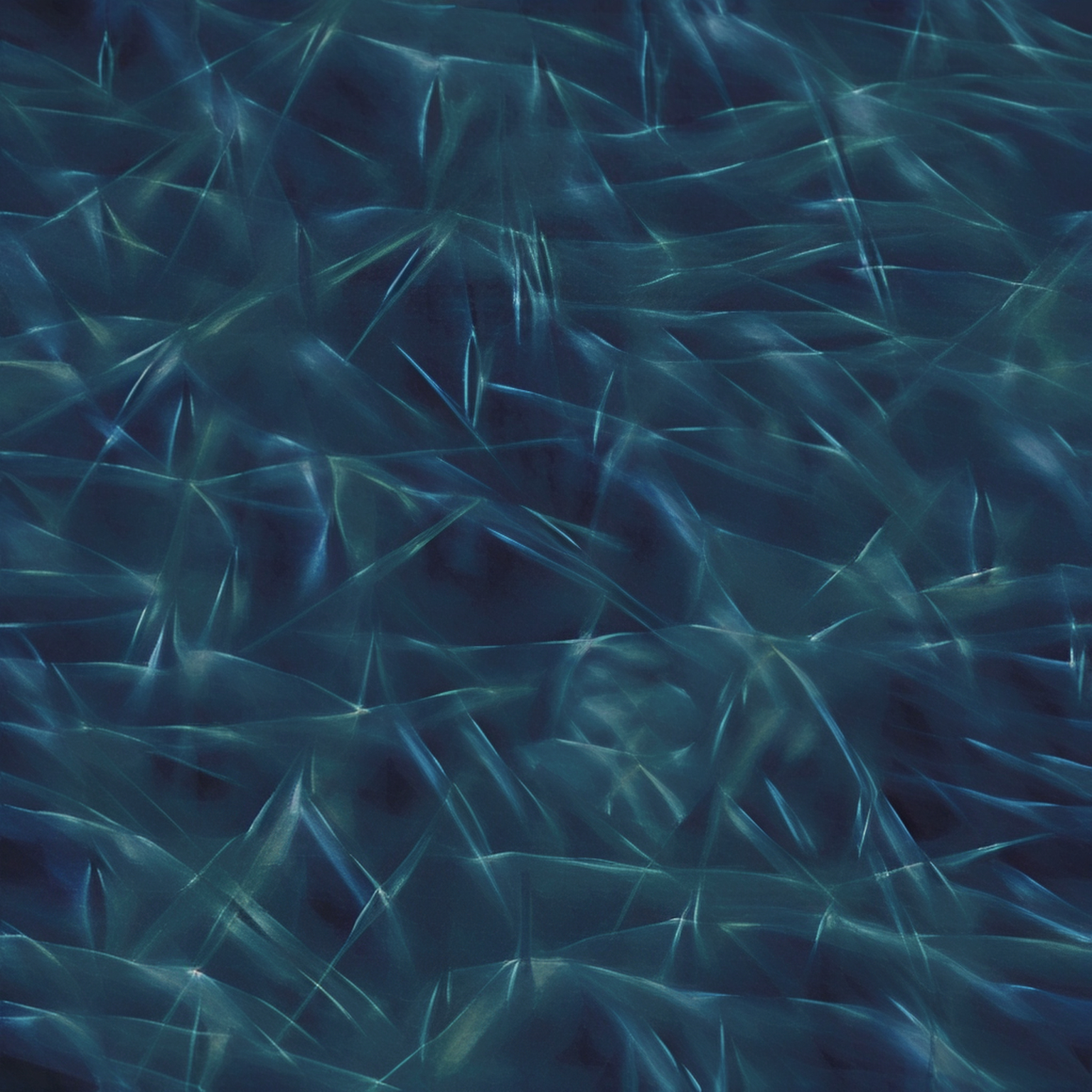
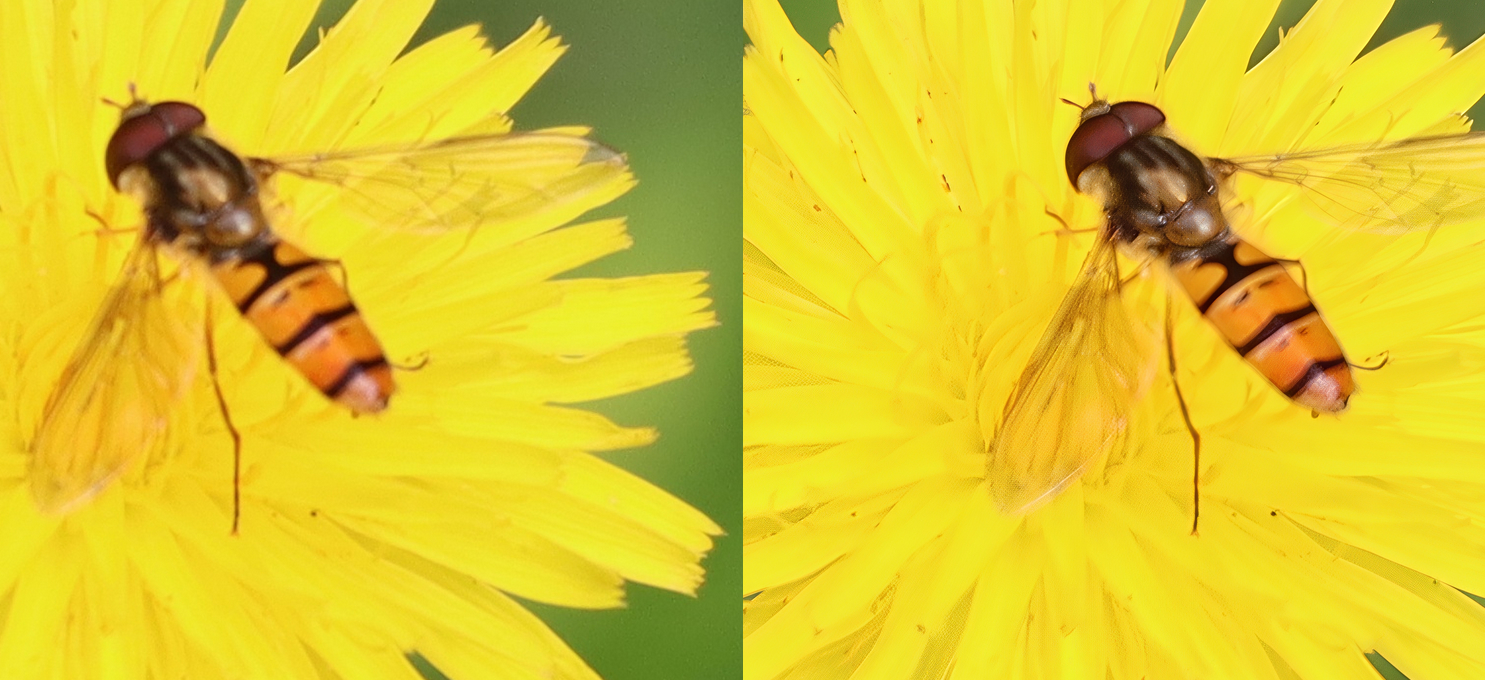
This is not the same; it’s a grain texture. The results are not good with Recover 3, but my side-by-side shows that I can’t reproduce the issue. If I had the issue, I would get the same results.
We are not discussing the quality of the render on this specific photo; I want to investigate the honeycomb issue.
With this photo, even Recover 2 doesn’t work well, but the BG is smoother
**
Recover 2 results:**
I’ve sent the honeycomb-related materials to the help, as suggested. I hope it helps somehow – I can do without honey. To be sure, I tried everything again and the result is bad again, lots of honey (unlike the hoverfly, bears would be happy ).
I did a test now and can confirm: The honeycombing issue definitely is caused by regional number formatting (in regions that use a “,” as decimal seperator instead of a “.”).





 ).
).