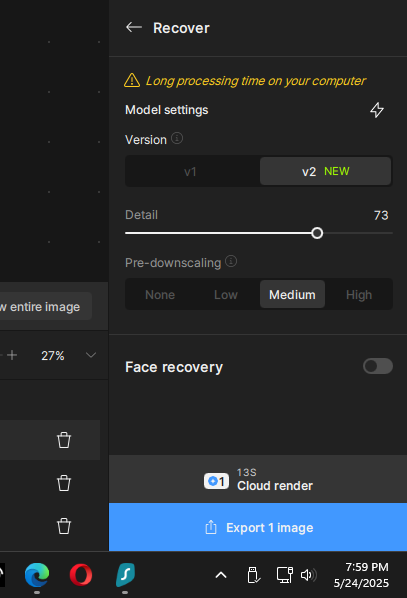
This may have already been addressed but I don’t have time right now to read through all the comments. Tried to run after upgrading and it immediately goes to “downscaling” but gets stuck there. The status bar is moving, but VERY slowly. This is true on a single, small sized file. And this is while trying to use the auto model, not one of the slower rendering options. I am in the process of deleting and reinstalling the prior version now until this can be corrected.
Were you trying to downscale an image <1000px on any side?
I got a warning dialog when I tried that, but was able to get out of it.
Redefine does not work on M1 Max.
When will this get fixed?
My first try was a batch of images, including a couple that were under 1000 px on one side. When that locked up I tried a single image that was a little over 1000 px and same result. But I do not get a warning message, just a notice that image is being downscaled first, along with a status bar. But that status bar was barely moving.
I did more checking and the EXIF info is still there. I sincerely apologize for my mistake.
3 Likes
Im having the same issue, even after a clean uninstall and reinstall. I also scoured my pc for files relating to Topaz Gigapixel and deleted those, Restarte etc etc - To no avail. Previous verson worked fine.
Guess something broke, it wont let me install.
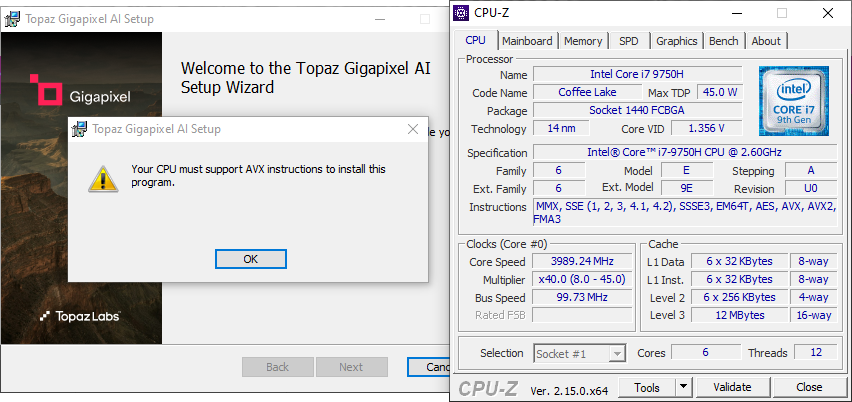
— Edit, Found a work around —
Launch CMD as admin then run:
msiexec /a TopazGigapixelAI-8.4.0.msi /qb TARGETDIR=“C:\TopazTemp”
Inside the TopazTemp folder, Goto
“C:\TopazTemp\PFiles\Topaz Labs LLC\Topaz Gigapixel AI”
and move everything from that inside the programs files folder version,
“C:\Program Files\Topaz Labs LLC\Topaz Gigapixel AI”
Then goto folder
“C:\TopazTemp\Topaz Labs LLC\Topaz Gigapixel AI\models”
and move all that to the folder
“C:\ProgramData\Topaz Labs LLC\Topaz Gigapixel AI\models”
Ofcourse if you installed it else where, use your installed locations. Had no encountered and error. Despite have AVX enabled with my cpu. You can delete the tempfolder after.

1 Like
No issues with Redefine Subtle. Unfortunately Redefine Creative is totally unusable on all creativity settings. 
4 Likes
Hi.
Please elaborate are you also using a M3
Thank you
I have a much simpler method than yours in this case. I started having this problem with version 7.2.x or 7.3.x.
- First, open the command prompt (CMD) as administrator.
- Then, (if you’ve downloaded the setup in the “Downloads” folder and have a copy of the setup from the previous version installed) use the following command: “cd C:\Users\User name\Downloads” Without quotation marks, replace “User name” with your own and press “Enter” to confirm.
- Then add the last command and press Enter. The command is: msiexec /i TopazGigapixelAI-8.4.0.msi
Note that each time you update the software, you’ll need to replace the numbers in the command with those of the new version.
1 Like
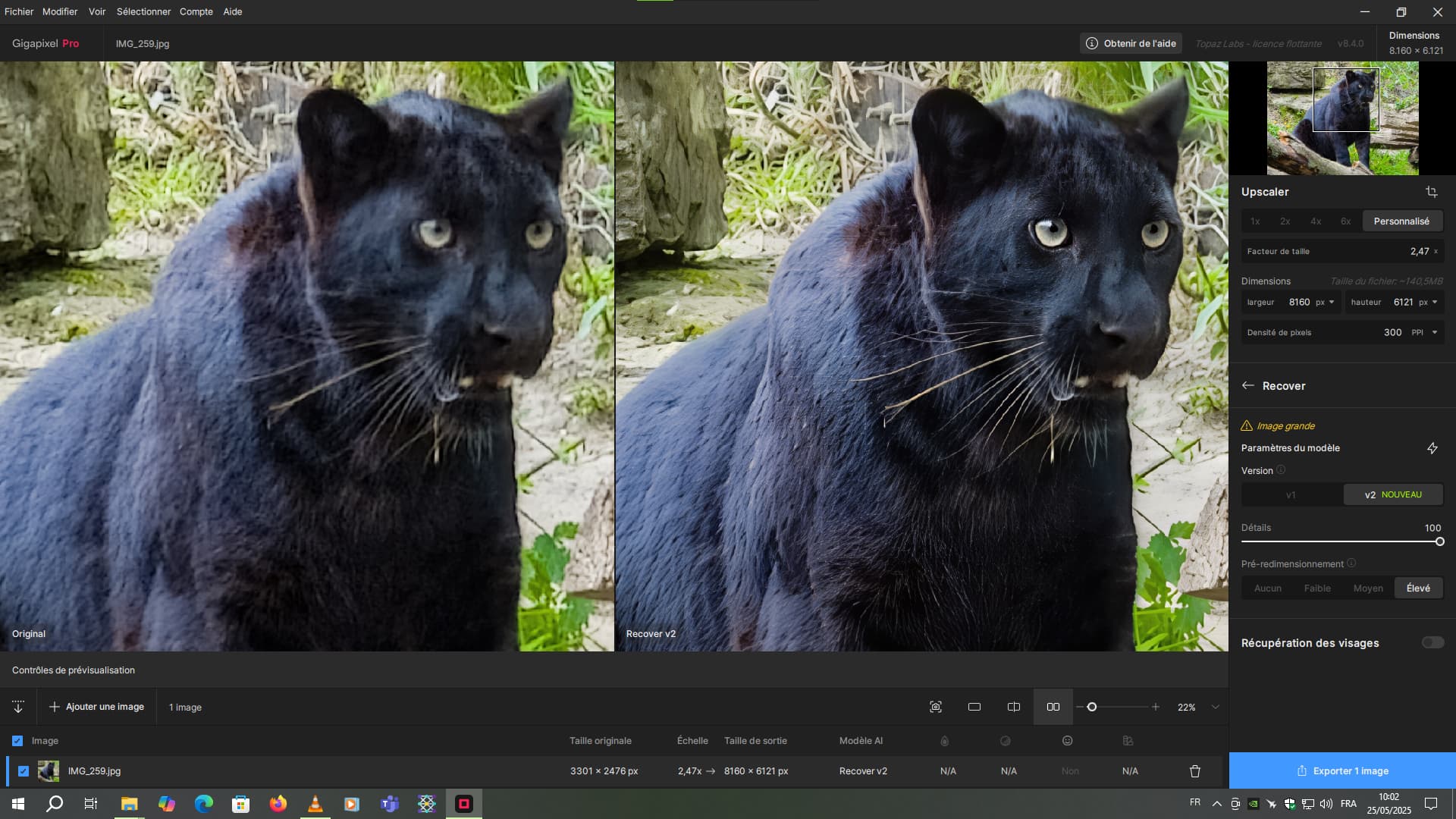
Am I the only one who does not see the new feature “Pre-downscaling” under “Recover V2” ?
Screenshot: Generative Models | Topaz Labs
UPDATE: It WORKS, but unfortunately picture needs to be larger than 1000px by 1000px on both sides, for some strange reason.
You can import images of ANY size so why not allow downscale of any size. This forces users to downscale and import using another app or upscale it beyond 1000px then downscale it again.
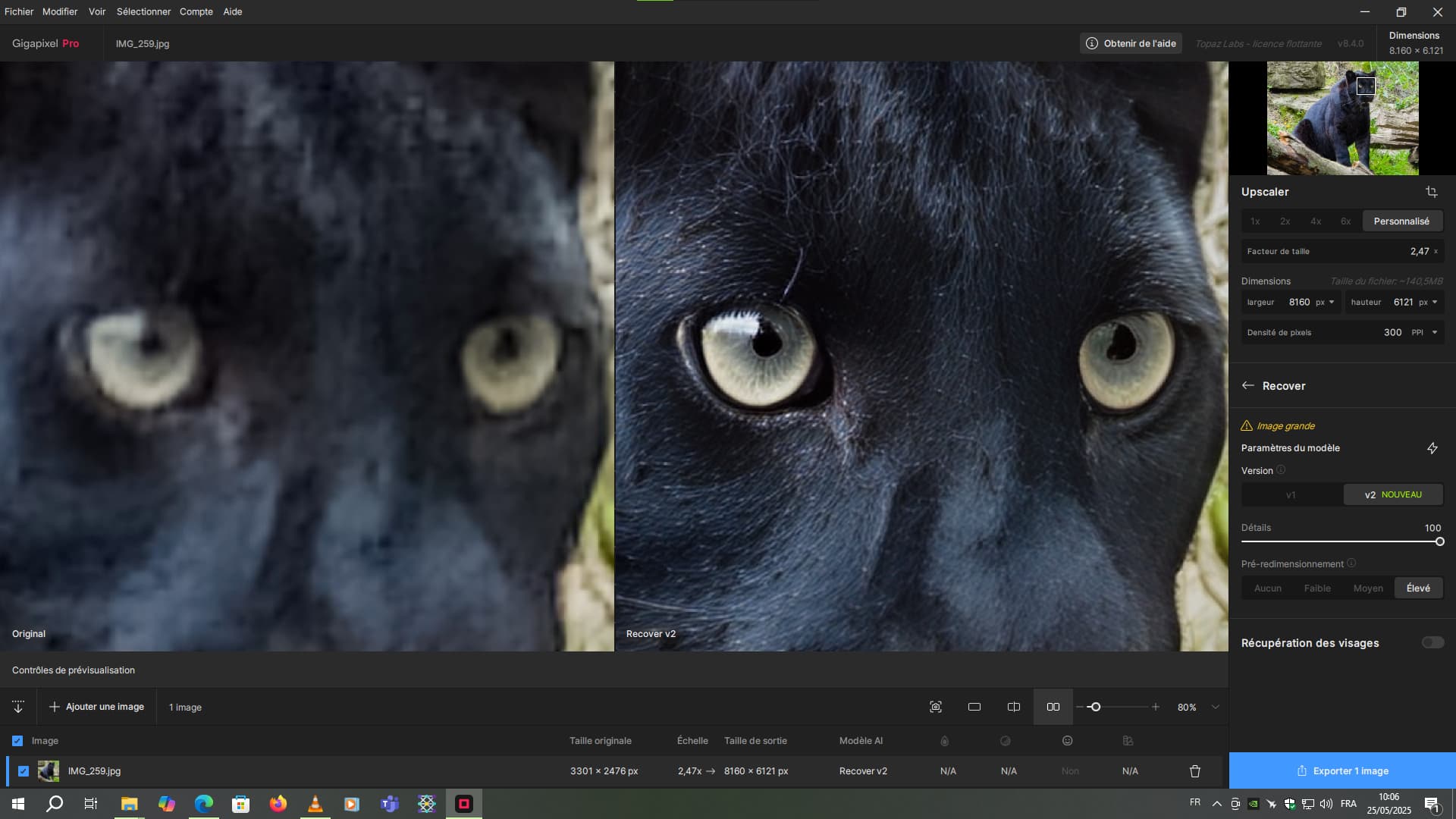
With first image I tested, a slightly blurry/low quality image, redefine creative lacking the face recovery does not come even remotely close to restoring as good as 8.3.4. It changes the face completely, so it does not resemble the original character. Redefine creative in 8.3.4 had face recovery option, and recovered the original face perfectly. Does this require re-downloading models? I don’t believe I did in this install.
Sad to see the face recovery with the redefine disabled in this version. Another disappointment is the removal of the creativity slider, which gave more options.
Another problem, if you already generated a preview (update entire image) it does not have a memory of this, and runs again if you preview another option and go back again. This slows preview comparisons down significantly, from near instant to sometimes by minutes.
Test 8.4 and the previous version yourself with this… it is night and day (Creativity of 2-3 /w 85+ realistic face restore recommended)
2 Likes
Yes, it is as you write. The problem is probably not in the possibility of downscale-upscale of arbitrary dimensions – I guess it is more in the possibilities of algorithms that are supposed to subsequently work with the modified (with reduced dimensions) input image. Due to the effect of downscale, part of the information (especially details) is irreversibly removed, which must then be artificially “restored”. Some limit of the minimum size must be set (it is certainly not possible to use downscale to a size of 1x1, 10x10 probably not either, so 1024x1024 was set).
For example, I have a 519x389 cutout (a high-flying bird), where the pre-downscale cannot be used either, and I quite understand it (it can be done artificially in another program, but for example when reduced by half I can no longer create a reasonable image from it). It’s clear to me that, for example, photos of small details of something (micro-images of insects, for example) can come out smaller than the minimum 1024 on both sides, but that would probably require a different specialized tool (or somehow enlarge it gradually in several steps so that it can be reduced later). (Just my opinion.)
Macbook Air (Apple M3):
Recover V2 and Redefine Realistic works fine.
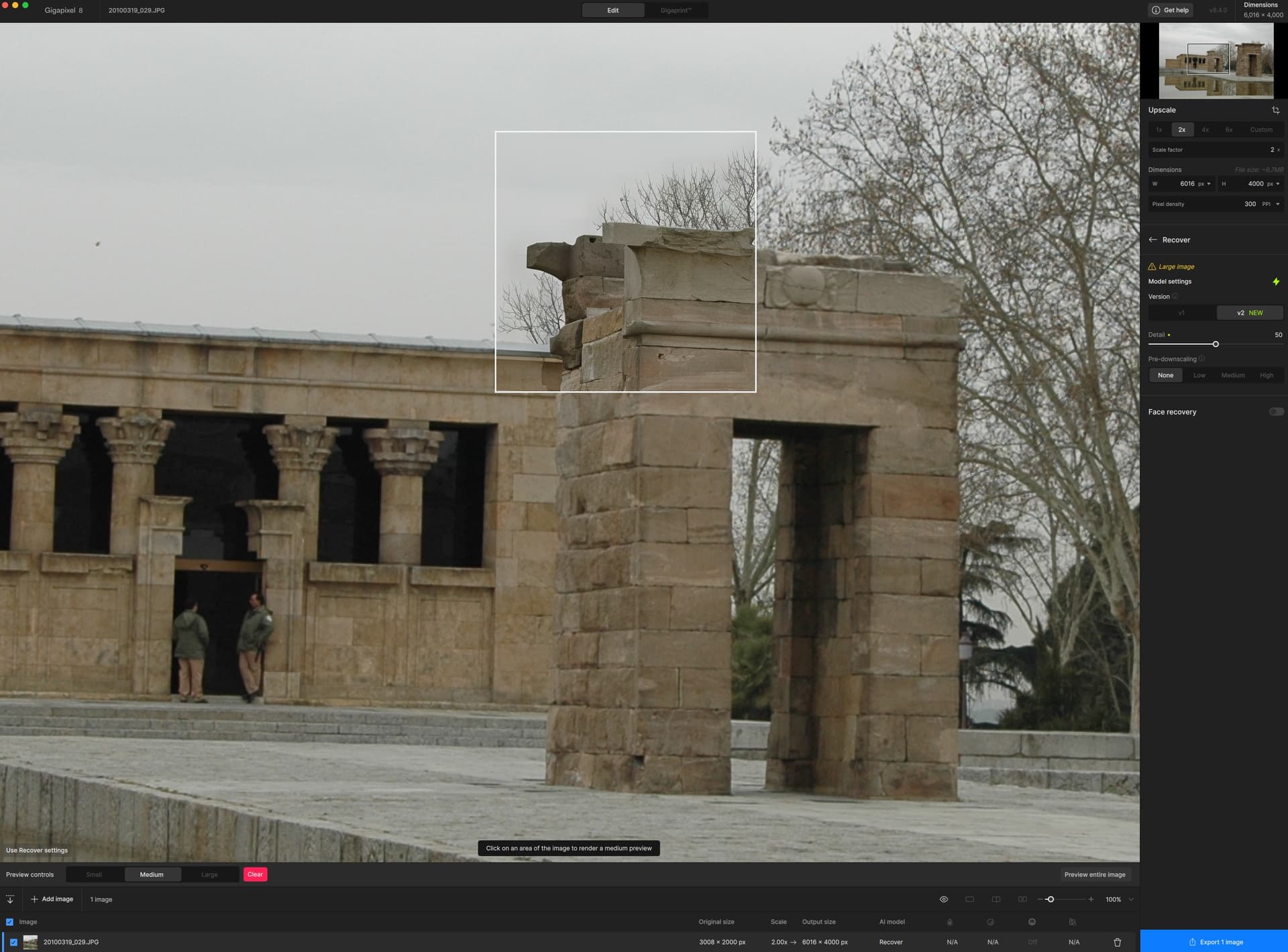
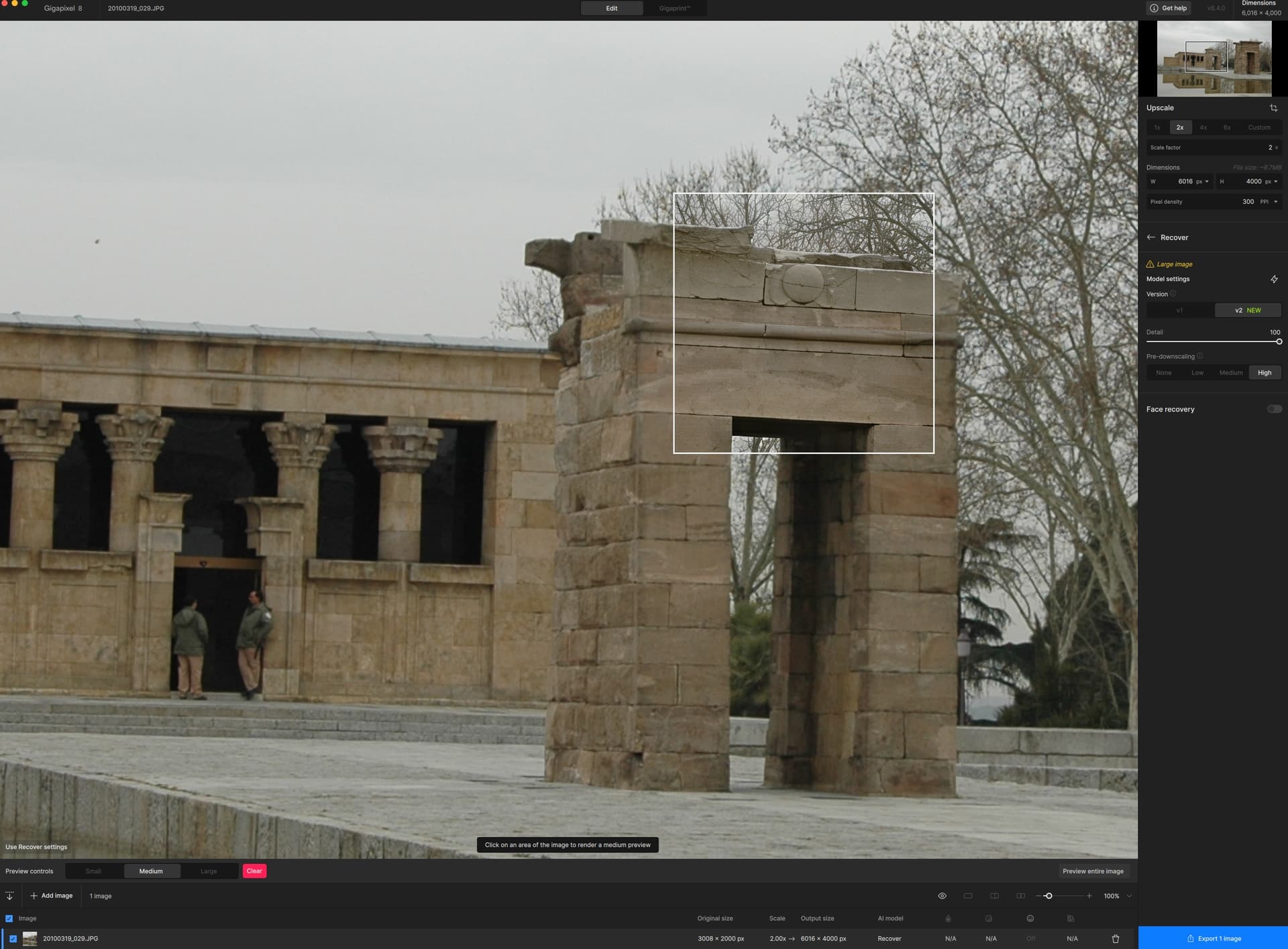
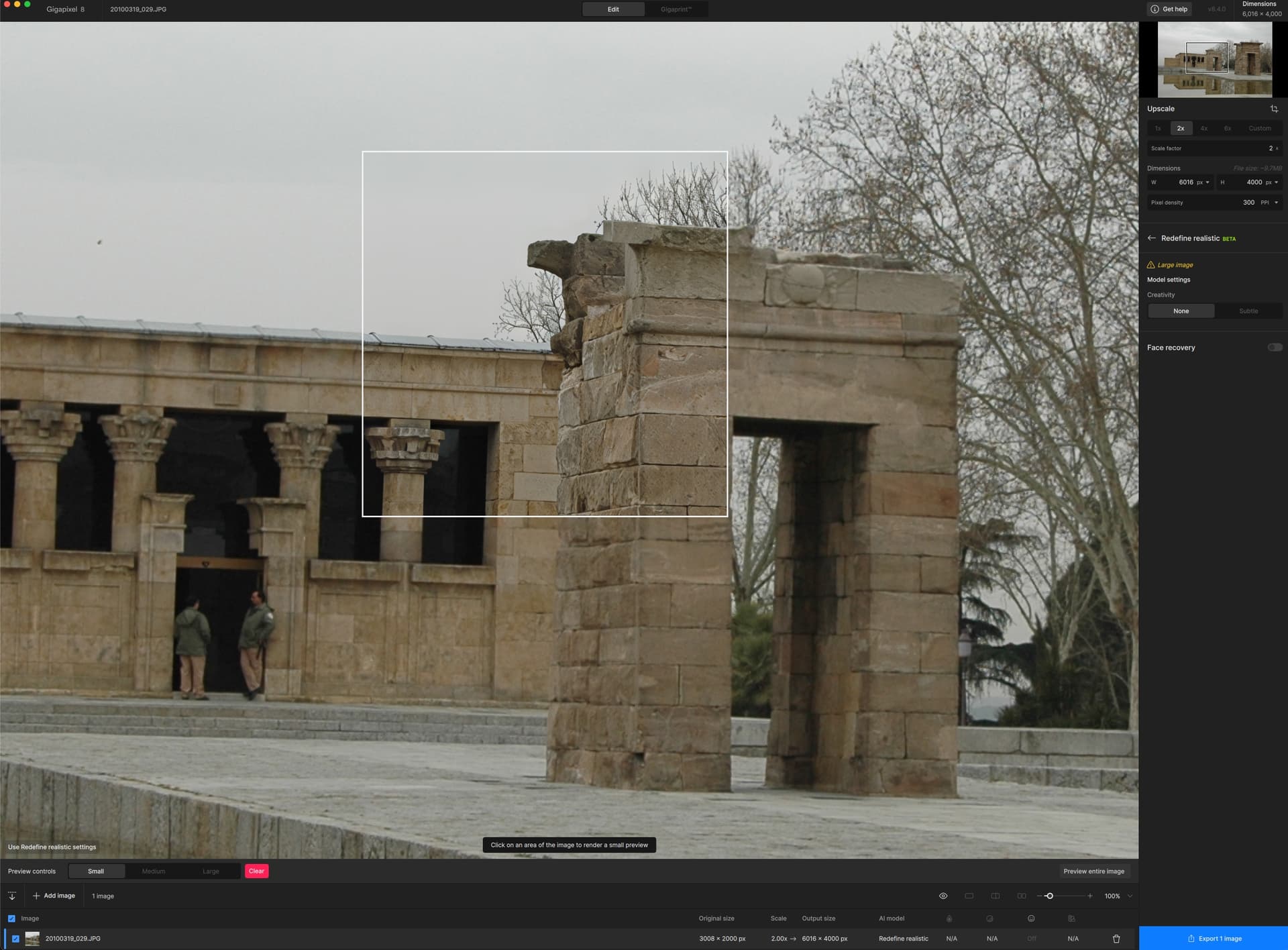
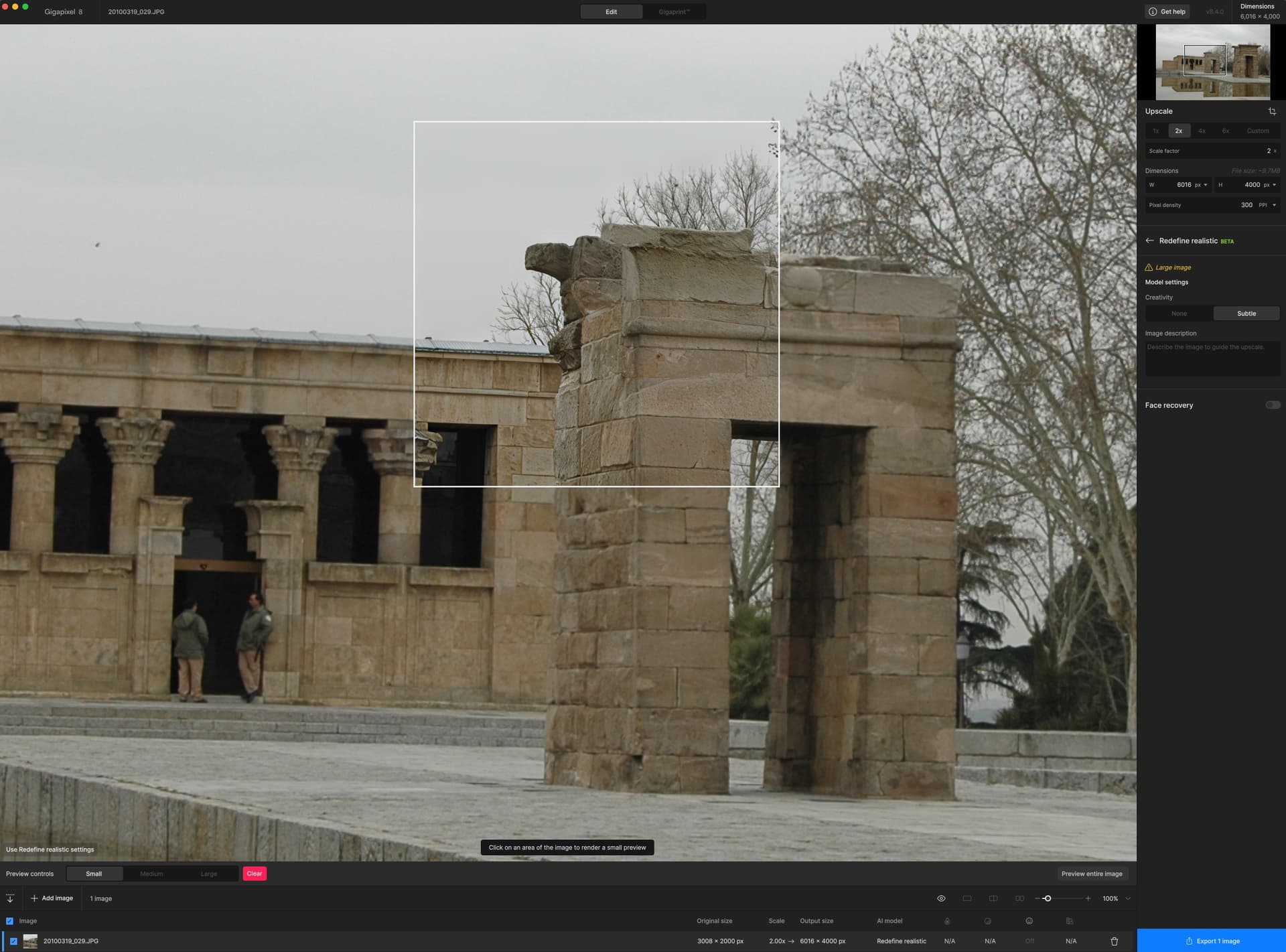
Redefine Creative not working on ALL settings. Same noise issue that has been present for the last year.
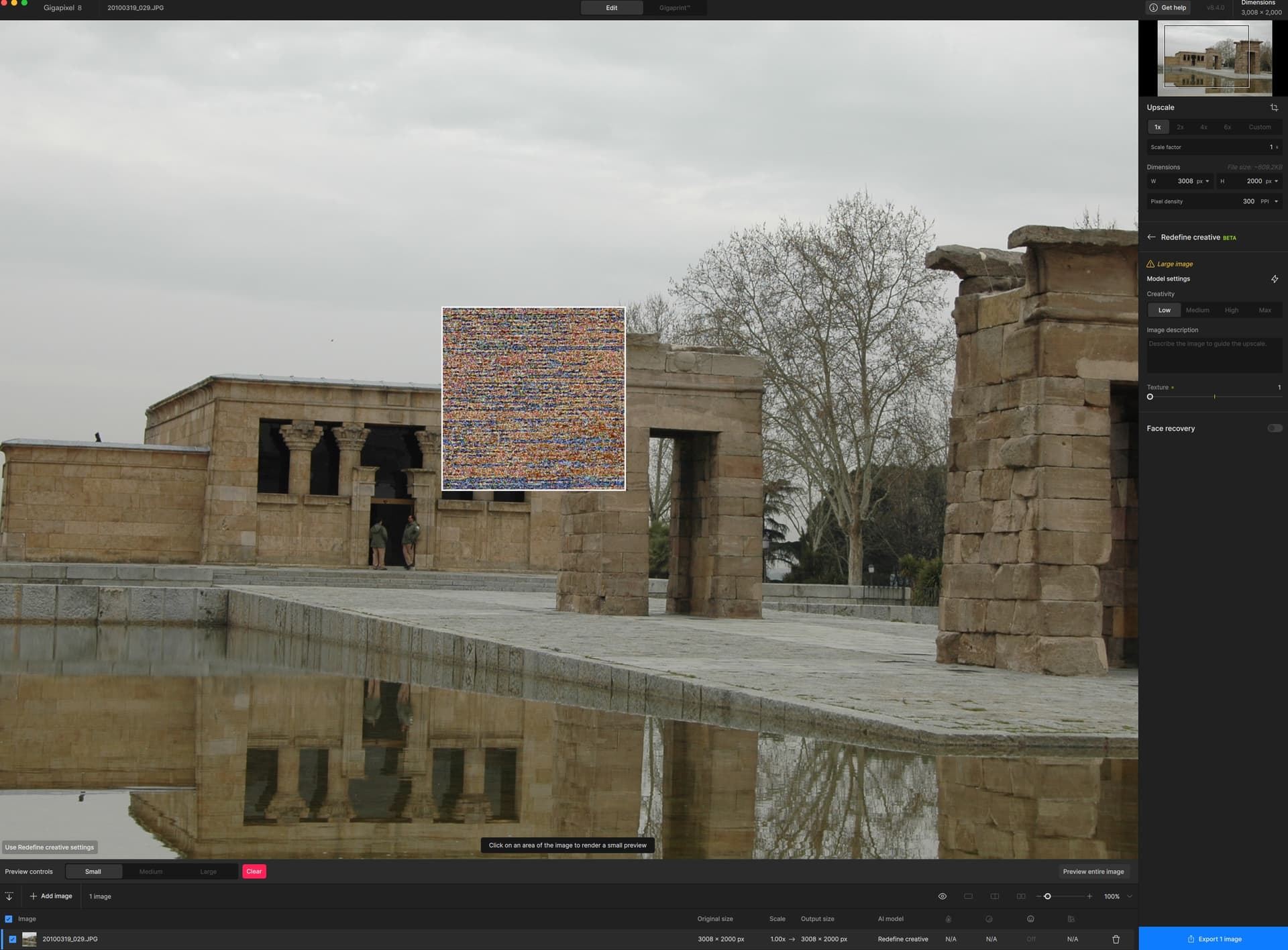
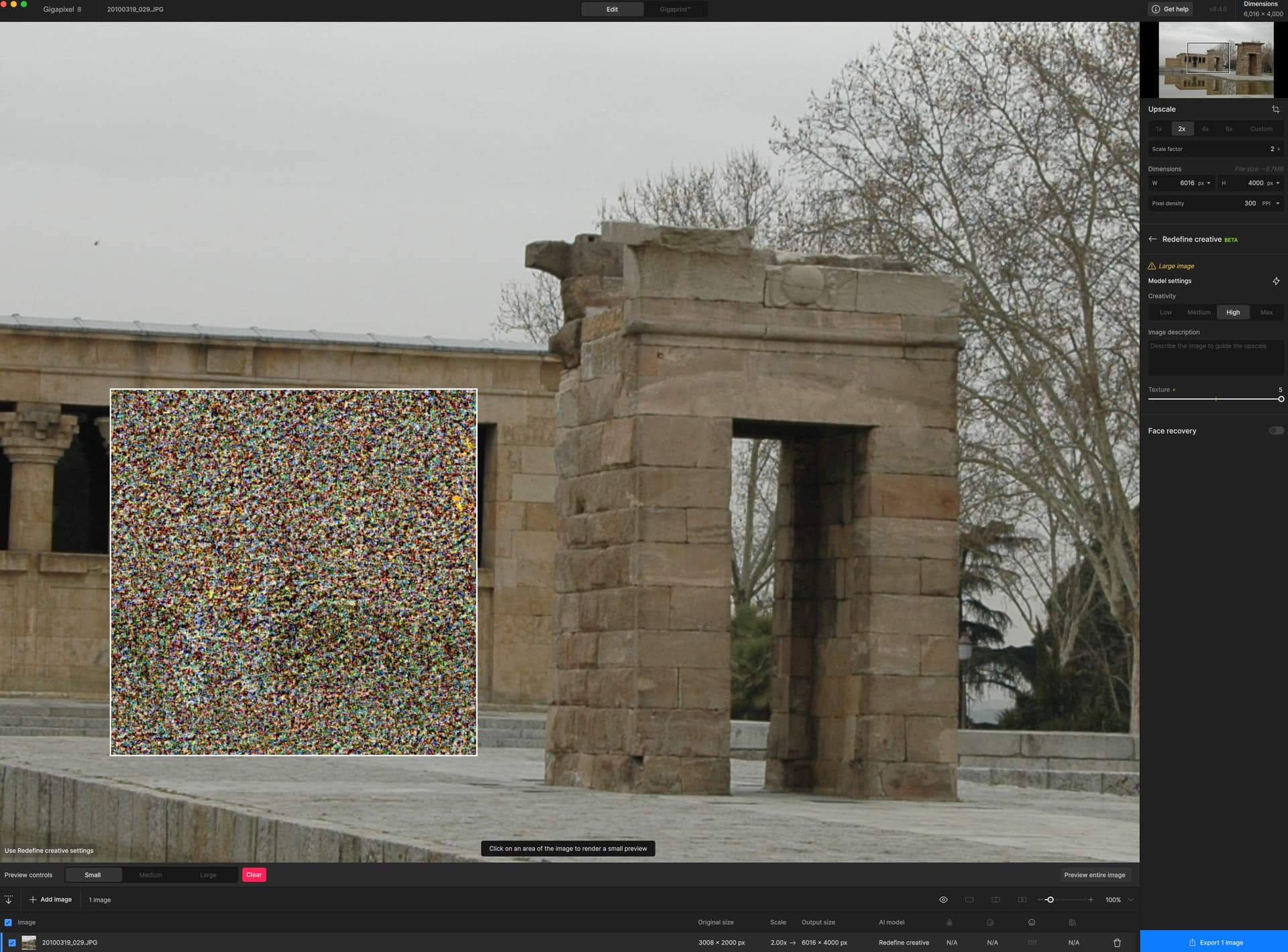
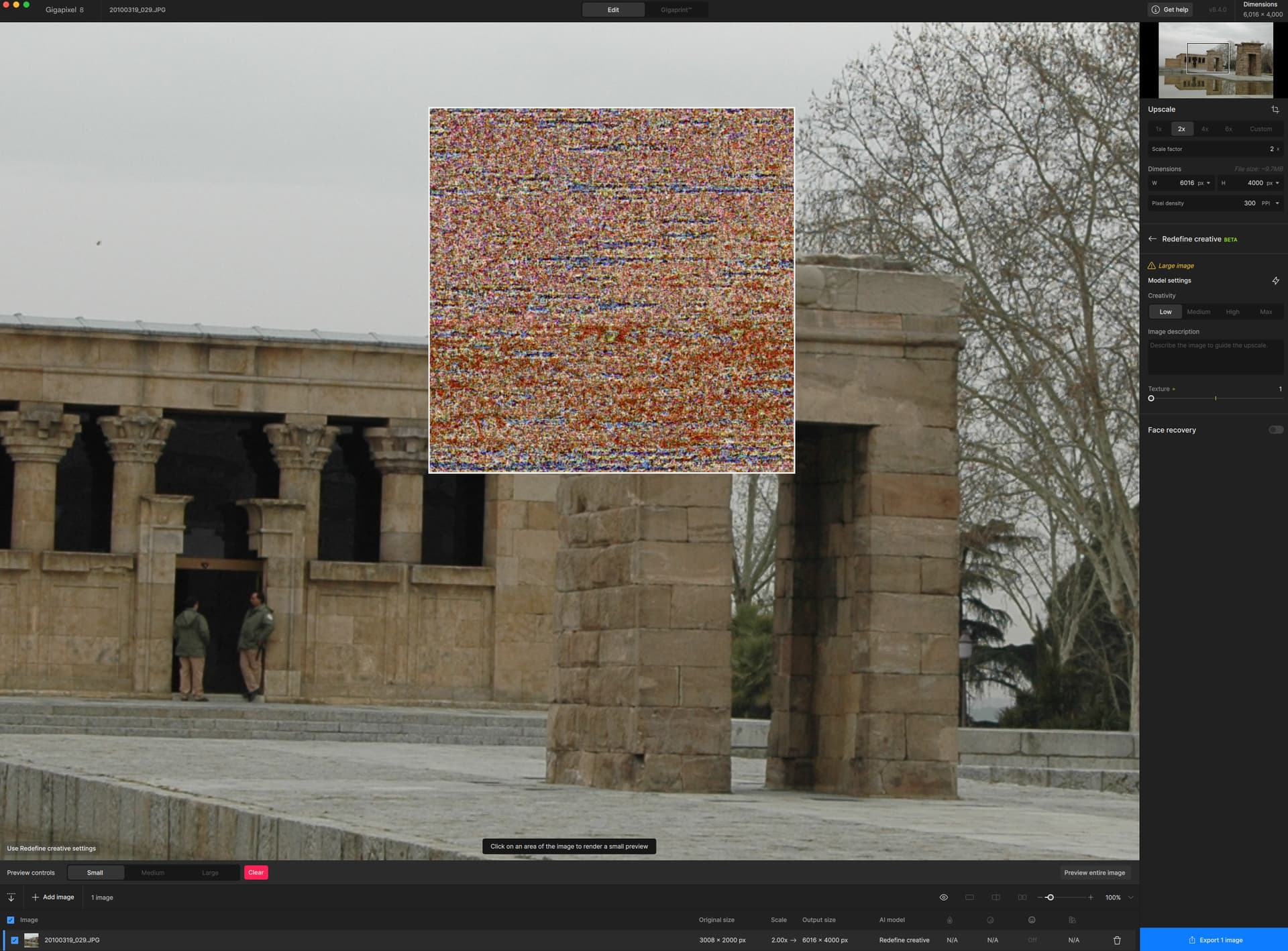
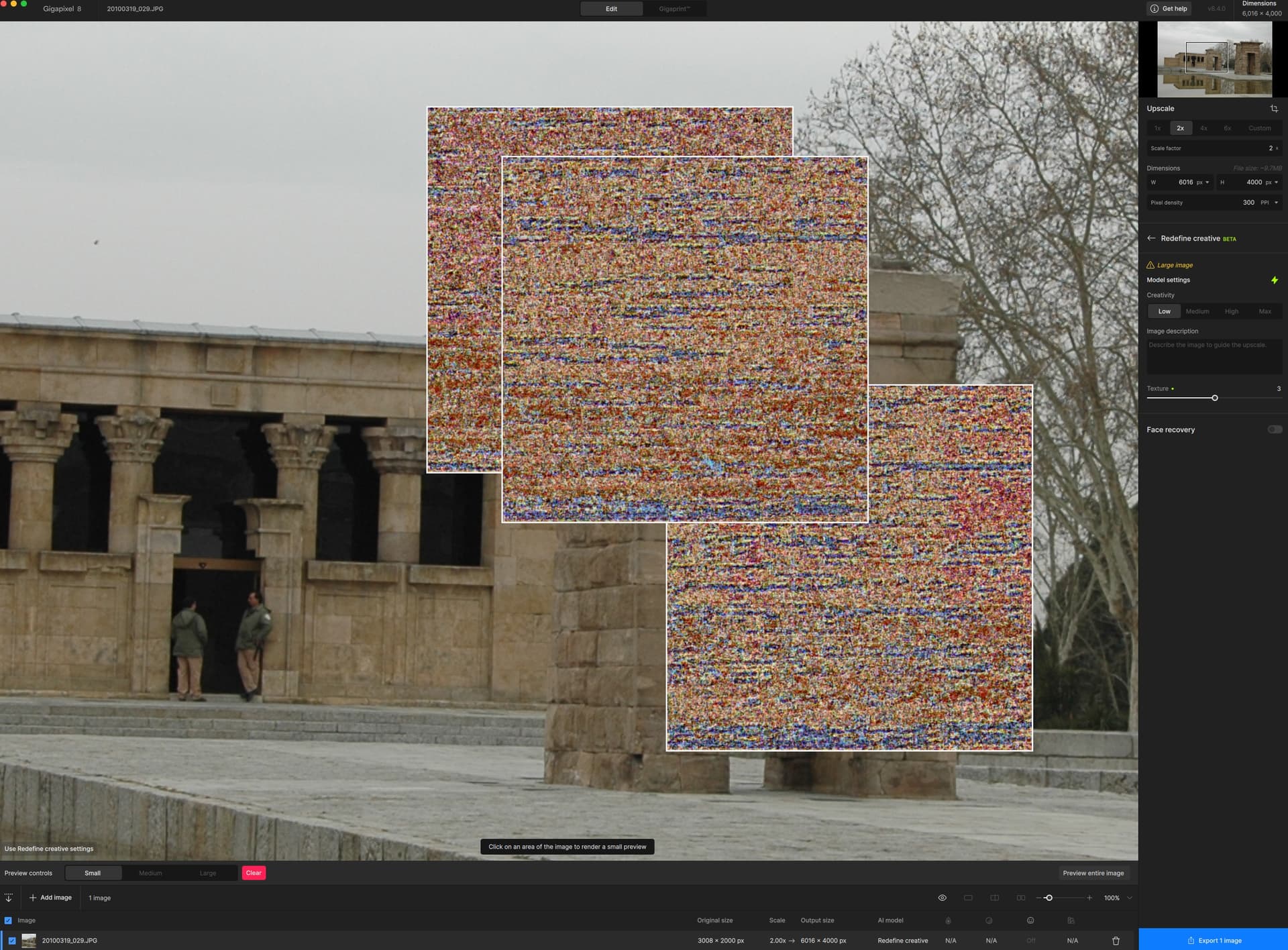
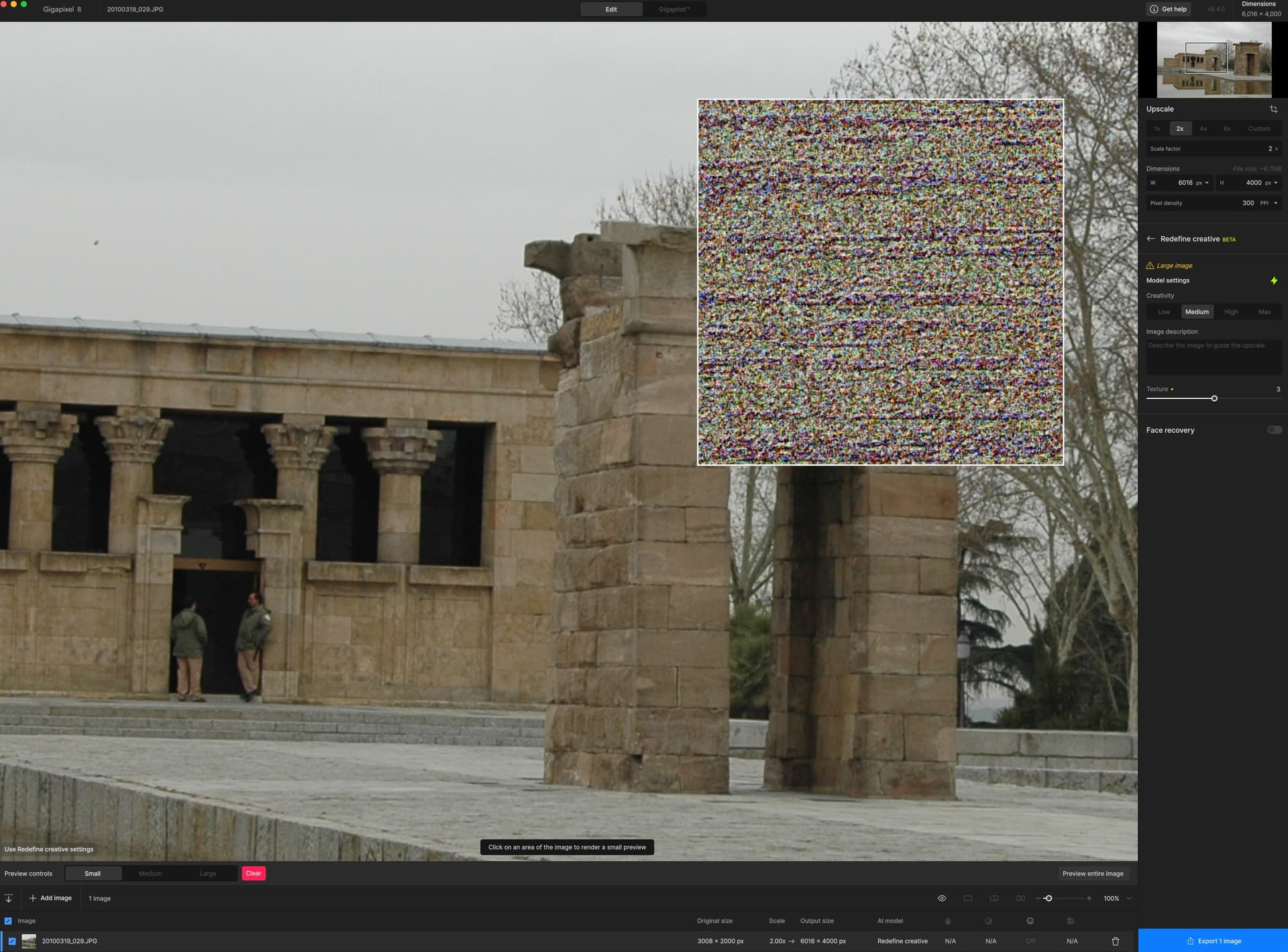
1 Like
i tried that, but it wouldn’t work for me some reason, extracting it to a temp folder was the only thing that works for me. I’m not mad over it, understanding that not everything is perfect, but its best to have some methods laying around for someone to try. 
That sucks! I can’t believe we’re still stuck with 8.0.2. Worse when you get the email to upgrade cause your current license is good and you can’t upgrade because it’s still broken for M3.
Ah ok, well then it’s cool that your second method worked. 
1 Like
GPAI is failing to utilize GPU. AMD Radeon RX7900XT with latest drivers. App is set to utilize GPU. Task Manager reports 1-3% utilization and GPU-Z reports approx 4% usage. CPU usage varies between 75-100%.
With the new version 8.40 I can’t use my GPU for Recover V2 even though I could use V1 previously. RX 5600 XT GPU which worked fine.