Done! Uploaded image is ‘Reference 07’ - Low resolution v2 blurs fine detail of hair throughout.
2 Likes
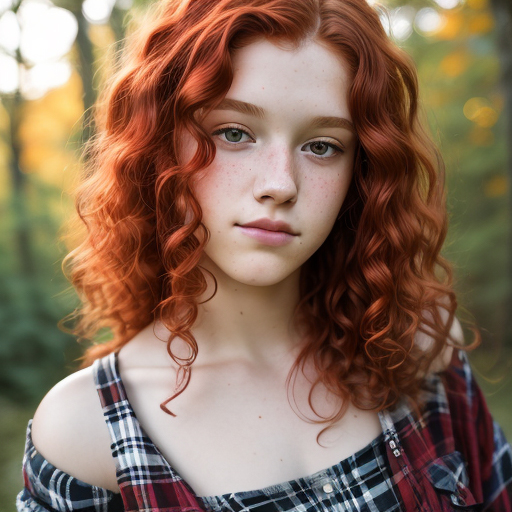
Using 7.2.0 Recovery on one of my AI renders.
Actual size:
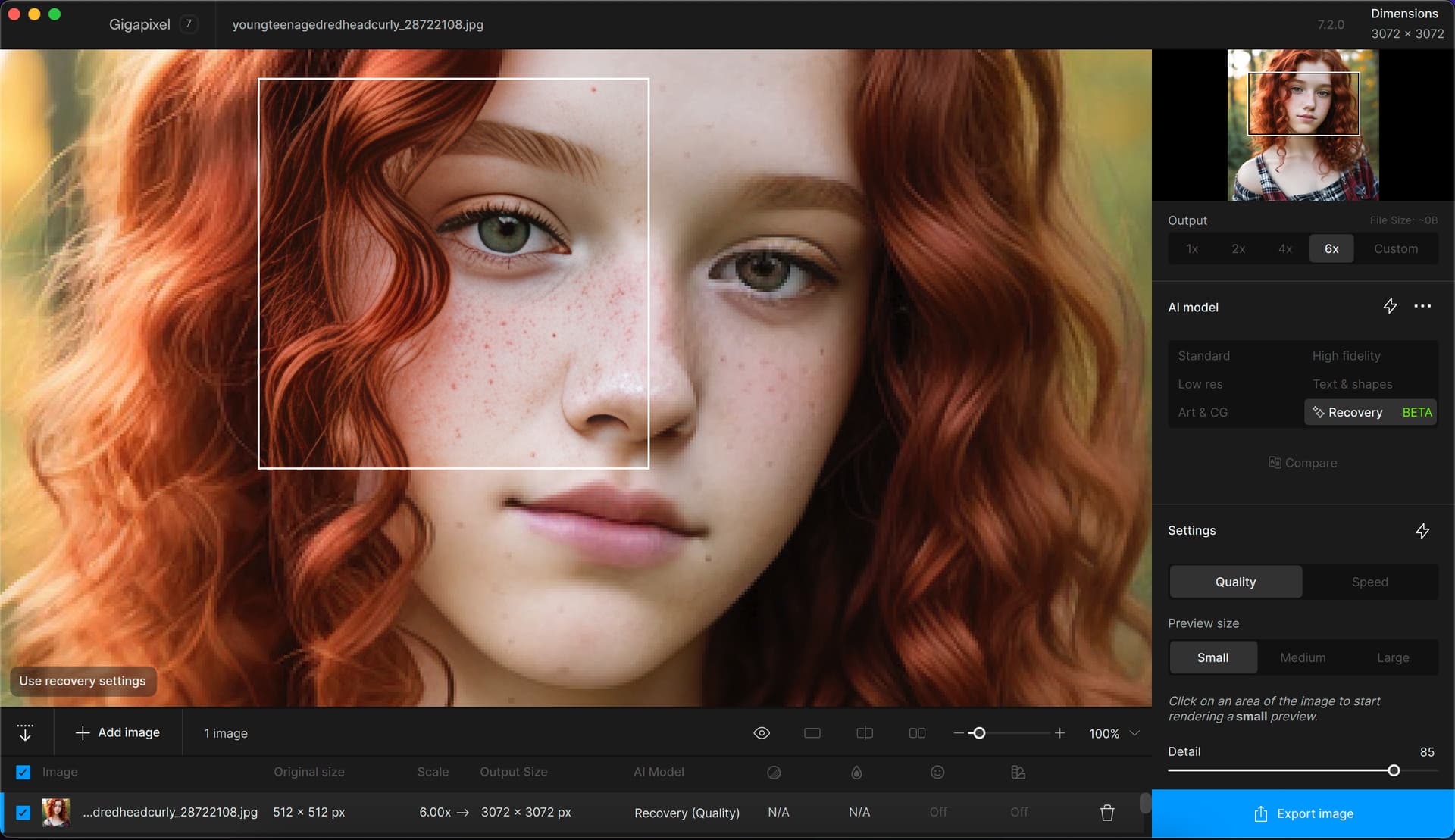
Gigapixel preview:
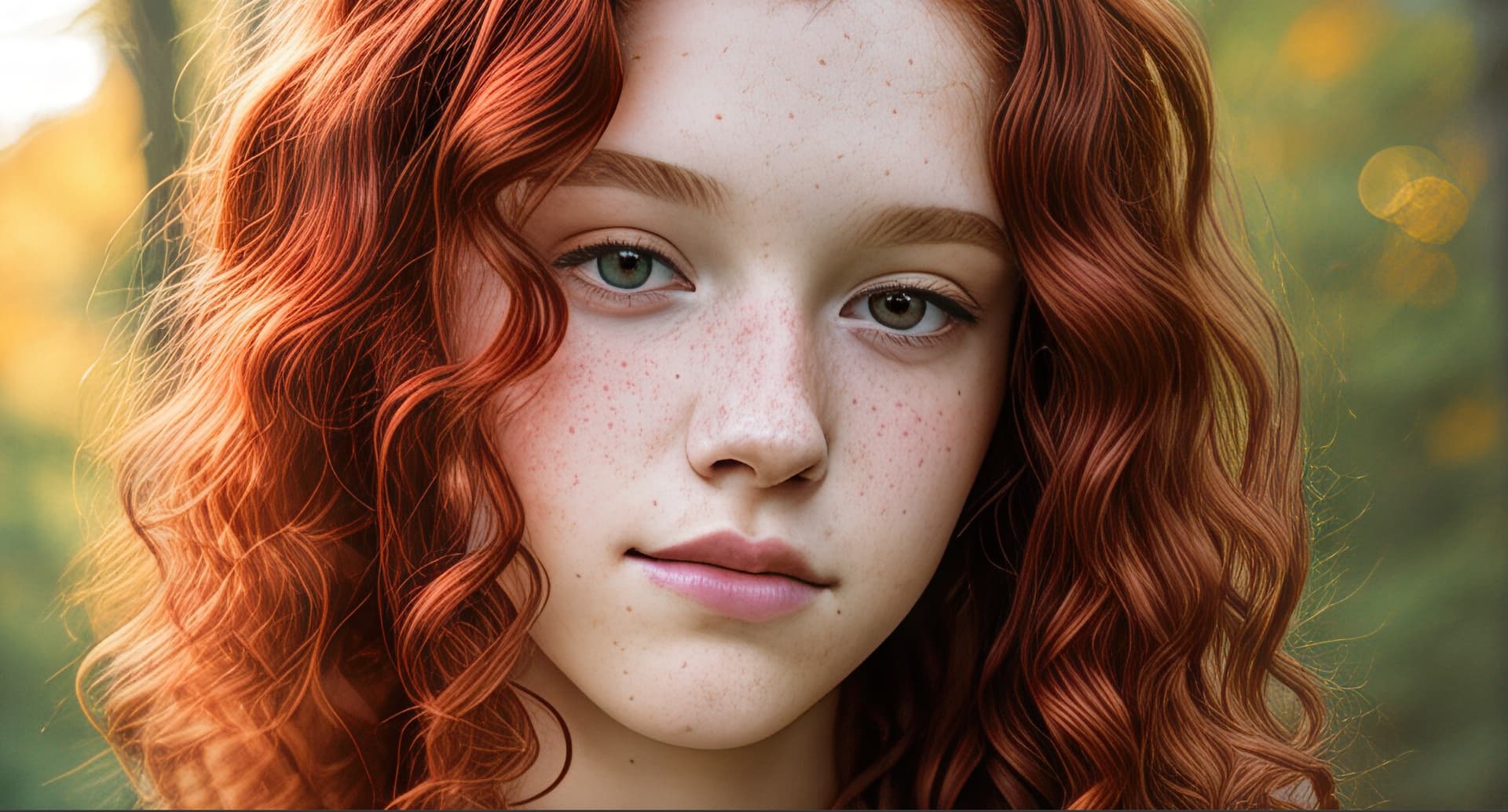
Gigapixel 6X render, viewed about 50% (please enlarge):
Gigapixel 6X render, viewed at 100% (please enlarge):
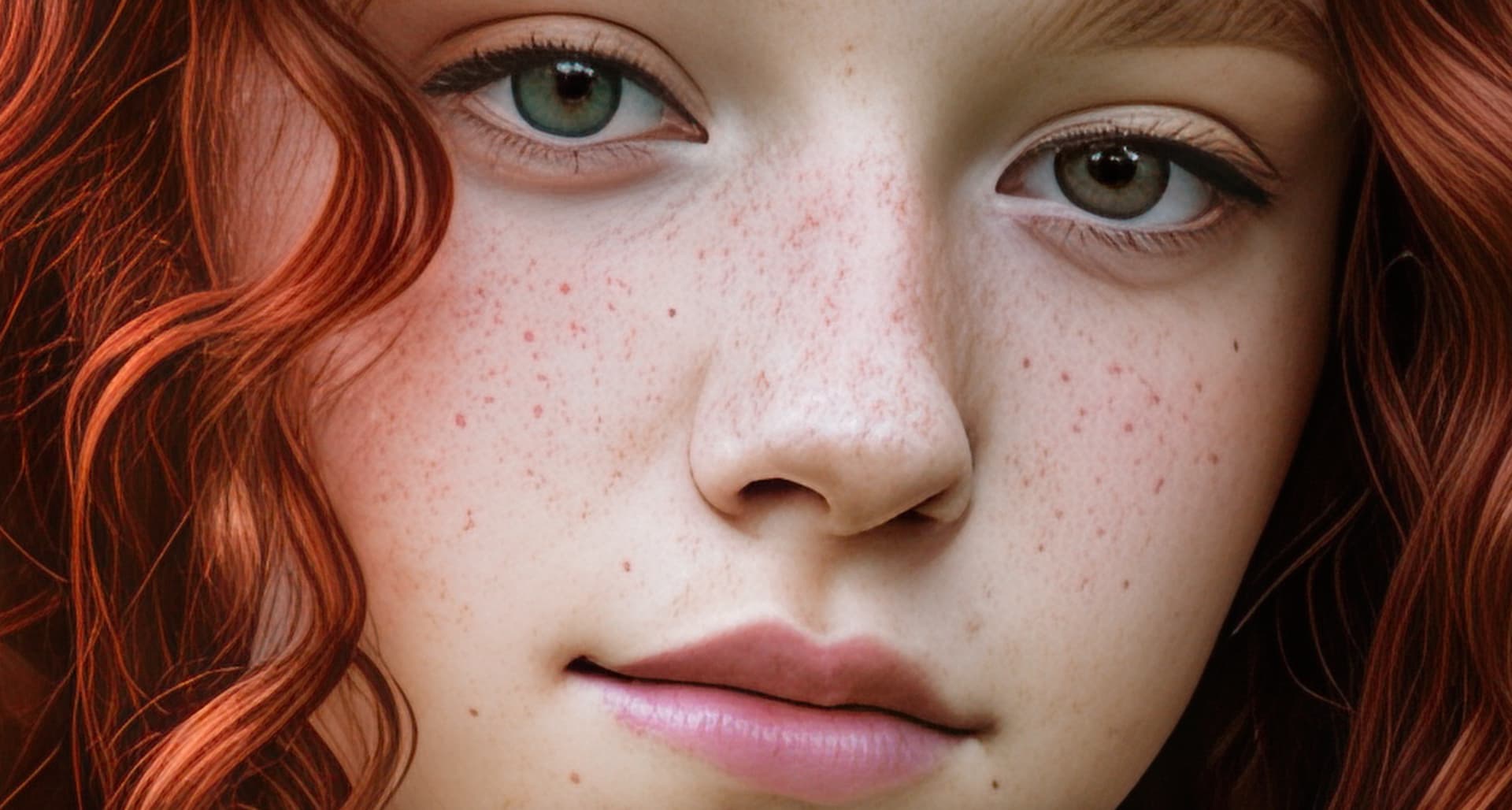
Gigapixel is a must when dealing with small AI renders!
2 Likes
incredible results, plugs!
3 Likes
Win 11 Pro desktop PC. Ps 2024 GAI 7.2.0 plugin (via File > Automate). Processor = AMD RX6800 XT.
Orig = Low res .jpg

After GAI Ps Plugin - ‘Quality’ Recovery Model, 2x Upscale (still .jpg)
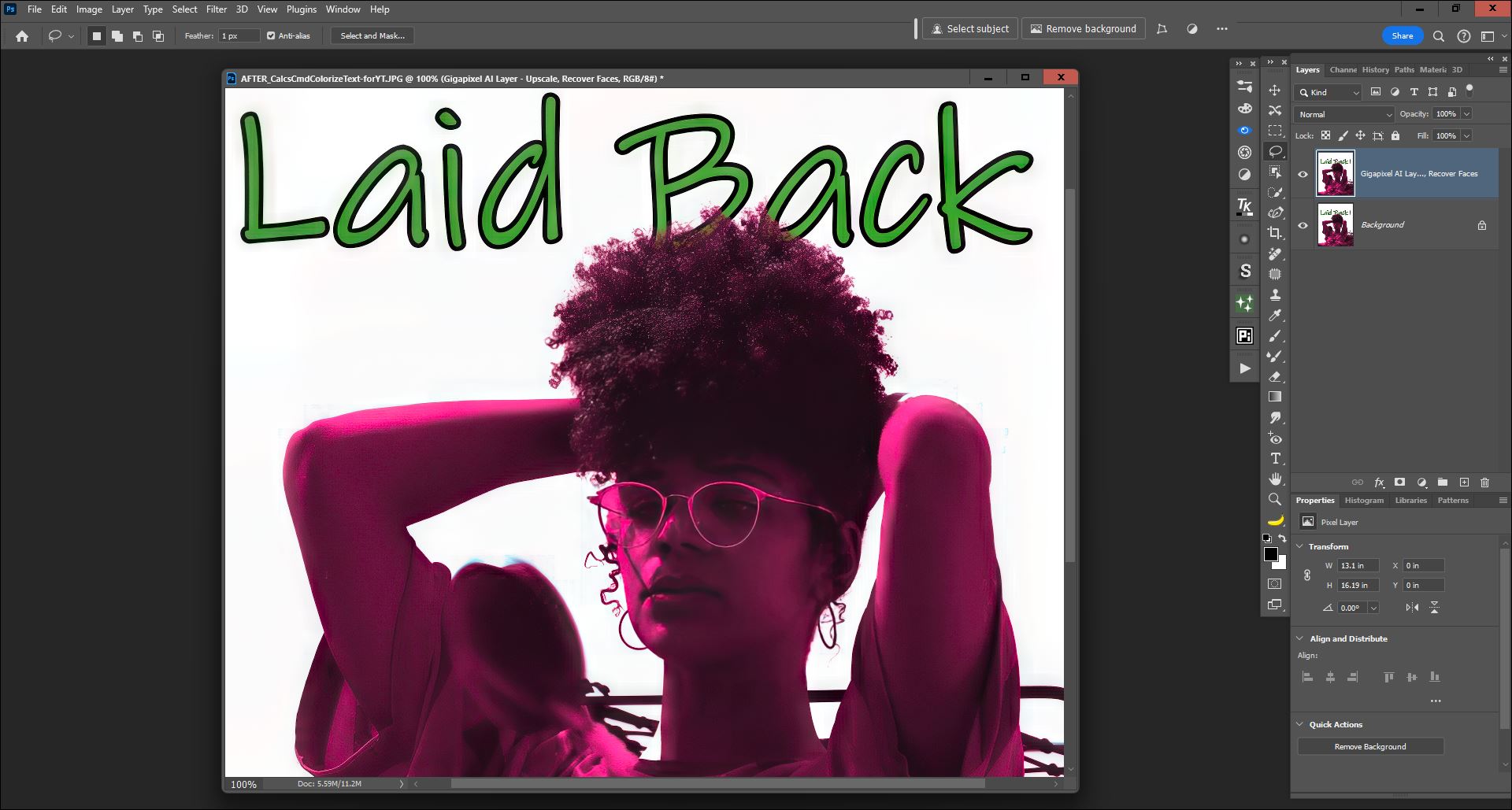
- Recovered much more of the textural hair detail (as well as other details) and “crisped” up the type/text.
Was not speedy. I’m not seeing enough benefit to the ‘Speed’ version of Recovery. I need ‘Quality’s’ quality; but it takes quite a while even for a low res, <1K px longest edge, image to process with only a 2x upscale factor. I know I can’t afford a new computer system anytime soon… so this is the power I have to work with as a serious hobbyist with no biz equipment write-offs or clients to bill to cover the cost of new gear.
1 Like
Reminder: For those who need a renewal or a new purchase, there is a $20 off Gigapixel sale currently in progress, until Friday 6/14.
1 Like
I just extended my licence for another year - I really like the direction Gigapixel is going - particularly the recovery models, and hope to see this developed and refined even further. Perhaps, as @TPX mentioned, a high fidelity recovery model next? To make good images even better.
Thanks!
2 Likes
Gotta get that $20 off deal!
1 Like
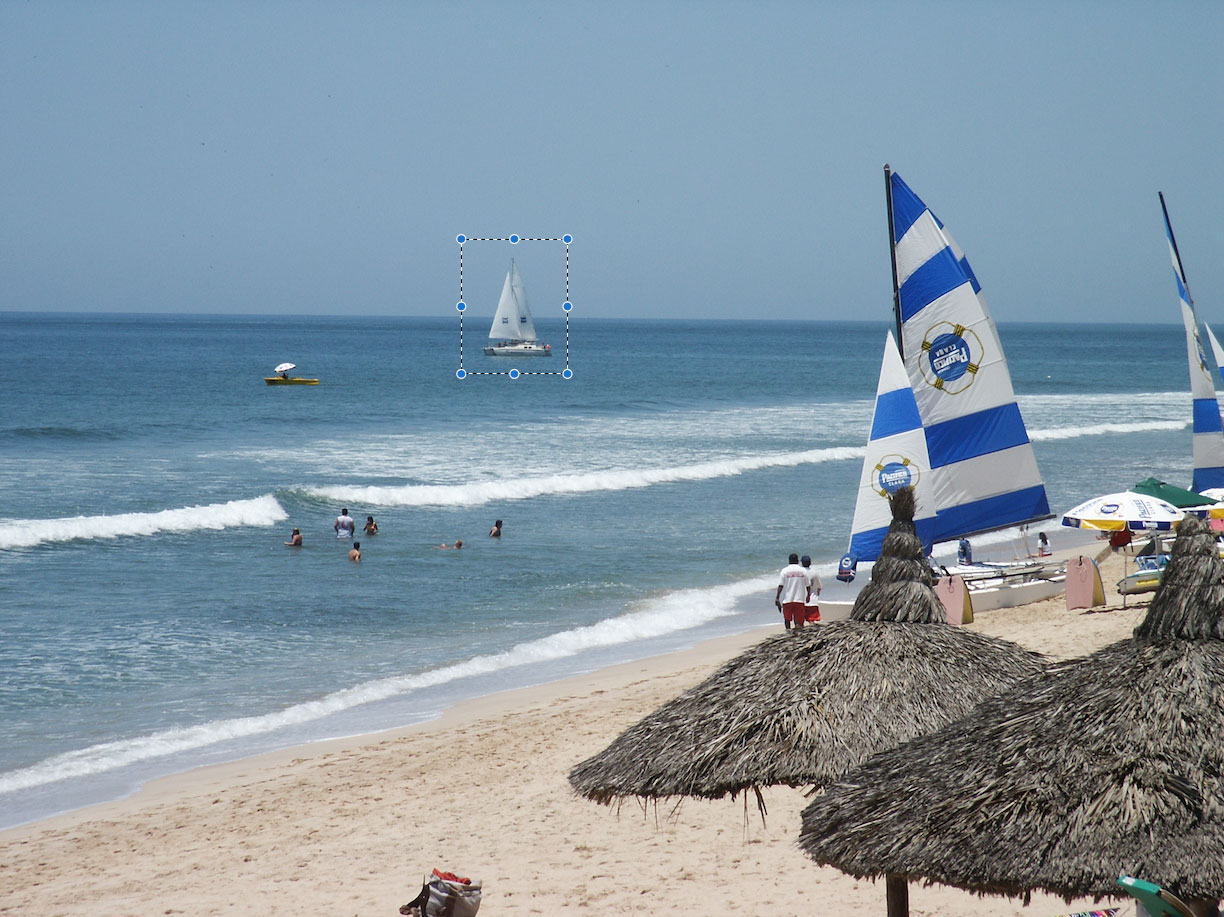
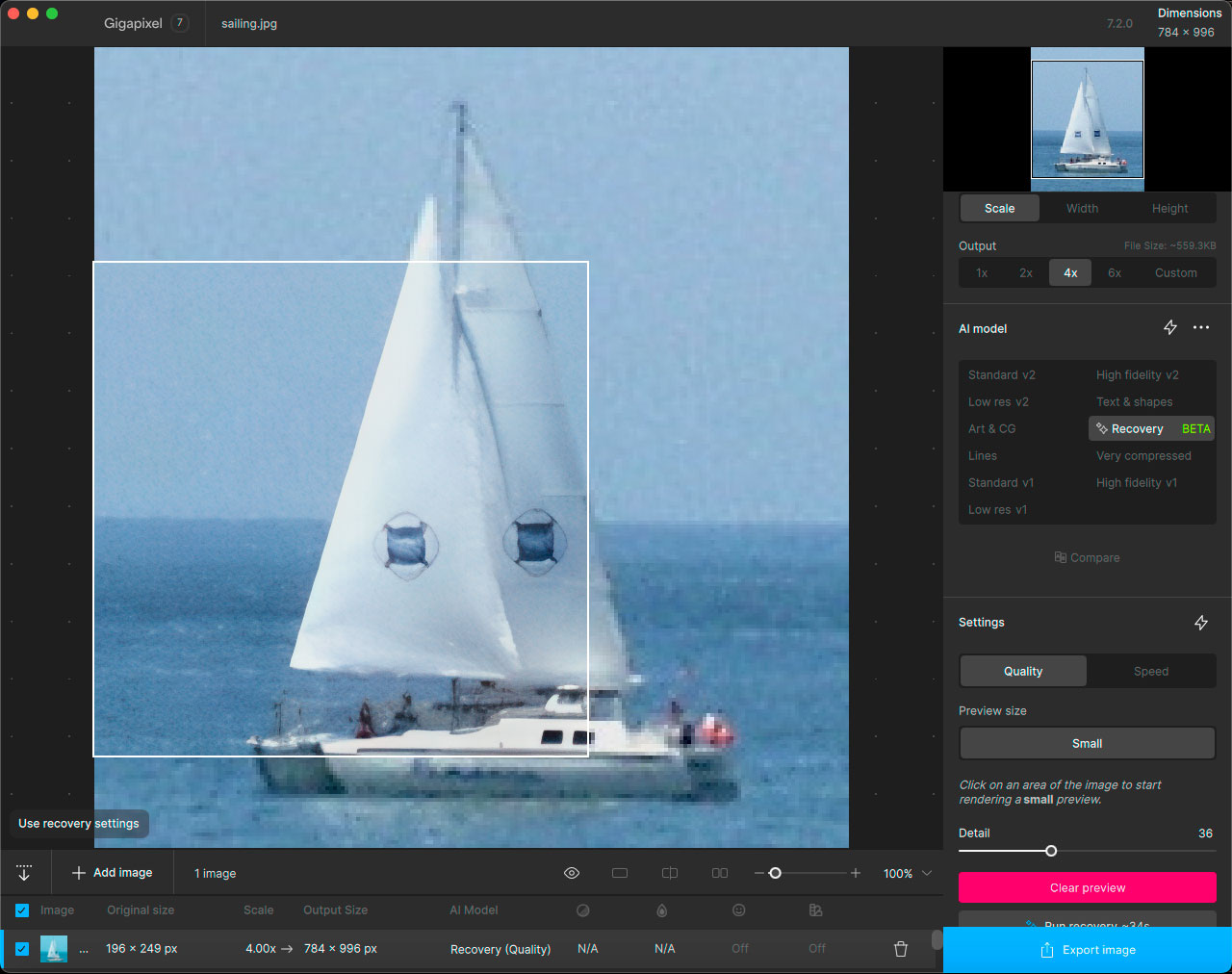
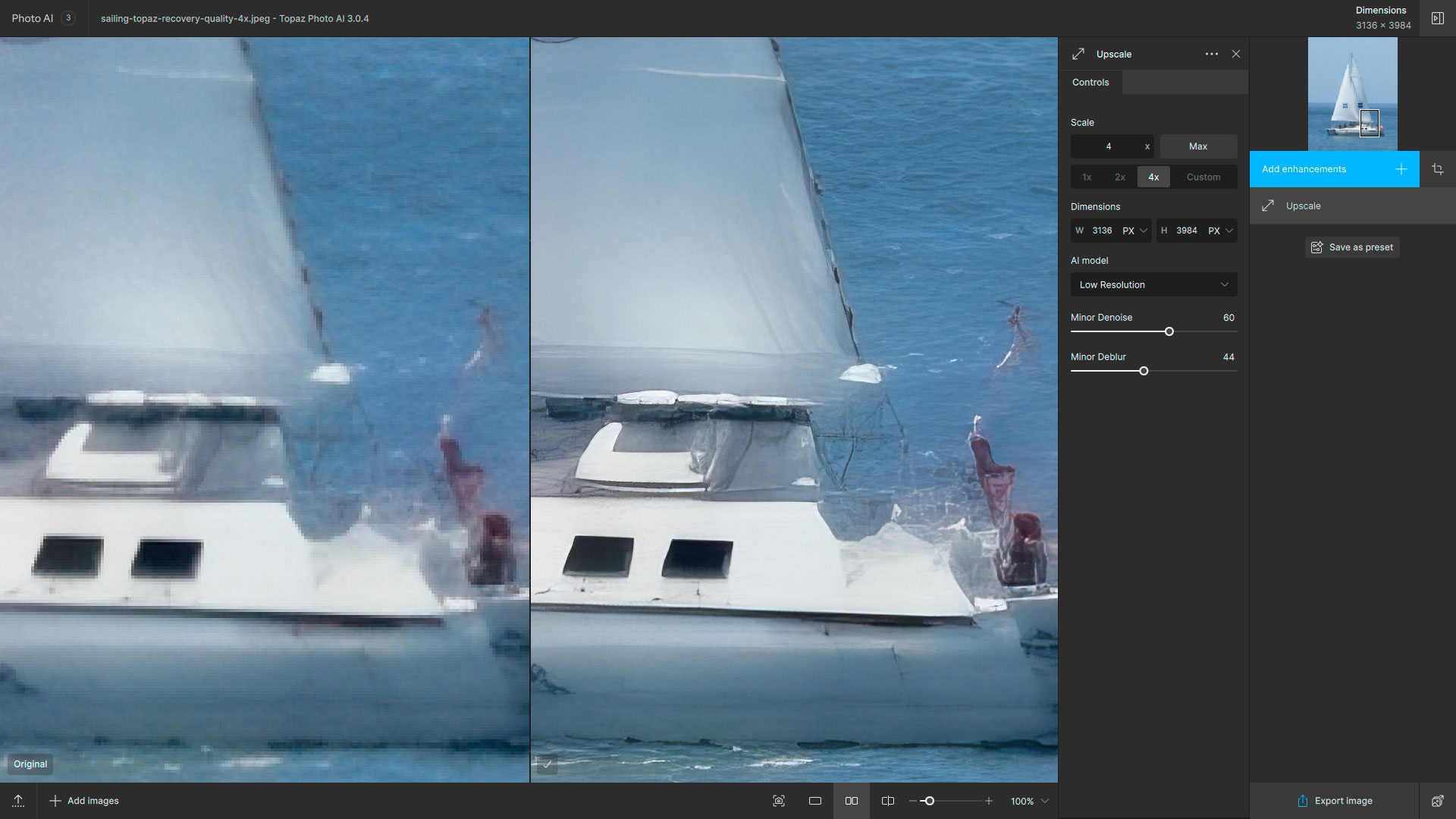
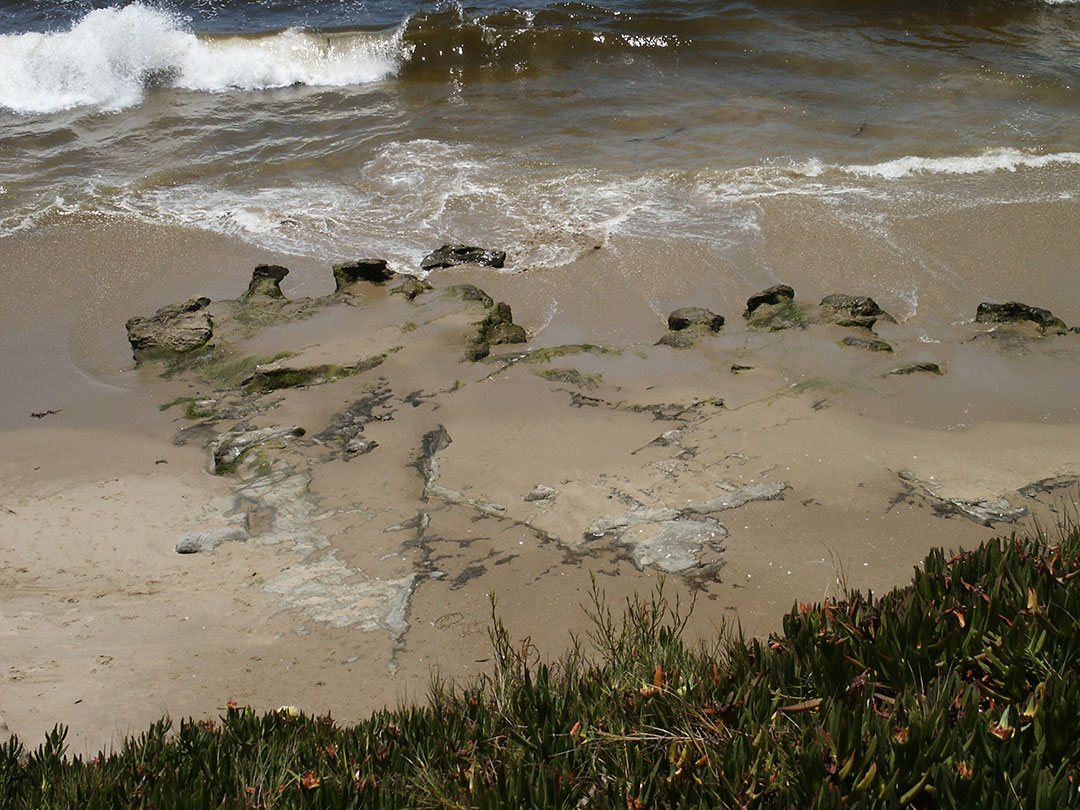
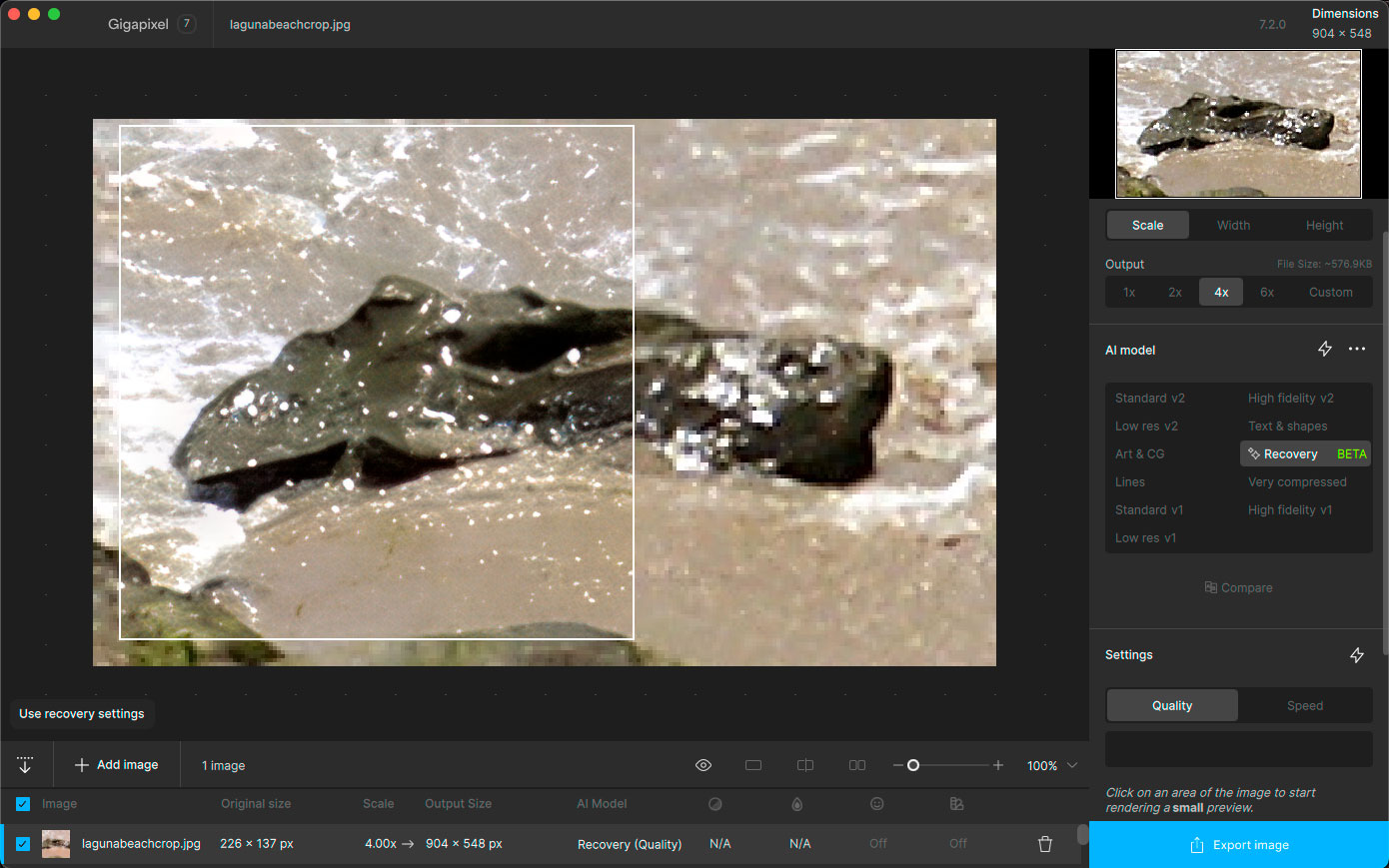
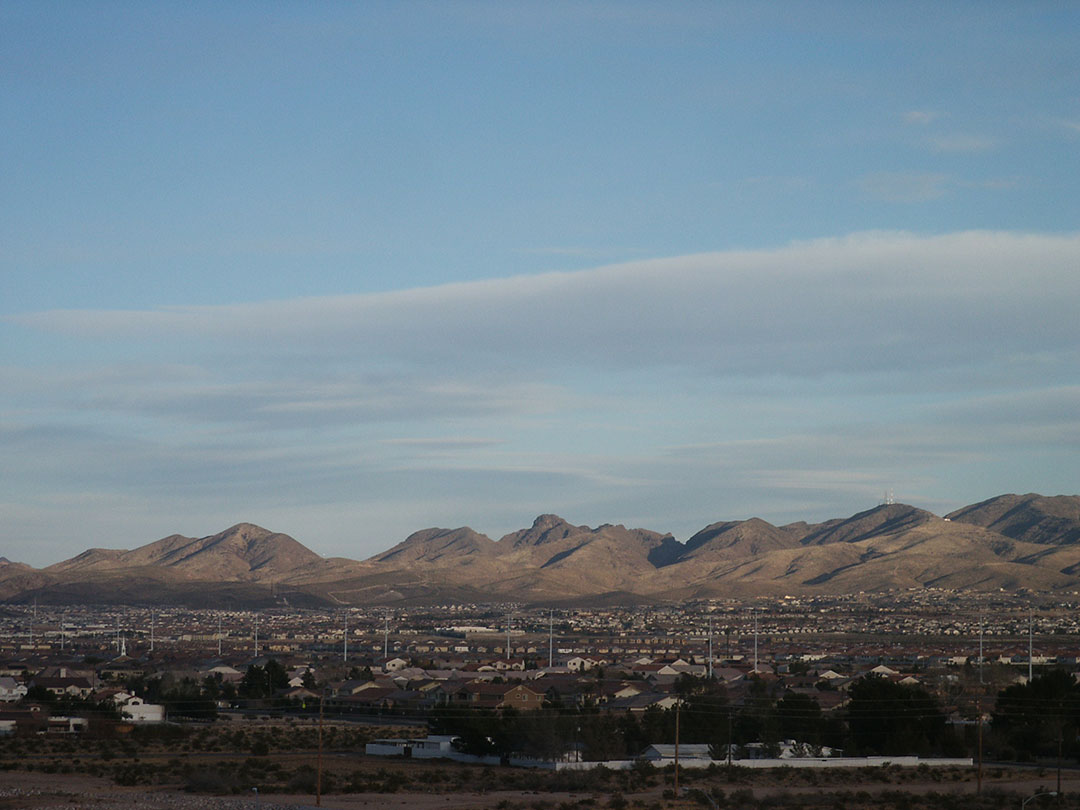
Today’s radical enhancement results using Recovery in Gigapixel 7, using 15-year-old 6MP, non-DSLR digital images (full frames reduced here for file size).
First up, a distant sailboat in Mexico. Cropped an area, did Recovery, then a second step through Photo AI for further enhancement:
Sticking with our ocean theme, a rock in the ocean at Laguna Beach CA:
Then off to the dry desert:
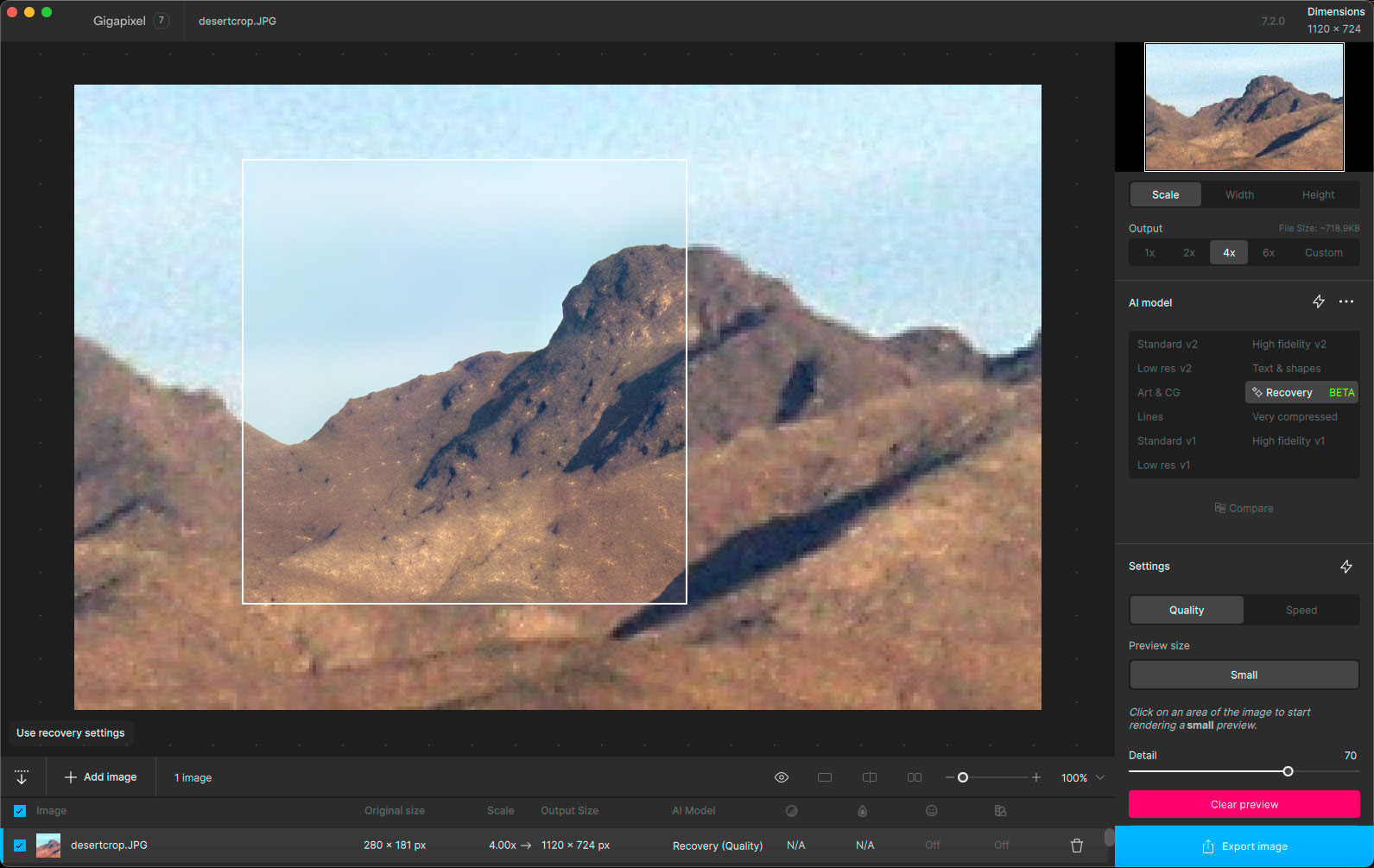
Recovery is a lot of fun and has great potential as we are able to use it both more quickly and on larger images.
4 Likes
Yes. It has produced wonderful results with the images I can use it for. I feel it almost gives them more of a 3D or more dimensional quality.
That said, I’ve only really experienced that with the ‘Quality’ model. And, that means I’m limited to only use Quality Recovery on <1K images with a max 2x upscale. Speed Recovery is indeed faster - but I don’t get desired Recovery results with it now.
I hope something can be developed for the Quality Recovery model to get the same processing duration I experience now, while running small, low res images, when running my more normal photos from a 21 mp mirrorless micro 4/3 camera (I don’t need medium format captures running at that speed).
1 Like
Great idea!  There’s definitely something there.
Also, we’re honored. Exciting to see some momentum! We’re powering ahead to make the app better every single day. Cheers.
2 Likes
Definitely - we’re looking at more ways to make the power of the Recovery model more accessible. It’s a tough problem, but having the Speed model work on more machines is a step towards this.
However right now the Speed model generates less artifacts. We’re hoping to bring this improvement to the Quality model as well.
Cheers.
2 Likes
For all y’alls who also want a quick export button added to GP, please vote for my idea:
2 Likes
Cool. Good to know. Thx Dakota. What is it my Dad used to tell me, “If it was too easy to do anyone could do it and it wouldn’t be worthwhile or a real accomplishment to master it…”
1 Like
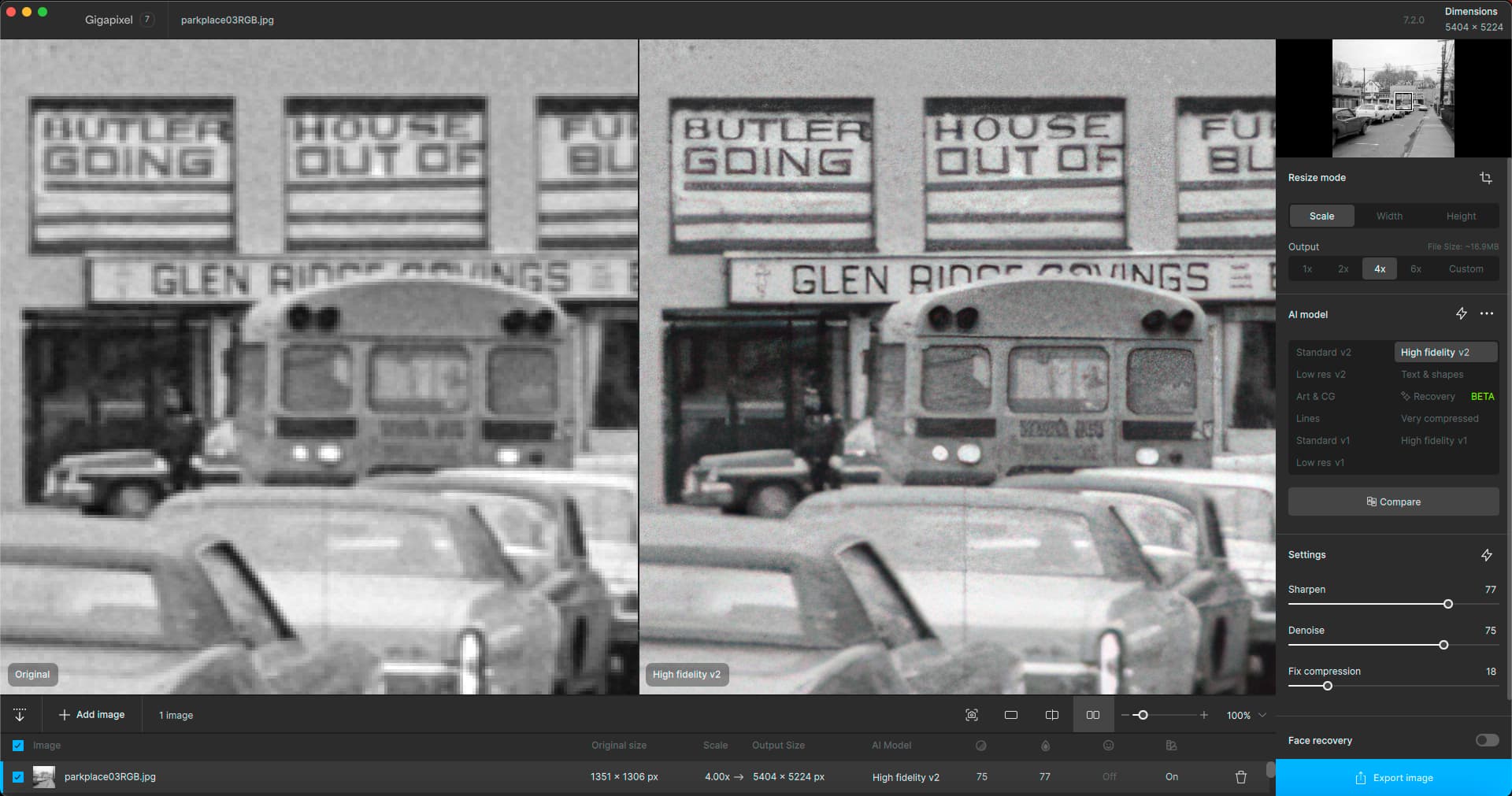
Quick test to see what Gigapixel would do with scans of my old 1974 Instamatic negatives. The model manually chosen and adjusted provided clarity without plasticity:
1 Like
The problems with cropping still remain. The cropping behaviour should be similar to that in Photo AI.
1 Like
Hi, I assume you have the Crop Tool set to unlocked when you’re using it (if you want a freeform, adjustable crop vs one in which the aspect ratio is maintained).
1 Like

I would be interested if you couldn’t just give the model the same images as the standard or HIFI model for learning.
You have the original and give the learning model a scaled-down version for comparison.
As far as I know, the diffusion model dissolves the images into the Step 1 state during learning, which of course takes time if it is then executed the other way round.
Maybe you can save yourself the “complication” by shortening the diffusion step.
Update: this, maybe is only true if the images are big, smaller images need more diffusion because of the “detail” that is not there.
In the example you can also see that there are different elements in the picture, from different “memories” because they are most likely to be there due to the equation (AI is an equation).
This (Different elements) may also be less if the steps are shorter, because the distance from diffusion to the finished image does not need as many steps if it is learned differently.
AI is dependent on experimentation.
1 Like
Gigapixel 7.2.0, custom aspect ratio cropping behaviour when moving one side of the rectangle: both sides move simultaneously.
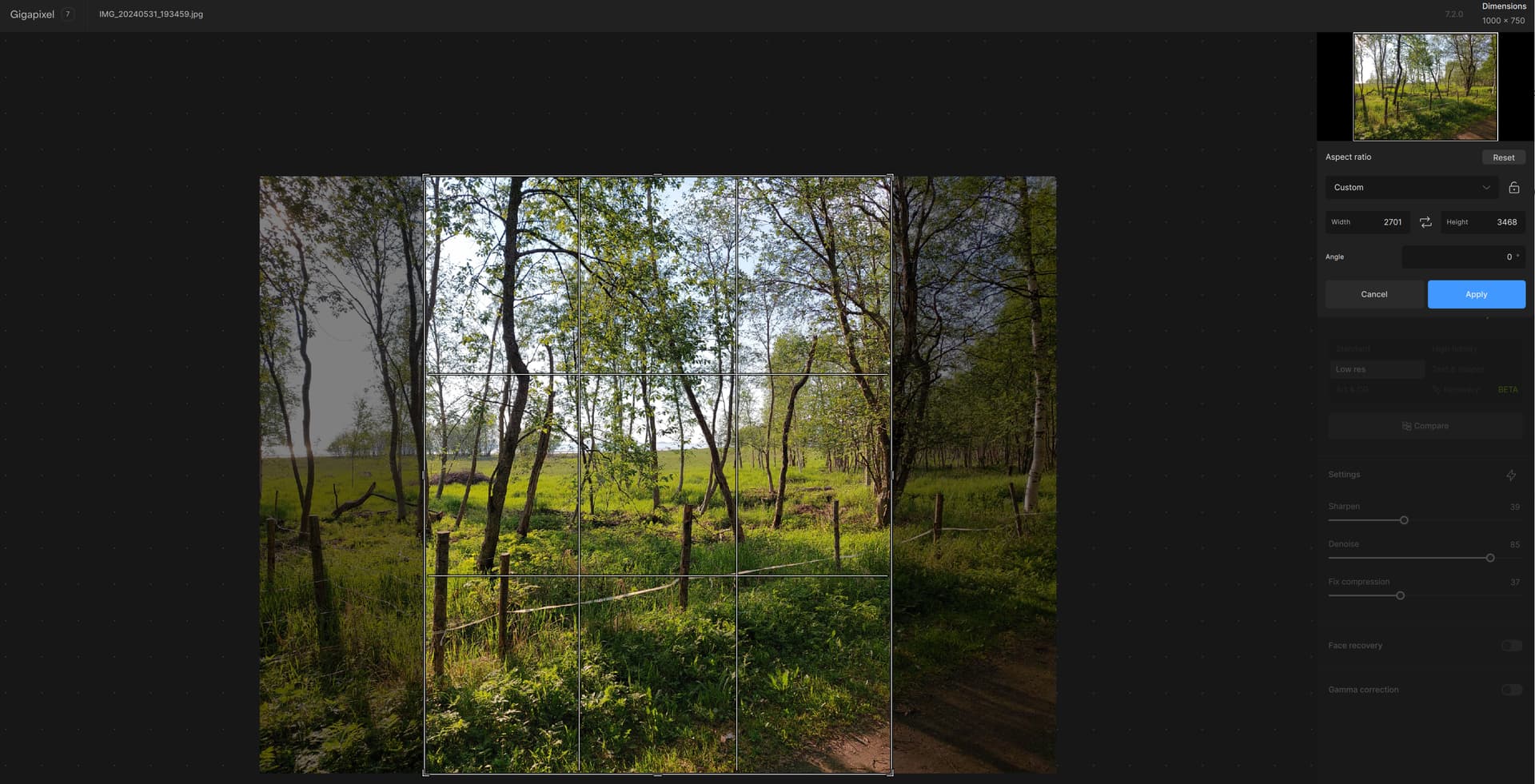
Yeah, you’ve got it unlocked alright! Since Custom, I guess you typed in the dimensions you wanted. Seeing the snip is useful. Sounds bug-ish.
This behaviour never happens in Photo AI. I use a lot of free aspect ratio cropping, which means that I have to use Photo AI in most of my work.
1 Like
