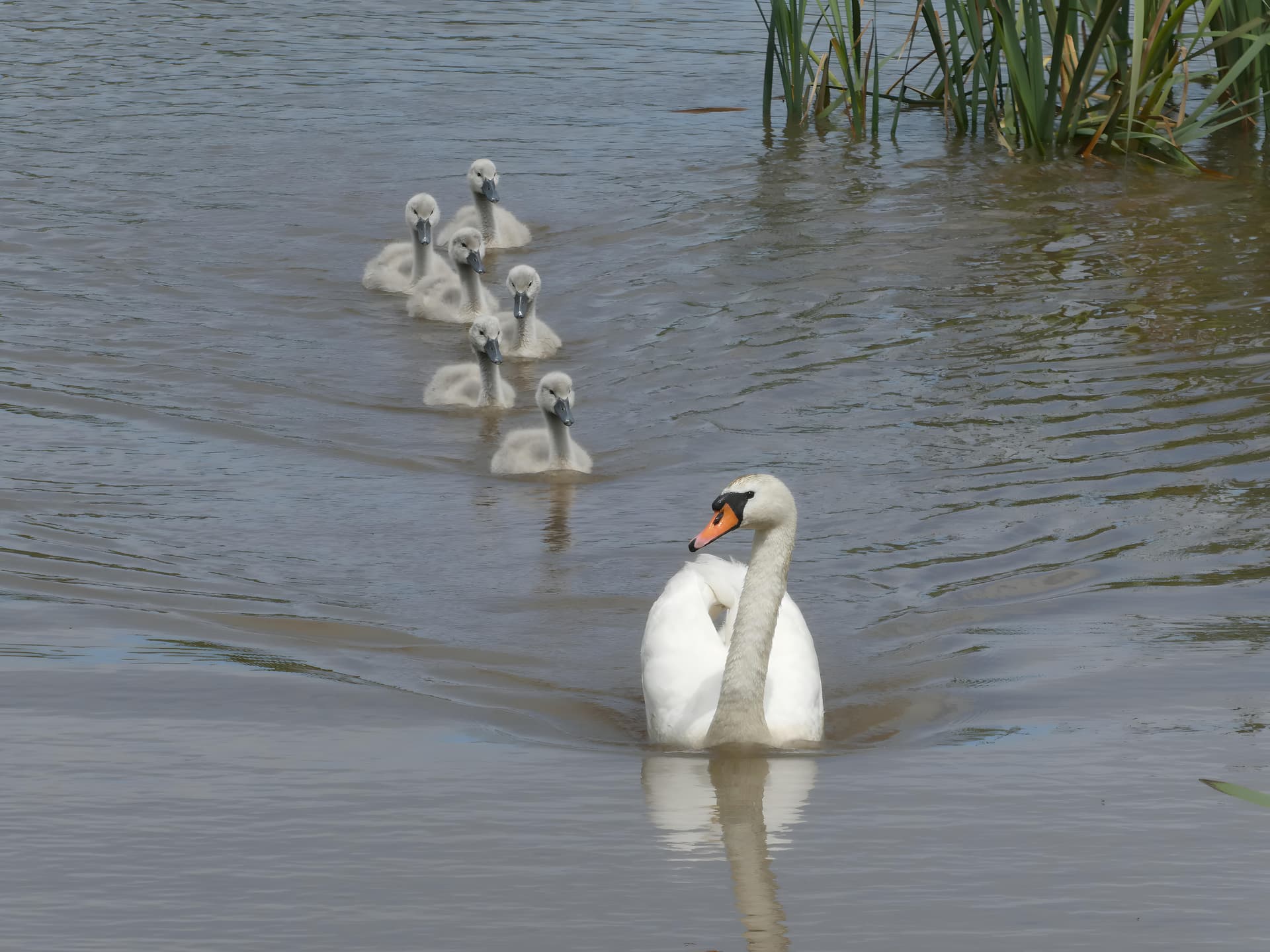
I can’t forgive myself, so once again my little birds, this time a bigger kind. I tried to make a cutout from one photo of a pond where I was lucky enough to catch a family of swans (the mother is in the lead, the father is somewhere else). The size of the crop was 648x486 pixels. As advised (see somewhere above), I started with four times and gradually increased the image to 16 times using Recovery Beta. That was enough, but it still wanted to improve sharpness in the end. TPAI 2.3.2 gave me the best result (I have given up using higher versions for now), even slightly better than standalone Sharpen AI v. 4.1.0 (I still use it occasionally). It would require a super camera on a tripod, but I don’t have one and it’s impractical, but what if the swans are on another of the 4 ponds that are not close to each other? Gigapixel suits me very well, but there is still room for improvement (Recovery is only Beta, slow processing… but the developers know it better than me). Beautiful birds, huh? And the whole fleet.
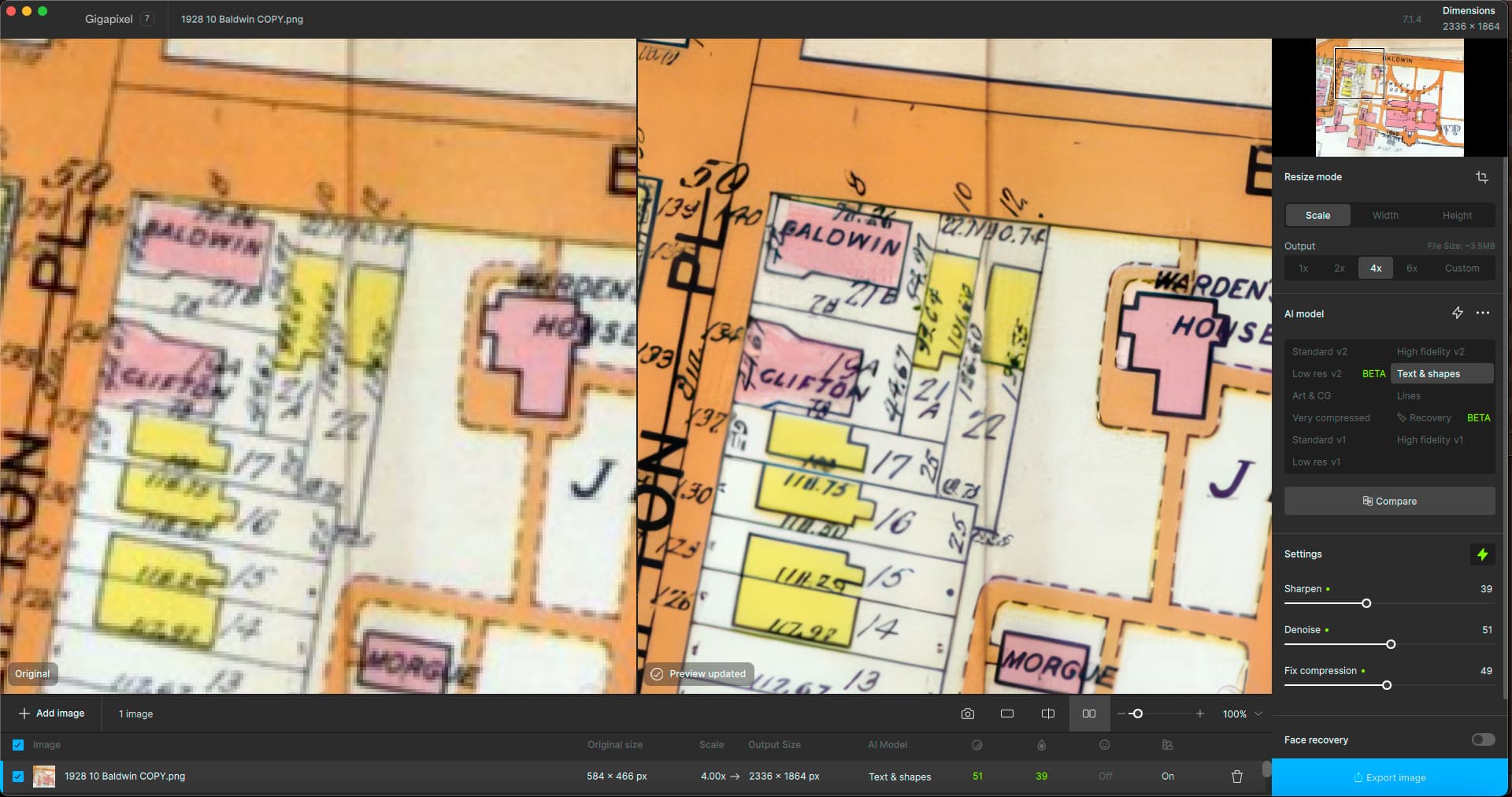
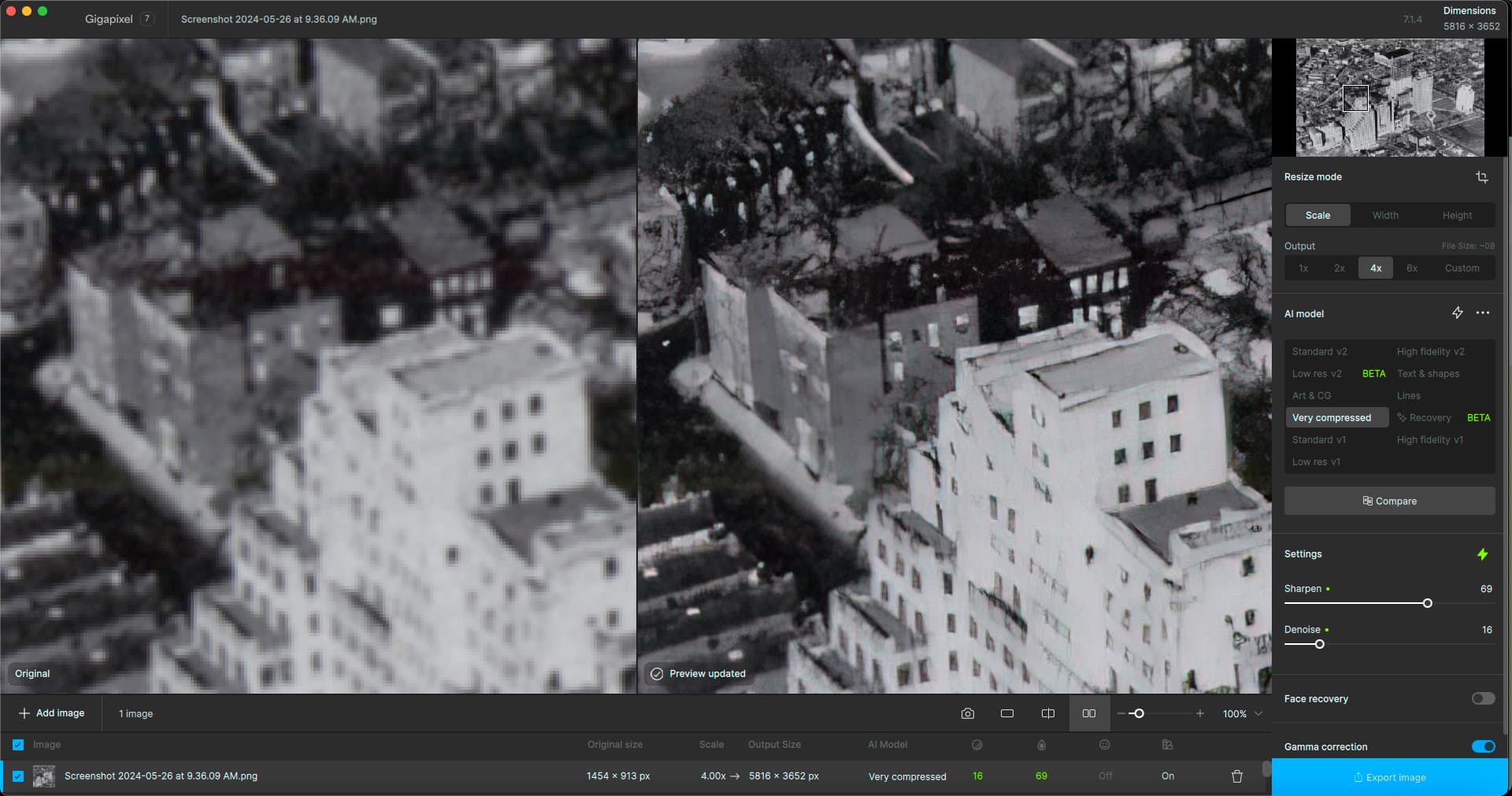
Gigapixel is a huge help when dealing with lo-res Internet images during the course of genealogical research! I needed to see a street number and couldn’t find a higher res example of this particular 1928 map online.
Another example: One of my ancestors’ houses, from the only (lo-res) image I could find of this view:
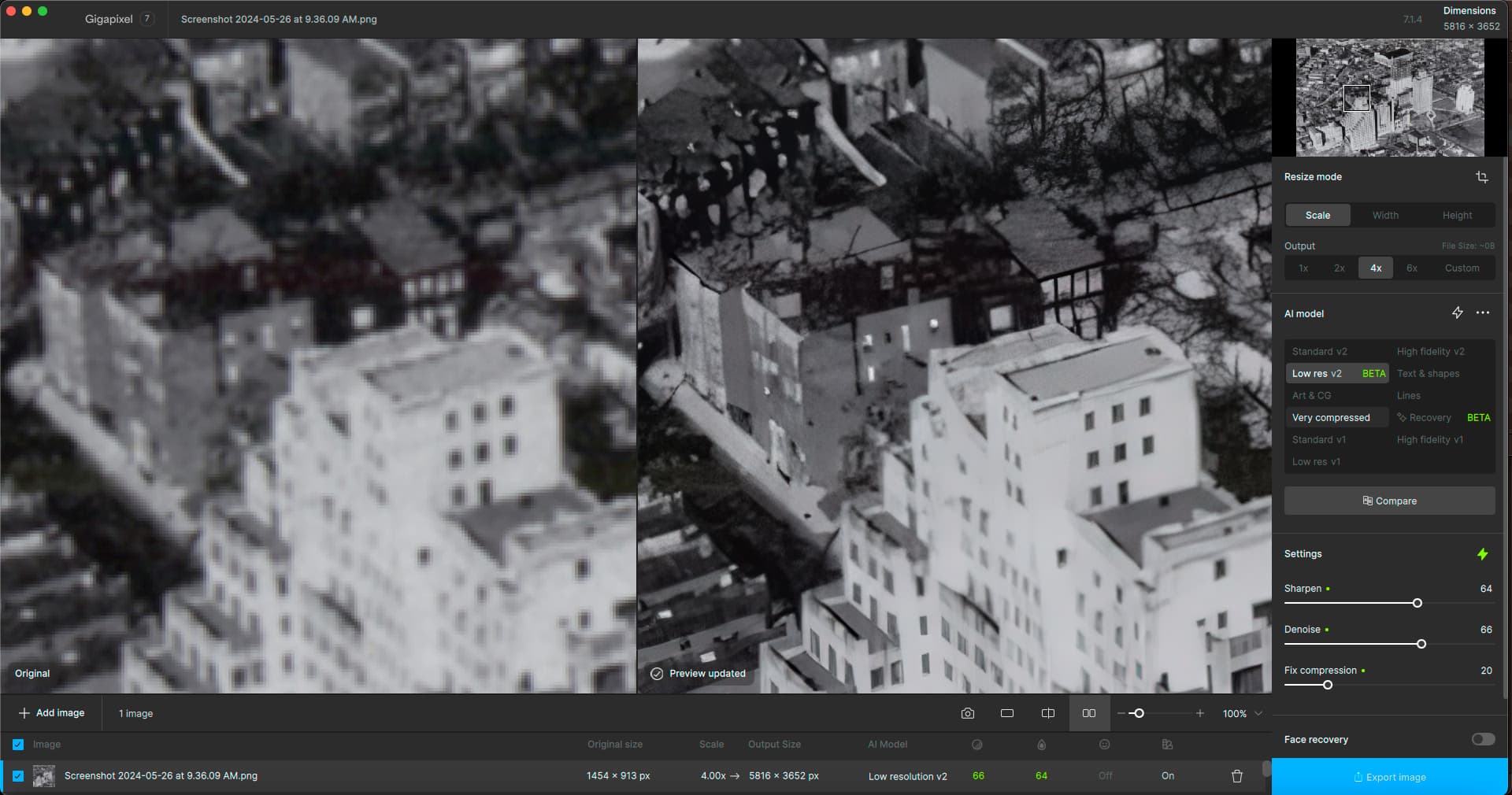
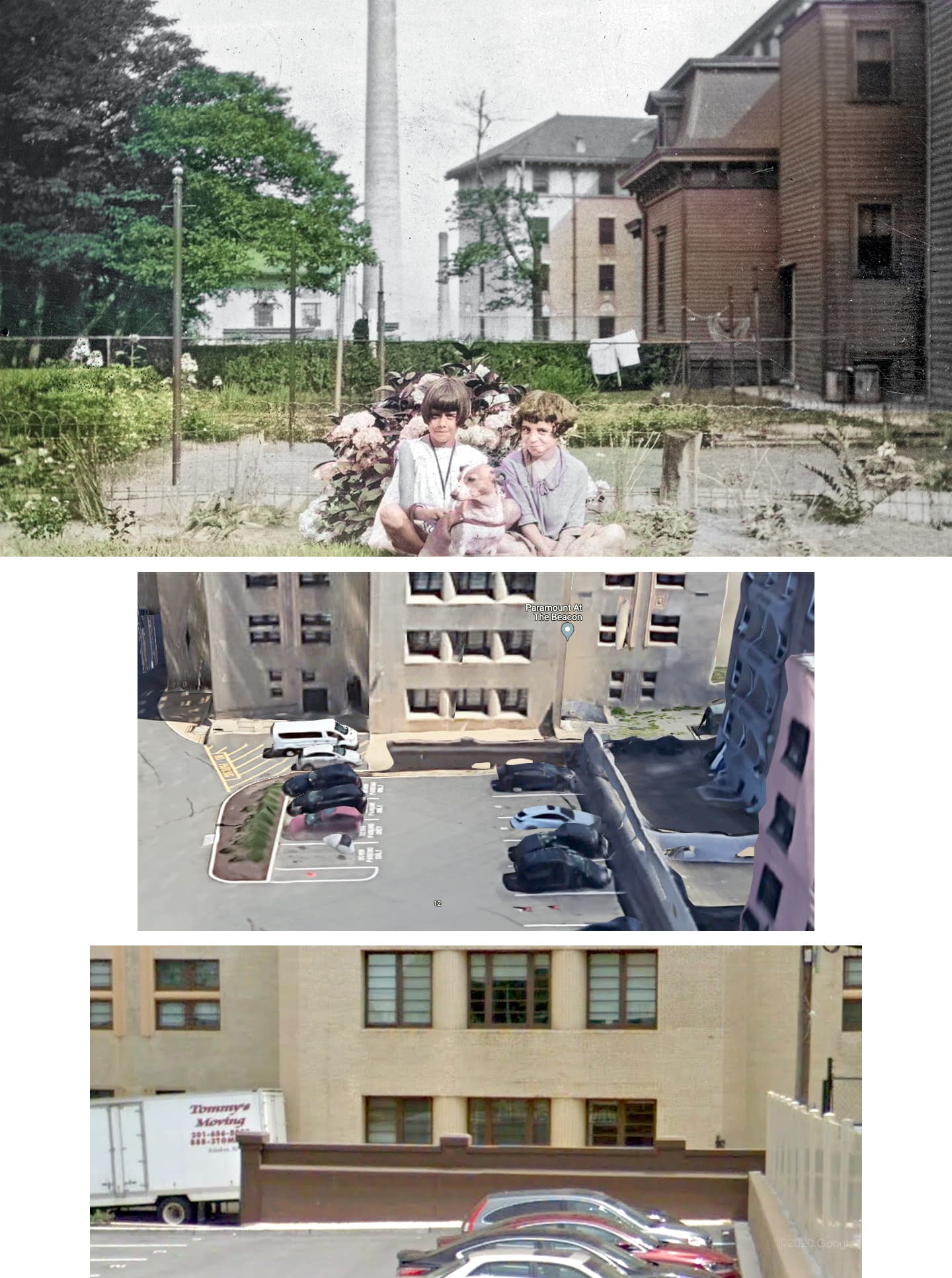
A different model gives different window sizes:
Fun fact, here is the result of my research – my grandmother and her friend circa-1930, and the same location today (they are sitting where the brown wall is now, along the original property line).
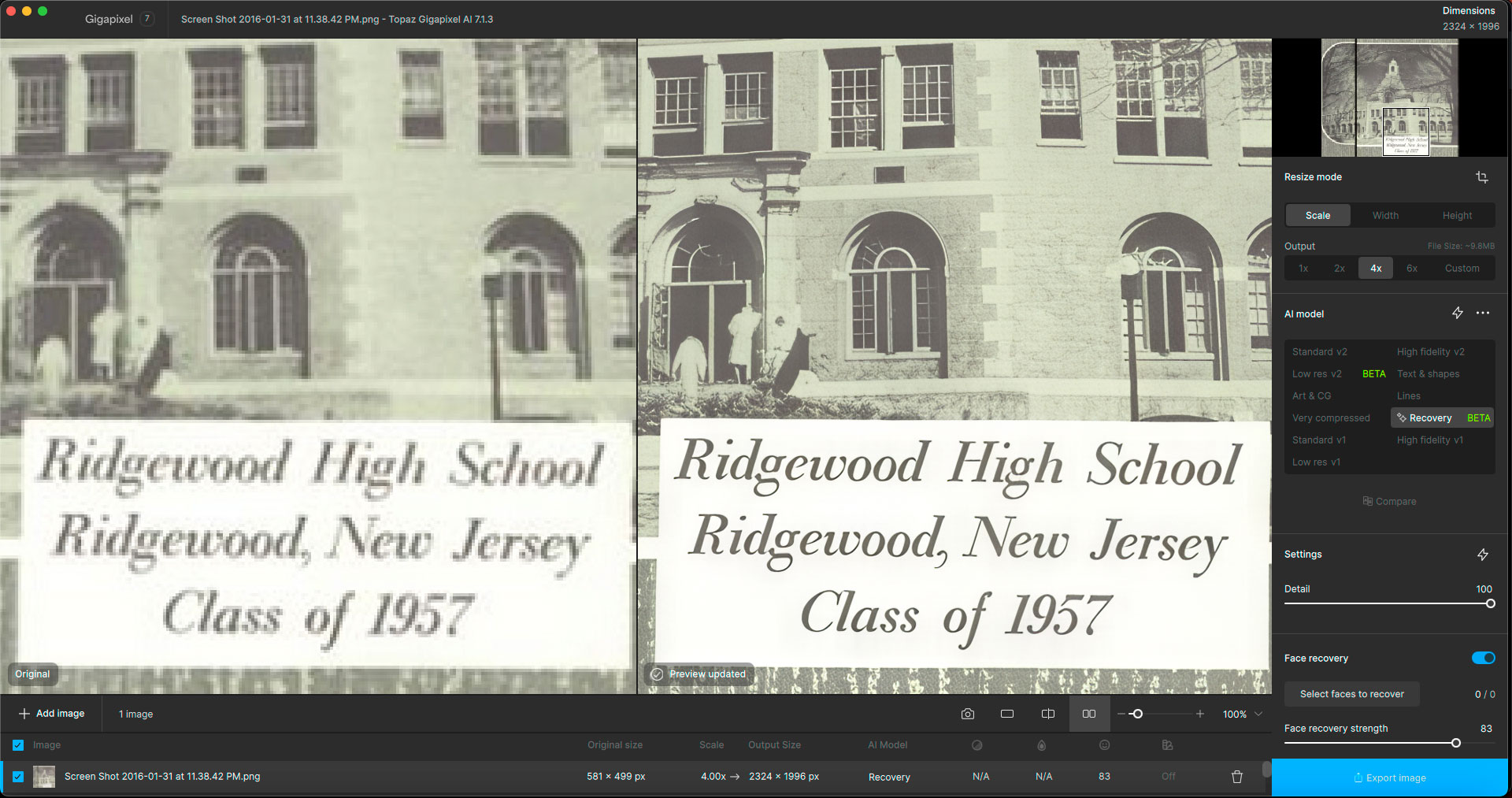
In Recovery mode the cropping is ignored when the image is shown after clicking Apply, but the cropping is still done correctly. Furthermore, the cropping behaviour (in moving the rectangle sides) is not consistent. This is a problem already present in 7.1.2.
The cabinet file 'cabl.cab’required for this installation iscorrupt and cannot be used, This could indicate a networkerror, an error reading from the CD-ROM, or a problemwith this package.
Exactly. I always thought I was doing something wrong when it kept showing me the full picture. As I read your post, I tried cropping again. But then bravely rendering – and voila  ! it already started showing the correctly cropped part. So it works, I don’t have to do the cropping in another program (so much luck at once…). Topaz should definitely fix this in a subsequent version asap, I want to see the cropped part.
Installed and uninstalled 7.1.4 twice over - will not open when I doubleclick!
Win 10
For those who need it, Topaz just announced a $20 off sale for Gigapixel, until 6/14.
Hi TJ,
I’ve experienced the same thing on Win 11. I solved it by:
Uninstalling the program
With Admin privileges, drill down to C: → Program Files → Topaz Labs LLC and delete the ‘Topaz Gigapixel AI’ folder
Drill down to C: → Users → youruserid → AppData → Local → Topaz Labs LLC and delete the “Topaz Gigapixel AI” folder
Drill down to C: → Users → youruserid → AppData → Roaming → Topaz Labs LLC and delete the “Topaz Gigapixel AI” folder if one is there
Restart the computer
Download a fresh copy of Gigapixel AI
Install the program
Restart one more time
This worked for me…good luck!
Shoutout to Gigapixel in my new blog post! New examples included.
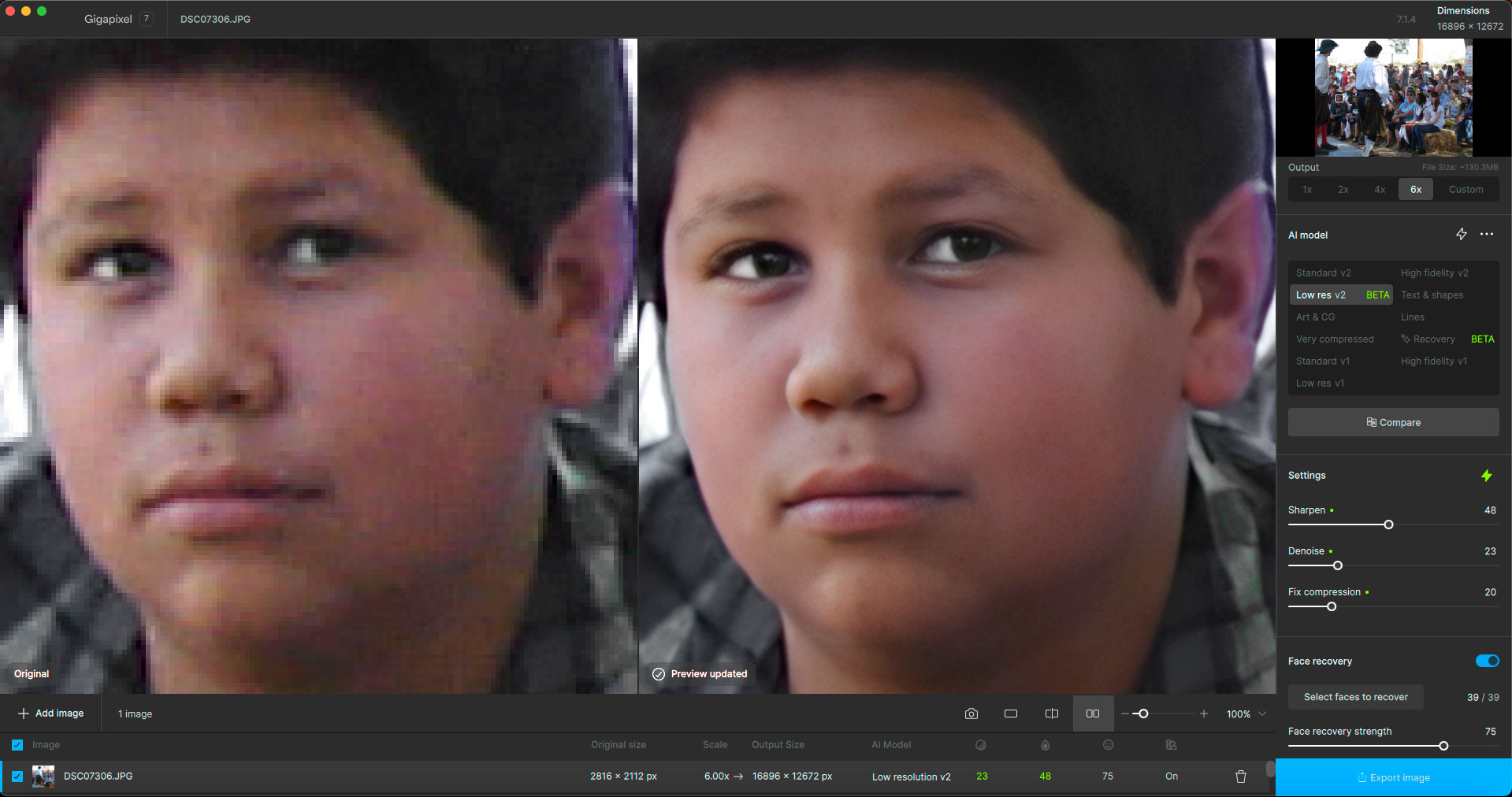
Cannot use ver.7.1.4 it takes forever to download models before it can process any image. Is there a solution please ?
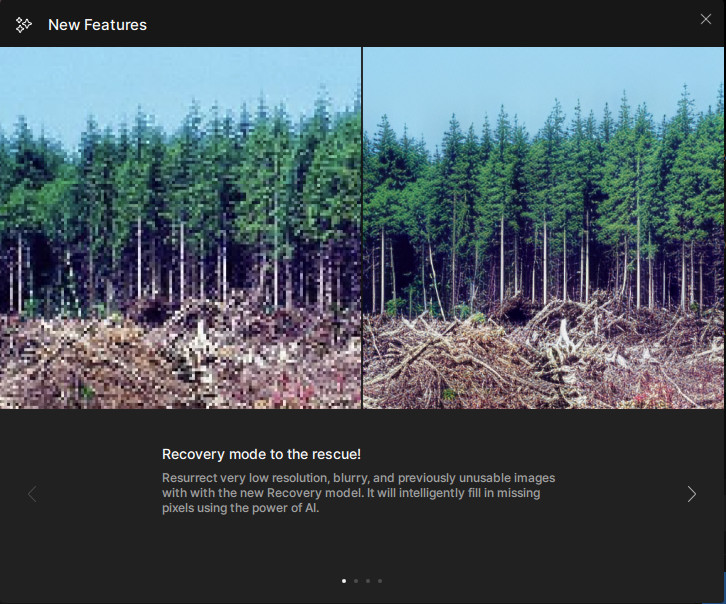
Small error in this dialog box: the ‘with’ is repeated at the beginning of the second line.