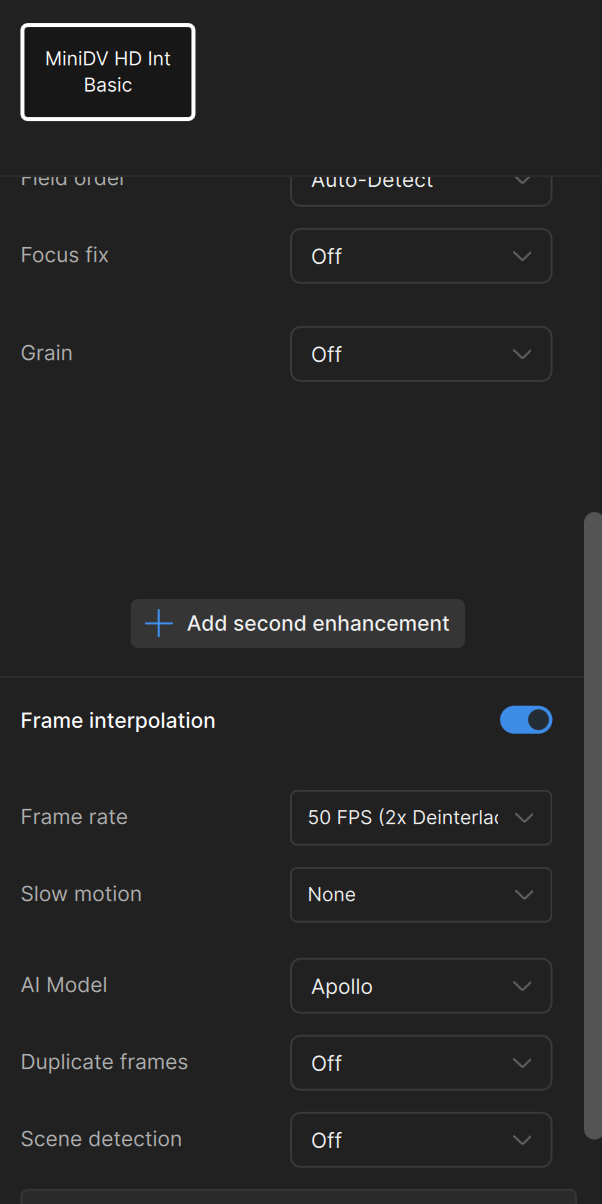
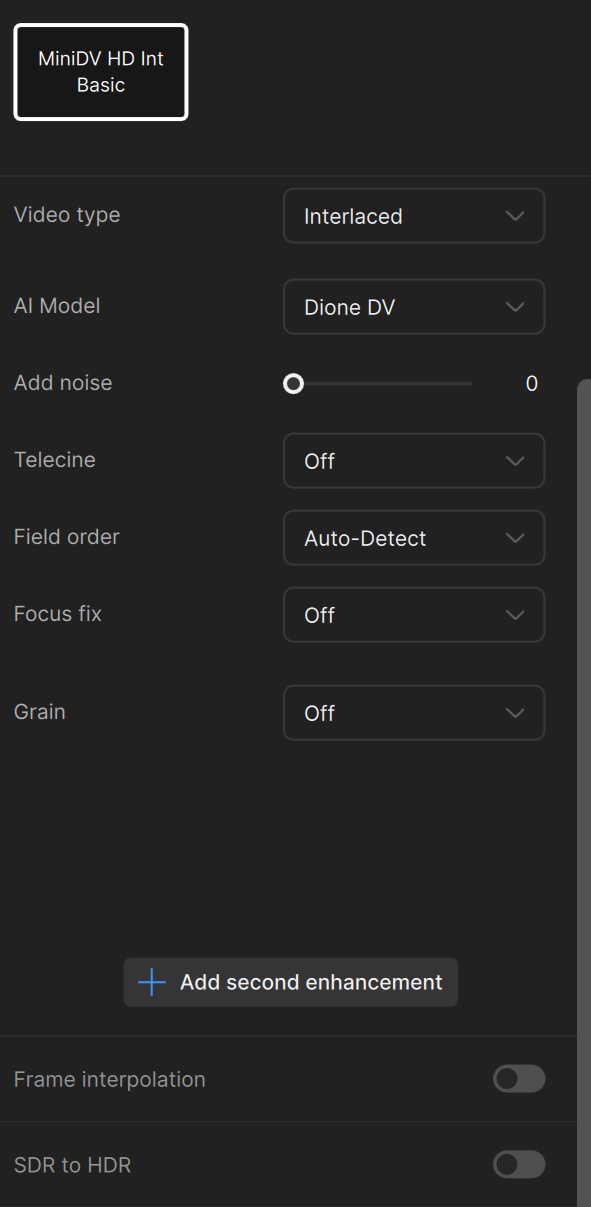
I use the Video 7.1.5 as testversion and I bought new the 1.7.1 Version.
I have DV avi and want it deinterlaced to 50 FPS. With the 7.1.5 i can change from 25 to 50, see 715.png It is below the frame interpolation. For that i must not activate the frame interpolation.
It works I see it in the export text and with the App Media tool information.
When I now want to do this in 1.7.1, see pictures 171 A and 171 B.png, I can only do that when frame interpolation is activated. When I activated thsi i must chose a Model like Apollo. When I not activate this the FPS is 25.
Is this normal now?
Dione DV should do the work to 50FPS automatic or not?
I’ve had a look into this and it appears the work-arounds are either to use the CLI or to create a preset based on Dione DV. As that defaults to 1x deinterlace, you then edit your preset file to make it 2x deinterlace:
I can’t remember offhand where the user presets are stored on Windows, but on Mac they are inside the application itself:
Once you find your preset file, open it with any text editor. Then in the “output” section, add the following at the end, before the close curly bracket:
“outputFps”: “2x”
Make sure that Topaz Video is closed when / if you’re doing this.
That worked for me and the resulting FFmpeg command correctly used bwdif=mode=1 for 2x deinterlace. For 1x deinterlace it’s bwdif=mode=0