Next, I doubled the resolution of the two output variants from Nano-Banana. I will now combine them to take the best of both. Next, I’ll combine it with the locally enhanced source image. After that, I’ll also test a pass with Flux2 Klein 9B.
Okay, I made a Flux 2 Klein 9B variant and then I made some scaling variants of the latter with Wonder 3, Wonder 2 and Recover v3 which I then mixed together.
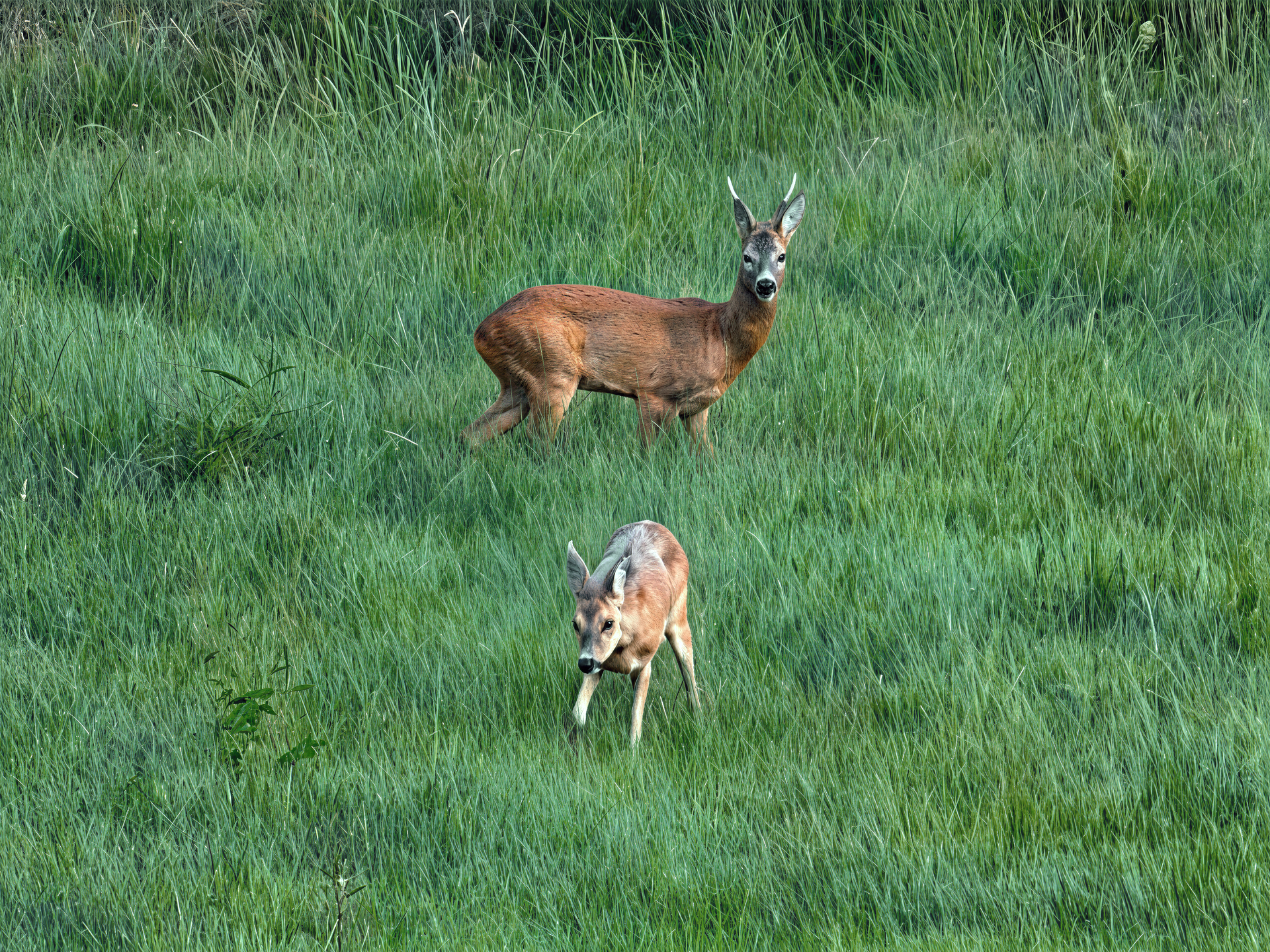
Now, I’m going to use Gigapixel’s Redefine template for the two remaining variations. Then, I’ll combine the two results for a final render.
The final photo will be 50 megapixels.
And here’s the comparison with the original. The hardest part was the grass. I can’t really do any better.

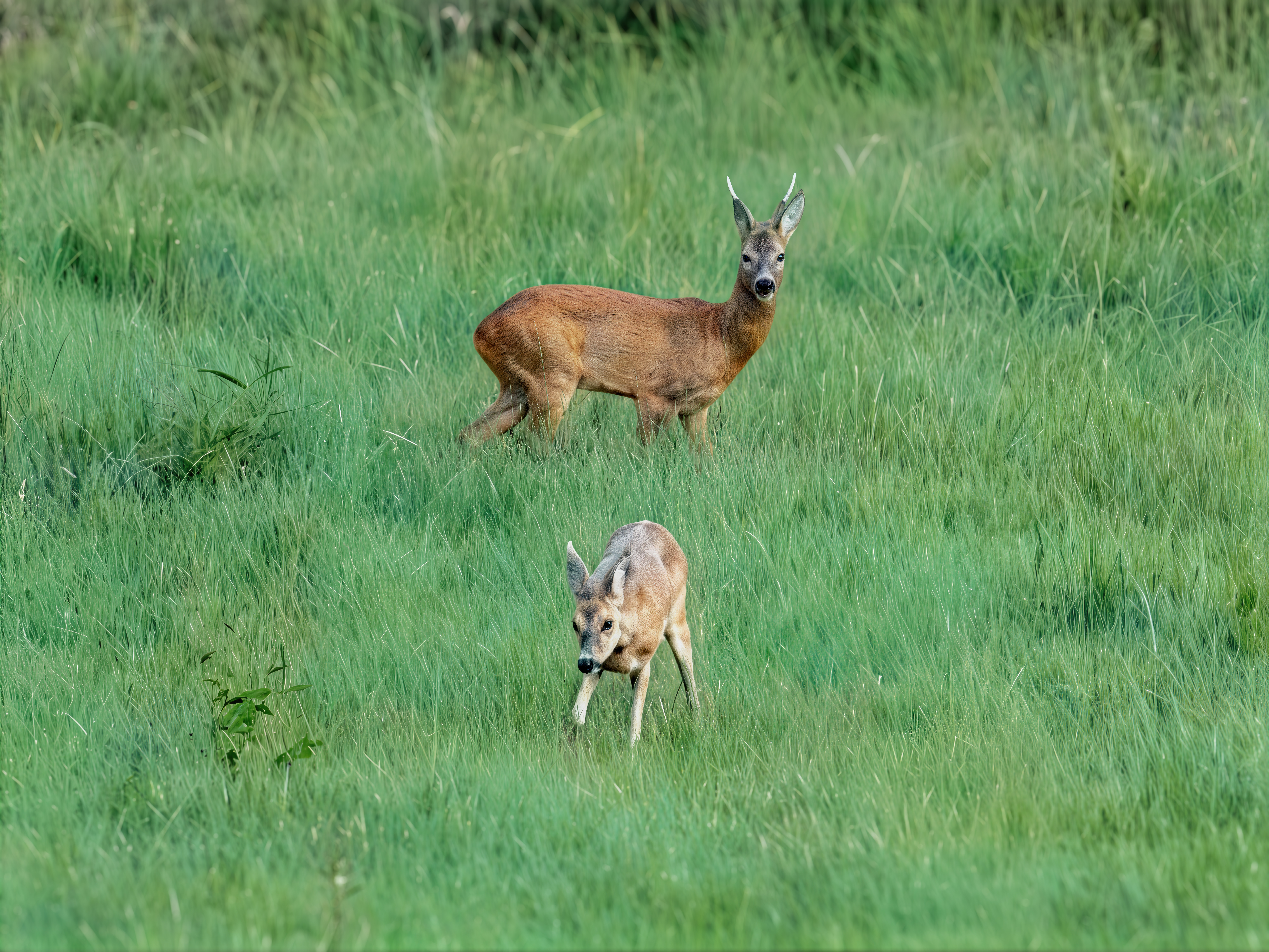
And here’s another comparison between your final version and my final version.
Note that mine is the closest to the original. Yours isn’t bad, but you’ve changed the animal too much; it’s not the same anymore. Anyway, I spent all day on it, trying to improve the photo. I really took my time, hahaha.
Cool photo! Nice details but maybe soften the animal body edges just a tad.
May I make another suggestion to experiment with…
I think for this type of subject it makes a lot of sense (visual storytelling-wise) to not crop too close to the animals and give a sense of them in their expansive, grassy ‘natural’ environment.
At least to me (and, hey, everyone’s taste varies with photos/art), it feels a bit like 2 subjects ‘plunked’ in the center of a frame. I’m just wondering (I didn’t try it myself to see) if you were to create a faux pano (16:9) look on this image by using cropping if it would convey expansive field of grass but avoid the square with 2 subjects dead center gestalt. I think it can handle coming down from the top frame and remove some of the area where dark shows behind looser grasses and up from the bottom frame - but leaving enough for the little critter to frolic in so it doesn’t look like it will fall off a precipice.
IDK. What do you think?
I also like images in the wider environment, but it depends on what one wants to achieve. The very initial original without any modifications is here, if anyone wants to start from it (and spend many hours experimenting):
I don’t have the patience, skill, time, software, or diligence to bring a picture to a nice finish like Harald does. Hats off to his willingness to show what can be done and how!
The antler with the ear is nicely done. Overall, yours is more accurate.
Following a long-standing tradition, a stork couple flew into a nearby village again and now it is a family of four. I wanted to improve mainly the feathers and a few details (e.g. ornithological rings on the parents’ legs). I used Topaz Photo (sharpen, denoise, upscale), then Nano Banana 2, and finally Gigapixel redefine-realistic and wonder 3. The picture improved a little, I am satisfied:
I would like to know what they are telling us by clapping their beaks  .
.
Thanks  .It’s a pleasure to read. Also, here is the uncompressed version in webp format. This version has just a very slight JPEG compression at quality level 12.
Thanks  . In addition, I asked Claude Sonnet 5 to give me a solid prompt to improve every detail.
My main goal was to respect the format of the source photo.
Nice photo.
Mystery, hahaha. There are really a lot of them at Pairi Daiza. And there too, they snap their beaks very often.
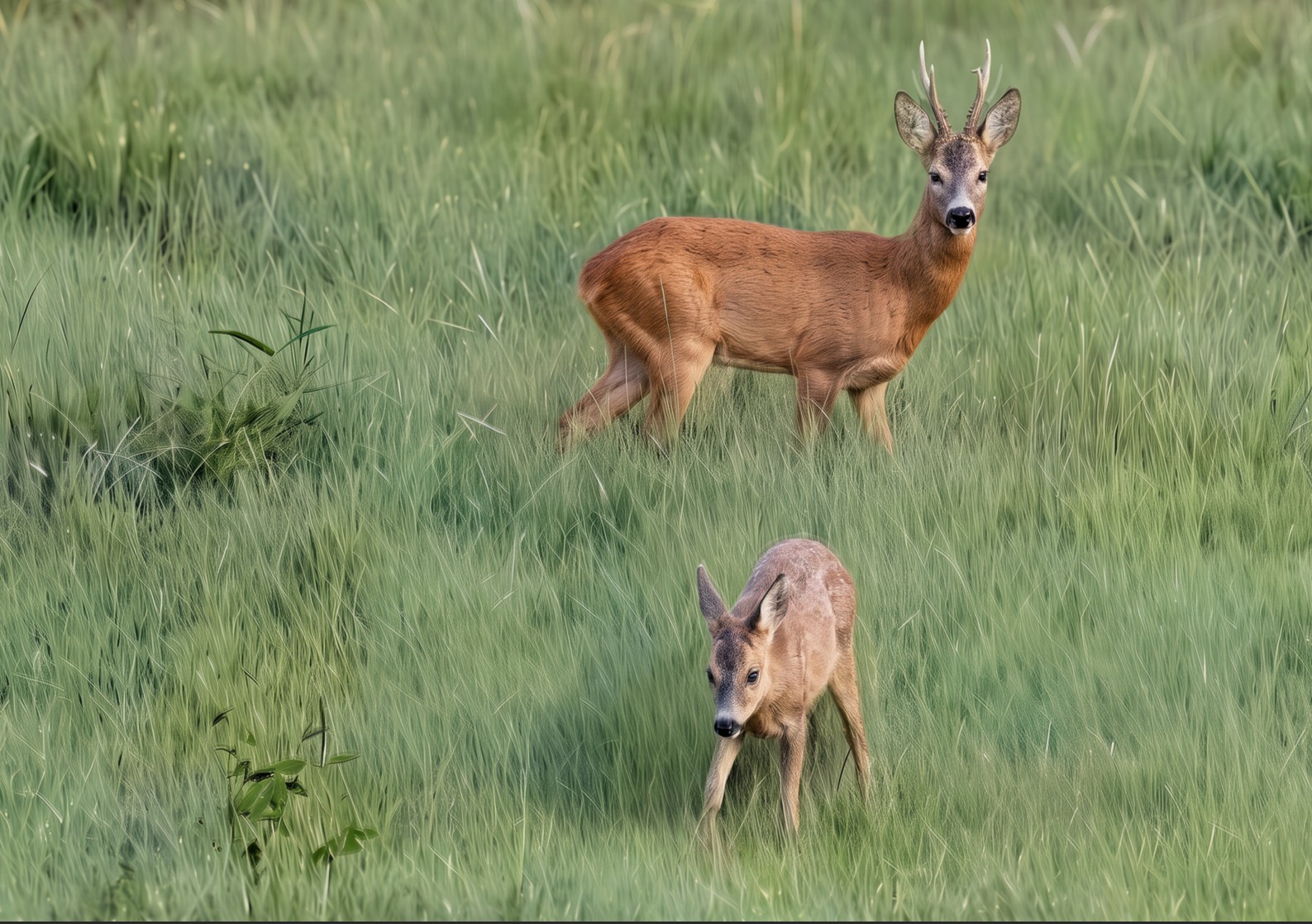
Yeah, the cropping looks better. That’s a fact. It also gives better depth of field. However, I don’t know why, but in your cropped copy, there are ghostly antlers on the roe deer. Like a blend of two images, lol.
They are most like watching lawn tennis and are applauding the players. 

Regards Robert B.
 I was playing with duplicating and moving content to create a wallpaper design (using some of my photos) for a new S26+ phone I got this past weekend. I may have gone nuts and hit my recorded action again without thinking!
I couldn’t decide if I preferred a darker or lighter phone wallpaper so kept experimenting… It’s taking forever to set up. I think Samsung has built in overly extreme security (vs my 7 y.o. phone) and all my major apps are each taking hours to verify and get working besides logging back in to all the others (guess who has a lot of apps). Sigh. Hopefully today I can org the app icons into homepage folders (after I review a light stand & check for new Ps beta features to assess).
Note that the new Samsung smartphones are very good at photography. I bought my S25 Ultra when it came out in February 2025. I use it more for photography than anything else, hahaha.
So you’re looking to make a wallpaper out of the photo?
Yeah, that could be interesting. Especially since I’m quite happy with how my photo has improved. Mainly the fur and the details of the roe deers.
Not this photo. My own photos that I’ve shot for the wallpaper on my phone - I wouldn’t use someone else’s. I like to use shots of my own on my PCs, tablet, phone. It personalizes it (and if someone grabs my phone accidentally it’s a way to prove it’s my phone vs having the generic Samsung wallpaper).
But I just wanted to see what the crop I suggested on the photo above would look like and tried that in between playing with my own photos. So I didn’t think (it was late at night) and I just hit the action that was moving the images to fill in empty spaces.
I have some photos from zoos and open land type animal sanctuaries. But I was debating between a darker flamingoes photo of mine (it was a night time art installation with lots of lights on plastic flamingoes) or a lighter shot I made of a jellyfish in the Monterey (CA) Aquarium for my new phone wallpaper. I was manipulating the pics to look better in a vertical portrait format (for the phone) as well as altering and enhancing the colors somewhat to match the blue-purple of the new phone. I wanted to hit the happy balance of same color family but not too much detail in the image so whatever I put on the phone’s homepage will be easily readable. My old phone featured one of my architectural shots - to make it better for a wallpaper, on that one I’d lessened details and made it almost more of an illustration that was flatter than the straight photo and less distracting as a background for other folders and text.
I’m looking forward to, hopefully more quickly, getting the apps and layout set on the new S26+ and being able to learn the camera functions and play with them! It’s got to be more advanced than the S10+ (2019!) I just replaced. They had some of the new fold cameras in the store that I checked out while there. I’d seen them announced in the past weeks during Samsung Unpacked. These new ones look better than the ones from years ago - not as obvious a seam down the middle when the phone/phablet is opened. But I’m sticking with the more conventional vertical format for now!
I’ve been in my toy camera phase too for the past few months. So experimenting with the Charmera, Camp Snap 2 (CS2), MaxMango, Chuzhao, etc. to see what kinds of shots (some videos, but I’m a still photos kinda person) I can get with them. I’ve been designing custom filters for them too - was out shooting with the CS2 yesterday to try some of the custom filters (cyano, Van Dyke brown, and a high contrast BW for architecture). I’ll check the shots today and see if I should modify the filter specs I created. Then I play in post-processing too!
Yeah, me too, I post my own photos.

