Hi.
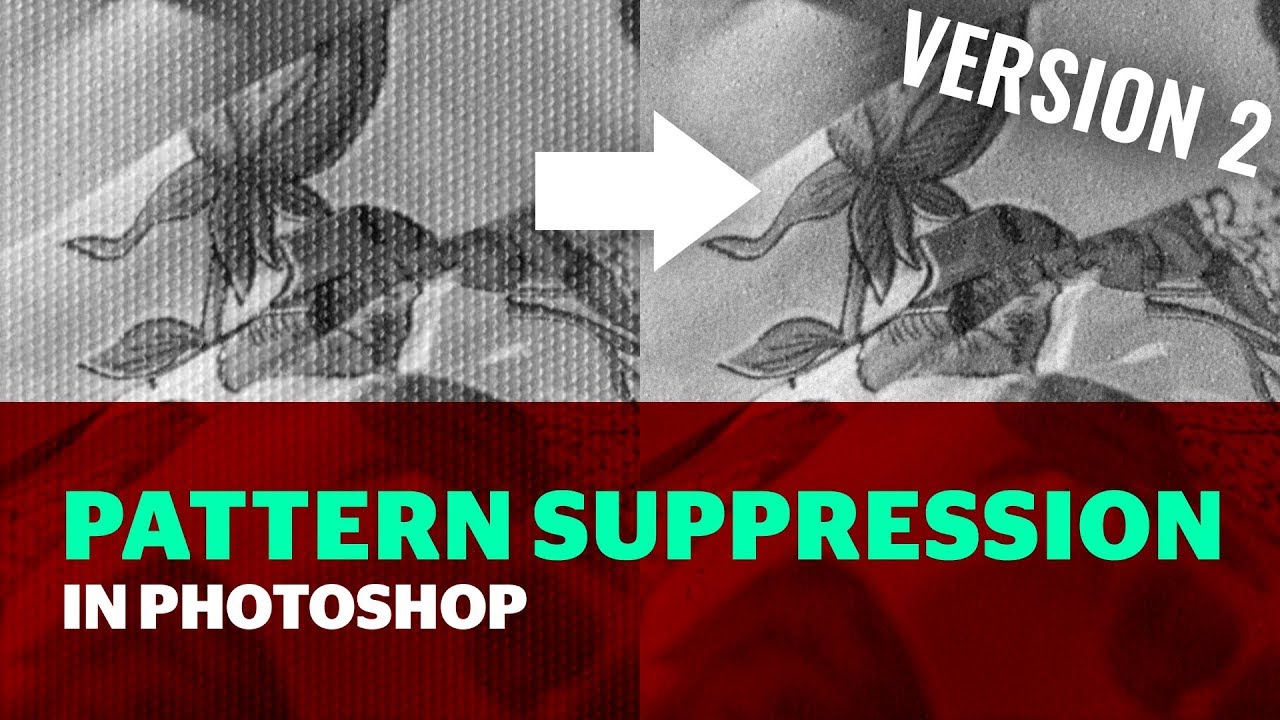
I agree the Gaussian Blur, Method isn’t always affective for Halftone Dots Pattern or Paper Textures and that’s where the FFT Pattern Suppressing Method is better equipped to deal with these situations.
I have found in my experience, it’s usually easier to remove the Halftone and Texture Patterns in Photoshop first before handing the image over to Photo AI or Gigapixel for refining and then, back to Photoshop for finalising.
For anyone who has Photoshop I have posted this here before the best FREE FFT Plugin is the Pattern Suppressor version 2, which has been updated so, is now compatible with the M Series Macs.
Here’s the Download Link and a helpful YouTube video
Pattern Suppressor v2.8
Affinity Photo user’s don’t need a separate Plugin there’s a FFT Filter already built in to the Software
